Consumer Protection Forum
Description
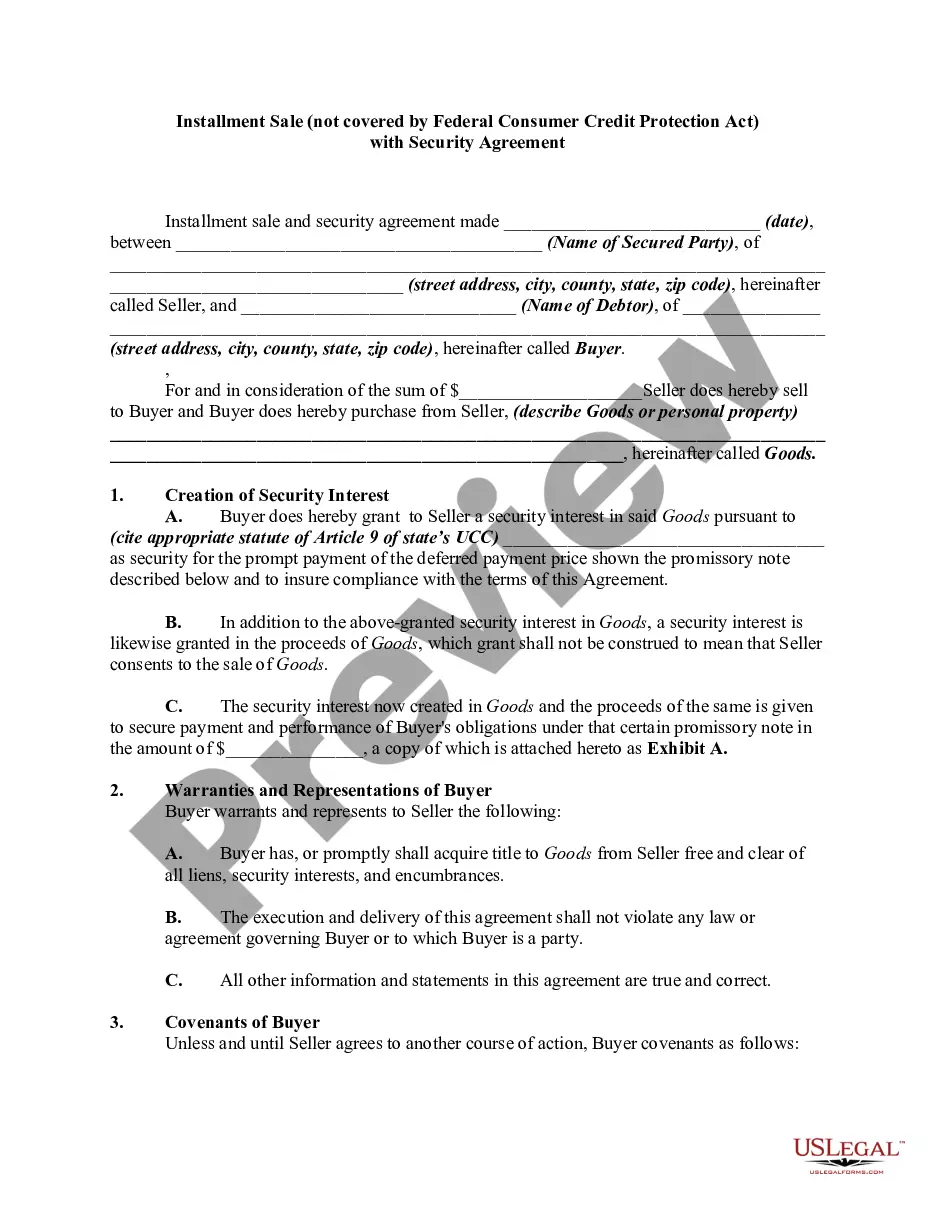
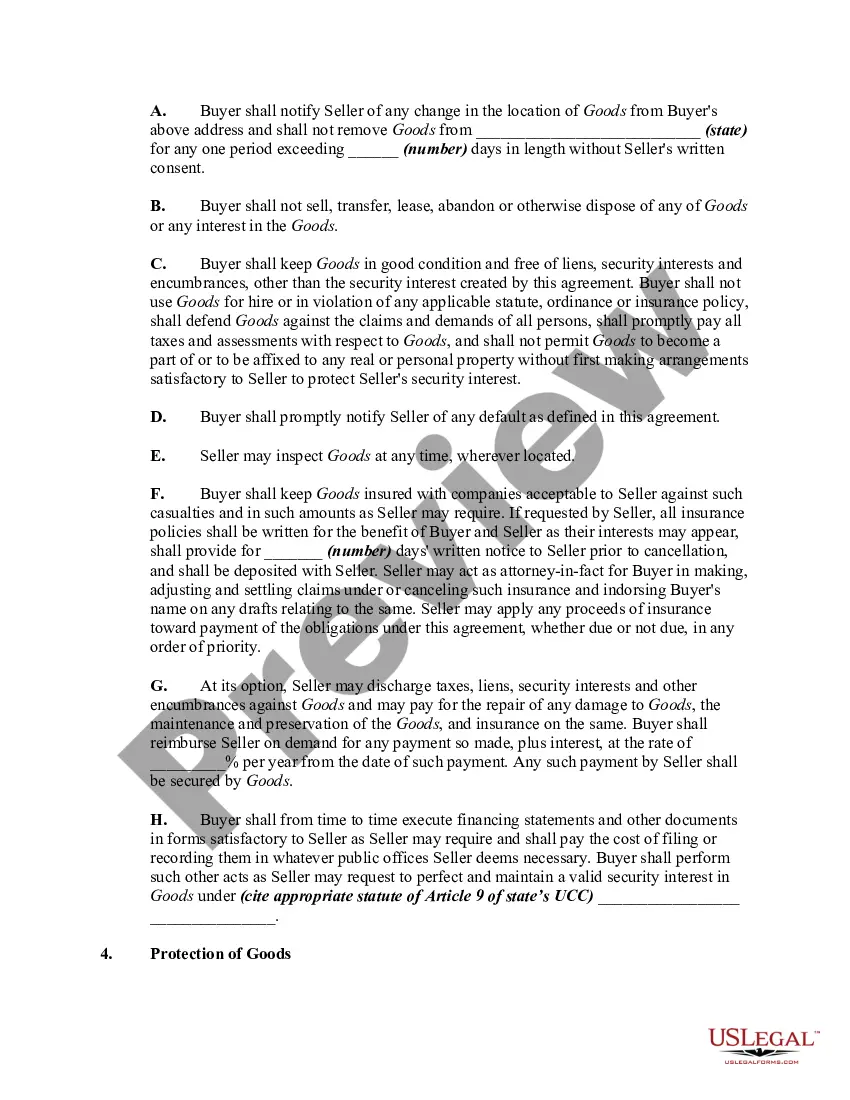
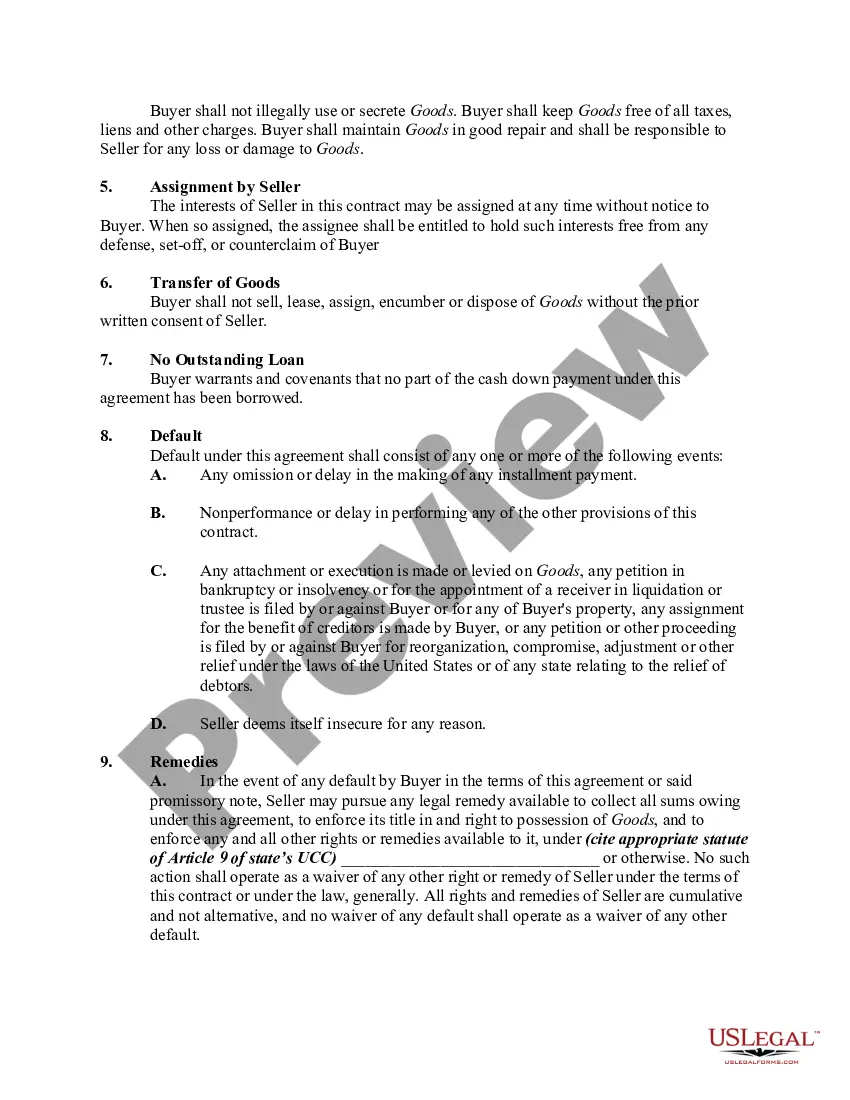
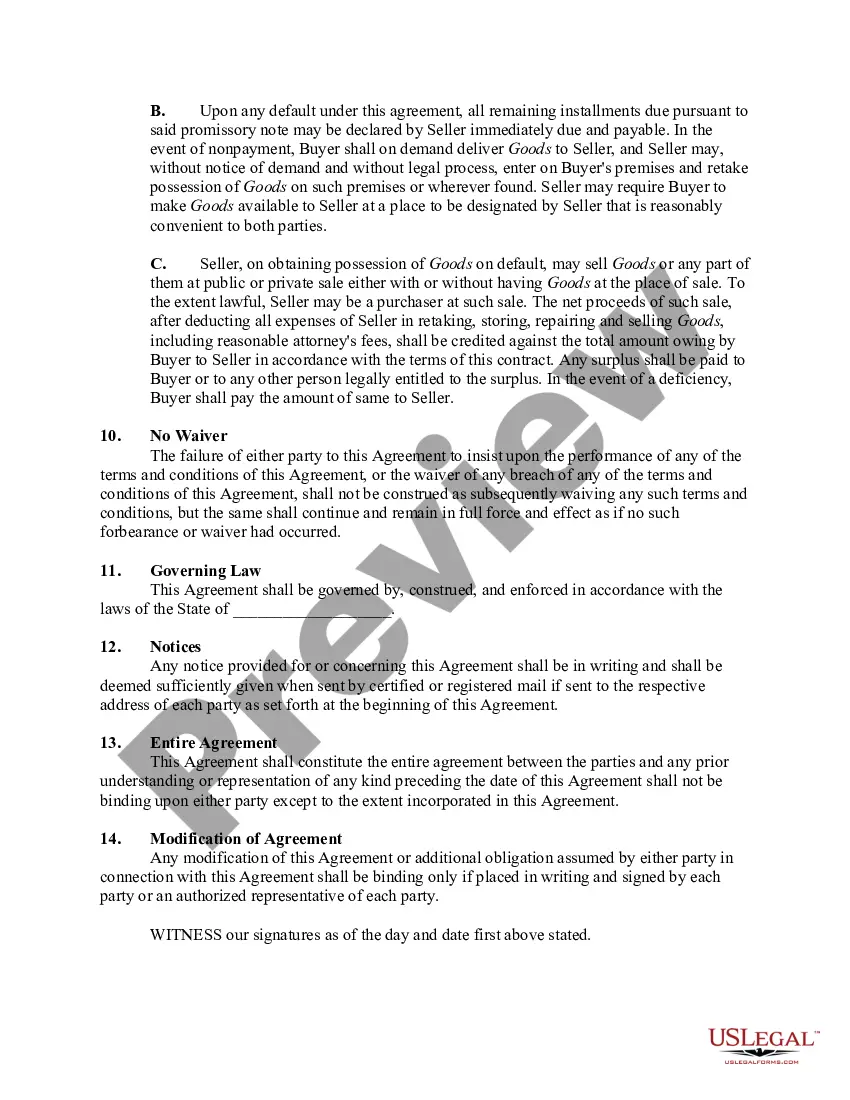
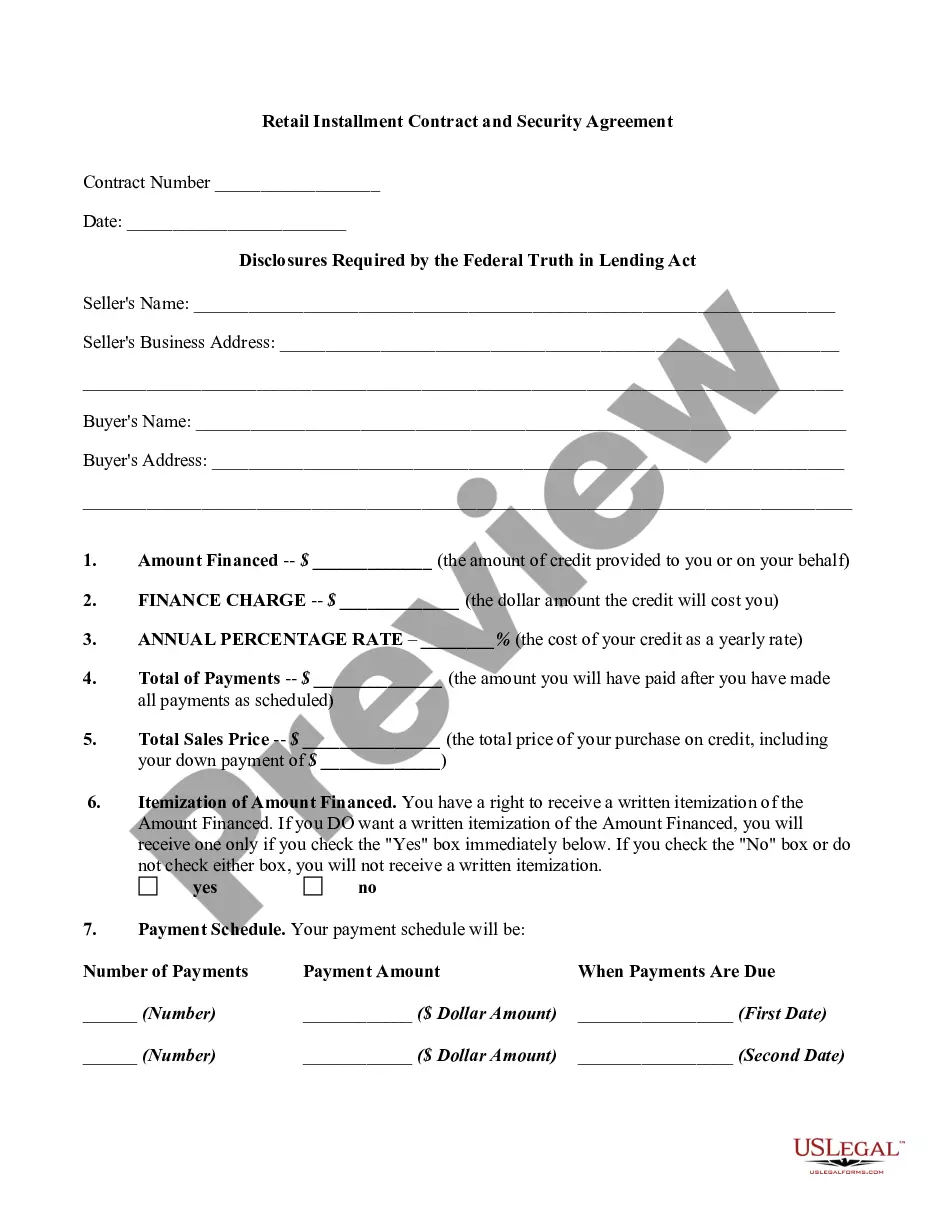
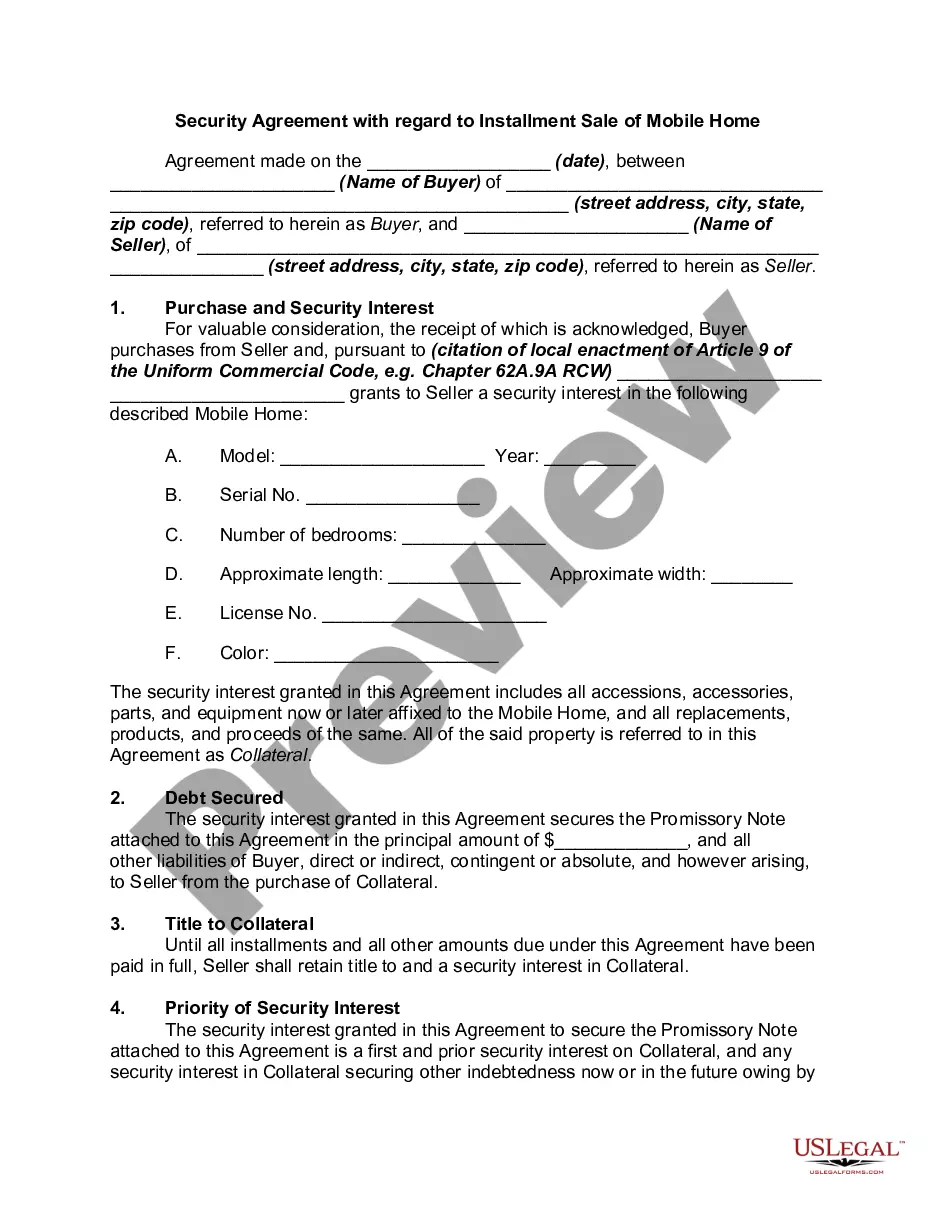
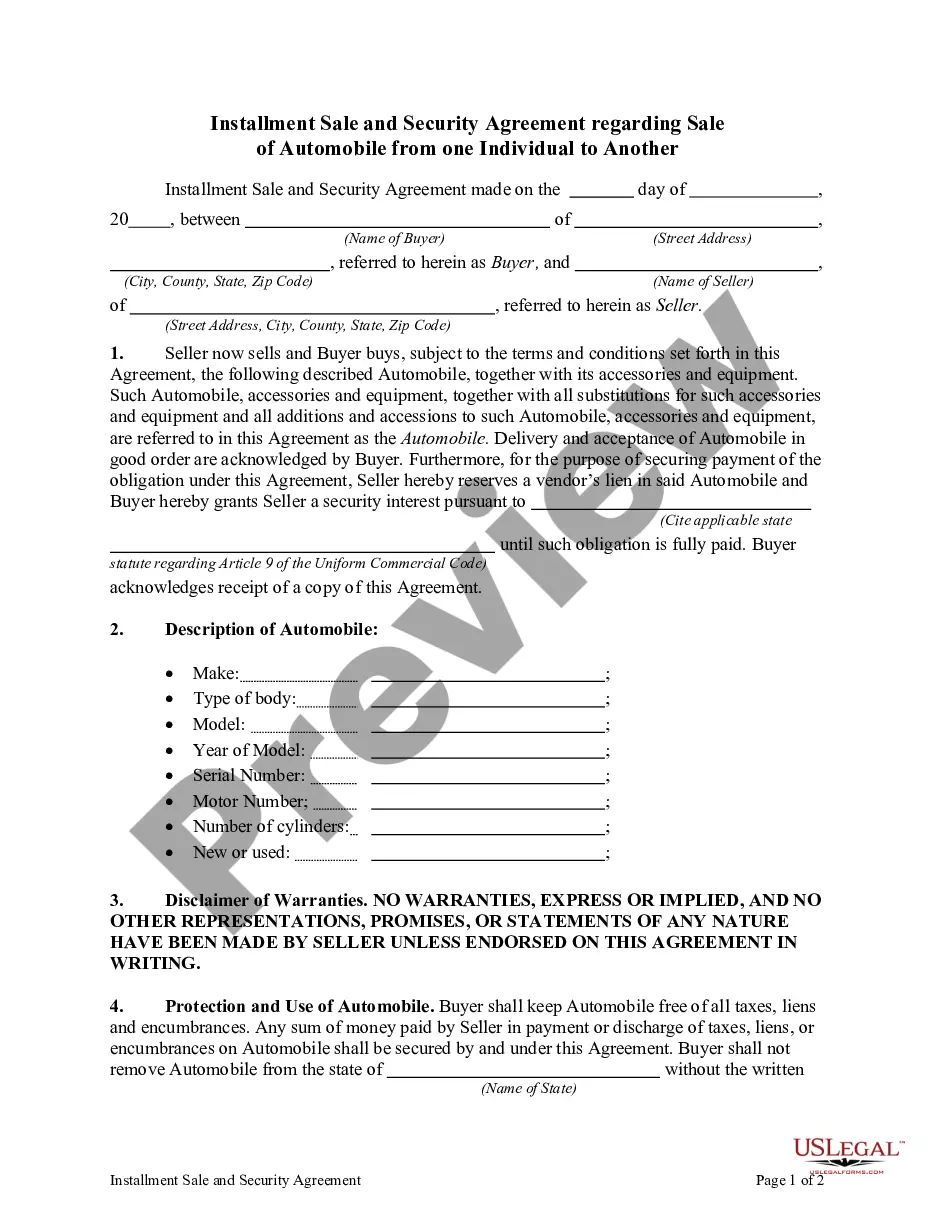
Get your form ready online
Our built-in tools help you complete, sign, share, and store your documents in one place.
Make edits, fill in missing information, and update formatting in US Legal Forms—just like you would in MS Word.
Download a copy, print it, send it by email, or mail it via USPS—whatever works best for your next step.
Sign and collect signatures with our SignNow integration. Send to multiple recipients, set reminders, and more. Go Premium to unlock E-Sign.
If this form requires notarization, complete it online through a secure video call—no need to meet a notary in person or wait for an appointment.
We protect your documents and personal data by following strict security and privacy standards.

Make edits, fill in missing information, and update formatting in US Legal Forms—just like you would in MS Word.

Download a copy, print it, send it by email, or mail it via USPS—whatever works best for your next step.

Sign and collect signatures with our SignNow integration. Send to multiple recipients, set reminders, and more. Go Premium to unlock E-Sign.

If this form requires notarization, complete it online through a secure video call—no need to meet a notary in person or wait for an appointment.

We protect your documents and personal data by following strict security and privacy standards.
Looking for another form?


How to fill out Installment Sale Not Covered By Federal Consumer Credit Protection Act With Security Agreement?
Securing a reliable source for the most up-to-date and pertinent legal forms is a significant part of managing bureaucracy.
Locating the appropriate legal documents requires accuracy and meticulousness, which is why it is essential to obtain samples of Consumer Protection Forum exclusively from credible providers, such as US Legal Forms.
After acquiring the form on your device, you can modify it using the editor or print it out and fill it in manually. Eliminate the stress associated with your legal paperwork. Browse the extensive US Legal Forms catalog to discover legal templates, verify their relevance to your situation, and download them instantaneously.
- Utilize the catalog browsing or search option to locate your sample.
- Examine the form’s description to determine if it aligns with the stipulations of your state and area.
- Preview the form, if available, to confirm that the template is indeed the one you seek.
- Return to the search and look for the suitable template if the Consumer Protection Forum does not meet your requirements.
- If you are certain about the form’s applicability, proceed to download it.
- If you are a registered user, click Log in to verify and access your selected templates in My documents.
- If you do not yet have an account, click Buy now to obtain the template.
- Choose the pricing option that suits your needs.
- Continue to the registration to complete your purchase.
- Finalize your transaction by choosing a payment method (credit card or PayPal).
- Select the file format for downloading the Consumer Protection Forum.
Form popularity
FAQ
I'm afraid to inform you that version history feature for Microsoft Forms is not yet available but this feature is currently up for a vote for a possible future implementation. You may check on this link for more information: ...
How to Undo in Google Forms Step 1: Open your Google Form. Step 2: Make any changes to the form. Step 3: Click the ?Undo? button. Step 4: (optional) Click the ?Redo? button to bring it back.
Version history isn't available in Forms. There's no way to restore an old copy of your form as you would in Docs or Sheets. You can click undo one or more times to undo changes if you catch the error while editing.
Google Form Reuse Options & When to Use Them Make a copy of the form. ... Link the form to a new spreadsheet. ... Remove existing responses from the form & the spreadsheet. ... Use the FormRecycler add-on to reuse form questions.
In contrary as occurs with Google Documents, Sheets and Slides, Google Forms doesn't have the revision history feature. Unfortunately Google Drive doesn't keep revisions of Google Forms either.