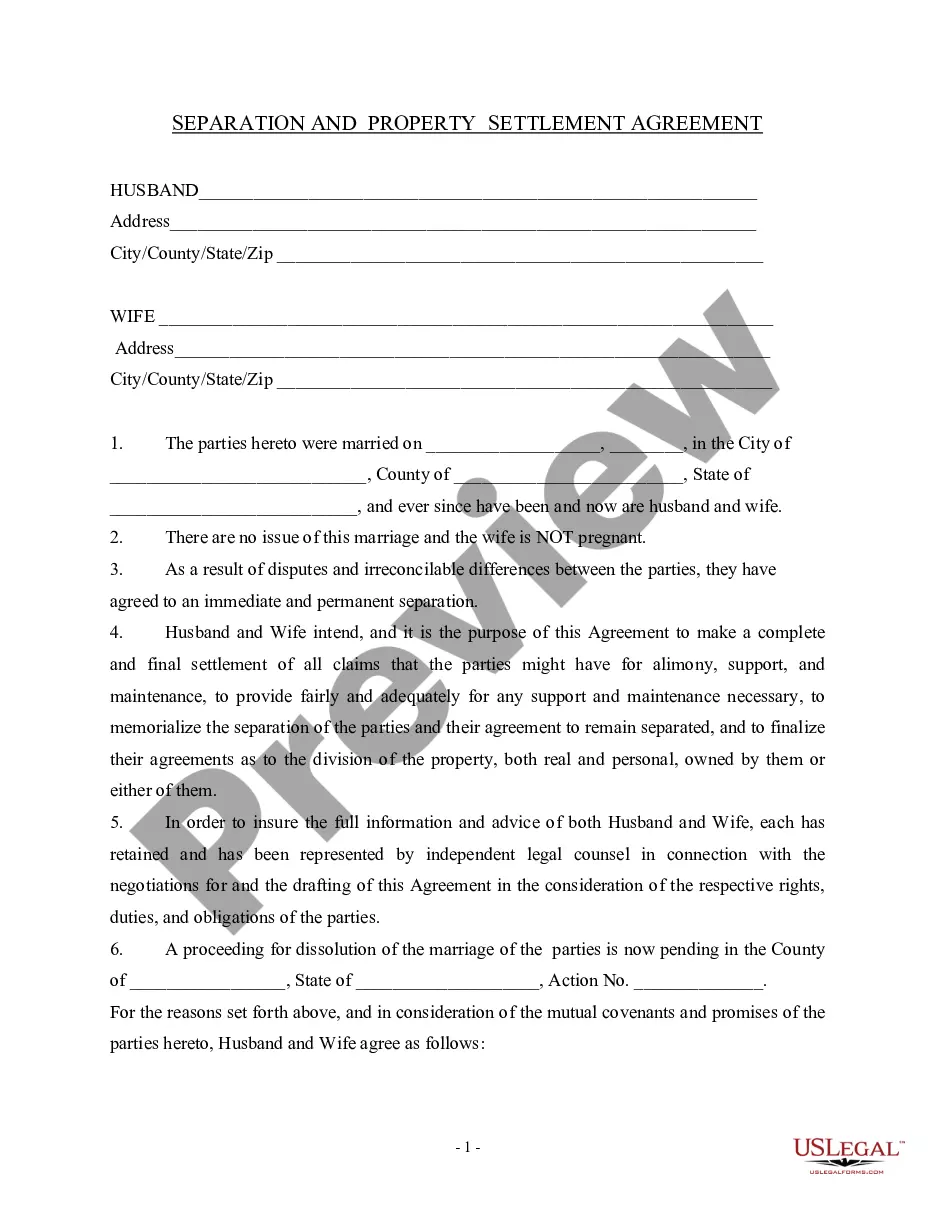
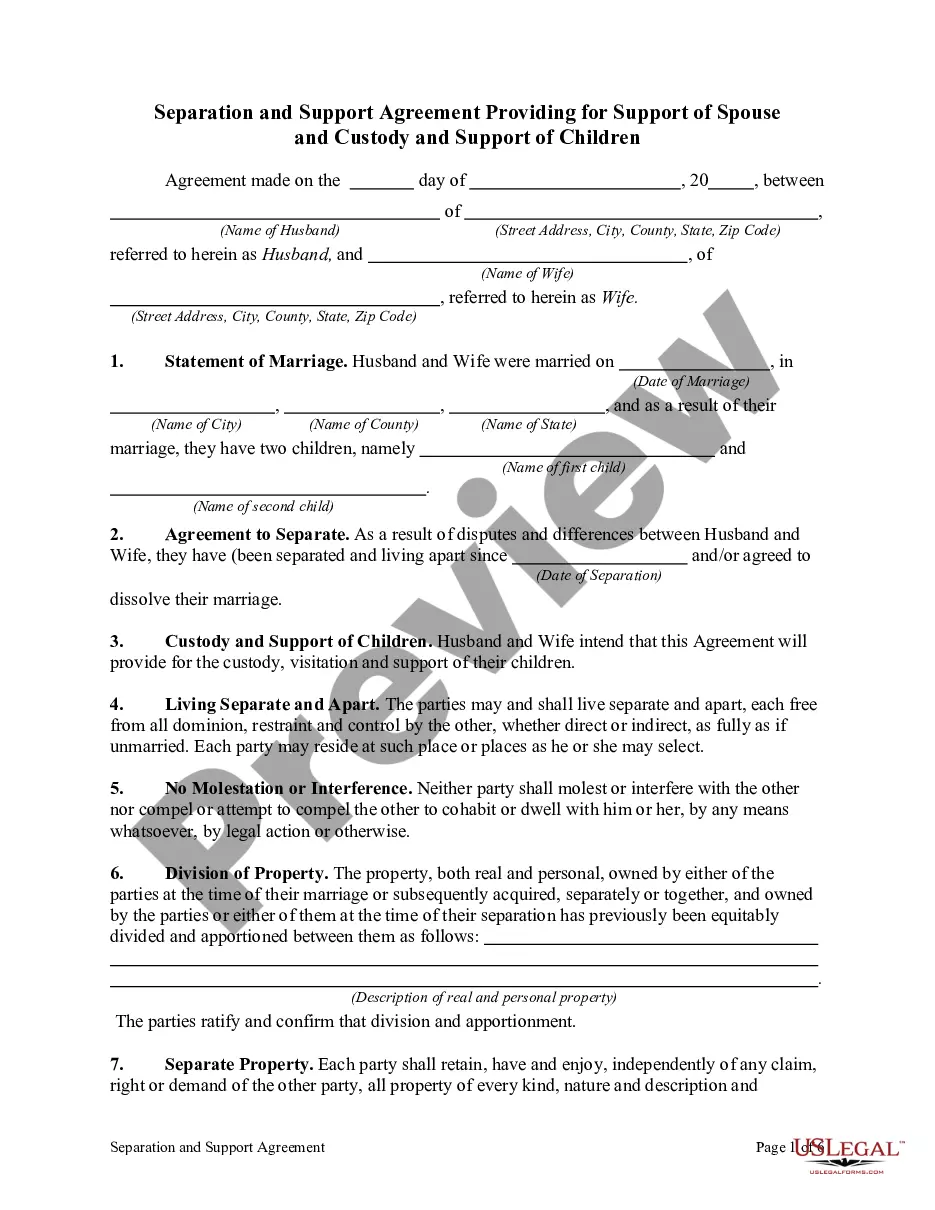
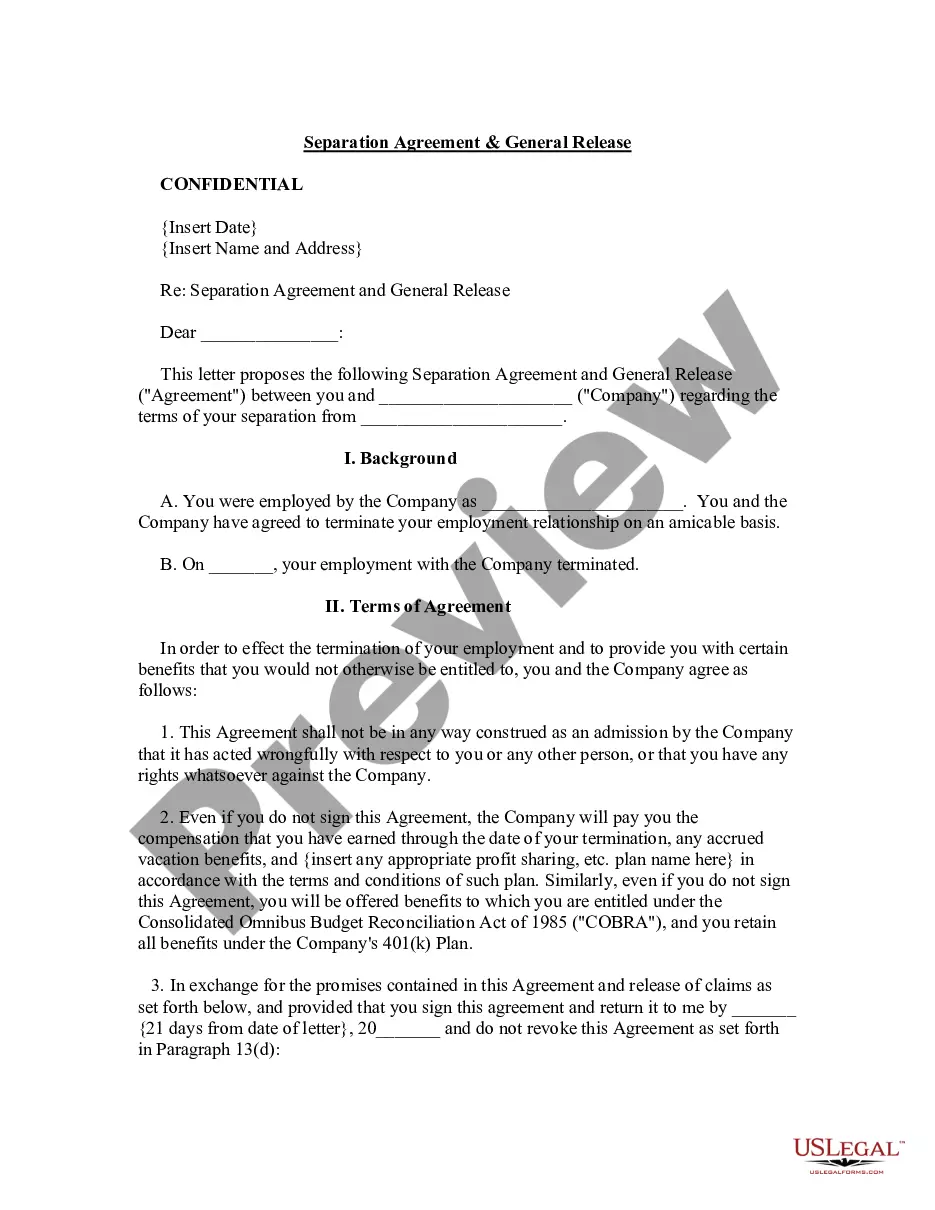
Separation Agreement With Employer
Description
Get your form ready online
Our built-in tools help you complete, sign, share, and store your documents in one place.
Make edits, fill in missing information, and update formatting in US Legal Forms—just like you would in MS Word.
Download a copy, print it, send it by email, or mail it via USPS—whatever works best for your next step.
Sign and collect signatures with our SignNow integration. Send to multiple recipients, set reminders, and more. Go Premium to unlock E-Sign.
If this form requires notarization, complete it online through a secure video call—no need to meet a notary in person or wait for an appointment.
We protect your documents and personal data by following strict security and privacy standards.

Make edits, fill in missing information, and update formatting in US Legal Forms—just like you would in MS Word.

Download a copy, print it, send it by email, or mail it via USPS—whatever works best for your next step.

Sign and collect signatures with our SignNow integration. Send to multiple recipients, set reminders, and more. Go Premium to unlock E-Sign.

If this form requires notarization, complete it online through a secure video call—no need to meet a notary in person or wait for an appointment.

We protect your documents and personal data by following strict security and privacy standards.
Looking for another form?









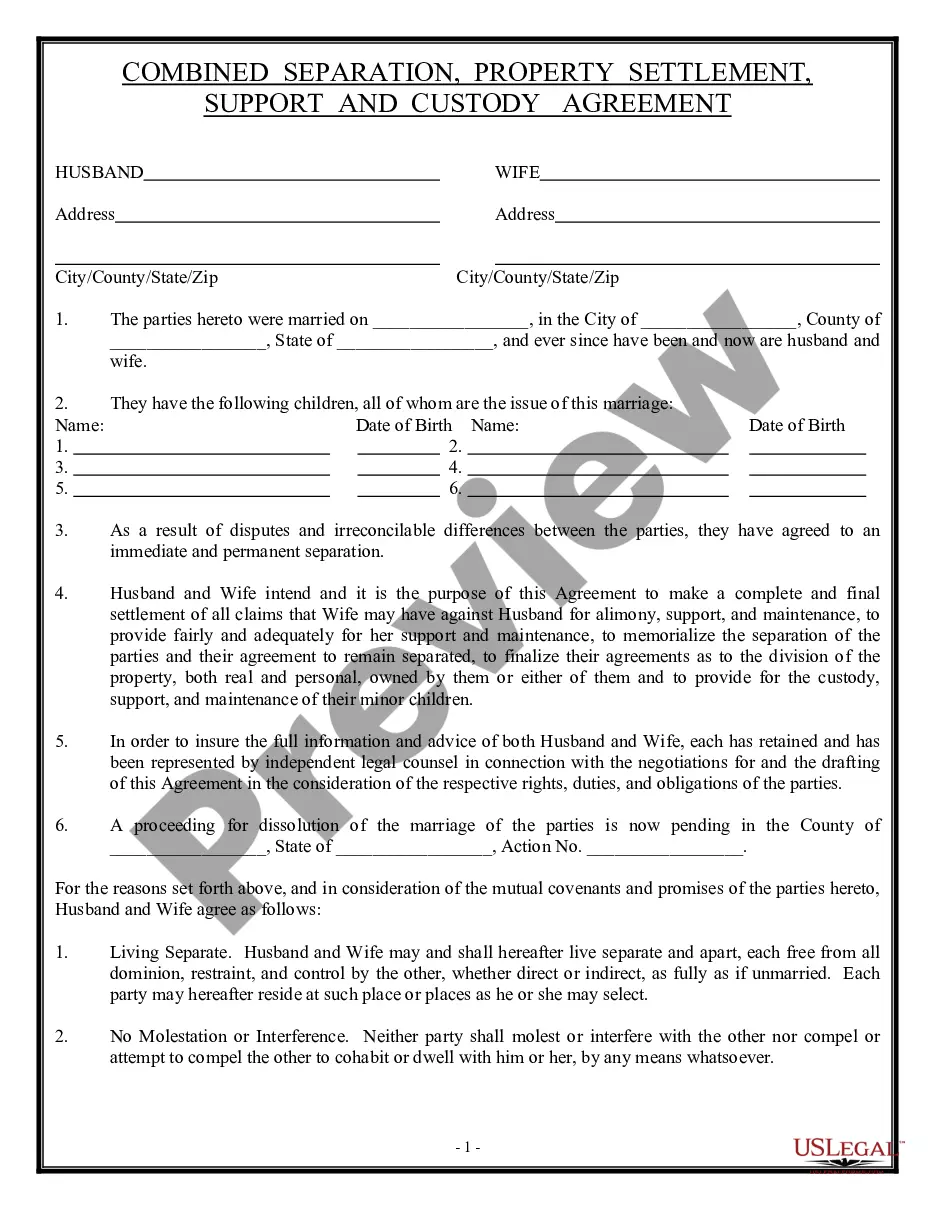
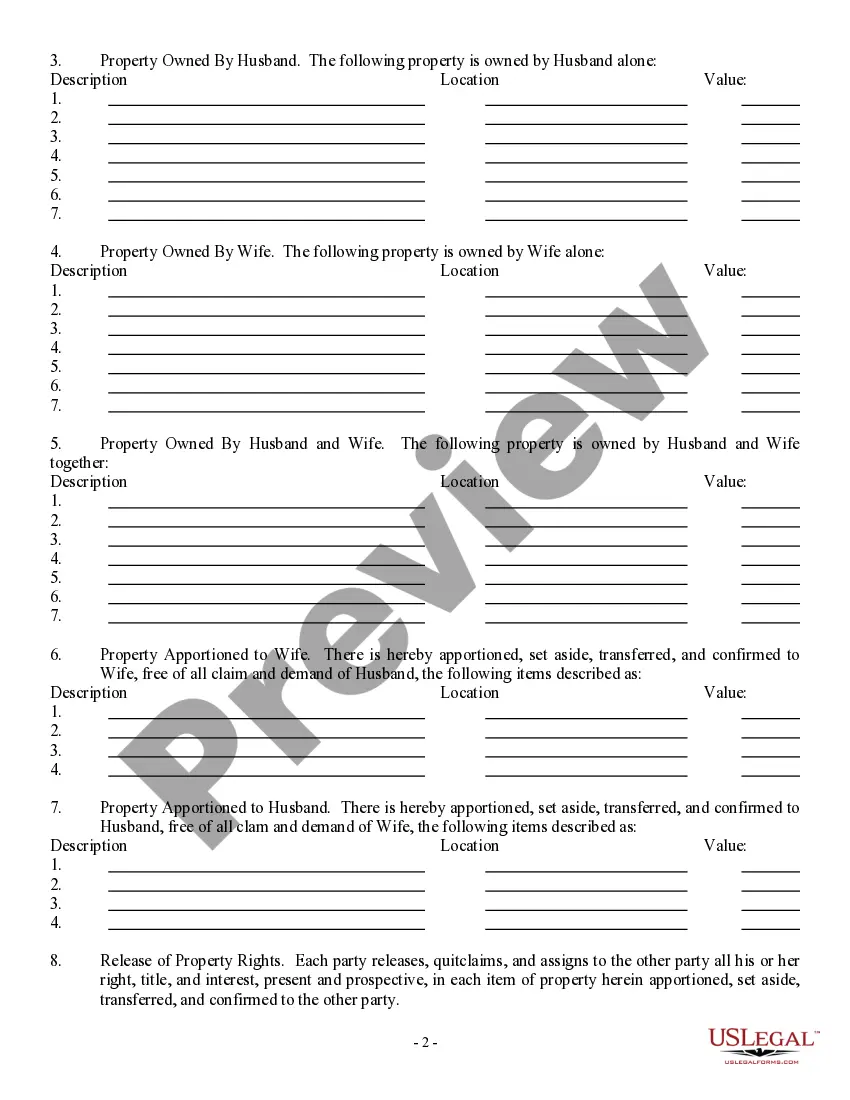
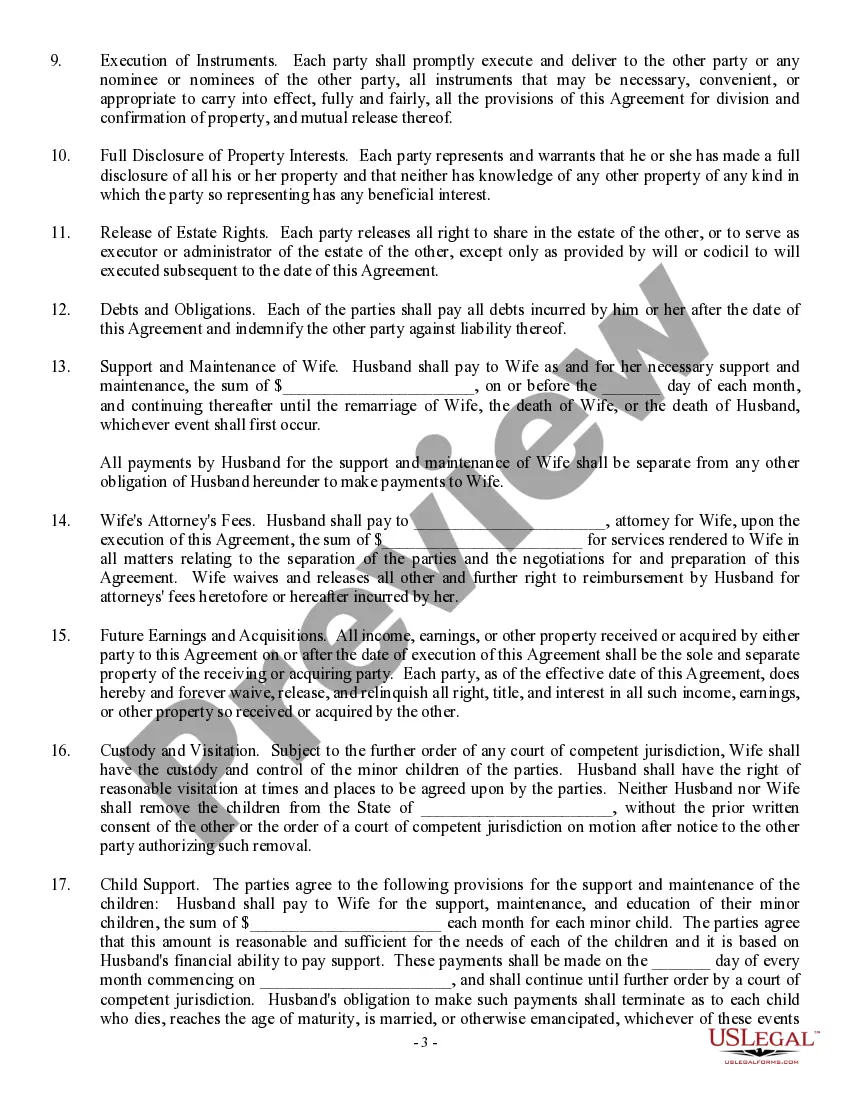
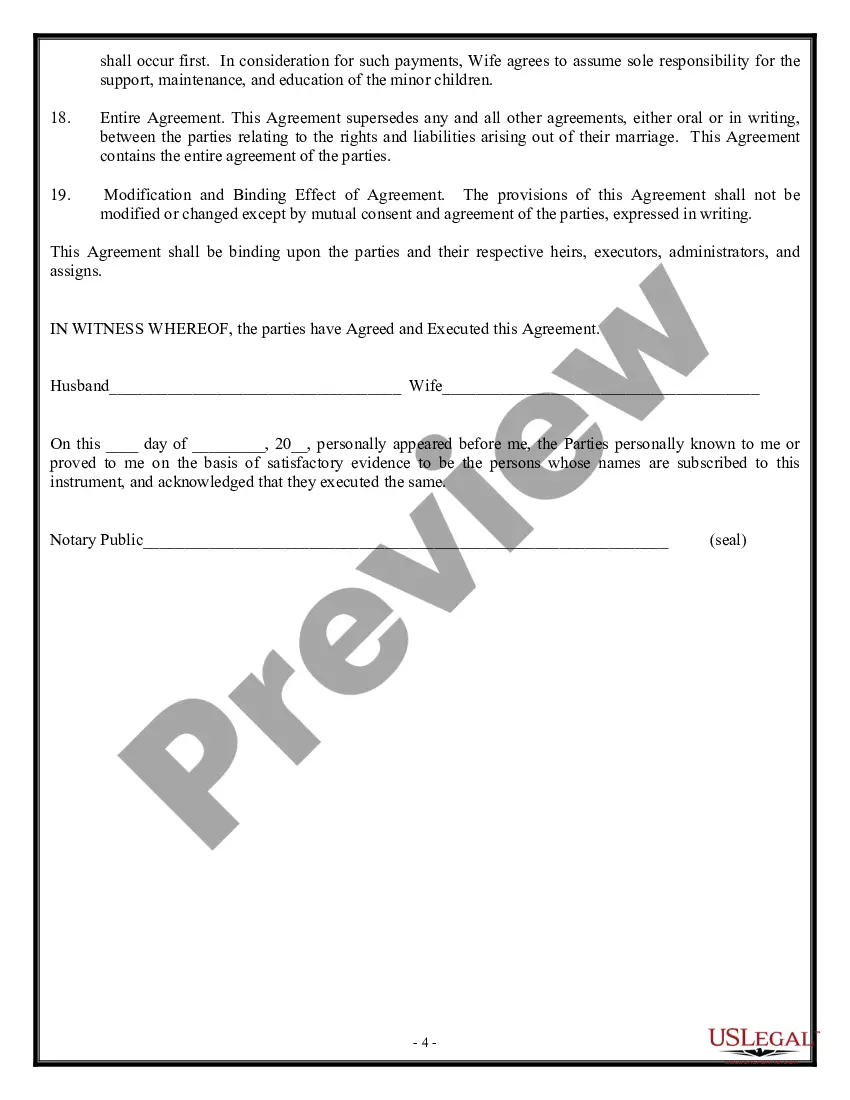
How to fill out Separation Agreement, Property Settlement, Support And Custody Agreement?
Individuals often link legal documentation with something intricate that solely an expert can handle.
In some respects, this holds true, as composing a Separation Agreement With Employer necessitates a deep comprehension of subject parameters, encompassing state and local statutes.
However, with US Legal Forms, processes have become more straightforward: pre-prepared legal templates for every life and business circumstance pertinent to state regulations are compiled in a singular online repository and are now accessible to all.
All templates in our collection are reusable: once purchased, they remain stored in your profile. You can access them whenever required through the My documents tab. Explore all the benefits of using the US Legal Forms platform. Register today!
- US Legal Forms offers over 85,000 current documents categorized by state and purpose, allowing you to search for a Separation Agreement With Employer or any specific template in mere minutes.
- Existing users with a valid subscription should Log In to their account and click Download to acquire the form.
- Users unfamiliar with the platform will first have to establish an account and subscribe prior to downloading any paperwork.
- Here is a detailed guide on how to obtain the Separation Agreement With Employer.
- Examine the content of the page closely to ensure it meets your requirements.
- Review the form description or confirm it through the Preview feature.
- Search for another example using the Search bar in the header if the initial one does not suit you.
- Click Buy Now once you locate the appropriate Separation Agreement With Employer.
- Select the subscription plan that aligns with your needs and budget.
- Create an account or Log In to advance to the payment page.
- Remit your subscription fee via PayPal or with your credit card.
Form popularity
FAQ
Tips for Writing a Resignation LetterGive appropriate notice. It's best to give your boss two weeks notice if you are resigning.Say thank you.Offer to help.Ask questions.Don't vent or complain.Keep your letter short.Use business letter format.Proofread and double-check before you send.More items...?
How do I write a termination letter to an employee?Add the employee name, ID number, position, and department.Add the name of manager or supervisor handling termination.Include any severance, benefits, and compensation the employee is entitled to.Detail any company property employee is expected to return.More items...
The main difference between resignation and termination lies in who initiated the severance of employment. With a resignation, you decide to end your employment; whereas in contrast, with a termination, your employer makes the decision to end your employment.
Employment separation refers to the end of an employee's working relationship with a company. This can happen when an employment contract or an at-will agreement between an employer and an employee ends.
When a company ends an employee's job, they typically provide a termination letter, also called a letter of separation, stating the reason for termination and next steps. A termination letter is an official and professional way to document and describe the separation between the employee and employer.
