Court Default Judgment For Divorce
Description
Get your form ready online
Our built-in tools help you complete, sign, share, and store your documents in one place.
Make edits, fill in missing information, and update formatting in US Legal Forms—just like you would in MS Word.
Download a copy, print it, send it by email, or mail it via USPS—whatever works best for your next step.
Sign and collect signatures with our SignNow integration. Send to multiple recipients, set reminders, and more. Go Premium to unlock E-Sign.
If this form requires notarization, complete it online through a secure video call—no need to meet a notary in person or wait for an appointment.
We protect your documents and personal data by following strict security and privacy standards.

Make edits, fill in missing information, and update formatting in US Legal Forms—just like you would in MS Word.

Download a copy, print it, send it by email, or mail it via USPS—whatever works best for your next step.

Sign and collect signatures with our SignNow integration. Send to multiple recipients, set reminders, and more. Go Premium to unlock E-Sign.

If this form requires notarization, complete it online through a secure video call—no need to meet a notary in person or wait for an appointment.

We protect your documents and personal data by following strict security and privacy standards.
Looking for another form?








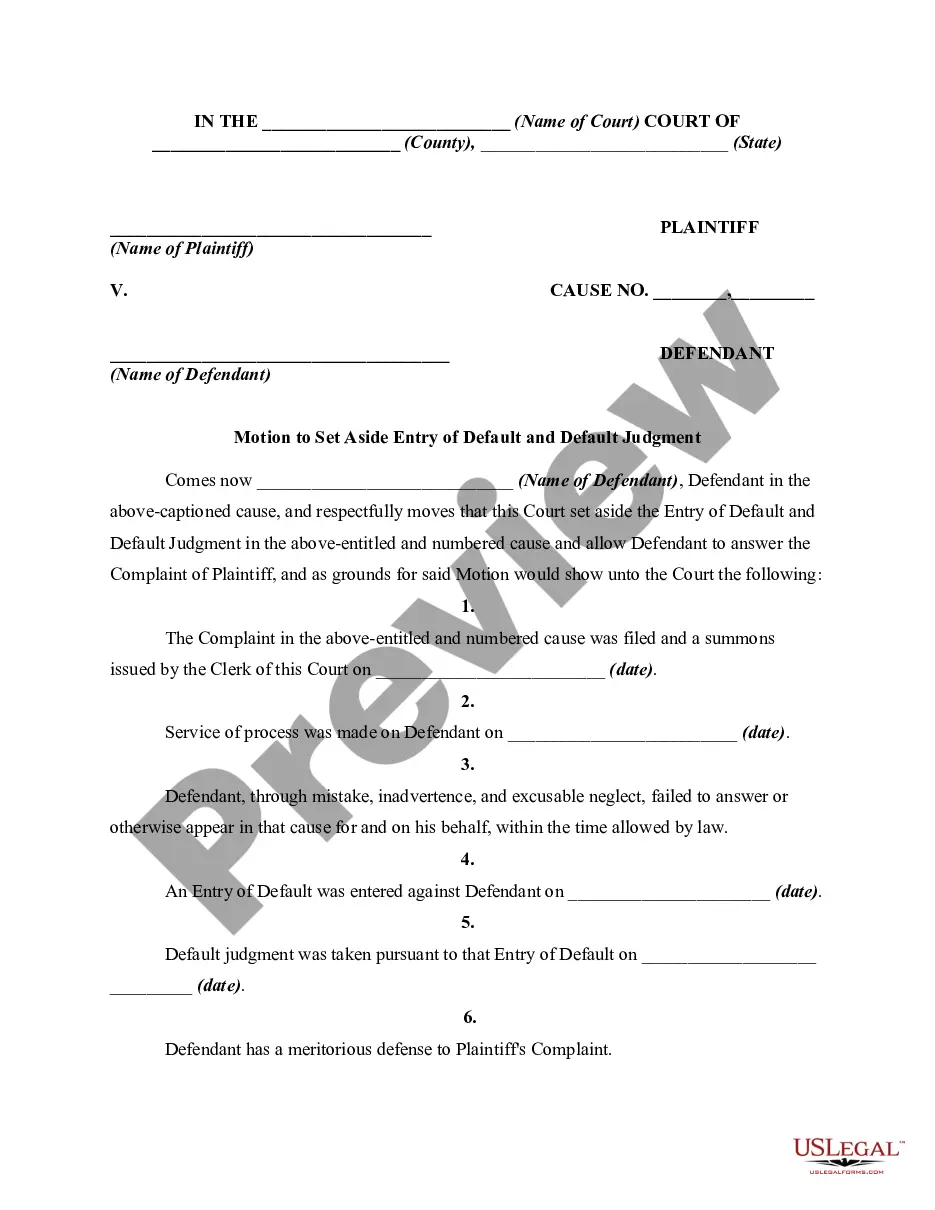
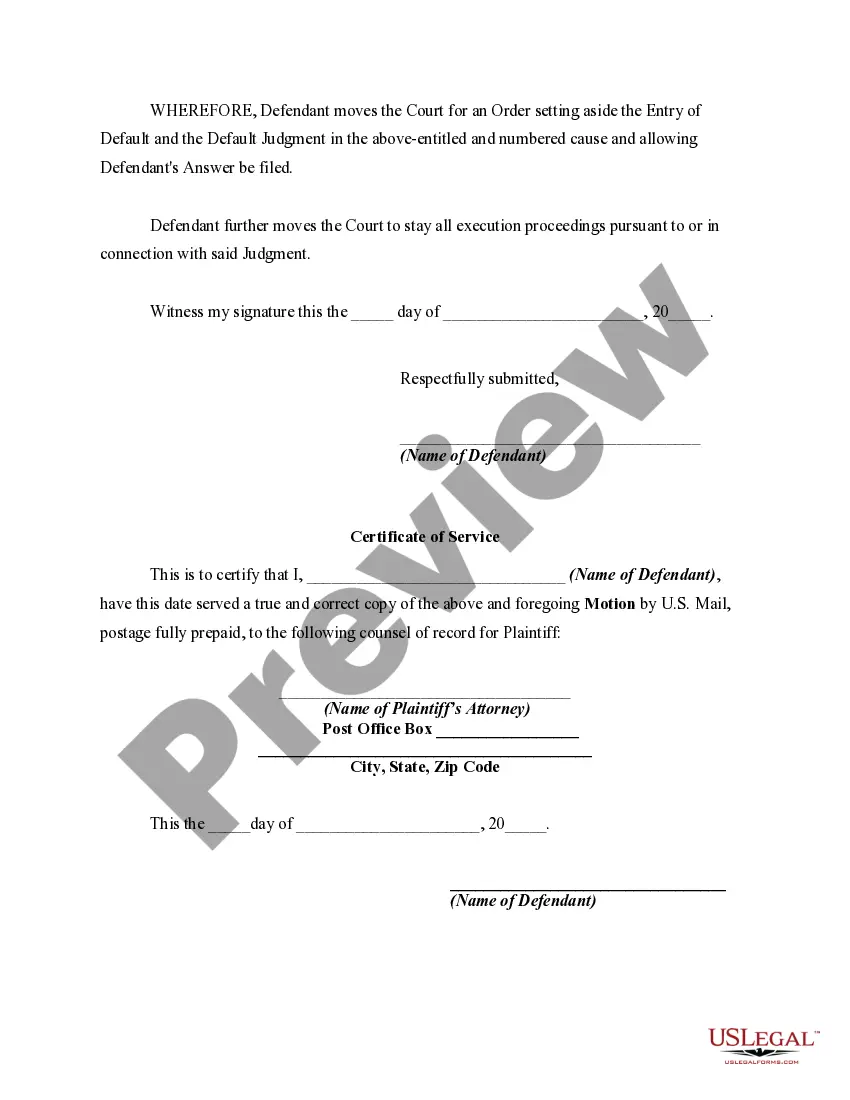
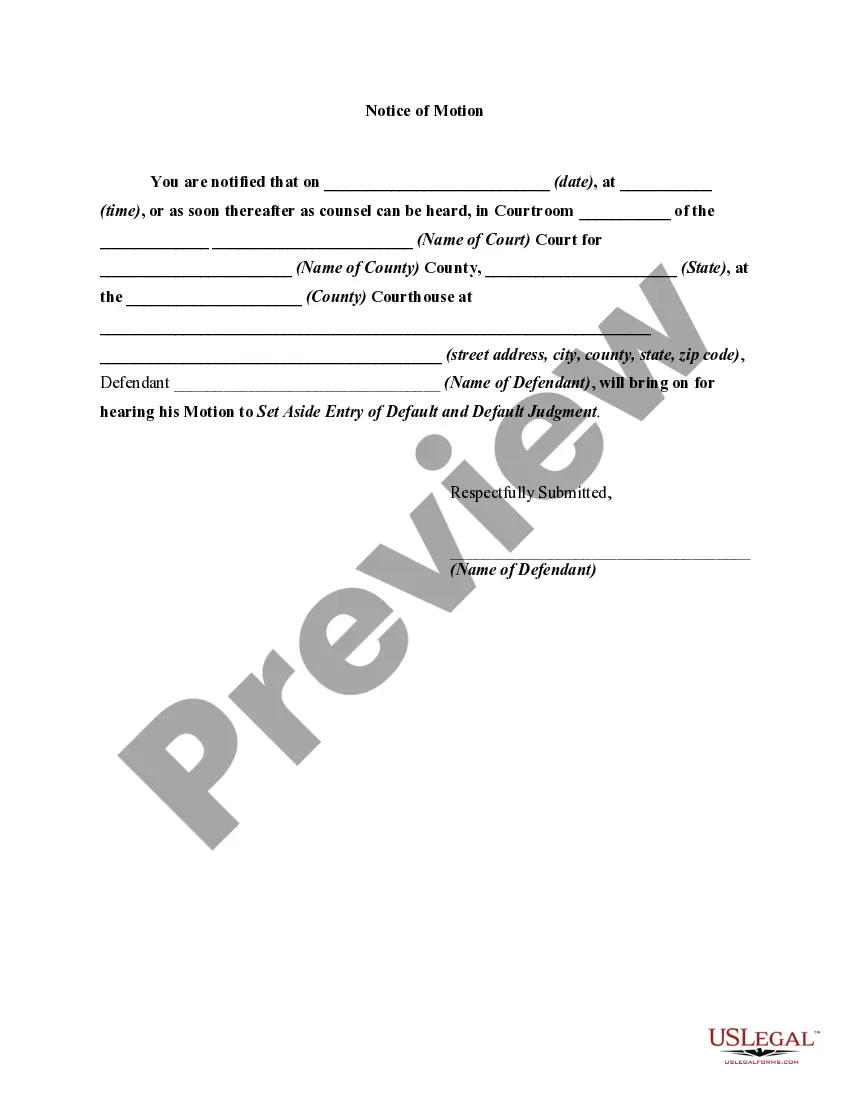
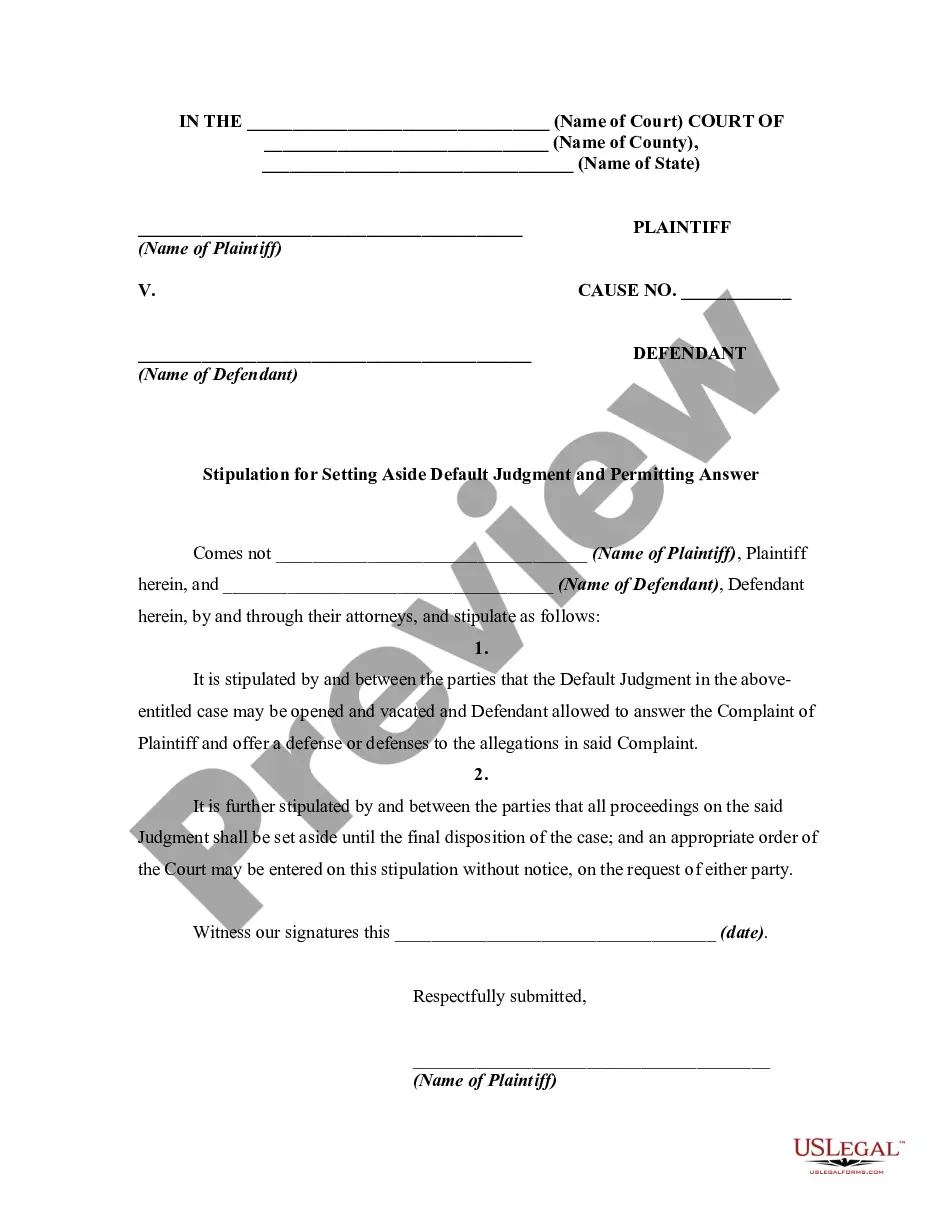
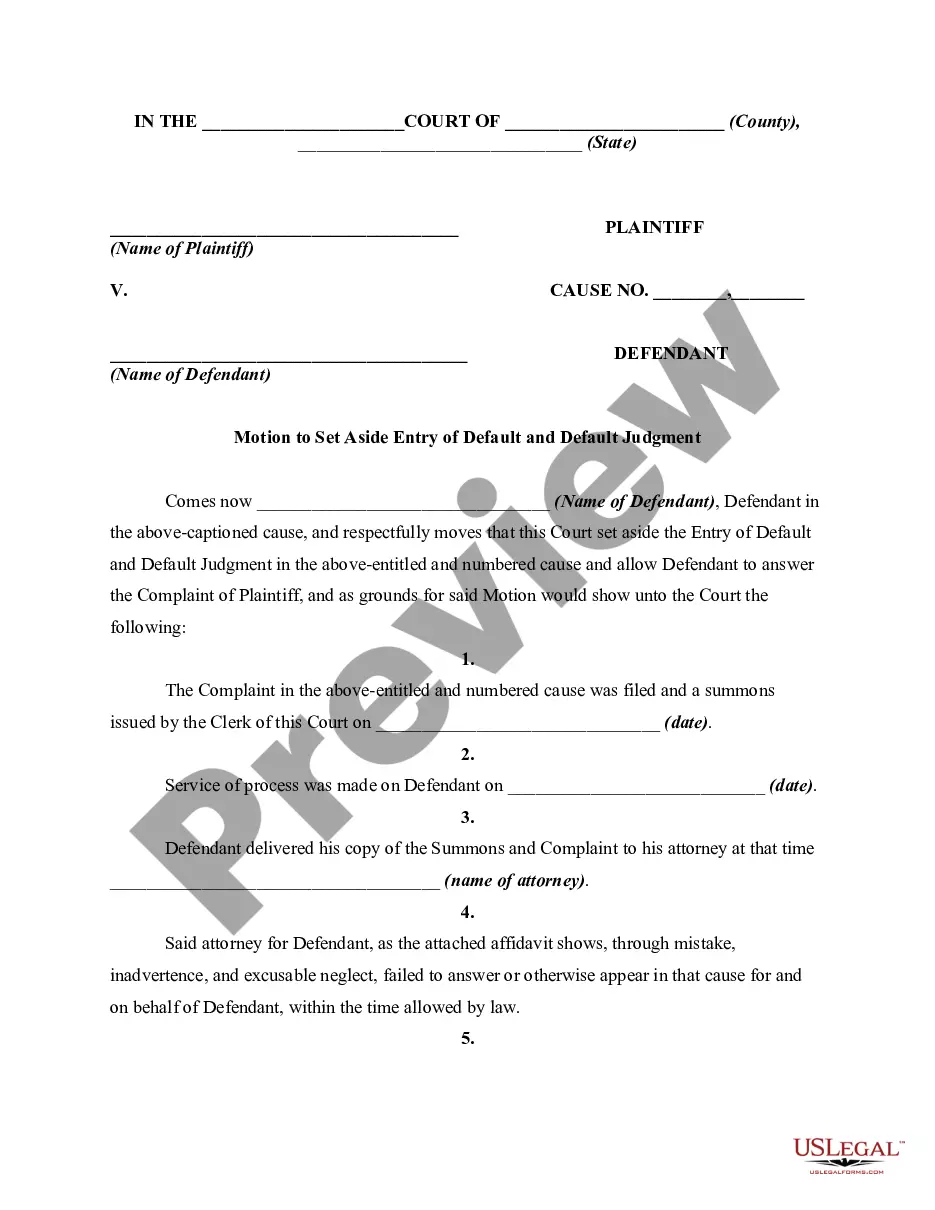
How to fill out Motion To Set Aside Entry Of Default And Default Judgment?
Utilizing legal templates that comply with federal and local laws is essential, and the web provides a plethora of choices to select from.
However, what is the purpose of squandering time looking for the appropriate Court Default Judgment For Divorce example online when the US Legal Forms digital library already has such templates gathered in one location.
US Legal Forms is the largest online legal repository with over 85,000 editable templates created by lawyers for any business and personal circumstance.
Review the template using the Preview option or through the text description to confirm it meets your requirements.
- They are easy to navigate with all documents categorized by state and intended use.
- Our specialists keep abreast of legislative updates, ensuring that your documents are always current and compliant when obtaining a Court Default Judgment For Divorce from our site.
- Acquiring a Court Default Judgment For Divorce is fast and straightforward for both existing and new users.
- If you already possess an account with an active subscription, Log In and download the document sample you require in your desired format.
- If you are new to our site, follow the steps below.
Form popularity
FAQ
How to ask for a default Fill out request for default. Request for Entry of Default (form CIV-100) ... If ready, also fill out forms to ask for a judgement. Judgment (form JUD-100) ... Mail copies to the defendant. Make at least 2 copies of everything. ... File forms. Bring the Request for Default to the court clerk.
In Illinois, the respondent has 30 days after the default judgment is entered to contest the decision by asking the court to vacate it. During this period, the respondent will need to come prepared with a rock-solid reason as to why they did not respond to the petitioner in the first place.
After a default judgment, the Plaintiff will try to collect the money you owe. The Plaintiff may be able to take money from your paycheck or bank account and put a lien on your property. If you don't have any assets to pay the debt, you can let the Plaintiff. They may give up or try to collect in the future.
If all paperwork is in order, the judge will enter a default. However, the official date of marriage dissolution cannot be before six months after the respondent was served with the divorce papers. You'll find the exact date in the Notice of Entry of Judgment.
A default doesn't mean your divorce happens right away. It takes at least 6 months from when you first got the Petition for a divorce to finish. Your spouse will need to complete more steps and a judge will need to sign the final papers (the Judgment).