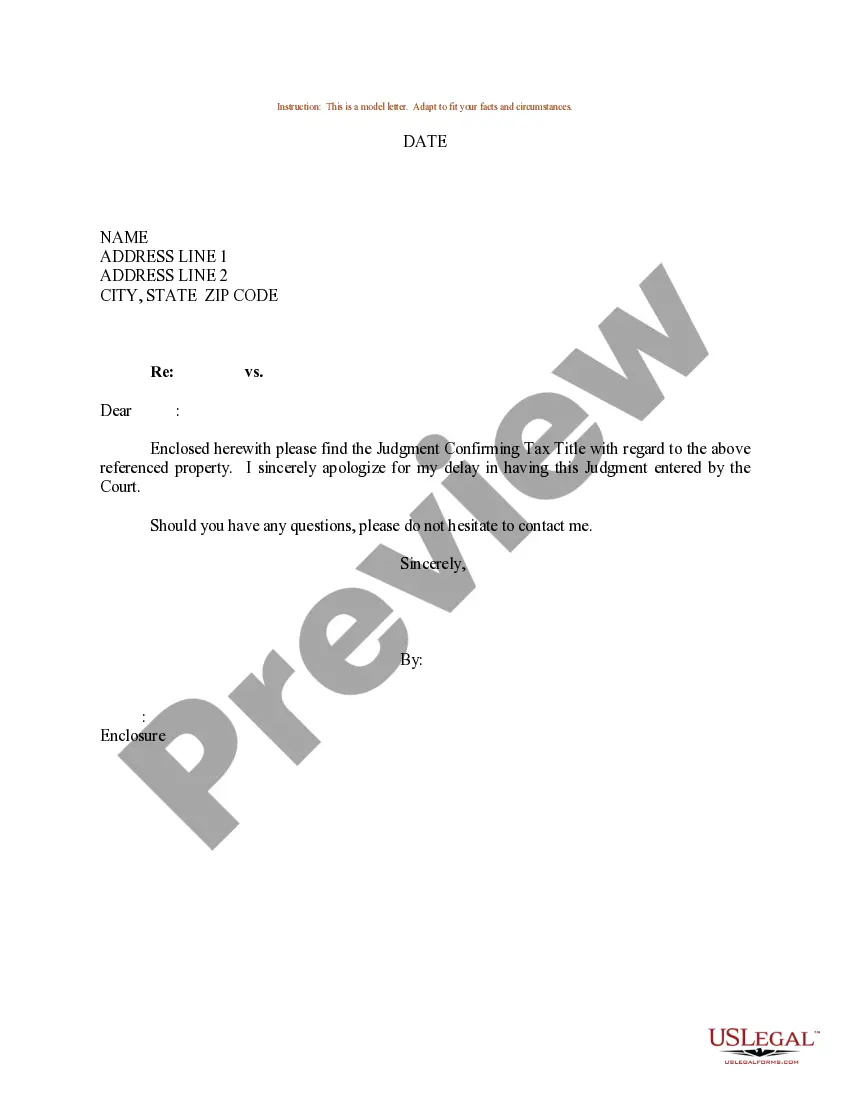
Sample Tax Letter With Return Receipt
Description

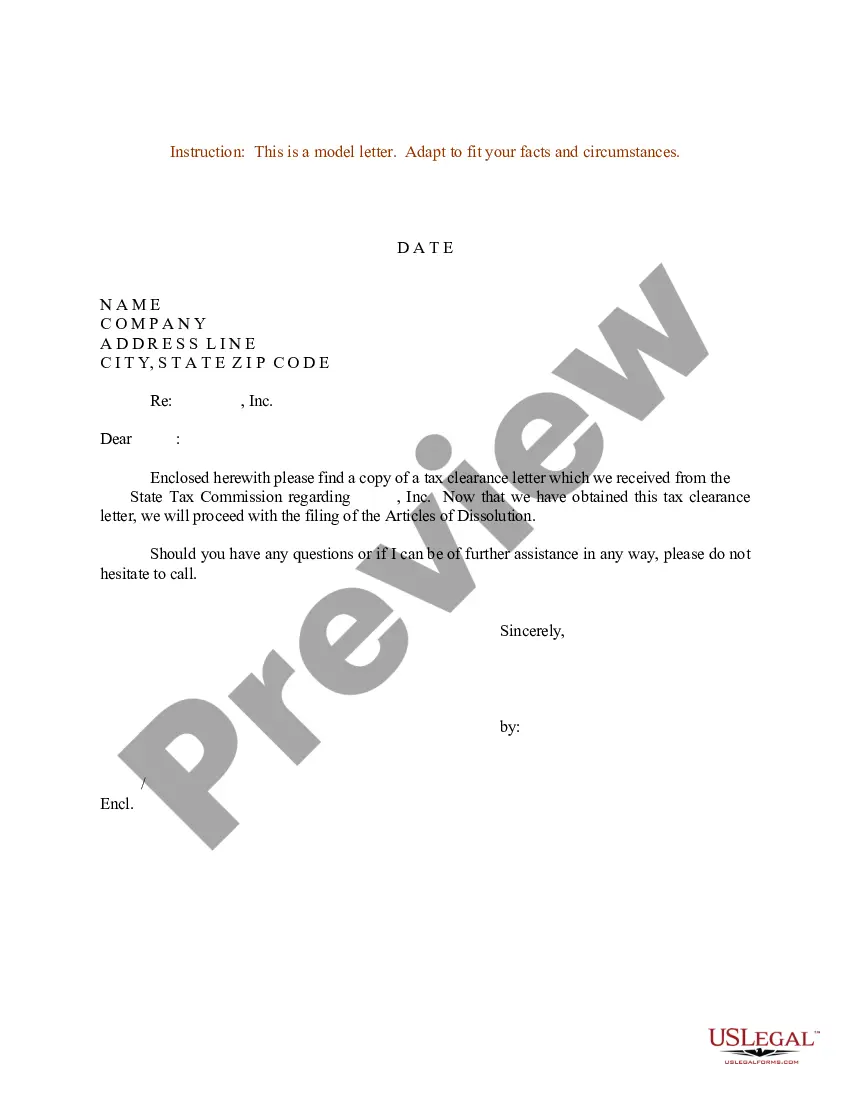
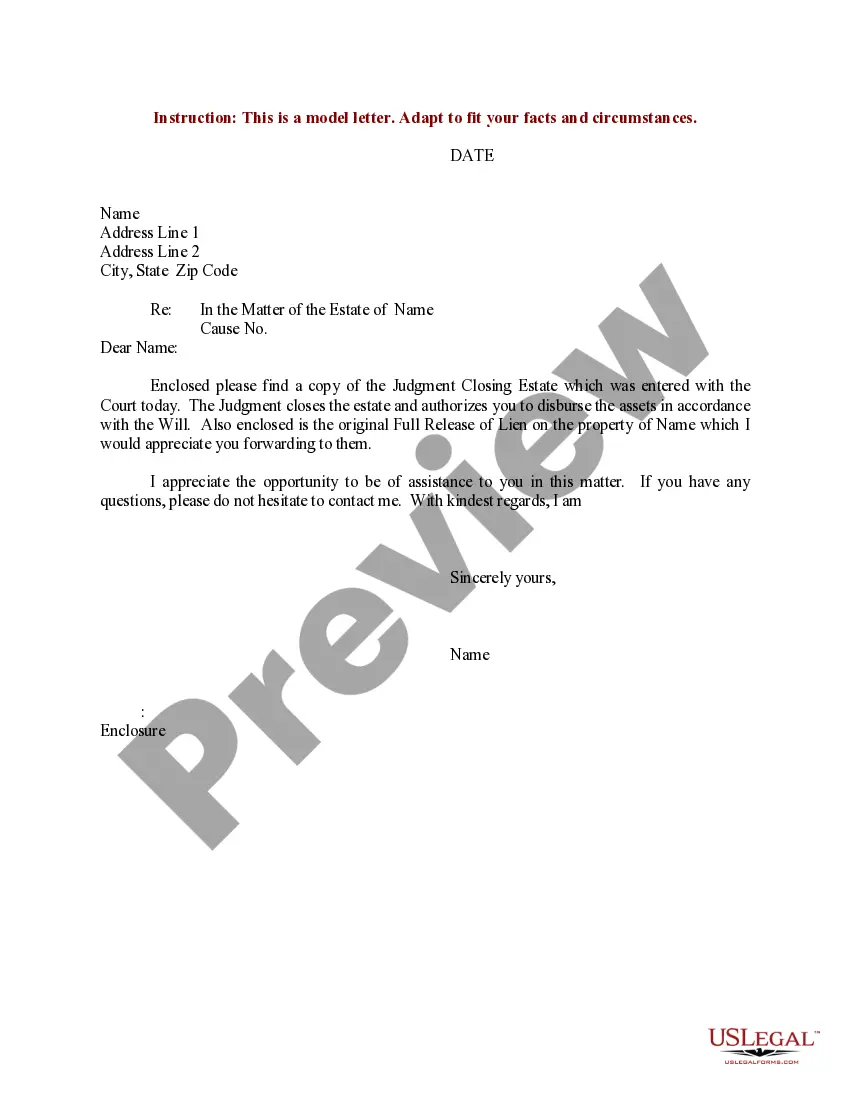

Get your form ready online
Our built-in tools help you complete, sign, share, and store your documents in one place.
Make edits, fill in missing information, and update formatting in US Legal Forms—just like you would in MS Word.
Download a copy, print it, send it by email, or mail it via USPS—whatever works best for your next step.
Sign and collect signatures with our SignNow integration. Send to multiple recipients, set reminders, and more. Go Premium to unlock E-Sign.
If this form requires notarization, complete it online through a secure video call—no need to meet a notary in person or wait for an appointment.
We protect your documents and personal data by following strict security and privacy standards.

Make edits, fill in missing information, and update formatting in US Legal Forms—just like you would in MS Word.

Download a copy, print it, send it by email, or mail it via USPS—whatever works best for your next step.

Sign and collect signatures with our SignNow integration. Send to multiple recipients, set reminders, and more. Go Premium to unlock E-Sign.

If this form requires notarization, complete it online through a secure video call—no need to meet a notary in person or wait for an appointment.

We protect your documents and personal data by following strict security and privacy standards.
Looking for another form?
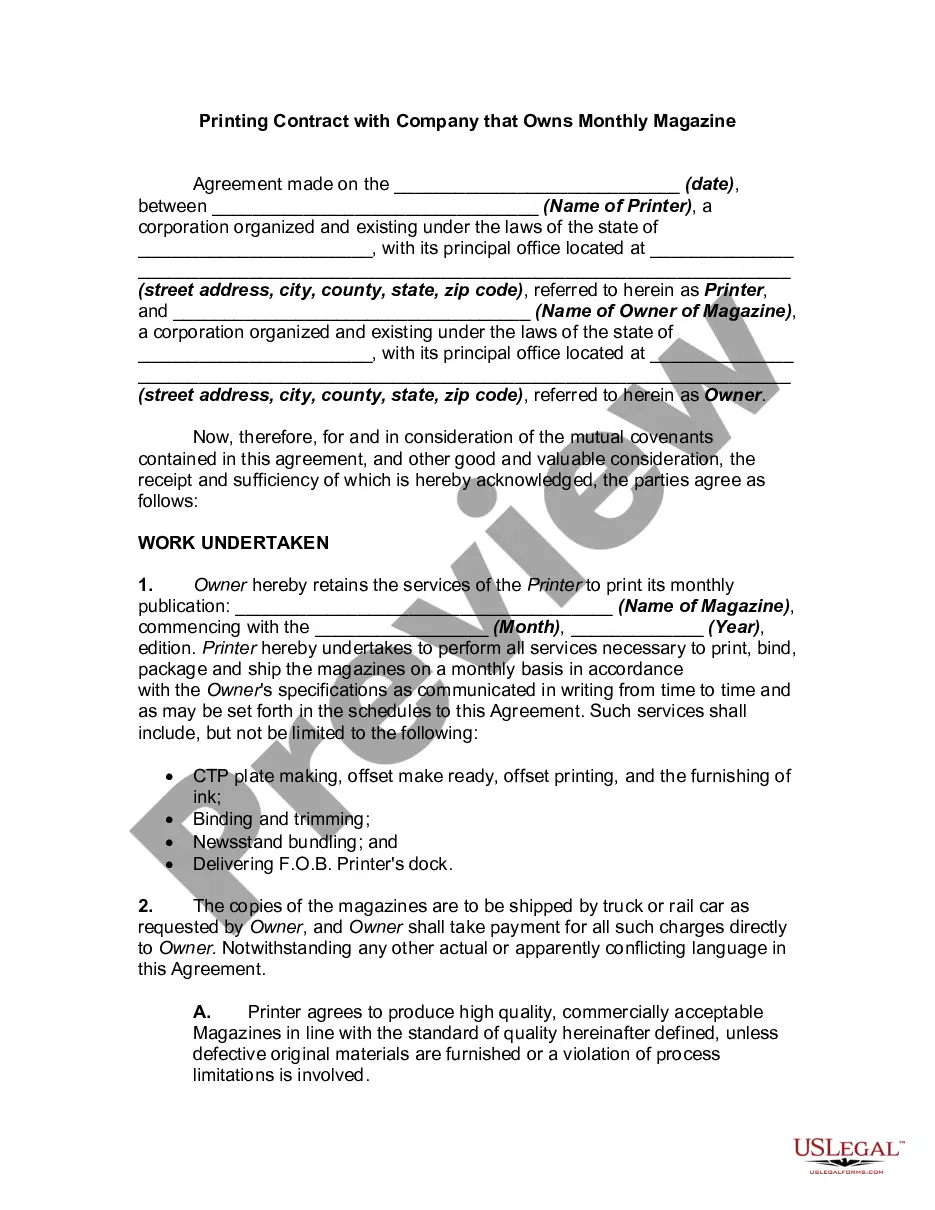
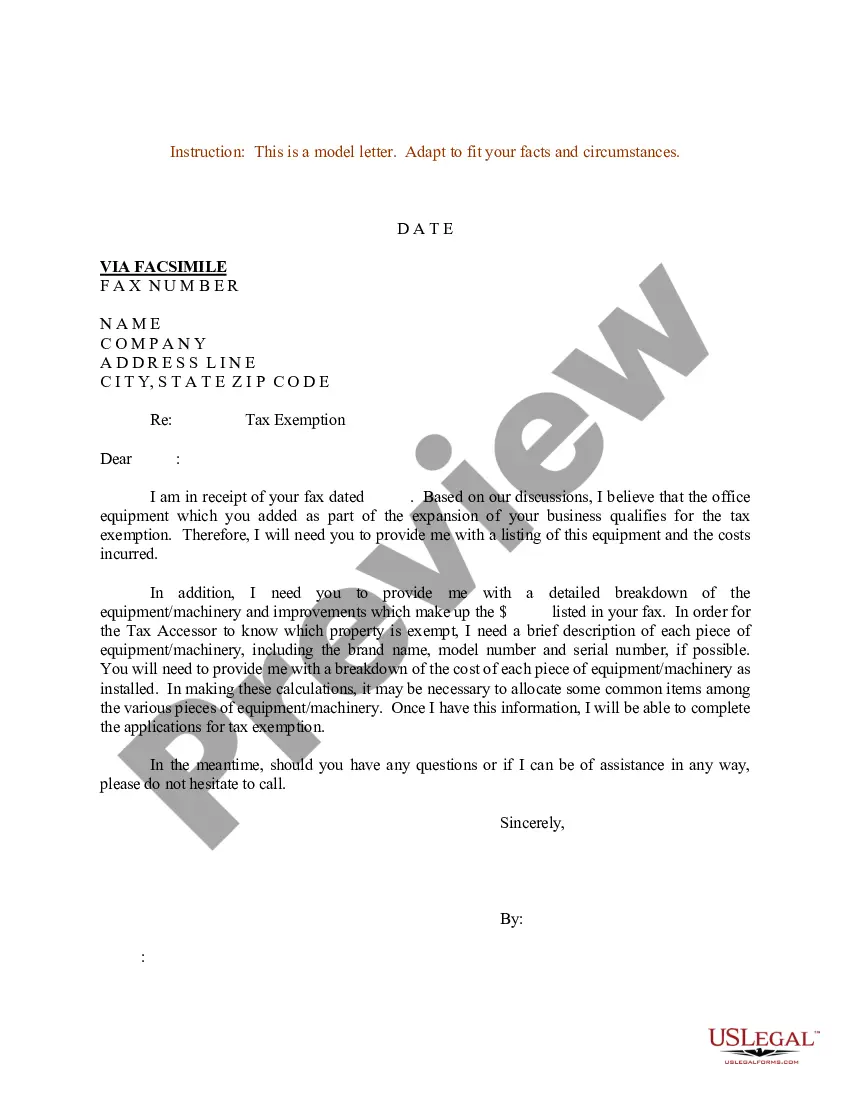
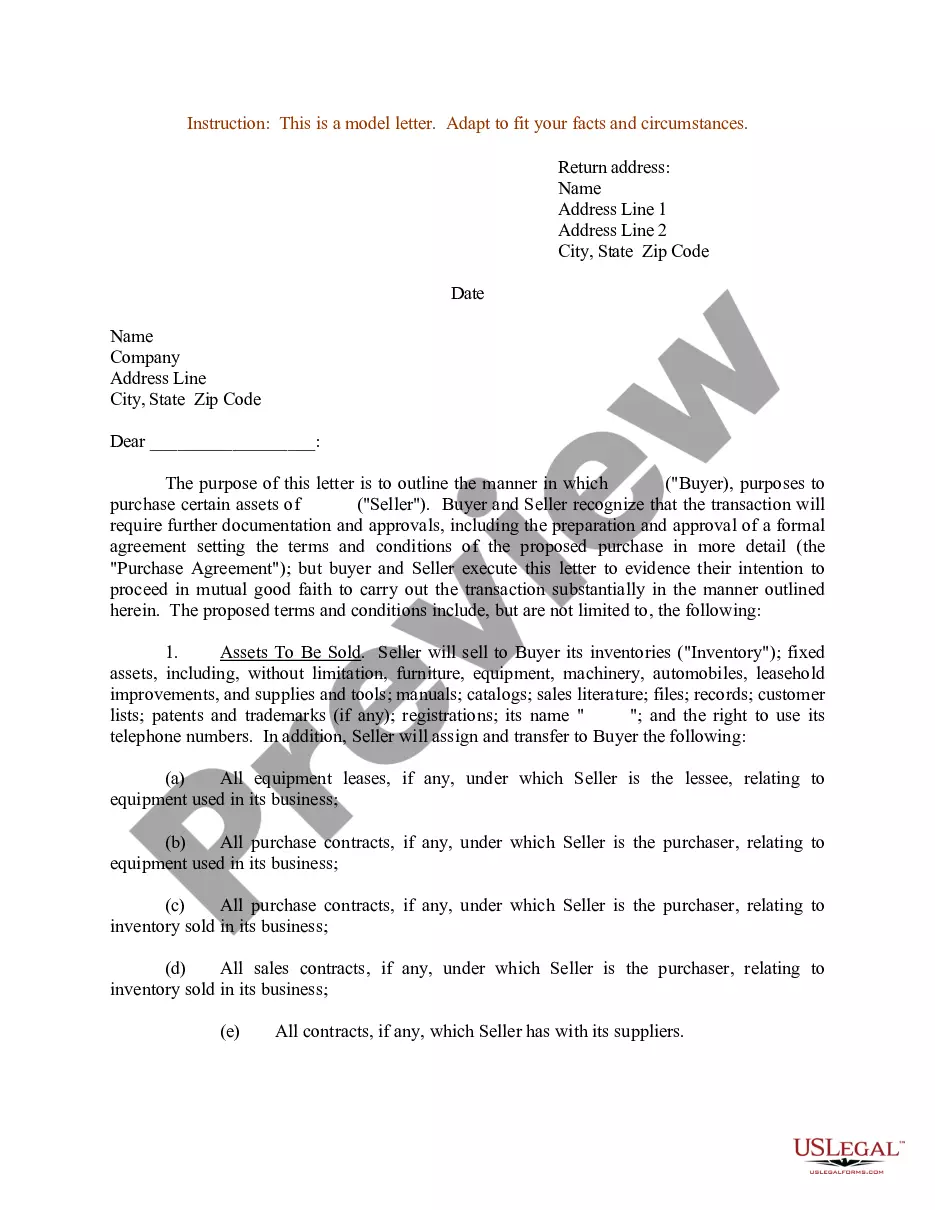

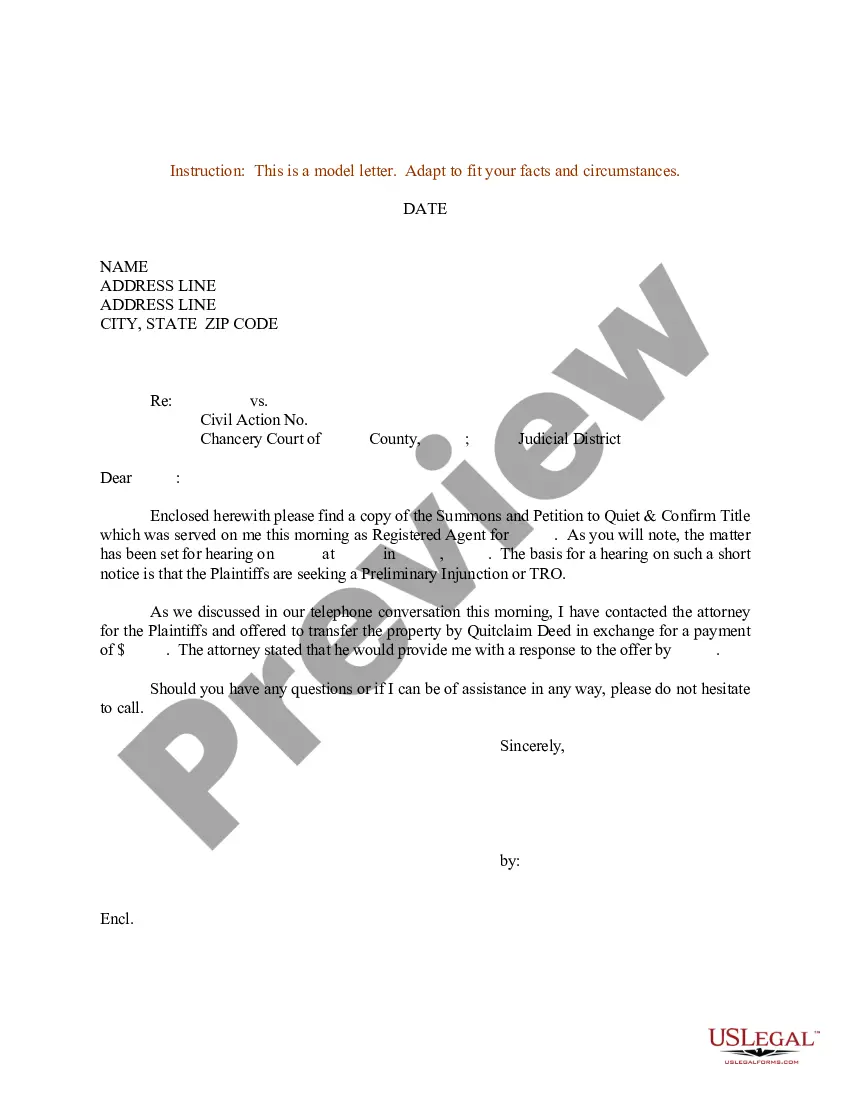
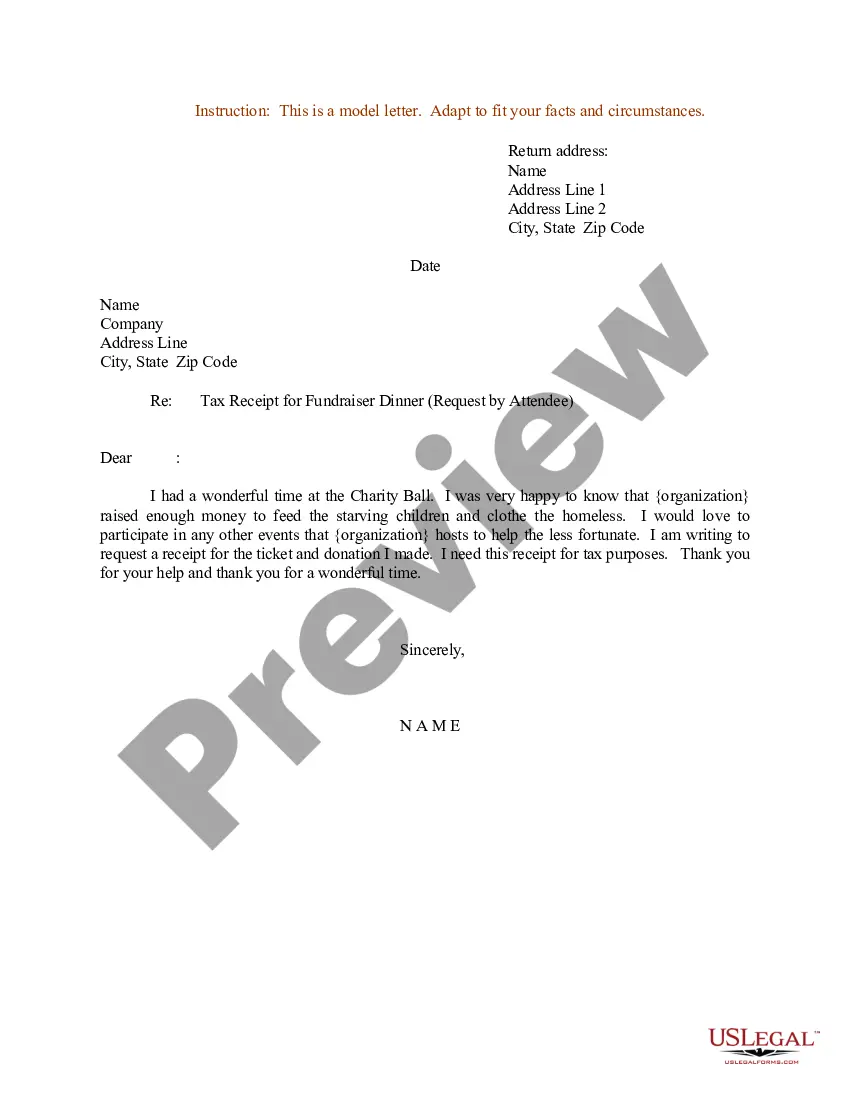
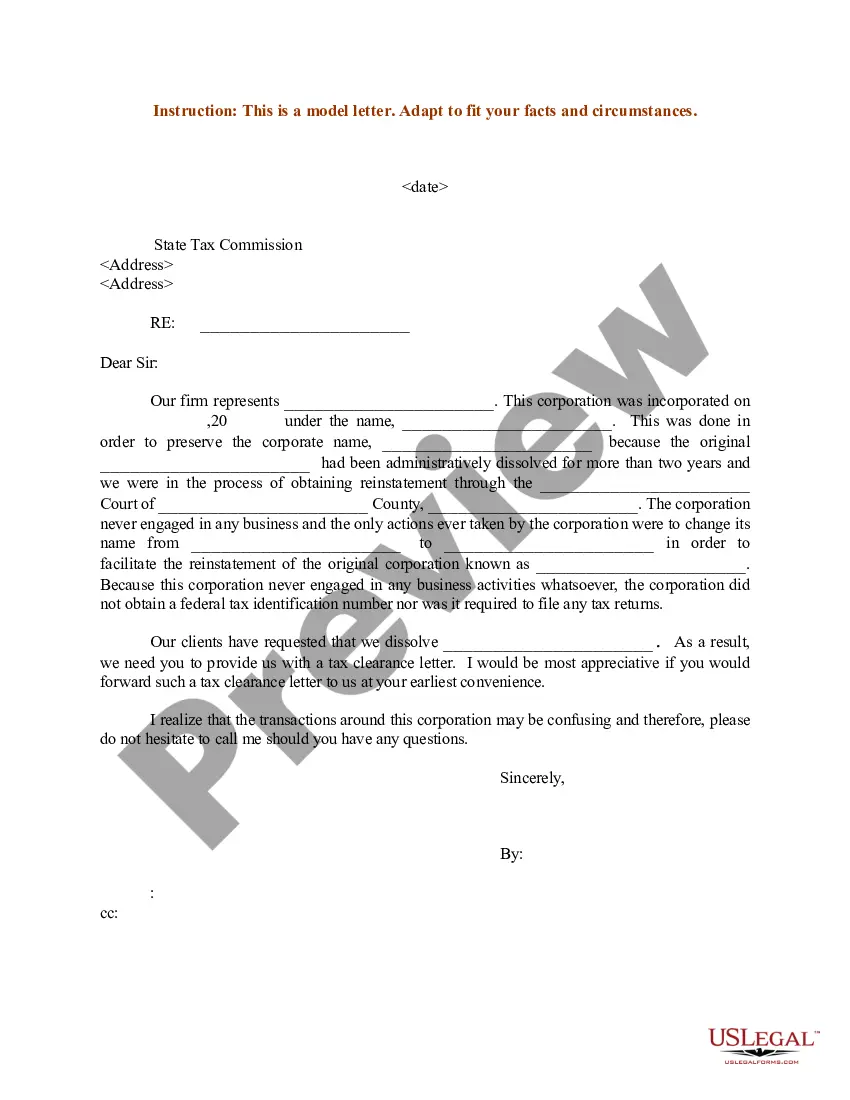
How to fill out Sample Letter For Judgment Confirming Tax Title?
The Example Tax Correspondence With Return Confirmation that you observe on this site is a versatile official template created by skilled attorneys in accordance with national and state laws.
For over 25 years, US Legal Forms has offered individuals, businesses, and legal experts with more than 85,000 authenticated, state-specific documents for every business and personal situation. It’s the fastest, simplest, and most reliable way to secure the paperwork you require, as the service ensures bank-level data security and anti-malware safeguards.
Subscribe to US Legal Forms to access authenticated legal templates for all of life's situations as needed.
- Look for the document you require and review it.
- Select the subscription plan that works best for you and set up an account. Use PayPal or a credit card for a swift transaction. If you already possess an account, Log In and verify your subscription to proceed.
- Select the format you desire for your Example Tax Correspondence With Return Confirmation (PDF, DOCX, RTF) and download the document onto your device.
- Print the template to fill it out manually. Alternatively, use an online multifunctional PDF editor to swiftly and accurately complete and sign your document with an electronic signature.
- Use the same document again whenever necessary. Access the My documents tab in your profile to re-download any previously acquired forms.
Form popularity
FAQ
How To Send USPS Certified Mail and Return Receipts - YouTube YouTube Start of suggested clip End of suggested clip The sticky portion with the barcode. Goes at the top of your envelope. And to the right of yourMoreThe sticky portion with the barcode. Goes at the top of your envelope. And to the right of your address. Line up the dotted line with the top of your envelope.
The difference between certified mail and return receipt lies in delivery confirmation. Certified Mail is a USPS service providing the sender with an official receipt showing proof that an item was mailed. A Return Receipt may also be purchased, providing the sender with verification of delivery via email or postcard.
Fill in the Return Receipt Form PS 3811, commonly known as the Green Card, and attach it to the back of your envelope. The Postal Carrier delivering your Certified Mail will not leave the letter until the Green Card has been signed by someone at the recipient's address.
How to Send a Certified Letter Return Receipt Requested - YouTube YouTube Start of suggested clip End of suggested clip So. First you're going to fill out the forms. To fill out form 3800. You're down here you're gonnaMoreSo. First you're going to fill out the forms. To fill out form 3800. You're down here you're gonna put the name of the person you are sending the letter to and their address.
The postmark date is the filing date of the tax return, document, or payment. Generally, proof of mailing includes: Postmark. Certified or registered mail receipt.