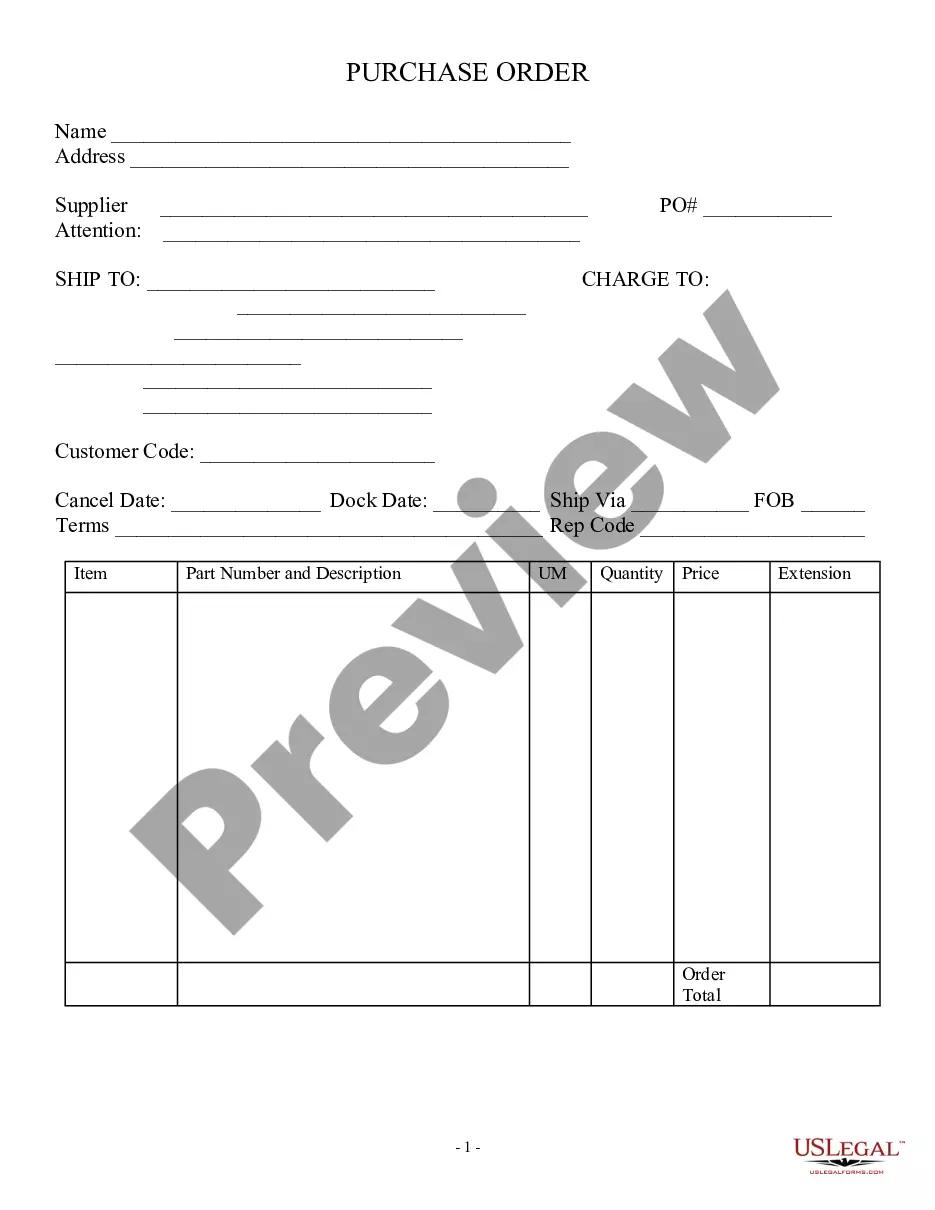
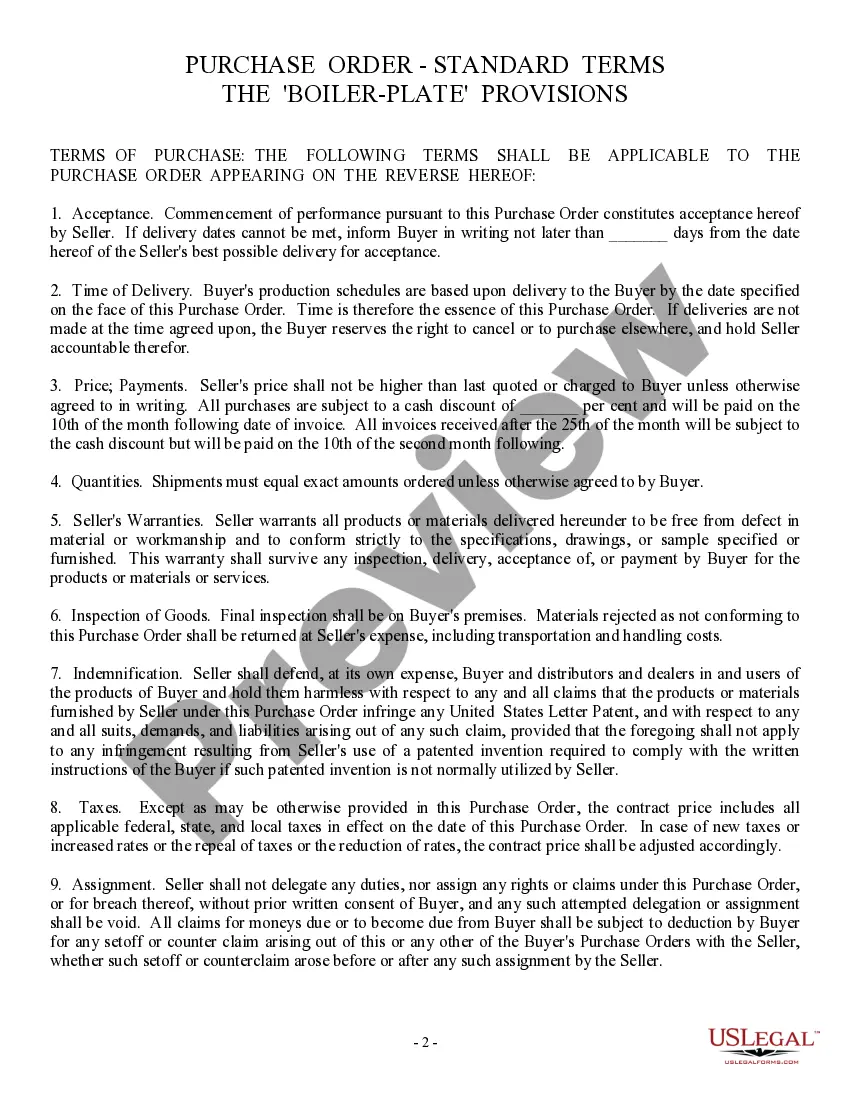
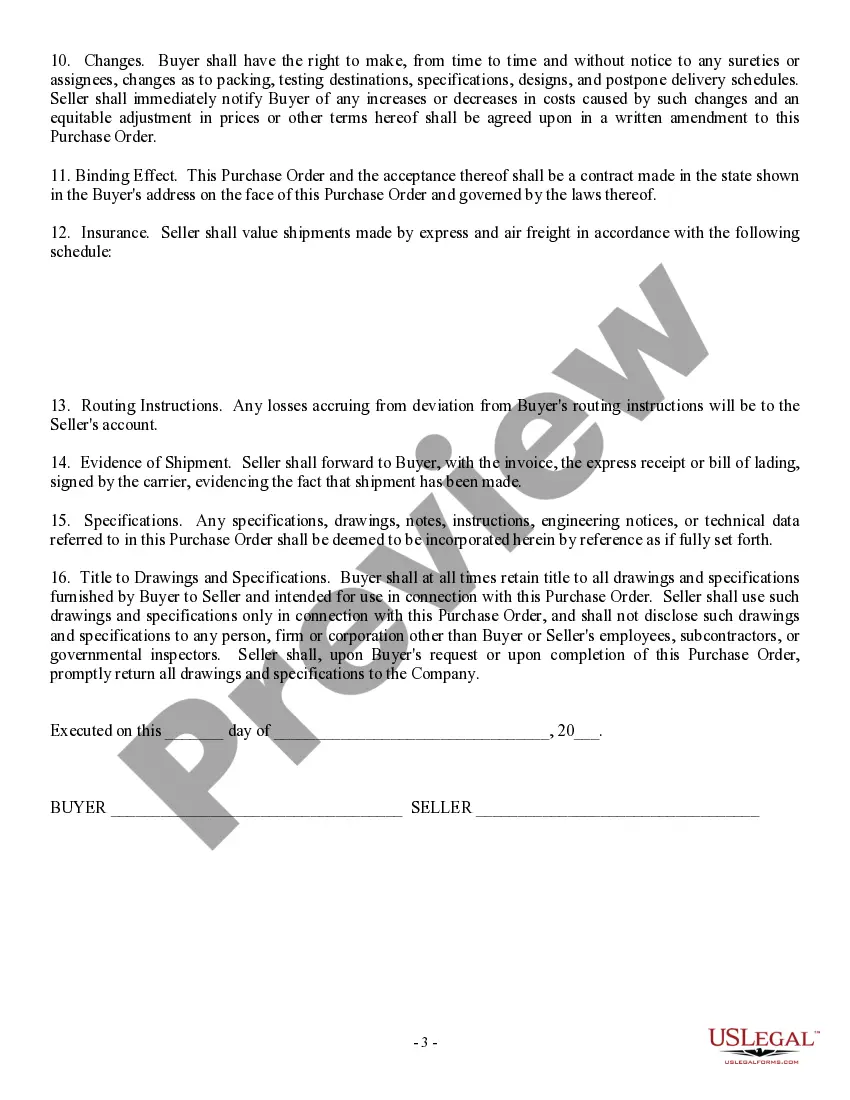
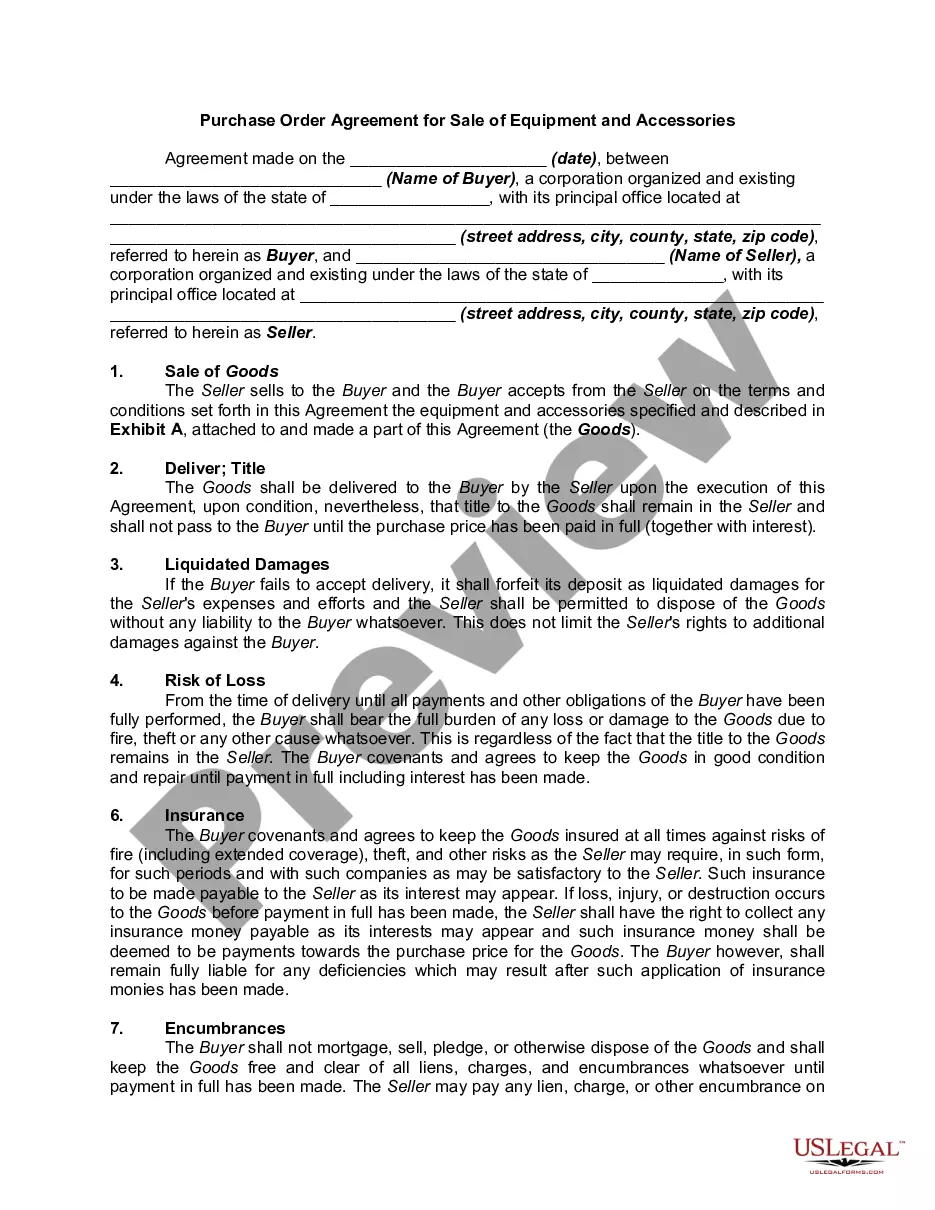
Purchase Order Template With Automatic Numbering
Description
Get your form ready online
Our built-in tools help you complete, sign, share, and store your documents in one place.
Make edits, fill in missing information, and update formatting in US Legal Forms—just like you would in MS Word.
Download a copy, print it, send it by email, or mail it via USPS—whatever works best for your next step.
Sign and collect signatures with our SignNow integration. Send to multiple recipients, set reminders, and more. Go Premium to unlock E-Sign.
If this form requires notarization, complete it online through a secure video call—no need to meet a notary in person or wait for an appointment.
We protect your documents and personal data by following strict security and privacy standards.

Make edits, fill in missing information, and update formatting in US Legal Forms—just like you would in MS Word.

Download a copy, print it, send it by email, or mail it via USPS—whatever works best for your next step.

Sign and collect signatures with our SignNow integration. Send to multiple recipients, set reminders, and more. Go Premium to unlock E-Sign.

If this form requires notarization, complete it online through a secure video call—no need to meet a notary in person or wait for an appointment.

We protect your documents and personal data by following strict security and privacy standards.
Looking for another form?

How to fill out Purchase Order, Standard?
The Order Form Prototype With Automatic Numbering displayed on this page is a versatile official template crafted by expert attorneys in compliance with federal and local statutes.
For over 25 years, US Legal Forms has delivered individuals, enterprises, and legal professionals with more than 85,000 authenticated, state-specific templates for any commercial and personal circumstances. It’s the fastest, most direct, and most reliable method to acquire the documents you require, as the service ensures the utmost level of data protection and malware prevention.
Register for US Legal Forms to have validated legal templates for all of life’s scenarios readily available.
- Search for the form you require and review it.
- Browse through the example you sought and preview it or inspect the document description to verify it meets your requirements. If it doesn’t, use the search feature to locate the suitable one. Click Buy Now after identifying the template you need.
- Subscribe and sign in.
- Select the payment plan that works best for you and set up an account. Use PayPal or a credit card for a swift payment. If you already possess an account, Log In and verify your subscription to continue.
- Obtain the editable template.
- Choose the format you prefer for your Order Form Prototype With Automatic Numbering (PDF, DOCX, RTF) and save the document on your device.
- Complete and endorse the document.
- Print the template to finalize it manually. Alternatively, use an online multifunctional PDF editor to swiftly and accurately fill out and sign your form with a valid.
- Retrieve your documents again.
- Use the same document again whenever needed. Access the My documents section in your profile to redownload any previously saved templates.
Form popularity
FAQ
A marketing form defines a set of input fields arranged into a form layout. You'll probably build a small library of reusable forms that you can place on all your various marketing pages as needed.
Dynamics 365 Customer Insights - Journeys supports three marketing form types: landing pages, subscription centers, and forward-to-a-friend. Because each form is very different, each of them treats prefilling differently.
With our seamless integrations, Zoho Forms is a reliable front-end data collection system that works with various applications to fuel all kinds of businesses.
What are the different types of forms we can create in Dynamics 365 CRM? Main Form: When you create a new form for an entity, its form type is Main. ... Quick View Form: Quick views show fields from a different entity on a form. ... Quick Create Form. Use these forms to quickly enter new records. ... Card Form:
Whether you need to create a form for school, work, business, or personal needs, Canva's free form builder got you covered! Our easy-to-use tool lets you make printable survey forms, quizzes, sign-up forms, order forms, and many more.
Dynamics 365 helps create seamless customer experiences Automate aspects of your customer experiences with Dynamics 365 Customer Insights?an end-to-end solution that helps deliver truly personalized, responsive, and connected customer journeys.
There are two types of lists: static and dynamic. To specify whether the list is static or dynamic, use the List. Type attribute. All list members must be of the same table type, such as accounts, contacts, or leads.
Yes, Zoho Forms offers a free plan that allows you to create and manage online forms at no cost. However, there are limitations on the number of forms, submissions, and features available in the free plan.