Trademark Class For Software
Description
Get your form ready online
Our built-in tools help you complete, sign, share, and store your documents in one place.
Make edits, fill in missing information, and update formatting in US Legal Forms—just like you would in MS Word.
Download a copy, print it, send it by email, or mail it via USPS—whatever works best for your next step.
Sign and collect signatures with our SignNow integration. Send to multiple recipients, set reminders, and more. Go Premium to unlock E-Sign.
If this form requires notarization, complete it online through a secure video call—no need to meet a notary in person or wait for an appointment.
We protect your documents and personal data by following strict security and privacy standards.

Make edits, fill in missing information, and update formatting in US Legal Forms—just like you would in MS Word.

Download a copy, print it, send it by email, or mail it via USPS—whatever works best for your next step.

Sign and collect signatures with our SignNow integration. Send to multiple recipients, set reminders, and more. Go Premium to unlock E-Sign.

If this form requires notarization, complete it online through a secure video call—no need to meet a notary in person or wait for an appointment.

We protect your documents and personal data by following strict security and privacy standards.
Looking for another form?









How to fill out Assignment Of Trademark?
Managing legal documents and processes can be a lengthy addition to your day.
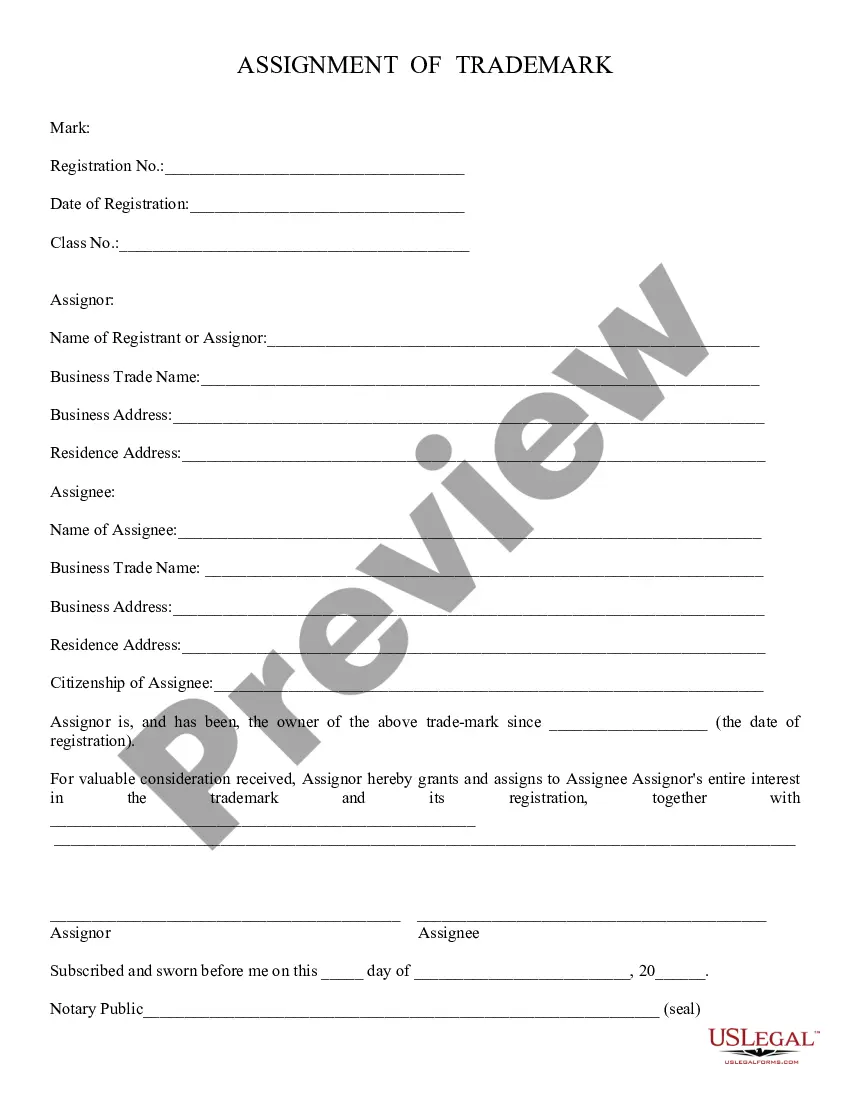
Trademark Class For Software and similar forms generally necessitate that you look for them and find your way to fill them out correctly.
Consequently, if you are handling financial, legal, or personal affairs, utilizing a comprehensive and user-friendly online directory of forms readily available will be very beneficial.
US Legal Forms is the leading online platform for legal templates, featuring over 85,000 state-specific forms and a variety of resources that will assist you in completing your documents swiftly.
Is this your first time using US Legal Forms? Sign up and create an account in just a few minutes, and you’ll gain access to the form directory and Trademark Class For Software. After that, follow the steps below to fill out your form: Ensure you have located the correct form using the Preview feature and reviewing the form description. Select Buy Now when ready, and choose the monthly subscription plan that suits your requirements. Click Download, then fill out, sign, and print the form. US Legal Forms has 25 years of experience helping users manage their legal documents. Obtain the form you need right now and simplify any process effortlessly.
- Browse the directory of pertinent documents accessible to you with just a single click.
- US Legal Forms provides state- and county-specific forms available for download at any time.
- Safeguard your document management processes by utilizing a premium service that enables you to create any form in minutes without any additional or concealed fees.
- Simply Log In to your account, locate Trademark Class For Software, and obtain it immediately within the My documents section.
- You can also retrieve previously downloaded forms.
Form popularity
FAQ
A class 28 trademark includes goods related to games, toys, and sports equipment. While it may not seem directly related to software, certain interactive software products can fall under this classification, especially if they involve gaming. If your software has applications in the gaming industry, you might need to consider a class 28 registration. Using platforms like USLegalForms can guide you through the trademark registration process, ensuring you secure the necessary protections.
Section 42 of the Trade Mark Act addresses the registration of trademarks and the requirements involved. It outlines the grounds for refusal of registration and emphasizes the importance of distinctiveness in trademark applications. This section helps ensure that trademarks, especially in the software sector, are unique and not confusingly similar to existing marks. For software developers, understanding this section is crucial for a successful trademark application.
Trademark class 9 covers goods such as computer software and hardware, while class 42 focuses on services related to software development and technology. If you produce software, you would register under class 9; however, if you provide software as a service, class 42 is more appropriate. Recognizing these distinctions is vital for correctly protecting your intellectual property in the software industry.
Nice Classification 42 pertains to services in the fields of science, technology, and software. This classification includes services like software development, cloud computing, and IT consultancy. Understanding this classification is essential for businesses seeking to protect their trademark for software-related services. By registering under this class, you can safeguard your brand identity in the competitive software market.
To pick a trademark class, start by identifying the primary function of your product or service. Consider the specific industry and the audience you aim to reach. Research existing trademark registrations and consult resources like UsLegalForms to guide you through the classification process, ensuring you select the appropriate trademark class for software and related services.
The trademark class for software typically falls under Class 9, which includes computer software, downloadable applications, and various technology-related products. However, depending on your software's specific functions and services, it might also involve other classes, like Class 42 for software as a service (SaaS). It's crucial to accurately select the right trademark class for software to protect your brand effectively.
TM 44 refers to the classification system used by the United States Patent and Trademark Office (USPTO) to categorize goods and services for trademark registration. This classification helps ensure that trademarks are not confused or misused within similar industries. If you are considering a trademark class for software, it is essential to understand where your product fits within these categories to avoid legal issues.
Yes, you can trademark software, but it's important to understand that you are protecting the brand name, logo, or slogan associated with the software, not the software code itself. To do this, you will typically register under Class 9 for the software product. Utilizing resources like US Legal Forms can simplify the trademarking process, ensuring your software brand is legally protected.
Trademark Class 27 encompasses goods related to carpets, rugs, mats, and matting, as well as artificial turf. This class does not pertain to software or technology, so it is less relevant for businesses in the tech industry. Knowing the specific classes helps you avoid confusion and ensures that your trademark registration is accurate.
Selecting the appropriate class in trademark registration involves understanding the nature of your product or service. You should assess whether your offering is a good or a service, and then refer to the Nice Classification system. If you need assistance, platforms like US Legal Forms can guide you through the process of selecting the right trademark class for software.