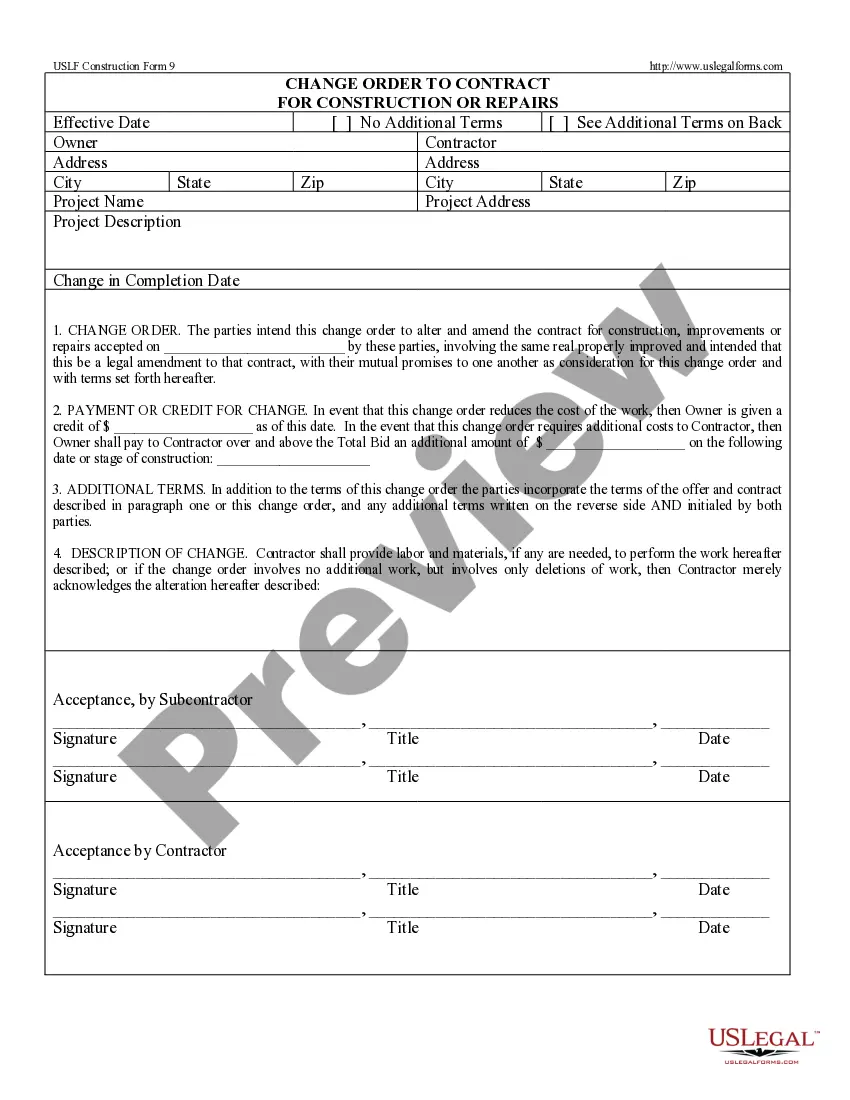
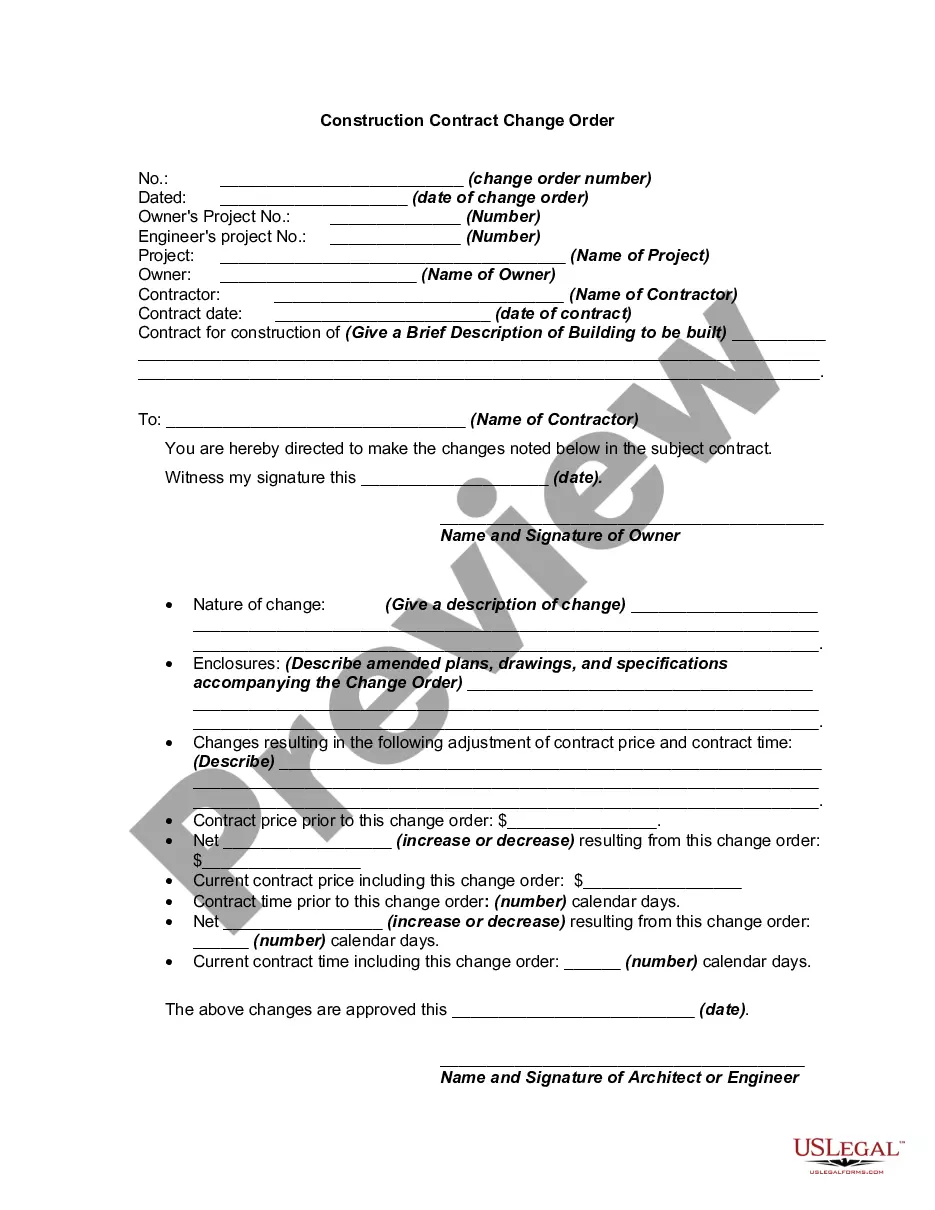
Change Terms Construction With O
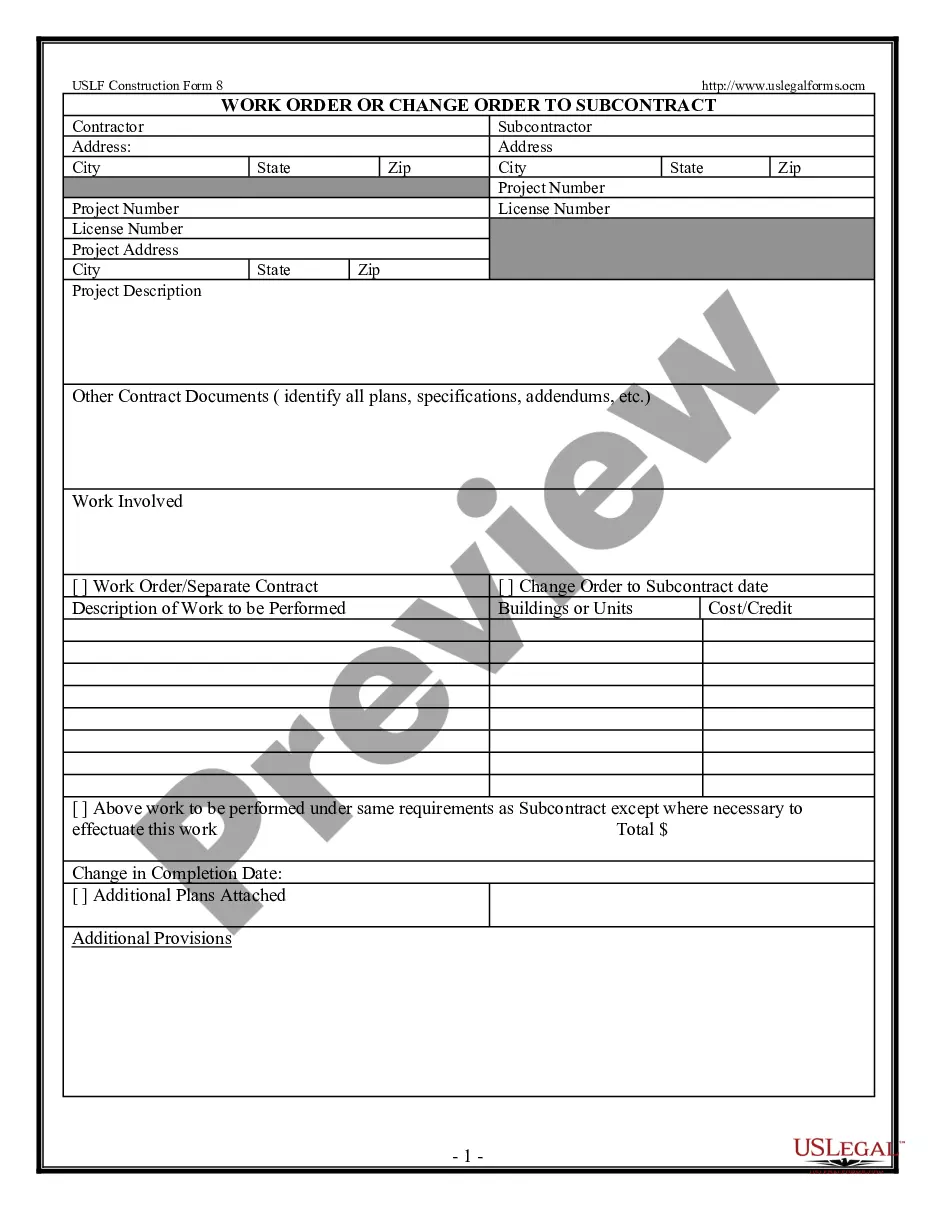
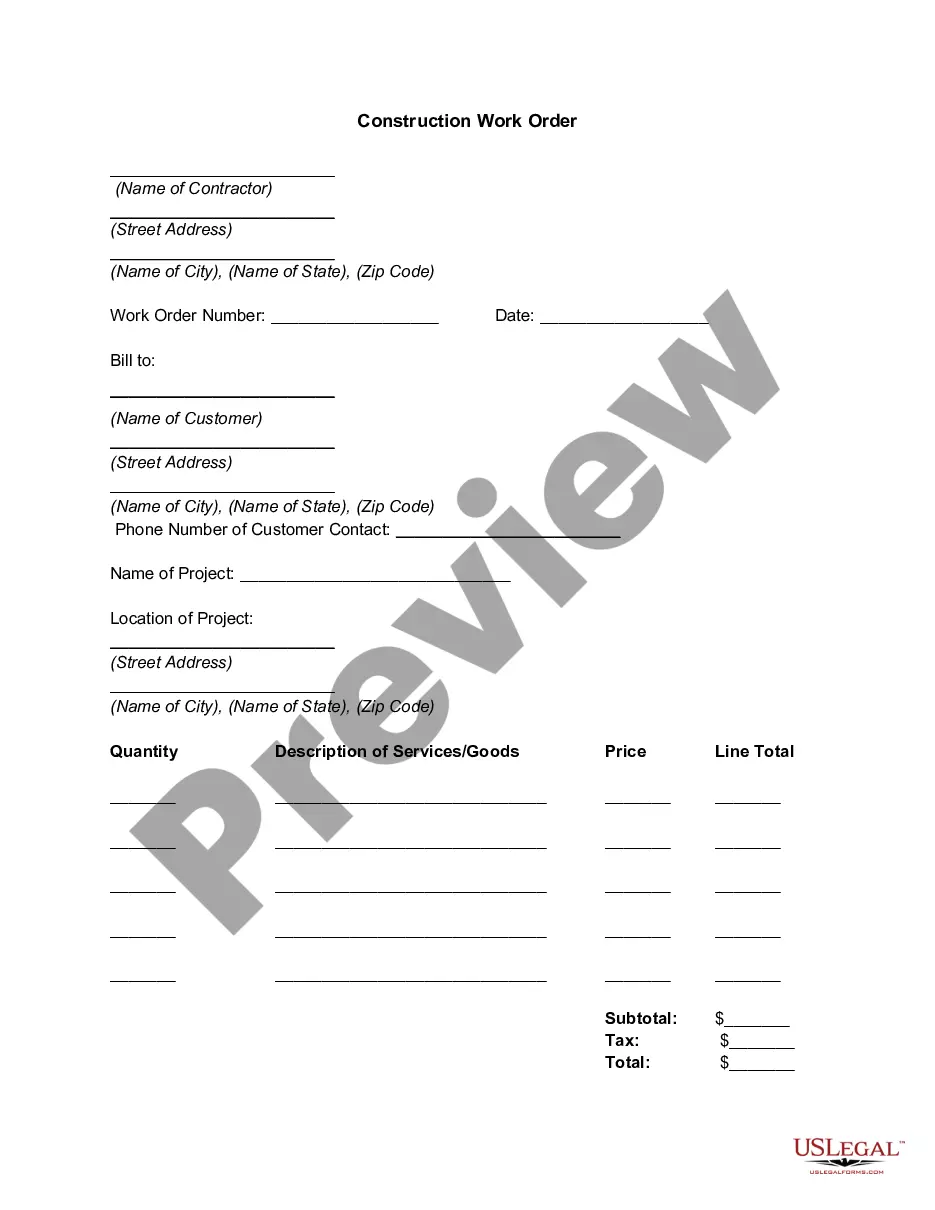
Description
Get your form ready online
Our built-in tools help you complete, sign, share, and store your documents in one place.
Make edits, fill in missing information, and update formatting in US Legal Forms—just like you would in MS Word.
Download a copy, print it, send it by email, or mail it via USPS—whatever works best for your next step.
Sign and collect signatures with our SignNow integration. Send to multiple recipients, set reminders, and more. Go Premium to unlock E-Sign.
If this form requires notarization, complete it online through a secure video call—no need to meet a notary in person or wait for an appointment.
We protect your documents and personal data by following strict security and privacy standards.

Make edits, fill in missing information, and update formatting in US Legal Forms—just like you would in MS Word.

Download a copy, print it, send it by email, or mail it via USPS—whatever works best for your next step.

Sign and collect signatures with our SignNow integration. Send to multiple recipients, set reminders, and more. Go Premium to unlock E-Sign.

If this form requires notarization, complete it online through a secure video call—no need to meet a notary in person or wait for an appointment.

We protect your documents and personal data by following strict security and privacy standards.
Looking for another form?

How to fill out Change Order For Construction Or Repairs By Contractor?
Handling legal documents and procedures could be a time-consuming addition to your day. Change Terms Construction With O and forms like it typically require you to search for them and navigate how to complete them effectively. As a result, whether you are taking care of economic, legal, or personal matters, having a thorough and convenient web library of forms on hand will significantly help.
US Legal Forms is the number one web platform of legal templates, boasting over 85,000 state-specific forms and a variety of resources to assist you complete your documents quickly. Explore the library of relevant papers available to you with just a single click.
US Legal Forms offers you state- and county-specific forms offered by any moment for downloading. Protect your papers managing operations having a top-notch support that allows you to put together any form within minutes without any additional or hidden cost. Just log in to your profile, locate Change Terms Construction With O and acquire it immediately within the My Forms tab. You may also gain access to previously downloaded forms.
Is it the first time utilizing US Legal Forms? Sign up and set up up your account in a few minutes and you will gain access to the form library and Change Terms Construction With O. Then, follow the steps below to complete your form:
- Ensure you have discovered the proper form using the Review feature and looking at the form information.
- Select Buy Now once ready, and select the monthly subscription plan that meets your needs.
- Select Download then complete, sign, and print the form.
US Legal Forms has twenty five years of experience supporting users control their legal documents. Get the form you need right now and improve any operation without breaking a sweat.
Form popularity
FAQ
6 things every change order should include Project and contact information. Dates of the change. Details of the work. Updated schedule. Cost of the change. Updated contract value. Match the payment application. Get it in writing ? and save it.
Zero Cost. This type of change order does not change the contracted price, but is used to document scope- of-work changes that do not affect the contract value.
The amendment should be clear and concise. It should state the changes that are being made and the effective date of the changes. All parties should sign the amendment, ensuring that everyone has agreed that these changes have been made. You could use a template for your contract amendments.
All documents should include the names of the parties, the contract reference, and the date of the change. Furthermore, they should state that they are subject to the contract and do not waive any rights or obligations. Signatures from all parties or their authorized representatives may be required for some documents.
Lump sum. Zero cost. Time & Material. Unitary Cost.