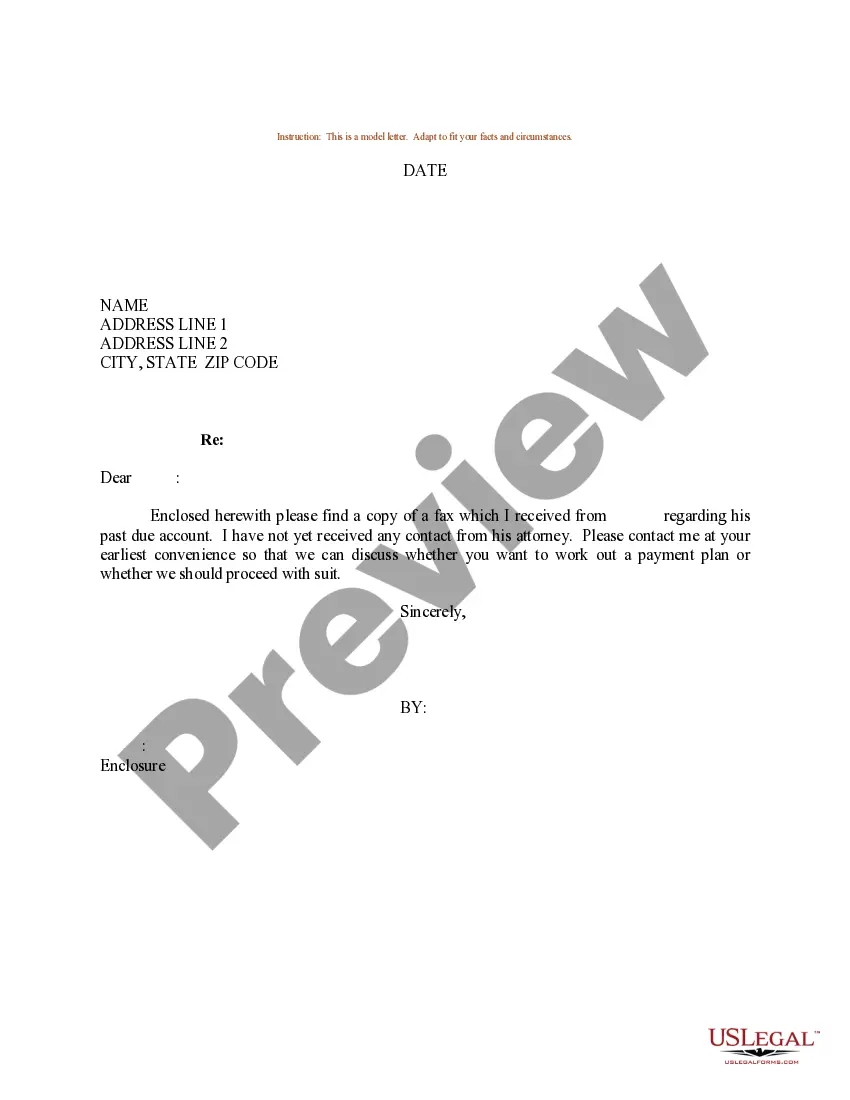
Sample Contract With Notary Public
Description
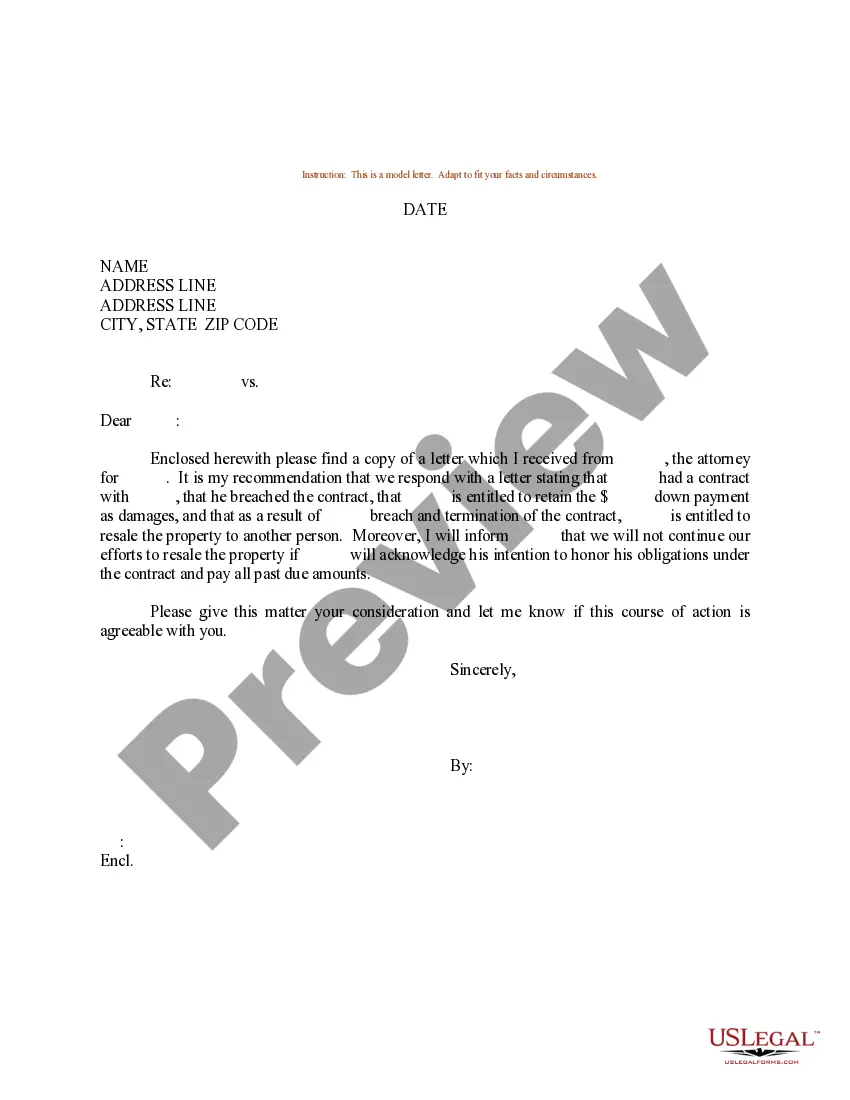
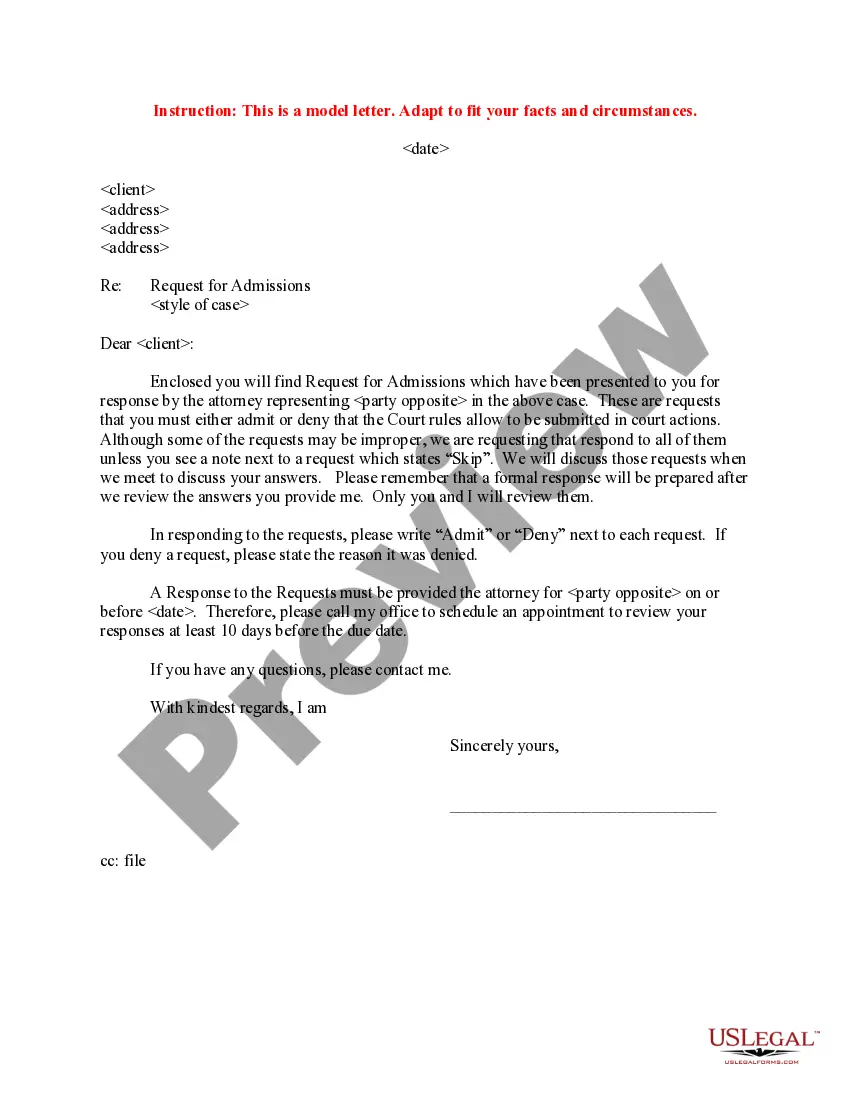
Get your form ready online
Our built-in tools help you complete, sign, share, and store your documents in one place.
Make edits, fill in missing information, and update formatting in US Legal Forms—just like you would in MS Word.
Download a copy, print it, send it by email, or mail it via USPS—whatever works best for your next step.
Sign and collect signatures with our SignNow integration. Send to multiple recipients, set reminders, and more. Go Premium to unlock E-Sign.
If this form requires notarization, complete it online through a secure video call—no need to meet a notary in person or wait for an appointment.
We protect your documents and personal data by following strict security and privacy standards.

Make edits, fill in missing information, and update formatting in US Legal Forms—just like you would in MS Word.

Download a copy, print it, send it by email, or mail it via USPS—whatever works best for your next step.

Sign and collect signatures with our SignNow integration. Send to multiple recipients, set reminders, and more. Go Premium to unlock E-Sign.

If this form requires notarization, complete it online through a secure video call—no need to meet a notary in person or wait for an appointment.

We protect your documents and personal data by following strict security and privacy standards.
Looking for another form?
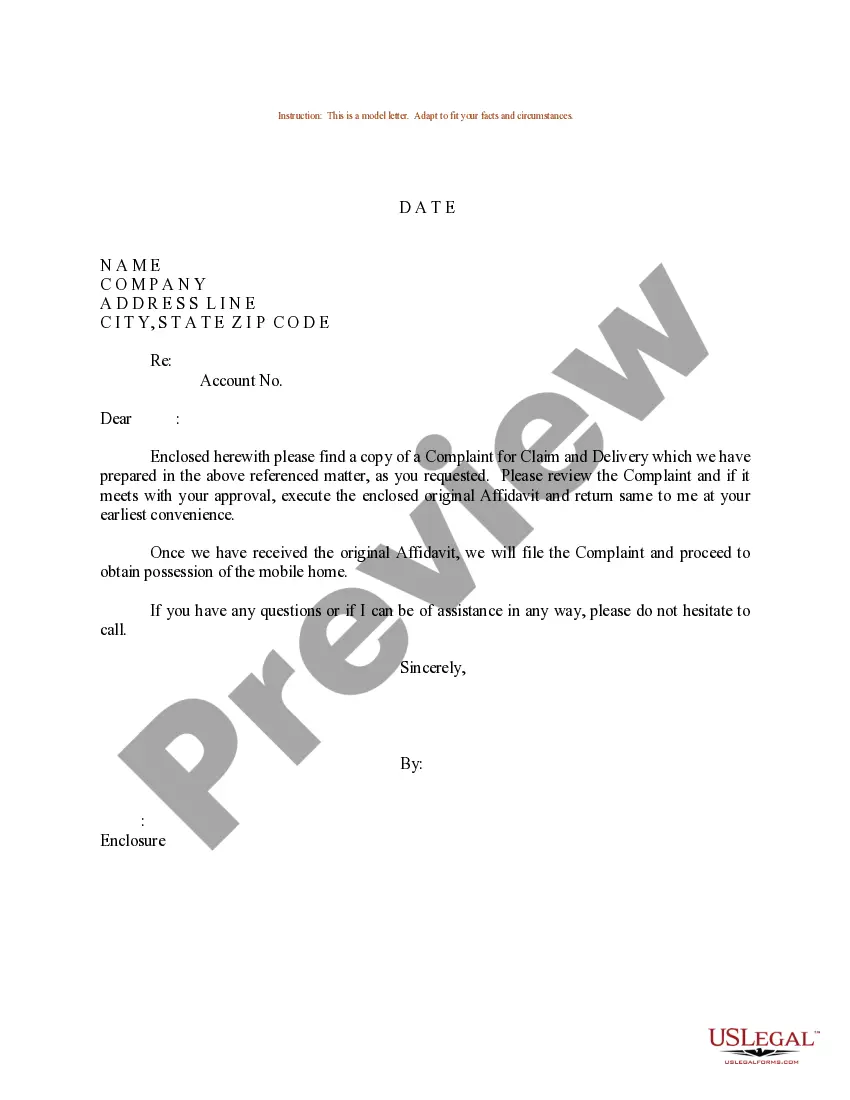
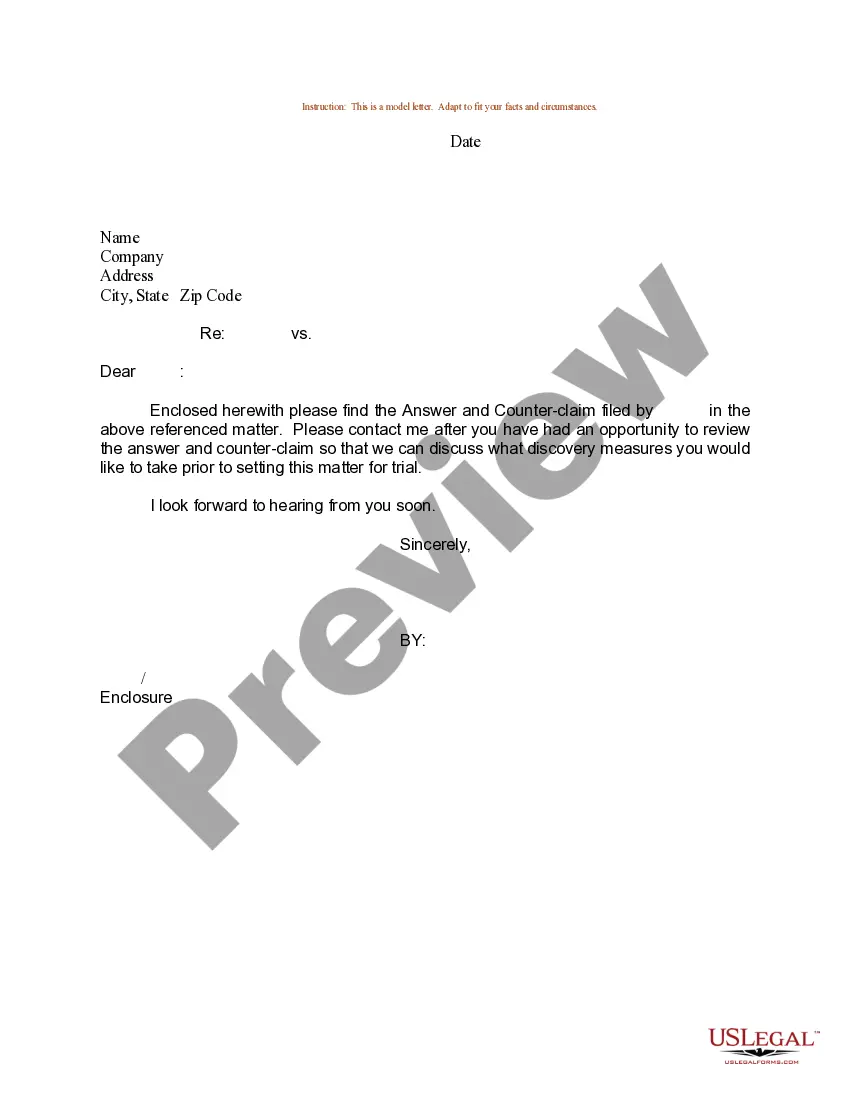
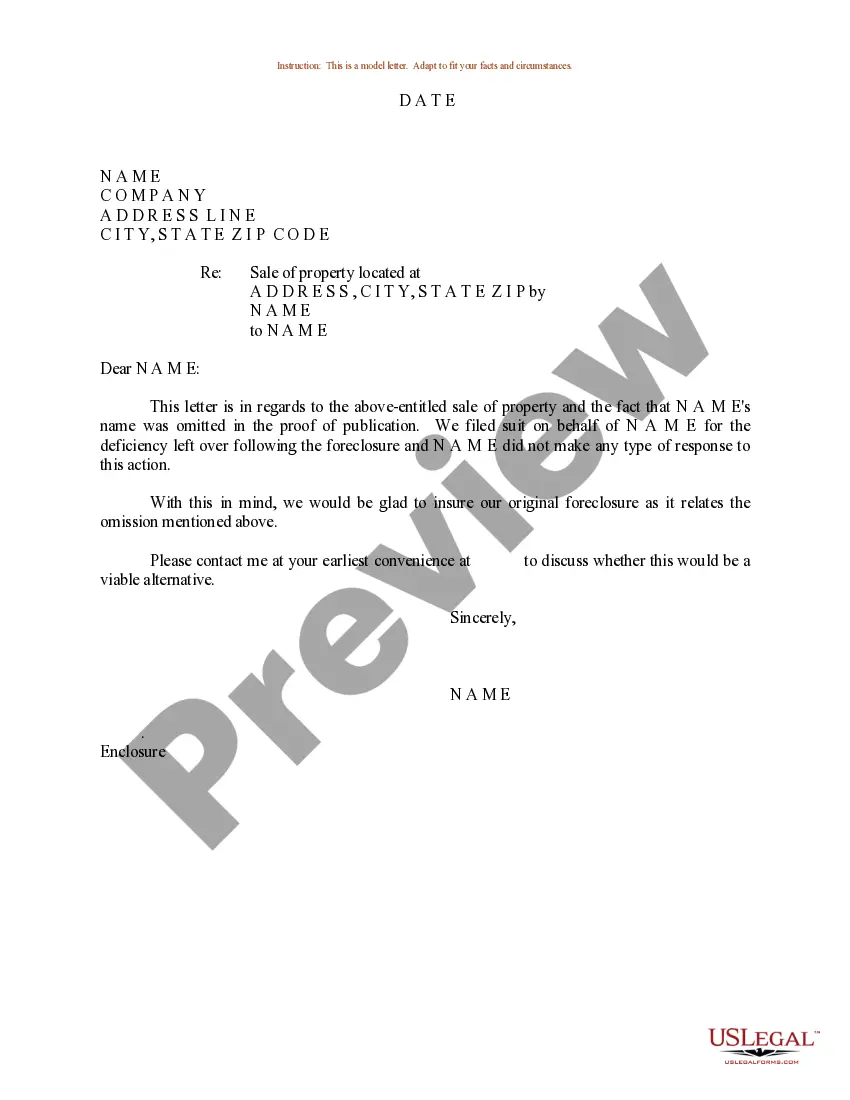
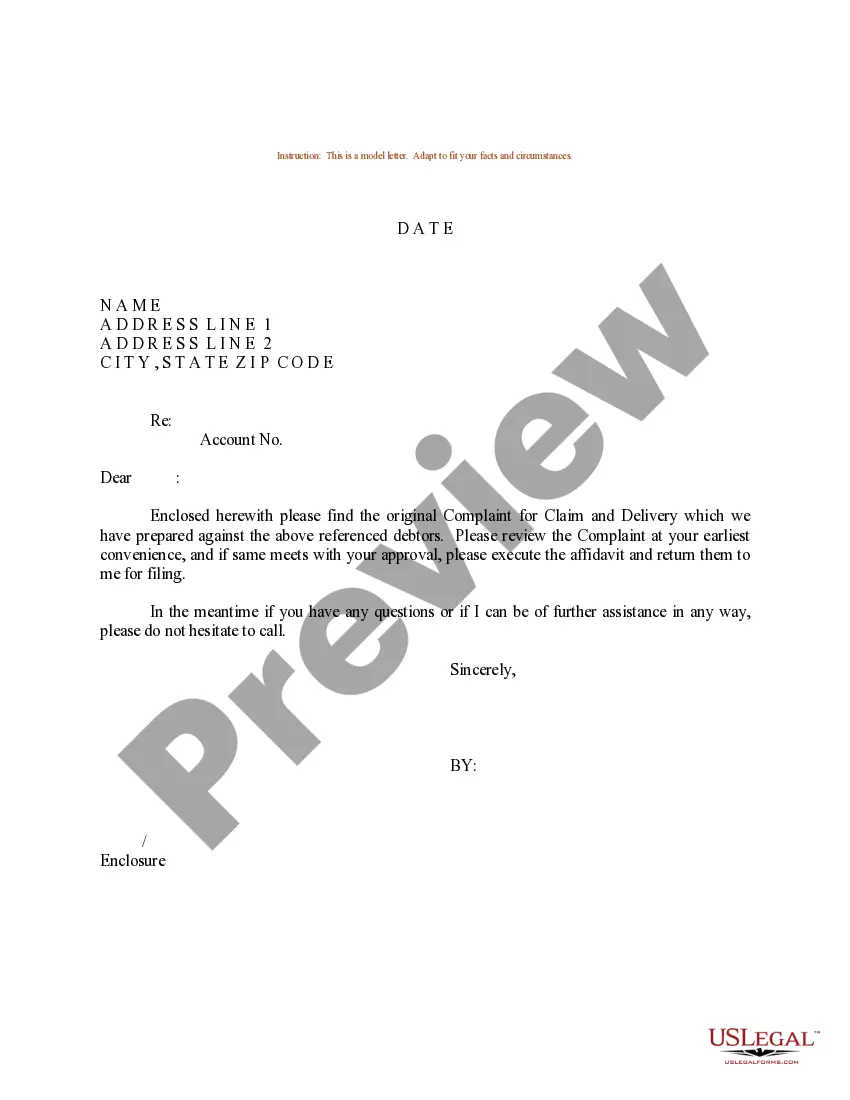
How to fill out Sample Letter For Request For Client Contact?
Regardless of whether for commercial reasons or personal matters, everyone must handle legal issues at some point in their lifetime. Completing legal documents requires meticulous attention, starting with selecting the appropriate form template.
For example, if you choose an incorrect version of a Sample Contract With Notary Public, it will be rejected when submitted. Thus, it is vital to have a trustworthy source of legal paperwork such as US Legal Forms.
With a broad US Legal Forms catalog available, you won’t need to waste time searching for the correct template across the internet. Utilize the library’s straightforward navigation to find the right form for any situation.
- Locate the template you require using the search bar or catalog browsing.
- Review the form’s description to confirm it fits your situation, state, and locality.
- Click on the form’s preview to examine it.
- If it is the incorrect document, return to the search feature to find the Sample Contract With Notary Public example you need.
- Download the document once it satisfies your requirements.
- If you already possess a US Legal Forms account, simply click Log in to access previously saved templates in My documents.
- In case you don’t have an account yet, you can acquire the form by clicking Buy now.
- Select the appropriate pricing option.
- Fill out the account registration form.
- Choose your payment method: you can utilize a credit card or PayPal account.
- Select the file format you prefer and download the Sample Contract With Notary Public.
- Once downloaded, you will be able to complete the form using editing software or print it out to fill it out manually.
Form popularity
FAQ
How to write a letter to be notarized Use a proper heading. First things first, to make it easy for the notary to understand the document they're notarizing, use a distinct heading. ... Use the right address. ... Provide the correct details. ... Include your name. ... Leave space for signatures.
Create a signature line in Word or Excel On the Insert tab, in the Text group, click the Signature Line list, and then click Microsoft Office Signature Line. In the Signature Setup dialog box, type information that will appear beneath the signature line: Suggested signer The signer's full name.
Add to word list Add to word list. If a letter or other document is notarized, it is signed by a notary public: a notarized affidavit. The airline requires children traveling alone to have a notarized letter of consent from one or both parents. SMART Vocabulary: related words and phrases.
You need to draft a letter formally and add suitable headings. Write a letter that mentions your state and county with your full address. Once you draft your letter, make sure to leave some space for the signature. Always remember that you'll be signing your written letter in the presence of a public notary.
A Notarized Agreement is an Agreement that is attested by a Notary Public. The Notary public only verifies the identity of the Licensors and the Licensees signing the agreement and stamps the agreement as ?Signed Before me?.