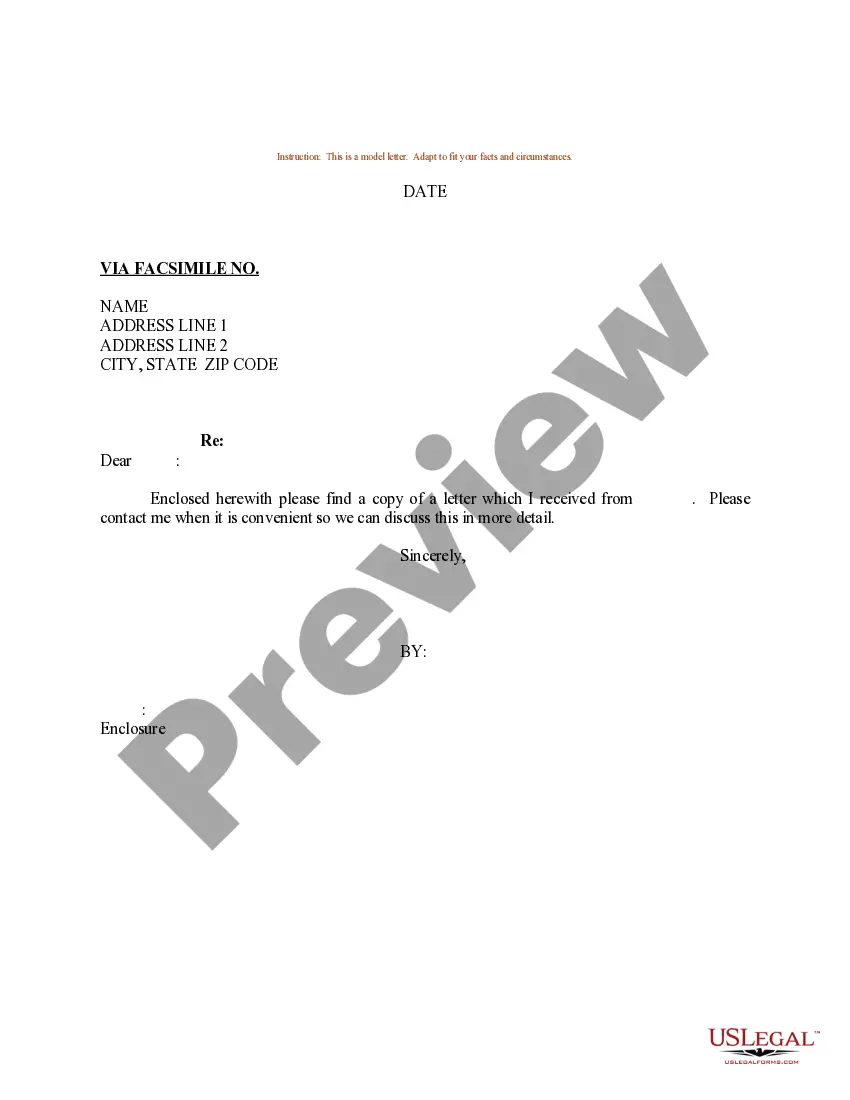
Forwarding Letter Sample In English
Description

Get your form ready online
Our built-in tools help you complete, sign, share, and store your documents in one place.
Make edits, fill in missing information, and update formatting in US Legal Forms—just like you would in MS Word.
Download a copy, print it, send it by email, or mail it via USPS—whatever works best for your next step.
Sign and collect signatures with our SignNow integration. Send to multiple recipients, set reminders, and more. Go Premium to unlock E-Sign.
If this form requires notarization, complete it online through a secure video call—no need to meet a notary in person or wait for an appointment.
We protect your documents and personal data by following strict security and privacy standards.

Make edits, fill in missing information, and update formatting in US Legal Forms—just like you would in MS Word.

Download a copy, print it, send it by email, or mail it via USPS—whatever works best for your next step.

Sign and collect signatures with our SignNow integration. Send to multiple recipients, set reminders, and more. Go Premium to unlock E-Sign.

If this form requires notarization, complete it online through a secure video call—no need to meet a notary in person or wait for an appointment.

We protect your documents and personal data by following strict security and privacy standards.
Looking for another form?
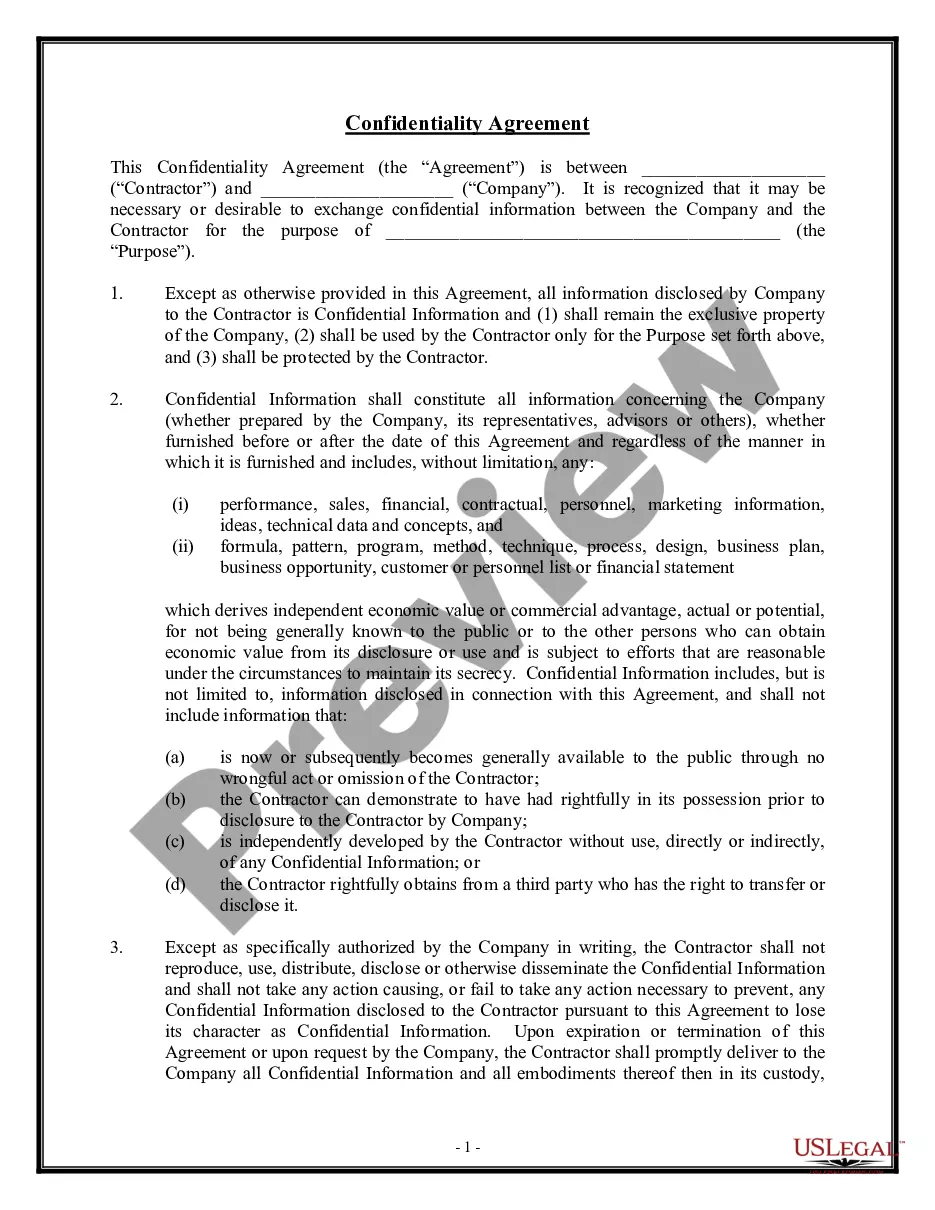





How to fill out Sample Letter For Forwarding Of Correspondence?
Legal papers managing can be mind-boggling, even for the most knowledgeable experts. When you are interested in a Forwarding Letter Sample In English and don’t get the a chance to commit in search of the right and updated version, the operations might be stressful. A robust online form library could be a gamechanger for anyone who wants to handle these situations efficiently. US Legal Forms is a market leader in online legal forms, with more than 85,000 state-specific legal forms accessible to you at any time.
With US Legal Forms, you can:
- Access state- or county-specific legal and organization forms. US Legal Forms covers any demands you could have, from personal to organization papers, all-in-one spot.
- Utilize innovative resources to complete and handle your Forwarding Letter Sample In English
- Access a useful resource base of articles, instructions and handbooks and materials highly relevant to your situation and needs
Save time and effort in search of the papers you need, and employ US Legal Forms’ advanced search and Preview tool to get Forwarding Letter Sample In English and download it. If you have a subscription, log in for your US Legal Forms profile, search for the form, and download it. Review your My Forms tab to view the papers you previously saved as well as handle your folders as you can see fit.
If it is the first time with US Legal Forms, make an account and get unlimited use of all benefits of the platform. Listed below are the steps to consider after accessing the form you want:
- Validate this is the correct form by previewing it and reading through its description.
- Be sure that the sample is approved in your state or county.
- Choose Buy Now once you are all set.
- Select a subscription plan.
- Find the file format you want, and Download, complete, eSign, print out and deliver your document.
Benefit from the US Legal Forms online library, supported with 25 years of expertise and reliability. Change your everyday document managing in a easy and easy-to-use process right now.
Form popularity
FAQ
Mention your top 2-3 achievements, your top skills, why you want to work in that specific industry, and whatever else is relevant. The third paragraph - End your cover letter with a call to action. E.g. ?I would love to meet personally and discuss how I can help Company X.?
Dear [Hiring manager's name], I'm writing to express my interest in the position of [job title] at [company]. [Explain how you heard about the job and name your contact if you were referred by someone within the company.] I believe my [skills and qualifications] make me an ideal fit for this job.
To create an effective opening to your cover letter, follow these steps: Convey enthusiasm for the company. ... Highlight a mutual connection. ... Lead with an impressive accomplishment. ... Bring up something newsworthy. ... Express passion for what you do. ... Tell a creative story. ... Start with a belief statement.
To write a cover letter that's simple but also professional, make sure to include a header with your personal information, a formal greeting to the hiring manager, an attention-grabbing opening paragraph, a second paragraph explaining why you're a good candidate for the job, and a formal closing (preferably with a call ...
How to write a cover letter in 6 steps Start with your header. ... Include a greeting. ... Write an opening paragraph. ... Add a second paragraph. ... Finish with a closing paragraph. ... End with a professional signoff.