Content License Agreement Template For Youtube
Description
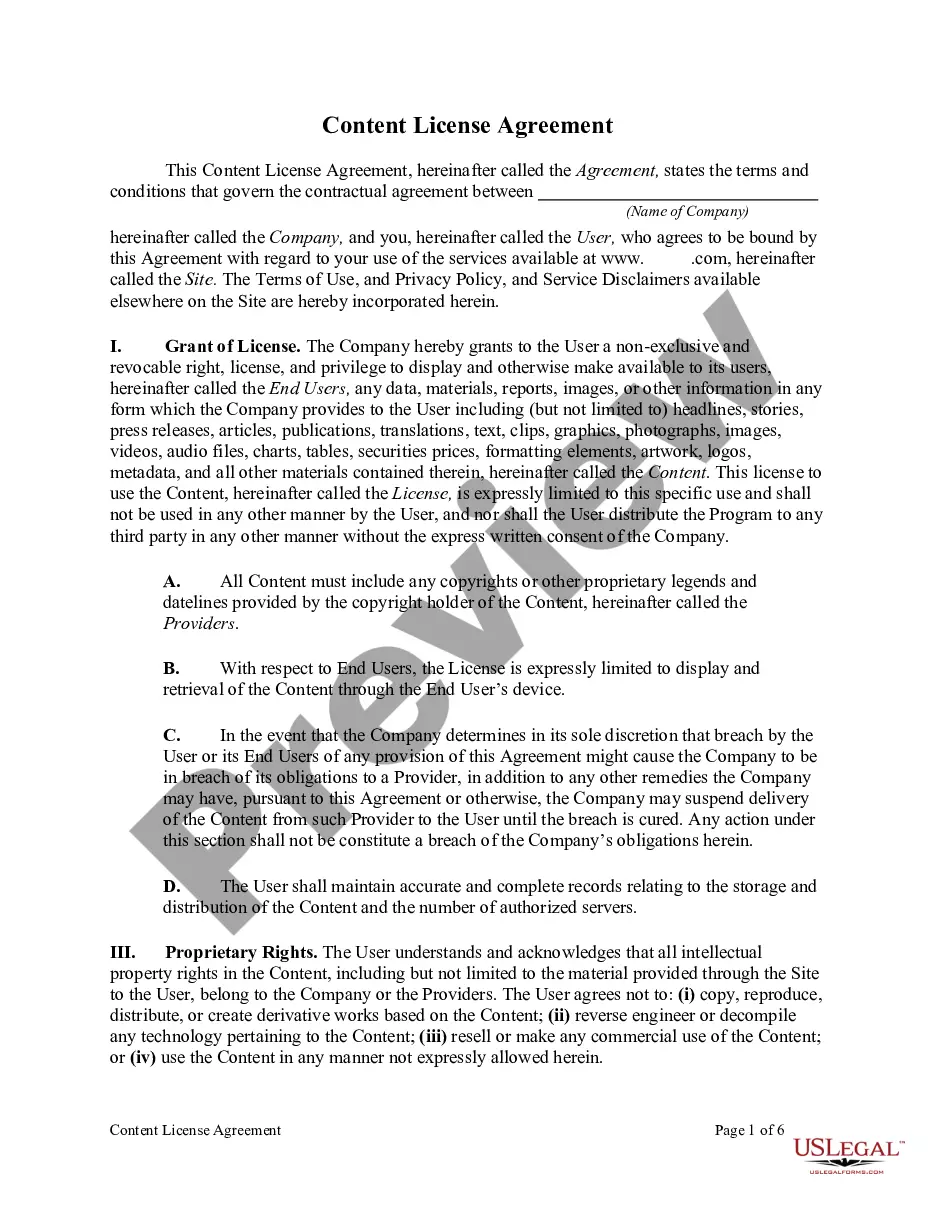
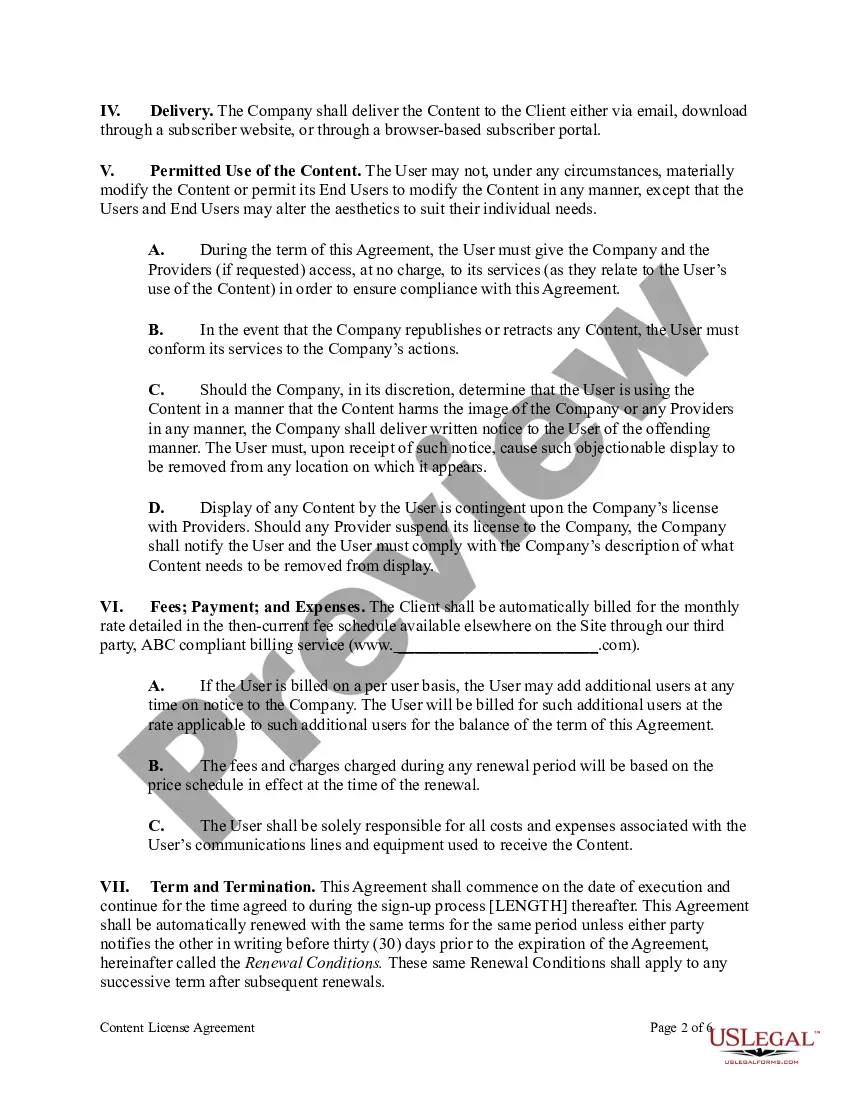
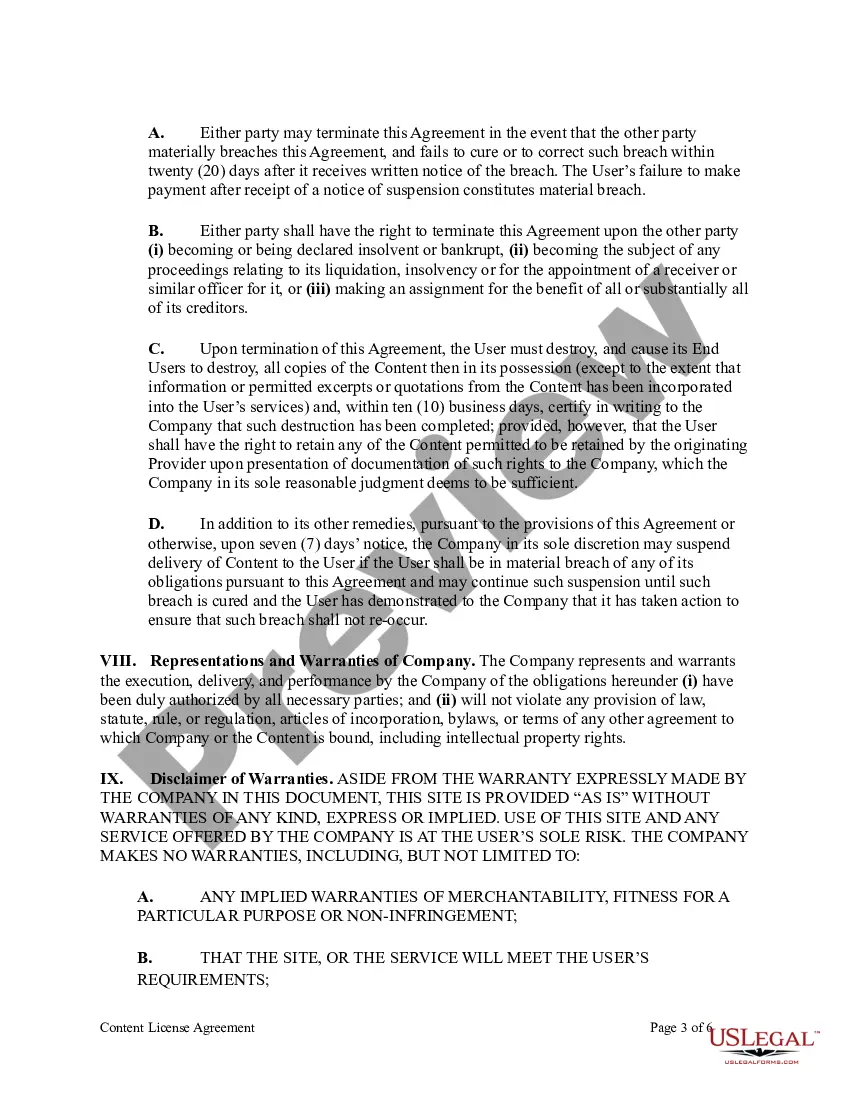
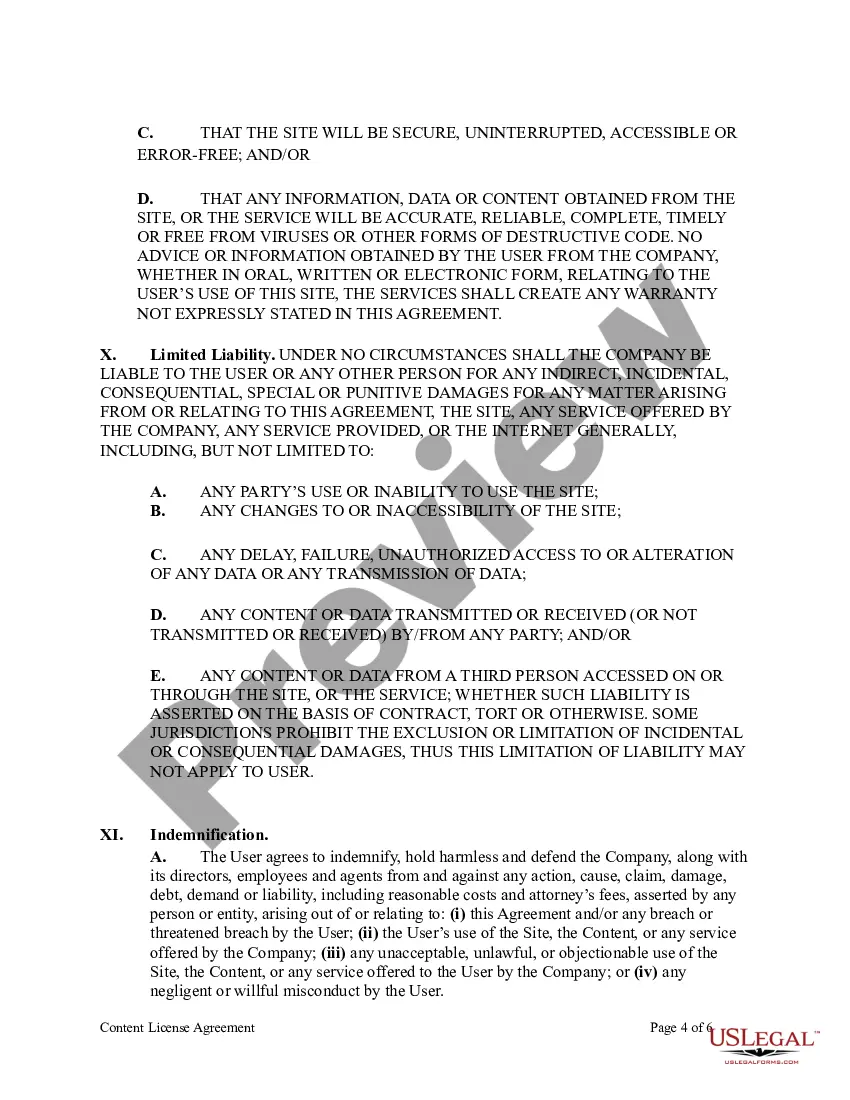
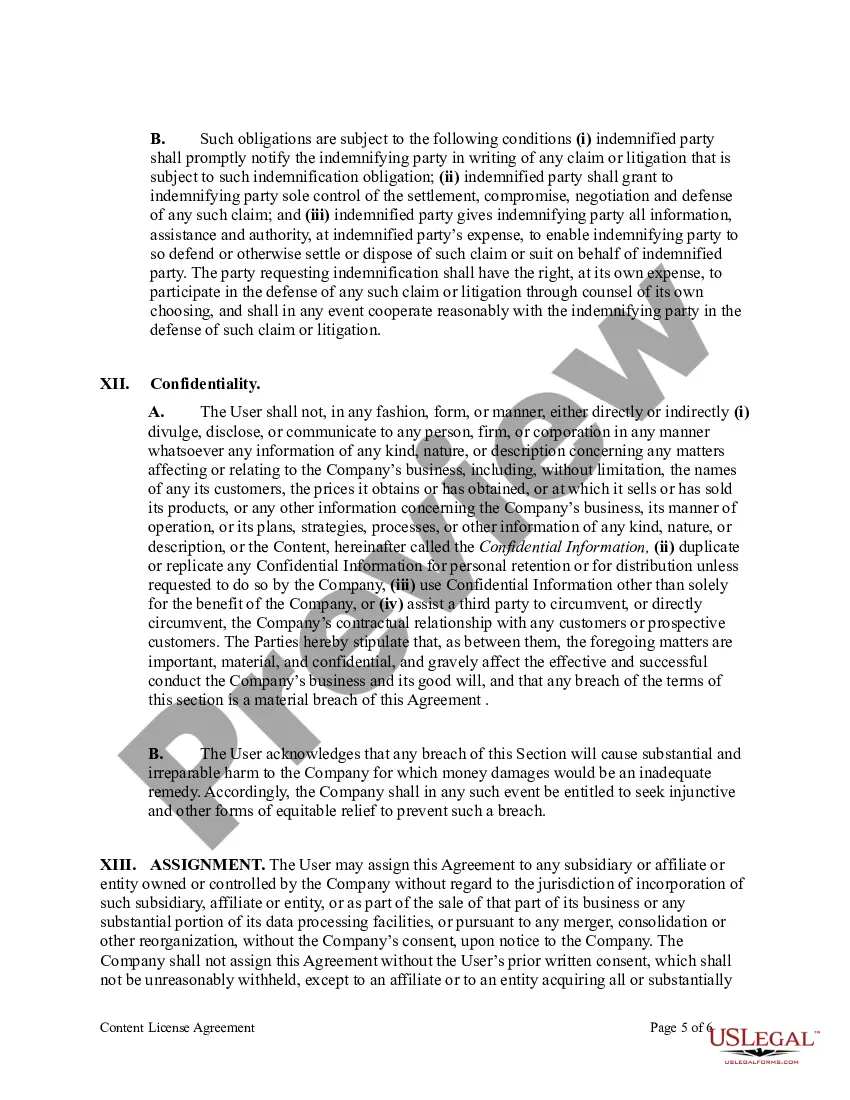
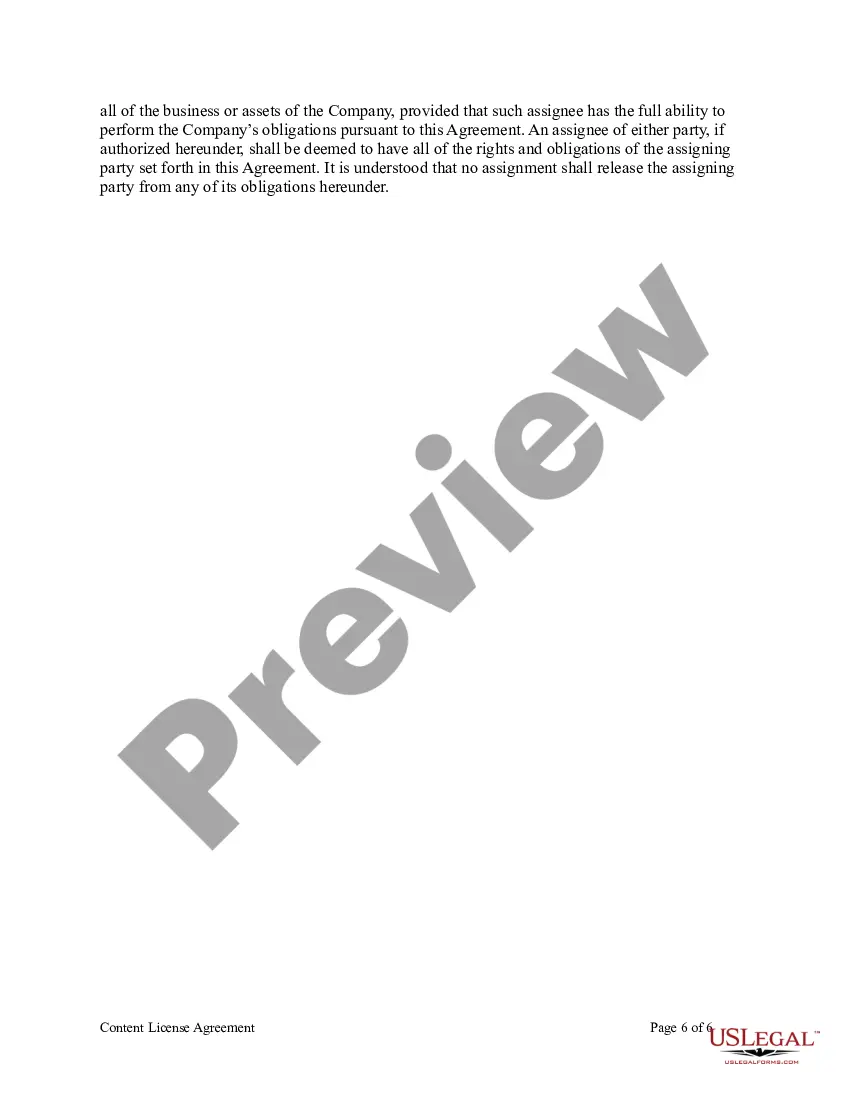
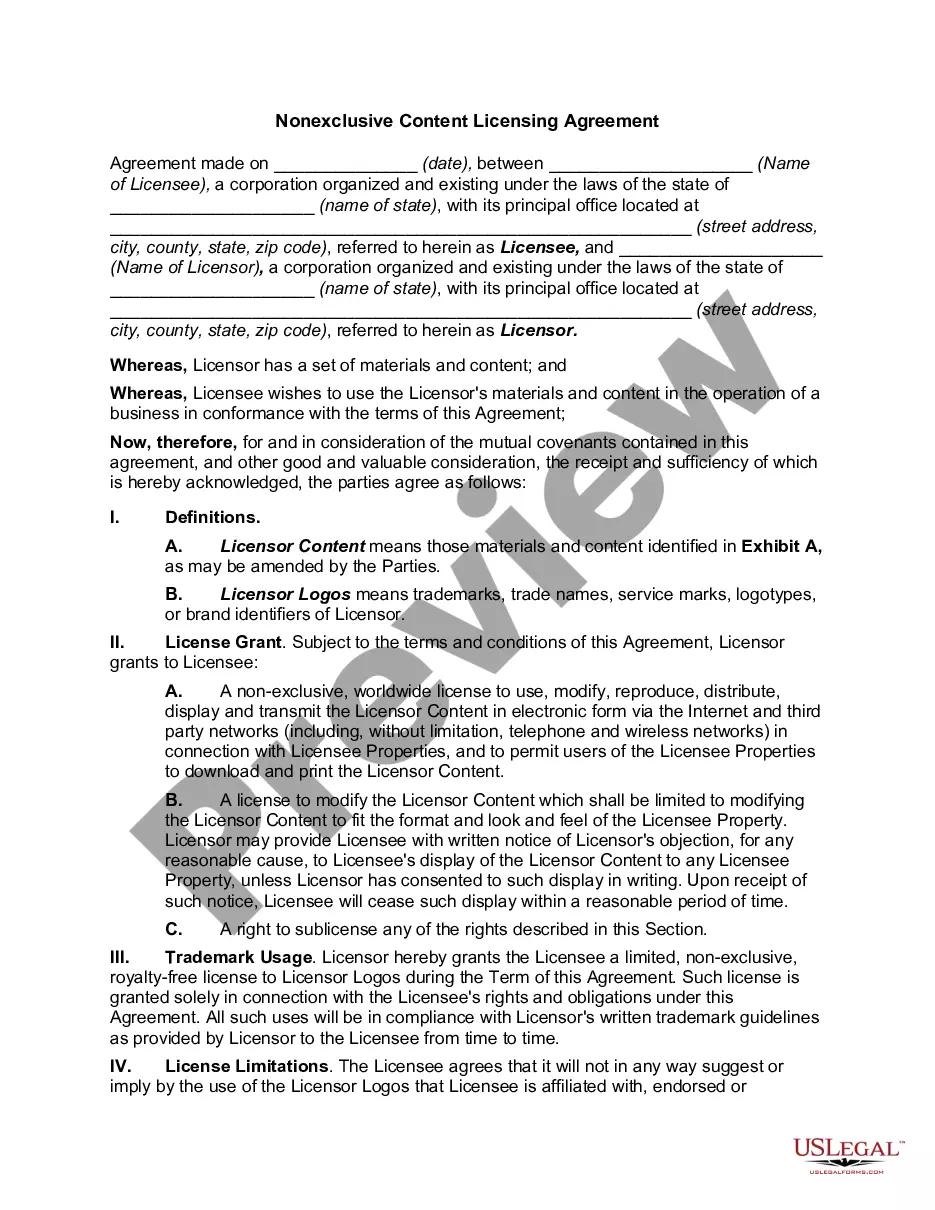
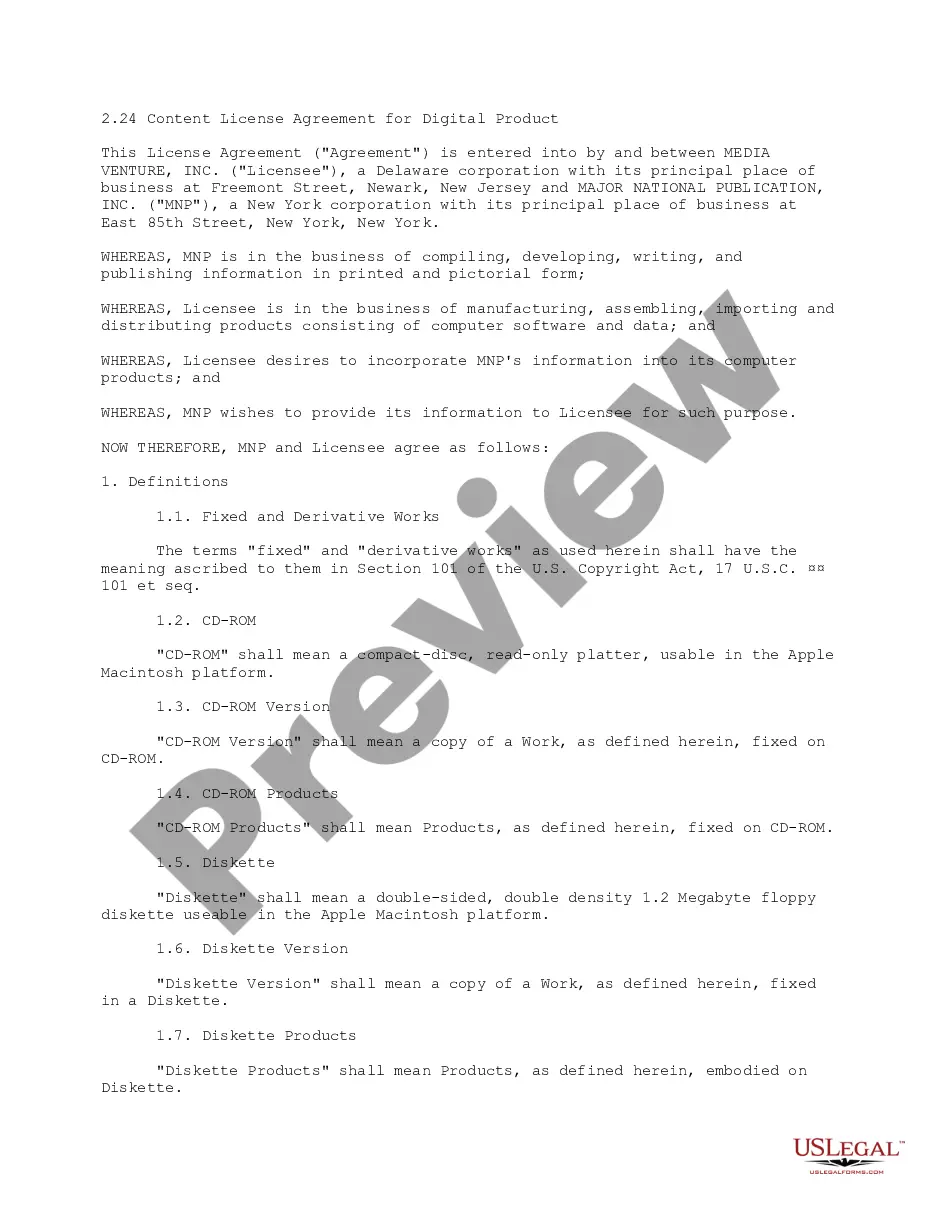
Get your form ready online
Our built-in tools help you complete, sign, share, and store your documents in one place.
Make edits, fill in missing information, and update formatting in US Legal Forms—just like you would in MS Word.
Download a copy, print it, send it by email, or mail it via USPS—whatever works best for your next step.
Sign and collect signatures with our SignNow integration. Send to multiple recipients, set reminders, and more. Go Premium to unlock E-Sign.
If this form requires notarization, complete it online through a secure video call—no need to meet a notary in person or wait for an appointment.
We protect your documents and personal data by following strict security and privacy standards.

Make edits, fill in missing information, and update formatting in US Legal Forms—just like you would in MS Word.

Download a copy, print it, send it by email, or mail it via USPS—whatever works best for your next step.

Sign and collect signatures with our SignNow integration. Send to multiple recipients, set reminders, and more. Go Premium to unlock E-Sign.

If this form requires notarization, complete it online through a secure video call—no need to meet a notary in person or wait for an appointment.

We protect your documents and personal data by following strict security and privacy standards.
Looking for another form?

How to fill out Content License Agreement?
Legal document managing can be frustrating, even for knowledgeable professionals. When you are interested in a Content License Agreement Template For Youtube and don’t have the a chance to commit in search of the correct and updated version, the operations might be nerve-racking. A robust web form library can be a gamechanger for anyone who wants to deal with these situations successfully. US Legal Forms is a industry leader in online legal forms, with over 85,000 state-specific legal forms accessible to you at any time.
With US Legal Forms, you can:
- Gain access to state- or county-specific legal and organization forms. US Legal Forms covers any requirements you could have, from individual to organization paperwork, in one location.
- Utilize advanced tools to accomplish and manage your Content License Agreement Template For Youtube
- Gain access to a resource base of articles, tutorials and handbooks and resources relevant to your situation and requirements
Save effort and time in search of the paperwork you will need, and employ US Legal Forms’ advanced search and Preview feature to find Content License Agreement Template For Youtube and acquire it. If you have a monthly subscription, log in to the US Legal Forms profile, search for the form, and acquire it. Review your My Forms tab to find out the paperwork you previously saved and also to manage your folders as you can see fit.
If it is your first time with US Legal Forms, register an account and acquire limitless usage of all benefits of the platform. Listed below are the steps for taking after accessing the form you need:
- Confirm it is the right form by previewing it and looking at its information.
- Ensure that the sample is recognized in your state or county.
- Select Buy Now when you are all set.
- Select a monthly subscription plan.
- Pick the file format you need, and Download, complete, eSign, print out and send out your papers.
Benefit from the US Legal Forms web library, supported with 25 years of expertise and trustworthiness. Transform your everyday papers managing in to a easy and easy-to-use process today.
Form popularity
FAQ
Yes, YouTube automation is entirely legal. However, it's important to follow YouTube automation policies while operating your automated channel.
The standard YouTube license is YouTube's default setting for all uploads. It basically allows creators to retain full ownership of their content while giving all broadcasting rights to YouTube.
Let's jump right in. Step 1: Define Your YouTube Channel Goals. ... Step 2: Research Your Target Audience. ... Step 3: Research Competitors. ... Step 4: Plan Your Content. ... Step 5: Execute Your Plan. ... Step 6: Repurpose Your Youtube Videos For Different Social Networks. ... Step 7: Evaluate And Adjust Your YouTube Strategy.
License Agreement Tips Firmly establish ownership. A good contract should clearly state what rights are being granted pertaining to the intellectual property in question. ... Do not overlook definitions. ... Define the royalty system. ... Explain the quality assurance monitoring process. ... Be aware of government regulations.
License Agreement Tips Firmly establish ownership. A good contract should clearly state what rights are being granted pertaining to the intellectual property in question. ... Do not overlook definitions. ... Define the royalty system. ... Explain the quality assurance monitoring process. ... Be aware of government regulations.