Agreement Manufactured Home With Basement
Description
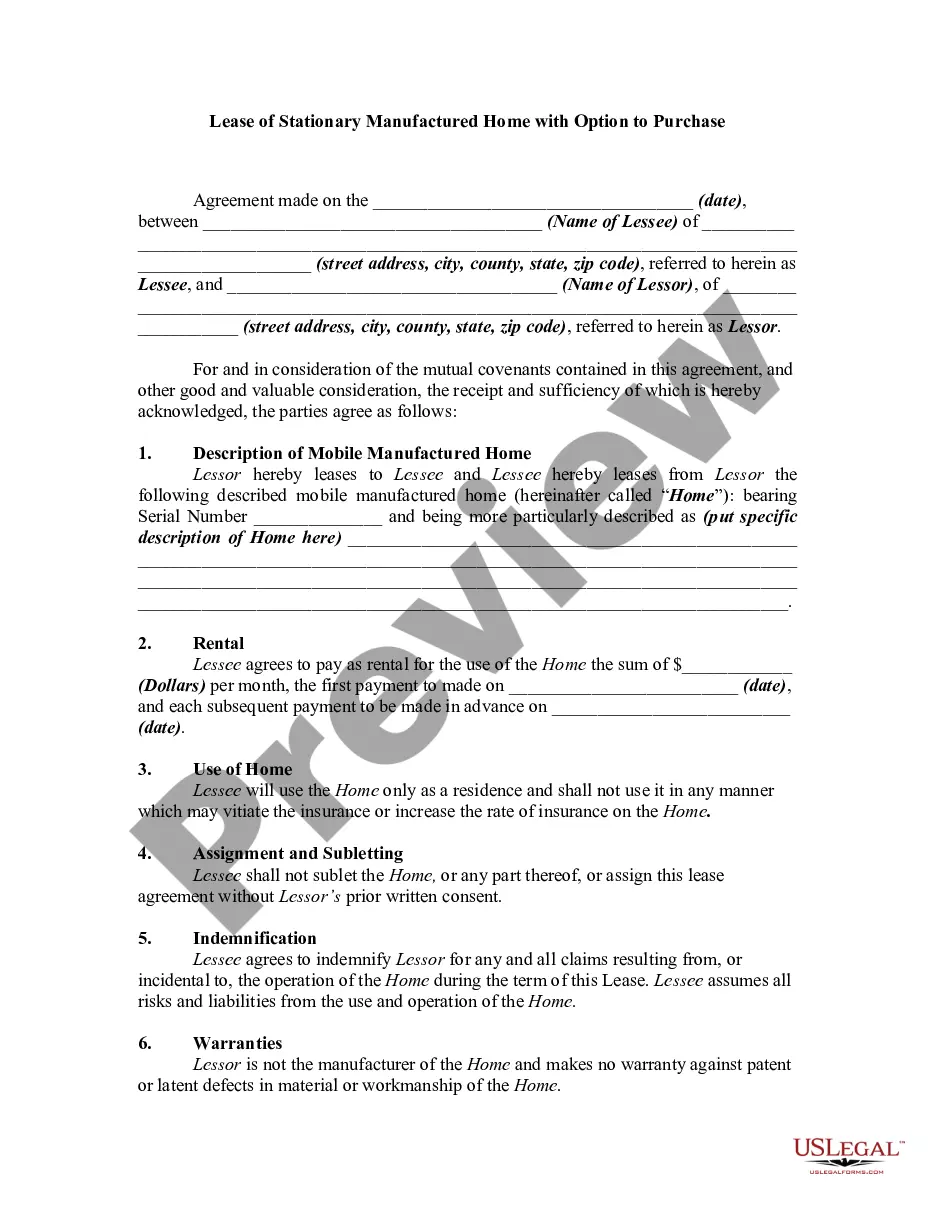
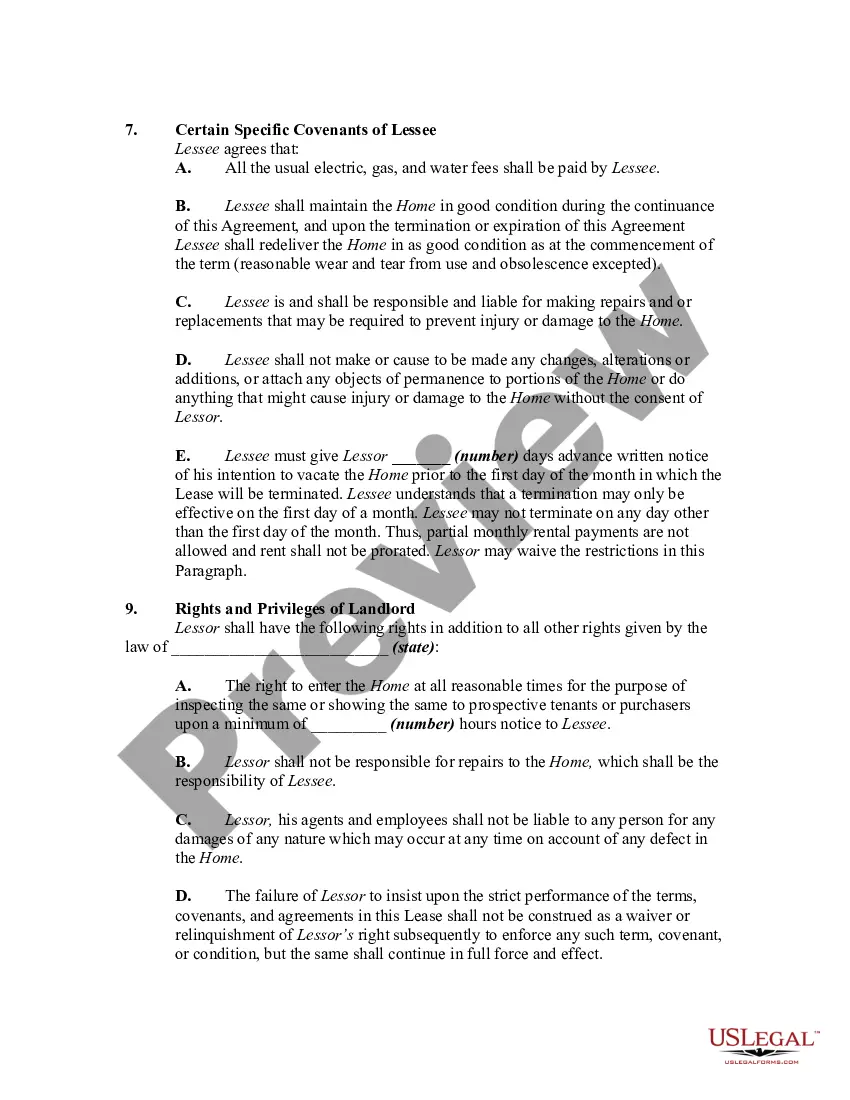
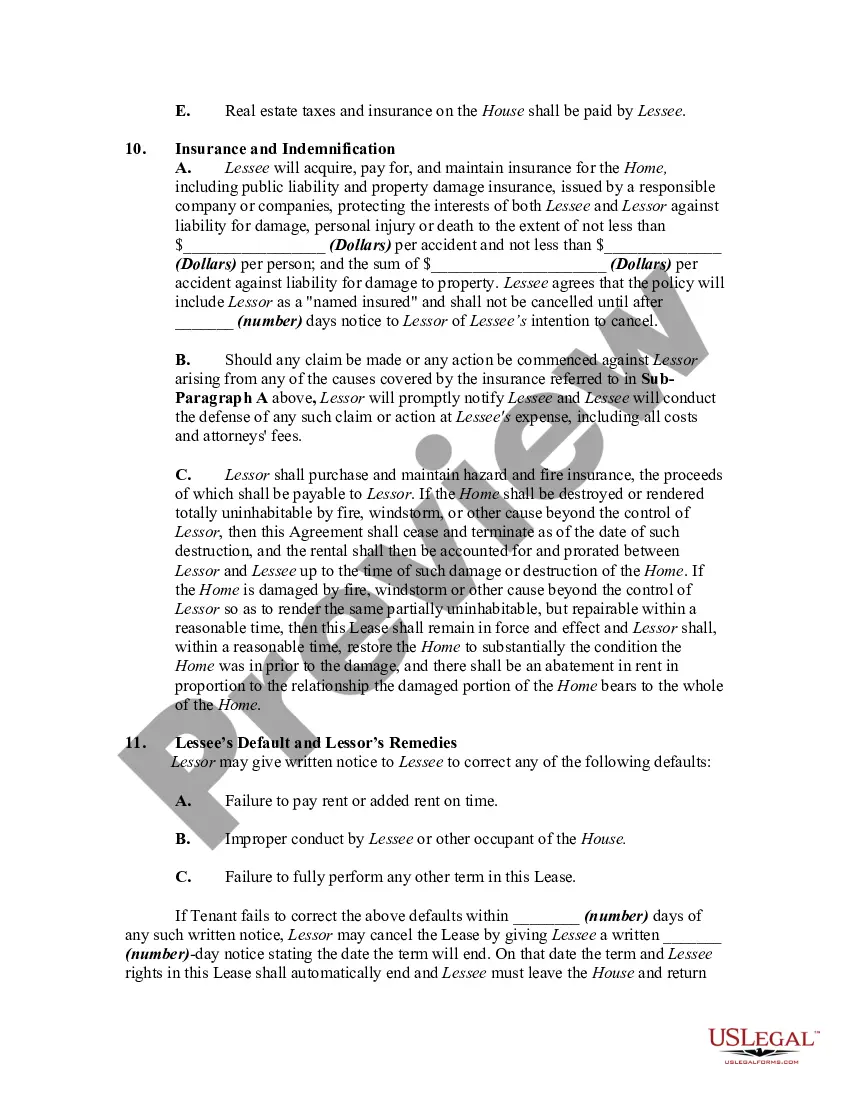
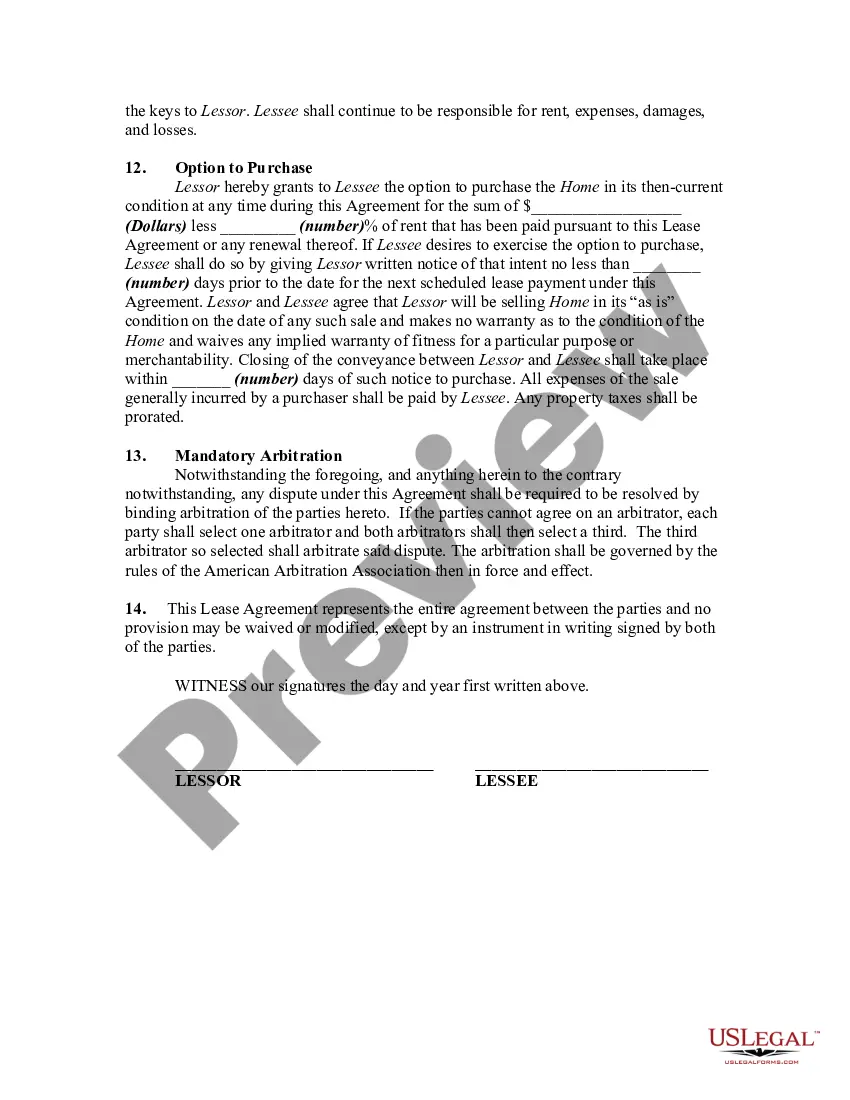

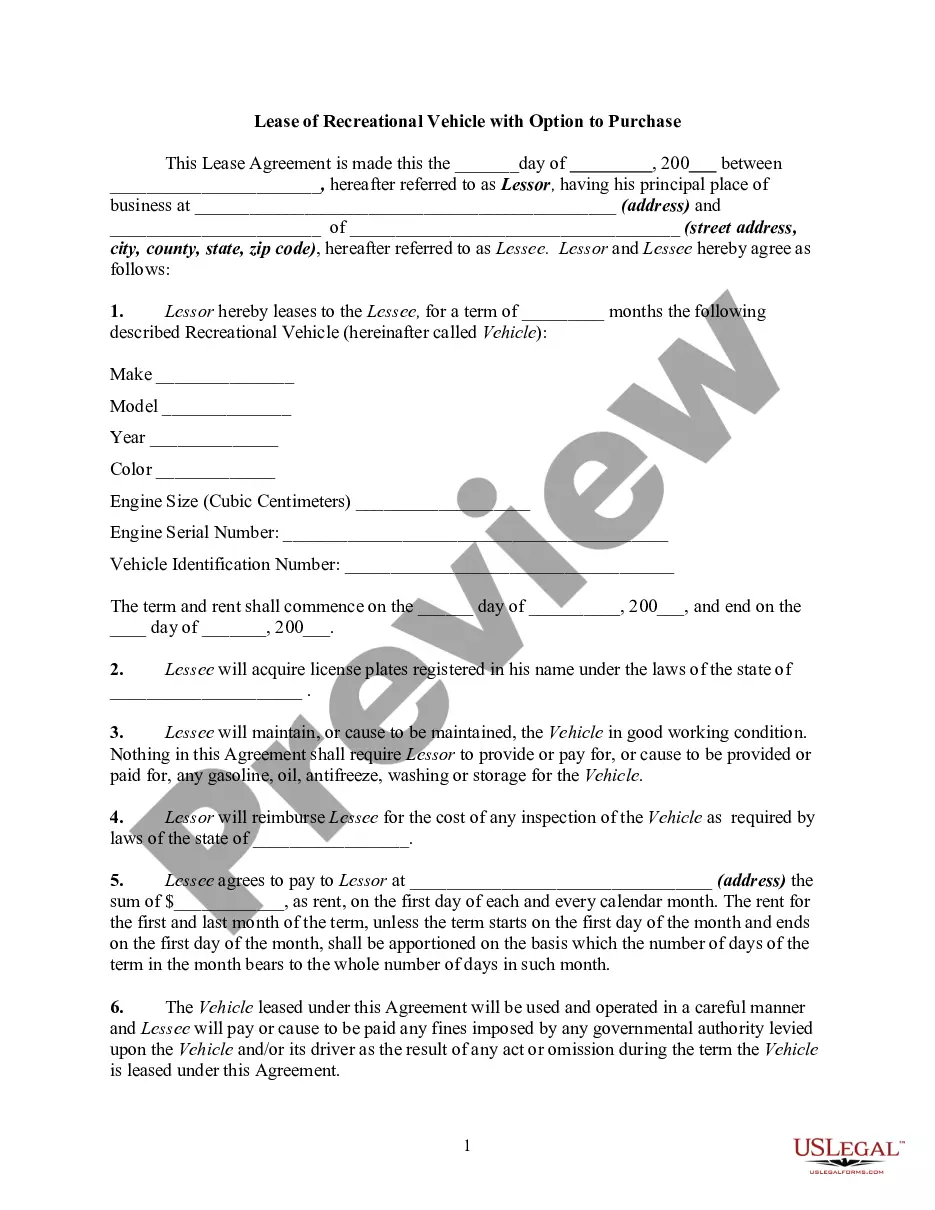
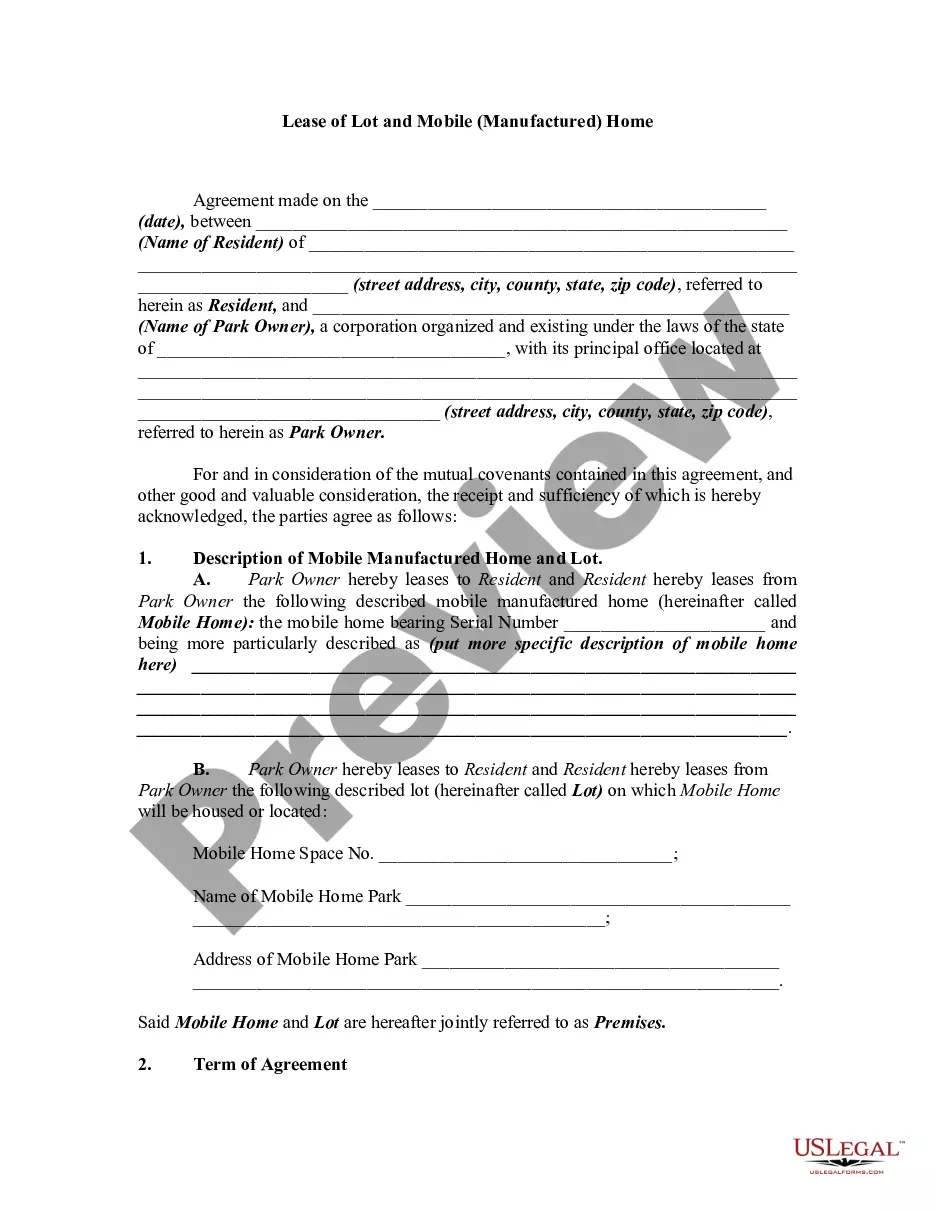
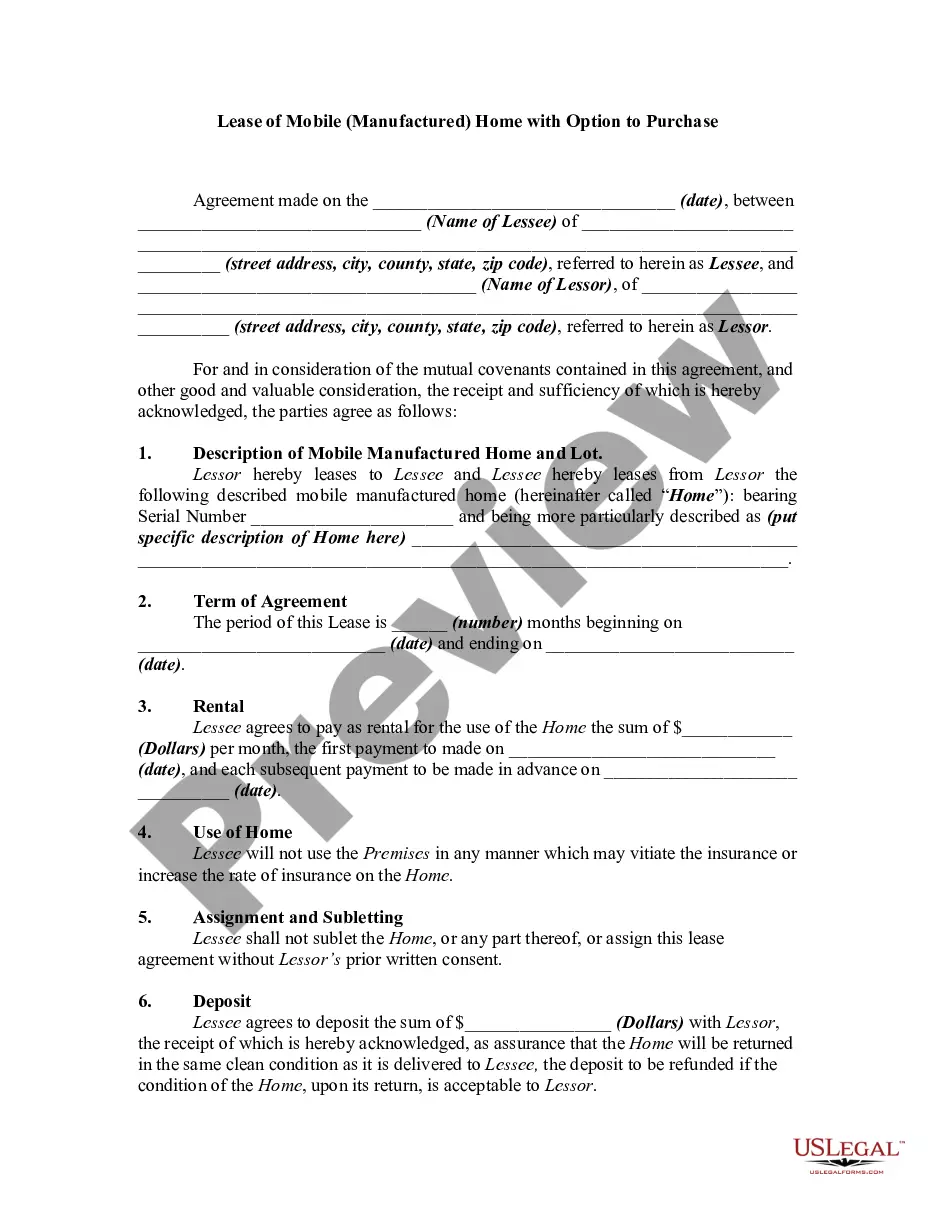
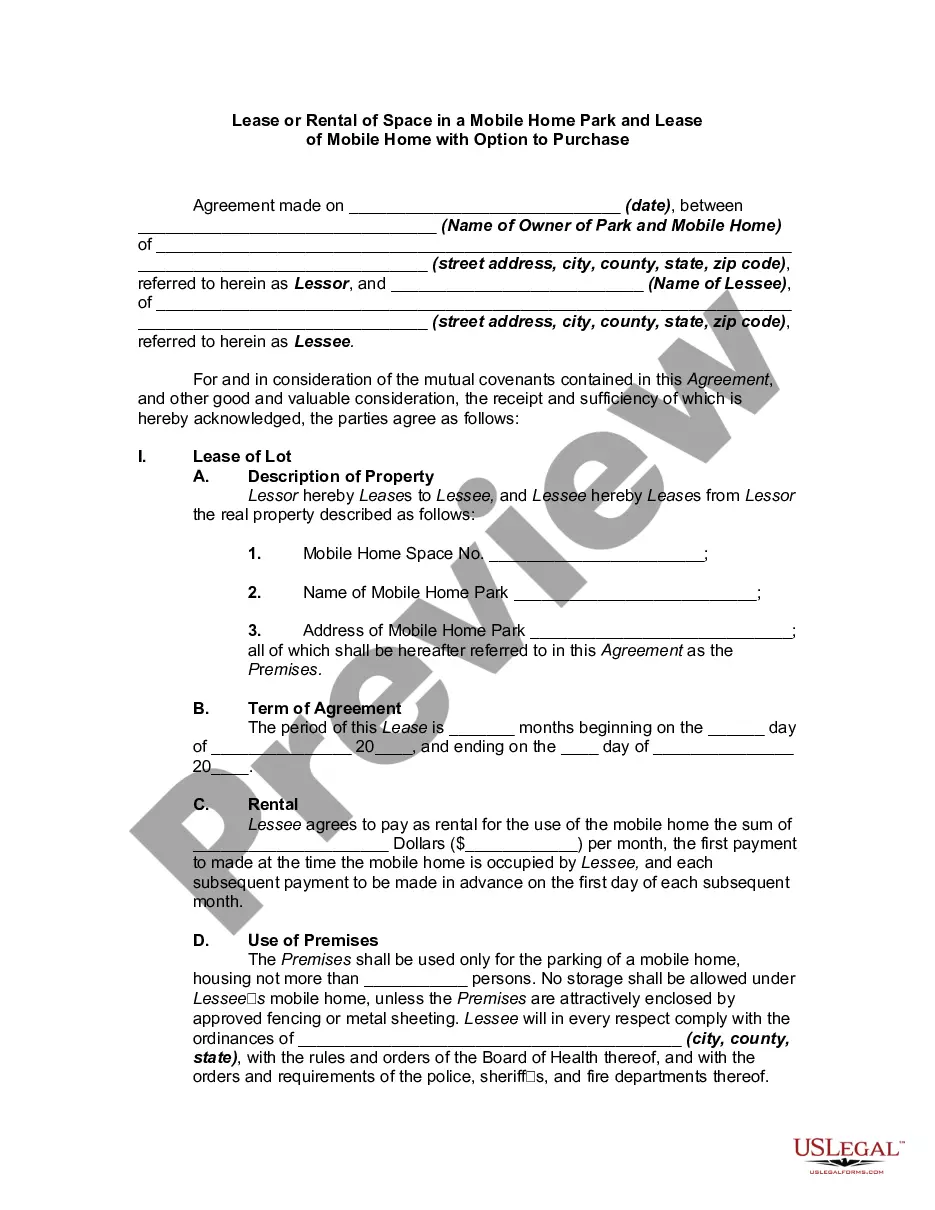
Get your form ready online
Our built-in tools help you complete, sign, share, and store your documents in one place.
Make edits, fill in missing information, and update formatting in US Legal Forms—just like you would in MS Word.
Download a copy, print it, send it by email, or mail it via USPS—whatever works best for your next step.
Sign and collect signatures with our SignNow integration. Send to multiple recipients, set reminders, and more. Go Premium to unlock E-Sign.
If this form requires notarization, complete it online through a secure video call—no need to meet a notary in person or wait for an appointment.
We protect your documents and personal data by following strict security and privacy standards.

Make edits, fill in missing information, and update formatting in US Legal Forms—just like you would in MS Word.

Download a copy, print it, send it by email, or mail it via USPS—whatever works best for your next step.

Sign and collect signatures with our SignNow integration. Send to multiple recipients, set reminders, and more. Go Premium to unlock E-Sign.

If this form requires notarization, complete it online through a secure video call—no need to meet a notary in person or wait for an appointment.

We protect your documents and personal data by following strict security and privacy standards.
Looking for another form?

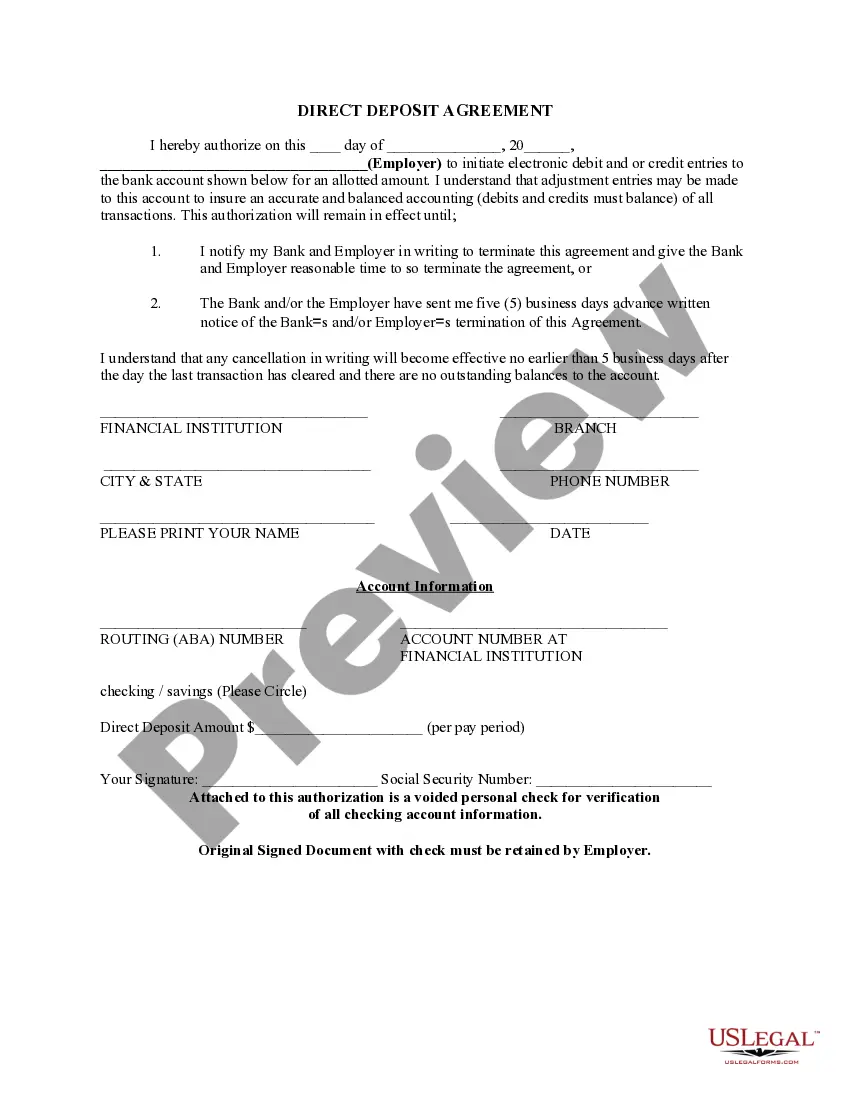






How to fill out Lease Or Rental Agreement Of Stationary Manufactured Home With Option To Purchase And Own - Lease Or Rent To Own?
Whether you frequently handle documents or only occasionally need to submit a formal paper, it is important to find a source that provides relevant and current samples.
The first step you should take with an Agreement Manufactured Home With Basement is to verify that you have the latest version, as this determines its eligibility for submission.
If you want to streamline your search for updated document samples, consider looking on US Legal Forms.
To acquire a form without an account, follow these steps: 1. Utilize the search bar to locate the needed form. 2. Review the Agreement Manufactured Home With Basement preview and details to ensure it is exactly what you want. 3. After confirming the form, just click Buy Now. 4. Select a subscription option that suits you. 5. Create an account or Log In to your existing one. 6. Enter your credit card information or PayPal account to finalize the payment. 7. Choose the file format for download and confirm it. 8. Eliminate any confusion associated with legal documents; all your templates will be organized and validated with a US Legal Forms account.
- US Legal Forms is a repository of legal templates that includes nearly every document example you may need.
- Search for the templates required, immediately check their relevance, and learn about their application.
- With US Legal Forms, you have access to over 85,000 document templates across various fields.
- Retrieve the Agreement Manufactured Home With Basement samples in just a few clicks and store them in your account at any time.
- Having a US Legal Forms account allows you to access all necessary samples with ease and fewer complications.
- Simply click Log In in the website header and navigate to the My documents section to find all the forms you need.
Form popularity
FAQ
A mobile or manufactured home can be permanently affixed to a concrete or other foundation either when it's first sited or later, as a retrofit. Permanently affixing a mobile home to a concrete pad or other type of foundation is also a complex process.
DO MANUFACTURED HOMES DEPRECIATE OR APPRECIATE IN VALUE AFTER THEIR INITIAL PURCHASE? Myth: Manufactured homes do not appreciate in value like other forms of housing. Instead, manufactured homes depreciate in market value, similar to the way automobiles lose value each day.
Creating a permanent foundation for your mobile home is not an easy task; however, it has many benefits and can be done by yourself or a contractor. Having your mobile home on a permanent foundation will increase the value of your home and give you the look and feel of a stick-built home.
Ideally, mobile home owners wishing for a basement have one built before the home is installed. When that is no longer an option, a basement can be installed underneath the existing home. The process takes a few weeks, however, and you won't be able to live in the home while the basement is installed.