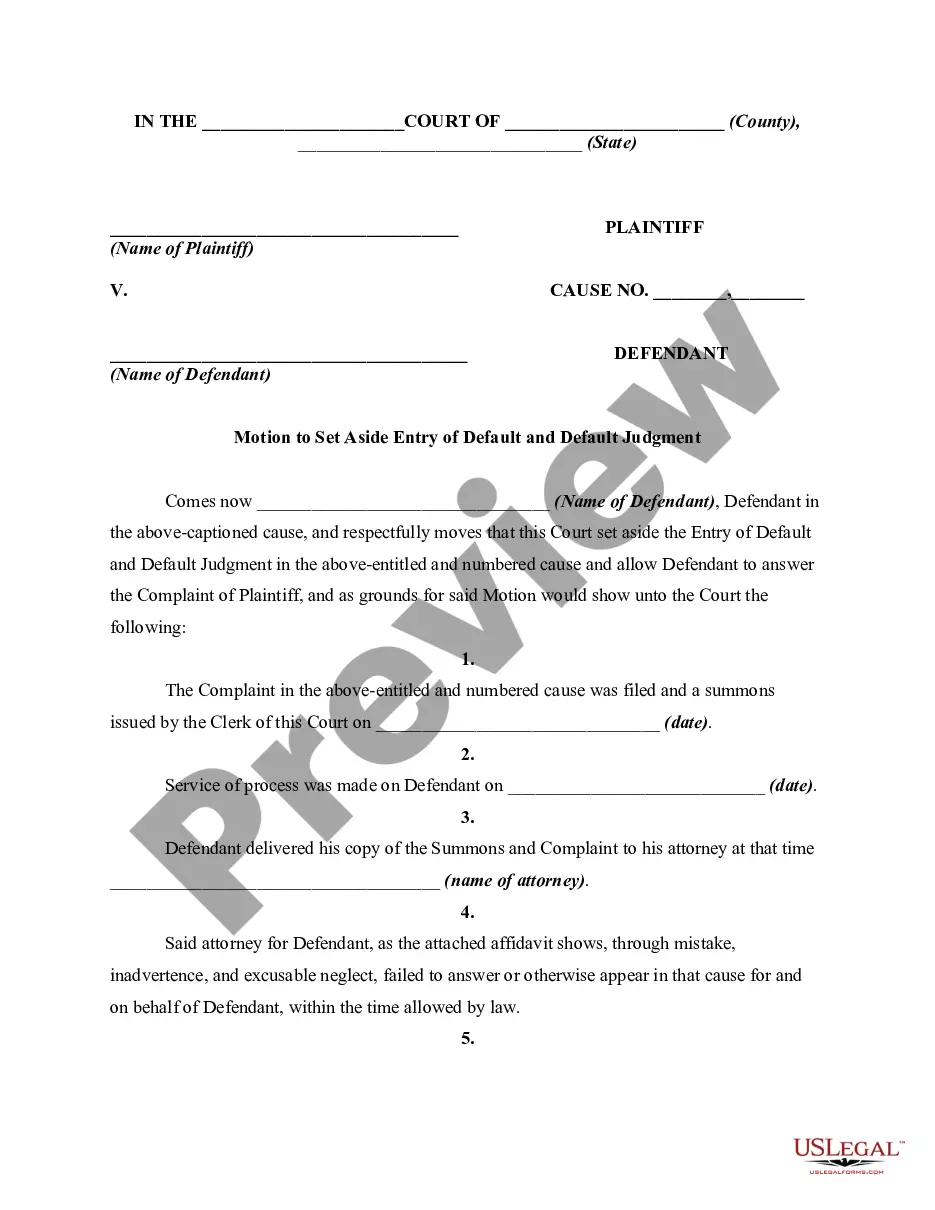
Petition To Vacate Alley
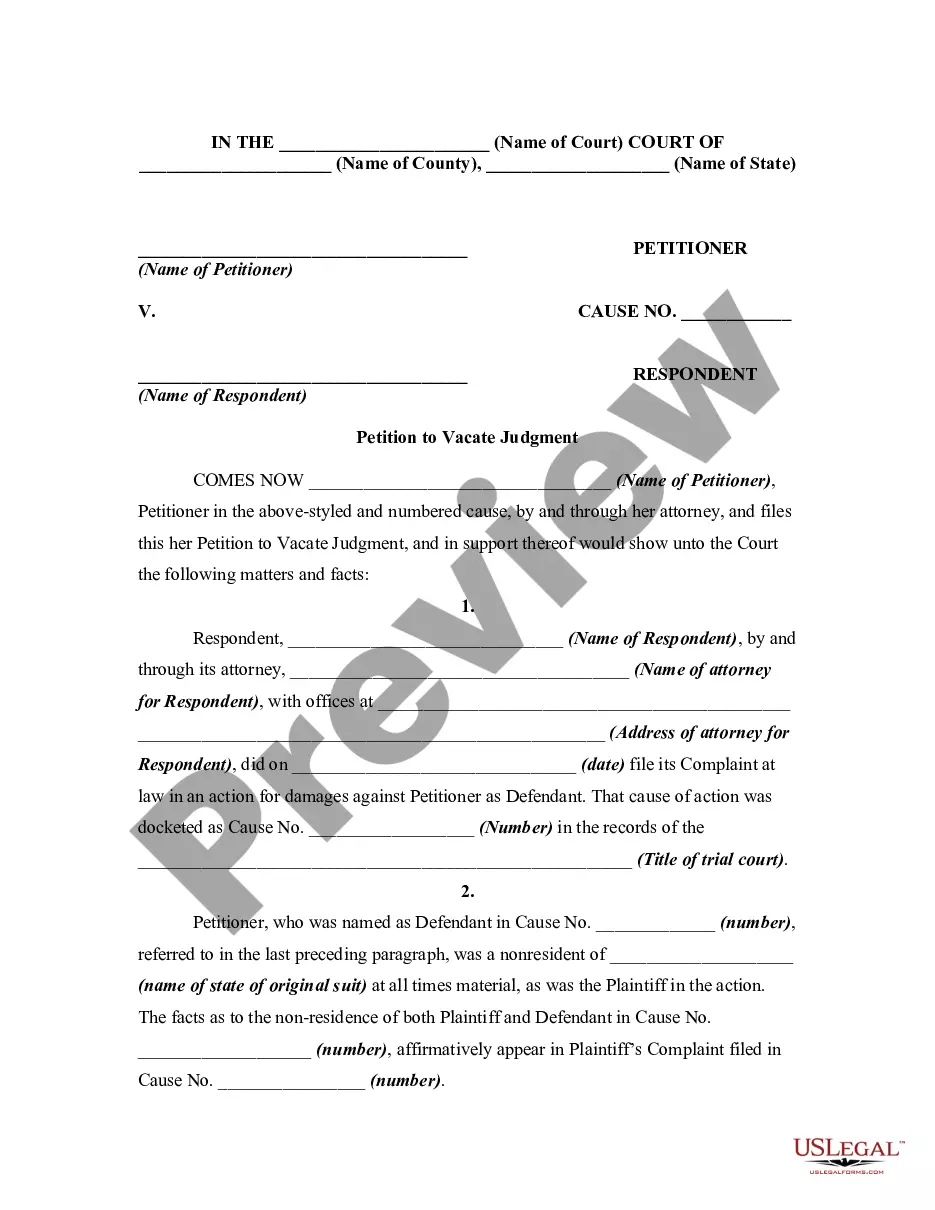
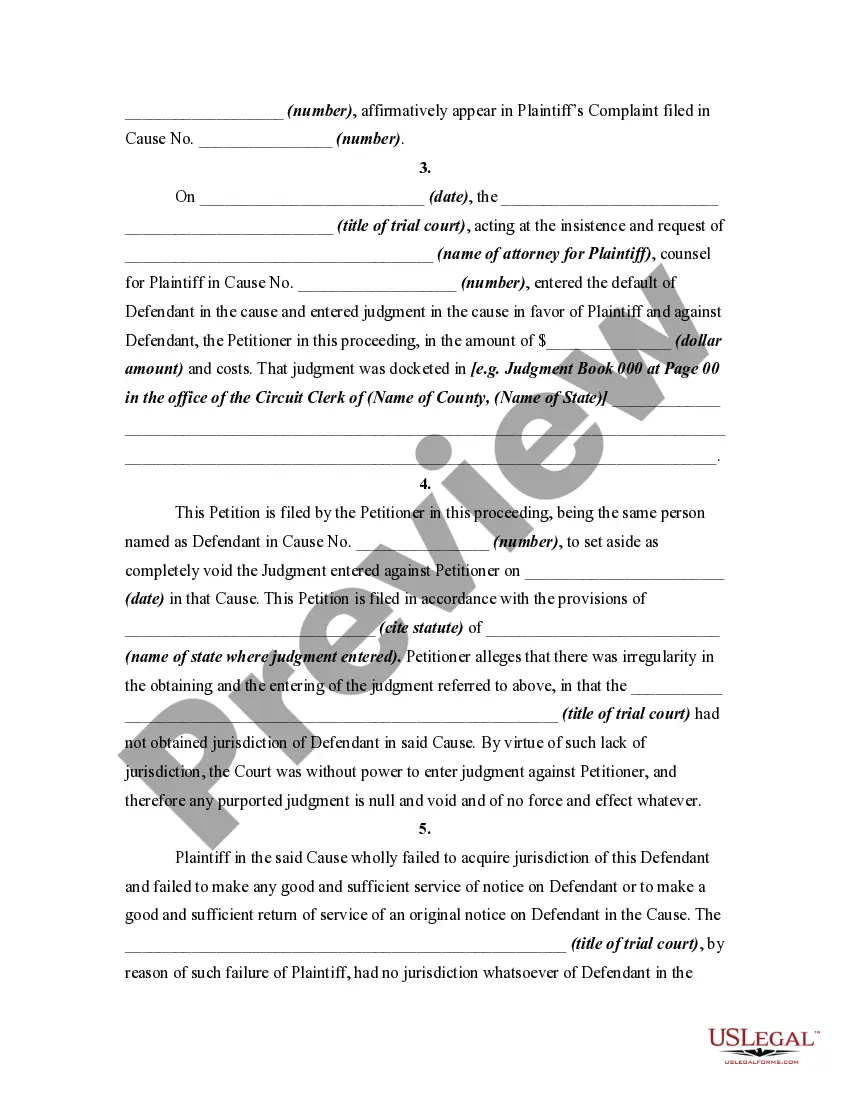
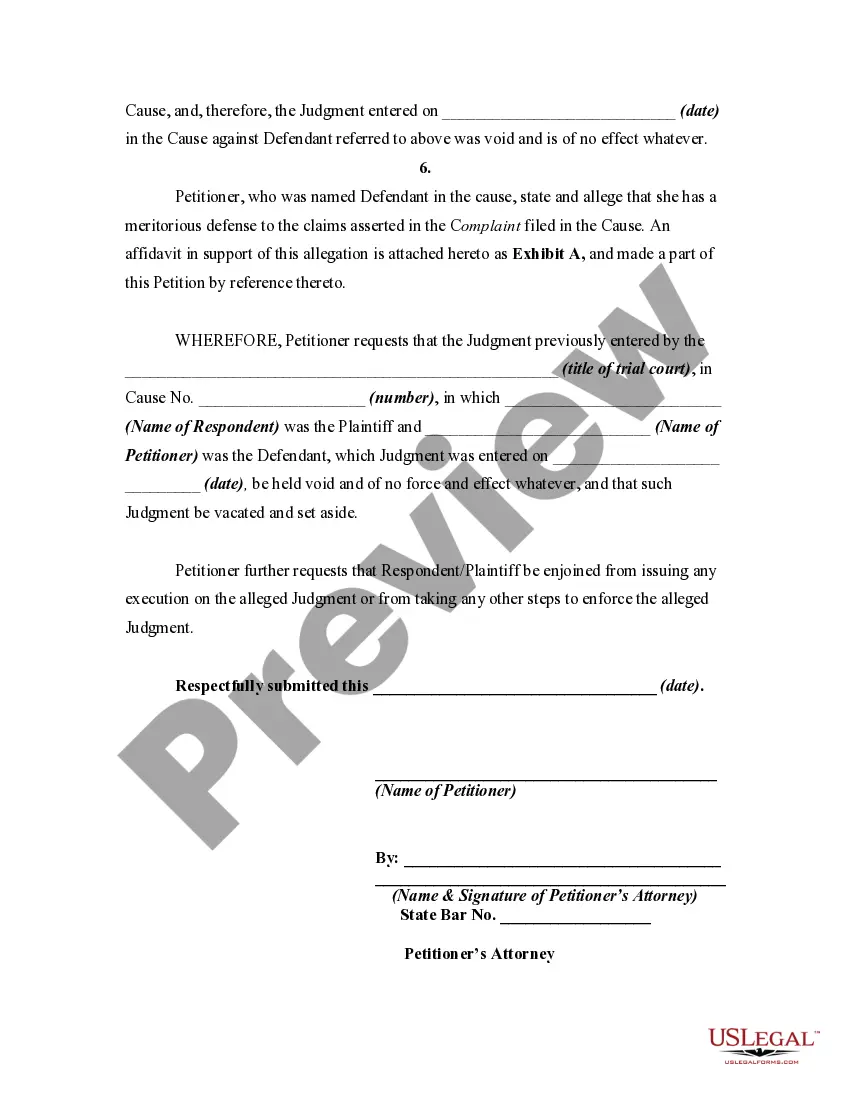
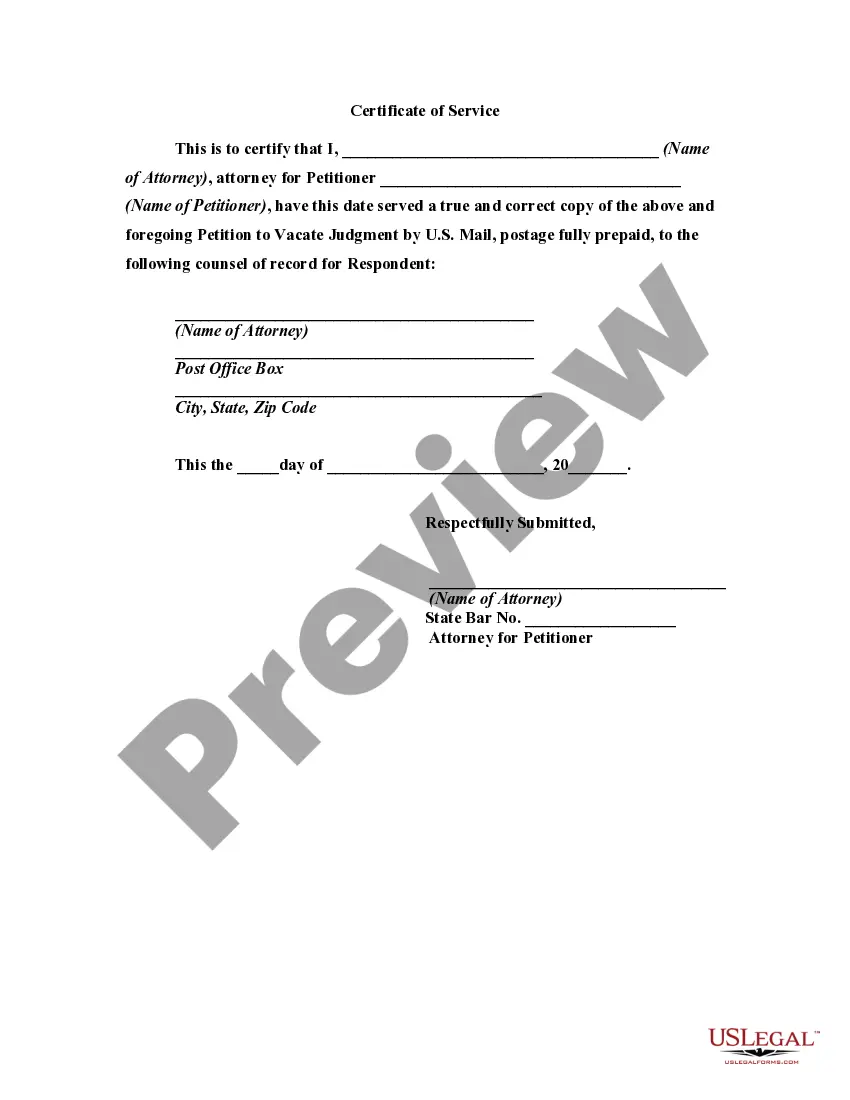
Description
Get your form ready online
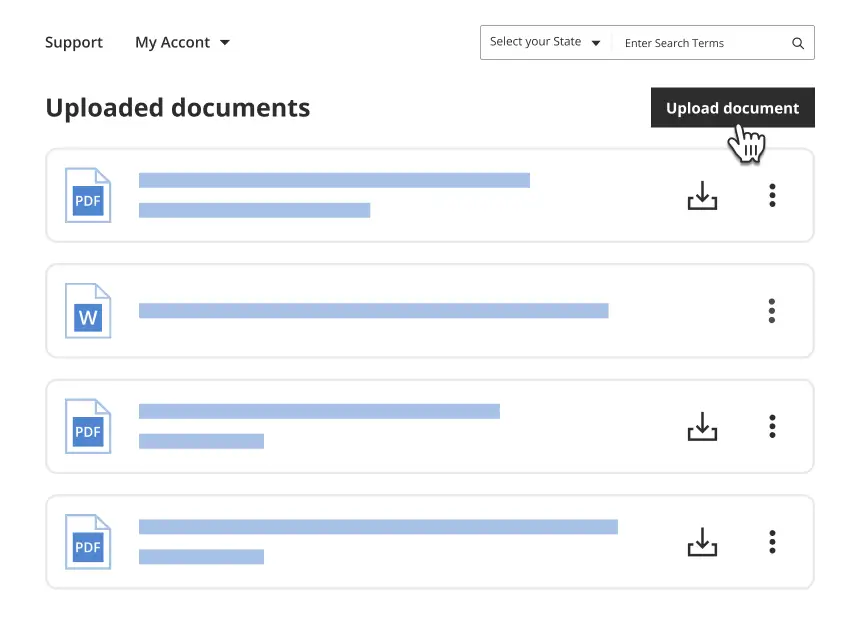
Our built-in tools help you complete, sign, share, and store your documents in one place.
Make edits, fill in missing information, and update formatting in US Legal Forms—just like you would in MS Word.
Download a copy, print it, send it by email, or mail it via USPS—whatever works best for your next step.
Sign and collect signatures with our SignNow integration. Send to multiple recipients, set reminders, and more. Go Premium to unlock E-Sign.
If this form requires notarization, complete it online through a secure video call—no need to meet a notary in person or wait for an appointment.
We protect your documents and personal data by following strict security and privacy standards.
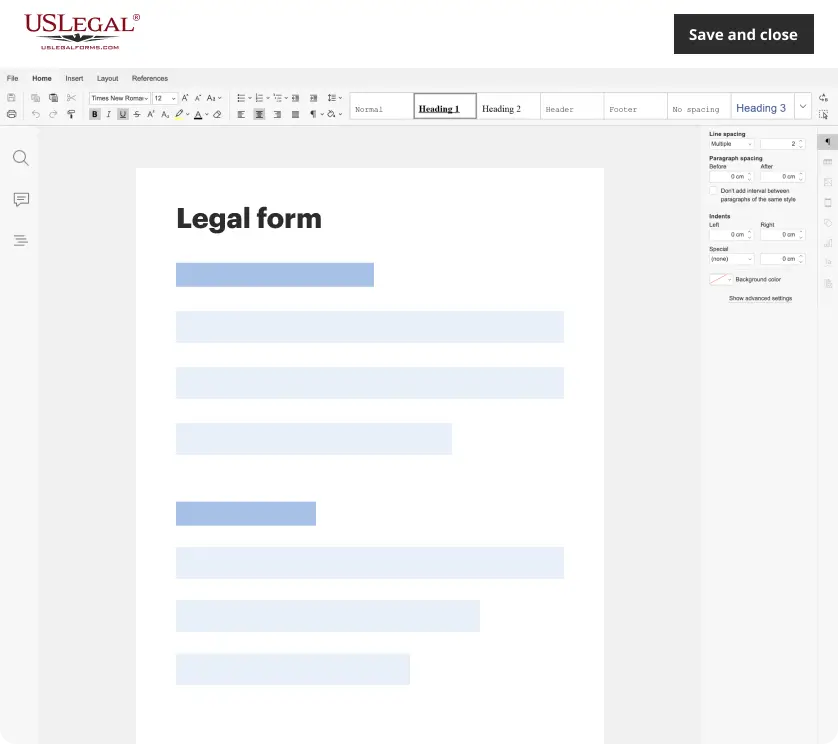
Make edits, fill in missing information, and update formatting in US Legal Forms—just like you would in MS Word.
Download a copy, print it, send it by email, or mail it via USPS—whatever works best for your next step.
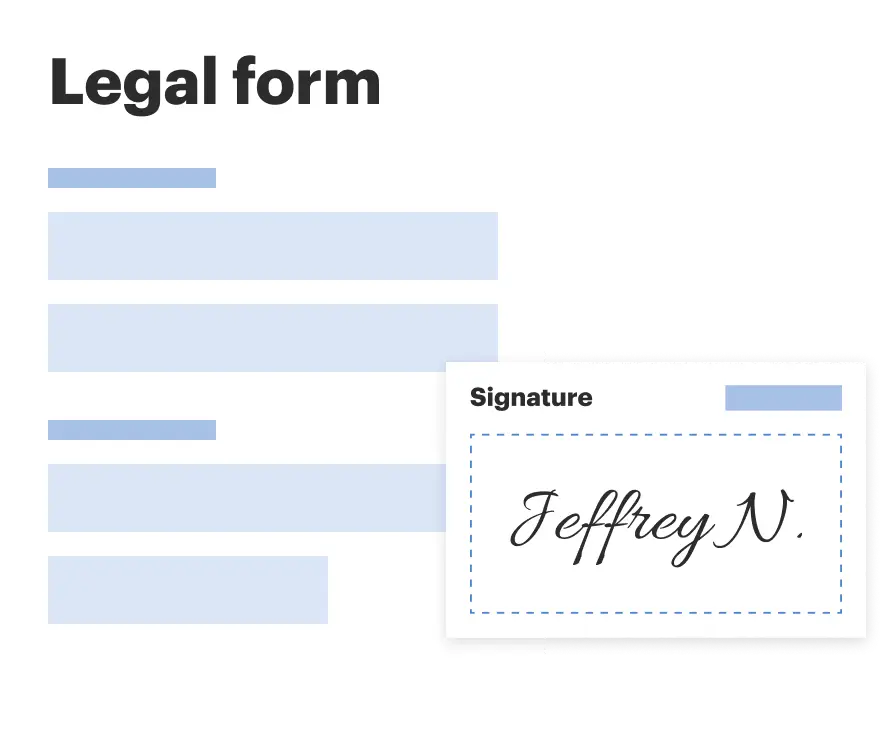
Sign and collect signatures with our SignNow integration. Send to multiple recipients, set reminders, and more. Go Premium to unlock E-Sign.

If this form requires notarization, complete it online through a secure video call—no need to meet a notary in person or wait for an appointment.
We protect your documents and personal data by following strict security and privacy standards.
Looking for another form?
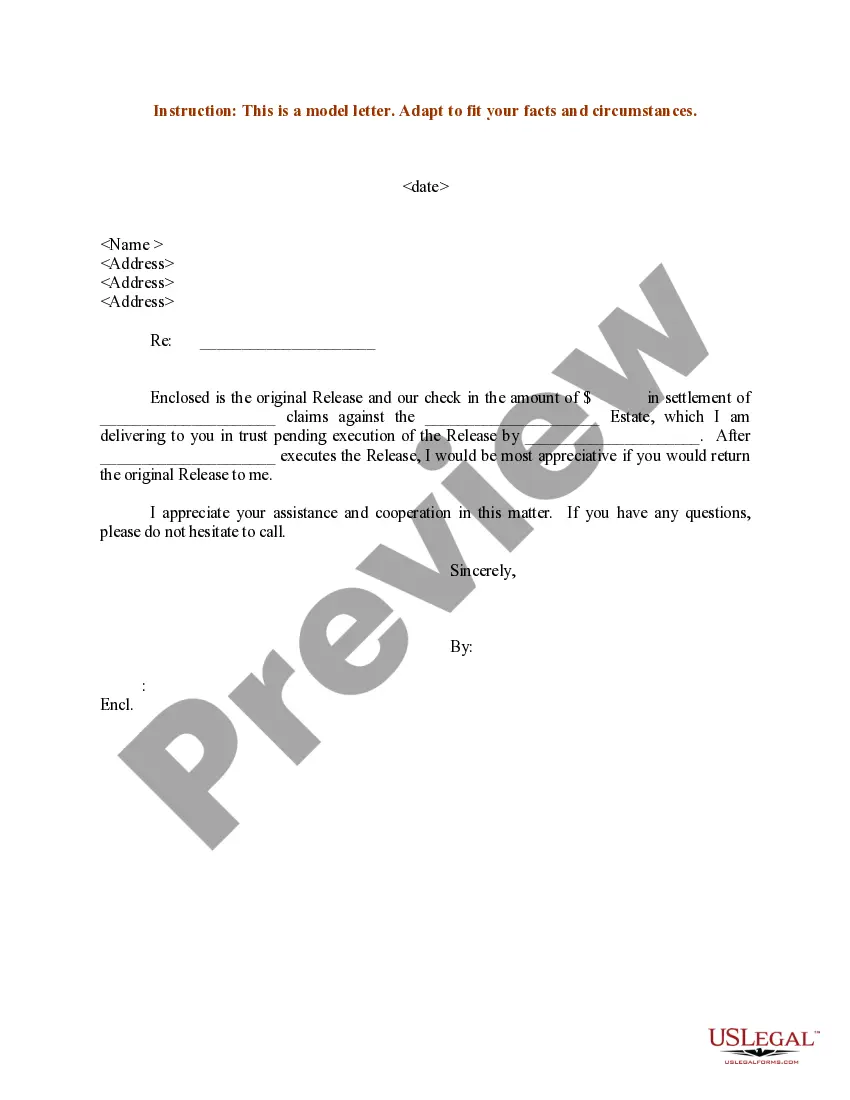
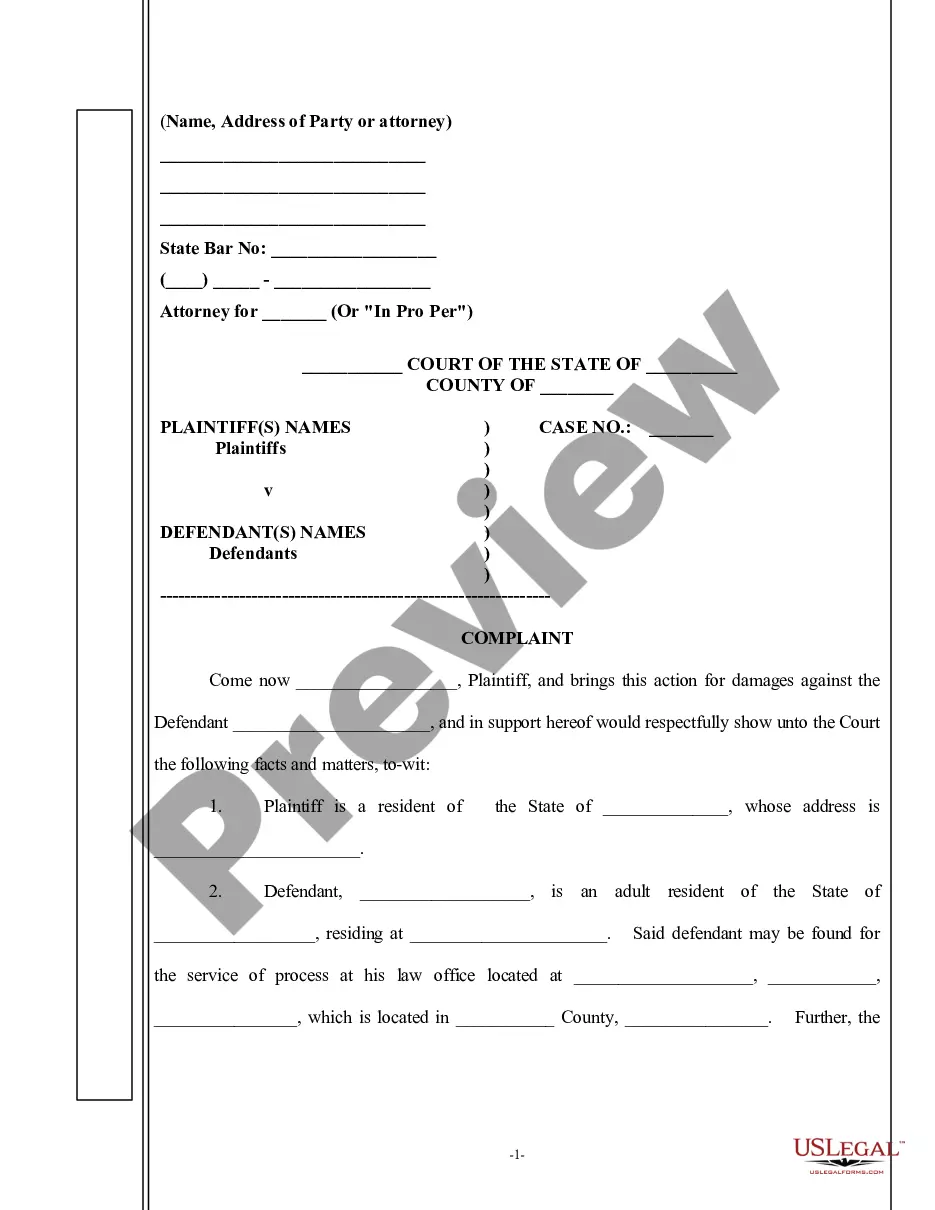
How to fill out Petition To Vacate Default Judgment For Failure To Acquire Jurisdiction Over Defendants Due To Defective Service Of Process?
Identifying a primary location to obtain the most up-to-date and suitable legal templates is part of the challenge of navigating bureaucracy.
Finding the appropriate legal documents requires accuracy and careful consideration, which is why it is essential to source Petition To Vacate Alley samples solely from trustworthy providers, such as US Legal Forms. An incorrect template could waste your time and prolong the predicament you are facing.
Once you have the form on your device, you can modify it using the editor or print it to complete it manually. Eliminate the difficulties associated with your legal paperwork. Browse the comprehensive US Legal Forms catalog to discover legal templates, assess their applicability to your needs, and download them instantly.
- Utilize the catalog navigation or search bar to find your template.
- Examine the form’s details to confirm if it aligns with your state and county requirements.
- Preview the form, if available, to ensure it is indeed the document you seek.
- Return to the search to find the correct document if the Petition To Vacate Alley does not meet your needs.
- Once you feel confident about the form’s applicability, download it.
- If you are a registered user, click Log in to verify your identity and access your selected templates in My documents.
- If you do not have an account, click Buy now to acquire the form.
- Choose the pricing option that suits your requirements.
- Proceed with the registration to complete your purchase.
- Finalize your transaction by selecting a payment method (credit card or PayPal).
- Choose the document format for downloading the Petition To Vacate Alley.
Form popularity
FAQ
You need to draft a letter formally and add suitable headings. Write a letter that mentions your state and county with your full address. Once you draft your letter, make sure to leave some space for the signature. Always remember that you'll be signing your written letter in the presence of a public notary.
Use the Signature Line command to insert a signature line with an X by it to show where to sign a document. Click where you want the line. Select Insert > Signature Line. Select Microsoft Office Signature Line. In the Signature Setup box, you can type a name in the Suggested signer box. ... Select OK.
An Arizona notary acknowledgment form is used by a public official to certify an individual's signature on a document. There are a number of documents that may require notary acknowledgment, mostly legal agreements, estate administrations, and property transactions.
Then, go to the top menu bar and select ?Insert.? The drop-down menu will list many types of items that you can insert. Select ?Signature Line? and then ?Add Signature Services.? The signature line will appear. Some versions of Word have no option for a signature line.
How to insert a digital signature in Word Click where you want to add your signature. ... Find the "Signature Line" option under the "Insert" tab. ... Input your information in the pop-up window. ... Finalize your signature. ... Write and take a photo of your signature. ... Save the photo to your computer. ... Crop the image.
Arizona notaries can now apply to become E-notaries and/or Remote Online Notaries. The steps below must be taken BEFORE submitting your application. Please note that there is no additional fee or bond at this time to become an Electronic or Remote Online Notary.
On the Insert tab, in the Text group, click the Signature Line list, and then click Microsoft Office Signature Line. In the Signature Setup dialog box, type information that will appear beneath the signature line: Suggested signer The signer's full name. Suggested signer's title The signer's title, if any.
How to write a letter to be notarized Use a proper heading. First things first, to make it easy for the notary to understand the document they're notarizing, use a distinct heading. ... Use the right address. ... Provide the correct details. ... Include your name. ... Leave space for signatures.