Loan Agreement With Employee
Description
Get your form ready online
Our built-in tools help you complete, sign, share, and store your documents in one place.
Make edits, fill in missing information, and update formatting in US Legal Forms—just like you would in MS Word.
Download a copy, print it, send it by email, or mail it via USPS—whatever works best for your next step.
Sign and collect signatures with our SignNow integration. Send to multiple recipients, set reminders, and more. Go Premium to unlock E-Sign.
If this form requires notarization, complete it online through a secure video call—no need to meet a notary in person or wait for an appointment.
We protect your documents and personal data by following strict security and privacy standards.

Make edits, fill in missing information, and update formatting in US Legal Forms—just like you would in MS Word.

Download a copy, print it, send it by email, or mail it via USPS—whatever works best for your next step.

Sign and collect signatures with our SignNow integration. Send to multiple recipients, set reminders, and more. Go Premium to unlock E-Sign.

If this form requires notarization, complete it online through a secure video call—no need to meet a notary in person or wait for an appointment.

We protect your documents and personal data by following strict security and privacy standards.
Looking for another form?









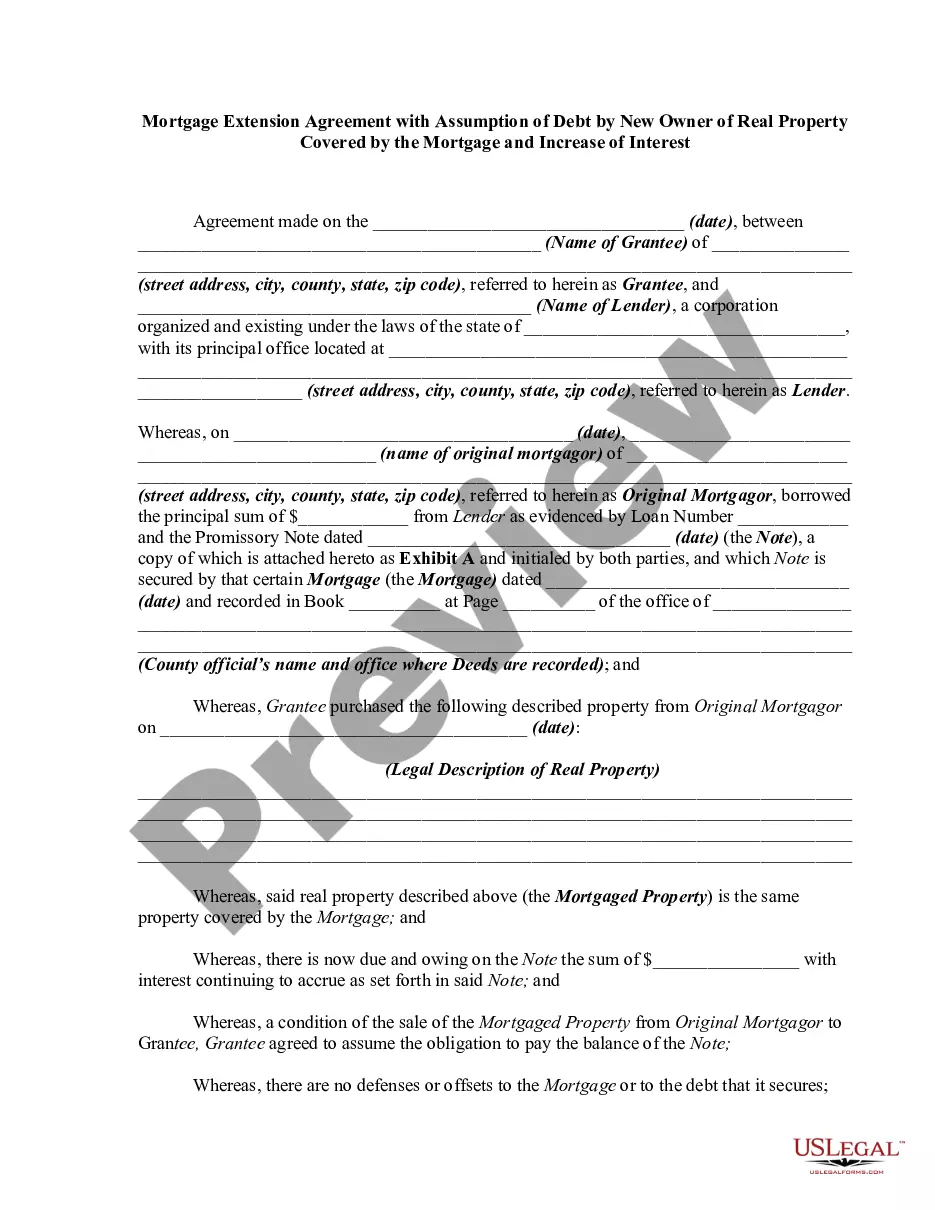
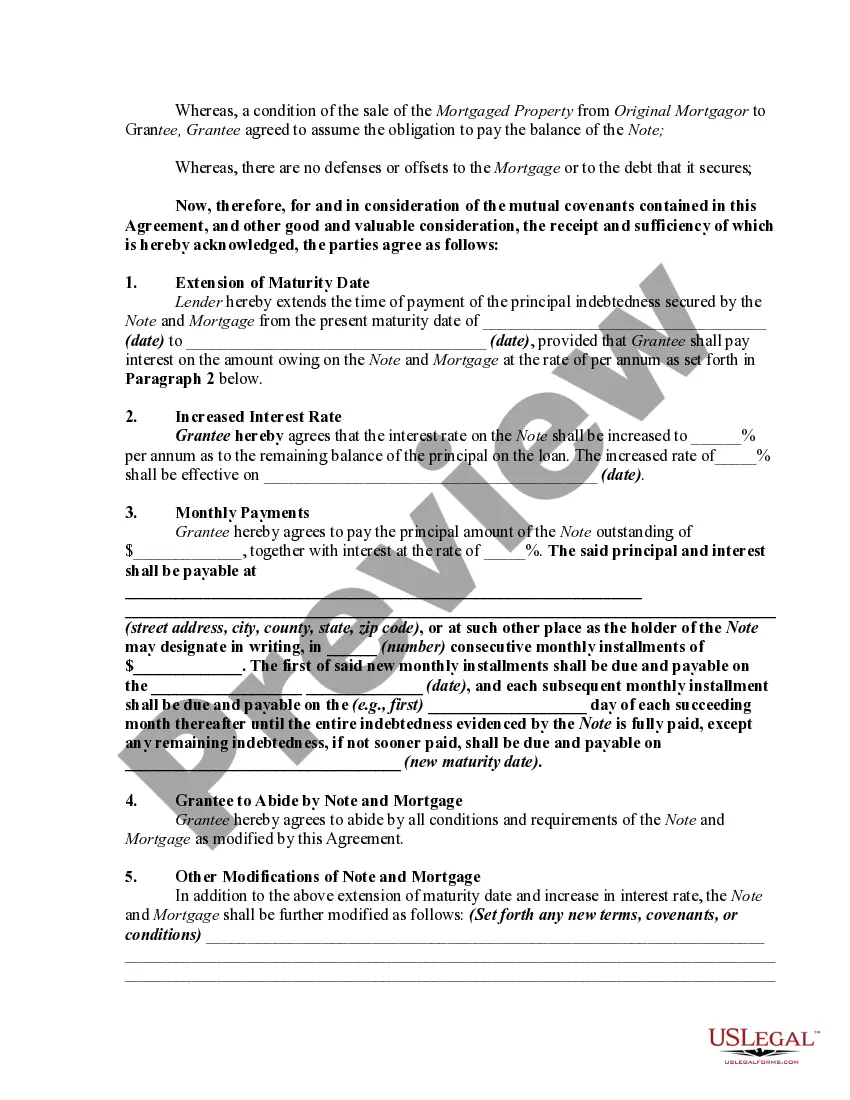
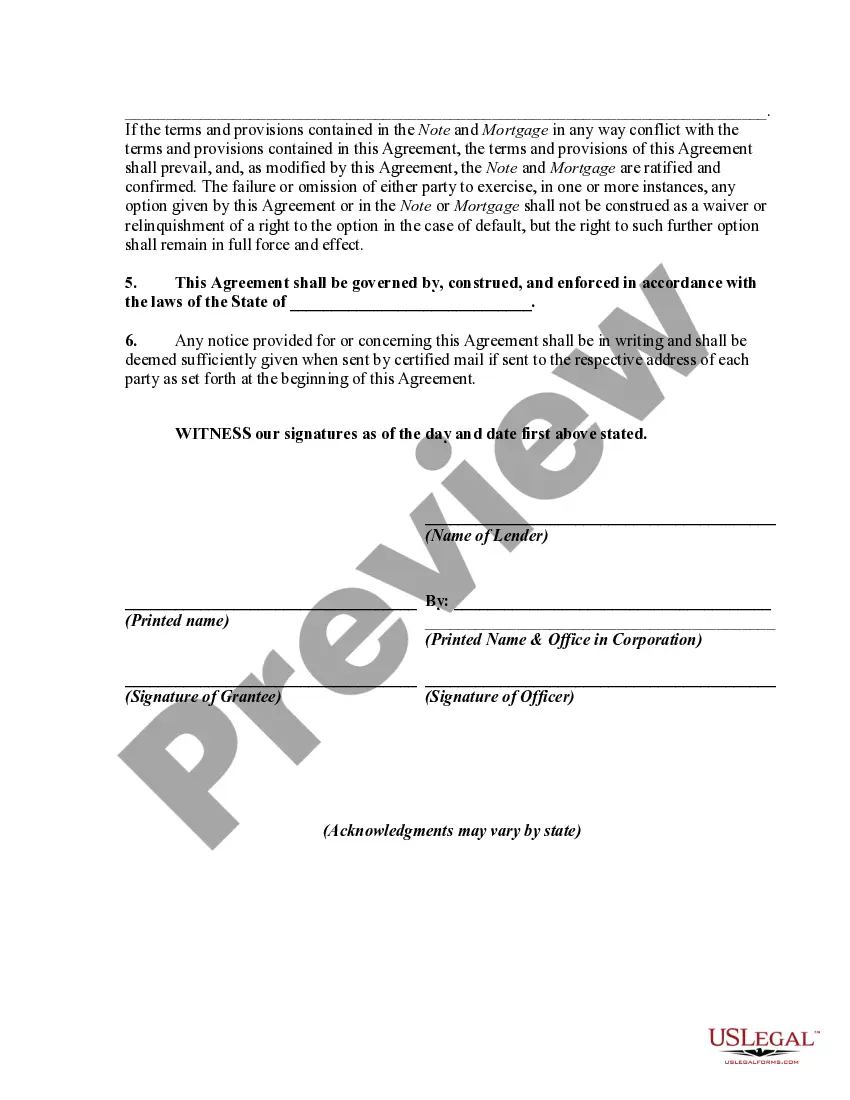
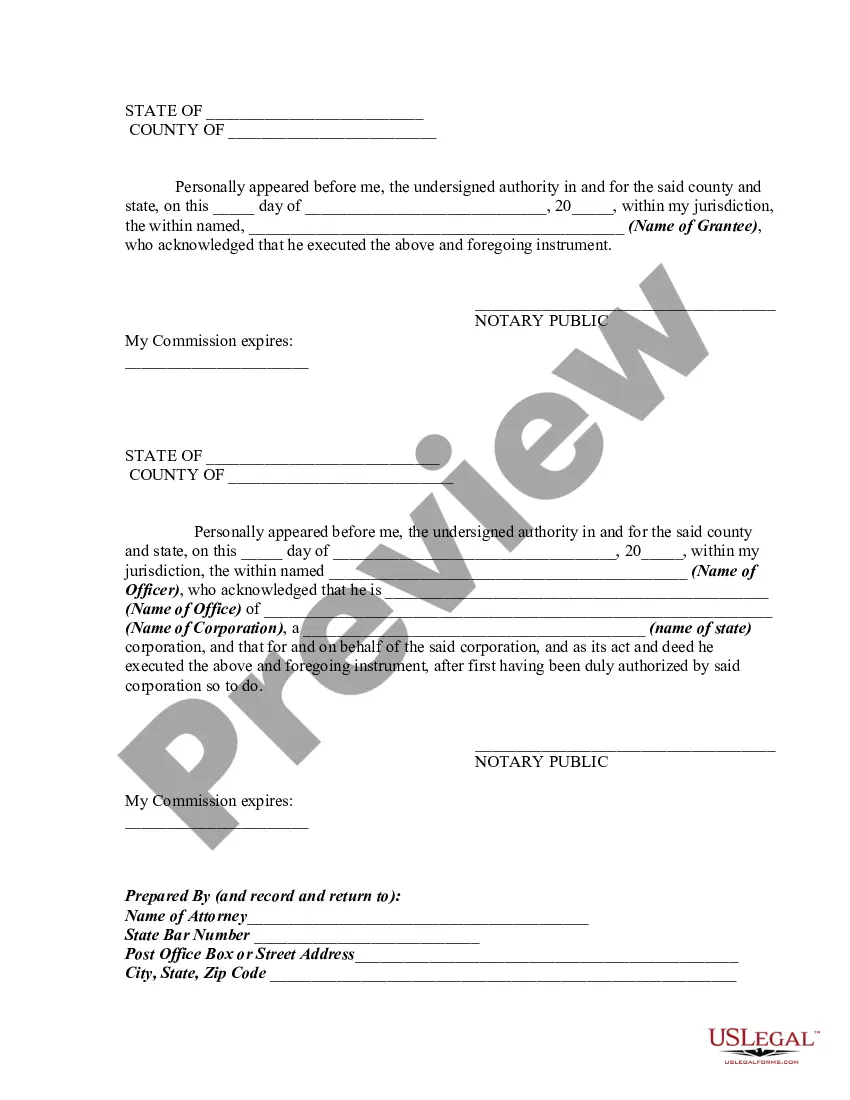
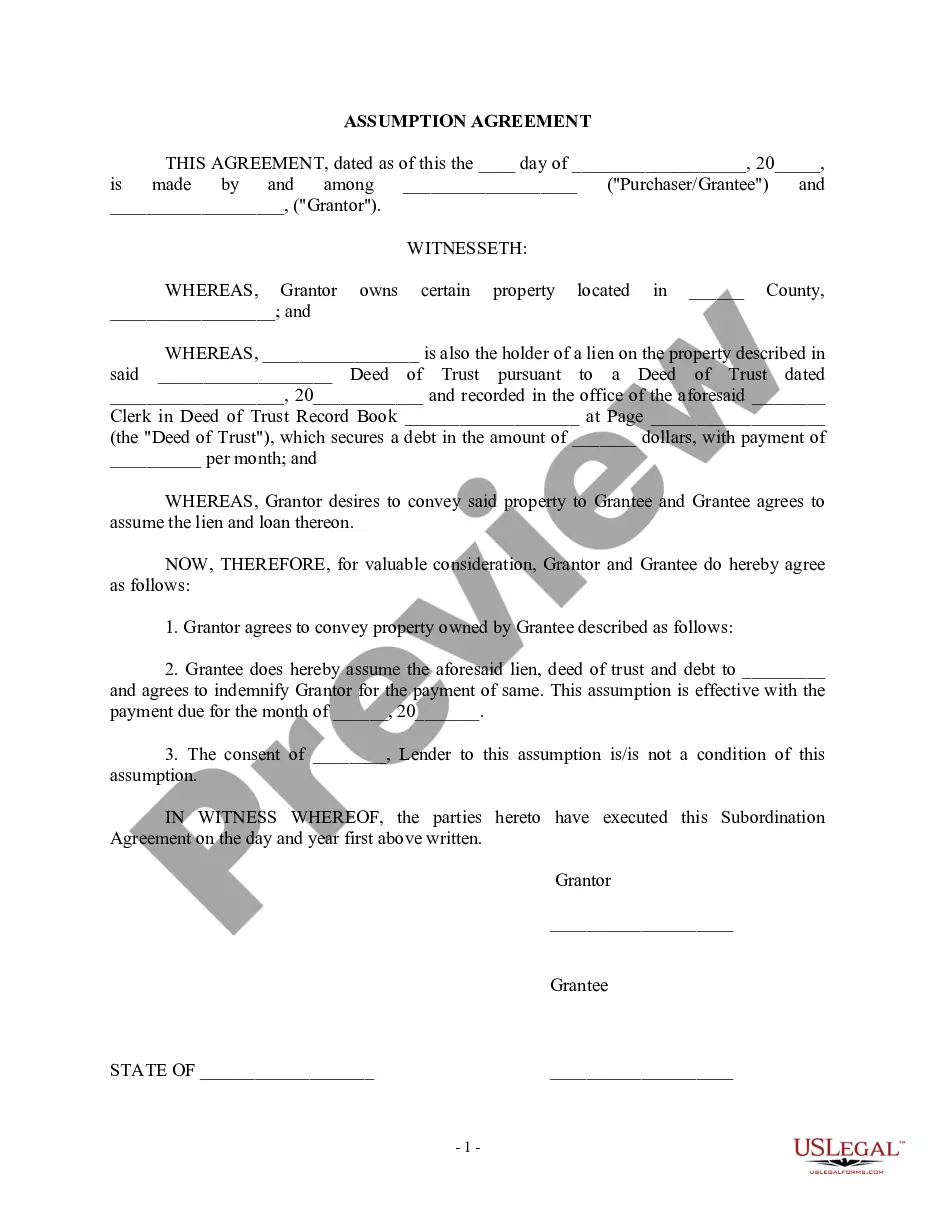
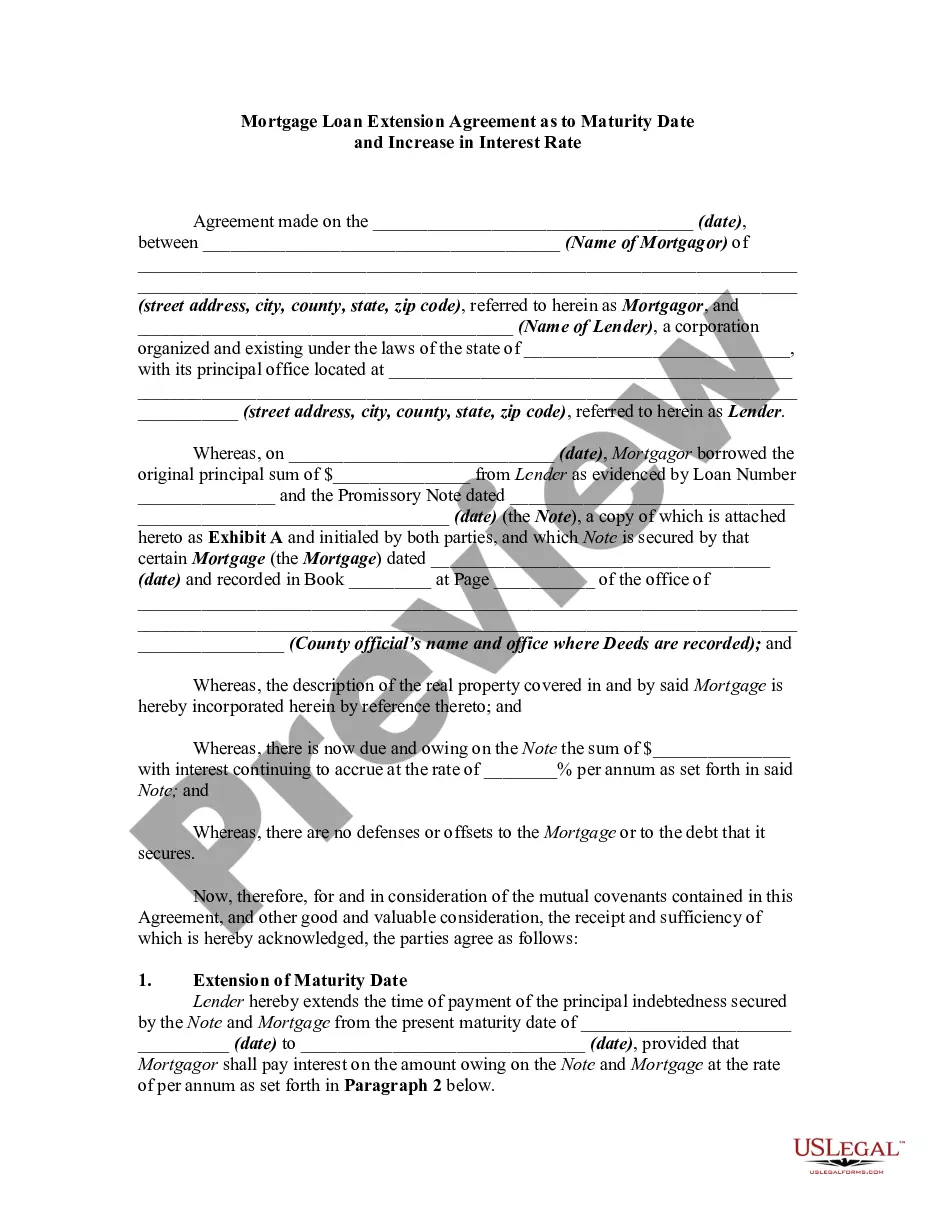
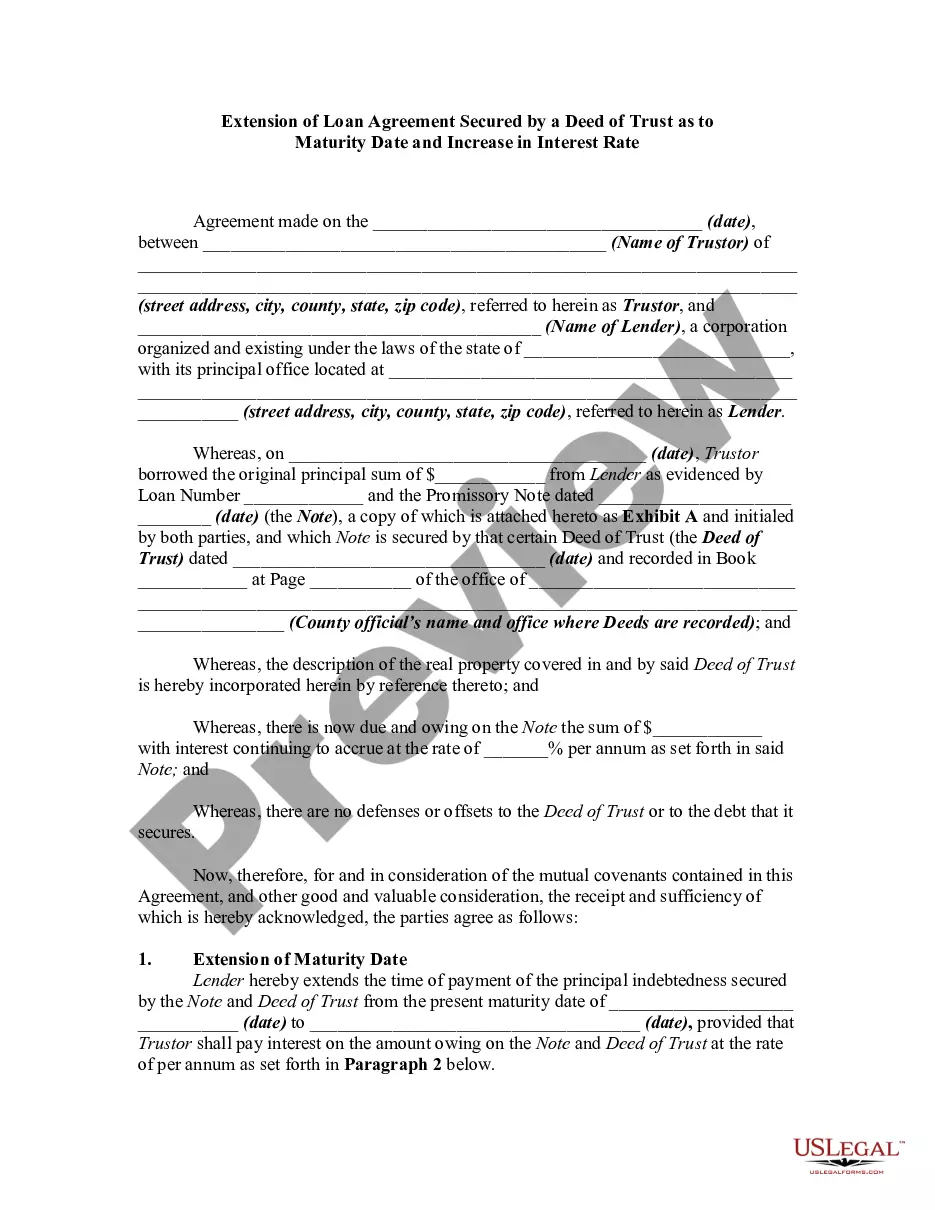
How to fill out Mortgage Extension Agreement With Assumption Of Debt By New Owner Of Real Property Covered By The Mortgage And Increase Of Interest?
The Employee Loan Agreement displayed on this page is a versatile legal template created by experienced attorneys in compliance with federal and state statutes and regulations.
For over 25 years, US Legal Forms has offered individuals, companies, and legal practitioners more than 85,000 validated, state-specific documents for any business or personal situation. It’s the fastest, simplest, and most dependable method to obtain the paperwork you require, as the service ensures the utmost level of data protection and anti-malware safeguards.
Register with US Legal Forms to have verified legal templates for every aspect of life readily available.
- Search for the document you require and examine it.
- Browse the file you located and preview it or verify the form description to ensure it meets your requirements. If it doesn’t, use the search feature to find the correct one. Click Buy Now when you have identified the template you need.
- Subscribe and Log In.
- Choose the pricing option that best fits you and set up an account. Use PayPal or a credit card for swift payment. If you already possess an account, Log In and verify your subscription to proceed.
- Obtain the editable template.
- Select the format you desire for your Employee Loan Agreement (PDF, Word, RTF) and download the document to your device.
- Complete and sign the document.
- Print the template to fill it out manually. Alternatively, employ an online multifunctional PDF editor to quickly and accurately fill out and sign your form with an eSignature.
- Retrieve your documents again.
- Utilize the same document again whenever necessary. Access the My documents tab in your profile to redownload any forms you have purchased previously.
Form popularity
FAQ
How to turn on spell check in Word - YouTube YouTube Start of suggested clip End of suggested clip Language. If the box against do not check spelling or grammar is checked please uncheck. It. AndMoreLanguage. If the box against do not check spelling or grammar is checked please uncheck. It. And click ok and you will see spelling and grammatical errors.
To run a Spelling and Grammar check: From the Review tab, click the Spelling & Grammar command. The Spelling and Grammar pane will appear on the right. For each error in your document, Word will try to offer one or more suggestions.
The bad news is that Word's protection feature disables quite a few important functions, even if only a single section of a document is protected. As well as the spell-checker, many of the items on the View, Insert, Format, Tools, and Table menus are disabled.
Navigating to the Spell Check Option: Go to 'Edit' > 'Check Spelling' > 'In Comments, Fields, & Editable Text. ' Customizing Spell Check: Adobe Acrobat allows you to select the dictionary language and even add words to a custom dictionary, ensuring that industry-specific terminology doesn't get flagged as errors.
Spell Check - Tools Menu In order to check your document for spelling, please go to the File tab --> Word Options --> Proofing. Alternatively, you can also use the Classic Menu by going to Tools --> Word Options --> Proofing. The spell check can also performed by using the shortcut key F7.
Grammarly's spell-checker works in your browser and across all your favorite websites and desktop apps, such as Google Docs, Microsoft Word, and Outlook. You can even use it on your Android or iPhone by downloading the Grammarly Keyboard.
On the Word menu, click Preferences > Spelling & Grammar. In the Spelling & Grammar dialog box, under Spelling, check or clear the Check spelling as you type box. Under Grammar, check or clear the Check grammar as you type box. Close the dialog box to save your changes.
On the Home tab, in the Records group, click Spelling. Tip: You can access this command quickly by adding it to the Quick Access Toolbar by right-clicking the Spelling button, and then clicking Add to Quick Access Toolbar on the shortcut menu.