Extension Properties
Description
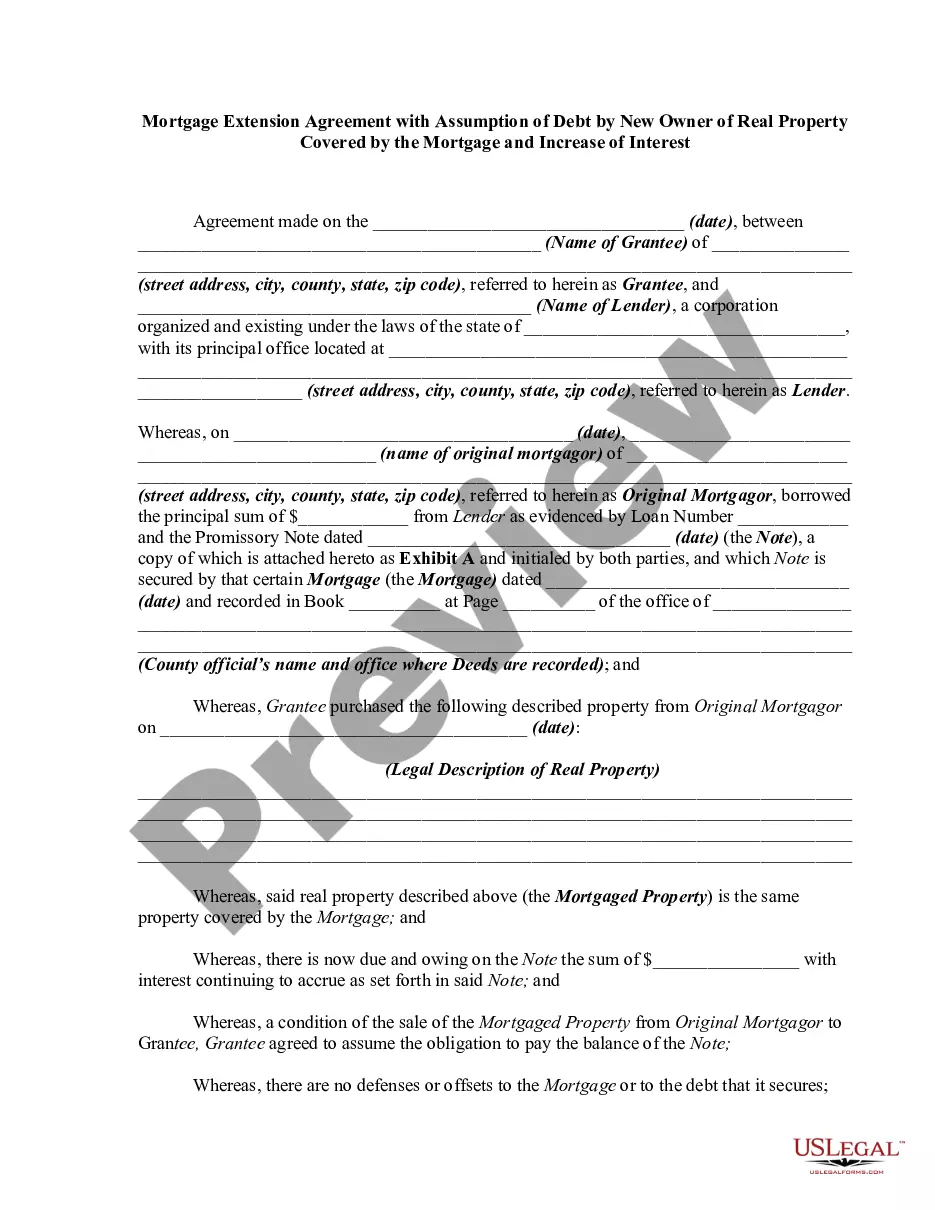
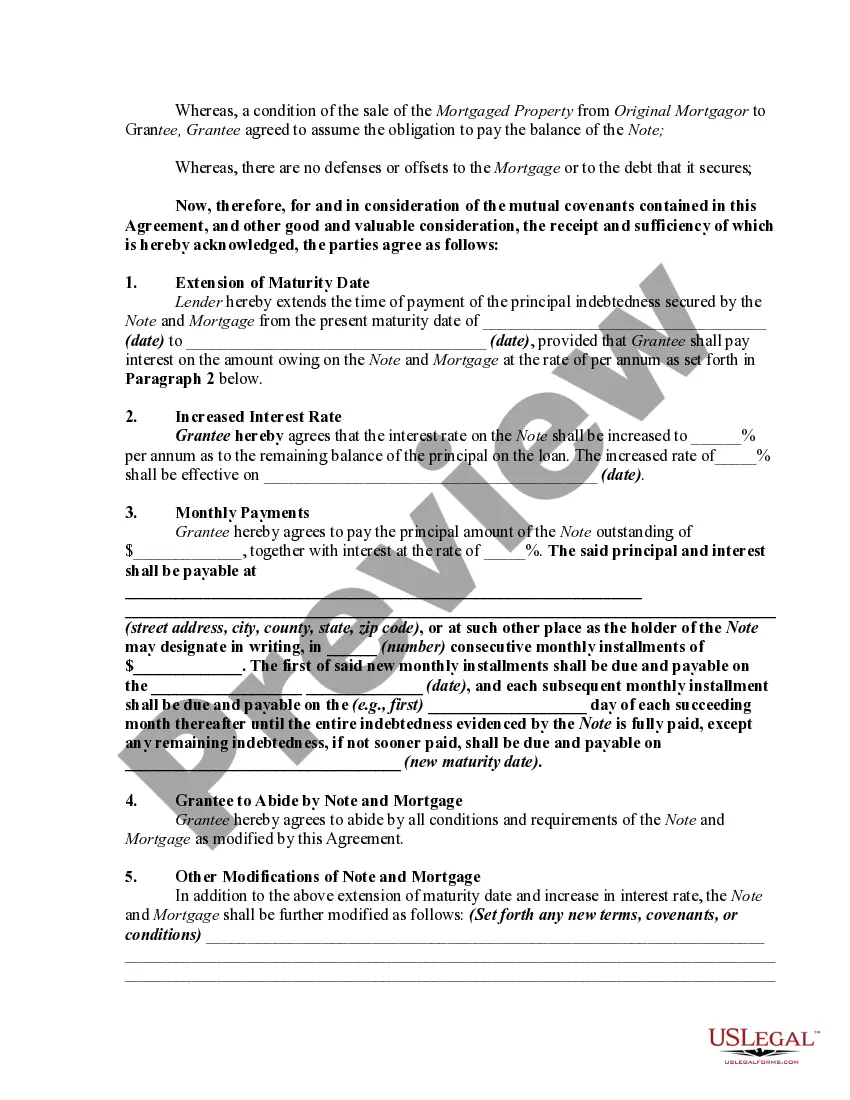
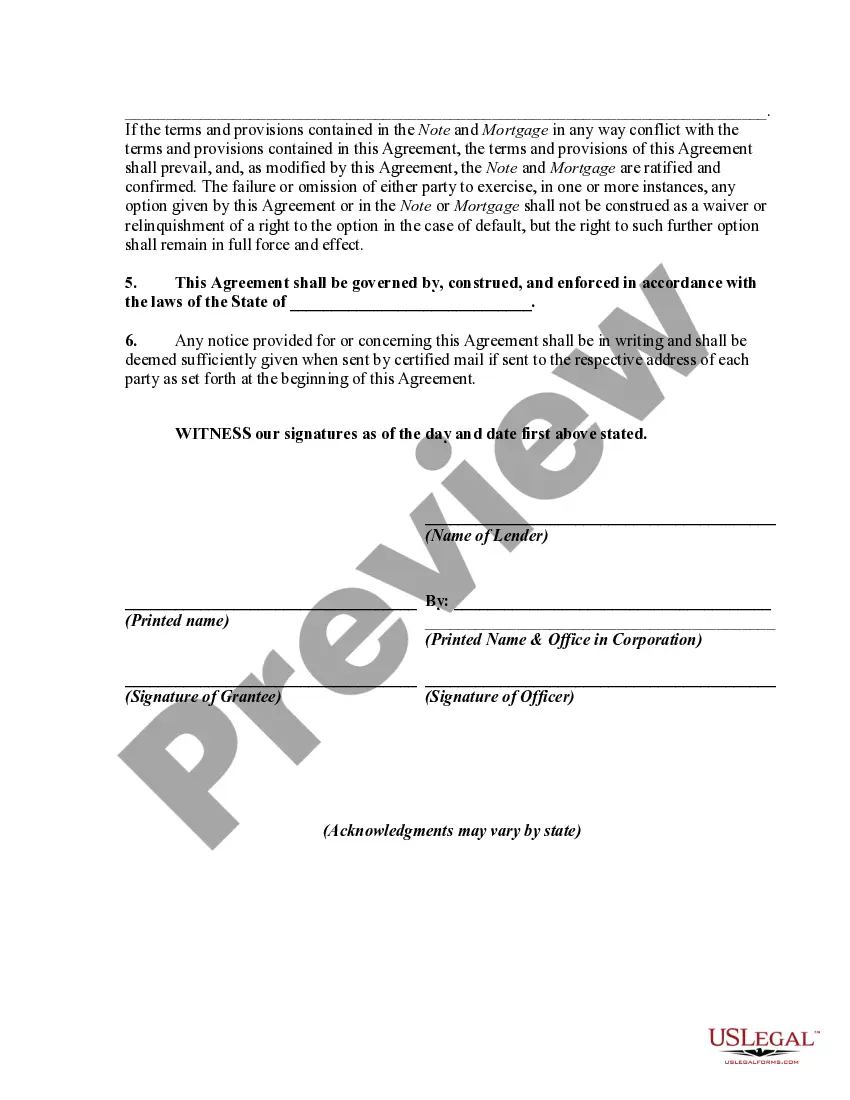
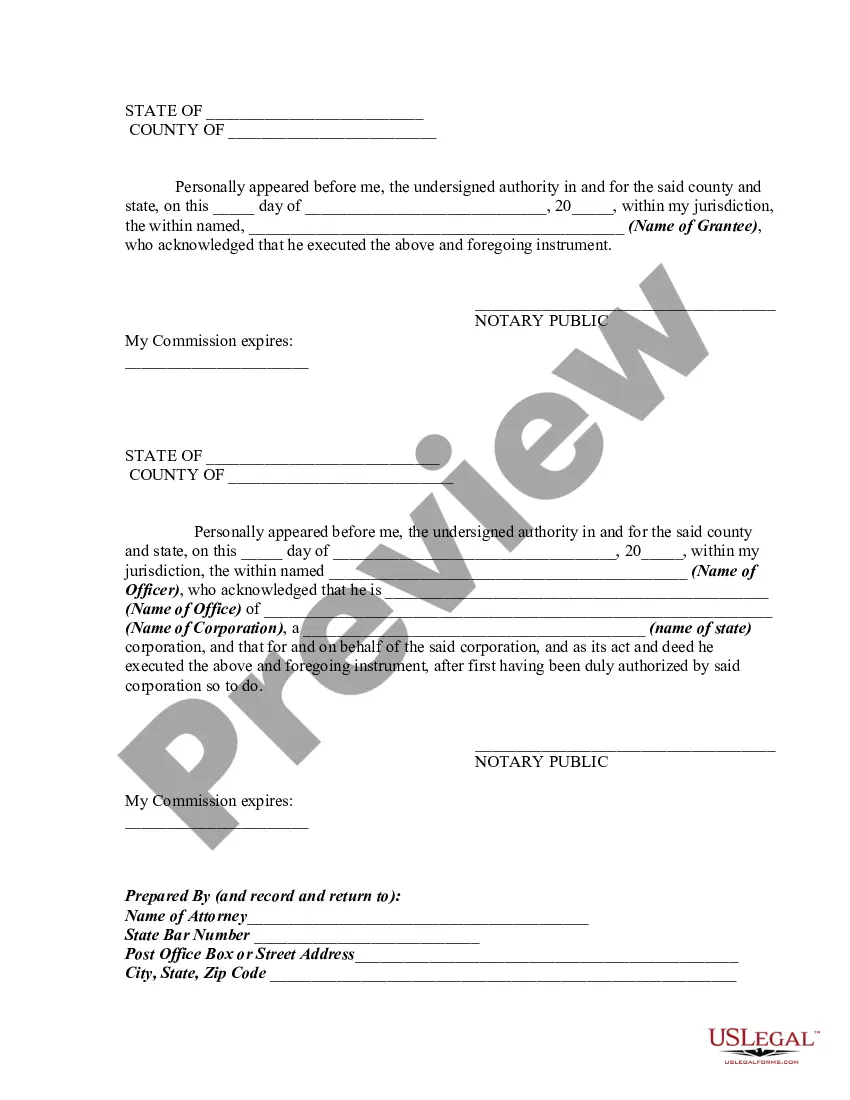
Get your form ready online
Our built-in tools help you complete, sign, share, and store your documents in one place.
Make edits, fill in missing information, and update formatting in US Legal Forms—just like you would in MS Word.
Download a copy, print it, send it by email, or mail it via USPS—whatever works best for your next step.
Sign and collect signatures with our SignNow integration. Send to multiple recipients, set reminders, and more. Go Premium to unlock E-Sign.
If this form requires notarization, complete it online through a secure video call—no need to meet a notary in person or wait for an appointment.
We protect your documents and personal data by following strict security and privacy standards.

Make edits, fill in missing information, and update formatting in US Legal Forms—just like you would in MS Word.

Download a copy, print it, send it by email, or mail it via USPS—whatever works best for your next step.

Sign and collect signatures with our SignNow integration. Send to multiple recipients, set reminders, and more. Go Premium to unlock E-Sign.

If this form requires notarization, complete it online through a secure video call—no need to meet a notary in person or wait for an appointment.

We protect your documents and personal data by following strict security and privacy standards.
Looking for another form?







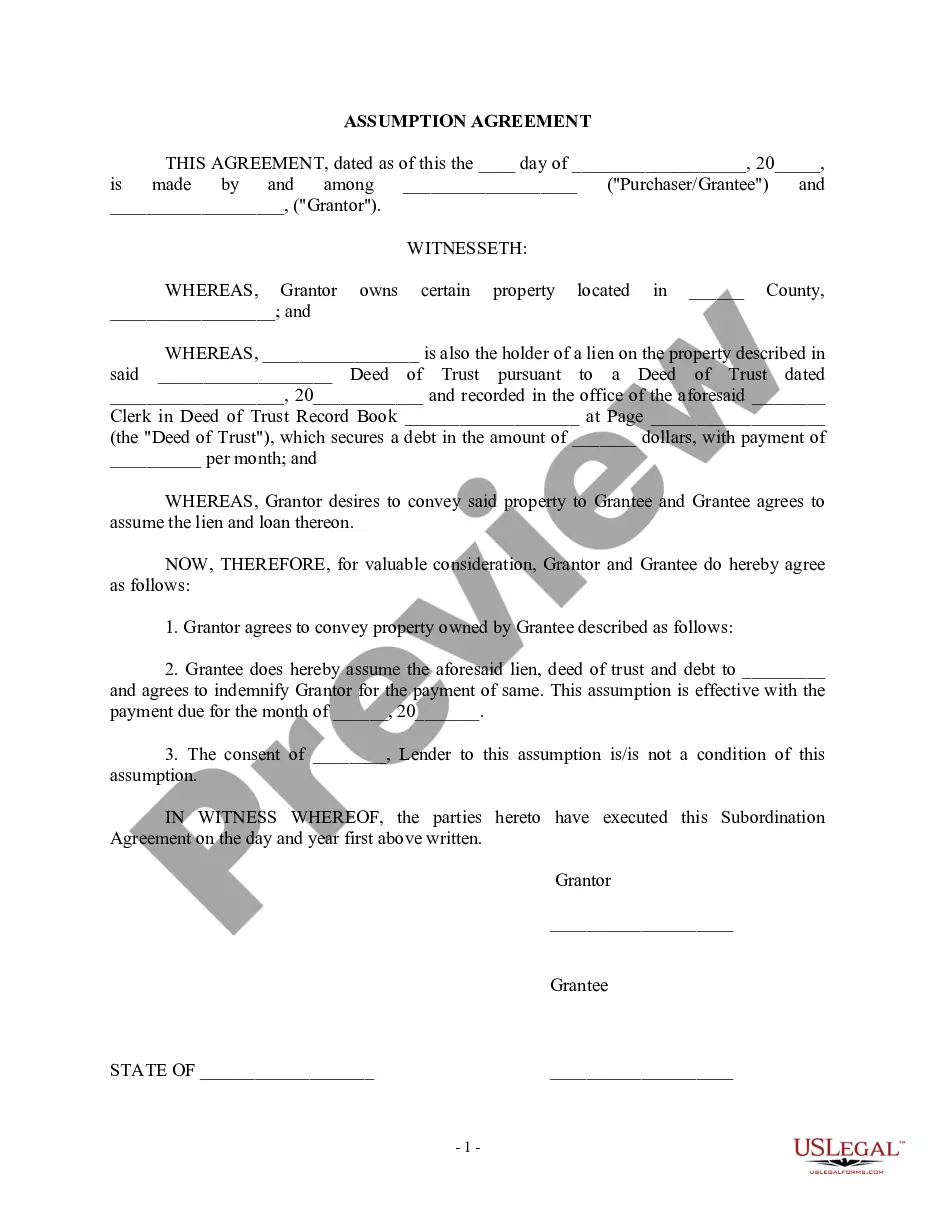
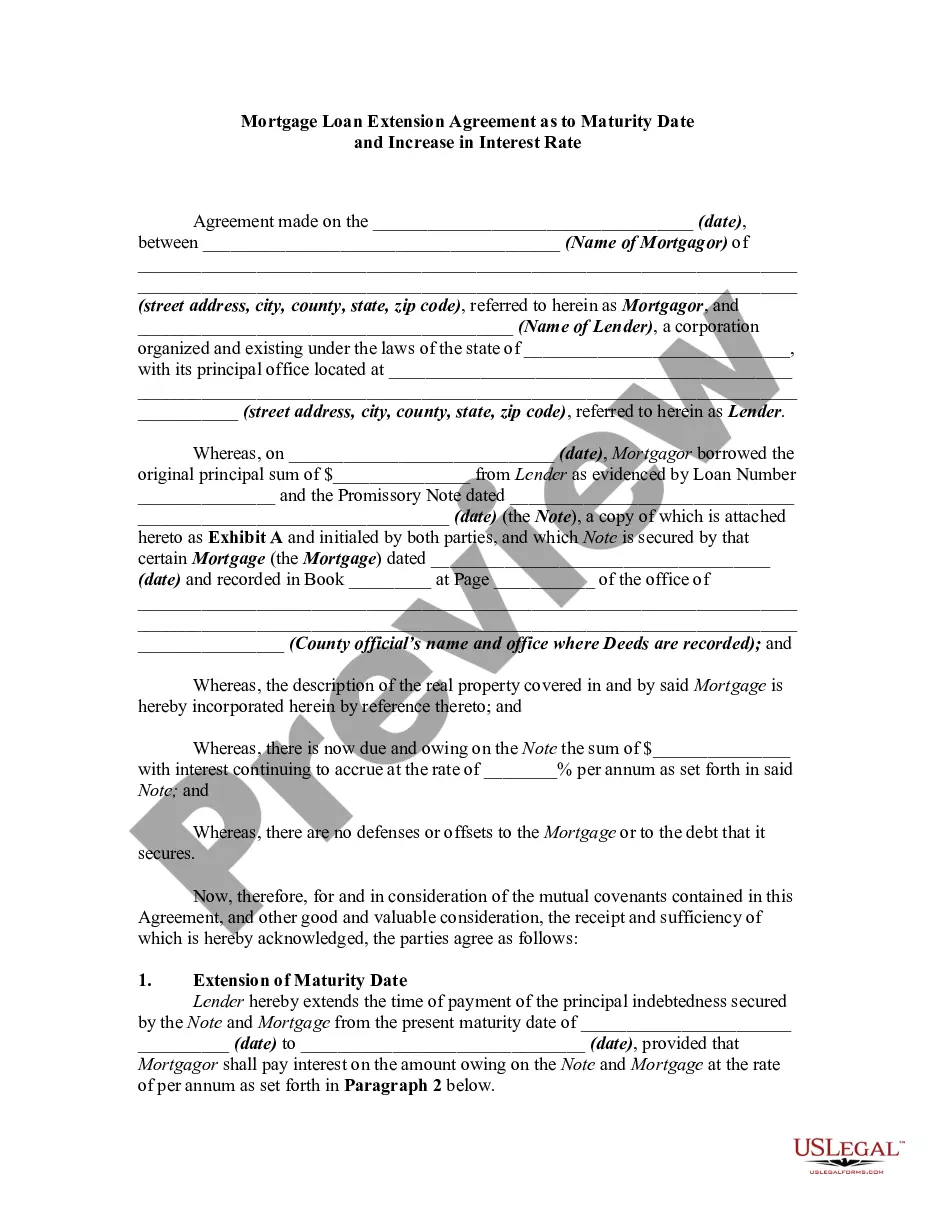
How to fill out Mortgage Extension Agreement With Assumption Of Debt By New Owner Of Real Property Covered By The Mortgage And Increase Of Interest?
It’s well-known that you cannot transform into a legal expert instantly, nor can you learn how to swiftly prepare Extension Properties without possessing a specialized background.
Assembling legal documents is a lengthy endeavor that necessitates specific training and expertise. So why not entrust the development of the Extension Properties to the professionals.
With US Legal Forms, one of the most extensive legal document repositories, you can discover anything from court documentation to templates for internal corporate correspondence.
You can regain access to your documents from the My documents tab at any moment. If you’re an existing customer, you can simply Log In, and find and download the template from the same tab.
Regardless of the aim of your documentation—be it financial, legal, or personal—our website has you covered. Try US Legal Forms today!
- Locate the document you require using the search bar at the top of the page.
- Preview it (if this option is available) and review the supporting description to determine if Extension Properties is what you need.
- Restart your search if you require a different form.
- Sign up for a free account and choose a subscription plan to purchase the form.
- Select Buy now. Once the payment is finalized, you can obtain the Extension Properties, fill it out, print it, and send it or mail it to the appropriate individuals or organizations.
Form popularity
FAQ
Create a properties file? Right-click a directory where you would like to create the file. From the context menu of the target directory, choose New | File. In the New File dialog, type the filename with the corresponding extension . properties, and click OK.
A Java style properties file contains key value pairs (properties) in a file with ISO-8859-1 encoding (code page 28591). The file usually has a ?. properties? file extension and consists of a series of lines (terminated by CRLF or CR or LF) each a key value pair, a comment or a blank line.
Creating a .properties file ? Instantiate the Properties class. Populate the created Properties object using the put() method. Instantiate the FileOutputStream class by passing the path to store the file, as a parameter.