Deposit Box Form For Chase
Description
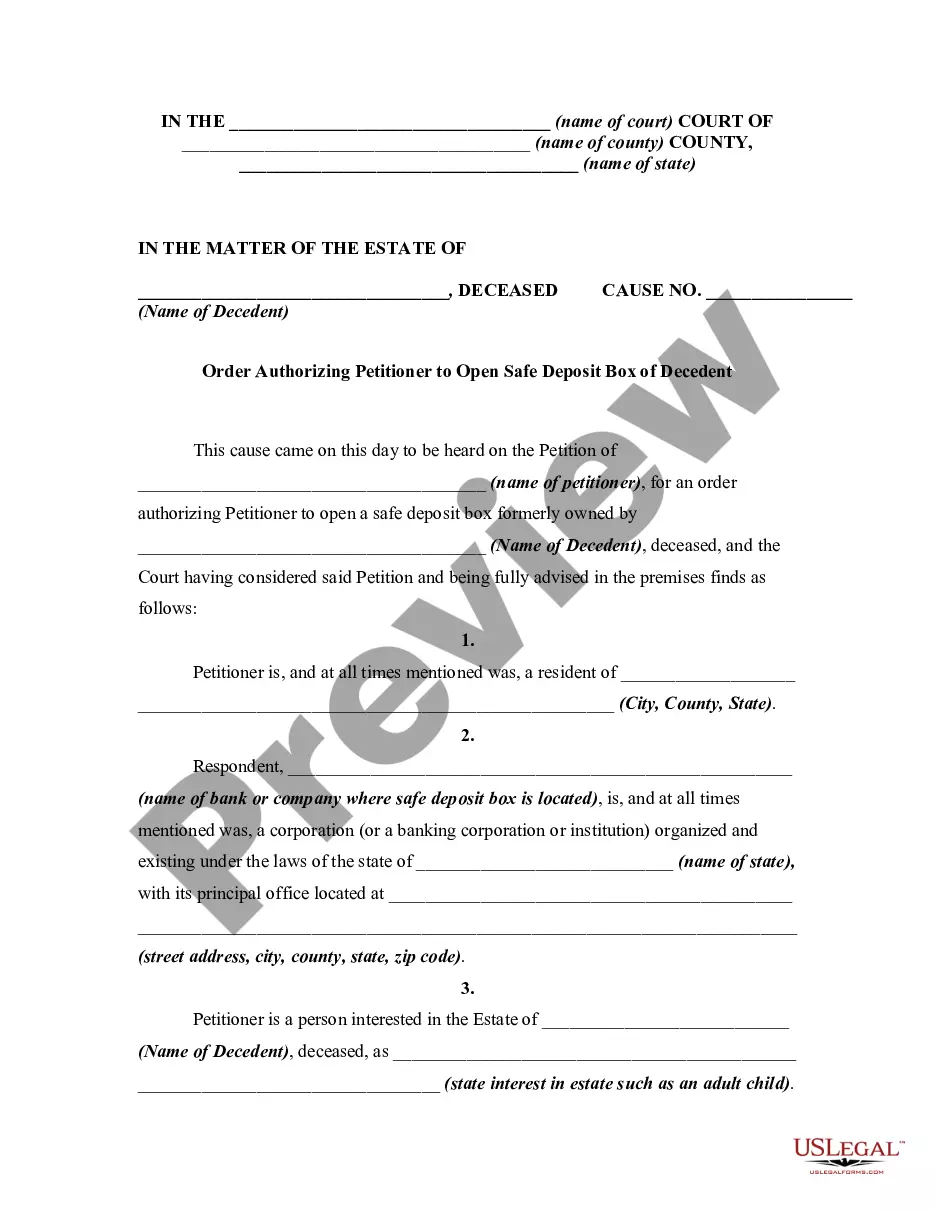
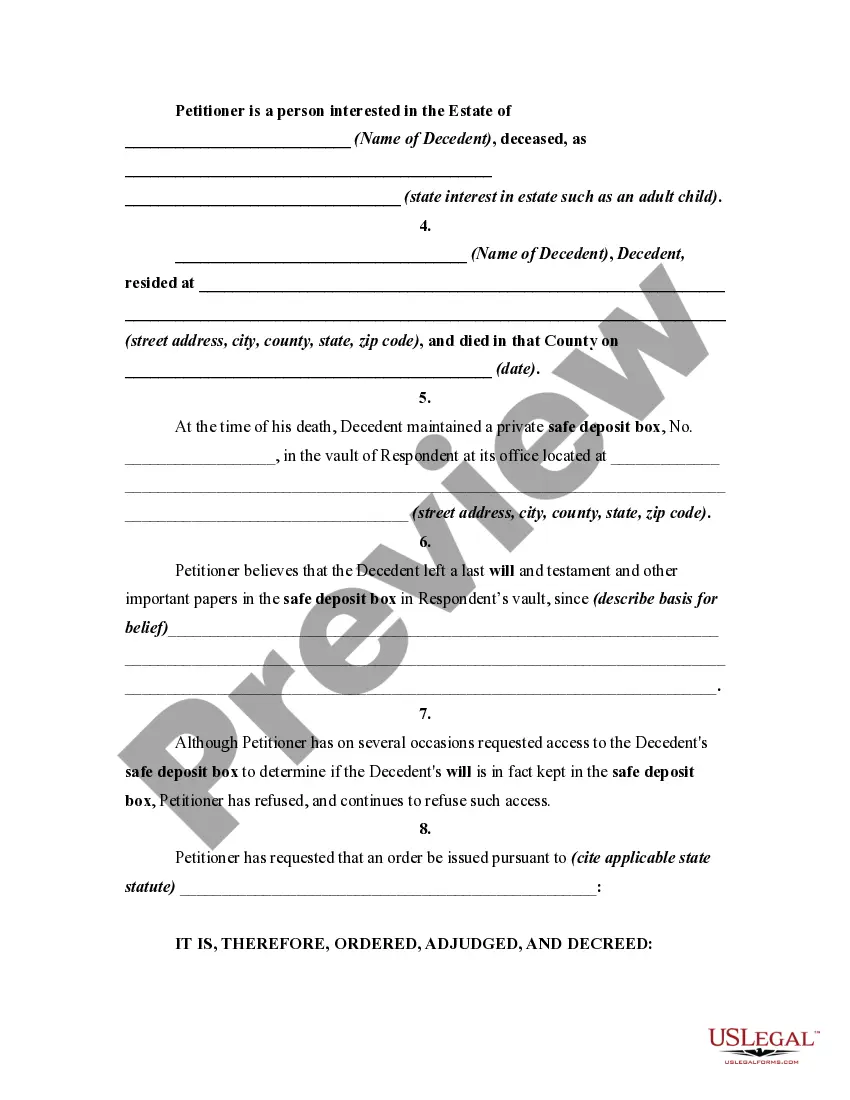
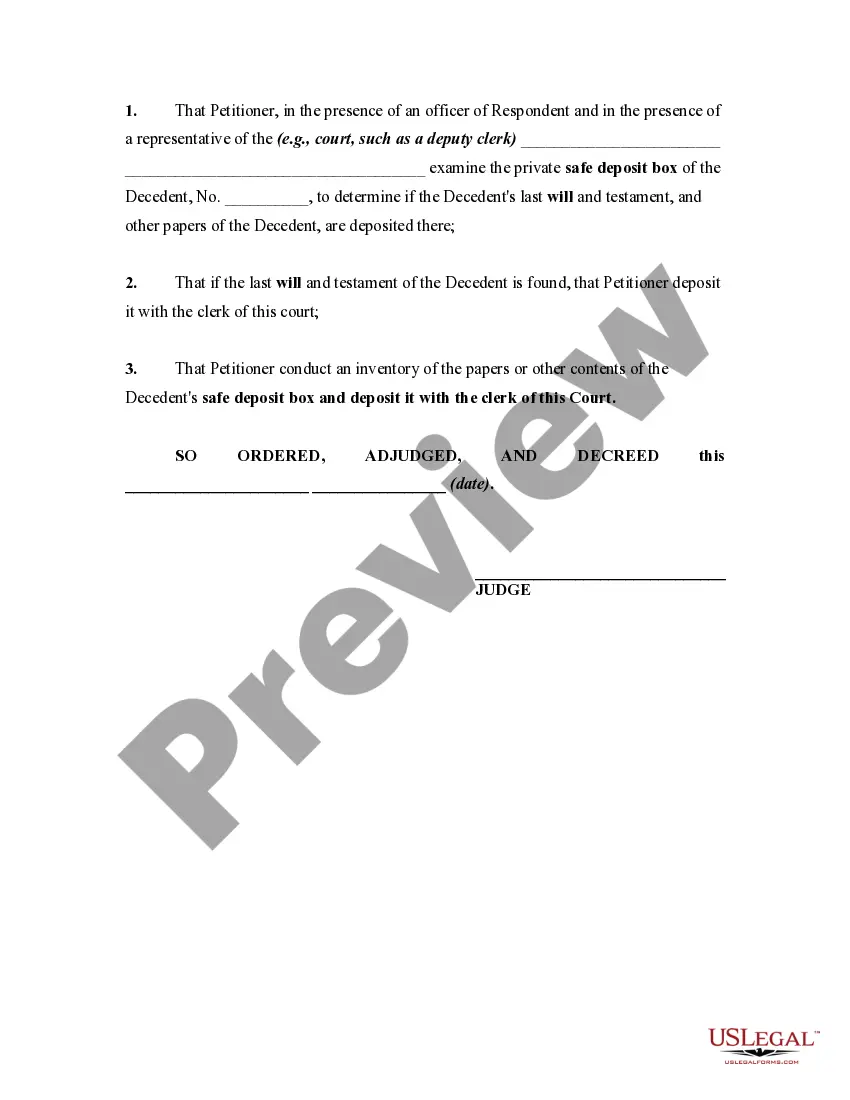
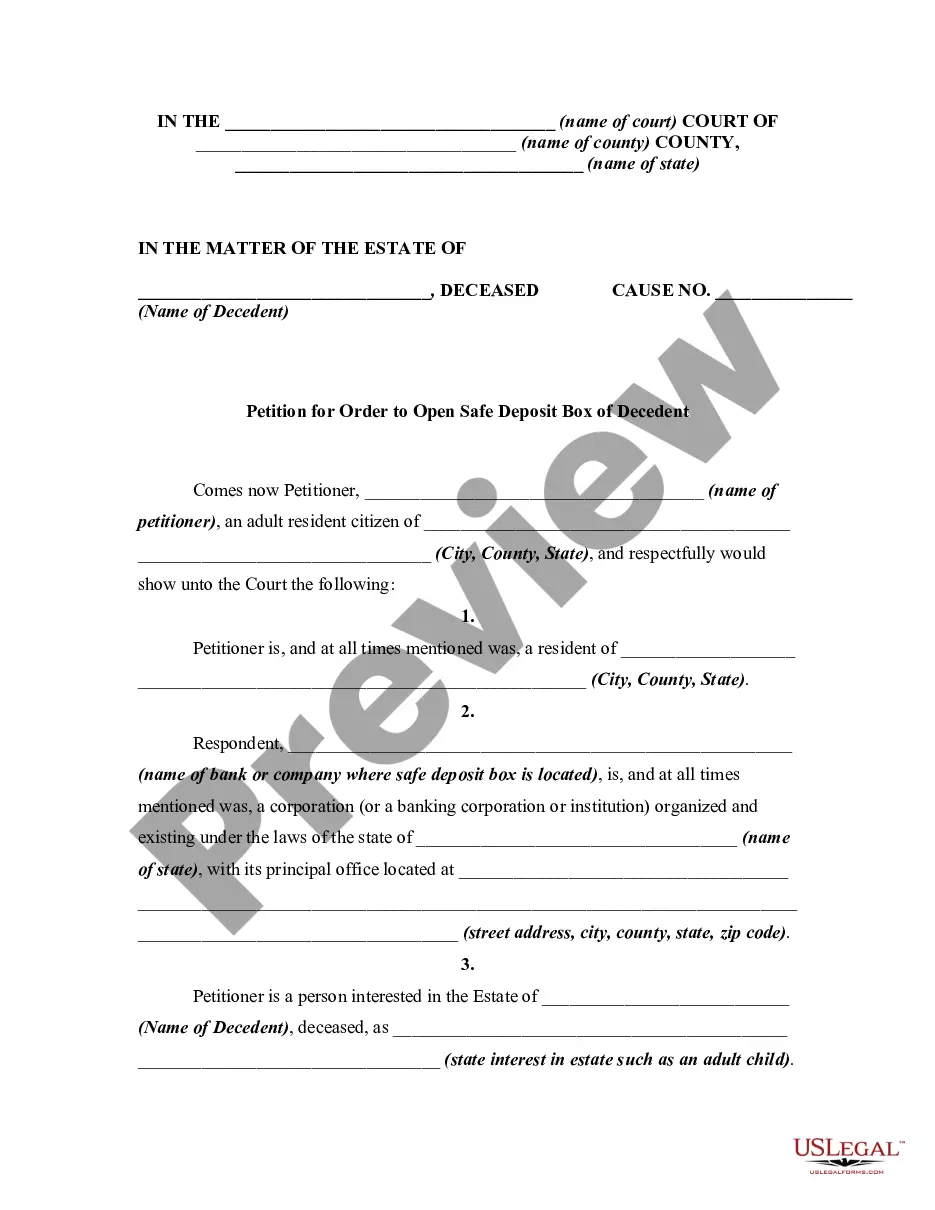
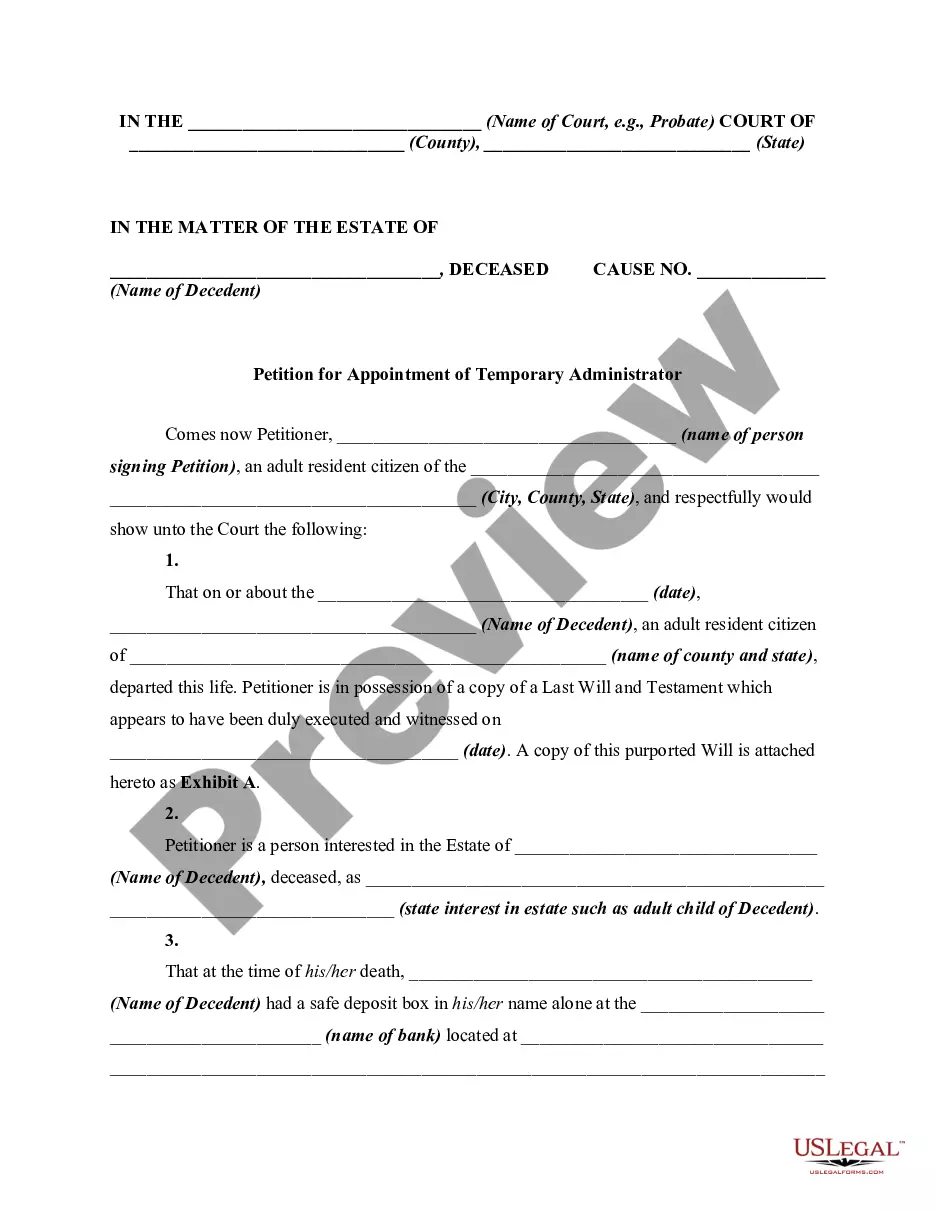
Get your form ready online
Our built-in tools help you complete, sign, share, and store your documents in one place.
Make edits, fill in missing information, and update formatting in US Legal Forms—just like you would in MS Word.
Download a copy, print it, send it by email, or mail it via USPS—whatever works best for your next step.
Sign and collect signatures with our SignNow integration. Send to multiple recipients, set reminders, and more. Go Premium to unlock E-Sign.
If this form requires notarization, complete it online through a secure video call—no need to meet a notary in person or wait for an appointment.
We protect your documents and personal data by following strict security and privacy standards.

Make edits, fill in missing information, and update formatting in US Legal Forms—just like you would in MS Word.

Download a copy, print it, send it by email, or mail it via USPS—whatever works best for your next step.

Sign and collect signatures with our SignNow integration. Send to multiple recipients, set reminders, and more. Go Premium to unlock E-Sign.

If this form requires notarization, complete it online through a secure video call—no need to meet a notary in person or wait for an appointment.

We protect your documents and personal data by following strict security and privacy standards.
Looking for another form?
How to fill out Order Authorizing Petitioner To Open Safe Deposit Box Of Decedent?
It’s clear that you cannot instantly become a legal expert, nor can you rapidly master how to prepare the Deposit Box Form for Chase without a specialized background.
Drafting legal documents is a lengthy process that requires specific education and expertise. So why not entrust the preparation of the Deposit Box Form for Chase to the professionals.
With US Legal Forms, which has one of the largest collections of legal templates, you can find everything from court documents to internal corporate communication formats. We recognize the importance of compliance with federal and state statutes and regulations. That’s why all templates on our site are specific to your location and current.
Select Buy now. Once the purchase is completed, you can obtain the Deposit Box Form for Chase, complete it, print it, and send or deliver it to the relevant individuals or entities.
You can access your documents anytime from the My documents section. If you’re an existing user, simply Log In to find and download the template from the same section. Regardless of the intent behind your documents—be it financial, legal, or personal—our site has everything you need. Give US Legal Forms a try now!
- Begin by visiting our website to discover the form you need in just a few minutes.
- Use the search function at the top of the page to locate the document you require.
- If available, preview the document and read the supporting description to see if the Deposit Box Form for Chase meets your needs.
- If you're looking for a different template, restart your search.
- Create a free account and choose a subscription plan to purchase the template.
Form popularity
FAQ
To send your direct deposit form to Chase, you can provide the completed form directly to your employer, who will then process it for you. If you prefer to handle it through Chase, you may also have the option to upload it through the online banking platform. Checking with your payroll department can help clarify the best method.
No. Chase QuickDeposit automatically creates an electronic deposit ticket for each deposit. Physical deposit slips aren't needed.
Complete a direct deposit form yourself Download the form (PDF) Locate your 9-digit routing and account number - here's how to find them. Fill in your other personal information. Give the completed form to your employer.
A deposit slip is a small paper form that a bank customer includes when depositing funds into a bank account. A deposit slip states the date, the name of the depositor, the depositor's account number, and the amounts being deposited.
How does online check deposit work? Sign into your selected banking mobile app. Tap "Deposit checks" and choose the account where you want your deposit to go. Enter the deposit amount. Tap "Front" and take a photo of the front of the check. Endorse your check, then tap "Next" Take a photo of the back of the check.