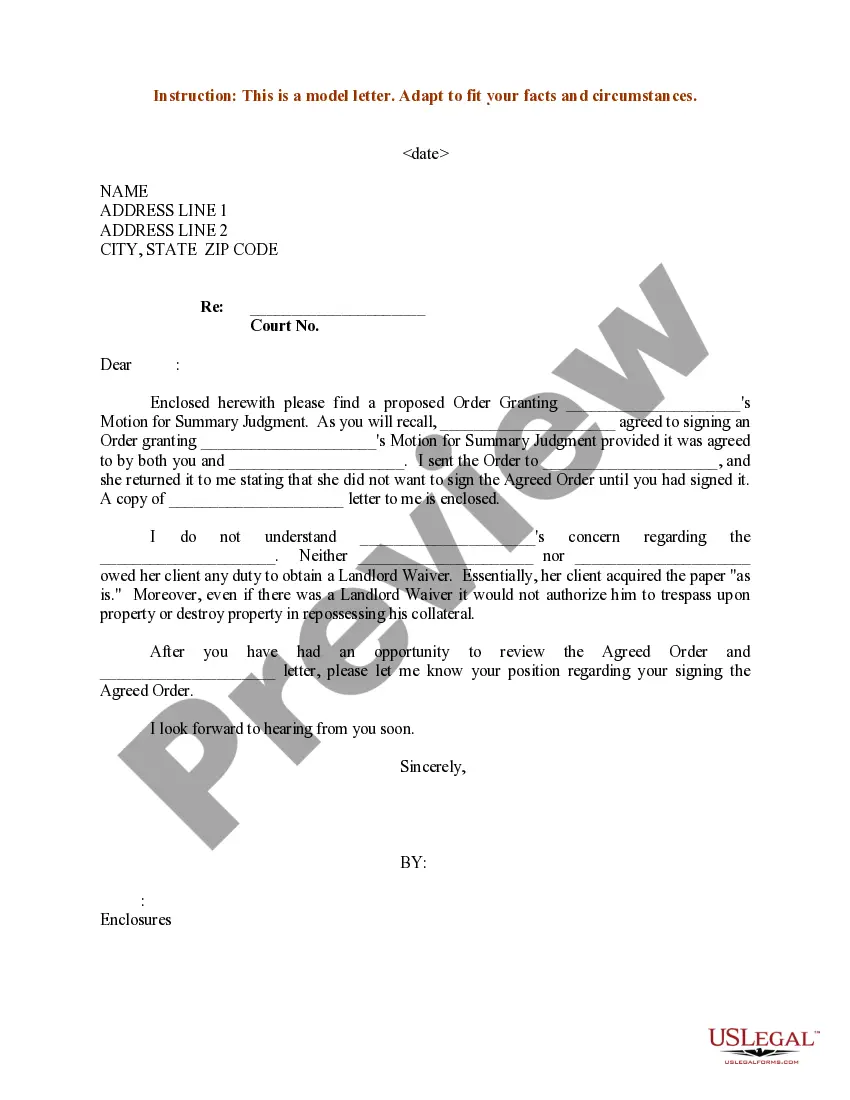
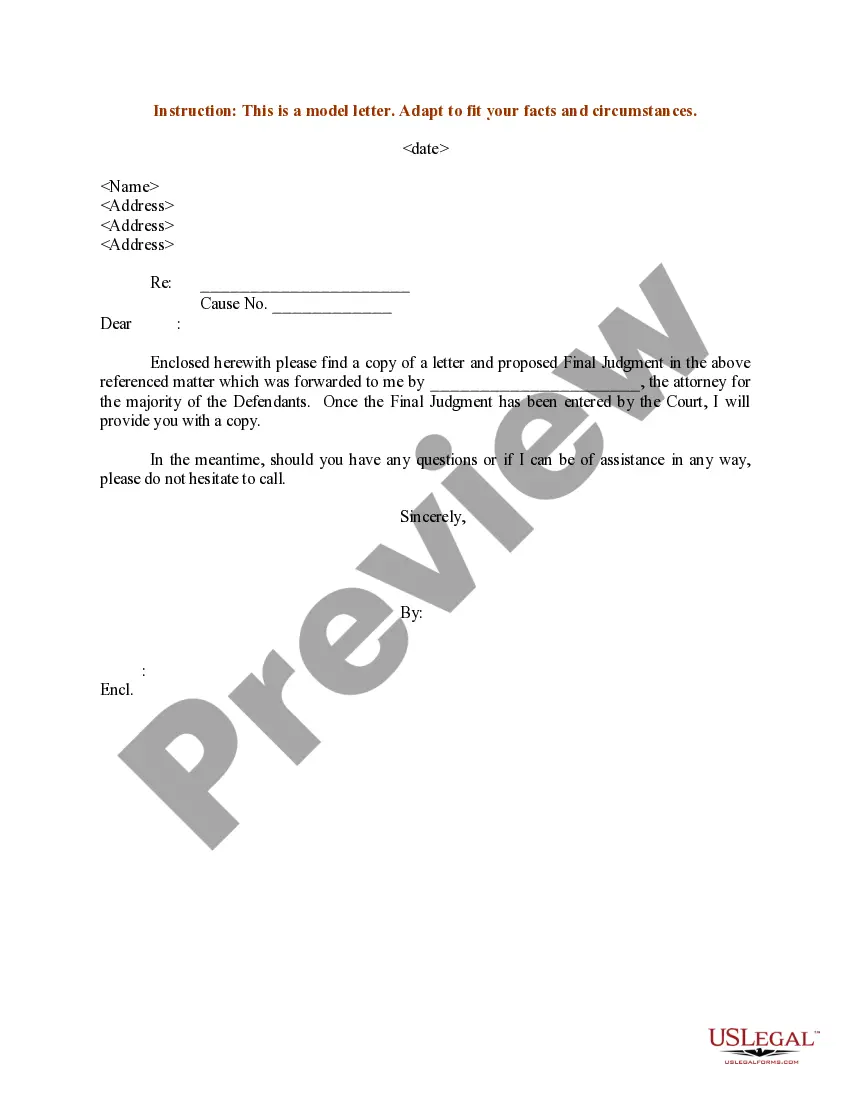
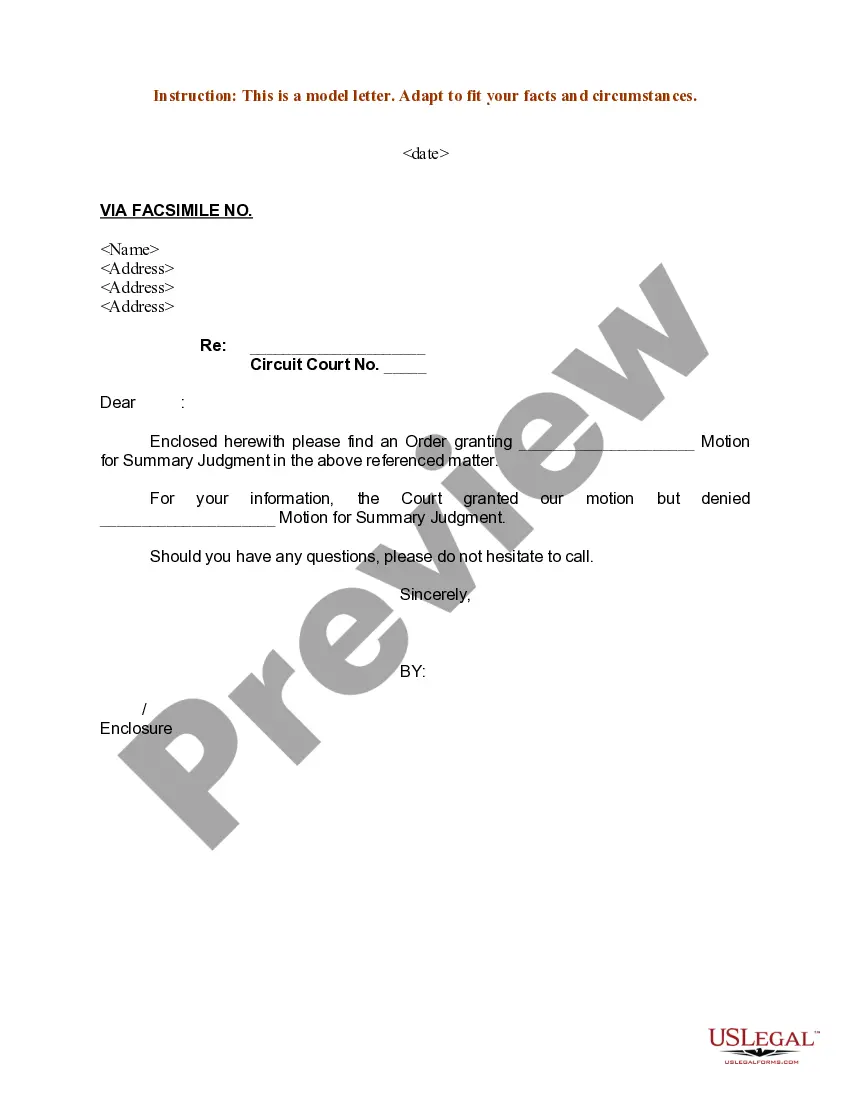
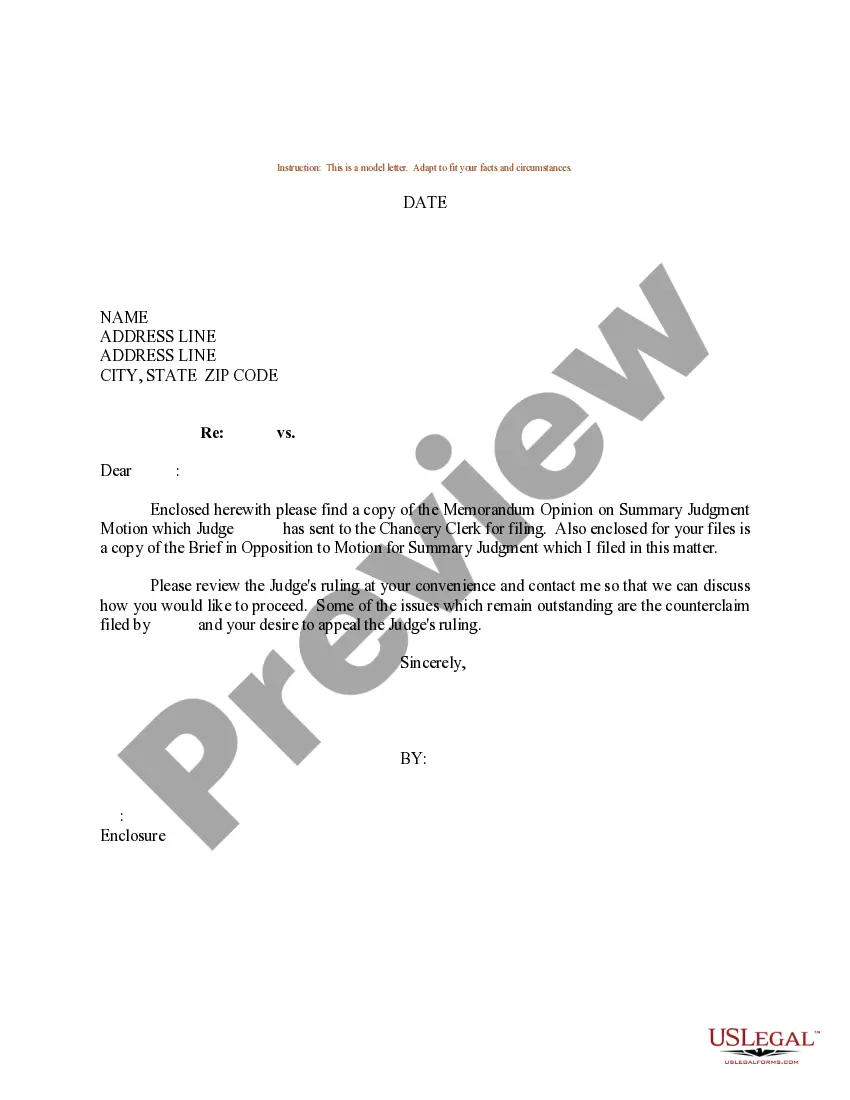
Proposed Order Template For Court
Description
Get your form ready online
Our built-in tools help you complete, sign, share, and store your documents in one place.
Make edits, fill in missing information, and update formatting in US Legal Forms—just like you would in MS Word.
Download a copy, print it, send it by email, or mail it via USPS—whatever works best for your next step.
Sign and collect signatures with our SignNow integration. Send to multiple recipients, set reminders, and more. Go Premium to unlock E-Sign.
If this form requires notarization, complete it online through a secure video call—no need to meet a notary in person or wait for an appointment.
We protect your documents and personal data by following strict security and privacy standards.

Make edits, fill in missing information, and update formatting in US Legal Forms—just like you would in MS Word.

Download a copy, print it, send it by email, or mail it via USPS—whatever works best for your next step.

Sign and collect signatures with our SignNow integration. Send to multiple recipients, set reminders, and more. Go Premium to unlock E-Sign.

If this form requires notarization, complete it online through a secure video call—no need to meet a notary in person or wait for an appointment.

We protect your documents and personal data by following strict security and privacy standards.
Looking for another form?

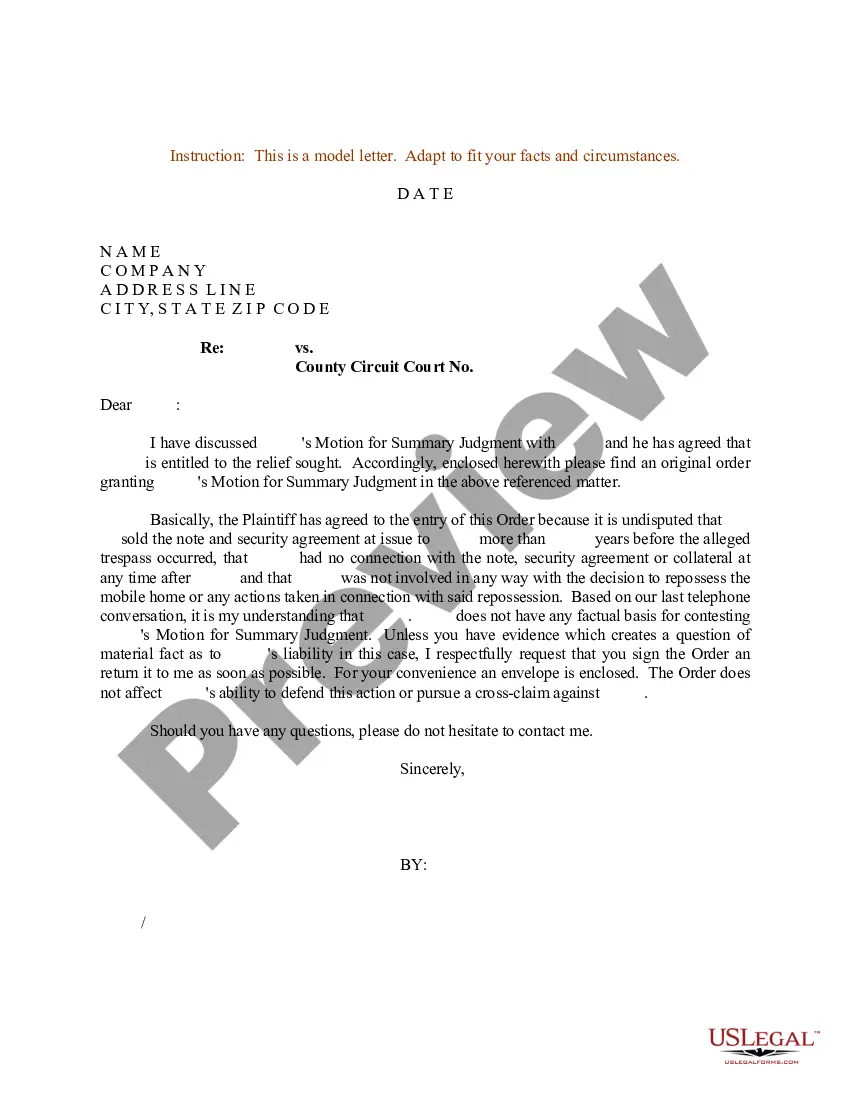
How to fill out Sample Letter For Proposed Order Granting Summary Judgment?
Locating a reliable source to obtain the latest and pertinent legal documents is part of the challenge when dealing with bureaucratic processes. Identifying the appropriate legal forms demands accuracy and careful consideration, which is why it is crucial to procure templates of the Proposed Order Template For Court exclusively from trustworthy providers, such as US Legal Forms. An incorrect template can squander your time and hinder the matter at hand. With US Legal Forms, your concerns areMinimal. You can explore and review all the information regarding the document’s applicability and significance for your situation and in your area.
Follow these steps to accomplish your Proposed Order Template For Court.
Once you have the form on your device, you may modify it using the editor or print it out and fill it in by hand. Eliminate the stress associated with your legal documentation. Explore the extensive US Legal Forms catalog to discover legal templates, verify their suitability for your situation, and download them without delay.
- Utilize the library navigation or search function to find your sample.
- Examine the form’s description to verify if it aligns with your state and locality.
- View the form preview, if available, to confirm that it is the form you need.
- Return to the search to find the appropriate template if the Proposed Order Template For Court does not meet your needs.
- If you are confident about the form’s relevance, proceed to download it.
- As an authorized user, click Log in to verify your identity and access your selected forms in My documents.
- If you have not yet created a profile, click Buy now to purchase the template.
- Select the pricing option that suits your needs.
- Continue to the registration process to complete your order.
- Finish your transaction by choosing a payment method (credit card or PayPal).
- Choose the file format for downloading the Proposed Order Template For Court.
Form popularity
FAQ
An "Order" is a separate document that a judge signs which sets forth the judge's ruling on a motion. A "Judgment" is a separate document that a judge signs and sets forth the judge's ruling at the end of an adversary proceeding.
A stipulation and proposed order that parties may use to memorialize and render enforceable their pretrial agreements regarding the admissibility or authenticity of hard copy documents or electronically stored information (ESI) in federal litigation.
At or before the hearing, give the judge a ?proposed order.? A proposed order is a document describing the things you want the judge to order. Make sure you give a copy of the proposed order to the lawyer or person on the other side of the case.
In all other California courts, filers will need to eFile through the preferred electronic filing service provider (EFSP), like One Legal, and then email your editable proposed order to the courtroom clerk. To find the email address, check out your local court's Contact Us page, such as this one from Santa Cruz County.
At or before the hearing, give the judge a ?proposed order.? A proposed order is a document describing the things you want the judge to order. Make sure you give a copy of the proposed order to the lawyer or person on the other side of the case.