Proposed Order For Motion To Dismiss
Description

Get your form ready online
Our built-in tools help you complete, sign, share, and store your documents in one place.
Make edits, fill in missing information, and update formatting in US Legal Forms—just like you would in MS Word.
Download a copy, print it, send it by email, or mail it via USPS—whatever works best for your next step.
Sign and collect signatures with our SignNow integration. Send to multiple recipients, set reminders, and more. Go Premium to unlock E-Sign.
If this form requires notarization, complete it online through a secure video call—no need to meet a notary in person or wait for an appointment.
We protect your documents and personal data by following strict security and privacy standards.

Make edits, fill in missing information, and update formatting in US Legal Forms—just like you would in MS Word.

Download a copy, print it, send it by email, or mail it via USPS—whatever works best for your next step.

Sign and collect signatures with our SignNow integration. Send to multiple recipients, set reminders, and more. Go Premium to unlock E-Sign.

If this form requires notarization, complete it online through a secure video call—no need to meet a notary in person or wait for an appointment.

We protect your documents and personal data by following strict security and privacy standards.
Looking for another form?



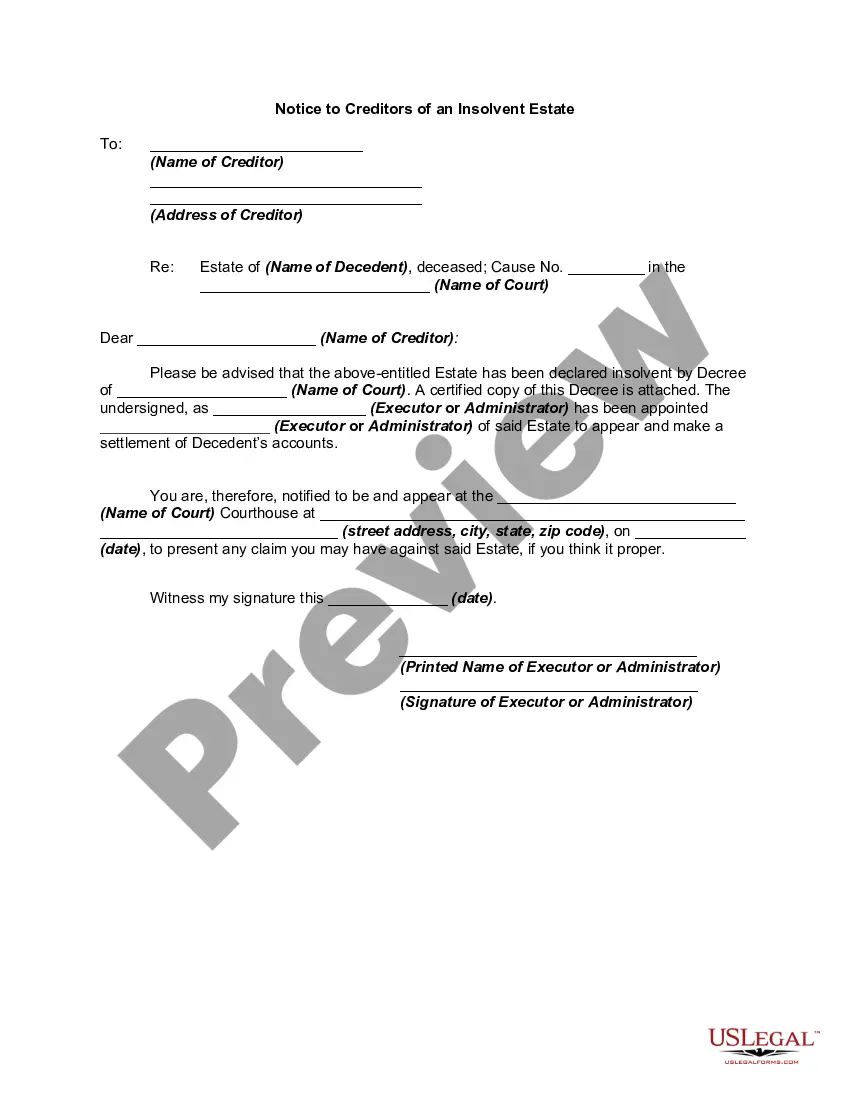


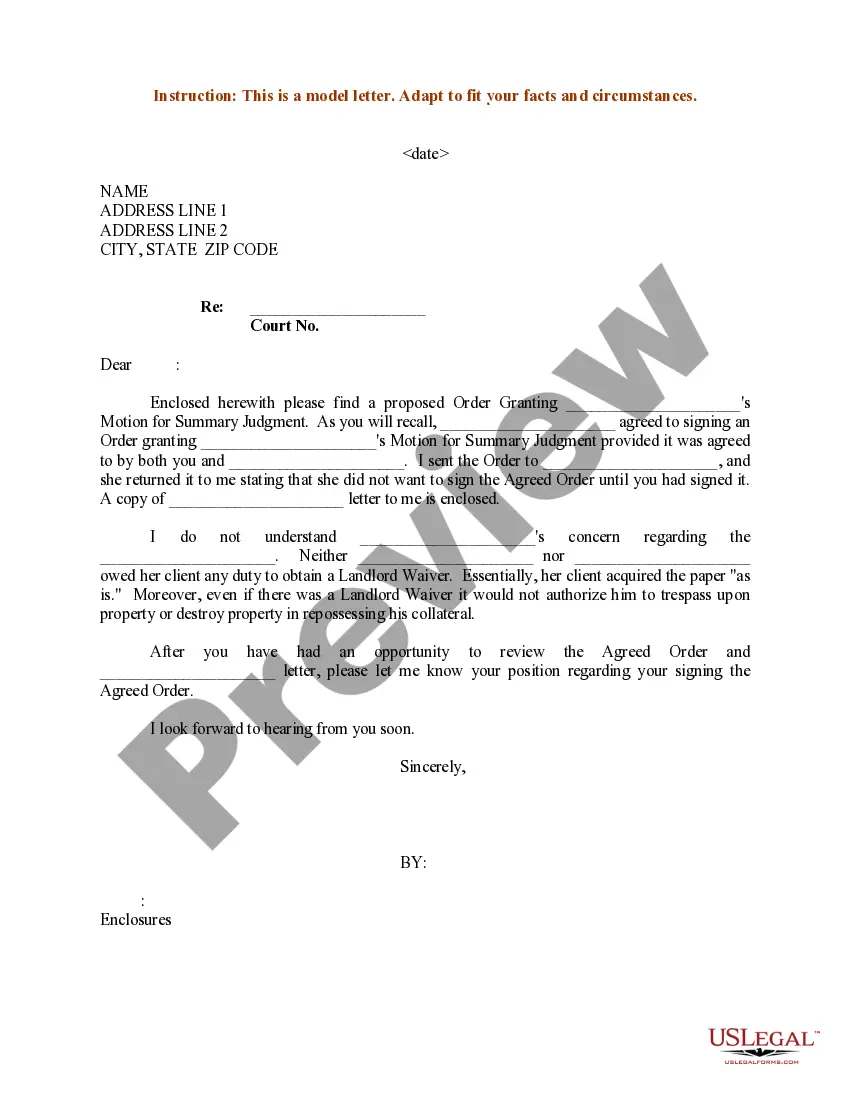
How to fill out Sample Letter For Proposed Order Granting Summary Judgment?
Regardless of whether it’s for professional reasons or personal matters, everyone eventually has to manage legal circumstances at some point in their lives.
Filling out legal documents requires meticulous care, beginning with selecting the appropriate form template.
After downloading, you can complete the form using editing software or print it out and finalize it manually. With a comprehensive US Legal Forms catalog available, you will never have to waste time looking for the right template online. Utilize the library’s user-friendly navigation to find the appropriate form for any situation.
- For example, if you select an incorrect version of the Proposed Order For Motion To Dismiss, it will be rejected when submitted.
- Thus, it is essential to obtain a reliable source of legal documents such as US Legal Forms.
- If you wish to get a Proposed Order For Motion To Dismiss template, follow these straightforward steps.
- Acquire the needed template using the search bar or browsing through the catalog.
- Review the description of the form to confirm that it aligns with your case, jurisdiction, and area.
- Click on the preview of the form to inspect it.
- If it is the wrong document, return to the search tool to locate the Proposed Order For Motion To Dismiss version you require.
- Obtain the template if it satisfies your requirements.
- If you already possess a US Legal Forms account, click Log in to retrieve previously saved documents in My documents.
- If you do not yet have an account, you can download the form by clicking Buy now.
- Select the suitable pricing option.
- Complete the registration form for creating an account.
- Choose your payment method: either a credit card or a PayPal account.
- Select the document format you wish and download the Proposed Order For Motion To Dismiss.
Form popularity
FAQ
Filling out a court motion form requires attention to detail and understanding of legal terminology. First, clearly identify the motion you are submitting, such as a proposed order for motion to dismiss. Then, follow the court's guidelines regarding required information, including names of the parties involved, case number, and specific relief requested. For assistance, consider using US Legal Forms, which provides templates and resources to help you accurately complete the necessary forms.
Yes, you can appeal the denial of a motion to dismiss under certain conditions. This kind of appeal allows you to challenge the court's decision not to dismiss your case at an earlier stage. It's essential to prepare meticulously, including crafting a thorough proposed order for motion to dismiss that outlines the points of contention. Consulting legal resources can further guide you through appeals effectively.
Typically, you cannot immediately appeal a motion to dismiss. Instead, the appeal process usually occurs after the case has concluded in the lower court. However, if the dismissal is deemed final, that may provide avenues for appeal. It is essential to understand the implications of your proposed order for motion to dismiss in these scenarios.
To successfully beat a motion to dismiss, you must provide compelling arguments that demonstrate your case has merit. Focus on presenting sufficient facts and legal bases that support your claims, which should be outlined in your proposed order for motion to dismiss. Moreover, gathering strong evidence and consulting resources can greatly enhance your strategy and effectiveness. Platforms like US Legal Forms can assist you in drafting necessary documents.
Yes, you can appeal against a dismissal, but there are a few important factors to consider. You typically need to file your appeal within a specific period after the dismissal is issued. Your proposed order for motion to dismiss may help clarify your stance, making your appeal stronger. Always consult with a legal expert to understand the specific requirements for your situation.
Generally, you have 14 days to file your opposition to a motion to dismiss once you receive the motion. However, this timeframe can vary based on the specific rules of the court or the judge overseeing your case. It is crucial to prepare a proposed order for motion to dismiss and provide your arguments clearly and concisely within this timeframe. Utilizing platforms like US Legal Forms can help streamline the preparation process.
After a request for dismissal, the court reviews the motion and decides whether to grant or deny it. If granted, the case is closed, and the plaintiff usually cannot bring the same claims again without further legal action. The court may also provide feedback or conditions for refiling. A proposed order for motion to dismiss can play a critical role in facilitating this decision.
A proposed order to dismiss is a document suggesting that the court formally end a legal action. It outlines the reasons for dismissal and is submitted alongside a motion to dismiss. This proposal allows the court to clearly understand the grounds for the dismissal. Including a well-prepared proposed order for motion to dismiss can strengthen your overall case presentation.
A motion to dismiss is specifically aimed at ending a case before it goes to trial due to procedural or legal deficiencies. In contrast, a motion to terminate generally refers to concluding a lesser action, like a lesser legal procedure within an ongoing case. Understanding these distinctions is vital for effective legal strategy. Utilizing a proposed order for motion to dismiss can clarify the intent behind these motions.
An order to dismiss is a formal directive from the court indicating that the case will not move forward. This order ends the legal action based on reasons presented, such as lack of jurisdiction or failure to state a claim. It can serve as a significant turning point in the litigation process. Typically, a proposed order for motion to dismiss accompanies this directive, detailing the court's conclusions.