Policy On Employee Engagement
Description

Get your form ready online
Our built-in tools help you complete, sign, share, and store your documents in one place.
Make edits, fill in missing information, and update formatting in US Legal Forms—just like you would in MS Word.
Download a copy, print it, send it by email, or mail it via USPS—whatever works best for your next step.
Sign and collect signatures with our SignNow integration. Send to multiple recipients, set reminders, and more. Go Premium to unlock E-Sign.
If this form requires notarization, complete it online through a secure video call—no need to meet a notary in person or wait for an appointment.
We protect your documents and personal data by following strict security and privacy standards.

Make edits, fill in missing information, and update formatting in US Legal Forms—just like you would in MS Word.

Download a copy, print it, send it by email, or mail it via USPS—whatever works best for your next step.

Sign and collect signatures with our SignNow integration. Send to multiple recipients, set reminders, and more. Go Premium to unlock E-Sign.

If this form requires notarization, complete it online through a secure video call—no need to meet a notary in person or wait for an appointment.

We protect your documents and personal data by following strict security and privacy standards.
Looking for another form?

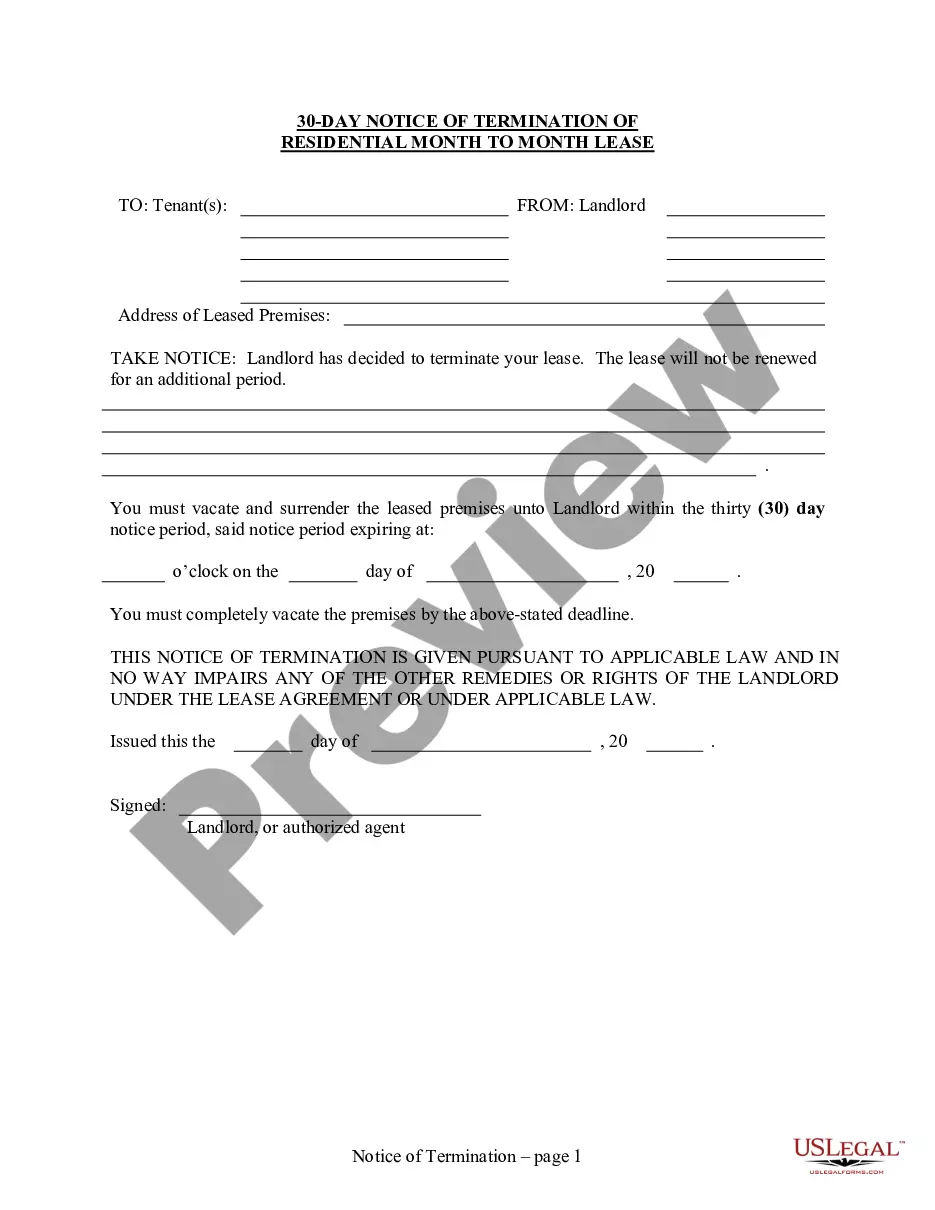






How to fill out Computer Use And Internet Policy For Employees Of Business?
Whether for corporate objectives or personal matters, everyone must handle legal circumstances at some stage in their existence.
Filling out legal paperwork necessitates meticulous care, commencing with selecting the correct form example.
With an extensive collection of US Legal Forms available, you will never have to waste time searching for the correct sample online. Utilize the library’s simple navigation to find the right template for any scenario.
- Locate the sample you require utilizing the search bar or catalog browsing.
- Review the form’s details to ensure it aligns with your situation, state, and locality.
- Select the form’s preview to examine it.
- If it is the wrong form, return to the search feature to find the Policy On Employee Engagement example you need.
- Download the template if it fulfills your criteria.
- If you already possess a US Legal Forms account, click Log in to access previously stored documents in My documents.
- If you don’t have an account yet, you can obtain the form by clicking Buy now.
- Select the suitable pricing option.
- Complete the registration form for your profile.
- Choose your payment method: utilize a credit card or PayPal account.
- Select the file format you prefer and download the Policy On Employee Engagement.
- Once it is saved, you can complete the form using editing software or print it out and finish it manually.
Form popularity
FAQ
While Wisconsin does not technically require you to get your POA notarized, notarization is strongly recommended. Under Wisconsin law, when you sign your POA in the presence of a notary public, you signature is presumed to be genuine?meaning your POA is more ironclad.
Wisconsin law has two types of advance directives for health care: A living will?Also called a Declaration to Physicians. A form that lets you define the kind of care you want to keep you alive if you are dying or in a vegetative state with no chance to get better.
The Power of Attorney for Health Care (POA-HC) Form (DHS Form F-00085) makes it possible for adults in Wisconsin to authorize other individuals (called health care agents) to make health care decisions on their behalf should they become incapacitated.
Living Will, Power of Attorney forms, Authorization for Final Disposition.
Overview: In Wisconsin you must fill out two separate forms to have a complete Advance Directive: A Living Will called a "Directive to Physicians and Family or Surrogates" and a "Power of Attorney for Health Care" (a.k.a. Health Care Proxy).
The most common types of advance directives are the living will and the durable power of attorney for health care (sometimes known as the medical power of attorney). There are many advance directive formats.
