Impact Electronic Signature Agreement Form
Description

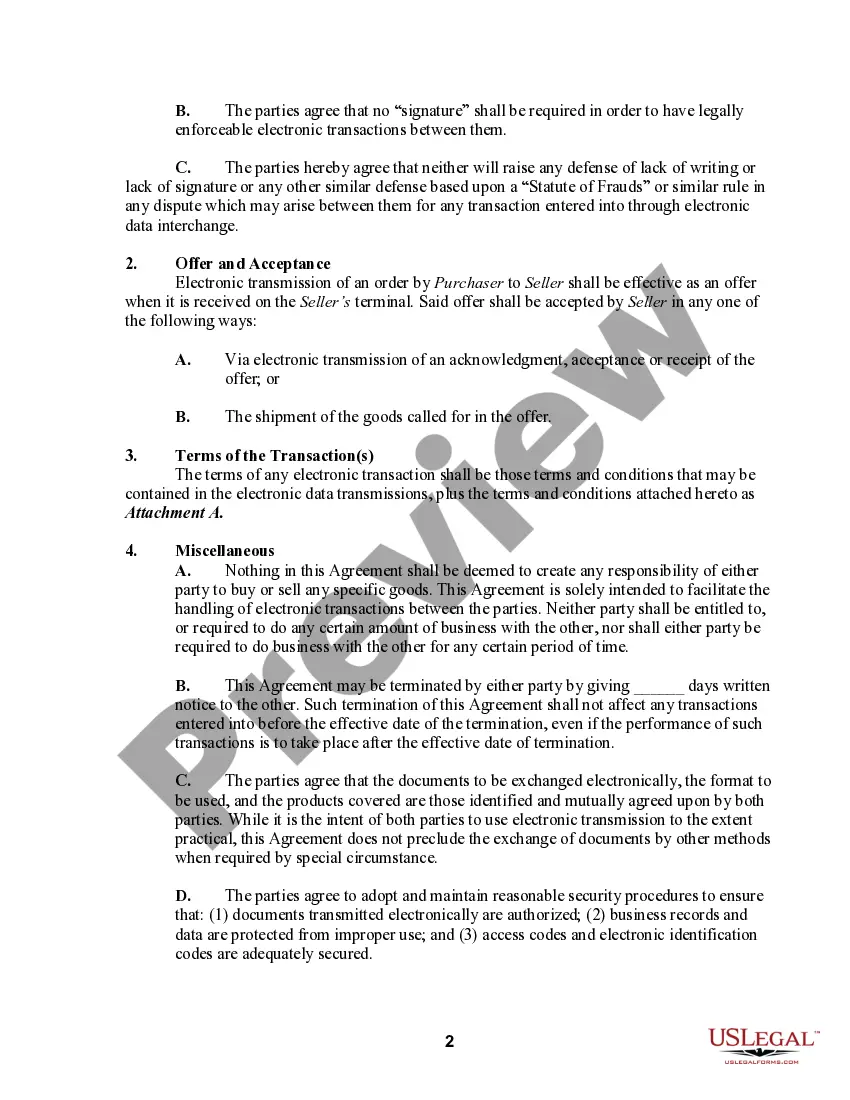


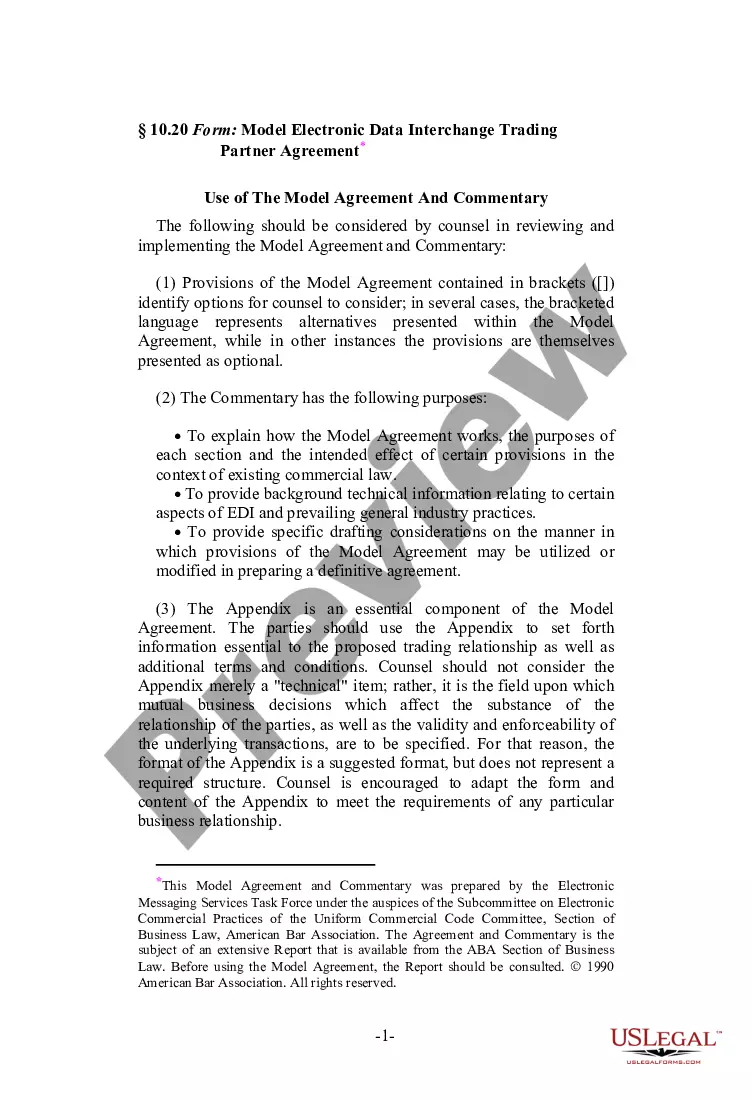

Get your form ready online
Our built-in tools help you complete, sign, share, and store your documents in one place.
Make edits, fill in missing information, and update formatting in US Legal Forms—just like you would in MS Word.
Download a copy, print it, send it by email, or mail it via USPS—whatever works best for your next step.
Sign and collect signatures with our SignNow integration. Send to multiple recipients, set reminders, and more. Go Premium to unlock E-Sign.
If this form requires notarization, complete it online through a secure video call—no need to meet a notary in person or wait for an appointment.
We protect your documents and personal data by following strict security and privacy standards.

Make edits, fill in missing information, and update formatting in US Legal Forms—just like you would in MS Word.

Download a copy, print it, send it by email, or mail it via USPS—whatever works best for your next step.

Sign and collect signatures with our SignNow integration. Send to multiple recipients, set reminders, and more. Go Premium to unlock E-Sign.

If this form requires notarization, complete it online through a secure video call—no need to meet a notary in person or wait for an appointment.

We protect your documents and personal data by following strict security and privacy standards.
Looking for another form?



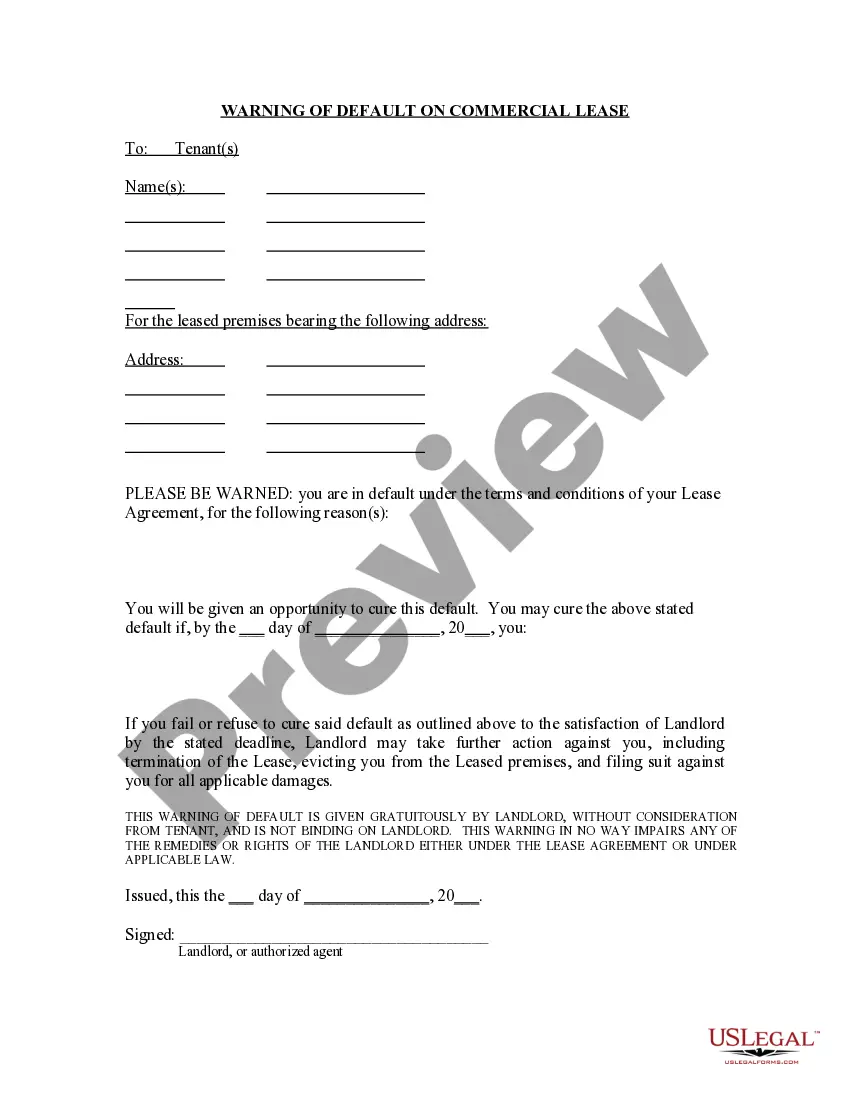






How to fill out Electronic Commerce Or Trading Partner Agreement?
When you are required to submit the Impact Electronic Signature Agreement Form in line with the laws and regulations of your local state, there may be several options available to you.
There's no need to peruse every form to ensure it meets all the legal requirements if you are a subscriber of US Legal Forms.
It is a dependable service that can assist you in obtaining a reusable and current template on any subject.
Utilizing appropriately drafted official documents becomes effortless with US Legal Forms. Additionally, Premium users can also take advantage of the advanced integrated tools for online PDF editing and signing. Give it a try today!
- US Legal Forms is the most extensive online repository with an archive of over 85k ready-to-use documents for both business and personal legal situations.
- All templates are verified to adhere to the laws of each state.
- Thus, when you download the Impact Electronic Signature Agreement Form from our site, you can rest assured that you are retaining a valid and current document.
- Acquiring the necessary sample from our platform is quite straightforward.
- If you already possess an account, simply Log In to the system, verify your subscription is active, and save the chosen file.
- In the future, you may access the My documents section in your profile to retrieve the Impact Electronic Signature Agreement Form at any time.
- If this is your initial experience with our website, please adhere to the instructions below.
- Browse the suggested page and verify it for alignment with your needs.
Form popularity
FAQ
A few common electronic signature examples include: Agreeing to the terms of an online subscription. Signing your e-filed tax return. Including your typed name at the bottom of an email.
The signer types their name on the signature line of a document between two forward slashes (for example, /Jimmy Doe/). In the case of conformed signatures, which are another type of s-signature, the signer puts an s between two forward slash marks in front of their typed name (for example, /s/ Jimmy Doe).
Enable digital signatures so that users can sign part of a formOn the Tools menu, click Form Options.Under Category, click Digital Signatures, and then click Enable digital signatures for specific data in the form.Click Add.More items...
To qualify as an enforceable electronic signature, there must be evidence of the signer's intent to execute or accept the agreement. This is typically accomplished by requiring the signer to take affirmative action, like typing their name or drawing their signature using a mouse or touchscreen.
Among other requirements, users of e-signatures must:Demonstrate that the signer had definite intent to sign.Prove the signer consented to conduct their business electronically.Clearly attribute the signature.Associate, or directly connect, the signature with the document being signed.