Authorization To Release Information To Family Members
Description
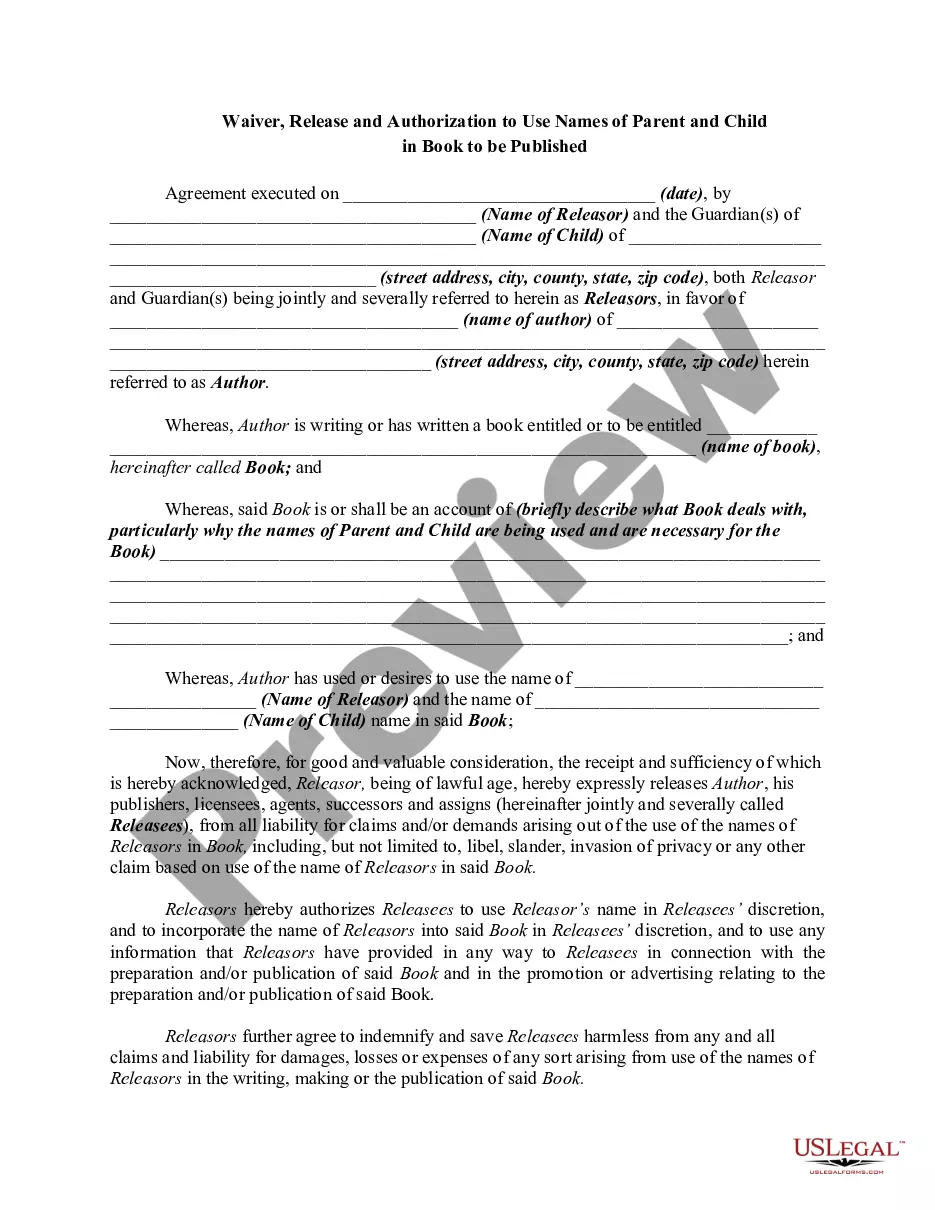
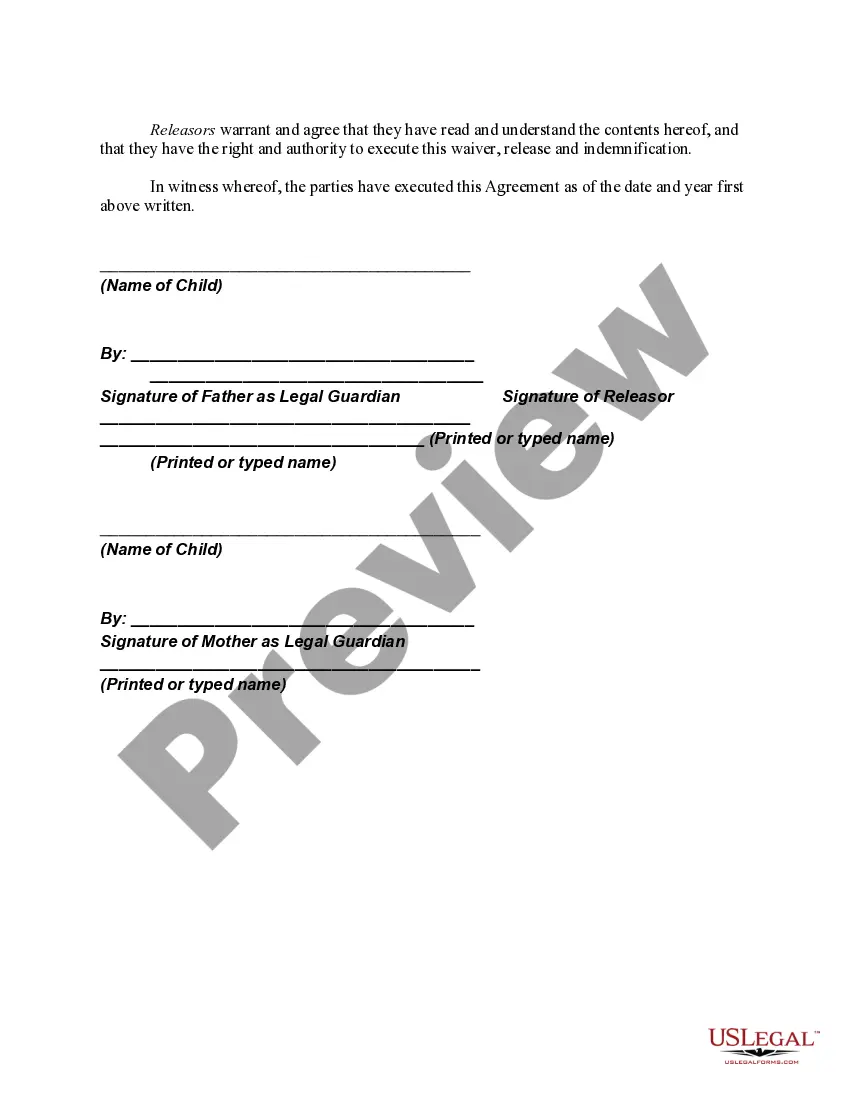
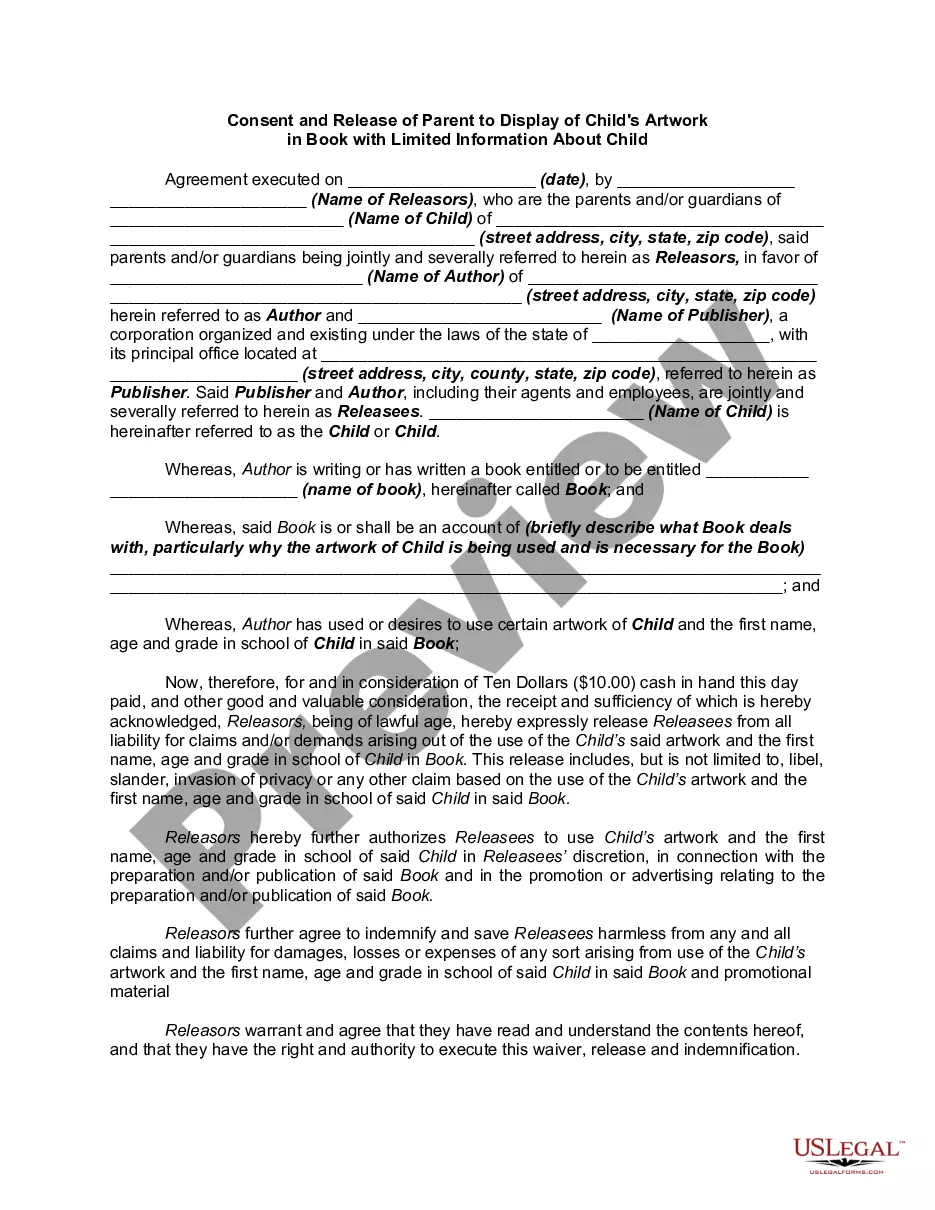
Get your form ready online
Our built-in tools help you complete, sign, share, and store your documents in one place.
Make edits, fill in missing information, and update formatting in US Legal Forms—just like you would in MS Word.
Download a copy, print it, send it by email, or mail it via USPS—whatever works best for your next step.
Sign and collect signatures with our SignNow integration. Send to multiple recipients, set reminders, and more. Go Premium to unlock E-Sign.
If this form requires notarization, complete it online through a secure video call—no need to meet a notary in person or wait for an appointment.
We protect your documents and personal data by following strict security and privacy standards.

Make edits, fill in missing information, and update formatting in US Legal Forms—just like you would in MS Word.

Download a copy, print it, send it by email, or mail it via USPS—whatever works best for your next step.

Sign and collect signatures with our SignNow integration. Send to multiple recipients, set reminders, and more. Go Premium to unlock E-Sign.

If this form requires notarization, complete it online through a secure video call—no need to meet a notary in person or wait for an appointment.

We protect your documents and personal data by following strict security and privacy standards.
Looking for another form?
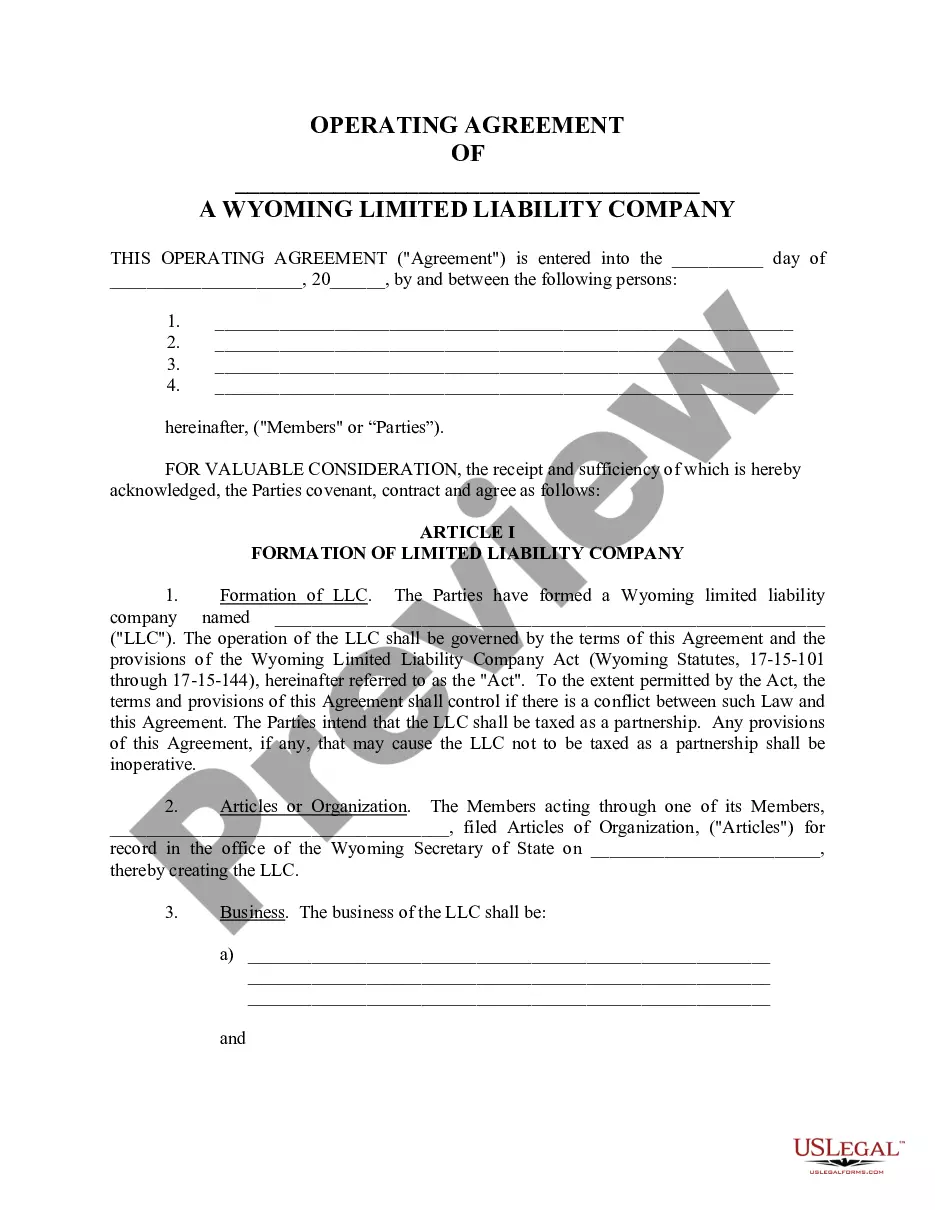
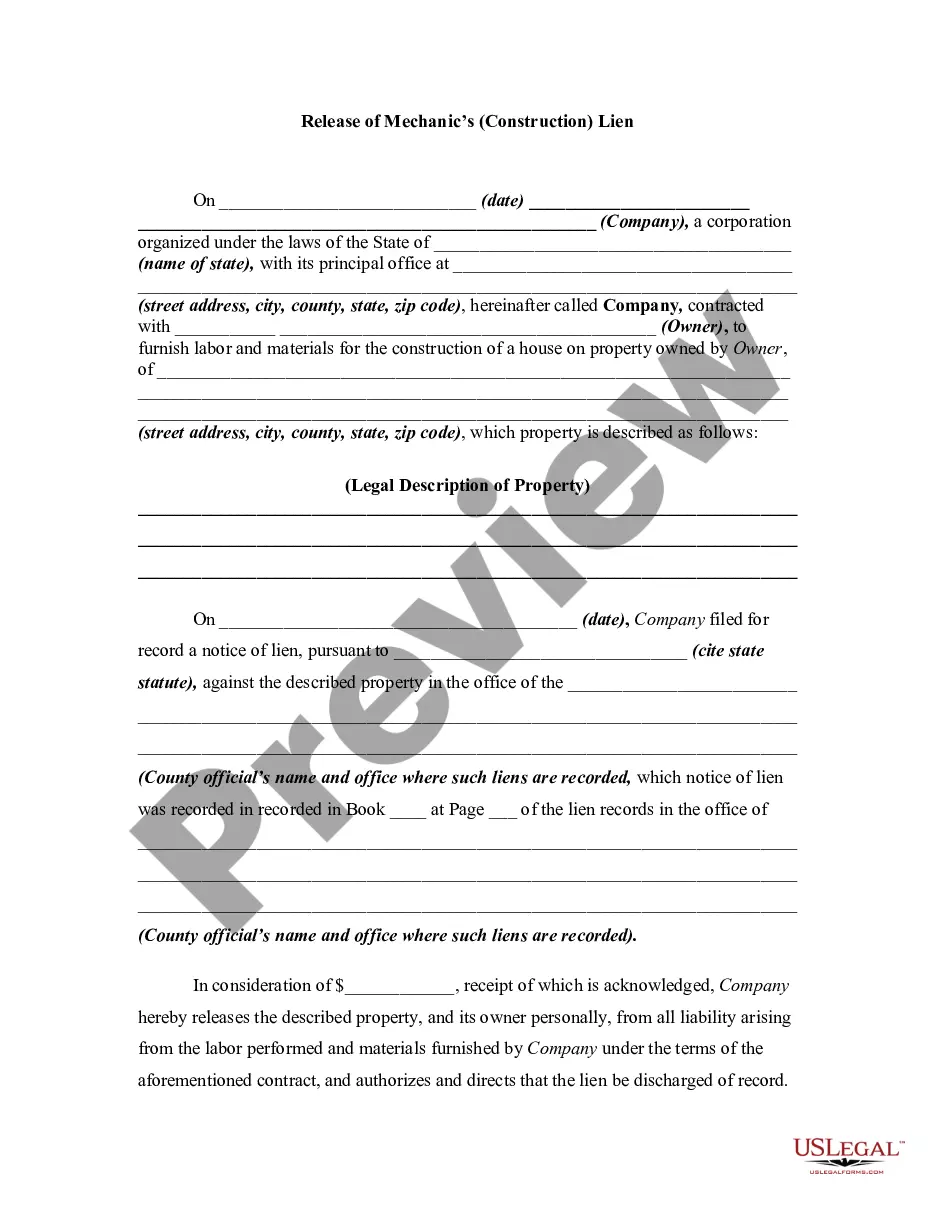
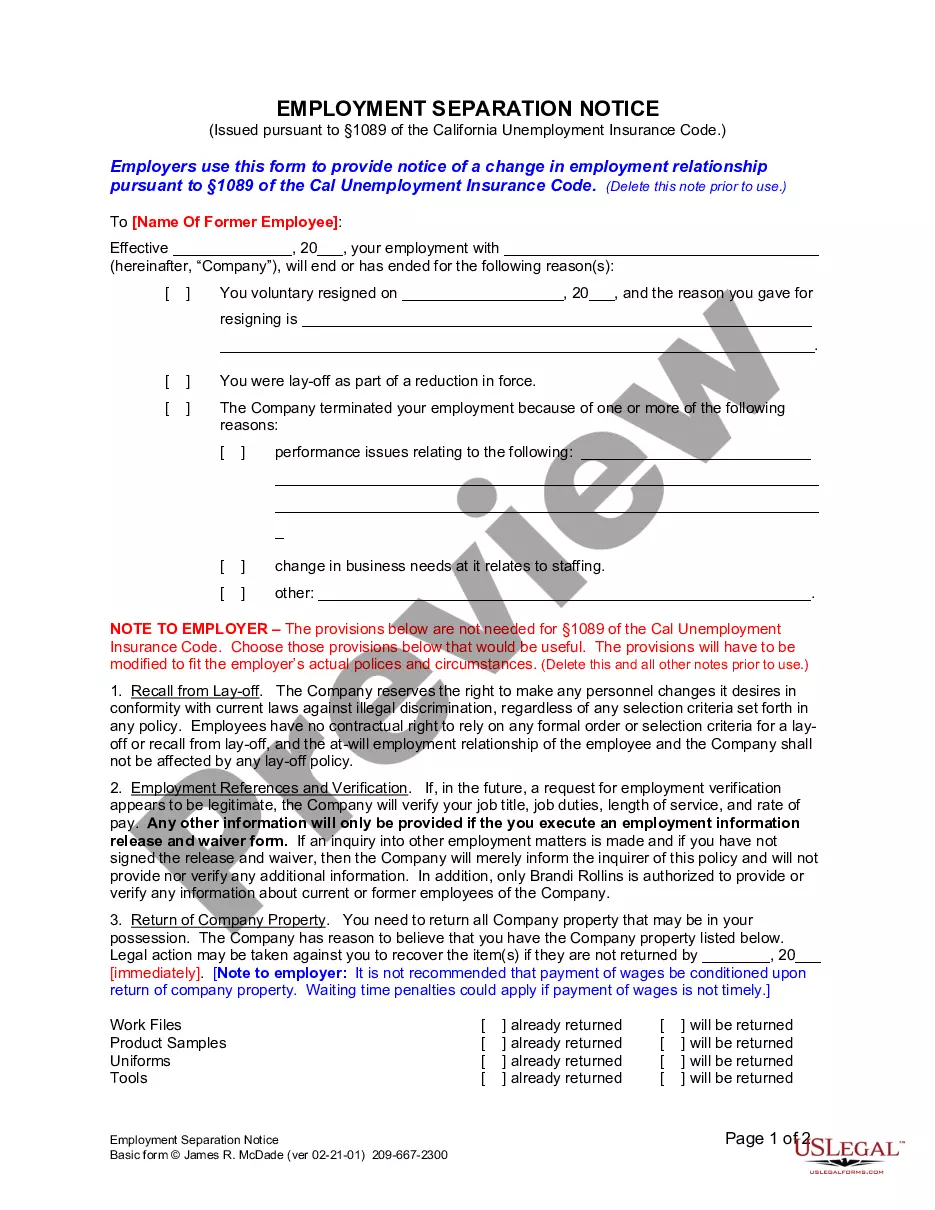

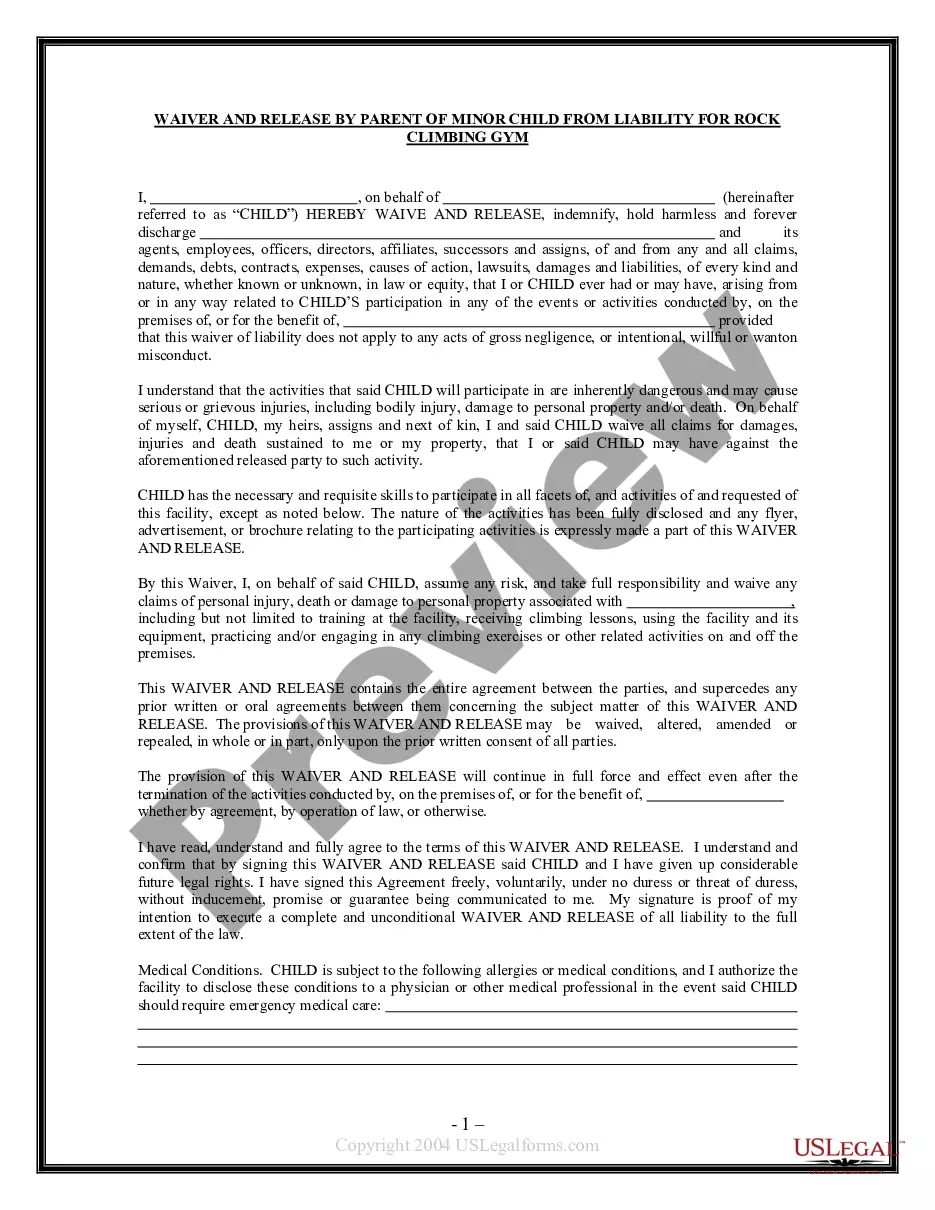

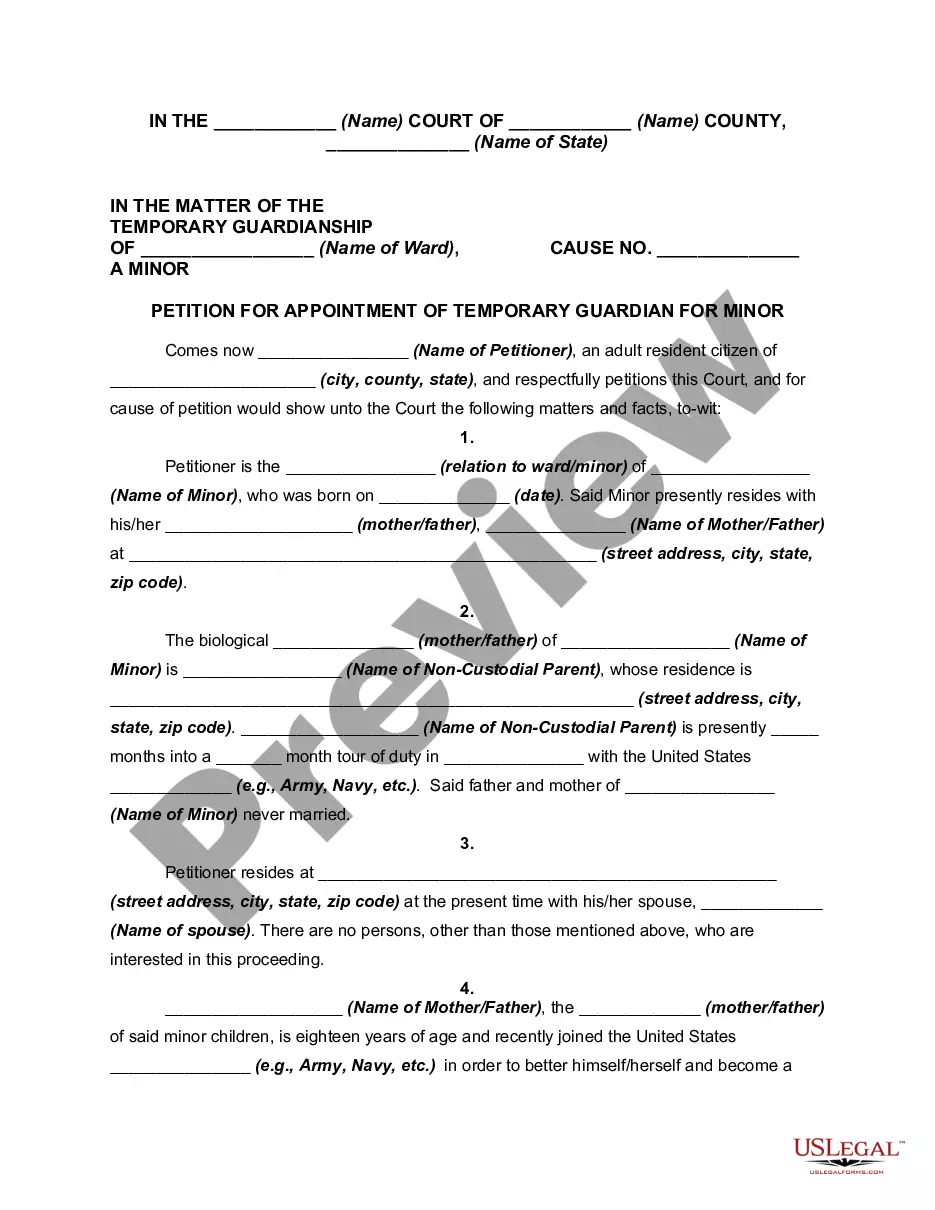

How to fill out Waiver, Release And Authorization To Use Names Of Parent And Child In Book To Be Published?
Legal management can be perplexing, even for seasoned professionals.
When you are looking for an Authorization To Release Information To Family Members and do not have the opportunity to invest time in finding the correct and current version, the process can be daunting.
US Legal Forms addresses any needs you may have, from personal to corporate paperwork, all in one location.
Utilize advanced resources to complete and manage your Authorization To Release Information To Family Members.
Here are the steps to follow after accessing the form you need: Validate that this is the correct form by previewing it and reviewing its details, ensure that the template is accepted in your state or county, select Buy Now when you are ready, choose a subscription plan, select the format you desire, and Download, fill out, sign, print, and submit your documents. Enjoy the US Legal Forms online repository, backed by 25 years of expertise and reliability. Streamline your daily document management into a simple and user-friendly process today.
- Access a valuable resource library of articles, guides, and reference materials related to your situation and needs.
- Save time and effort in locating the documents you require, and leverage US Legal Forms’ sophisticated search and Preview tool to obtain Authorization To Release Information To Family Members.
- If you hold a membership, Log In to your US Legal Forms account, search for the form, and retrieve it.
- Check your My documents tab to review the documents you have previously saved and to organize your folders as desired.
- If this is your first experience with US Legal Forms, create a free account and gain unlimited access to all the benefits of the library.
- A comprehensive online form repository can be transformative for anyone needing to navigate these circumstances effectively.
- US Legal Forms is a leading provider in online legal documents, featuring over 85,000 state-specific legal forms accessible at any time.
- With US Legal Forms, you can access state- or county-specific legal and business documents.
Form popularity
FAQ
compliant HIPAA release form must, at the very least, contain the following information: A description of the information that will be used/disclosed. The purpose for which the information will be disclosed. The name of the person or entity to whom the information will be disclosed.
How Do You Write a Release Form? The first step in writing is identifying all parties involved, including the releaser and the release. Specify the activity or event in detail, such as a photo shoot, a video production, or a performance. Clearly specify what is being released, whether liability, claims, or damages.
One can ensure access by providing written permission to their healthcare provider designating their spouse as their personal representative, but oftentimes a spouse will be informed of patient data with verbal permission by the patient or professional judgement by the healthcare provider.
Patient information. Whose health records do you want? ... Clinic, hospital, care provider. Who has the information you want? ... Date of Services. Who has the information you want? ... Information to be released. ... Receiving party or destination of records. ... Purpose of release. ... Expiration date or duration of consent. ... Release instructions.
The individual's request must be in writing, signed by the individual, and clearly identify the designated person and where to send the PHI. See 45 CFR 164.524(c)(3)(ii). Outside of the HIPAA right of access, other provisions in the Privacy Rule address disclosures to family members.