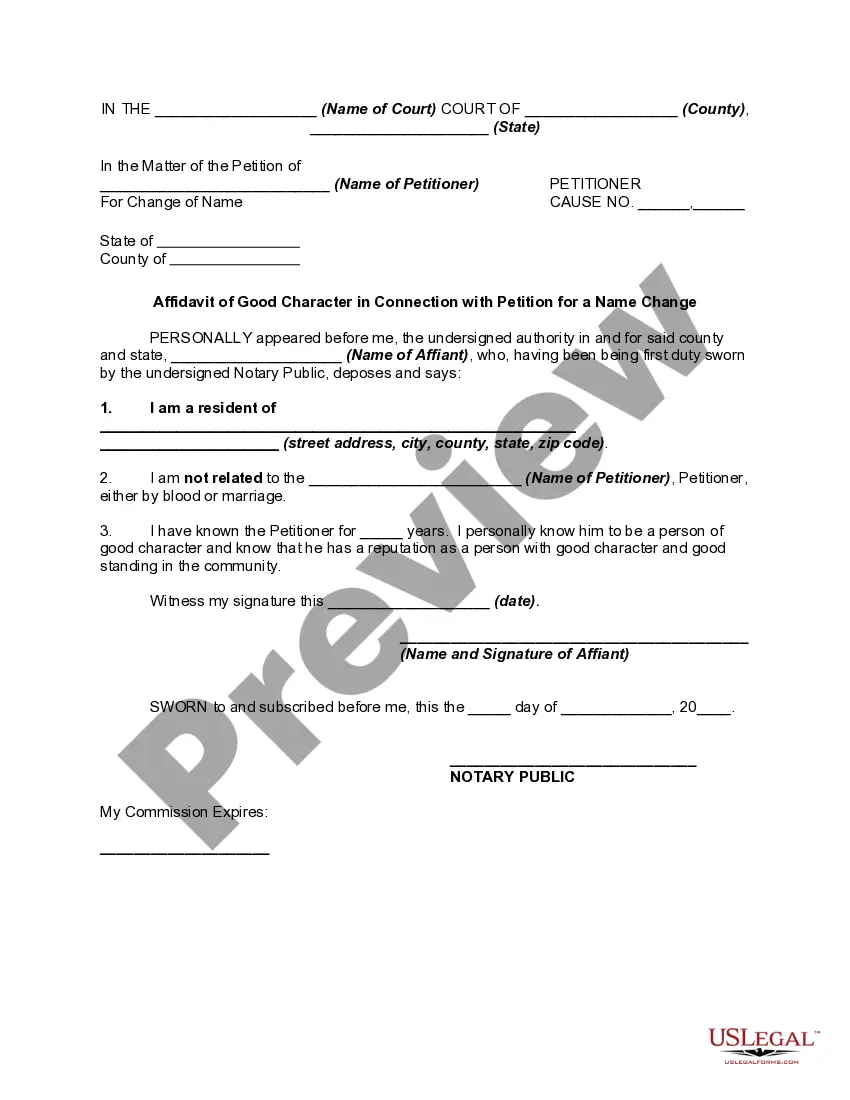
Petition To File For Name Change With Excel
Description
Get your form ready online
Our built-in tools help you complete, sign, share, and store your documents in one place.
Make edits, fill in missing information, and update formatting in US Legal Forms—just like you would in MS Word.
Download a copy, print it, send it by email, or mail it via USPS—whatever works best for your next step.
Sign and collect signatures with our SignNow integration. Send to multiple recipients, set reminders, and more. Go Premium to unlock E-Sign.
If this form requires notarization, complete it online through a secure video call—no need to meet a notary in person or wait for an appointment.
We protect your documents and personal data by following strict security and privacy standards.

Make edits, fill in missing information, and update formatting in US Legal Forms—just like you would in MS Word.

Download a copy, print it, send it by email, or mail it via USPS—whatever works best for your next step.

Sign and collect signatures with our SignNow integration. Send to multiple recipients, set reminders, and more. Go Premium to unlock E-Sign.

If this form requires notarization, complete it online through a secure video call—no need to meet a notary in person or wait for an appointment.

We protect your documents and personal data by following strict security and privacy standards.
Looking for another form?







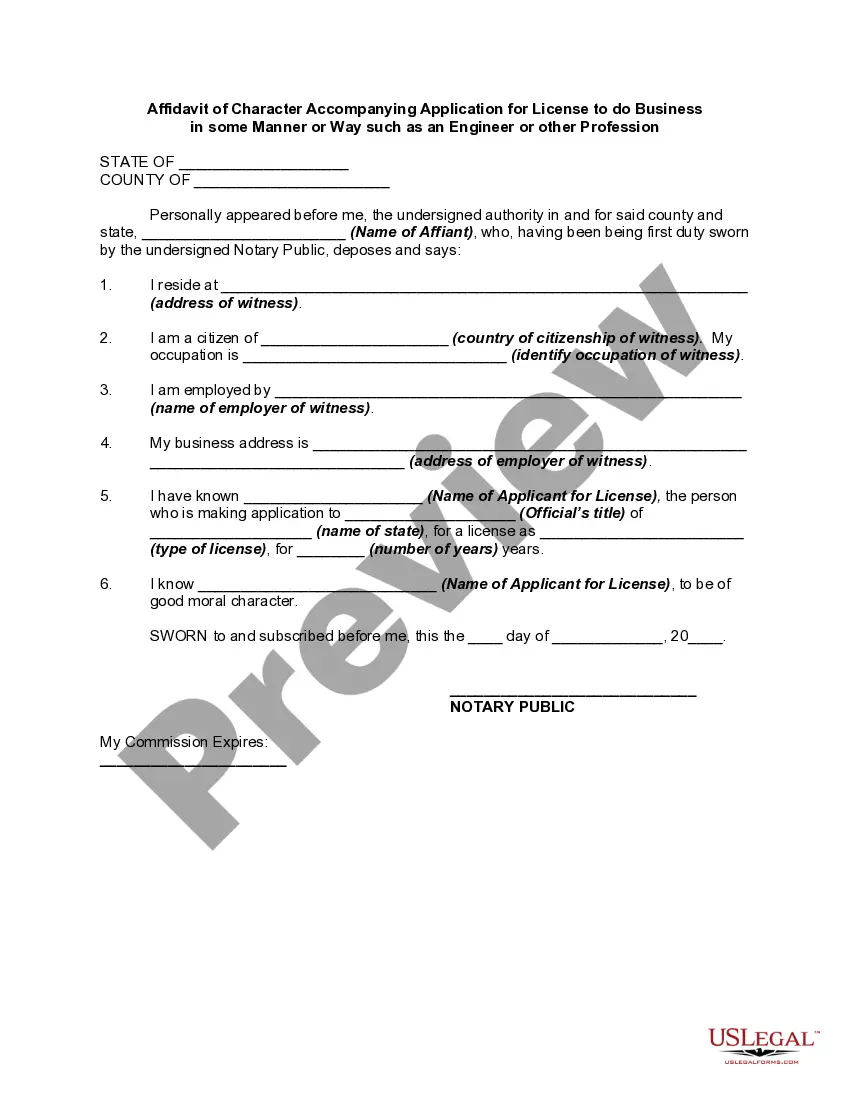
How to fill out Affidavit In Of Good Character In Connection With Petition For A Name Change?
The Request To Submit For Name Alteration With Excel you see on this page is a reusable formal format crafted by expert attorneys in compliance with federal and local statutes and regulations.
For over 25 years, US Legal Forms has offered individuals, businesses, and legal experts more than 85,000 authenticated, state-specific documents for any corporate and personal circumstance. It’s the fastest, easiest, and most trustworthy method to acquire the documentation you require, as the service ensures high-level data protection and anti-malware safeguards.
Subscribe to US Legal Forms to access verified legal templates for all of life's situations at your fingertips.
- Search for the document you need and examine it.
- Browse through the file you looked for and preview it or review the form summary to ensure it meets your needs. If it doesn’t, use the search bar to find the suitable one. Click Buy Now when you’ve located the template you require.
- Register and Log In.
- Select the pricing plan that fits you and create an account. Use PayPal or a credit card to process a swift payment. If you already possess an account, Log In and check your subscription to continue.
- Obtain the editable template.
- Choose the format you prefer for your Request To Submit For Name Alteration With Excel (PDF, DOCX, RTF) and download the sample onto your device.
- Fill out and sign the documents.
- Print the template to complete it manually. Alternatively, utilize an online multifunctional PDF editor to swiftly and precisely fill out and sign your form with a valid signature.
- Download your documents one more time.
- Use the same document again whenever necessary. Access the My documents tab in your profile to redownload any forms you previously downloaded.
Form popularity
FAQ
On the Formulas tab, in the Defined Names group, click Name Manager. In the Name Manager dialog box, double-click the name you want to edit, or, click the name that you want to change, and then click Edit.
If you establish a pattern by typing the full name in column C, Excel's Flash Fill feature will fill in the rest for you based on the pattern you provide. Enter the full name in cell C2, and press ENTER. Go to Data > Flash Fill, or press Ctrl+E. Excel will sense the pattern you provided in C2, and fill the cells below.
Select Data > Flash Fill and Excel automatically fills in your data.
Convert ?First Name Last Name? to ?Last Name, First Name? in Excel ... YouTube Start of suggested clip End of suggested clip It's going to select delimited. So at this point let's just click Next. At this point we need toMoreIt's going to select delimited. So at this point let's just click Next. At this point we need to tell it how are those words separated by default Excel believes it's separated by a tab.