Real Property Personal Withholding Tax
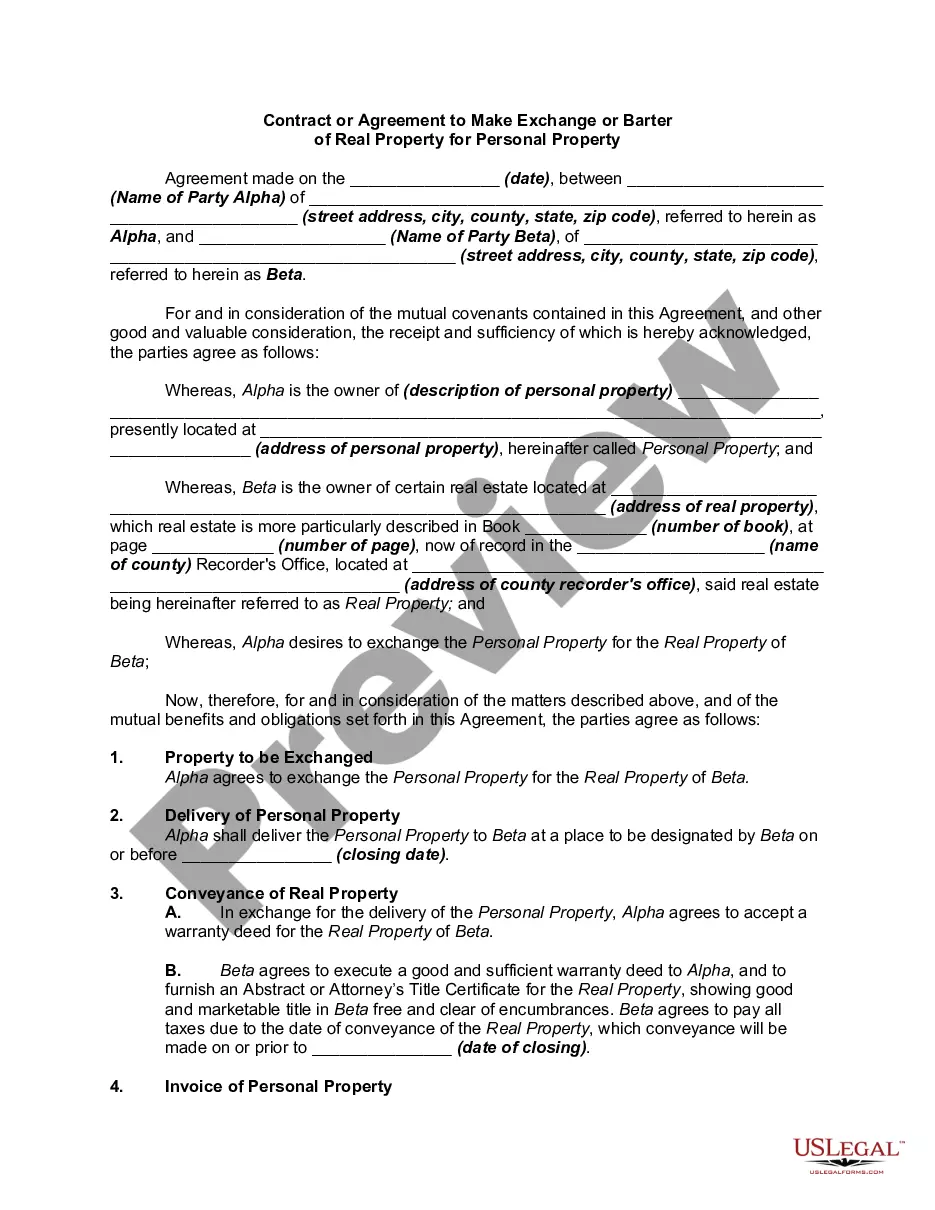
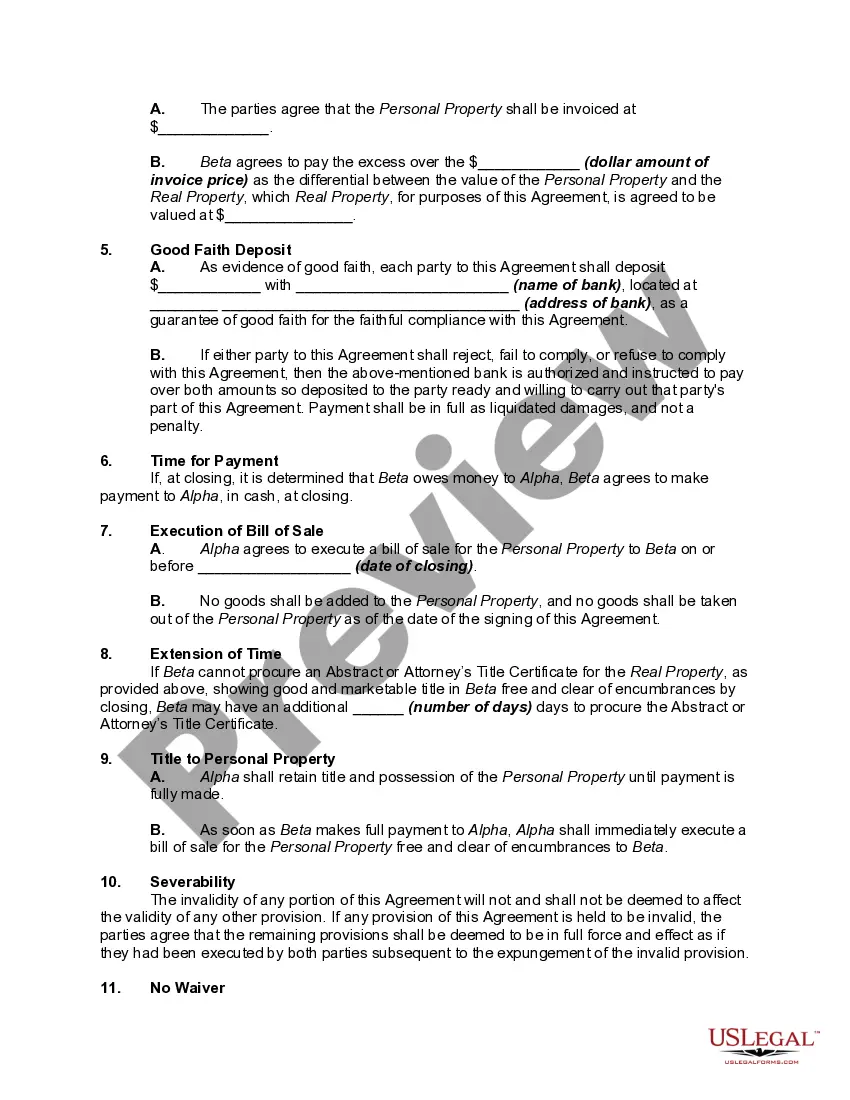
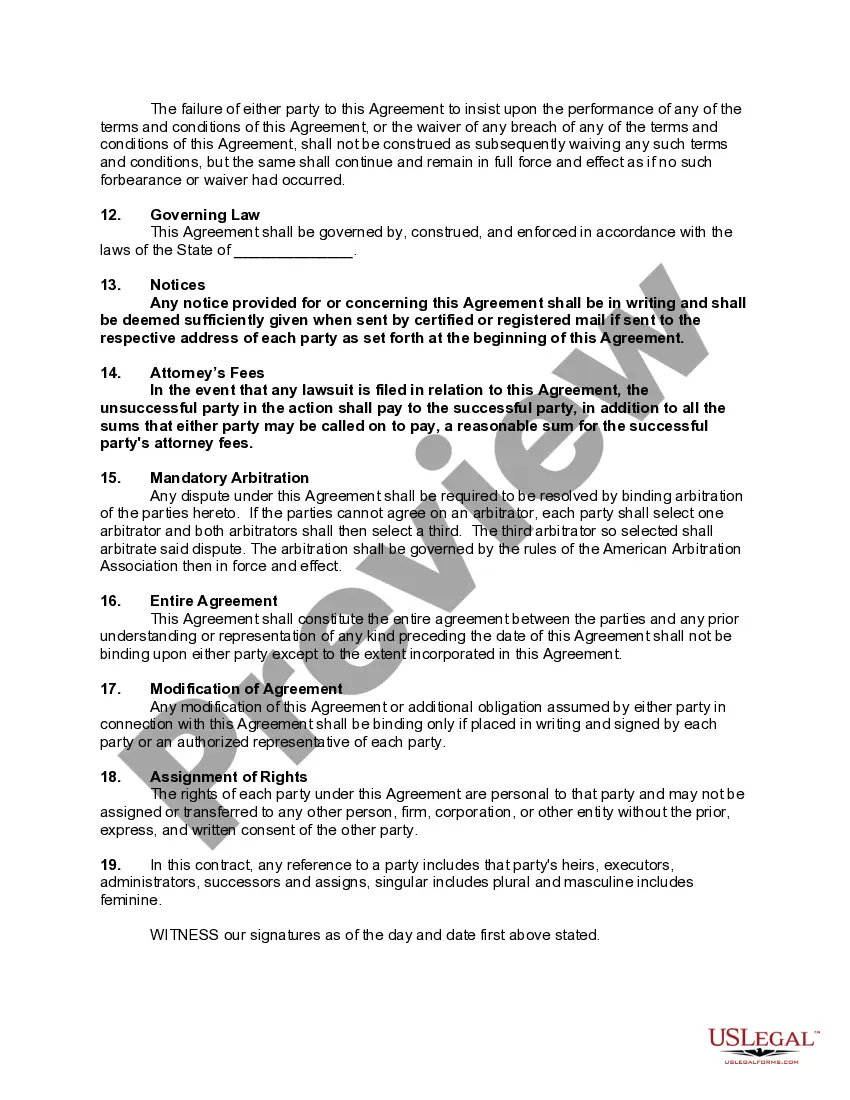
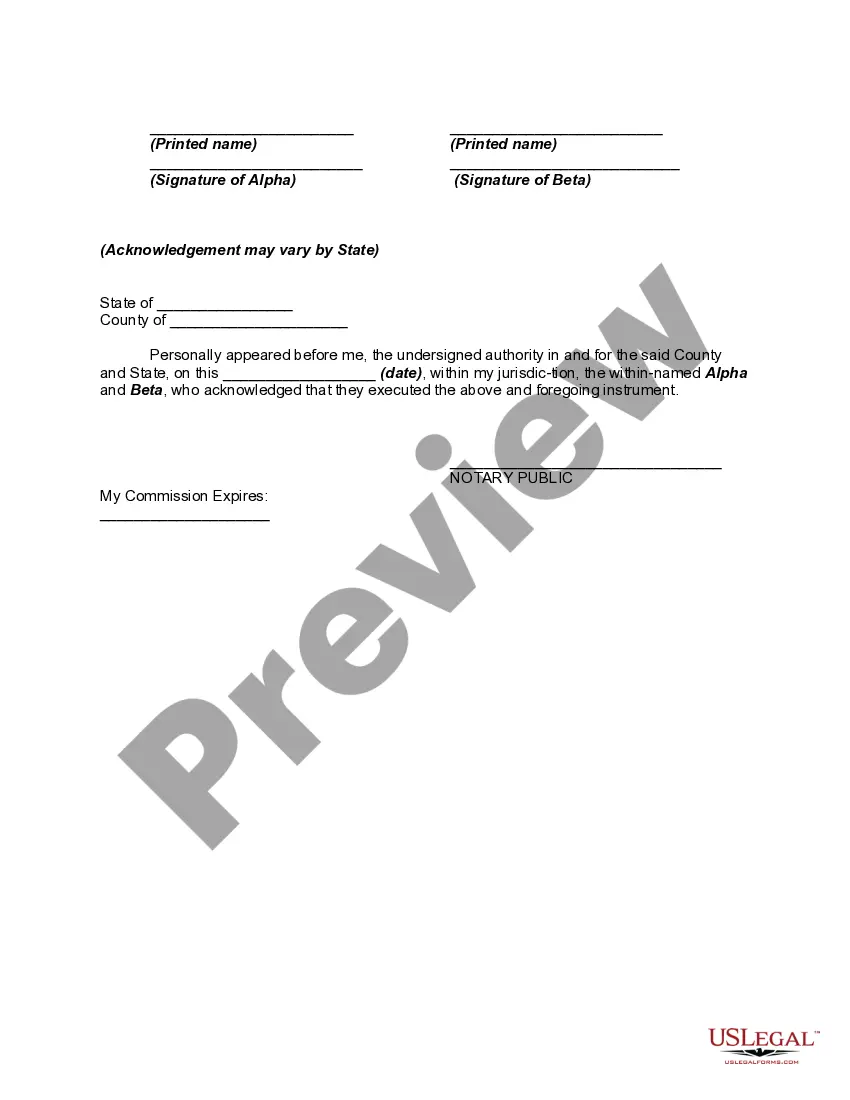
Description
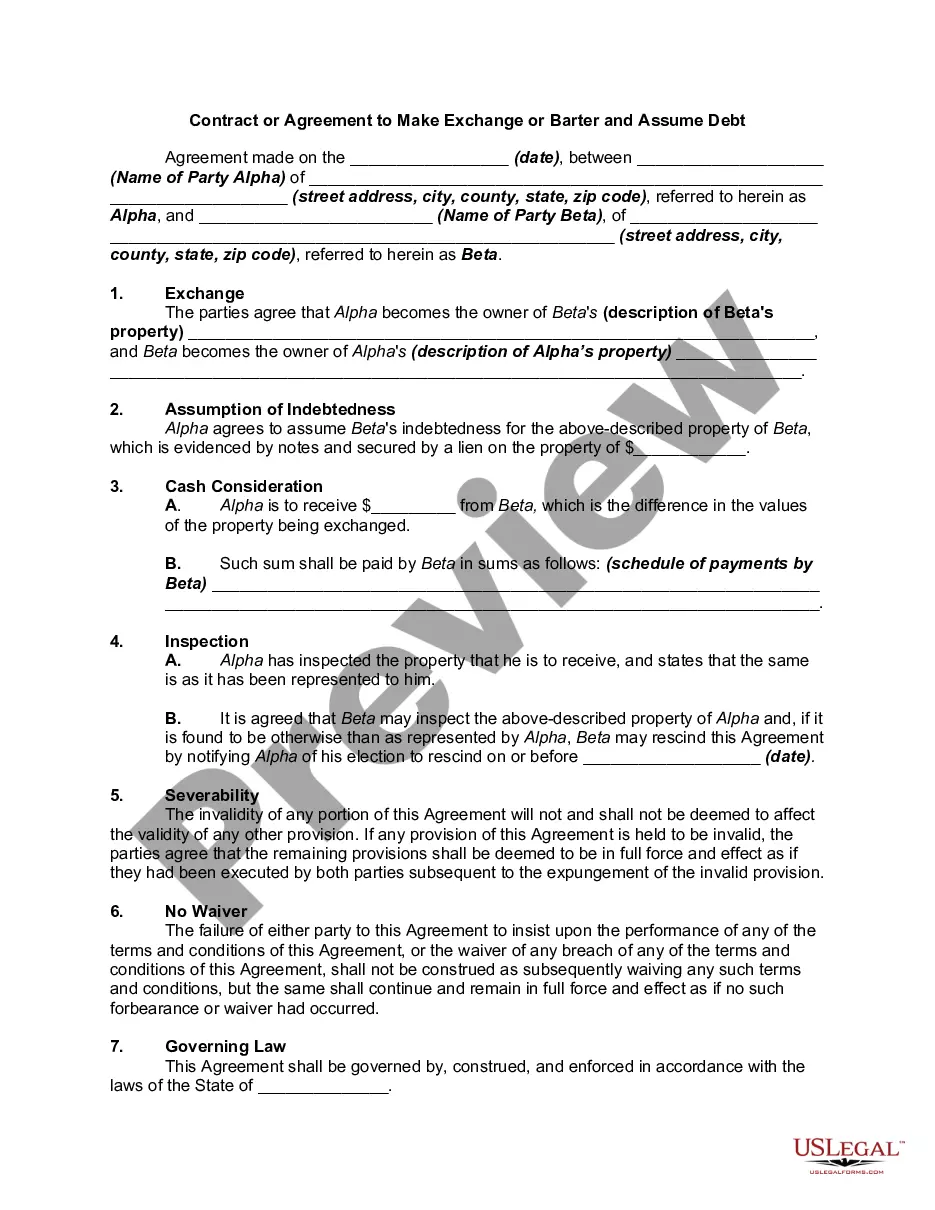
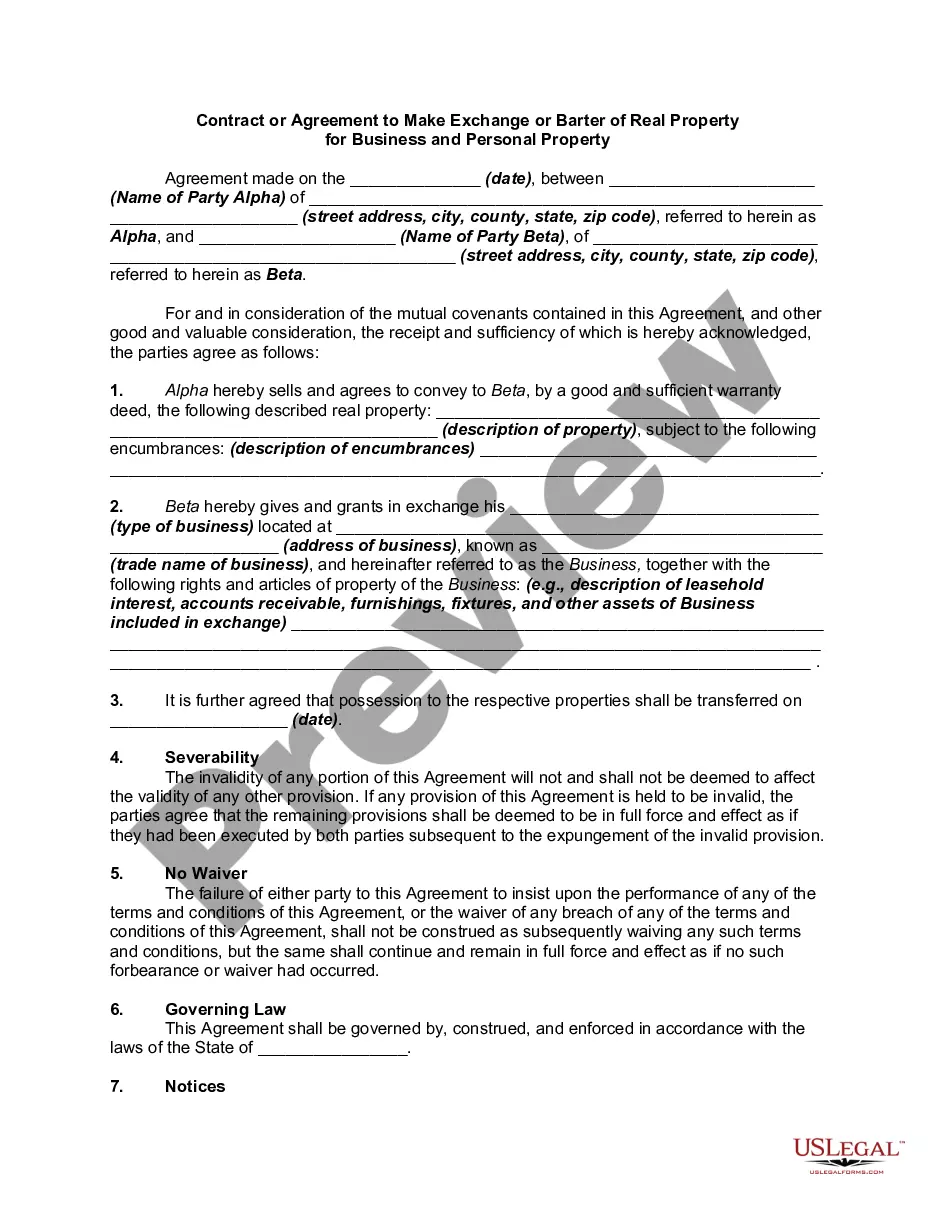
Get your form ready online
Our built-in tools help you complete, sign, share, and store your documents in one place.
Make edits, fill in missing information, and update formatting in US Legal Forms—just like you would in MS Word.
Download a copy, print it, send it by email, or mail it via USPS—whatever works best for your next step.
Sign and collect signatures with our SignNow integration. Send to multiple recipients, set reminders, and more. Go Premium to unlock E-Sign.
If this form requires notarization, complete it online through a secure video call—no need to meet a notary in person or wait for an appointment.
We protect your documents and personal data by following strict security and privacy standards.

Make edits, fill in missing information, and update formatting in US Legal Forms—just like you would in MS Word.

Download a copy, print it, send it by email, or mail it via USPS—whatever works best for your next step.

Sign and collect signatures with our SignNow integration. Send to multiple recipients, set reminders, and more. Go Premium to unlock E-Sign.

If this form requires notarization, complete it online through a secure video call—no need to meet a notary in person or wait for an appointment.

We protect your documents and personal data by following strict security and privacy standards.
Looking for another form?

How to fill out Contract Or Agreement To Make Exchange Or Barter Of Real Property For Personal Property?
Utilizing legal document examples that align with both federal and local laws is essential, and the web provides numerous alternatives to select from.
However, what’s the benefit of expending time looking for the suitable Real Property Personal Withholding Tax example online if the US Legal Forms online repository already has such documents gathered in one location.
US Legal Forms is the largest digital legal collection with more than 85,000 fillable documents created by attorneys for any business and personal circumstance. They are simple to navigate, with all documents organized by state and intended use.
All templates you find through US Legal Forms are reusable. To download and fill out forms you have previously purchased, access the My documents section in your account. Take advantage of the most comprehensive and user-friendly legal documentation service!
- Our experts stay updated with legal amendments, ensuring your form remains current and compliant when acquiring a Real Property Personal Withholding Tax from our platform.
- Acquiring a Real Property Personal Withholding Tax is quick and straightforward for both existing and new customers.
- If you currently possess an account with an active subscription, Log In and obtain the document sample you require in your desired format.
- If you are a newcomer to our site, follow these steps.
- Review the template using the Preview option or through the textual description to ensure it satisfies your needs.
Form popularity
FAQ
Yes, Form 593 should typically be attached to your tax return if you have real property personal withholding tax reported. This form serves as documentation for your withholding and may influence your tax calculations. Ensure that all information is complete and accurate for proper processing by tax authorities.
Any remitter (individual, business entity, trust, estate, or REEP) who withheld on the sale/transfer of California real property must file Form 593 to report the amount withheld. If this is an installment sale payment after escrow closed, the buyer/transferee is the responsible person.
The Form W-4 in Depth Step 1: Provide Your Information. Provide your name, address, filing status, and Social Security number. ... Step 2: Indicate Multiple Jobs or a Working Spouse. ... Step 3: Add Dependents. ... Step 4: Add Other Adjustments. ... Step 5: Sign and Date Form W-4.
By placing a ?0? on line 5, you are indicating that you want the most amount of tax taken out of your pay each pay period. If you wish to claim 1 for yourself instead, then less tax is taken out of your pay each pay period. 2. You can choose to have no taxes taken out of your tax and claim Exemption (see Example 2).
It just depends on your situation. If you are single, have one job, and have no dependents, claiming 1 may be a good option. If you are single, have no dependents, and have 2 jobs, you could claim both positions on one W-4 and 0 on the other.
Claiming 1 reduces the amount of taxes that are withheld from weekly paychecks, so you get more money now with a smaller refund. Claiming 0 allowances may be a better option if you'd rather receive a larger lump sum of money in the form of your tax refund.