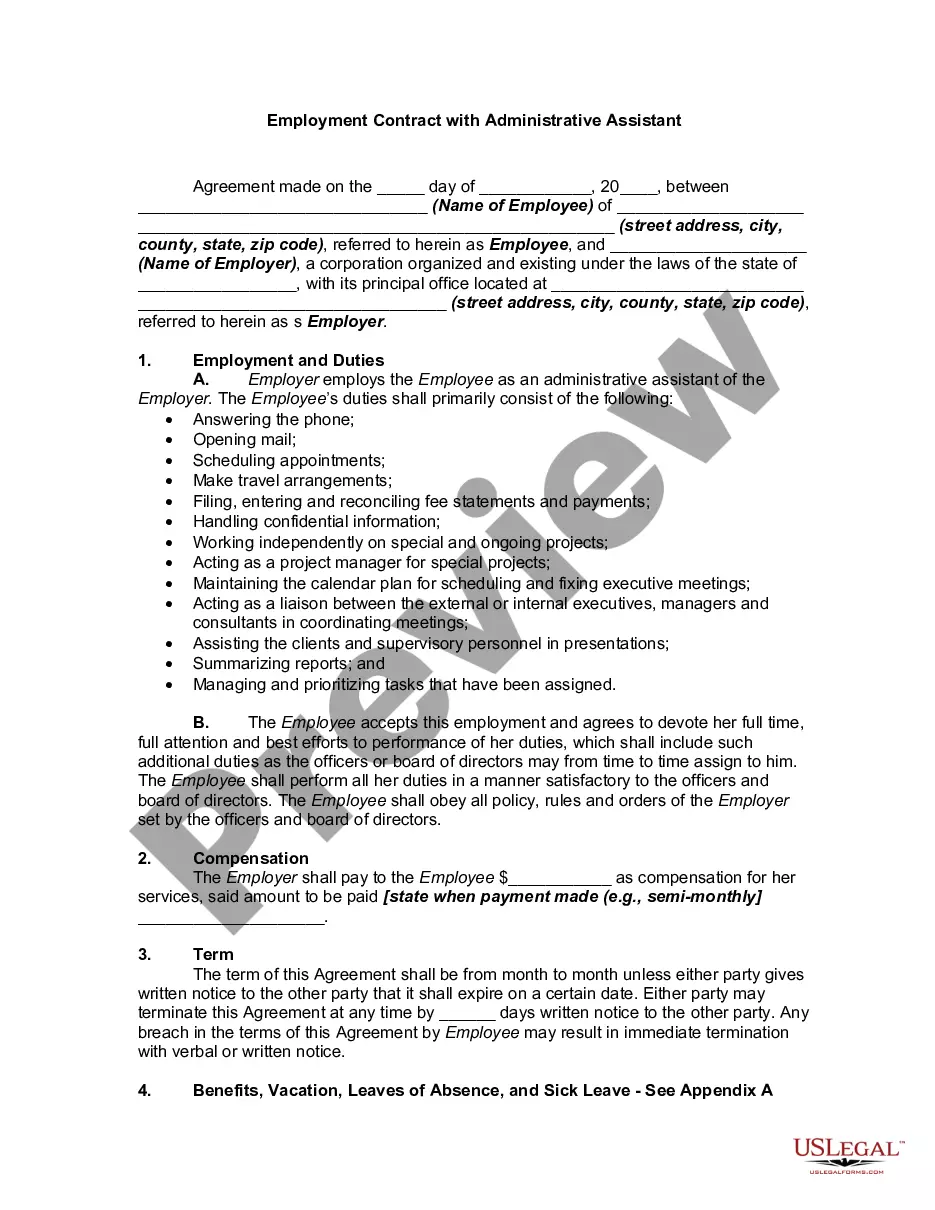
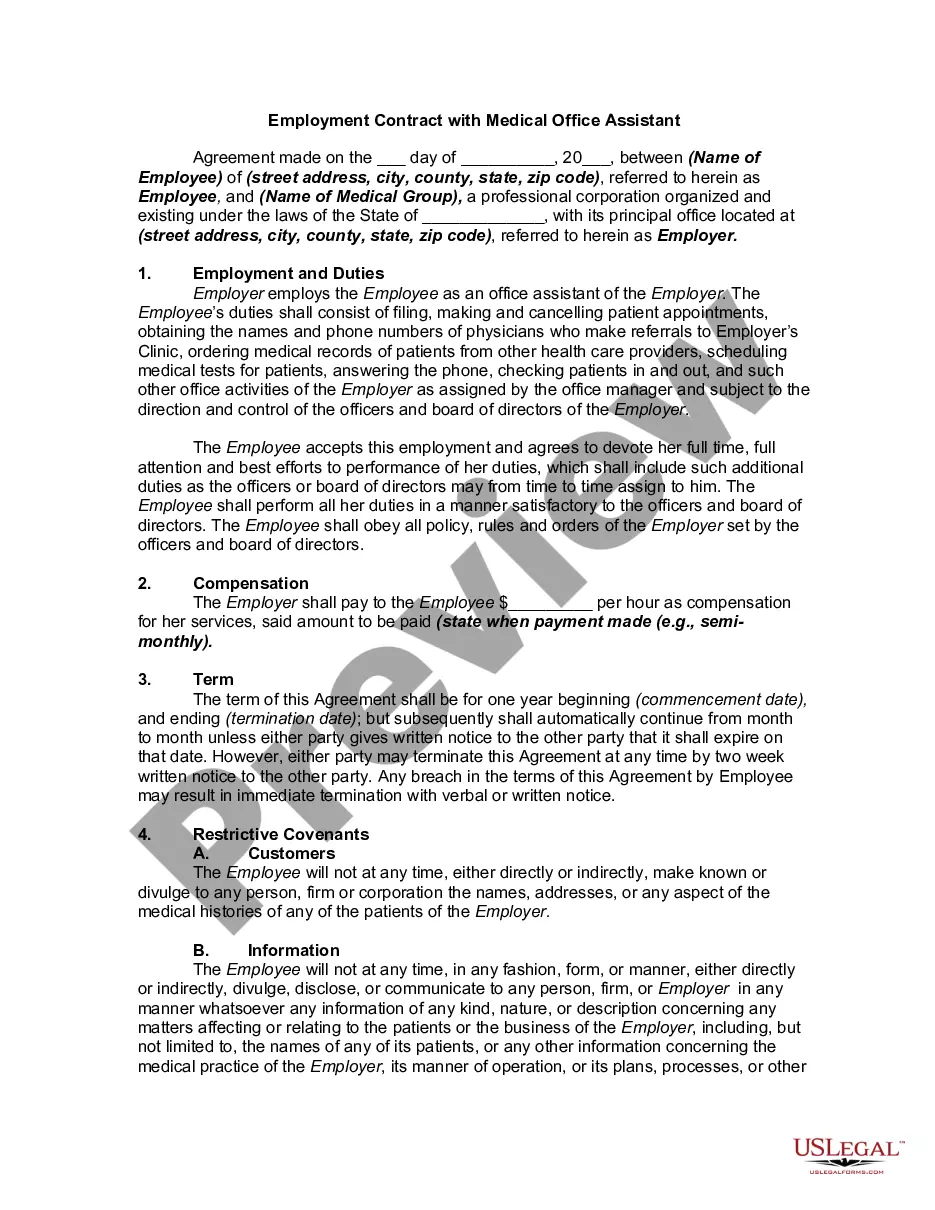
Administrative Assistant Employment Contract Template For Employees
Description

Get your form ready online
Our built-in tools help you complete, sign, share, and store your documents in one place.
Make edits, fill in missing information, and update formatting in US Legal Forms—just like you would in MS Word.
Download a copy, print it, send it by email, or mail it via USPS—whatever works best for your next step.
Sign and collect signatures with our SignNow integration. Send to multiple recipients, set reminders, and more. Go Premium to unlock E-Sign.
If this form requires notarization, complete it online through a secure video call—no need to meet a notary in person or wait for an appointment.
We protect your documents and personal data by following strict security and privacy standards.

Make edits, fill in missing information, and update formatting in US Legal Forms—just like you would in MS Word.

Download a copy, print it, send it by email, or mail it via USPS—whatever works best for your next step.

Sign and collect signatures with our SignNow integration. Send to multiple recipients, set reminders, and more. Go Premium to unlock E-Sign.

If this form requires notarization, complete it online through a secure video call—no need to meet a notary in person or wait for an appointment.

We protect your documents and personal data by following strict security and privacy standards.
Looking for another form?
How to fill out Employment Contract With Administrative Assistant?
Dealing with legal paperwork and procedures can be a tedious addition to your schedule.
Administrative Assistant Employment Agreement Template For Staff and similar documents often require you to locate them and comprehend how to fill them out correctly.
Thus, if you are managing financial, legal, or personal issues, possessing a comprehensive and user-friendly online repository of forms when needed will be immensely beneficial.
US Legal Forms is the premier online source for legal templates, providing over 85,000 state-specific documents and a variety of tools to help you complete your paperwork effortlessly.
Is this your first attempt at using US Legal Forms? Sign up and establish your account in just a few moments, granting you access to the form library and Administrative Assistant Employment Agreement Template For Staff. Next, follow the steps outlined below to complete your form.
- Explore the repository of relevant documents available to you with a single click.
- US Legal Forms offers state- and county-specific forms available for download at any time.
- Protect your document management processes using a top-notch service that enables you to create any form in a matter of minutes with no additional or hidden costs.
- Simply Log In to your account, locate Administrative Assistant Employment Agreement Template For Staff, and download it directly from the My documents section.
- You can also access forms you have previously downloaded.
Form popularity
FAQ
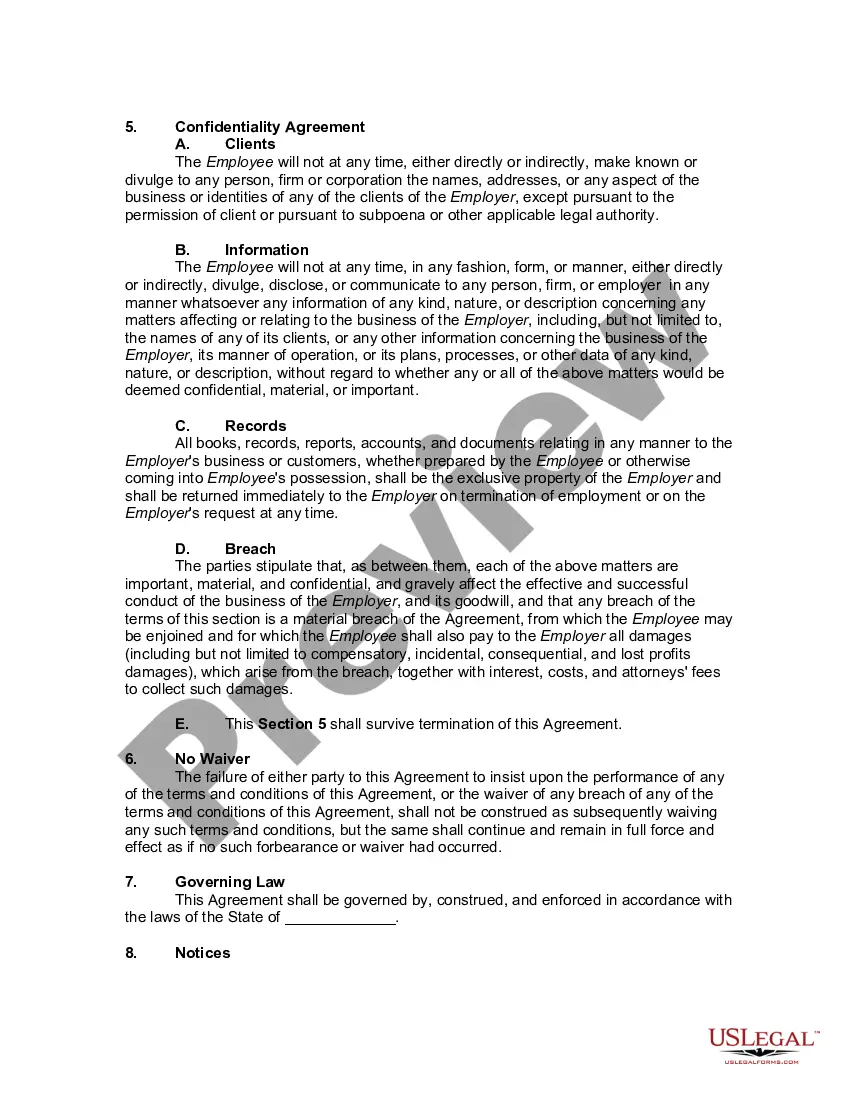
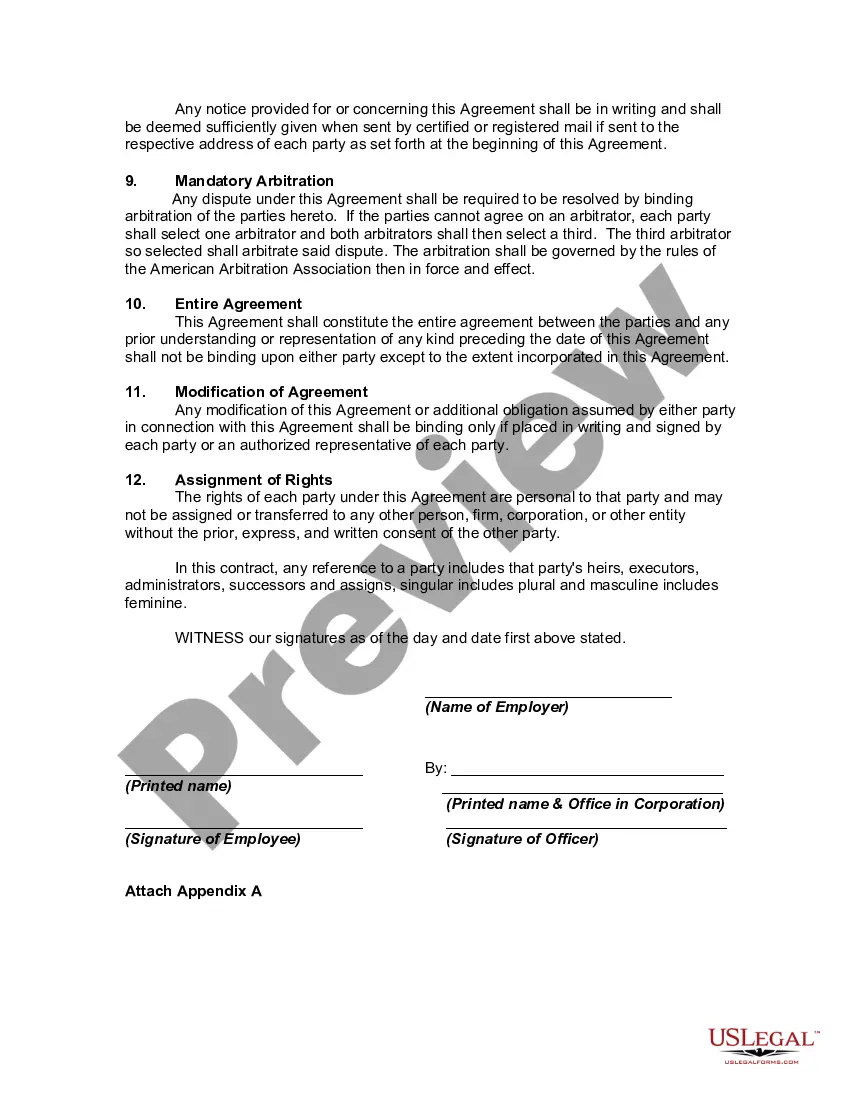
How to draft a contract between two parties: A step-by-step checklist Check out the parties. ... Come to an agreement on the terms. ... Specify the length of the contract. ... Spell out the consequences. ... Determine how you would resolve any disputes. ... Think about confidentiality. ... Check the contract's legality. ... Open it up to negotiation.
How to Write a Contractor Agreement Outline Services Provided. The contractor agreement should list all services the contractor will provide. ... Document Duration of the Work. Specify the duration of the working relationship. ... Outline Payment Terms. ... Outline Confidentiality Agreement. ... Consult with a Lawyer.
Write the contract in six steps Start with a contract template. ... Open with the basic information. ... Describe in detail what you have agreed to. ... Include a description of how the contract will be ended. ... Write into the contract which laws apply and how disputes will be resolved. ... Include space for signatures.
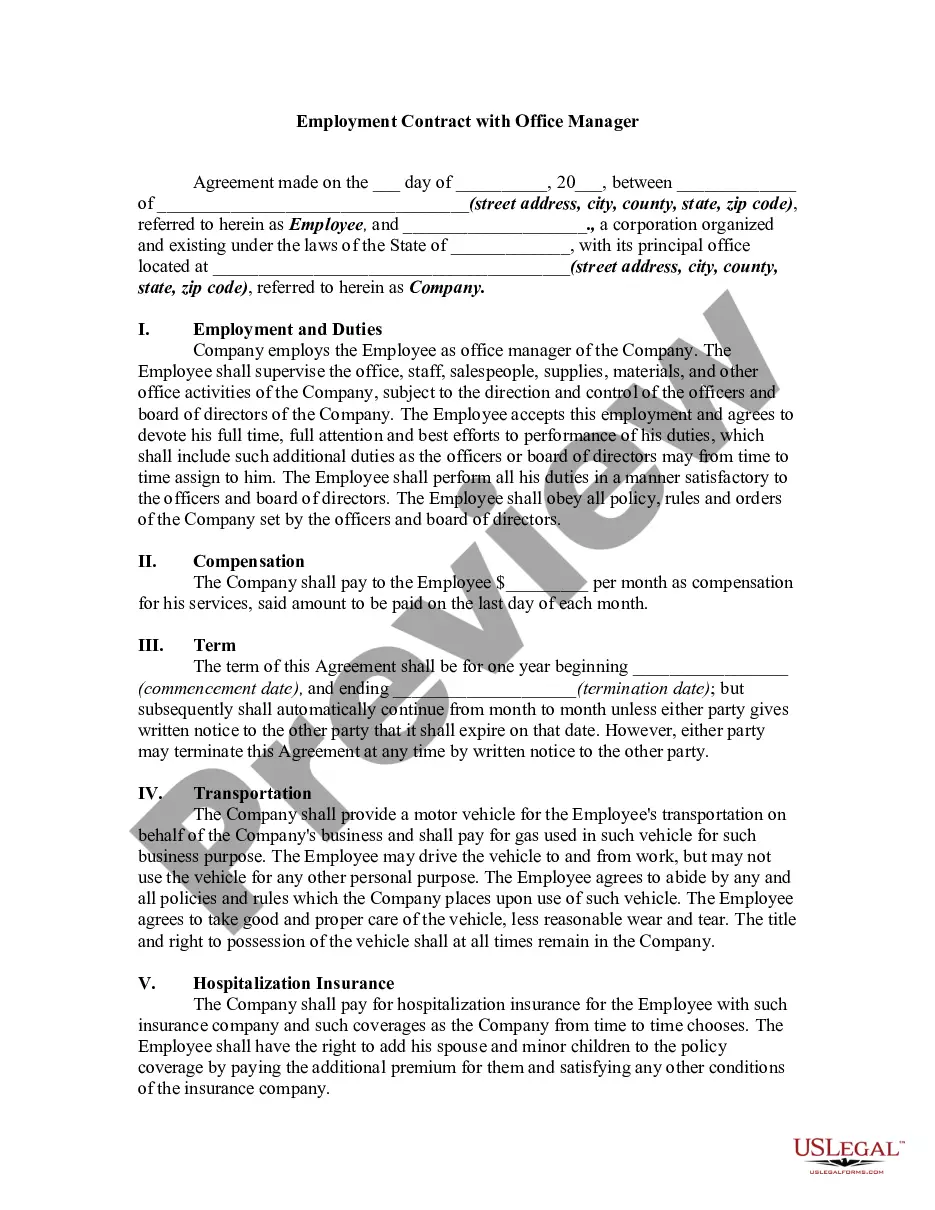
An employment contract typically includes the following elements: Duration of employment, if applicable. Salary or wages. General job responsibilities. Work schedule. Benefits. Confidentiality. Non-compete agreement. Severance pay, if applicable.