Notice Variance Template Formula
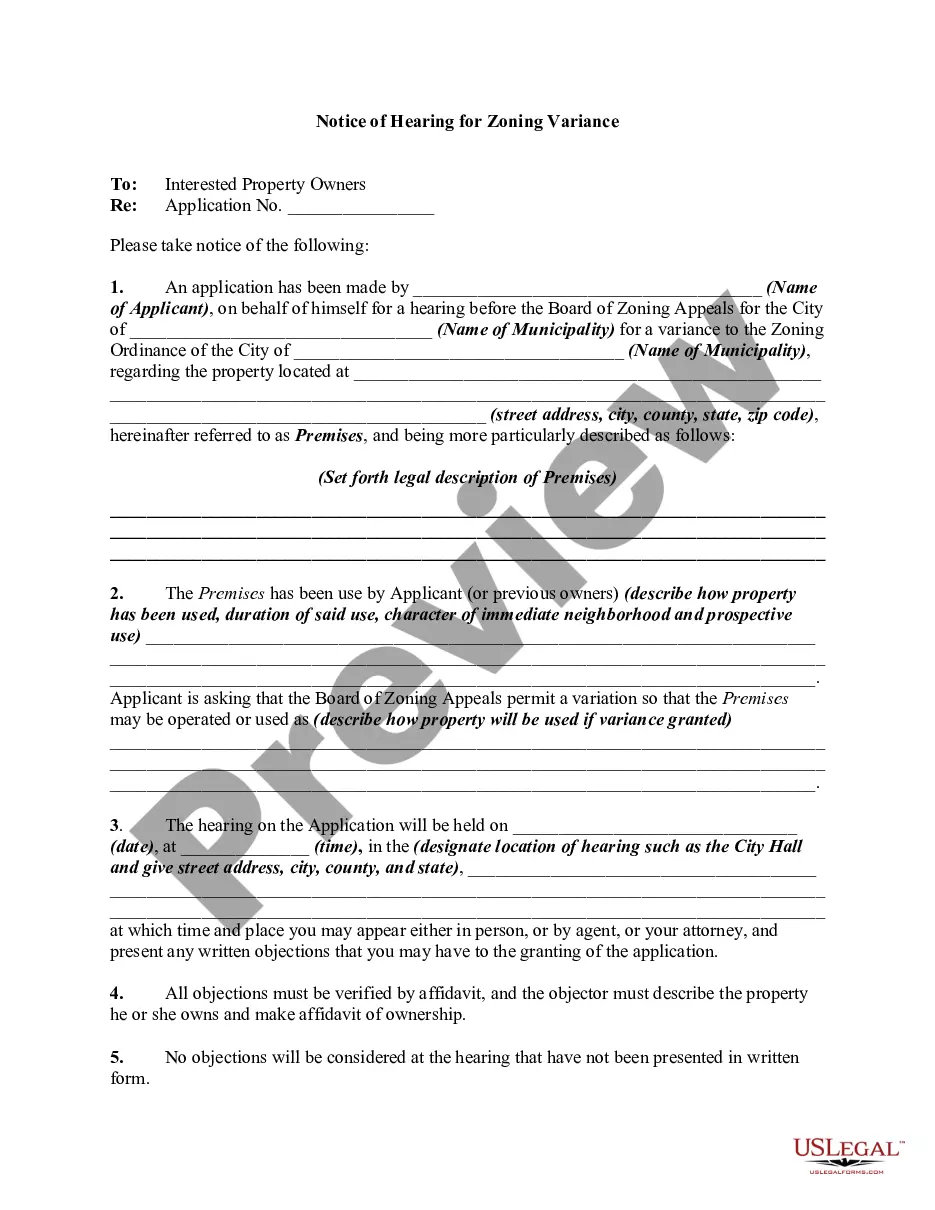
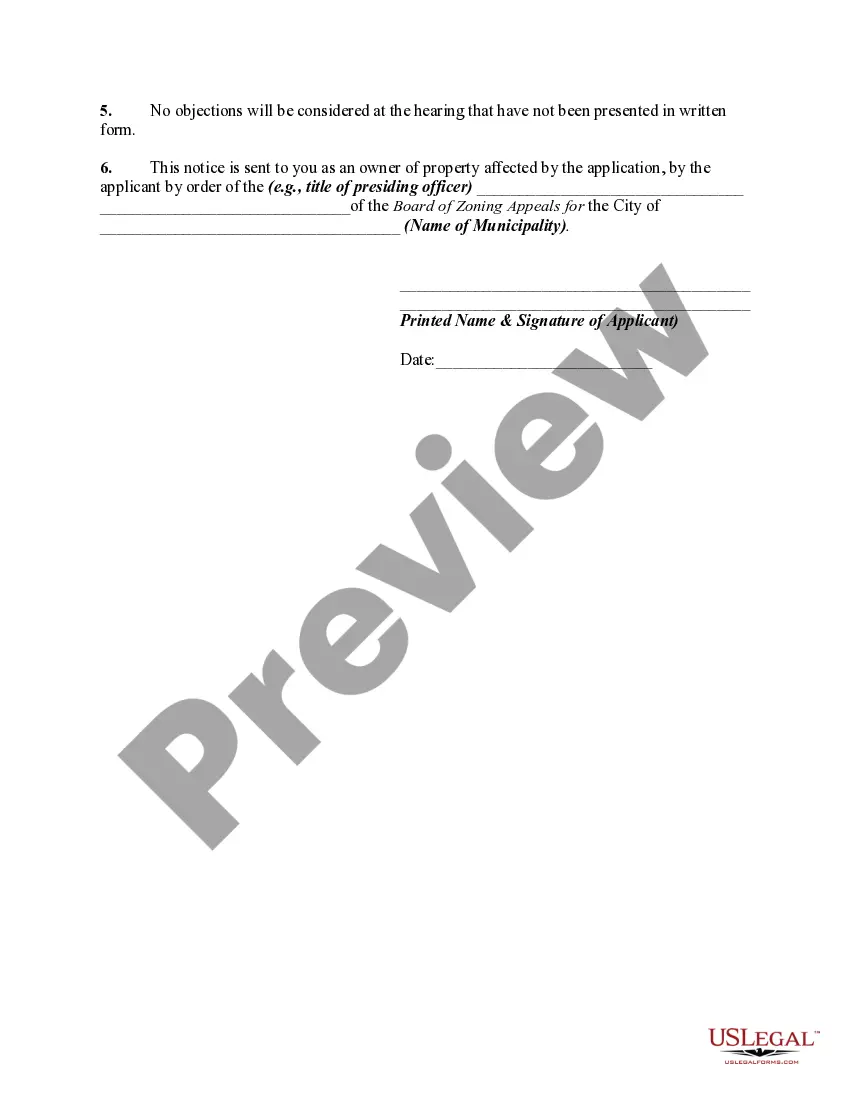
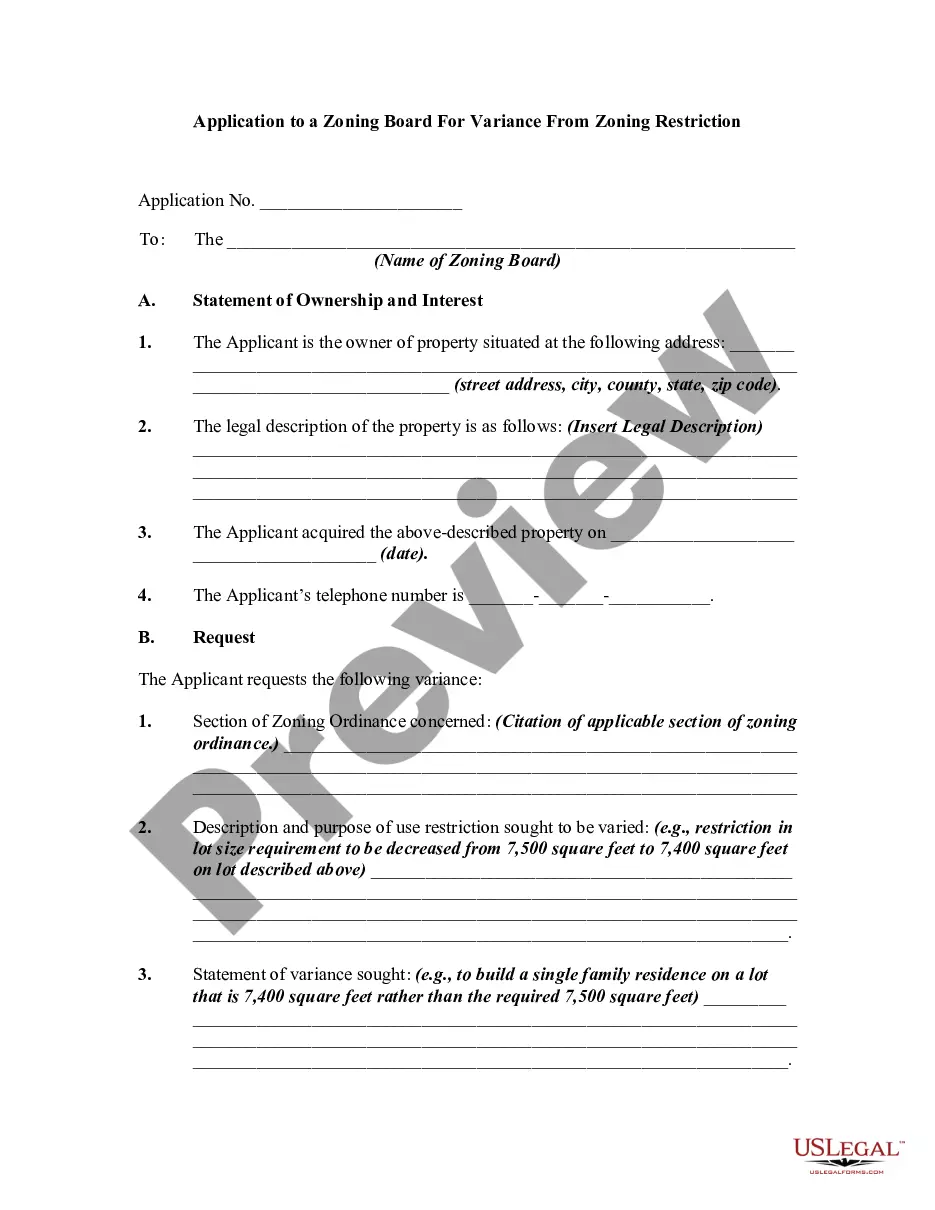
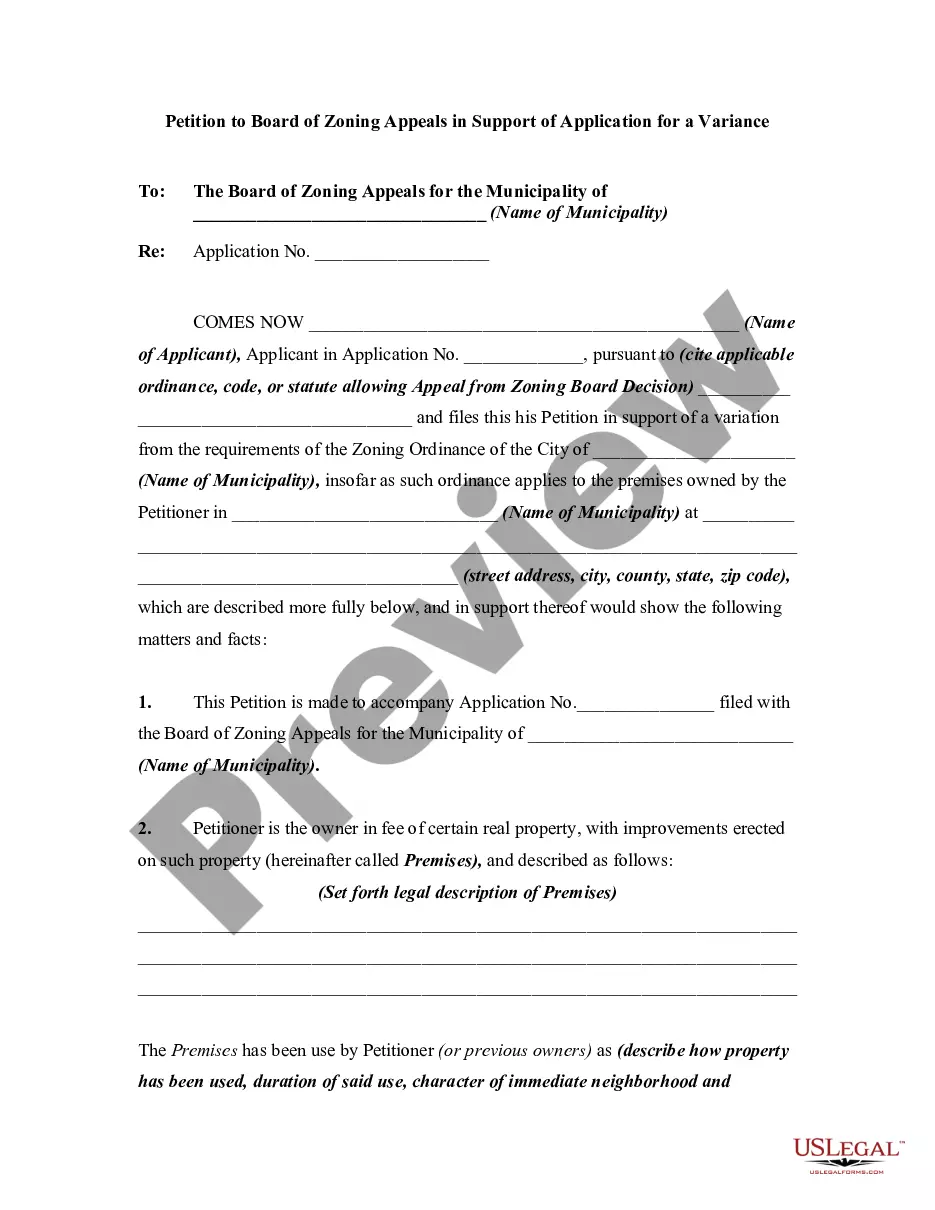
Description
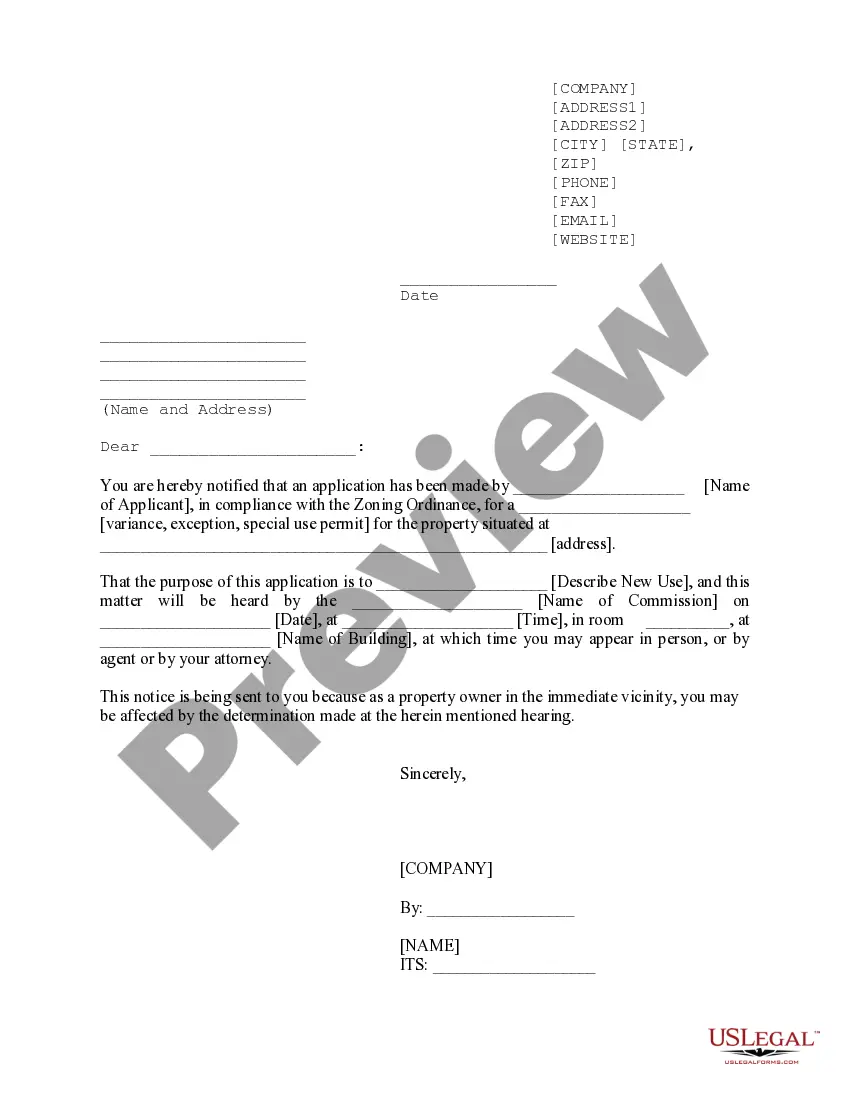
Get your form ready online
Our built-in tools help you complete, sign, share, and store your documents in one place.
Make edits, fill in missing information, and update formatting in US Legal Forms—just like you would in MS Word.
Download a copy, print it, send it by email, or mail it via USPS—whatever works best for your next step.
Sign and collect signatures with our SignNow integration. Send to multiple recipients, set reminders, and more. Go Premium to unlock E-Sign.
If this form requires notarization, complete it online through a secure video call—no need to meet a notary in person or wait for an appointment.
We protect your documents and personal data by following strict security and privacy standards.

Make edits, fill in missing information, and update formatting in US Legal Forms—just like you would in MS Word.

Download a copy, print it, send it by email, or mail it via USPS—whatever works best for your next step.

Sign and collect signatures with our SignNow integration. Send to multiple recipients, set reminders, and more. Go Premium to unlock E-Sign.

If this form requires notarization, complete it online through a secure video call—no need to meet a notary in person or wait for an appointment.

We protect your documents and personal data by following strict security and privacy standards.
Looking for another form?



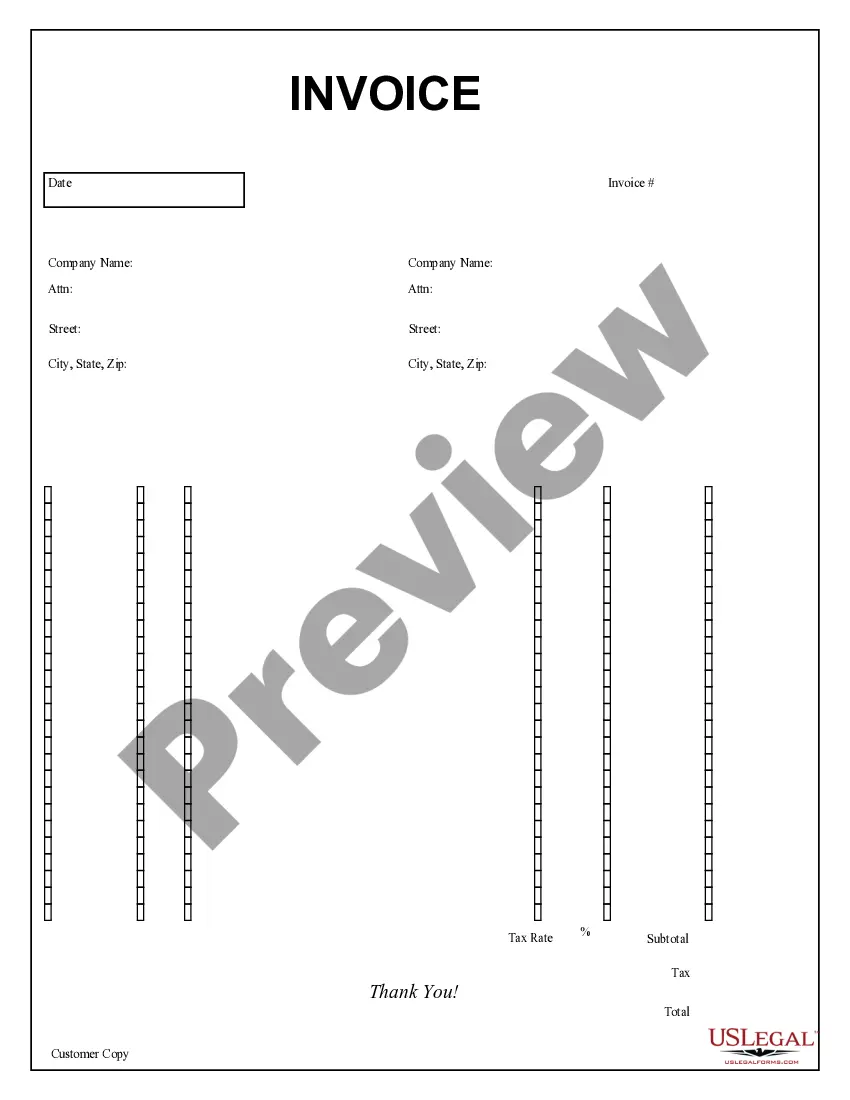


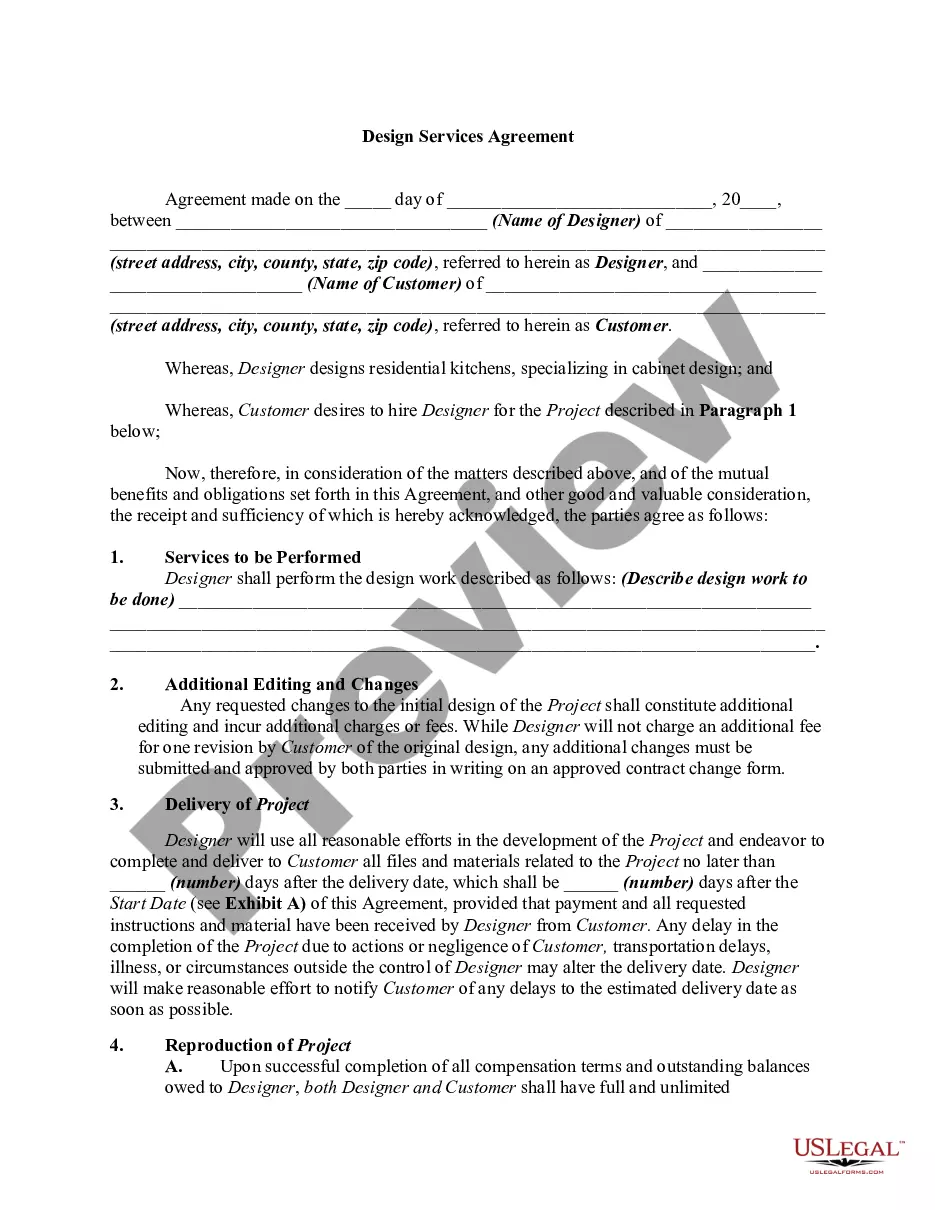

How to fill out Notice Of Hearing For Variance Before Board Of Zoning Appeals - Notice To Be Sent By Applicant To Interested Property Owners?
Utilizing legal templates that adhere to federal and state laws is essential, and the internet provides numerous choices. However, what's the purpose of wasting time looking for the suitable Notice Variance Template Formula sample online if the US Legal Forms digital library already has such templates gathered in one location.
US Legal Forms is the premier online legal library with over 85,000 editable templates created by lawyers for any business and personal situation. They are easy to navigate with all documents organized by state and intended use. Our specialists stay updated with legislative changes, ensuring you can always trust your form is current and compliant when obtaining a Notice Variance Template Formula from our site.
Acquiring a Notice Variance Template Formula is quick and straightforward for both existing and new users. If you already have an account with an active subscription, Log In and save the document sample you need in the desired format. If you are new to our site, follow the instructions below.
All templates you discover through US Legal Forms are reusable. To re-download and fill out previously acquired forms, access the My documents tab in your account. Take advantage of the most comprehensive and user-friendly legal documentation service!
- Review the template using the Preview feature or through the text description to ensure it satisfies your needs.
- Search for another sample using the search tool at the top of the page if necessary.
- Click Buy Now once you’ve found the correct form and select a subscription plan.
- Create an account or Log In and make a payment via PayPal or a credit card.
- Choose the best format for your Notice Variance Template Formula and download it.
Form popularity
FAQ
The variance report lists the difference for each line item as both a number and a percentage. With accurate reporting, a variance report is a valuable spend management tool that can be used to adjust cash outflows and provide realistic revenue expectations to company executives and business owners.
You must explain what occurred to cause the variance, whether positive or negative. Best practices dictate that you should use unemotional language and be short and concise. Indicate the variance you're speaking about.
8 Steps to Creating an Efficient Variance Report Step 1: Remove background colors of your variance report. ... Step 2: Remove the borders. ... Step 3: Align values properly. ... Step 4: Prepare the formatting. ... Step 5: Insert absolute variance charts. ... Step 6: Insert relative variance charts. ... Step 7: Write the key message.
In statistics, variance measures variability from the average or mean. It is calculated by taking the differences between each number in the data set and the mean, then squaring the differences to make them positive, and finally dividing the sum of the squares by the number of values in the data set.
For a population, the variance is calculated as ?² = ( ? (x-?)² ) / N. Another equivalent formula is ?² = ( (? x²) / N ) - ?². If we need to calculate variance by hand, this alternate formula is easier to work with.