Birth Social Security With Pension
Description
Get your form ready online
Our built-in tools help you complete, sign, share, and store your documents in one place.
Make edits, fill in missing information, and update formatting in US Legal Forms—just like you would in MS Word.
Download a copy, print it, send it by email, or mail it via USPS—whatever works best for your next step.
Sign and collect signatures with our SignNow integration. Send to multiple recipients, set reminders, and more. Go Premium to unlock E-Sign.
If this form requires notarization, complete it online through a secure video call—no need to meet a notary in person or wait for an appointment.
We protect your documents and personal data by following strict security and privacy standards.

Make edits, fill in missing information, and update formatting in US Legal Forms—just like you would in MS Word.

Download a copy, print it, send it by email, or mail it via USPS—whatever works best for your next step.

Sign and collect signatures with our SignNow integration. Send to multiple recipients, set reminders, and more. Go Premium to unlock E-Sign.

If this form requires notarization, complete it online through a secure video call—no need to meet a notary in person or wait for an appointment.

We protect your documents and personal data by following strict security and privacy standards.
Looking for another form?









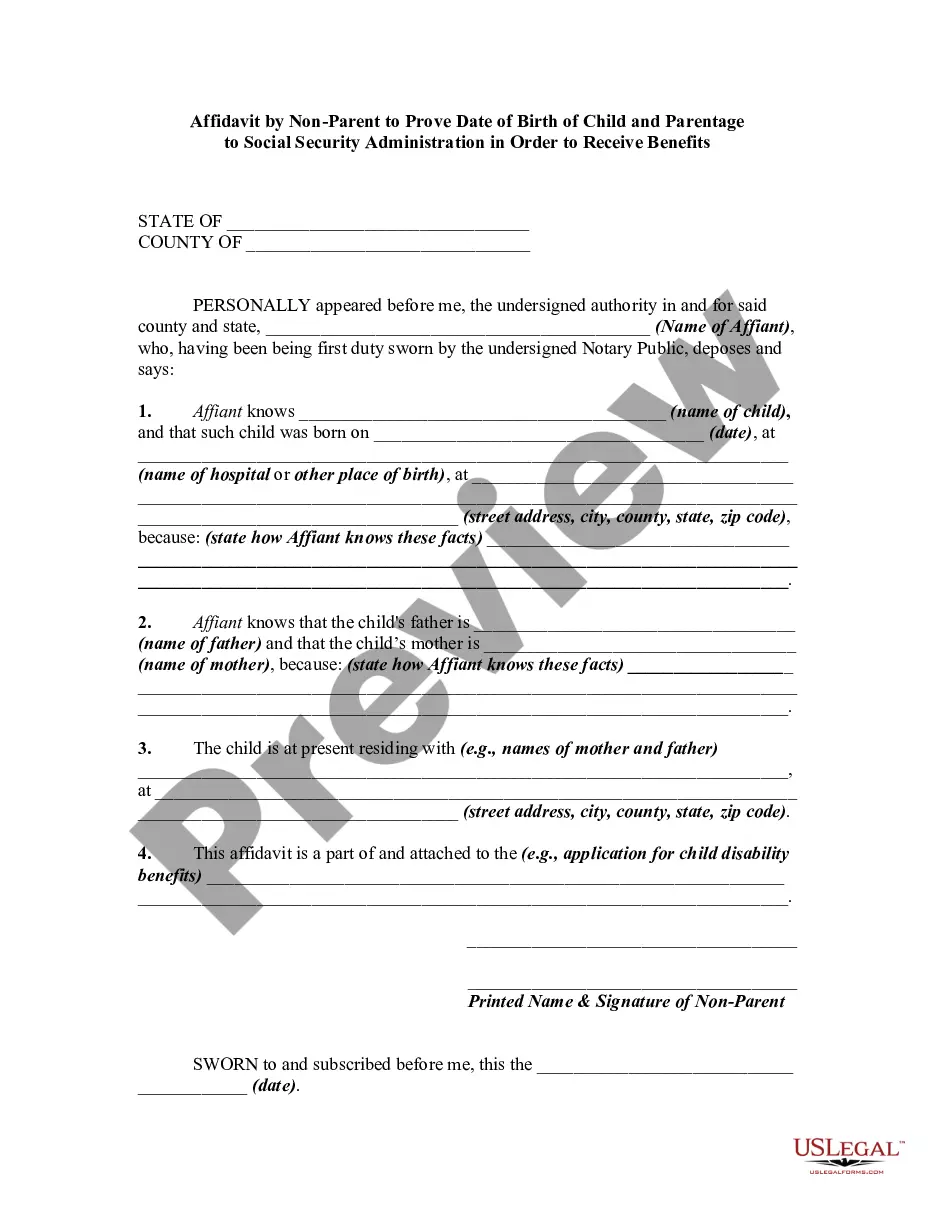
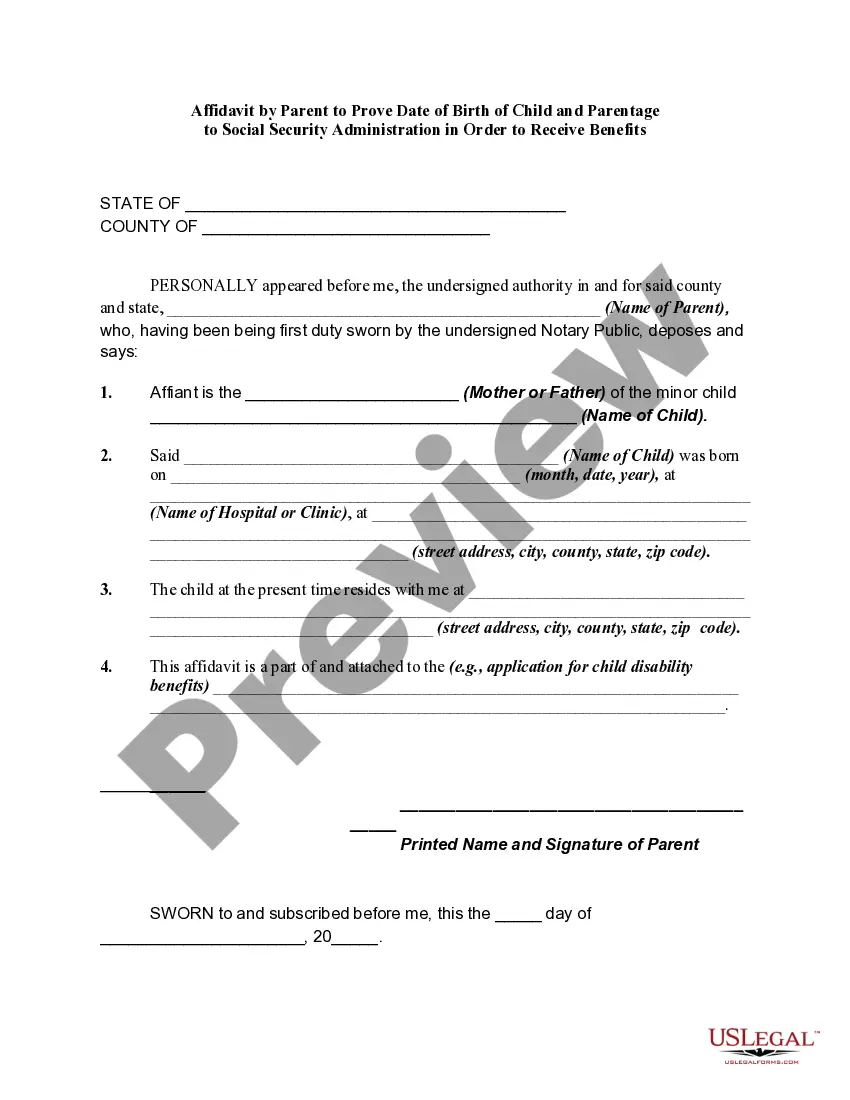
How to fill out Affidavit By Non-Parent To Prove Date Of Birth Of Child And Parentage To Social Security Administration In Order To Receive Benefits?
Creating legal documents from the ground up can occasionally be daunting. Certain situations may require extensive investigation and substantial financial commitment.
If you’re searching for a more straightforward and cost-effective method of preparing Birth Social Security With Pension or any other paperwork without having to navigate obstacles, US Legal Forms is always readily available.
Our online repository of over 85,000 current legal forms covers almost every facet of your financial, legal, and personal matters. With just a few clicks, you can swiftly obtain state- and county-specific templates meticulously crafted for you by our legal experts.
Utilize our platform whenever you require reliable and dependable services through which you can quickly find and retrieve the Birth Social Security With Pension. If you’re already familiar with our services and have previously registered with us, simply Log In to your account, choose the form, and download it or re-download it at any time in the My documents section.
Verify that the template you choose meets the criteria of your state and county. Select the most appropriate subscription plan to acquire the Birth Social Security With Pension. Download the file. Then, complete, sign, and print it. US Legal Forms boasts an impeccable reputation and over 25 years of experience. Join us today and simplify the document completion process!
- Don’t have an account? No problem.
- Setting it up takes just a few minutes and allows you to browse the catalog.
- However, before proceeding to download Birth Social Security With Pension, adhere to these guidelines.
- Examine the document preview and descriptions to ensure you are looking at the correct document.
Form popularity
FAQ
If you have Social Security credits in both the United States and Canada, you may be eligible for benefits from one or both countries. If you meet all the basic requirements under one country's system, you will get a regular benefit from that country.
If you want to correct or update your name or date of birth on your Social Security record, you must apply for a corrected Social Security card. Go to Get Or Replace A Social Security Card and follow the instructions.
The full retirement age is 66 if you were born from 1943 to 1954. The full retirement age increases gradually if you were born from 1955 to 1960 until it reaches 67. For anyone born 1960 or later, full retirement benefits are payable at age 67.
You can still work if you are receiving a CPP retirement pension, without reducing the pension amount. In fact, you could increase it by means of the CPP post-retirement benefit. If you work while receiving your CPP retirement pension and are under age 70, you can still make CPP contributions.
Fill out the Application for a Social Security Card (Form SS-5) (PDF) and bring it to a local office along with unexpired identification and proof of the correct birth date, such as your U.S. birth certificate. Documents must be original or have a signature, stamp, or raised seal from the issuing agency.