Sale Agreement For Shop
Description
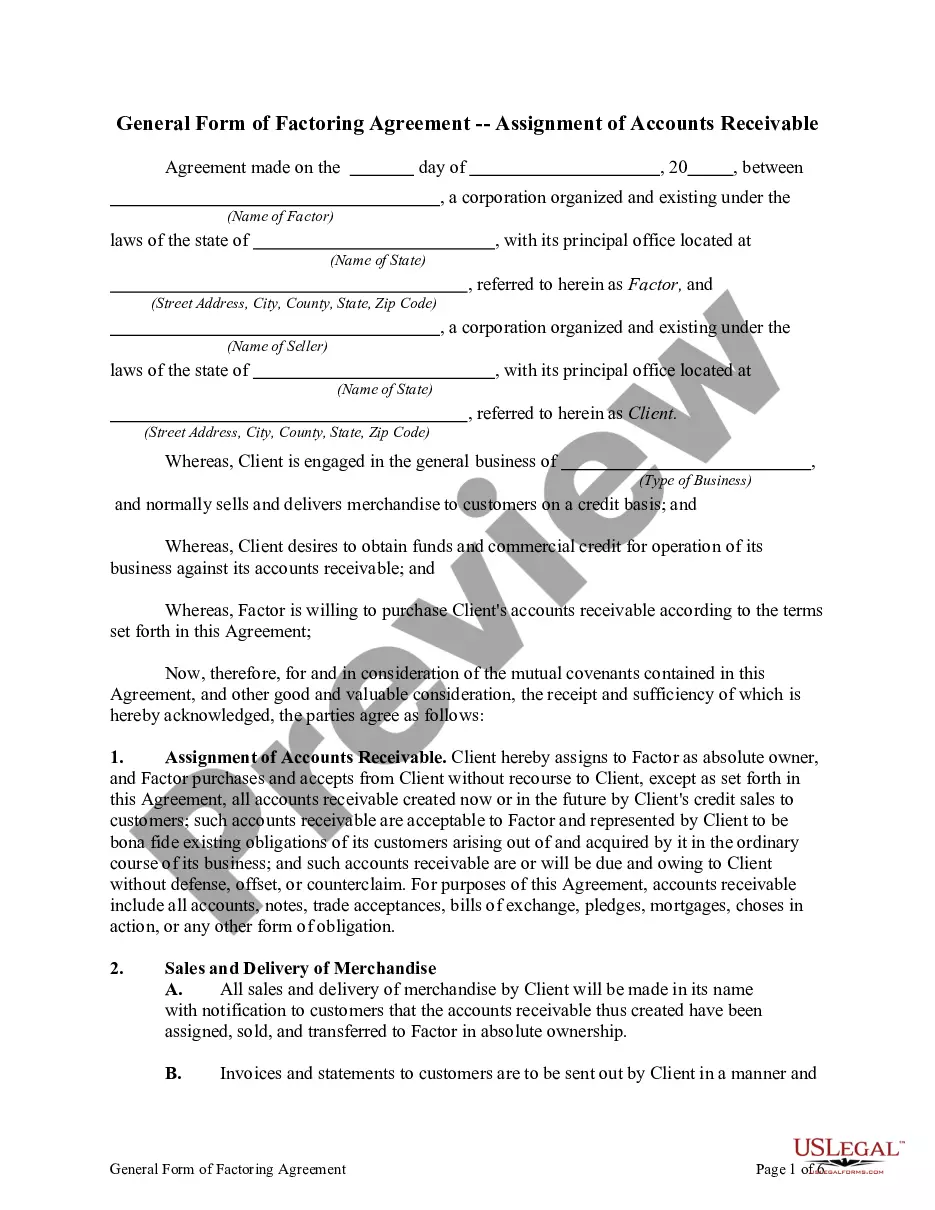
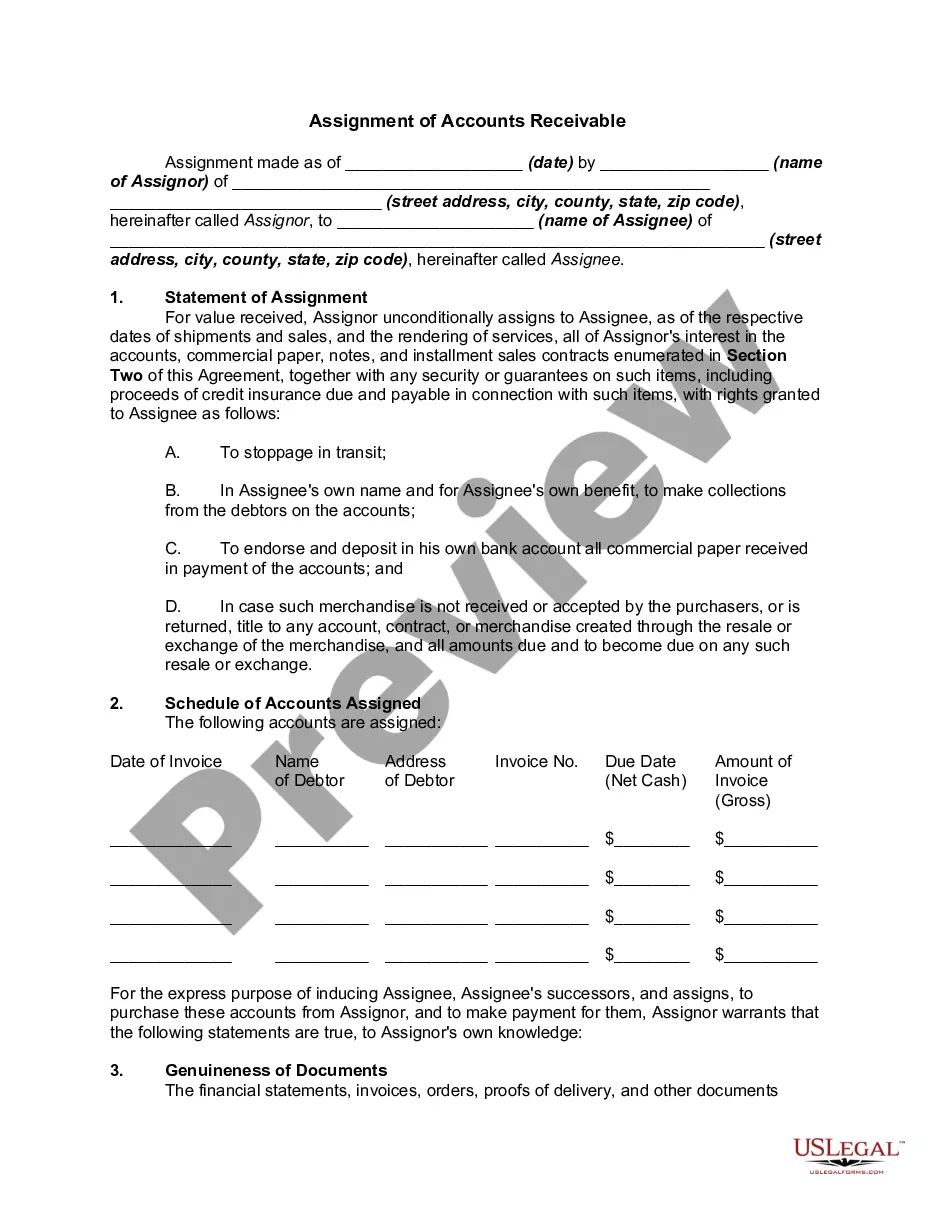
Get your form ready online
Our built-in tools help you complete, sign, share, and store your documents in one place.
Make edits, fill in missing information, and update formatting in US Legal Forms—just like you would in MS Word.
Download a copy, print it, send it by email, or mail it via USPS—whatever works best for your next step.
Sign and collect signatures with our SignNow integration. Send to multiple recipients, set reminders, and more. Go Premium to unlock E-Sign.
If this form requires notarization, complete it online through a secure video call—no need to meet a notary in person or wait for an appointment.
We protect your documents and personal data by following strict security and privacy standards.

Make edits, fill in missing information, and update formatting in US Legal Forms—just like you would in MS Word.

Download a copy, print it, send it by email, or mail it via USPS—whatever works best for your next step.

Sign and collect signatures with our SignNow integration. Send to multiple recipients, set reminders, and more. Go Premium to unlock E-Sign.

If this form requires notarization, complete it online through a secure video call—no need to meet a notary in person or wait for an appointment.

We protect your documents and personal data by following strict security and privacy standards.
Looking for another form?

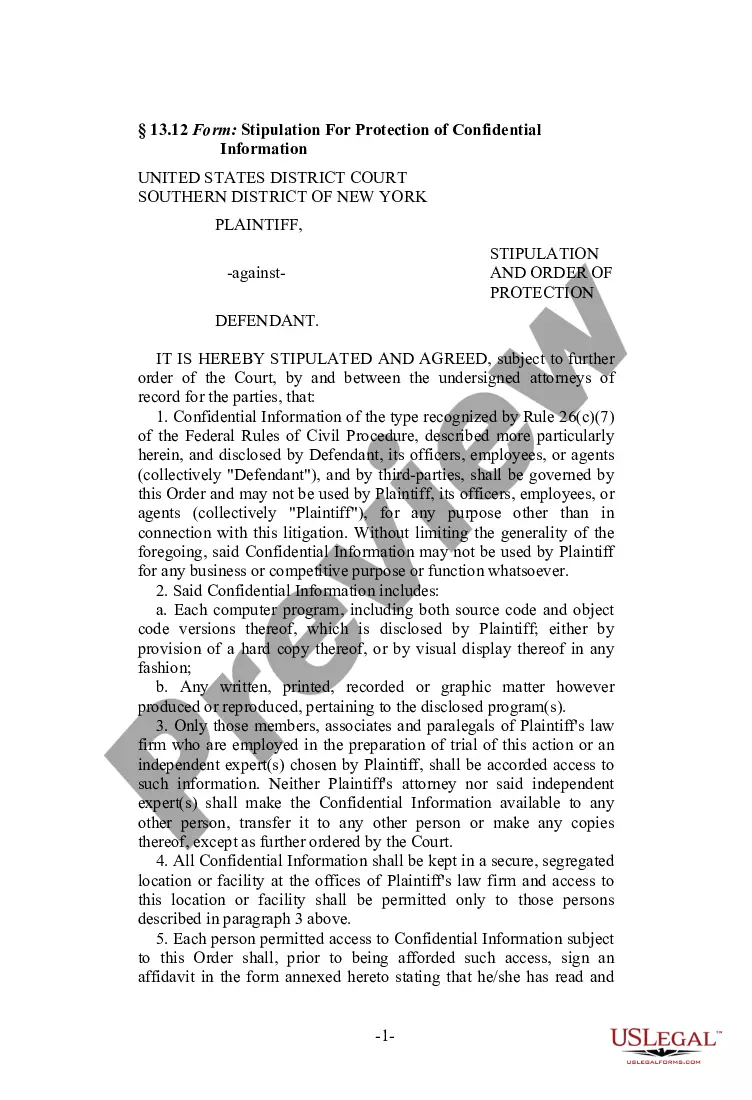


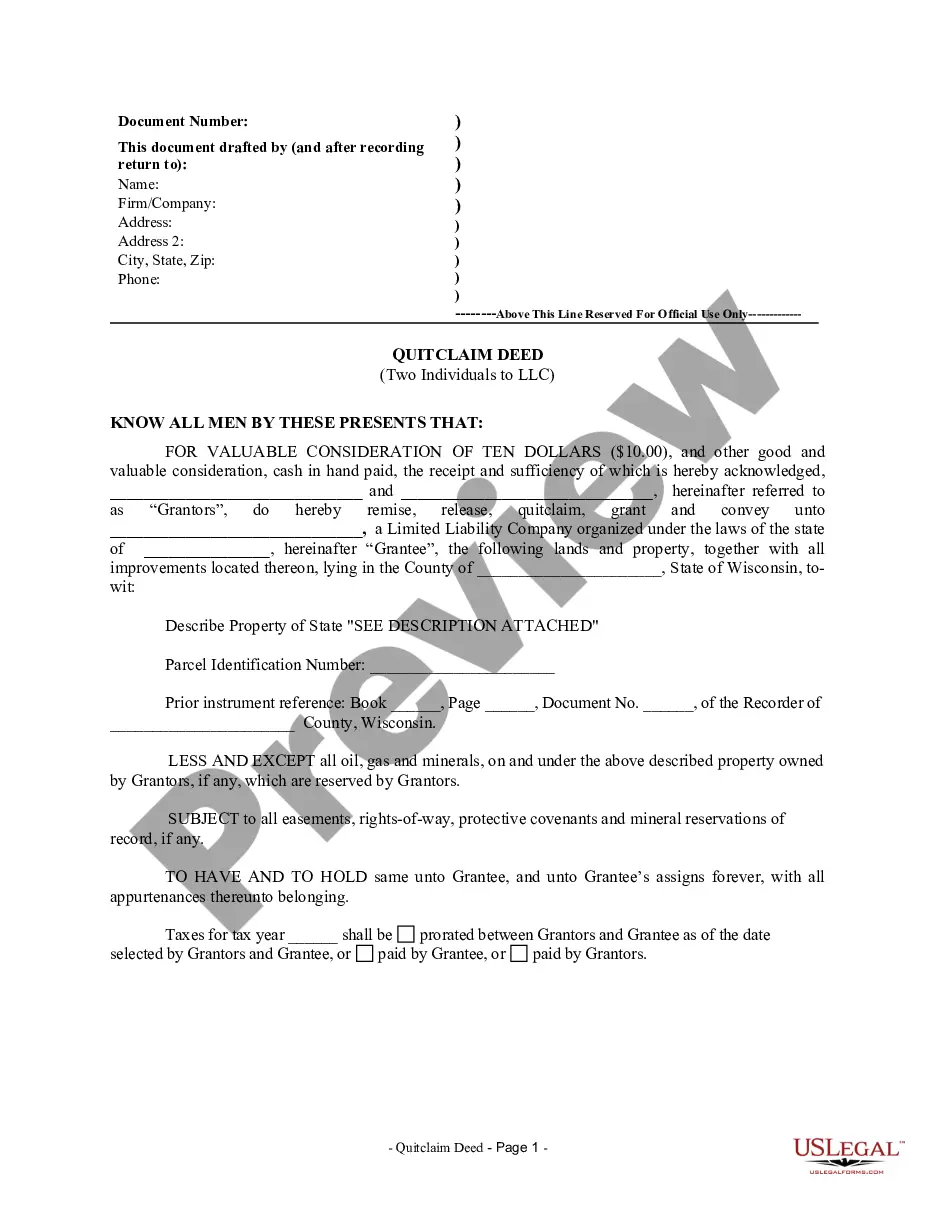

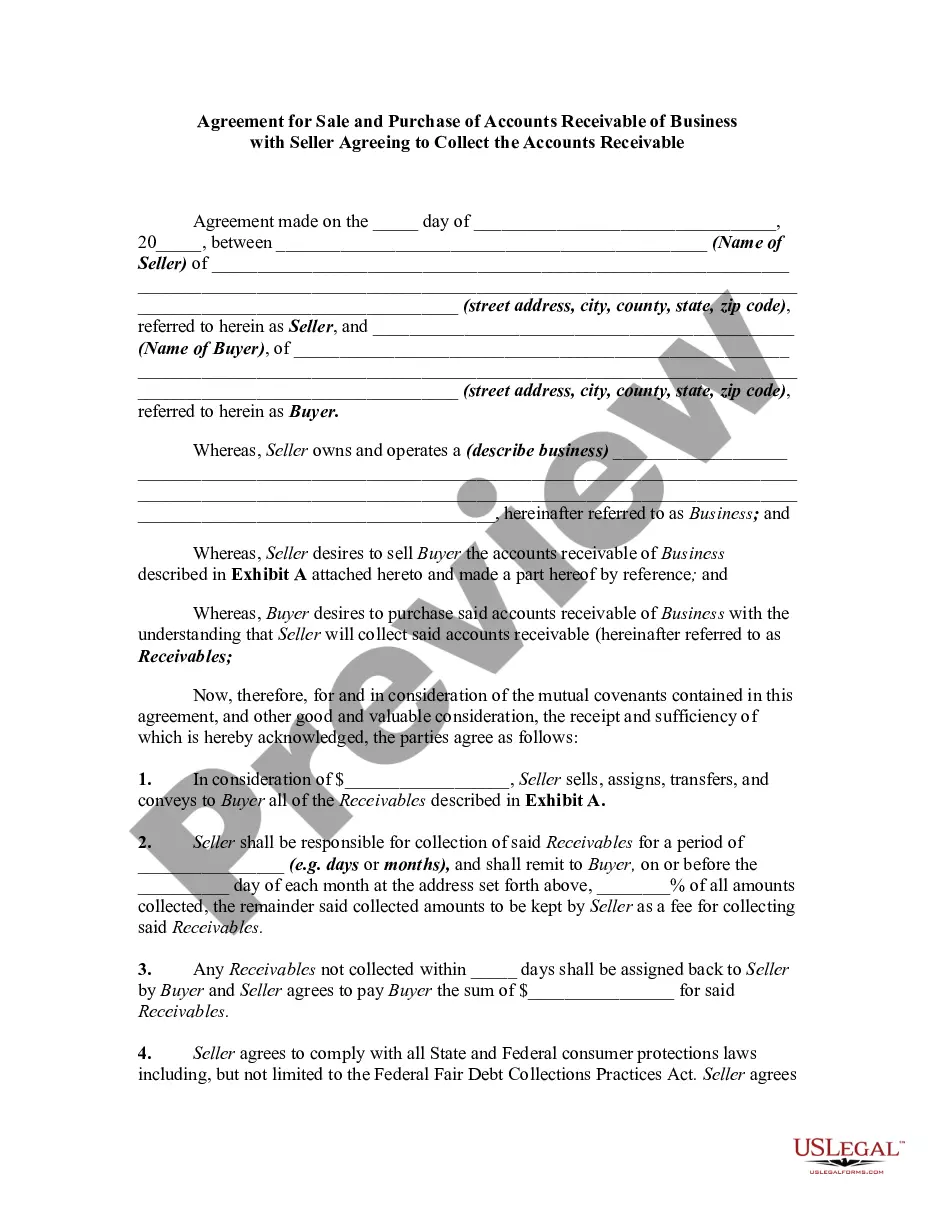
How to fill out Agreement For Sale And Purchase Of Accounts Receivable Of Business With Seller Agreeing To Collect The Accounts Receivable?
Bureaucracy requires exactness and correctness.
If you do not handle paperwork, such as the Sale Agreement For Shop, regularly, it could lead to some confusions.
Selecting the appropriate sample from the outset will guarantee that your document submission is seamless and avert any issues of needing to resend a document or redo the entire task from the beginning.
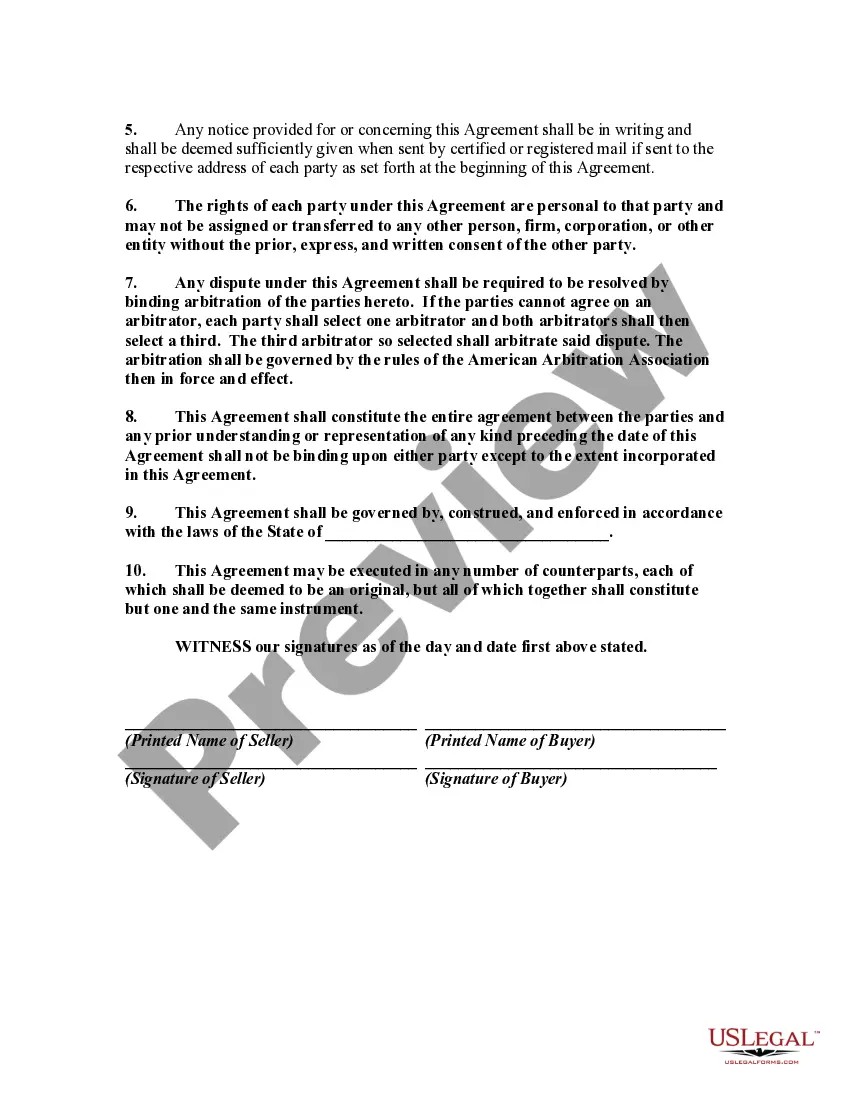
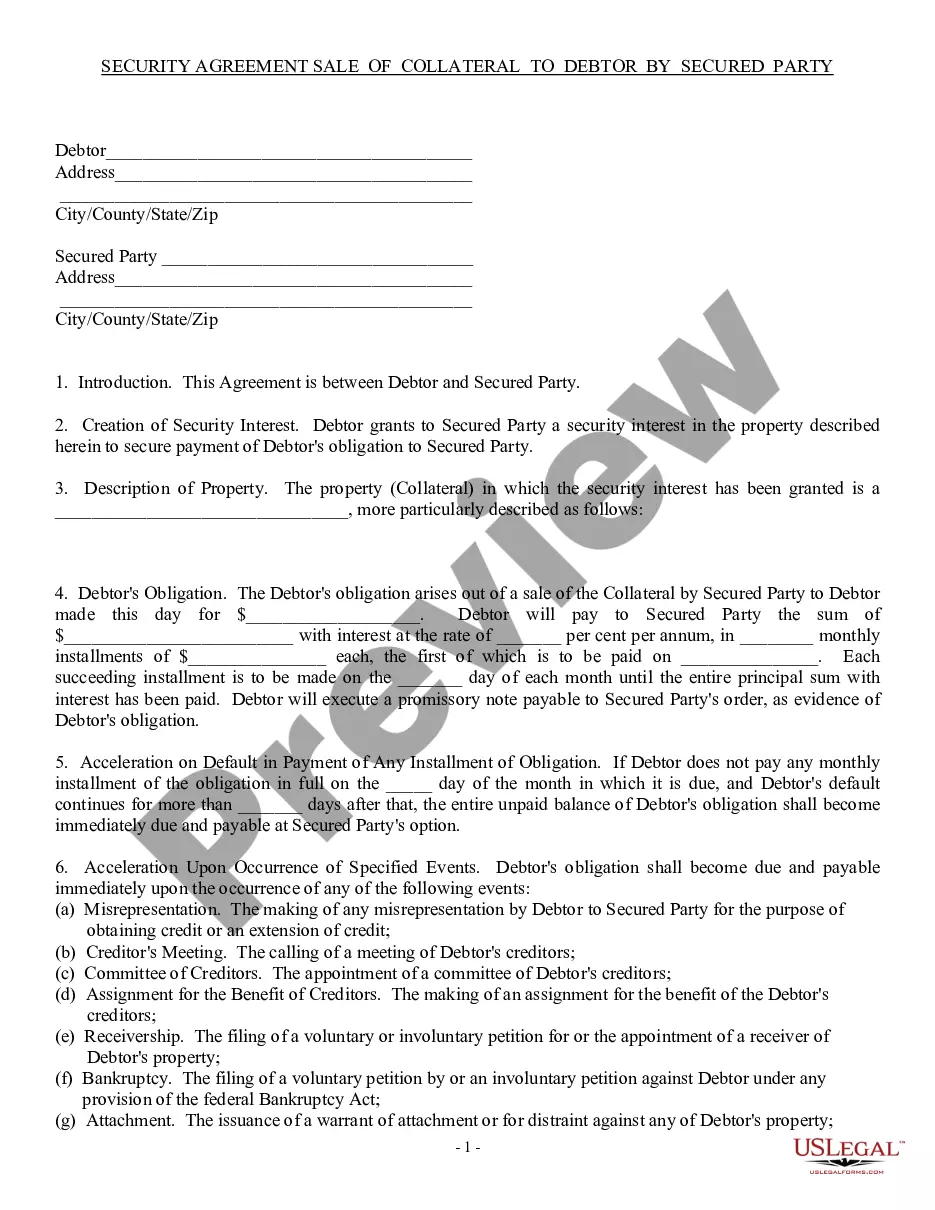
If you are not a registered user, finding the desired sample will require a few additional steps: Locate the template using the search box. Ensure that the Sale Agreement For Shop you’ve found is applicable to your state or region. View the preview or consult the description including the particulars of the template's use. When the result aligns with your search, click the Buy Now button. Select the appropriate option from the available subscription plans. Sign into your account or create a new one. Finalize the purchase using a credit card or PayPal account. Save the document in your preferred file format. Obtaining the correct and current samples for your documentation takes just a few moments with an account at US Legal Forms. Eliminate bureaucratic worries and enhance your efficiency with forms.
- You can consistently acquire the correct sample for your paperwork at US Legal Forms.
- US Legal Forms is the largest collection of online forms boasting over 85 thousand templates across various sectors.
- Easily find the most recent and pertinent version of the Sale Agreement For Shop by simply searching on the website.
- Identify, secure, and store templates in your profile or verify the description to confirm you have the correct one available.
- With an account on US Legal Forms, you can conveniently gather, store in a single location, and navigate through the templates you’ve saved for quick access.
- When on the site, click the Log In button to sign in.
- Then, navigate to the My documents page, where your document history is preserved.
- Review the descriptions of the forms and save those you need at any point.
Form popularity
FAQ
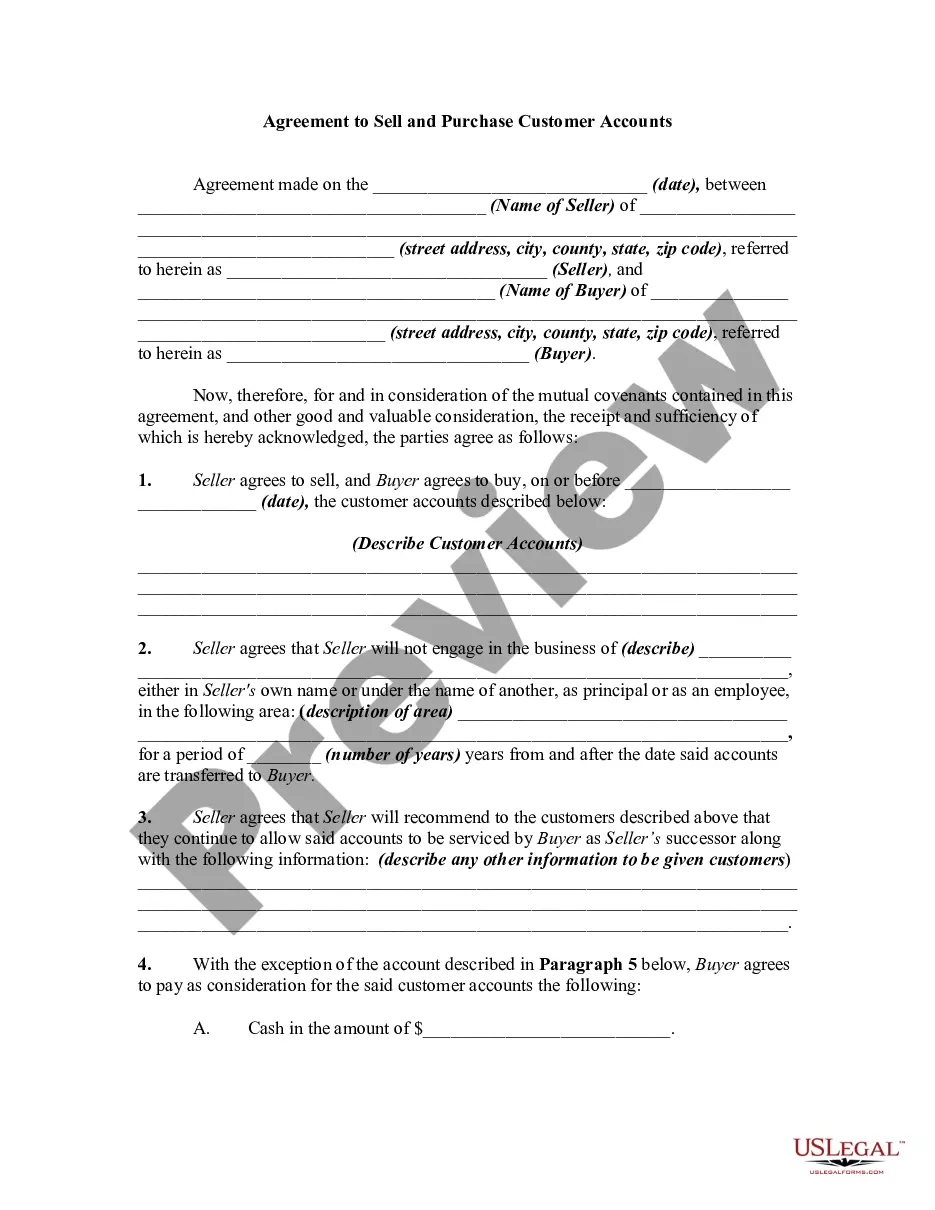
What to include in a business sales contract.Name the parties. Clearly state the names and locations of the buyer and seller.List the assets.Define liabilities.Set sale terms.Include other agreements.Make your sales agreement digital.
What Should I Include in a Sales Contract?Identification of the Parties.Description of the Services and/or Goods.Payment Plan.Delivery.Inspection Period.Warranties.Miscellaneous Provisions.
How to Draft a Sales ContractIdentity of the Parties/Date of Agreement. The first topic a sales contract should address is the identity of the parties.Description of Goods and/or Services. A sales contract should also address what is being bought or sold.Payment.Delivery.Miscellaneous Provisions.Samples.
How to Write a Sales AgreementStep 1 Identify Party Information.Step 2 Provide a Description of the Goods.Step 3 Include the Purchase Price and Payment Information.Step 4 Determine Delivery Method.Step 5 Allocate Risk of Loss.Step 6 Include a Right of Inspection Provision.Step 7 Establish Warranties.More items...
The acquired assets usually include all fixed assets (usually supported by a detailed list), all inventory, all supplies, tools, computers and related software, websites, all social media accounts used in connection with the Business, all permits, patents, trademarks, service marks, trade names (including but not
