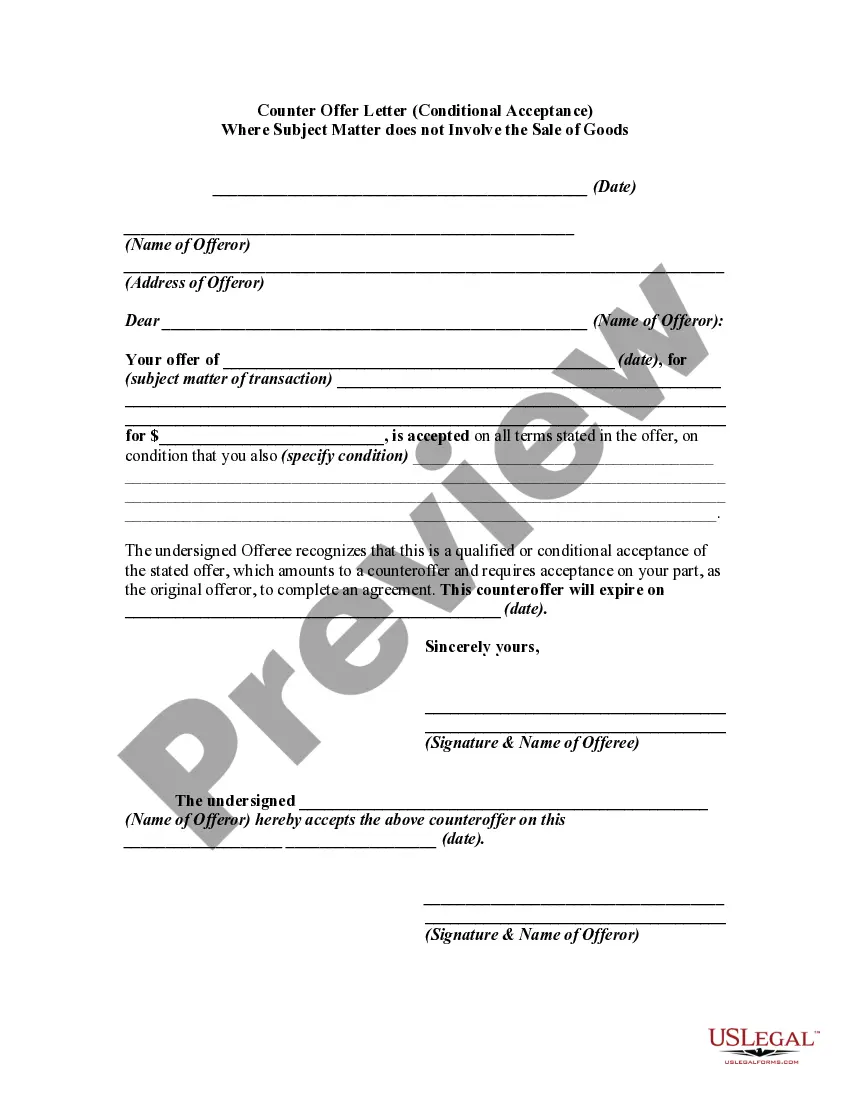
Subject For Acceptance Letter
Description
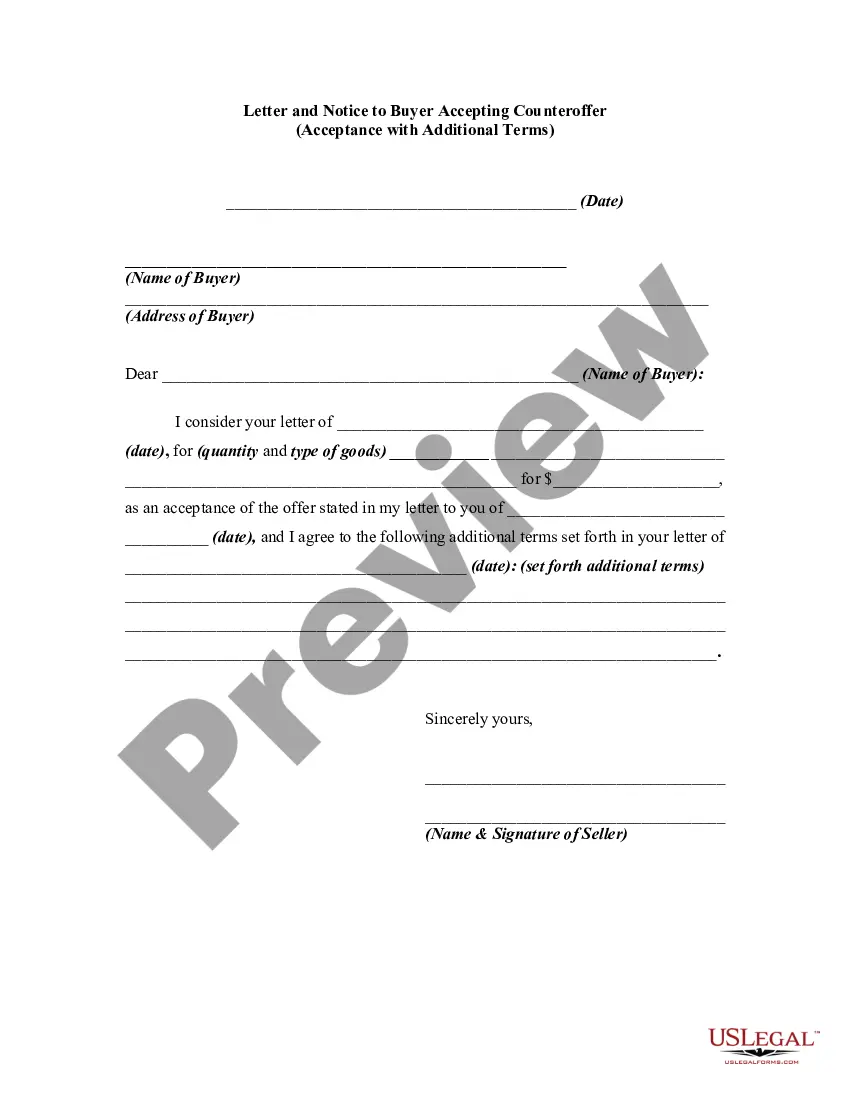
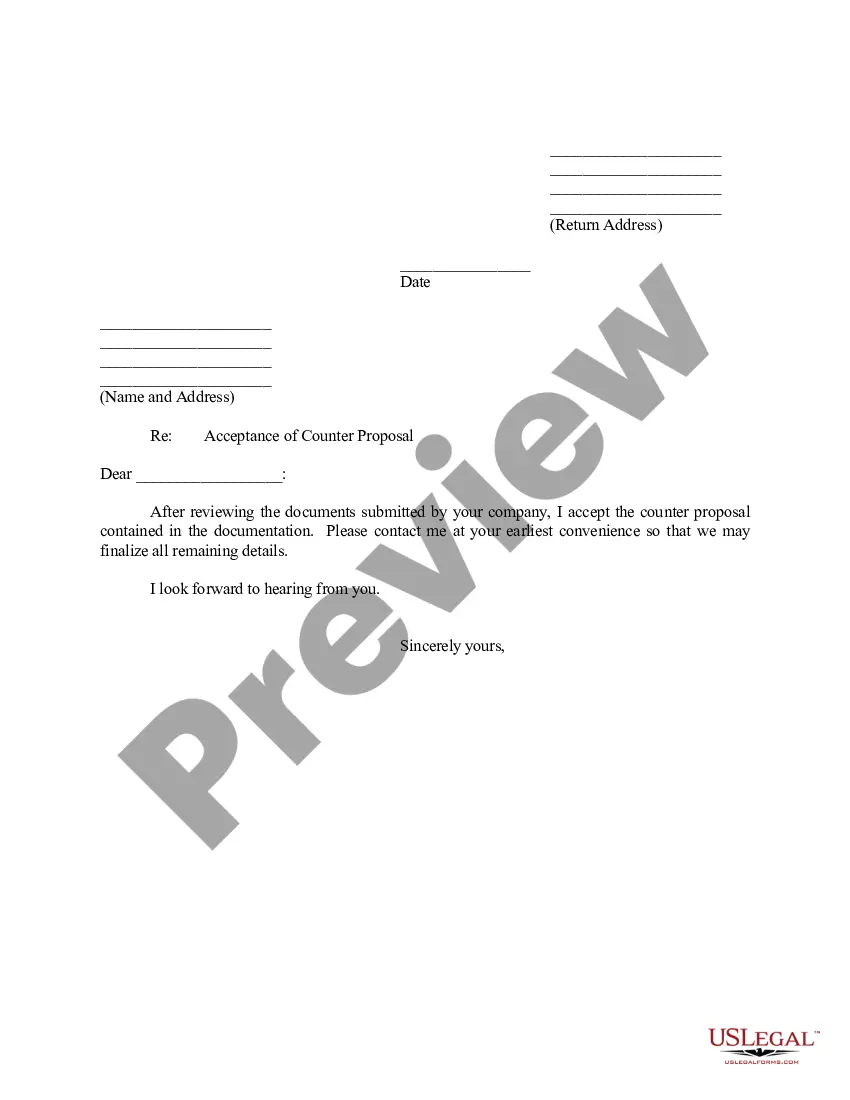
Get your form ready online
Our built-in tools help you complete, sign, share, and store your documents in one place.
Make edits, fill in missing information, and update formatting in US Legal Forms—just like you would in MS Word.
Download a copy, print it, send it by email, or mail it via USPS—whatever works best for your next step.
Sign and collect signatures with our SignNow integration. Send to multiple recipients, set reminders, and more. Go Premium to unlock E-Sign.
If this form requires notarization, complete it online through a secure video call—no need to meet a notary in person or wait for an appointment.
We protect your documents and personal data by following strict security and privacy standards.

Make edits, fill in missing information, and update formatting in US Legal Forms—just like you would in MS Word.

Download a copy, print it, send it by email, or mail it via USPS—whatever works best for your next step.

Sign and collect signatures with our SignNow integration. Send to multiple recipients, set reminders, and more. Go Premium to unlock E-Sign.

If this form requires notarization, complete it online through a secure video call—no need to meet a notary in person or wait for an appointment.

We protect your documents and personal data by following strict security and privacy standards.
Looking for another form?

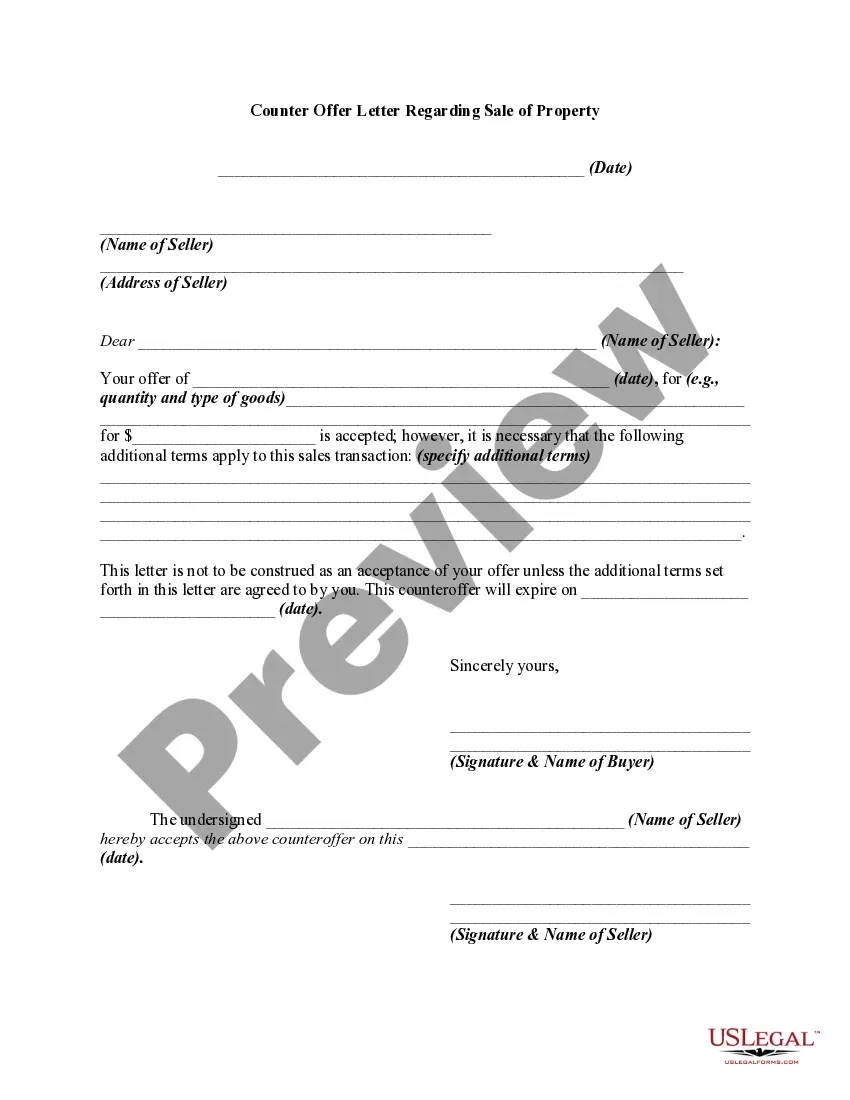
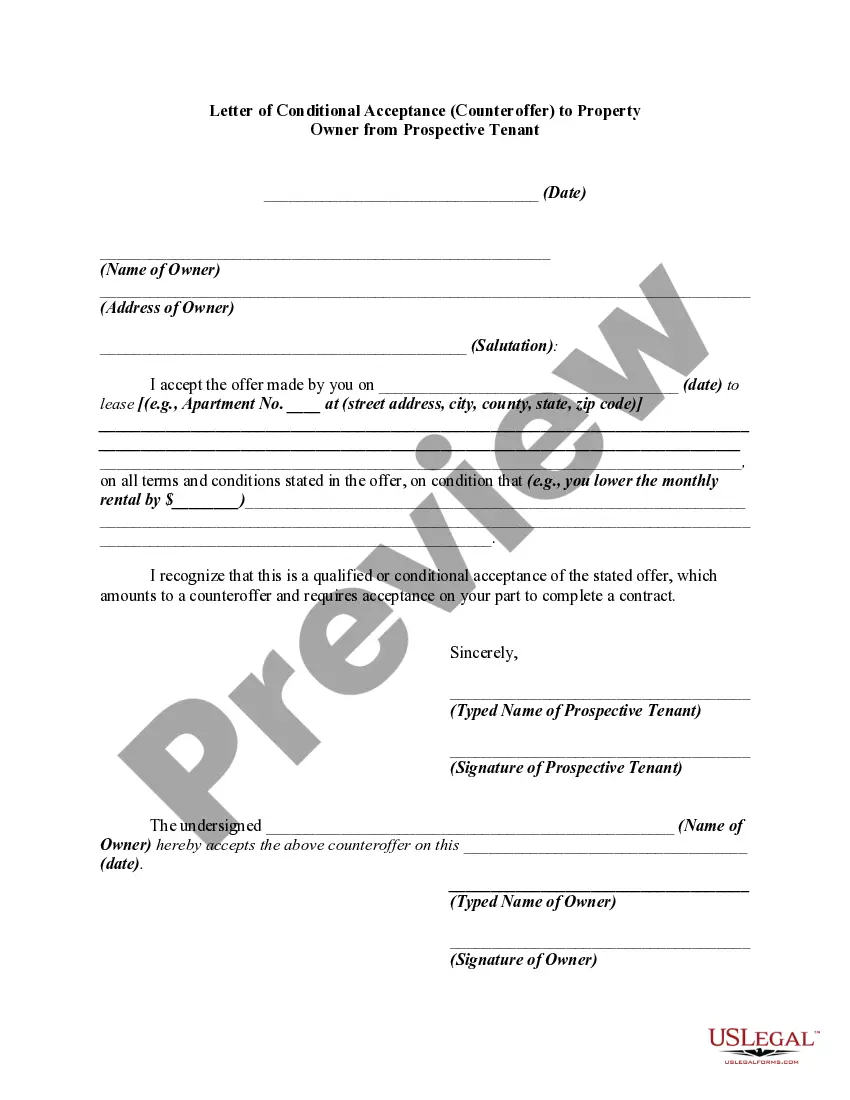
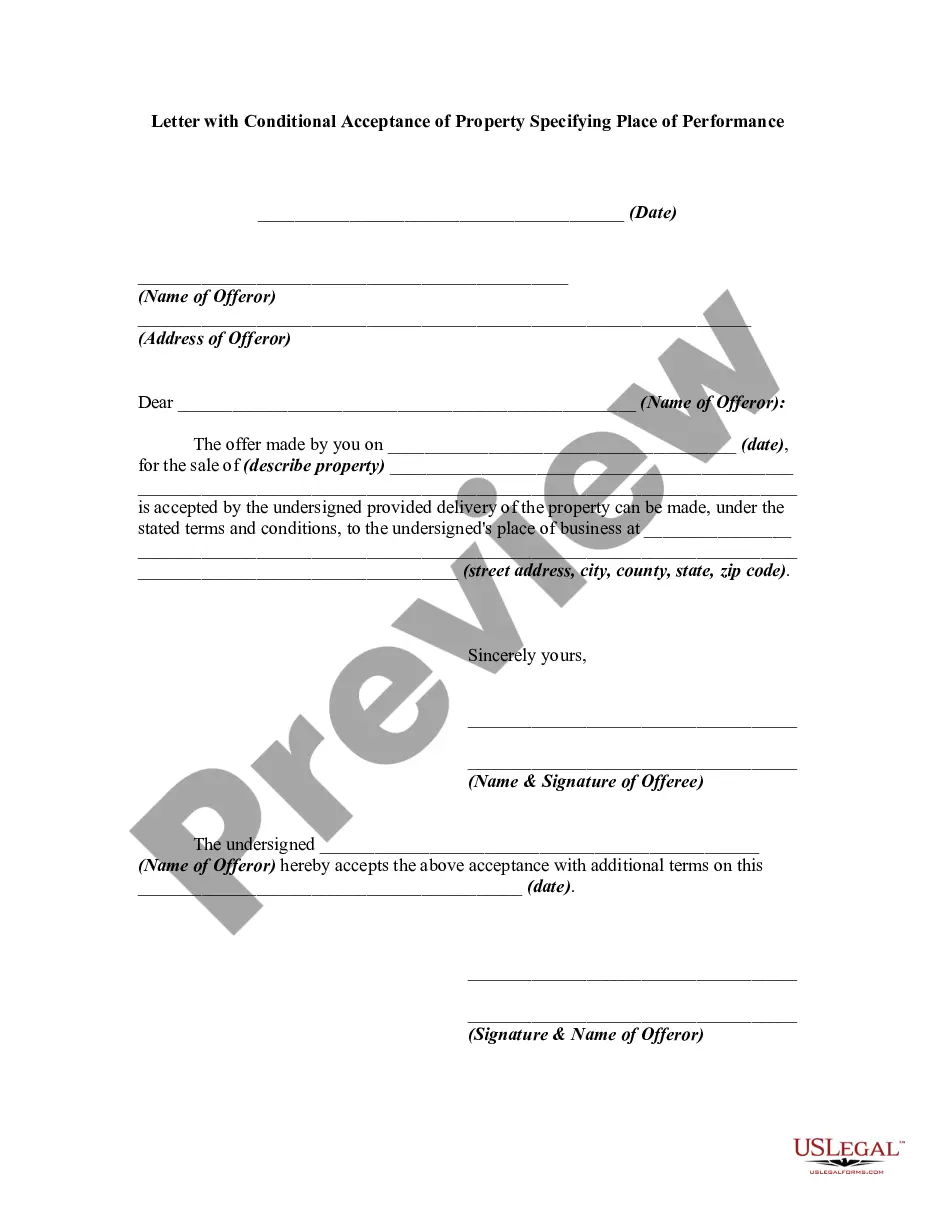
How to fill out Counter Offer Letter - Conditional Acceptance Where Subject Matter Does Not Involve The Sale Of Goods?
It’s no secret that you can’t become a law expert immediately, nor can you figure out how to quickly draft Subject For Acceptance Letter without having a specialized background. Creating legal documents is a time-consuming venture requiring a particular training and skills. So why not leave the creation of the Subject For Acceptance Letter to the pros?
With US Legal Forms, one of the most extensive legal document libraries, you can access anything from court paperwork to templates for in-office communication. We understand how crucial compliance and adherence to federal and state laws are. That’s why, on our website, all forms are location specific and up to date.
Here’s start off with our website and obtain the form you need in mere minutes:
- Find the form you need with the search bar at the top of the page.
- Preview it (if this option available) and check the supporting description to determine whether Subject For Acceptance Letter is what you’re searching for.
- Start your search over if you need a different template.
- Set up a free account and choose a subscription option to purchase the template.
- Pick Buy now. Once the transaction is through, you can download the Subject For Acceptance Letter, complete it, print it, and send or send it by post to the designated people or entities.
You can re-gain access to your documents from the My Forms tab at any time. If you’re an existing client, you can simply log in, and locate and download the template from the same tab.
Regardless of the purpose of your forms-be it financial and legal, or personal-our website has you covered. Try US Legal Forms now!
Form popularity
FAQ
Use a clear subject line Your acceptance email should include a concise subject line that indicates why you are writing. A simple subject line could be ?Accepting (Company Name)'s Offer ? (Your Name).? This quick line informs the recipient of what your message is about and that you are the sender.
Take, for example, the subject line of an offer letter acceptance mail can be ?Acceptance of job offer- (Your name)? or ?Acceptance of (Company's name) offer- (Your name)?. This will give the recipient clarity on the purpose of the email as well as about the sender.
Dear Mr/Ms {Recipient's Name}, I would like to thank you for the job offer of {Title} that has been offered to me. It makes me more than happy to be able to work for {Company's name}. Please consider this email as my formal acceptance letter.
Write a concise subject line However, if you are writing an email in response to an offer letter received on paper, draft a clear subject line that lets the employer know at a glance what the email is about. It can be something like [Job Title] ? Job Offer Acceptance ? [Your Name].
How to write an admissions acceptance letter Prepare the header. Begin the letter with an official header that includes the student's full name and address. ... Confirm the candidate's admission. ... Share congratulations. ... Explain how to accept. ... Include optional details. ... Encourage them to accept.