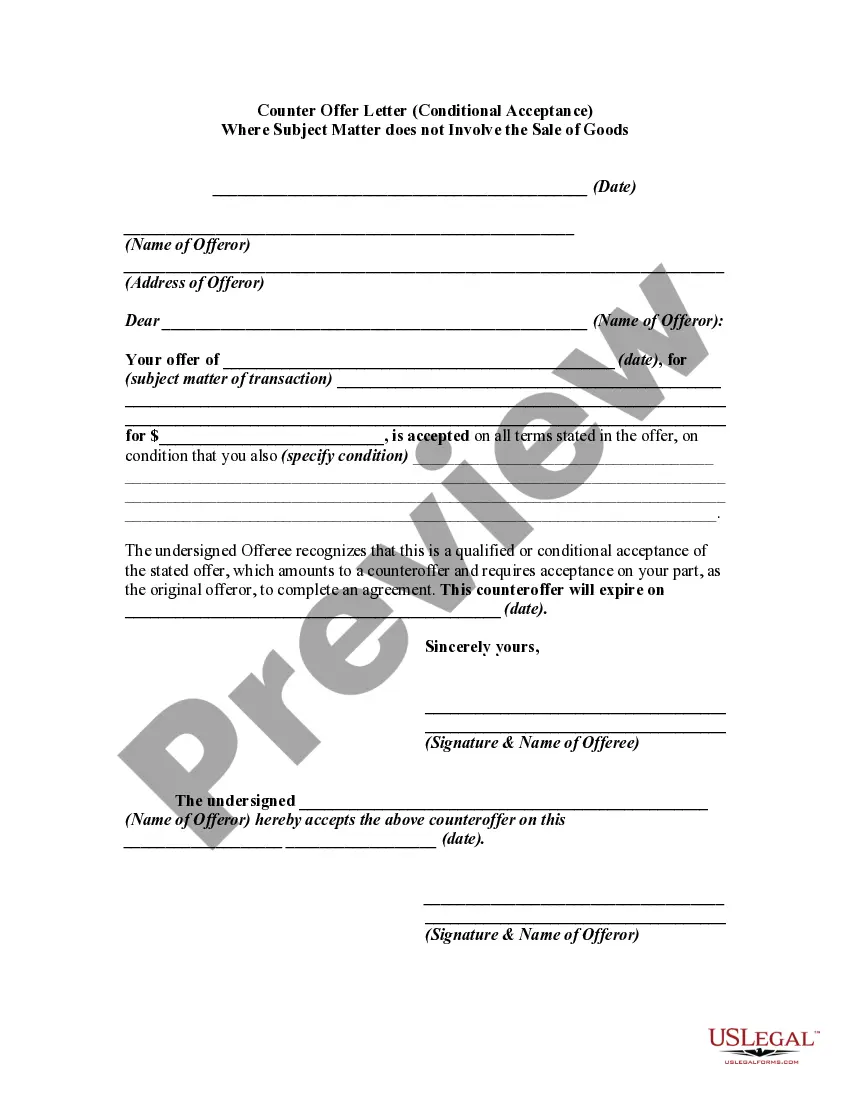
Acceptance Subject To Contract
Description
Get your form ready online
Our built-in tools help you complete, sign, share, and store your documents in one place.
Make edits, fill in missing information, and update formatting in US Legal Forms—just like you would in MS Word.
Download a copy, print it, send it by email, or mail it via USPS—whatever works best for your next step.
Sign and collect signatures with our SignNow integration. Send to multiple recipients, set reminders, and more. Go Premium to unlock E-Sign.
If this form requires notarization, complete it online through a secure video call—no need to meet a notary in person or wait for an appointment.
We protect your documents and personal data by following strict security and privacy standards.

Make edits, fill in missing information, and update formatting in US Legal Forms—just like you would in MS Word.

Download a copy, print it, send it by email, or mail it via USPS—whatever works best for your next step.

Sign and collect signatures with our SignNow integration. Send to multiple recipients, set reminders, and more. Go Premium to unlock E-Sign.

If this form requires notarization, complete it online through a secure video call—no need to meet a notary in person or wait for an appointment.

We protect your documents and personal data by following strict security and privacy standards.
Looking for another form?



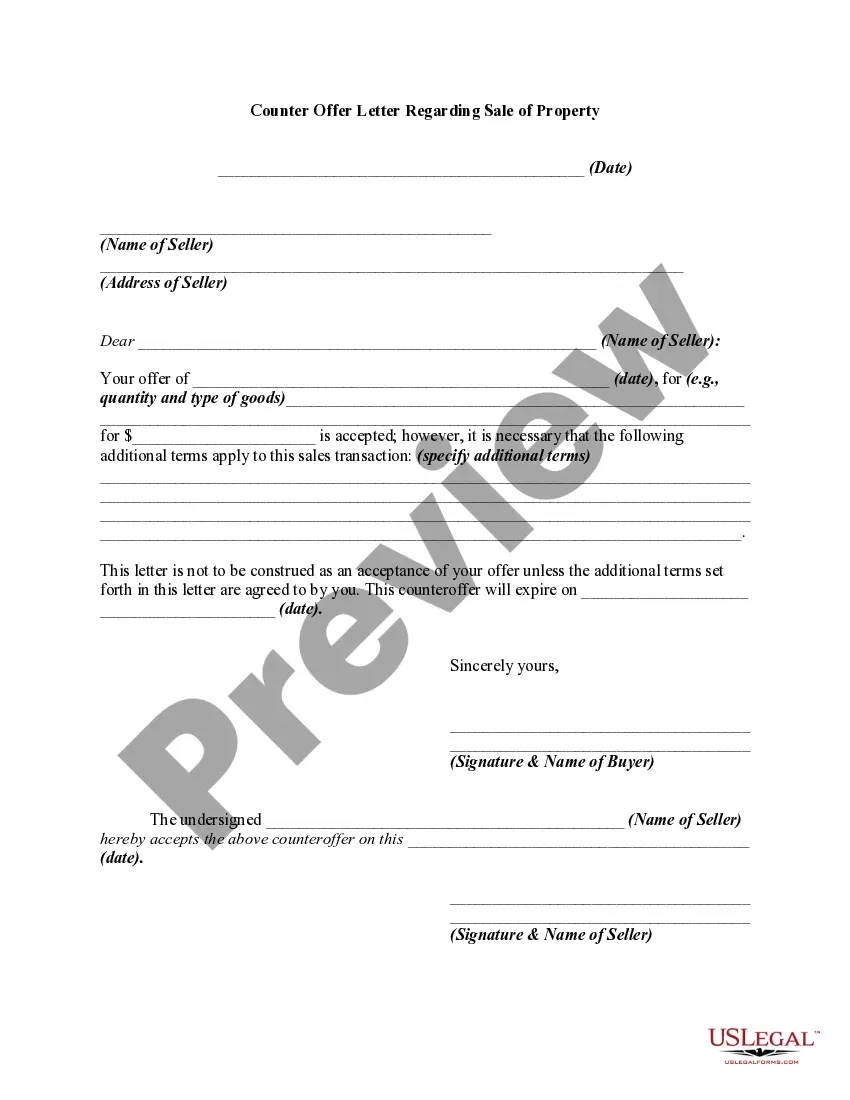
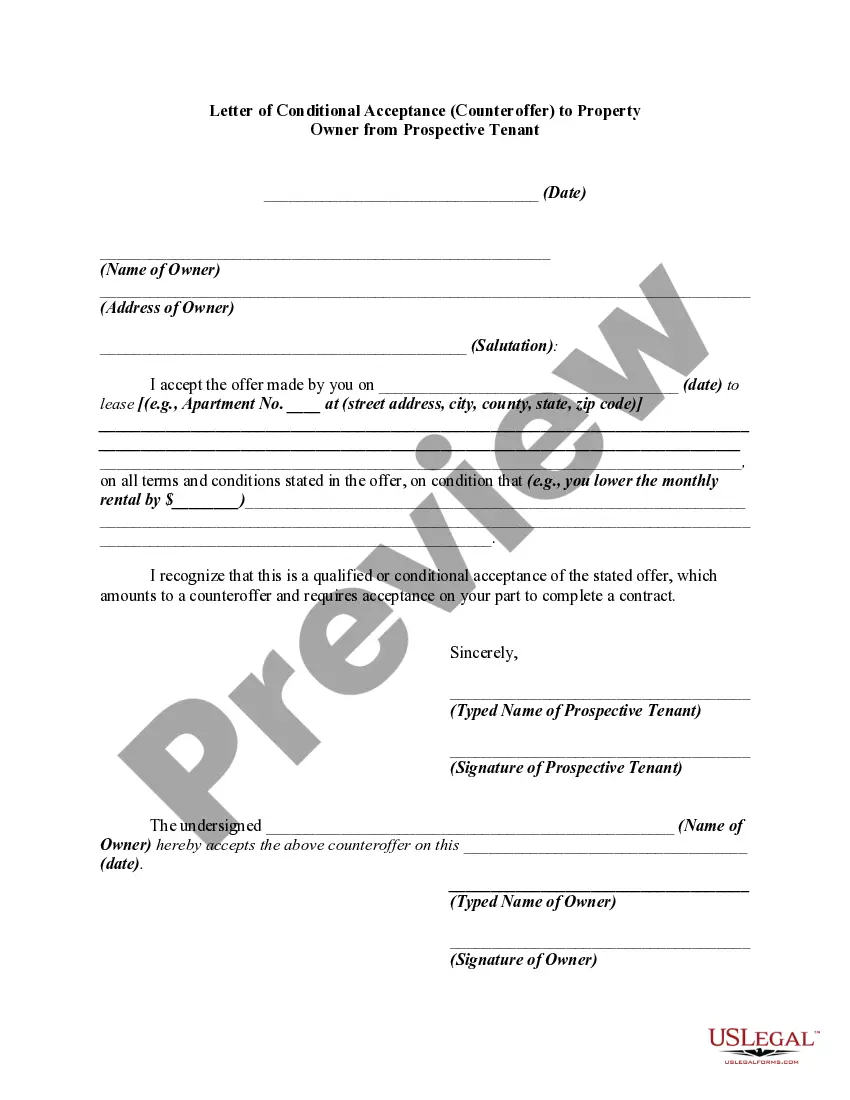
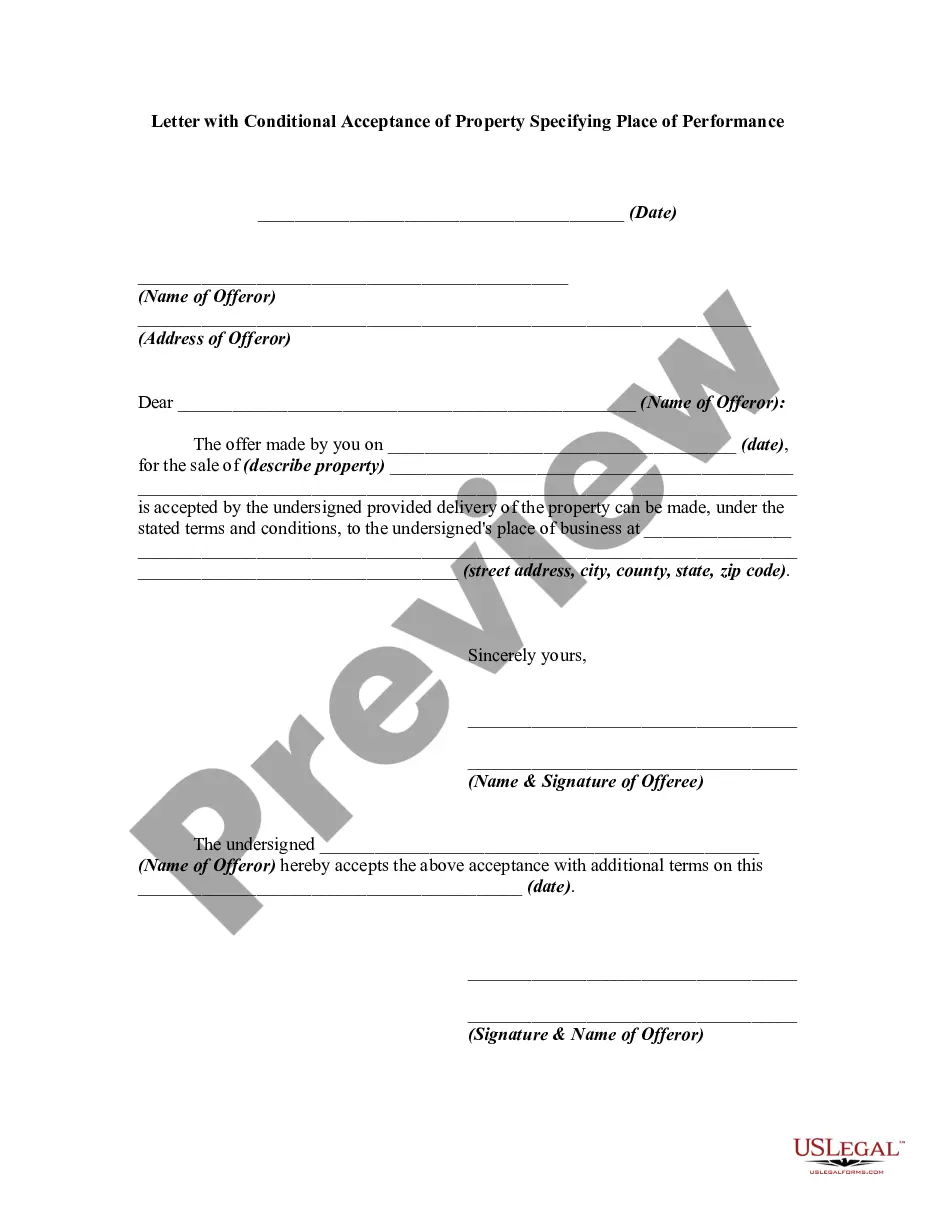
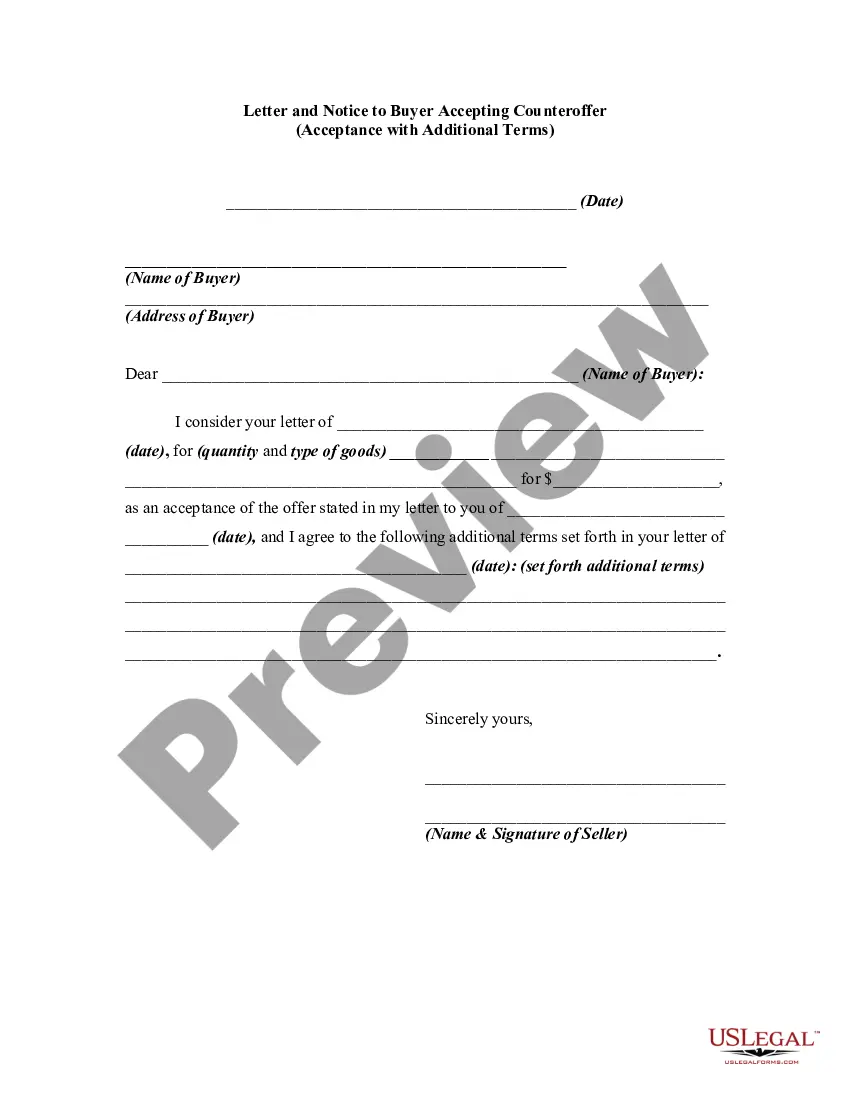
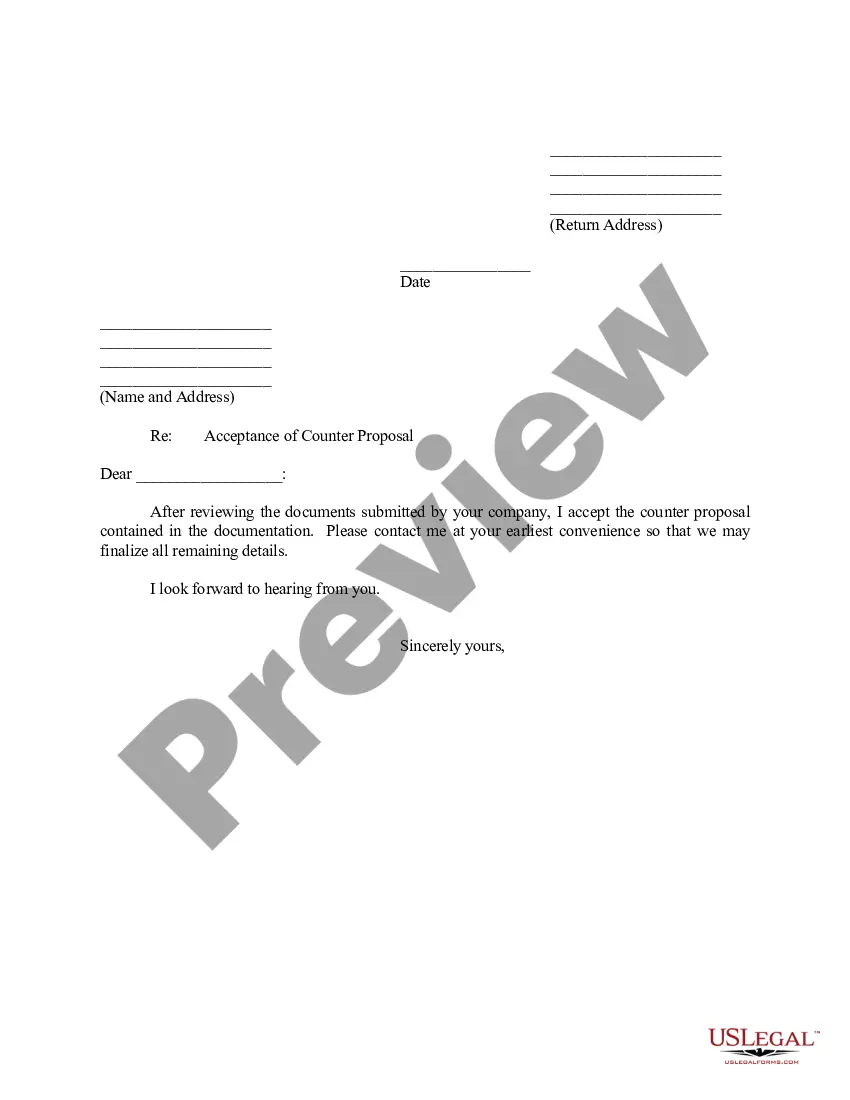
How to fill out Counter Offer Letter - Conditional Acceptance Where Subject Matter Does Not Involve The Sale Of Goods?
Legal document management may be mind-boggling, even for skilled experts. When you are looking for a Acceptance Subject To Contract and do not get the time to spend looking for the appropriate and up-to-date version, the operations may be stressful. A robust web form library might be a gamechanger for anyone who wants to manage these situations effectively. US Legal Forms is a industry leader in web legal forms, with more than 85,000 state-specific legal forms available anytime.
With US Legal Forms, you are able to:
- Access state- or county-specific legal and organization forms. US Legal Forms handles any requirements you could have, from individual to enterprise documents, in one place.
- Make use of advanced resources to accomplish and handle your Acceptance Subject To Contract
- Access a resource base of articles, guides and handbooks and resources related to your situation and needs
Save effort and time looking for the documents you will need, and utilize US Legal Forms’ advanced search and Preview tool to locate Acceptance Subject To Contract and get it. For those who have a subscription, log in to your US Legal Forms profile, look for the form, and get it. Take a look at My Forms tab to view the documents you previously downloaded as well as to handle your folders as you can see fit.
If it is the first time with US Legal Forms, register an account and obtain limitless usage of all advantages of the library. Listed below are the steps to take after downloading the form you need:
- Validate this is the correct form by previewing it and looking at its information.
- Ensure that the sample is approved in your state or county.
- Select Buy Now once you are all set.
- Select a monthly subscription plan.
- Pick the file format you need, and Download, complete, eSign, print out and send your papers.
Enjoy the US Legal Forms web library, backed with 25 years of expertise and trustworthiness. Enhance your daily papers administration in a easy and intuitive process right now.
Form popularity
FAQ
The meaning of the phrase 'subject to contract' is a common legal term. It's widely understood to mean: Neither party intends to be bound until a formal contract is made; and. Each party reserves the right to withdraw until such time as a binding contract is made.
'Subject to contract' is a useful label which is usually understood to mean that the parties are still negotiating and have not yet reached a final, binding agreement. It helps parties to see at once whether there is a binding contract, or whether they are still in the negotiation stage.
To form a contract, one party must make an offer that another one accepts ? e.g. ?Can I buy your car for $1,500?? ?Yes, I accept your offer to buy my car for $1,500.?
How to write a contract acceptance letter Date of the letter. ... Reference to the original offer or contract. ... Acknowledgement and acceptance of the offer. ... Persons or entities accepting the offer. ... Counteroffers and specification of terms. ... Further discussions and next steps. ... Signature or signoff of the sender. ... Being vague.
For example, a seller enters into a Subject-To agreement, transferring their home to a buyer. Months later, the buyer defaults on payments. The mortgage provider, seeing the seller's name on the original loan, holds them accountable, damaging their credit score.