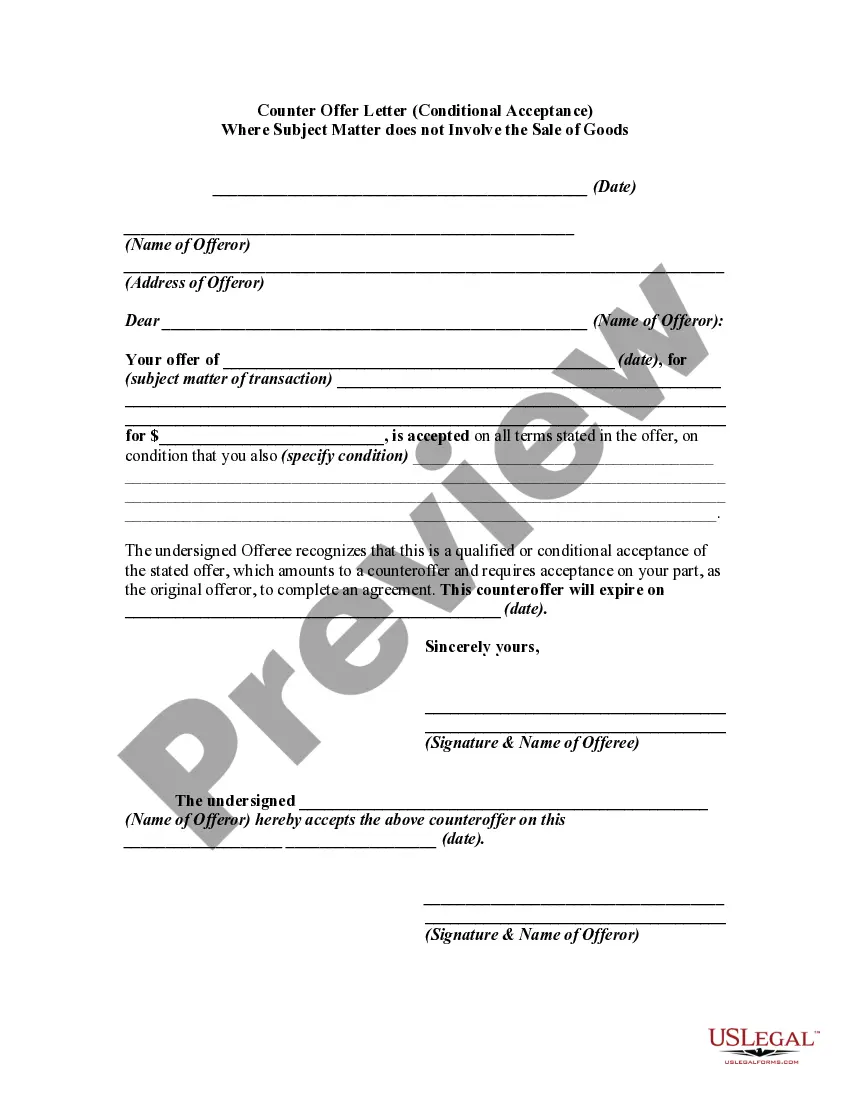
Acceptance Subject Application For Sick Leave
Description
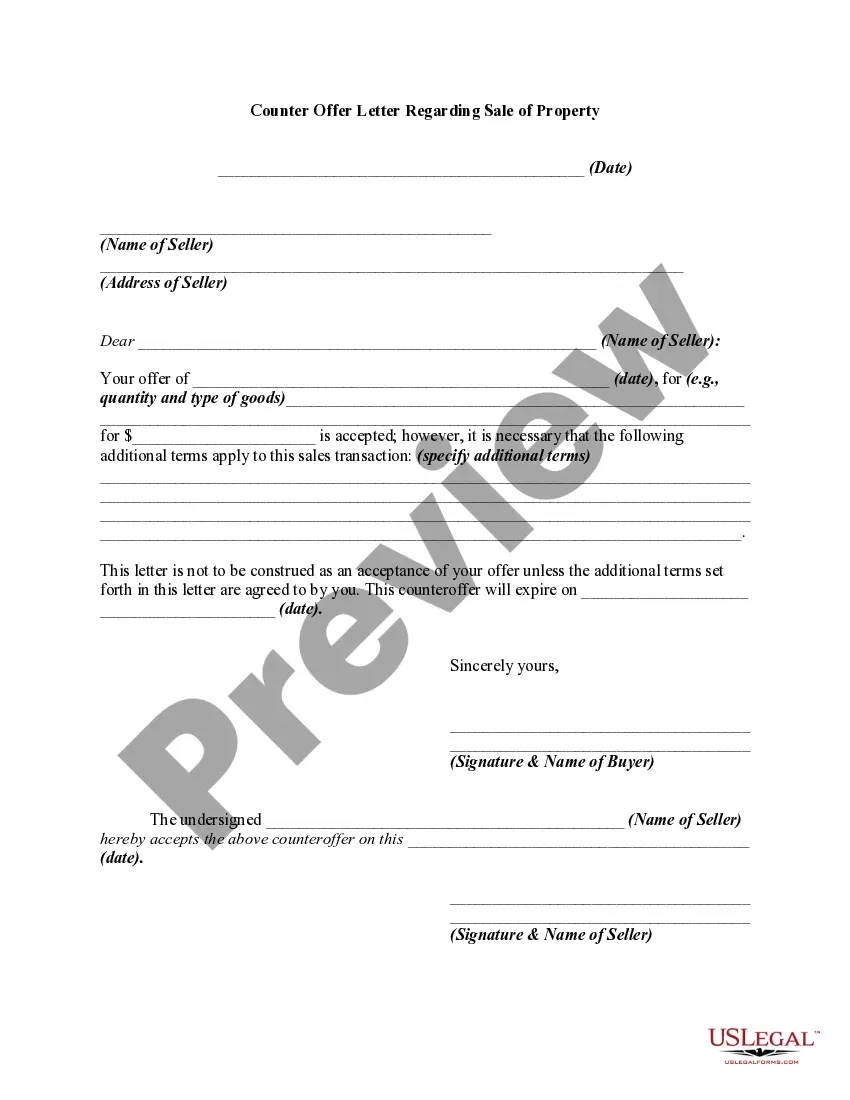
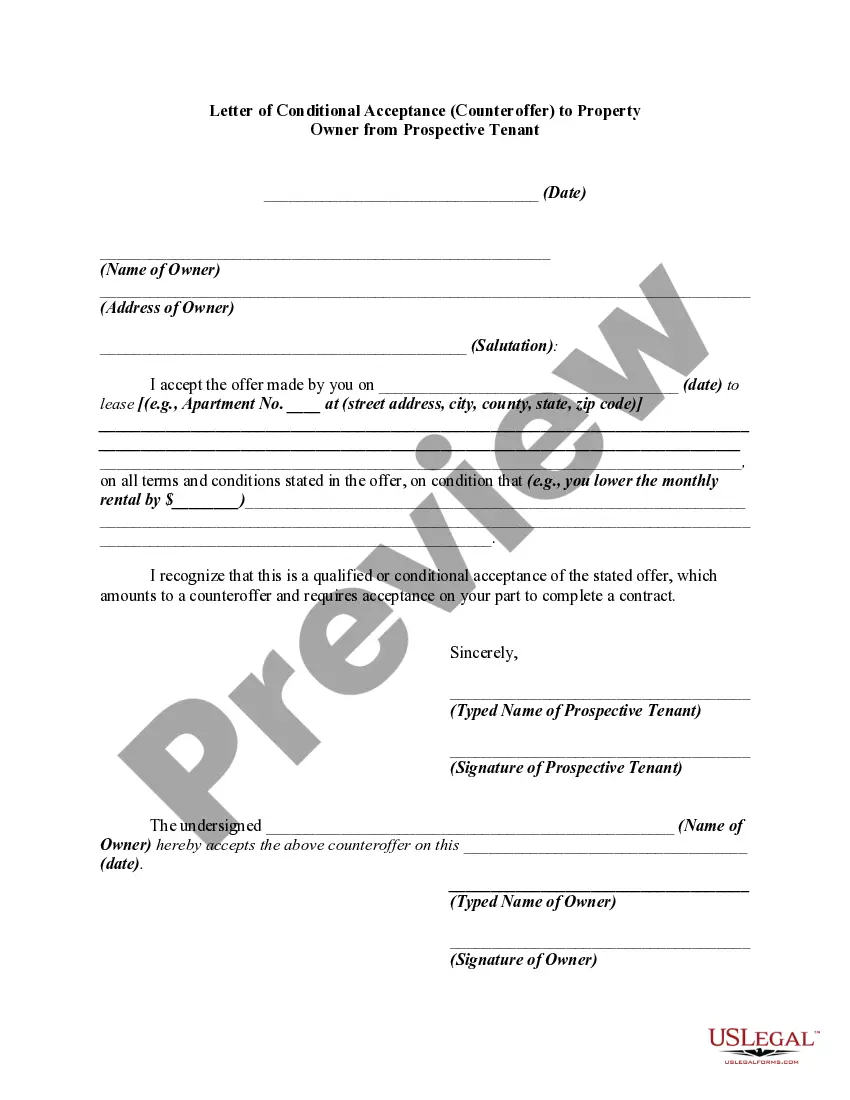
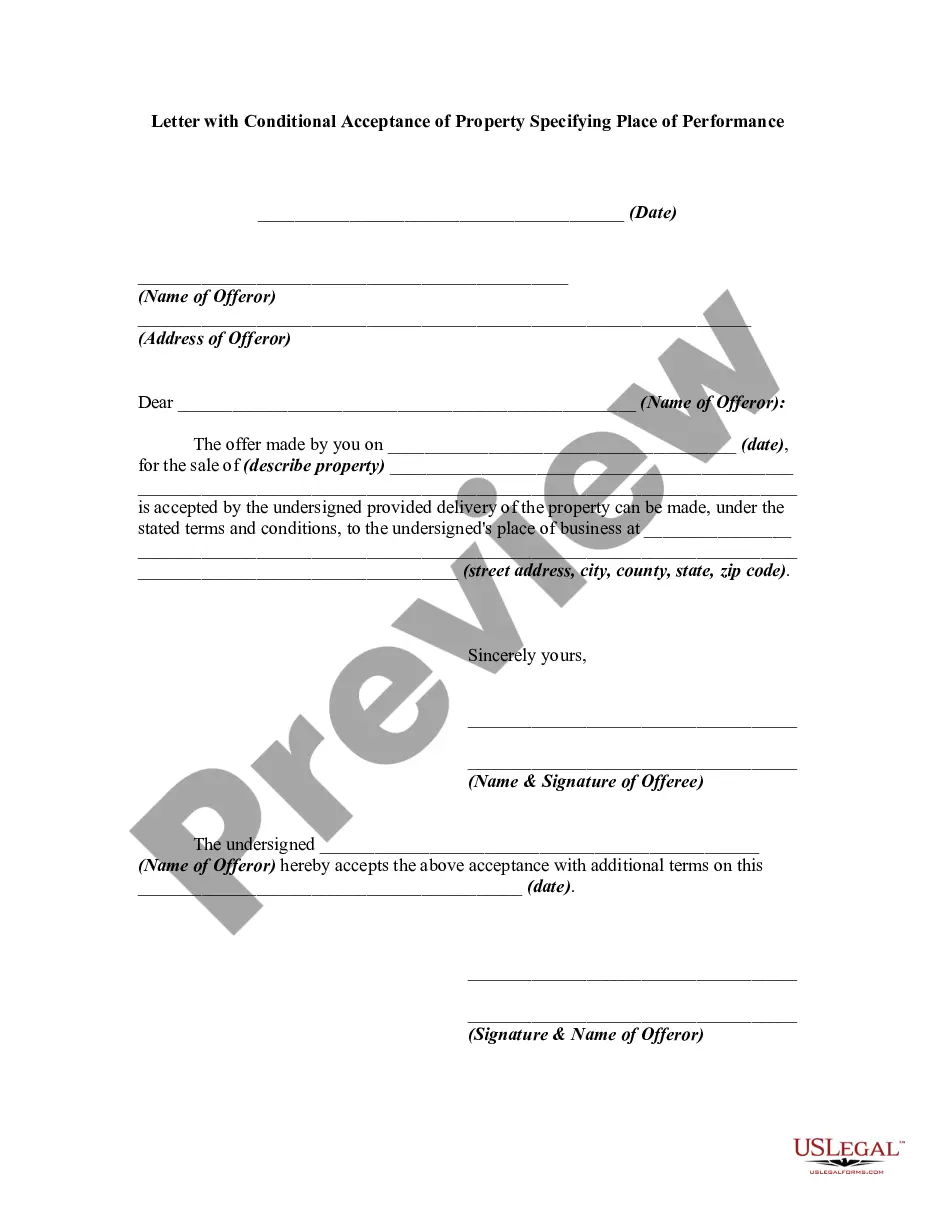
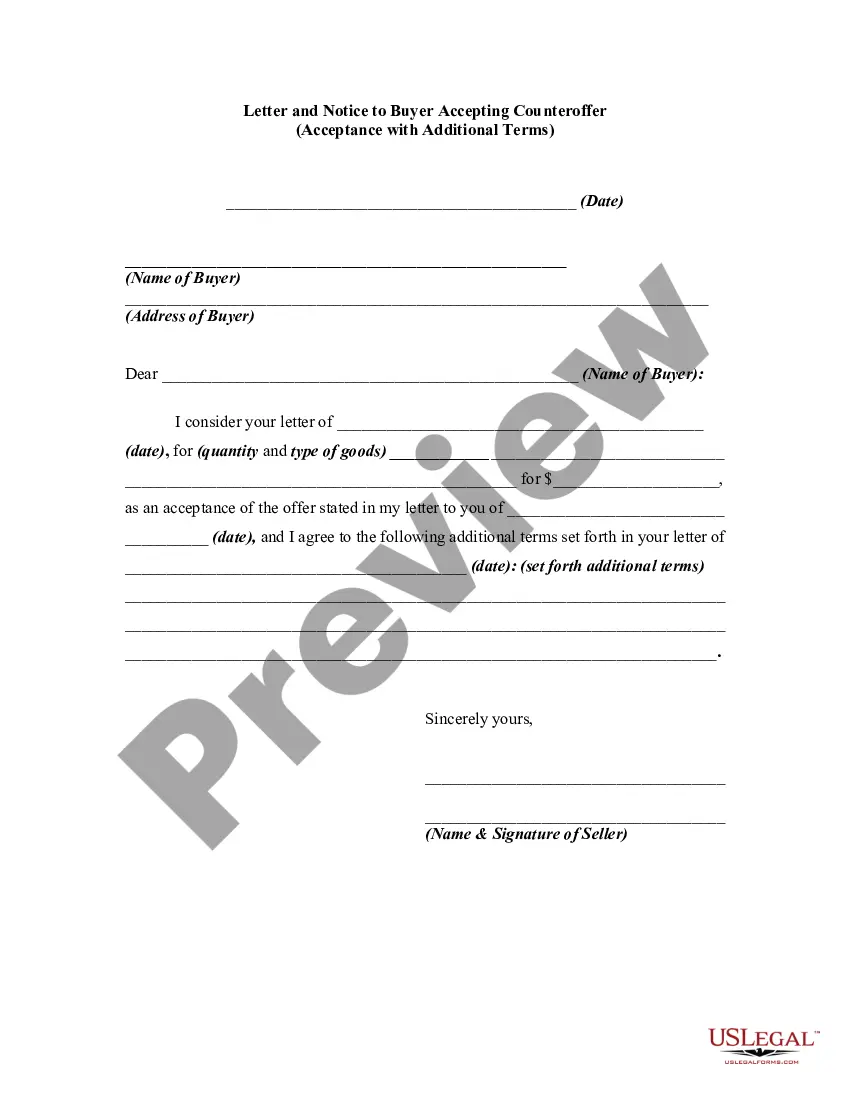
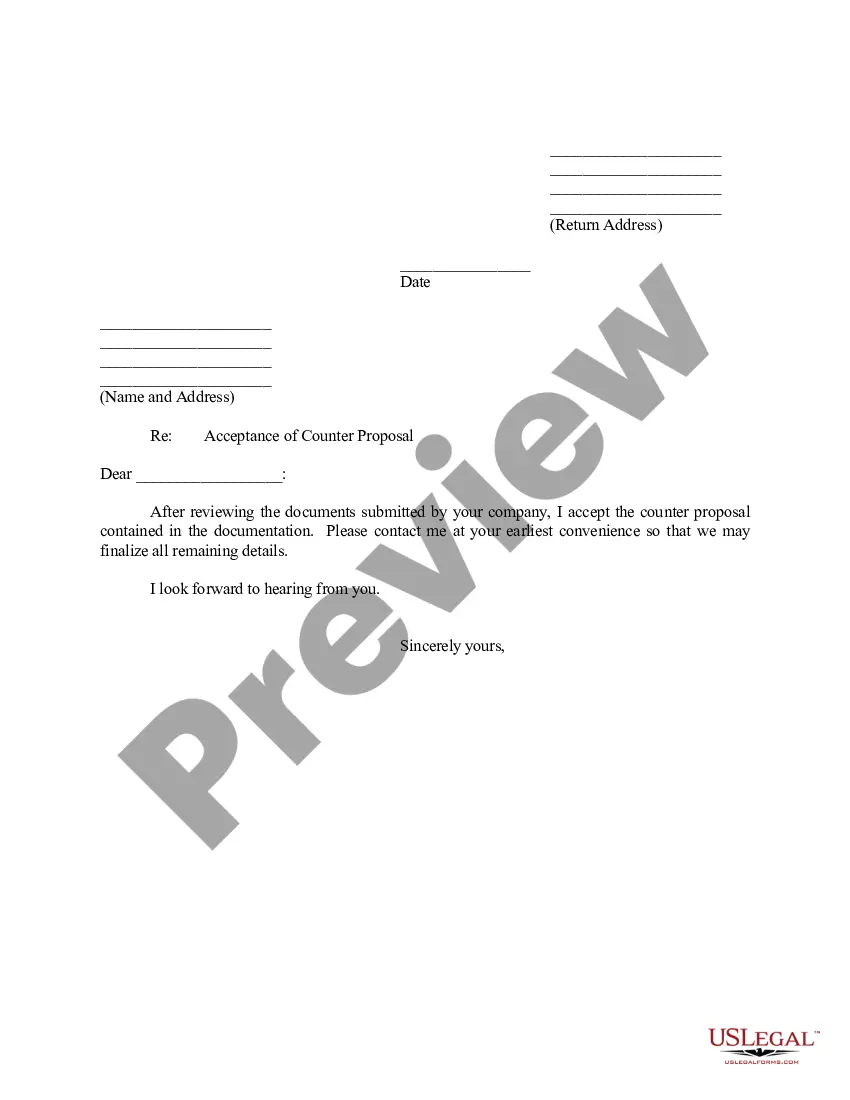
Get your form ready online
Our built-in tools help you complete, sign, share, and store your documents in one place.
Make edits, fill in missing information, and update formatting in US Legal Forms—just like you would in MS Word.
Download a copy, print it, send it by email, or mail it via USPS—whatever works best for your next step.
Sign and collect signatures with our SignNow integration. Send to multiple recipients, set reminders, and more. Go Premium to unlock E-Sign.
If this form requires notarization, complete it online through a secure video call—no need to meet a notary in person or wait for an appointment.
We protect your documents and personal data by following strict security and privacy standards.

Make edits, fill in missing information, and update formatting in US Legal Forms—just like you would in MS Word.

Download a copy, print it, send it by email, or mail it via USPS—whatever works best for your next step.

Sign and collect signatures with our SignNow integration. Send to multiple recipients, set reminders, and more. Go Premium to unlock E-Sign.

If this form requires notarization, complete it online through a secure video call—no need to meet a notary in person or wait for an appointment.

We protect your documents and personal data by following strict security and privacy standards.
Looking for another form?










How to fill out Counter Offer Letter - Conditional Acceptance Where Subject Matter Does Not Involve The Sale Of Goods?
The Acceptance Subject Application For Sick Leave displayed on this page is a versatile formal template created by expert lawyers in accordance with federal and local regulations.
For over 25 years, US Legal Forms has supplied individuals, businesses, and attorneys with more than 85,000 authenticated, state-specific documents for any business and personal situation. It’s the quickest, simplest, and most reliable method to acquire the forms you require, as the service ensures bank-level data security and anti-malware safeguards.
Register for US Legal Forms to have verified legal templates for all of life’s situations readily available.
- Search for the document you need and examine it.
- Choose the pricing plan that fits you and create an account. Use PayPal or a credit card for a swift payment. If you already possess an account, Log In and verify your subscription to continue.
- Select the format you prefer for your Acceptance Subject Application For Sick Leave (PDF, DOCX, RTF) and download the sample onto your device.
- Print the template to fill it out manually. Alternatively, use an online multifunctional PDF editor to quickly and accurately complete and sign your form with an eSignature.
- Access the same document again whenever needed. Open the My documents tab in your profile to redownload any previously purchased forms.
Form popularity
FAQ
Some common subject lines for sick day emails include: Sick Day: [Your Name] [Your Name] - Out Sick Today. [Your Name] - Unavailable Due to Illness.
Joining Application after Leave due to Illness I would like to inform you that I was on leave from 18th ? 26th of January, 2022 because I was affected with COVID-19. I will be joining work on 27th February, 2022 as discussed over the phone. I have attached my medical test reports along with this letter.
Dear [Recipient's name], I am writing this letter to inform you that I need to take sick leave from work. I will need to remain off work until [date]. I've included a letter from my doctor to confirm that I need to take that amount of time off to fully recover.
Dear [Supervisor's First Name], I am writing this email to inform you I would be on sick leave from [mention dates] due to [mention reason of your sickness]. I have attached my medical documents and the letter from my doctor stating the number of days off I require to take from work to recover completely.
Subject: Clearly state the purpose of the letter, for example, "Sick Leave Application" or "Request for Medical Leave." d. Reason for Leave: Briefly explain the reason for your sick leave. Mention the illness or health condition that requires your absence.