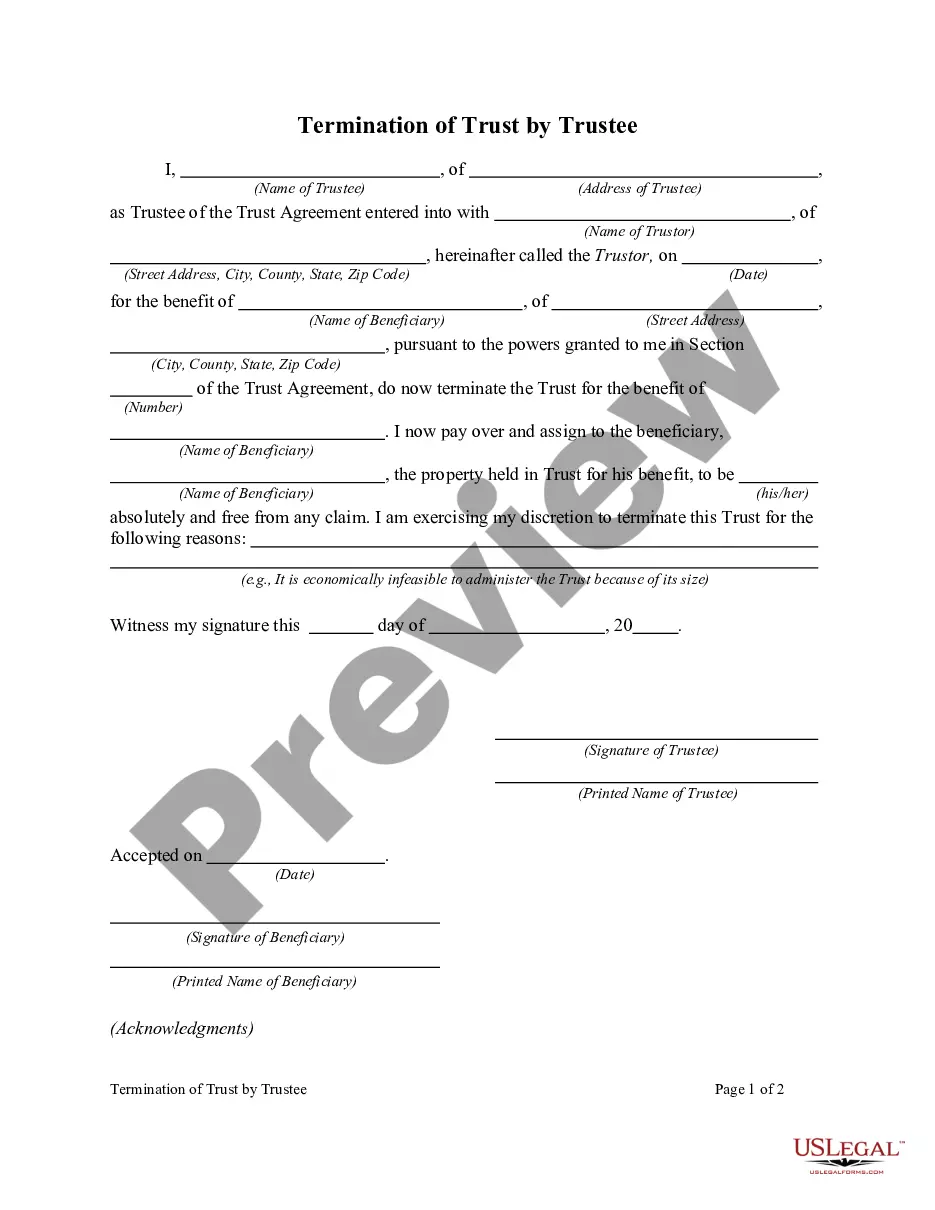
Termination Of Irrevocable Trust Form With Irs
Description


Get your form ready online
Our built-in tools help you complete, sign, share, and store your documents in one place.
Make edits, fill in missing information, and update formatting in US Legal Forms—just like you would in MS Word.
Download a copy, print it, send it by email, or mail it via USPS—whatever works best for your next step.
Sign and collect signatures with our SignNow integration. Send to multiple recipients, set reminders, and more. Go Premium to unlock E-Sign.
If this form requires notarization, complete it online through a secure video call—no need to meet a notary in person or wait for an appointment.
We protect your documents and personal data by following strict security and privacy standards.

Make edits, fill in missing information, and update formatting in US Legal Forms—just like you would in MS Word.

Download a copy, print it, send it by email, or mail it via USPS—whatever works best for your next step.

Sign and collect signatures with our SignNow integration. Send to multiple recipients, set reminders, and more. Go Premium to unlock E-Sign.

If this form requires notarization, complete it online through a secure video call—no need to meet a notary in person or wait for an appointment.

We protect your documents and personal data by following strict security and privacy standards.
Looking for another form?








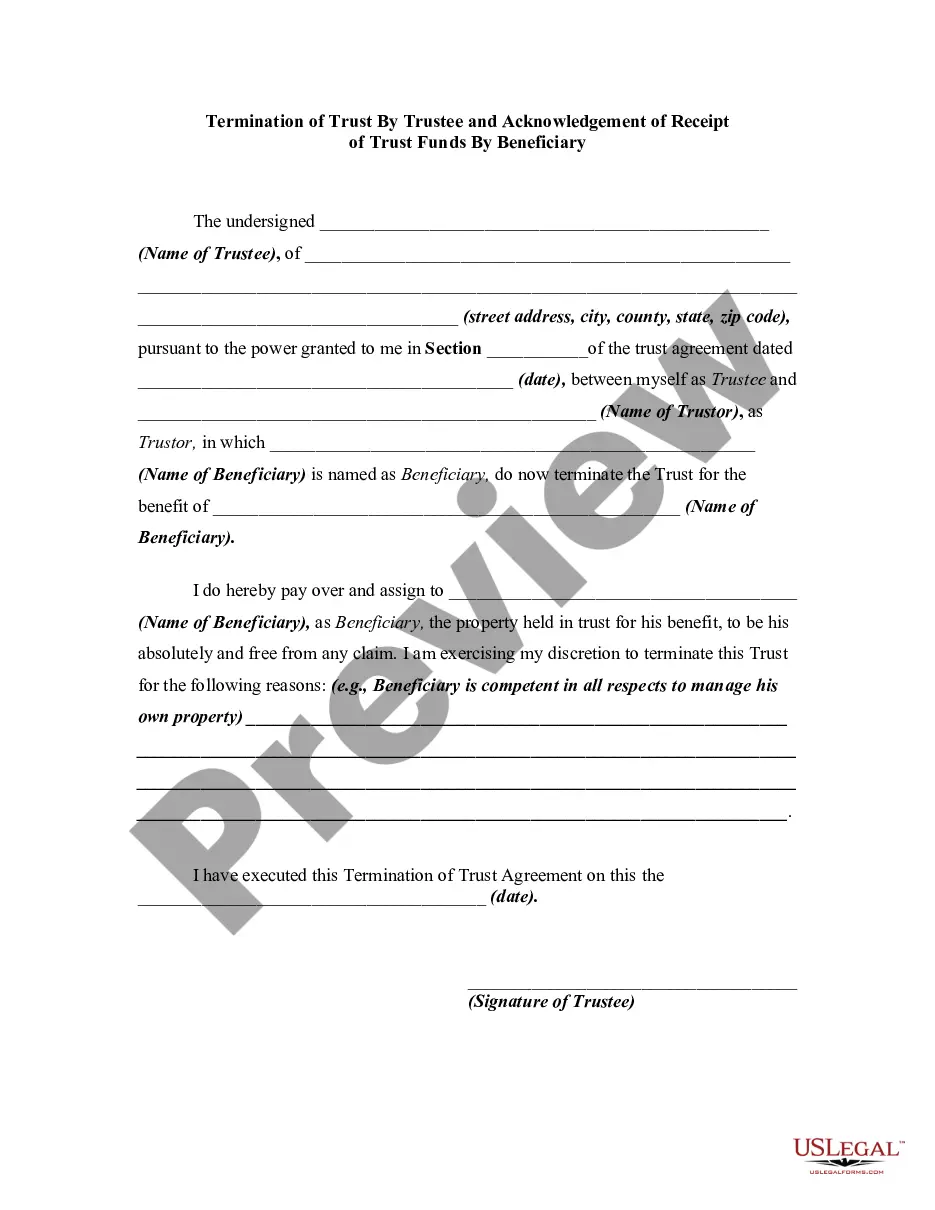
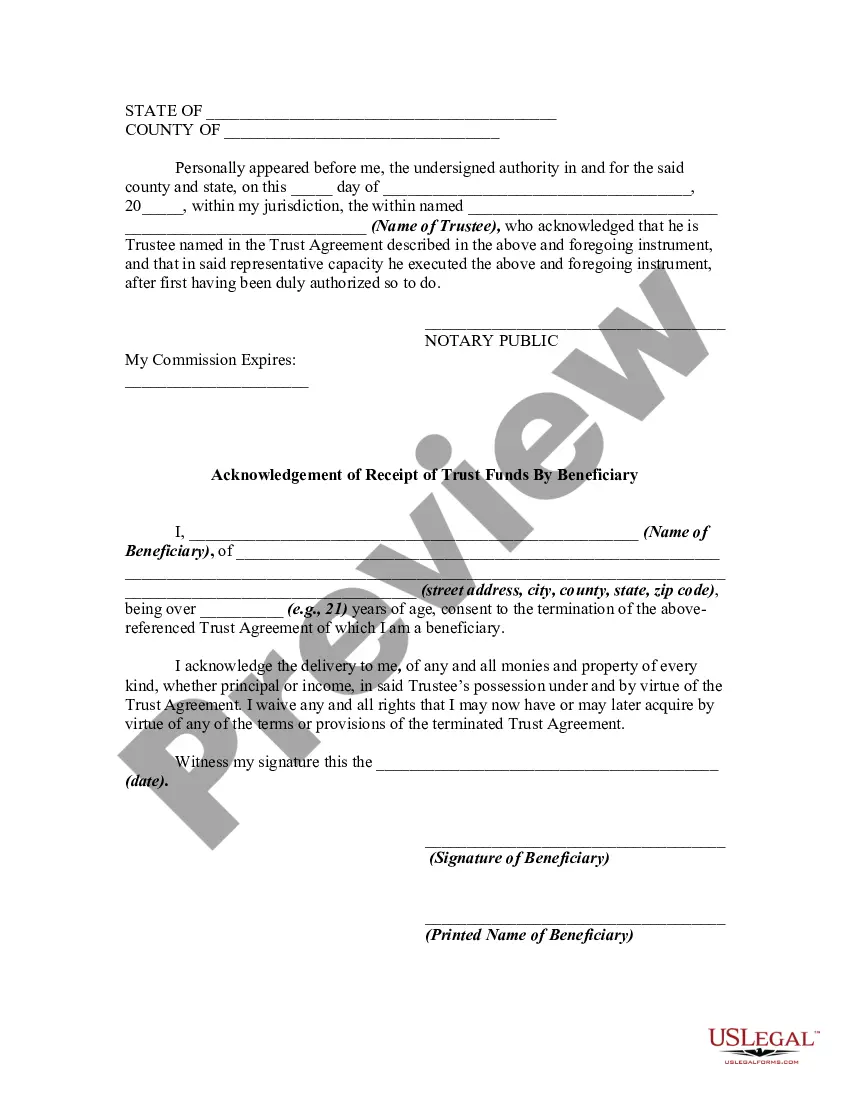
How to fill out Termination Of Trust By Trustee And Acknowledgment Of Receipt Of Trust Funds By Beneficiary?
- Log in to your US Legal Forms account if you have used the service before. Make sure your subscription is active, or renew it if necessary.
- Choose the needed document from the extensive library by checking the Preview mode and verifying that it meets your local jurisdiction requirements.
- If the form does not suit your needs, utilize the Search tool to find an accurate template.
- Purchase the selected document by clicking 'Buy Now' and choosing your preferred subscription plan; you'll need to create an account if this is your first visit.
- Complete your purchase by entering your payment details via credit card or PayPal.
- Finally, download your completed form and save it on your device, so you can easily access it anytime from the 'My Forms' section of your profile.
By following these straightforward steps, you can confidently file your Termination of Irrevocable Trust Form with the IRS. US Legal Forms empowers users with a robust collection of over 85,000 legal forms, ensuring you find exactly what you need.
Get started today and take advantage of our resources to make your legal processes seamless and legally sound!
Form popularity
FAQ
To submit IRS form 56, you must fill out the form completely and mail it to the IRS office where you file your taxes. This form notifies the IRS of your fiduciary status, which may relate to the termination of an irrevocable trust form with IRS input. Ensure you send a copy to each relevant office for the trusts involved, as filing it correctly is critical to formalize your role. Using platforms like US Legal Forms can streamline this process, offering you the necessary resources and guidance.
Currently, IRS form 5227 cannot be filed electronically. This form reports the details of a trust that is not subject to income tax and is often related to the termination of an irrevocable trust form with IRS involvement. You must print the completed form and mail it to the appropriate address indicated in the IRS instructions. Always ensure you stay up-to-date on IRS regulations regarding form submissions.
The IRS cannot unilaterally break an irrevocable trust. However, certain circumstances may allow for the termination of an irrevocable trust form with IRS approval. For example, if there is a change in law or if the trust's purpose has been fulfilled, trustees might seek approval to modify or terminate the trust. It is essential to consult with a tax professional to navigate these processes effectively.
Terminating an irrevocable trust can have significant tax implications, including potential income taxes and estate taxes. It is crucial to understand these effects before proceeding with the termination of irrevocable trust form with IRS. Consulting with a tax professional or utilizing platforms like USLegalForms can help you navigate these complexities effectively.
Form 56F should be sent to the address provided in the instructions specific to the form, which is typically based on the location of the trust. When considering the termination of irrevocable trust form with IRS, be sure to check the most recent guidelines. Proper submission ensures your form reaches the appropriate department without delays.
AF Form 56 is a military form used to authorize someone to act on behalf of a service member regarding legal and financial matters. Although it differs from the termination of irrevocable trust form with IRS, it highlights the importance of having the correct authorization in various legal contexts. Seek guidance on how these forms relate to your situation for clarity.
Form 56 is a notice of fiduciary relationship, while Form 56F specifically relates to the termination of a fiduciary relationship. Understanding these differences is essential when addressing the termination of irrevocable trust form with IRS. Properly completing these forms helps define your relationship with the IRS and ensures you're fulfilling your obligations effectively.
A fiduciary duty involves a legal obligation to act in the best interest of another party, like beneficiaries of a trust. In contrast, a non-fiduciary duty does not carry such responsibilities and can involve less formal relationships. When navigating the termination of an irrevocable trust form with IRS, recognizing these differences can clarify the roles and responsibilities in managing the trust's assets.
Form 56F must be filed within 30 days of the fiduciary's appointment. This form is crucial when dealing with the termination of an irrevocable trust form with IRS, as it notifies the IRS of your status as a fiduciary. Be sure to meet this deadline to maintain compliance and prevent any potential issues.
Form 4810 serves as a request for prompt assessment, which helps taxpayers seek an early assessment of their tax liability. This can be particularly important when exploring the termination of irrevocable trust form with IRS, as timely assessment avoids delays in the estate's tax process. Utilizing Form 4810 ensures you remain proactive in managing your tax responsibilities.