Terminate Trust Agreement With Irs
Description
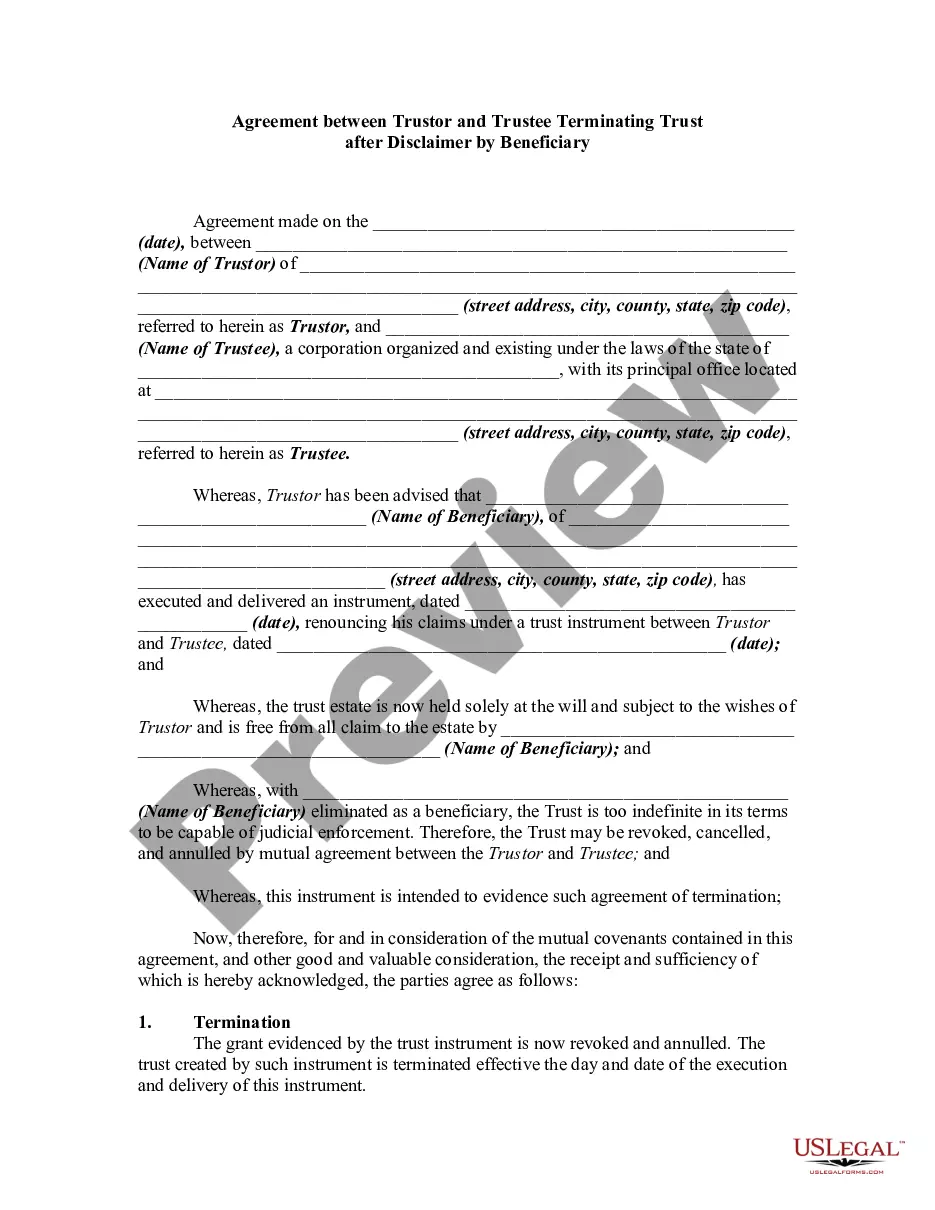
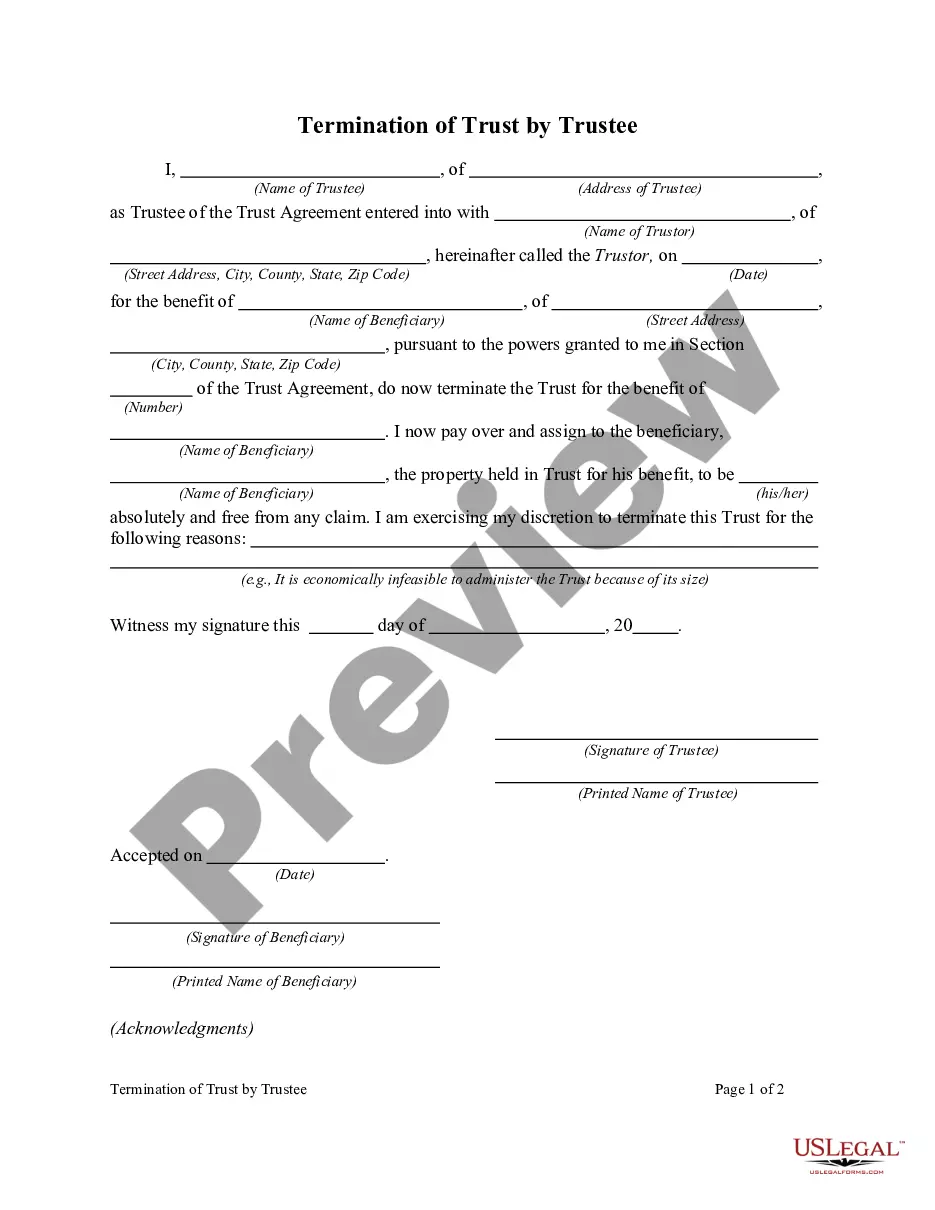
Get your form ready online
Our built-in tools help you complete, sign, share, and store your documents in one place.
Make edits, fill in missing information, and update formatting in US Legal Forms—just like you would in MS Word.
Download a copy, print it, send it by email, or mail it via USPS—whatever works best for your next step.
Sign and collect signatures with our SignNow integration. Send to multiple recipients, set reminders, and more. Go Premium to unlock E-Sign.
If this form requires notarization, complete it online through a secure video call—no need to meet a notary in person or wait for an appointment.
We protect your documents and personal data by following strict security and privacy standards.

Make edits, fill in missing information, and update formatting in US Legal Forms—just like you would in MS Word.

Download a copy, print it, send it by email, or mail it via USPS—whatever works best for your next step.

Sign and collect signatures with our SignNow integration. Send to multiple recipients, set reminders, and more. Go Premium to unlock E-Sign.

If this form requires notarization, complete it online through a secure video call—no need to meet a notary in person or wait for an appointment.

We protect your documents and personal data by following strict security and privacy standards.
Looking for another form?






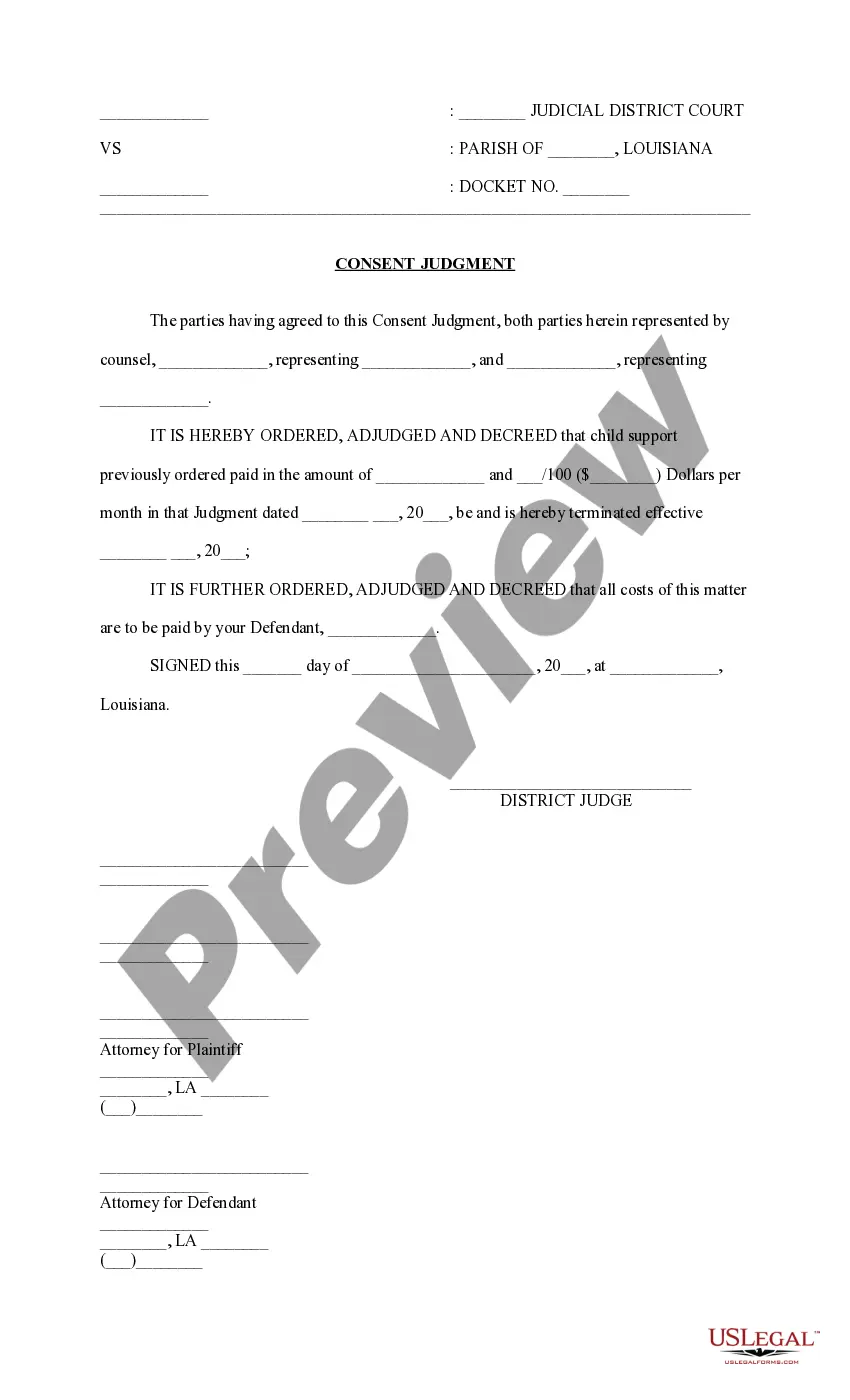



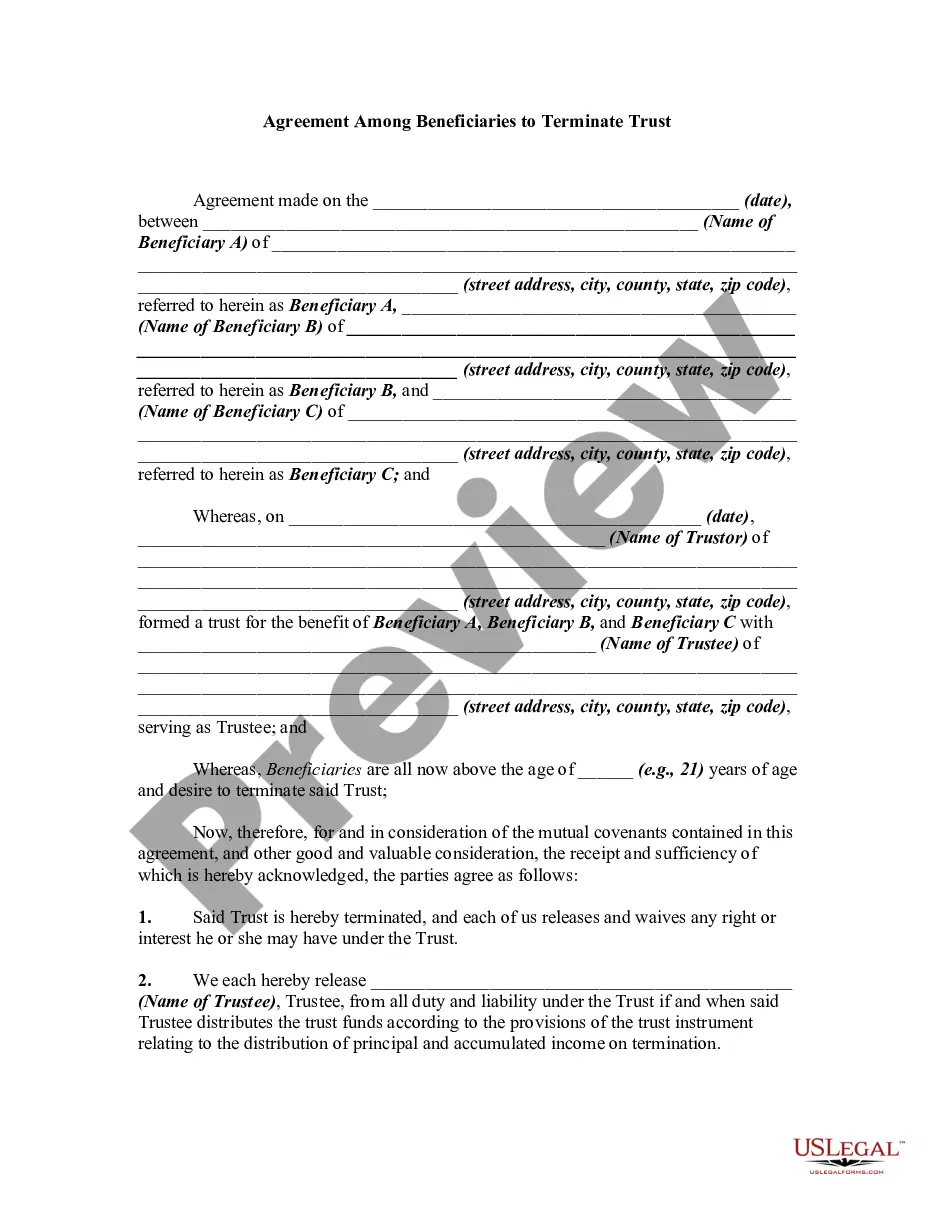
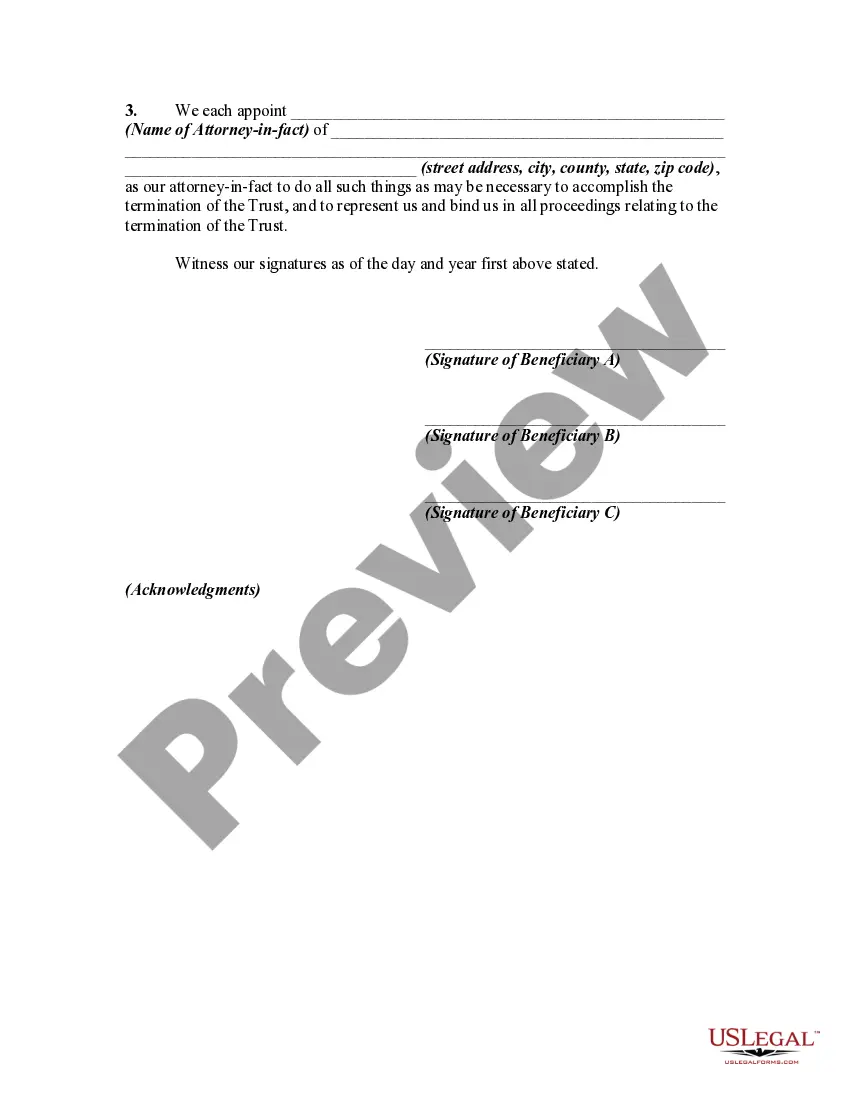
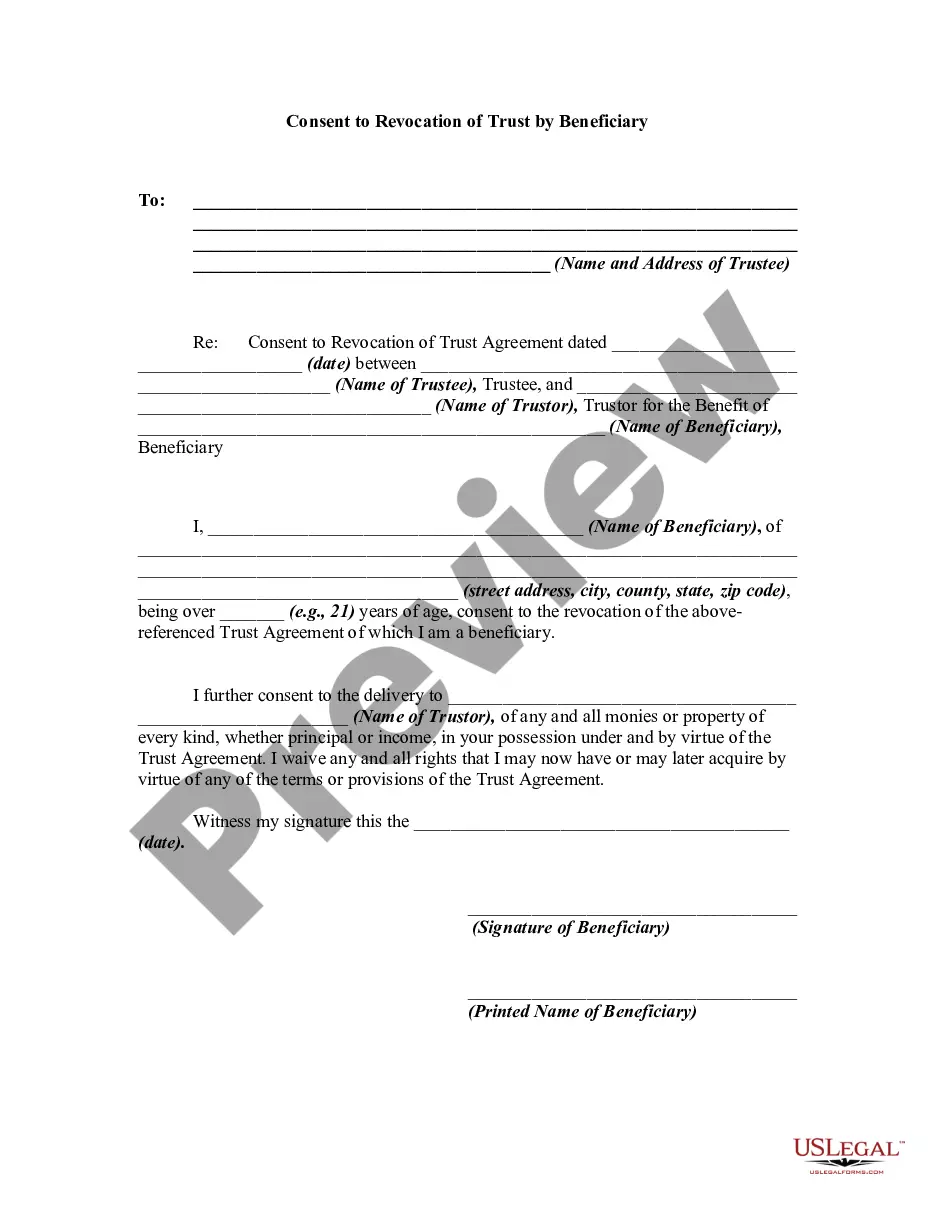
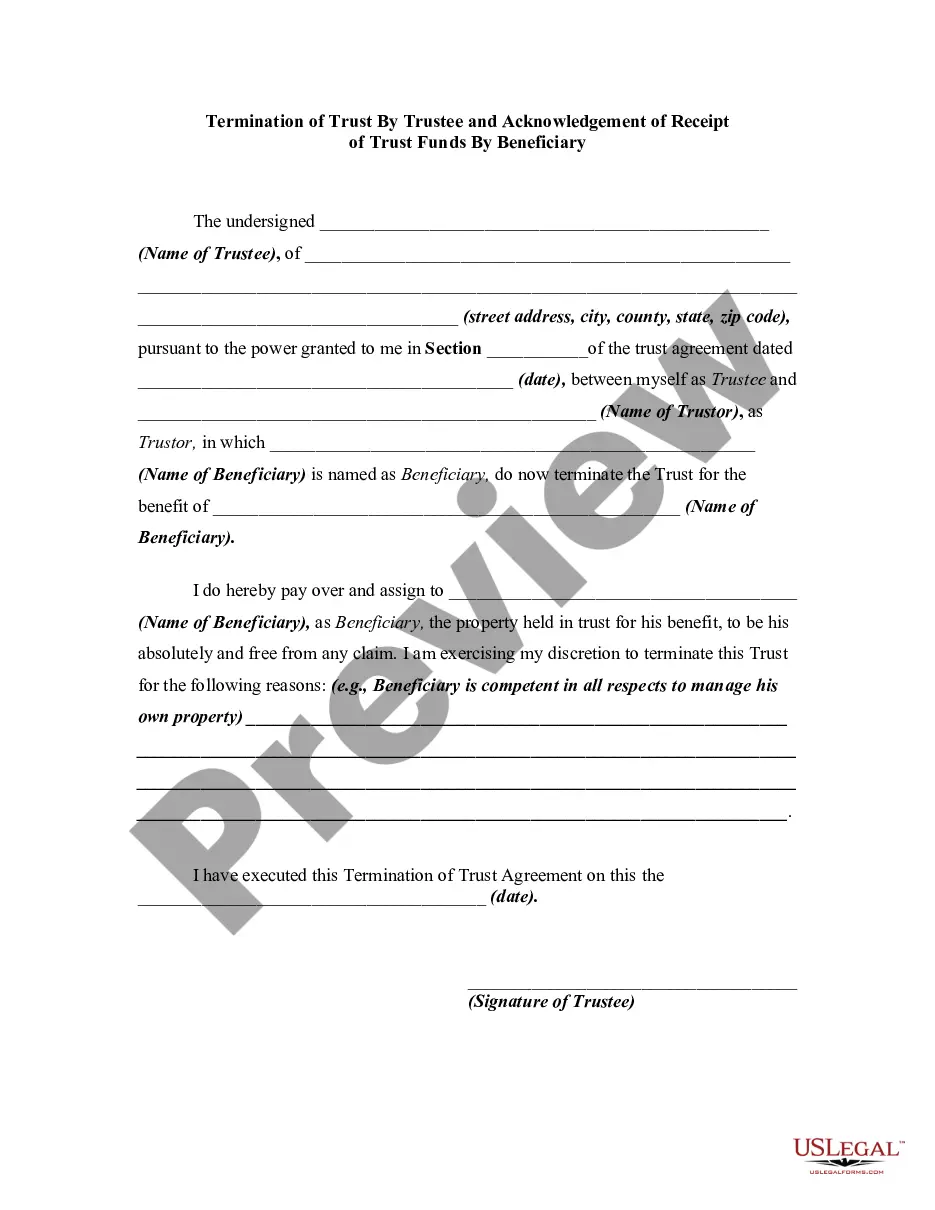
How to fill out Agreement Among Beneficiaries To Terminate Trust?
Locating a reliable source for obtaining the latest and pertinent legal templates is a significant part of navigating bureaucracy. Identifying the appropriate legal documents requires precision and meticulousness, which is why it is crucial to source samples of Terminate Trust Agreement With Irs exclusively from trustworthy providers, such as US Legal Forms. A flawed template can squander your time and prolong your circumstances. With US Legal Forms, you have minimal concerns. You can access and review all the specifics regarding the document’s applicability and significance for your situation and within your state or county.
Consider the following actions to finalize your Terminate Trust Agreement With Irs.
Once you have the form on your device, you can modify it with the editor or print it and complete it manually. Eliminate the stress that comes with your legal documentation. Explore the extensive US Legal Forms catalog to find legal templates, verify their relevance to your scenario, and download them instantly.
- Utilize the library navigation or search function to locate your sample.
- Examine the form’s description to ensure it aligns with the requirements of your state and locality.
- View the form preview, if accessible, to confirm that the form is indeed the one you seek.
- Return to the search and find the suitable document if the Terminate Trust Agreement With Irs does not meet your needs.
- Once you are confident about the form’s applicability, download it.
- If you are a registered customer, click Log in to verify and access your selected forms in My documents.
- If you do not possess an account yet, click Buy now to acquire the form.
- Select the pricing plan that suits your needs.
- Proceed with the registration to complete your purchase.
- Conclude your purchase by selecting a payment method (credit card or PayPal).
- Choose the document format for downloading Terminate Trust Agreement With Irs.
Form popularity
FAQ
You may use Form 56 to: Provide notification to the IRS of the creation or termination of a fiduciary relationship under section 6903.
If Form 56 is not filed and the IRS sends a Notice of Deficiency (?NOD?) to the decedent's last known address (which could be the decedent's home which may have been sold), a tax deficiency and tax lien could be asserted with no ability to object even though the PR may have never received the NOD.
Can I file Form 352 0 electronically? Form 352 0 can be filed electronically through a tax return preparation program. Otherwise, Form 352 0 must be printed and paper-filed.
Form 56 must also be filed whenever a fiduciary relationship changes. Filing IRS Form 56 notifies federal agencies and creditors to send mail regarding the estate to the fiduciary. The main purpose of this form is to establish the trustee or fiduciary as responsible for the accounts of an estate.
An individual or entity that is willing to accept fiduciary responsibility for tax matters must file an IRS Form 56, Notice Concerning Fiduciary Relationship to be able to act as the taxpayer with the IRS.