Revocation Trust Notice For The Security Certificate
Description
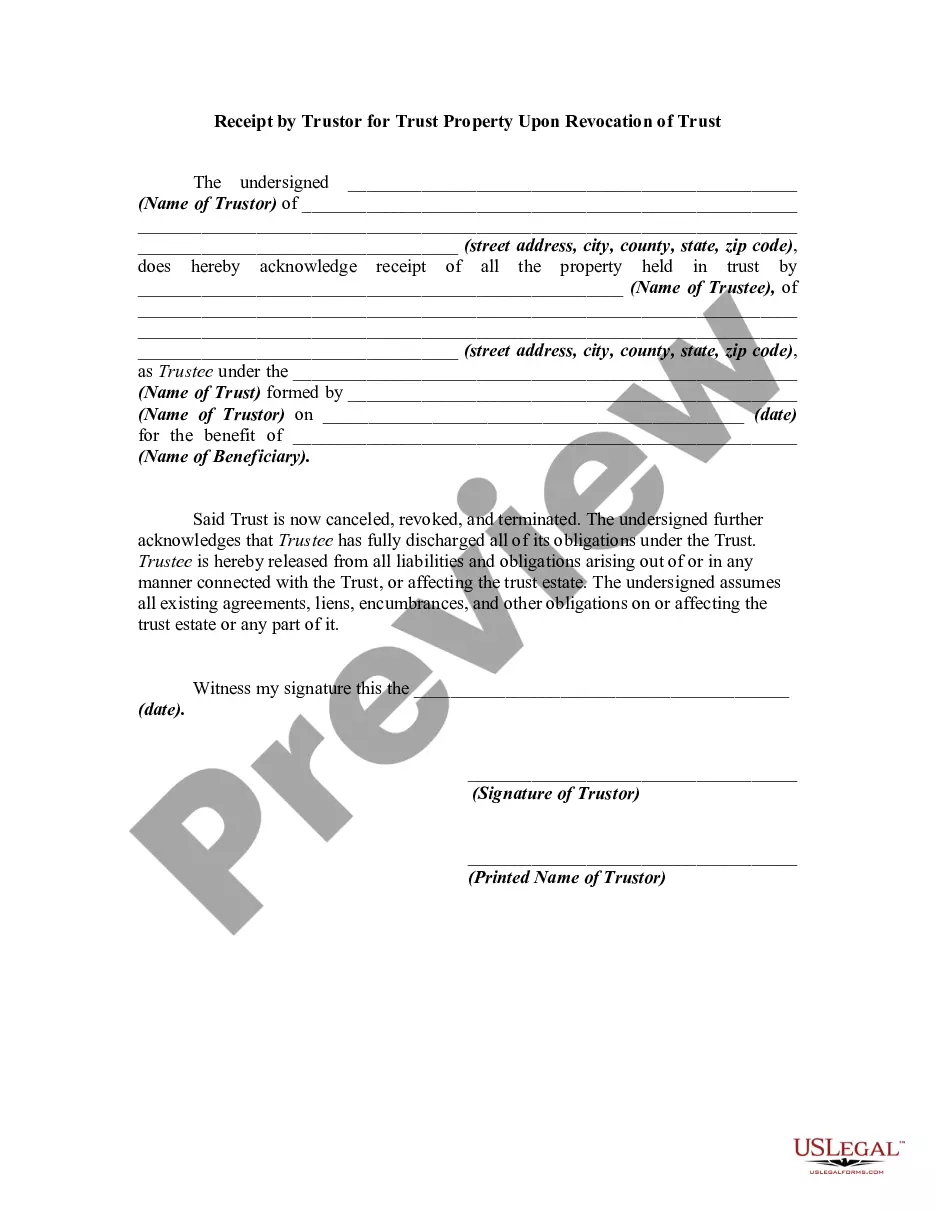
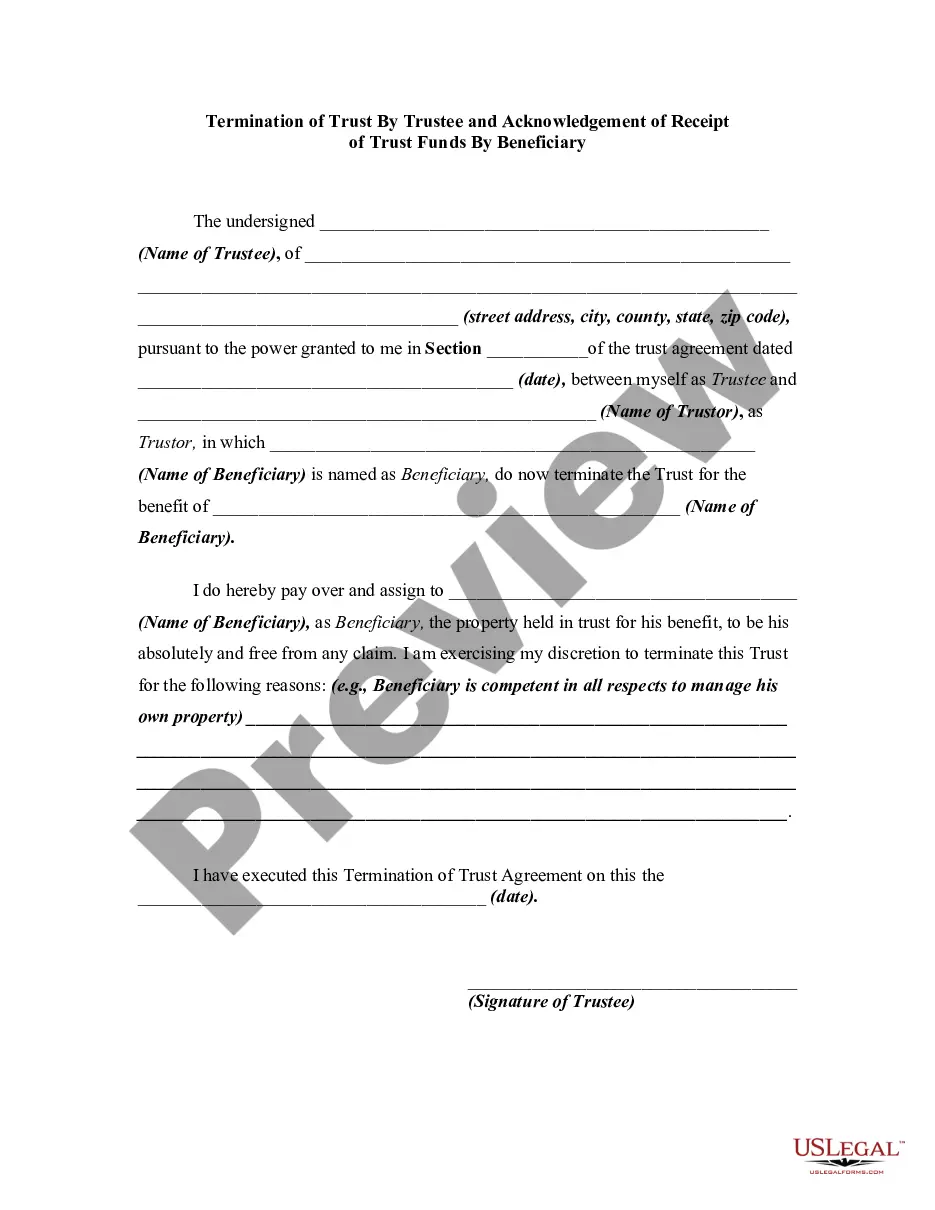
Get your form ready online
Our built-in tools help you complete, sign, share, and store your documents in one place.
Make edits, fill in missing information, and update formatting in US Legal Forms—just like you would in MS Word.
Download a copy, print it, send it by email, or mail it via USPS—whatever works best for your next step.
Sign and collect signatures with our SignNow integration. Send to multiple recipients, set reminders, and more. Go Premium to unlock E-Sign.
If this form requires notarization, complete it online through a secure video call—no need to meet a notary in person or wait for an appointment.
We protect your documents and personal data by following strict security and privacy standards.

Make edits, fill in missing information, and update formatting in US Legal Forms—just like you would in MS Word.

Download a copy, print it, send it by email, or mail it via USPS—whatever works best for your next step.

Sign and collect signatures with our SignNow integration. Send to multiple recipients, set reminders, and more. Go Premium to unlock E-Sign.

If this form requires notarization, complete it online through a secure video call—no need to meet a notary in person or wait for an appointment.

We protect your documents and personal data by following strict security and privacy standards.
Looking for another form?
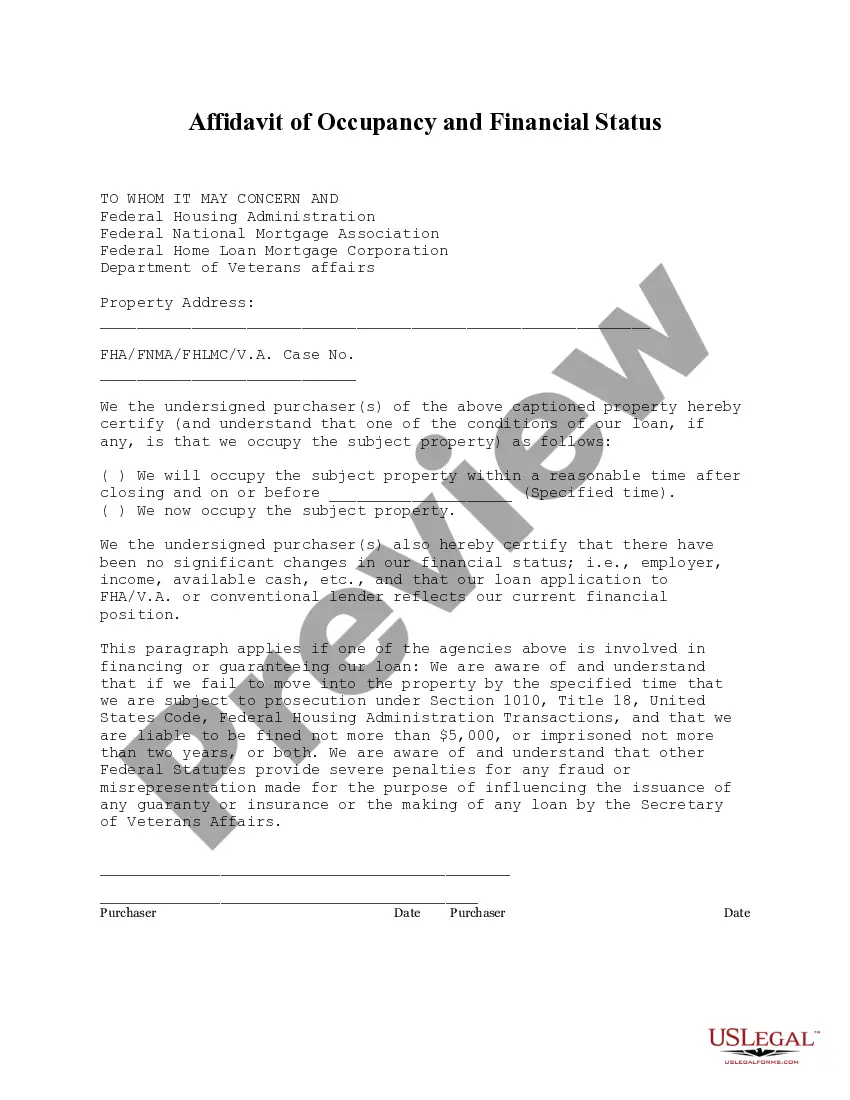







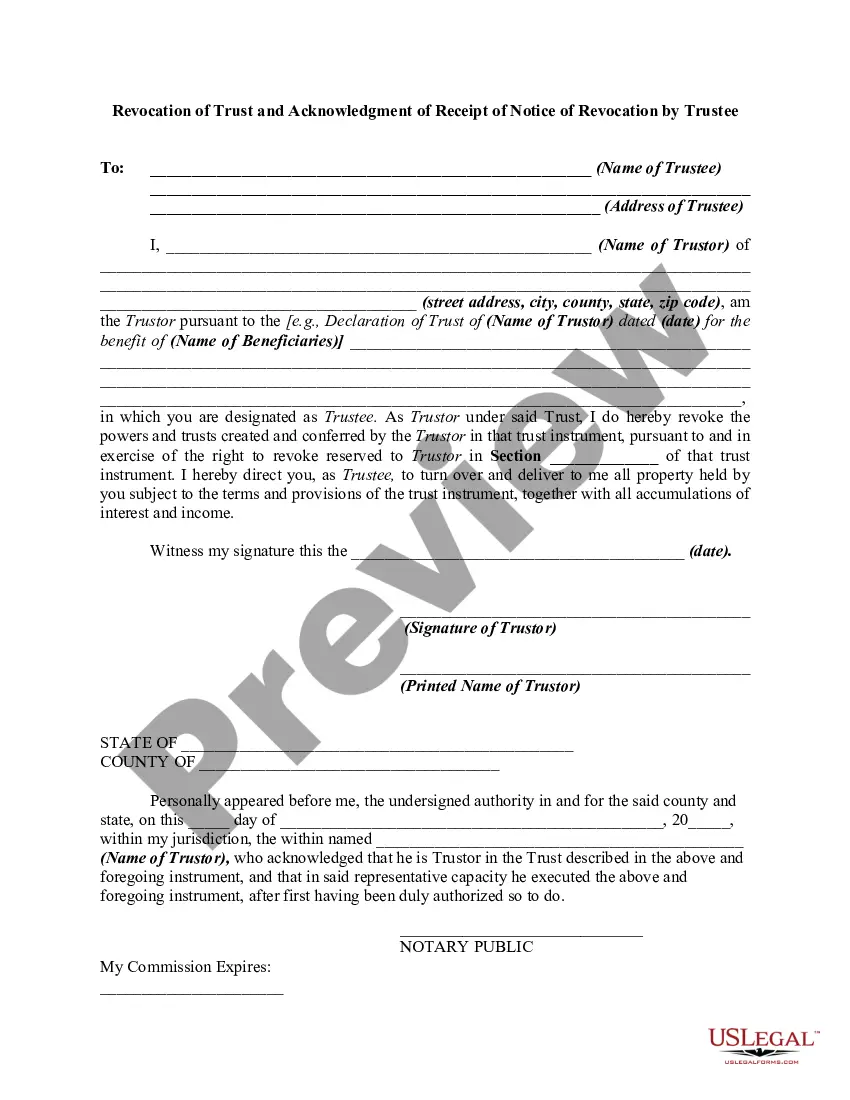
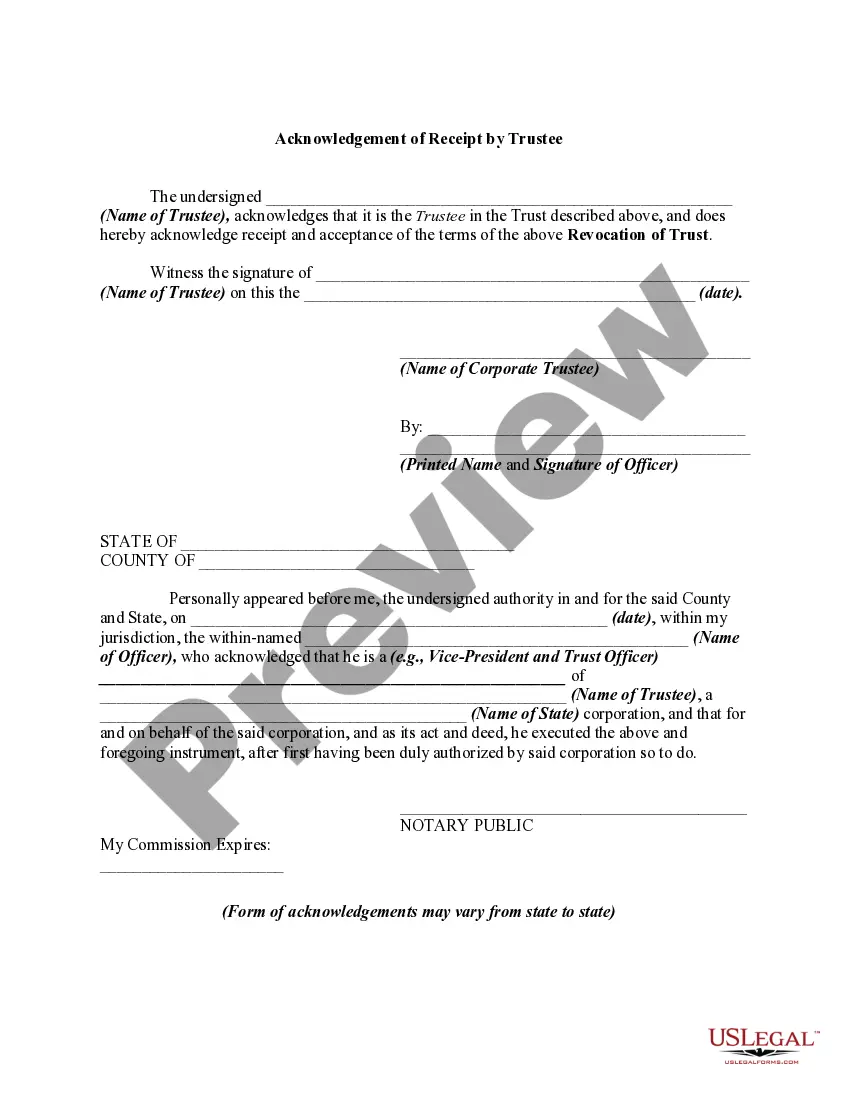
How to fill out Revocation Of Trust And Acknowledgment Of Receipt Of Notice Of Revocation By Trustee?
- If you're a returning user, log in to your account and download your required form template by clicking the Download button. Ensure your subscription is current; if it's expired, renew it as needed.
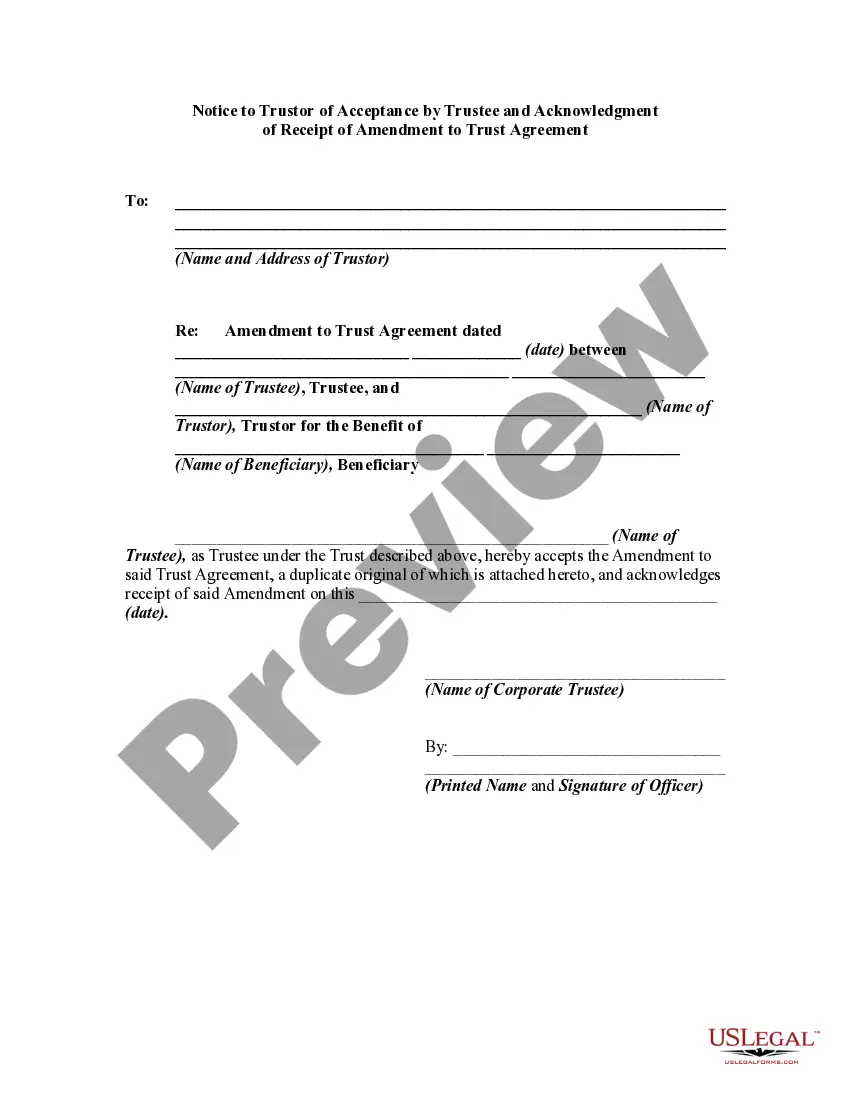
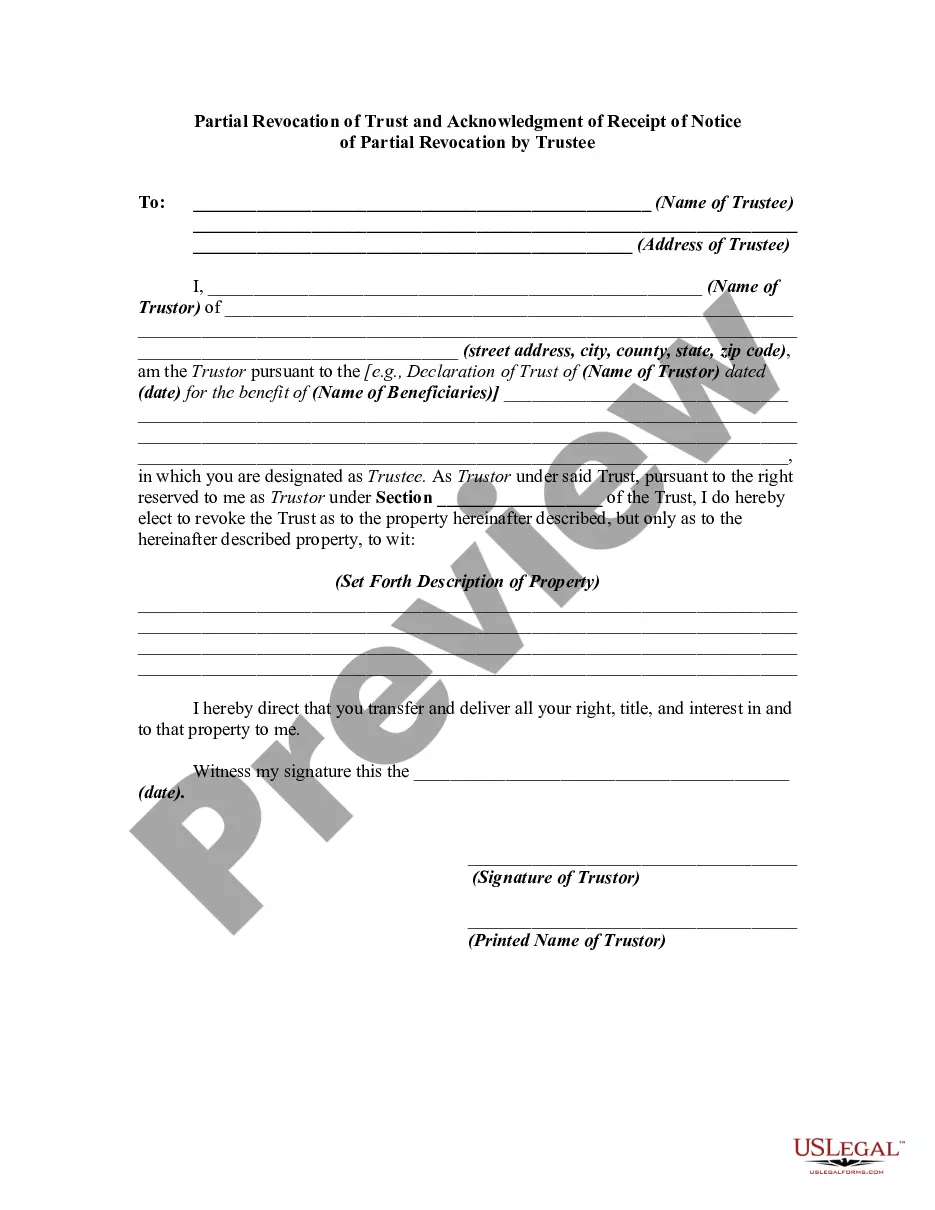
- For first-time users, start by reviewing the Preview mode and description of the form. Verify that it matches your needs and complies with your local jurisdiction requirements.
- If the desired form doesn't meet your criteria, utilize the Search tab above to find a more suitable template.
- To purchase the document, click the Buy Now button, select your preferred subscription plan, and create an account to access our comprehensive library.
- Complete your purchase by entering your credit card details or opting to use your PayPal account for payment.
- Finally, download the form, saving it to your device. You'll find it in the My documents section of your profile for future access.
US Legal Forms empowers individuals and attorneys to efficiently create legal documents, boasting a vast library that surpasses competitors in both quality and quantity.
With over 85,000 easily fillable and editable legal forms, coupled with access to premium experts, you can ensure your documents are precise and legally sound. Start your journey with US Legal Forms today!
Form popularity
FAQ
If you continually receive a certificate error message, the underlying causes might include an expired certificate or a mismatch in domain names. It’s essential to verify that the certificate is up to date and correctly configured. In some cases, using a revocation trust notice for the security certificate can clarify any misunderstandings between you and your users. For tailored solutions, consider exploring the resources available through uslegalforms.
To fix a revoked security certificate, you must diagnose the issue causing the revocation. This could entail renewing the certificate or replacing it altogether with a new one. Furthermore, implementing a revocation trust notice for the security certificate will help communicate the change to your users. If you're unsure how to proceed, uslegalforms offers resources to assist you in resolving the issue efficiently.
You may receive a security certificate warning when your browser detects an issue with the website's SSL certificate. Common reasons include an expired certificate, a mismatch between the certificate and the domain, or the certificate being revoked. To resolve this warning, check the certificate's status and consider using a revocation trust notice for the security certificate to properly address the issue with users. This ensures that your communication remains secure and trustworthy.
A revocation security certificate indicates that a previously issued certificate is no longer valid or trustworthy. This status can prevent unauthorized access and protect sensitive data. When managing certificates, it’s essential to implement a revocation trust notice for the security certificate for clarity and transparency. This notice informs users of any changes to the certificate's status.
To eliminate a certificate warning, first check the validity of the certificate and ensure it matches your domain name. If the certificate has expired, consider renewing it or replacing it with a new one. Using a revocation trust notice for the security certificate can help inform users about the changes effectively. For additional support, platforms like uslegalforms can guide you through the process.
When you revoke a certificate, it signals that the certificate is no longer trustworthy, which can prevent unauthorized access. This action can impact secure communications, rendering previously valid connections unreliable. It is crucial to implement a revocation trust notice for the security certificate to formally communicate this change. This step helps maintain security and integrity across your online activities.
To resolve a security certificate error, first check your system date and time settings, as incorrect settings can cause this issue. Next, you may need to clear your browser cache and reload the page. Additionally, ensure that the certificate is valid and not expired. If problems persist, consider reaching out to uslegalforms for help drafting a revocation trust notice for the security certificate.
A certificate authority may revoke a certificate due to various factors, such as the loss of private keys, improper use, or a change in company ownership. Other reasons can include changes in policy or identification errors that impact security. In such cases, a revocation trust notice for the security certificate serves as a crucial communication tool. Ensure your organization is aware of the conditions that can lead to revocation to manage risks effectively.
To maintain certificate revocation effectively, you can utilize both OCSP and CRLs. OCSP delivers immediate validation results and confirms whether a certificate is valid or revoked at the time of the inquiry. On the other hand, CRLs maintain an ongoing list of revoked certificates, which is updated periodically. Implementing these methods aids in addressing the revocation trust notice for the security certificate quickly.
Maintaining certificate revocation status can be achieved through Online Certificate Status Protocol (OCSP) or Certificate Revocation Lists (CRLs). OCSP provides real-time verification while CRLs maintain a list of revoked certificates updated regularly. Both methods help in effectively managing the revocation trust notice for the security certificate. Choose the method that aligns best with your security requirements.