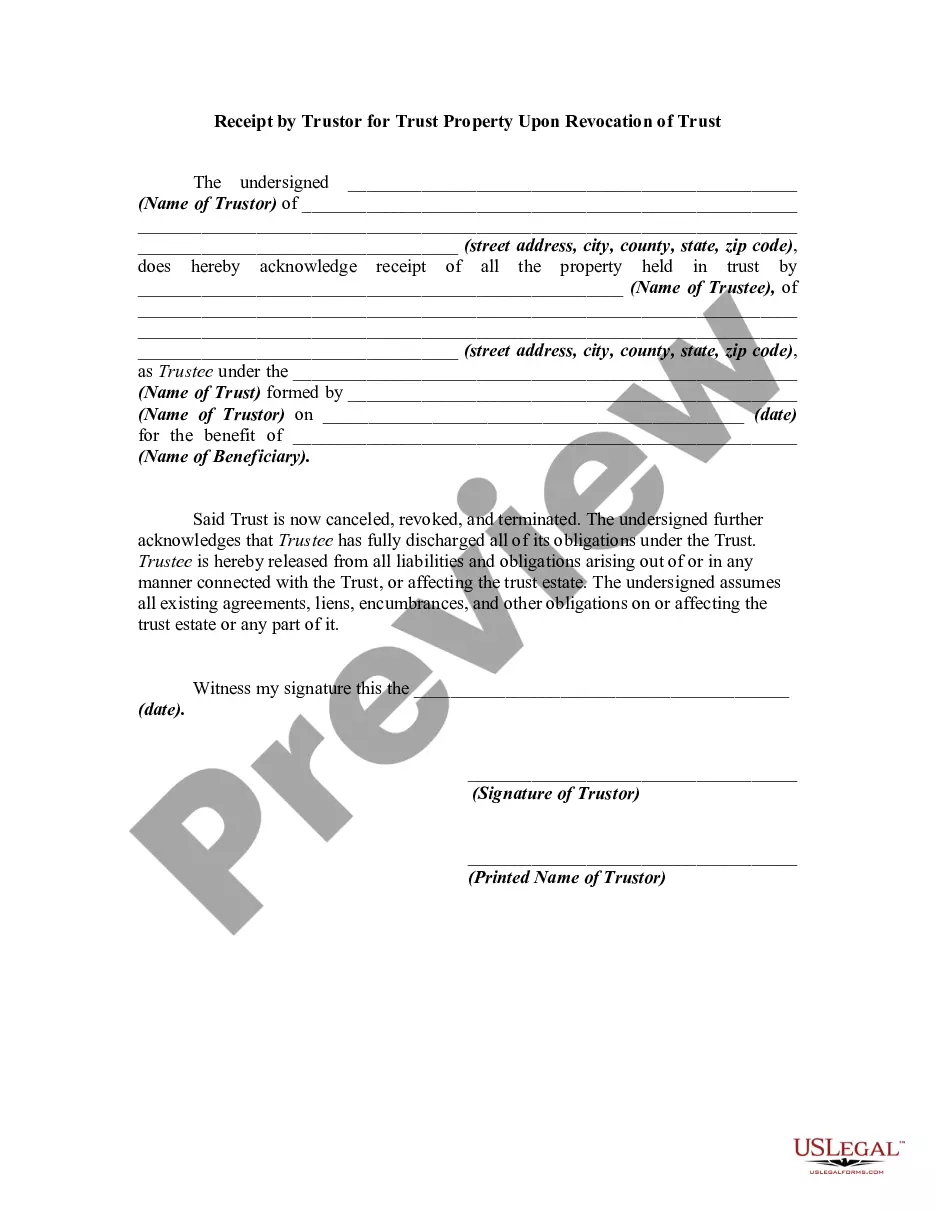
Revocation Of A Trust With A Trust
Description
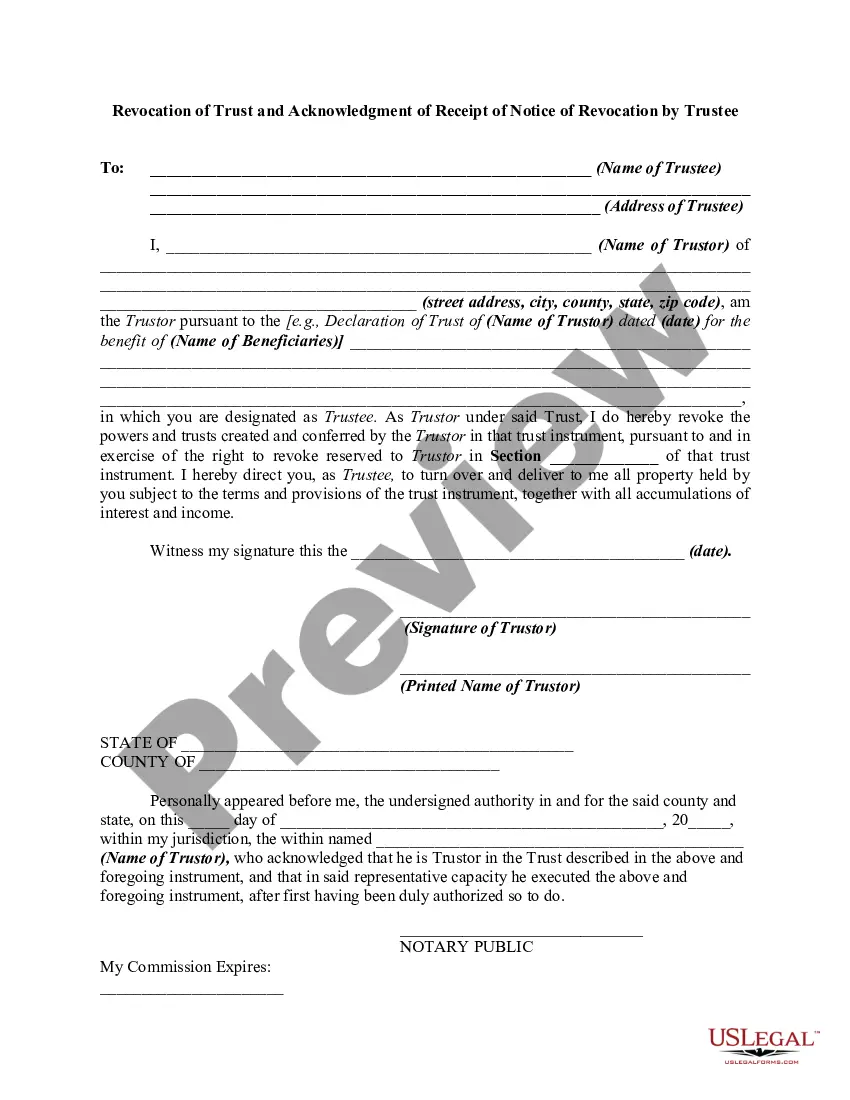
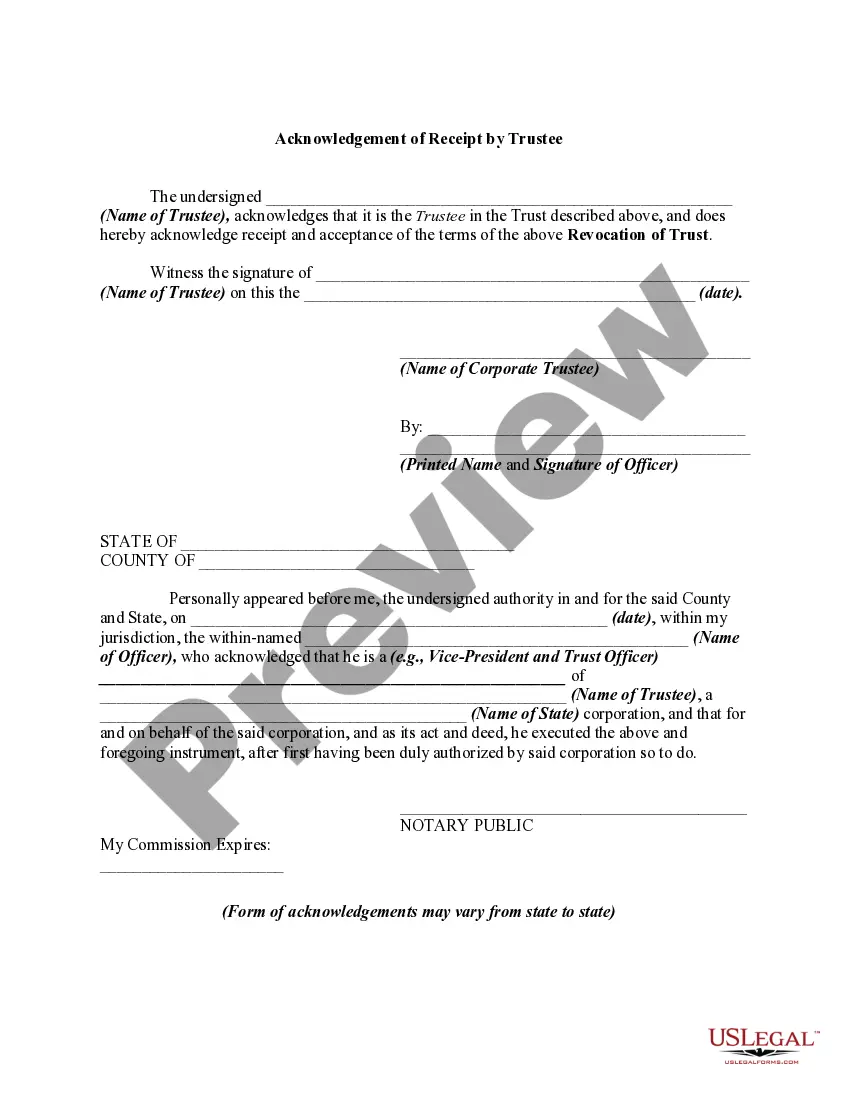
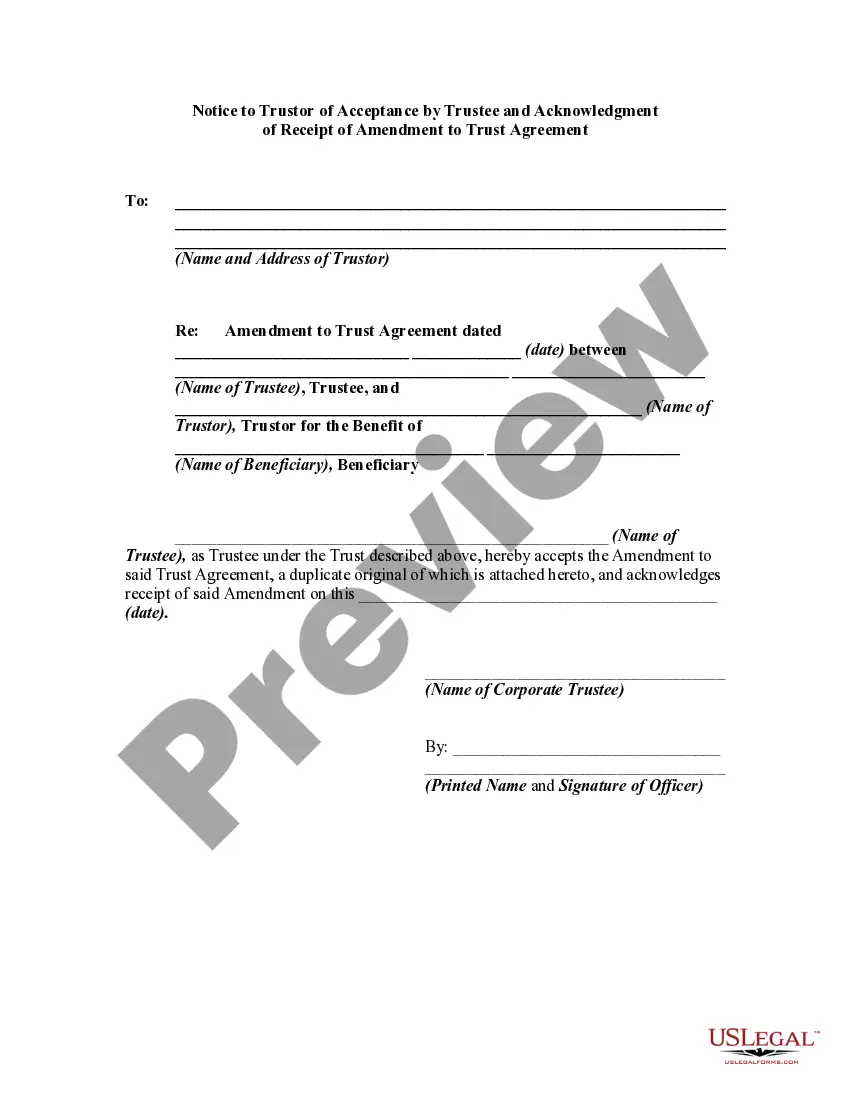
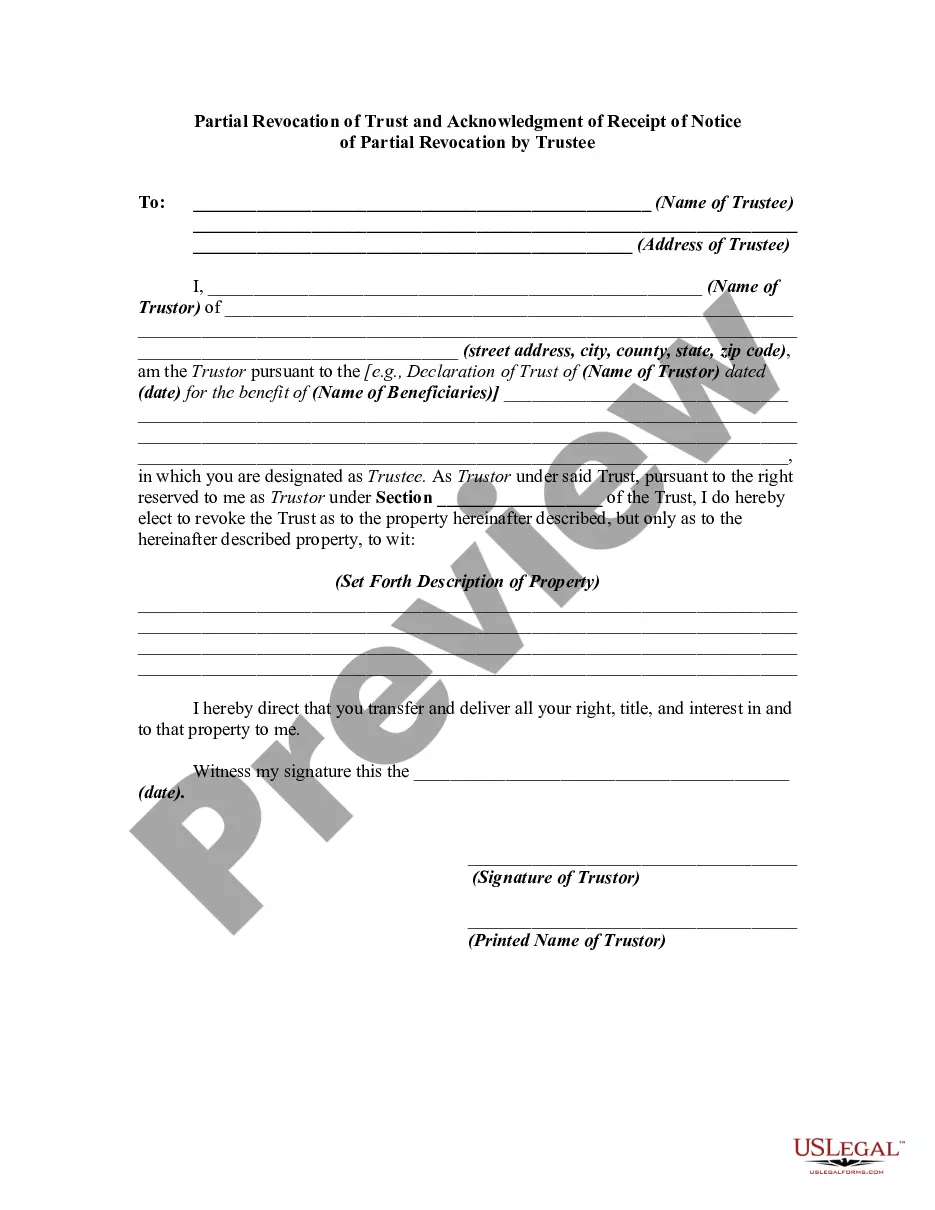
Get your form ready online
Our built-in tools help you complete, sign, share, and store your documents in one place.
Make edits, fill in missing information, and update formatting in US Legal Forms—just like you would in MS Word.
Download a copy, print it, send it by email, or mail it via USPS—whatever works best for your next step.
Sign and collect signatures with our SignNow integration. Send to multiple recipients, set reminders, and more. Go Premium to unlock E-Sign.
If this form requires notarization, complete it online through a secure video call—no need to meet a notary in person or wait for an appointment.
We protect your documents and personal data by following strict security and privacy standards.

Make edits, fill in missing information, and update formatting in US Legal Forms—just like you would in MS Word.

Download a copy, print it, send it by email, or mail it via USPS—whatever works best for your next step.

Sign and collect signatures with our SignNow integration. Send to multiple recipients, set reminders, and more. Go Premium to unlock E-Sign.

If this form requires notarization, complete it online through a secure video call—no need to meet a notary in person or wait for an appointment.

We protect your documents and personal data by following strict security and privacy standards.
Looking for another form?




How to fill out Revocation Of Trust And Acknowledgment Of Receipt Of Notice Of Revocation By Trustee?
Utilizing lawful document examples that adhere to national and local regulations is essential, and the web provides numerous options to choose from.
However, what is the use in squandering time searching for the appropriate Revocation Of A Trust With A Trust template online when the US Legal Forms digital library already has such documents compiled in one location.
US Legal Forms is the premier online legal repository featuring over 85,000 editable templates created by attorneys for any commercial and personal circumstances.
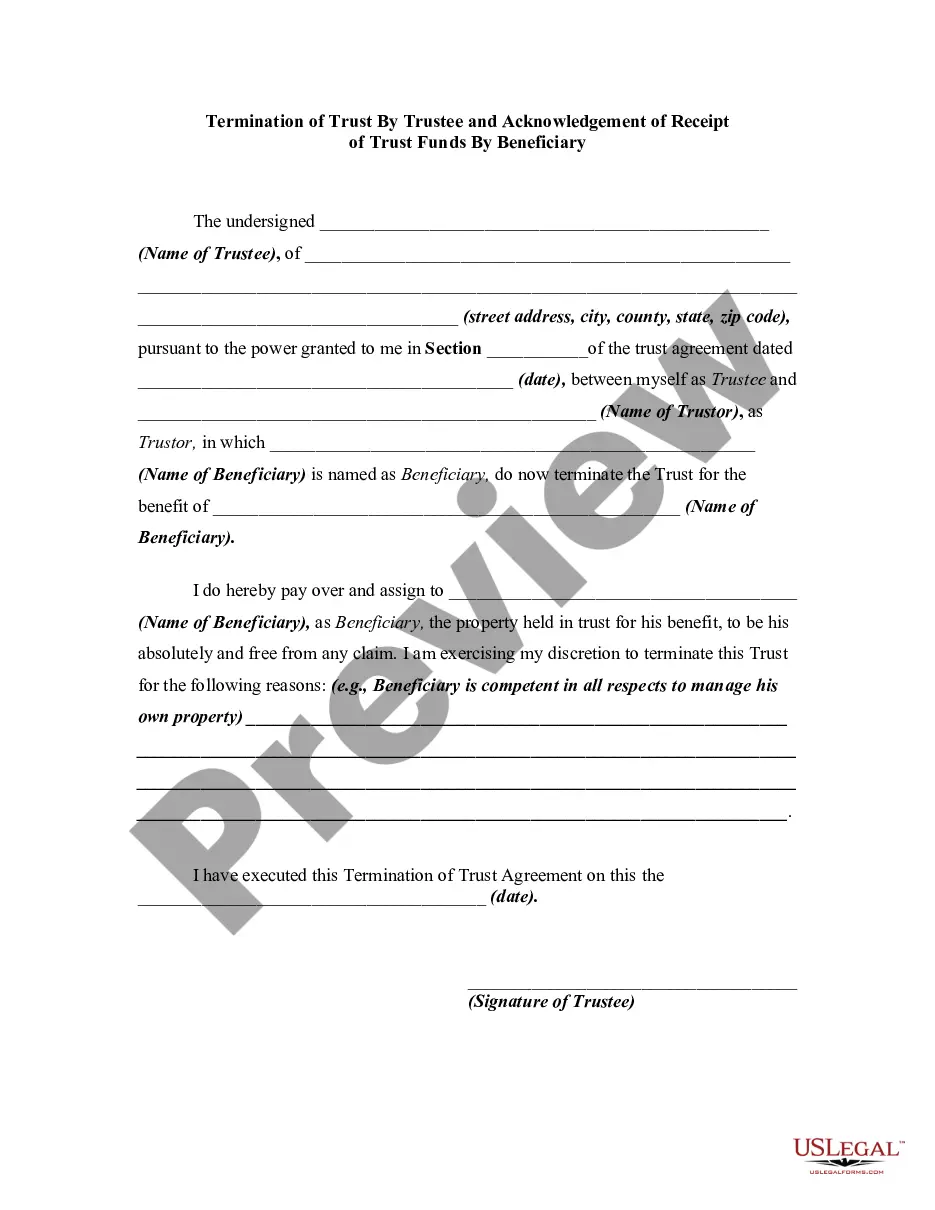
Review the template using the Preview feature or through the text structure to confirm it meets your requirements.
- They are straightforward to navigate with all documents categorized by region and intended use.
- Our professionals keep up with legal updates, thus you can always rest assured your form is current and compliant when acquiring a Revocation Of A Trust With A Trust from our platform.
- Obtaining a Revocation Of A Trust With A Trust is simple and swift for both existing and new users.
- If you already possess an account with an active subscription, Log In and store the document sample you need in the preferred format.
- If you are new to our site, follow the steps outlined below.
Form popularity
FAQ
There is also no version history which makes it very difficult to reset the questions that have been overwritten.
Microsoft Forms is available in the following plans: Microsoft 365 business basic, standard, and premium; Microsoft 365 A3/A5 and E3/E5; Office 365 A1/A3/A5 and E1/E3/E5; and Microsoft 365/Office 365 F3.
Recover a deleted form Go to the Deleted forms tab. This tab serves as your recycle bin. ... On the form you want to delete, select More options in the lower right corner of the form tile, and then click Restore. ... To see your recovered form, go to your All forms tab.
Tip: If you don't see form tiles, you might be in "list view" instead of "tile view." To restore a form within "list view," hover to the right of the form, select More options, and then select Restore.
If you make a change you later regret, there's no way to find the version before this change. The only way to revert these changes is by doing so manually or simply clicking the Undo button a few times.
Re: Restoring a prior version of your Form that has been edited and autosaved. @MarciAngela there's no way to restore a previous version of a form.
Currently , there is no feature to see who has access to the forms. however, at the top of the form that you've shared, you'll see icons of the initials for each person making edits to the form.