Trust Revocation Sample Form California
Description

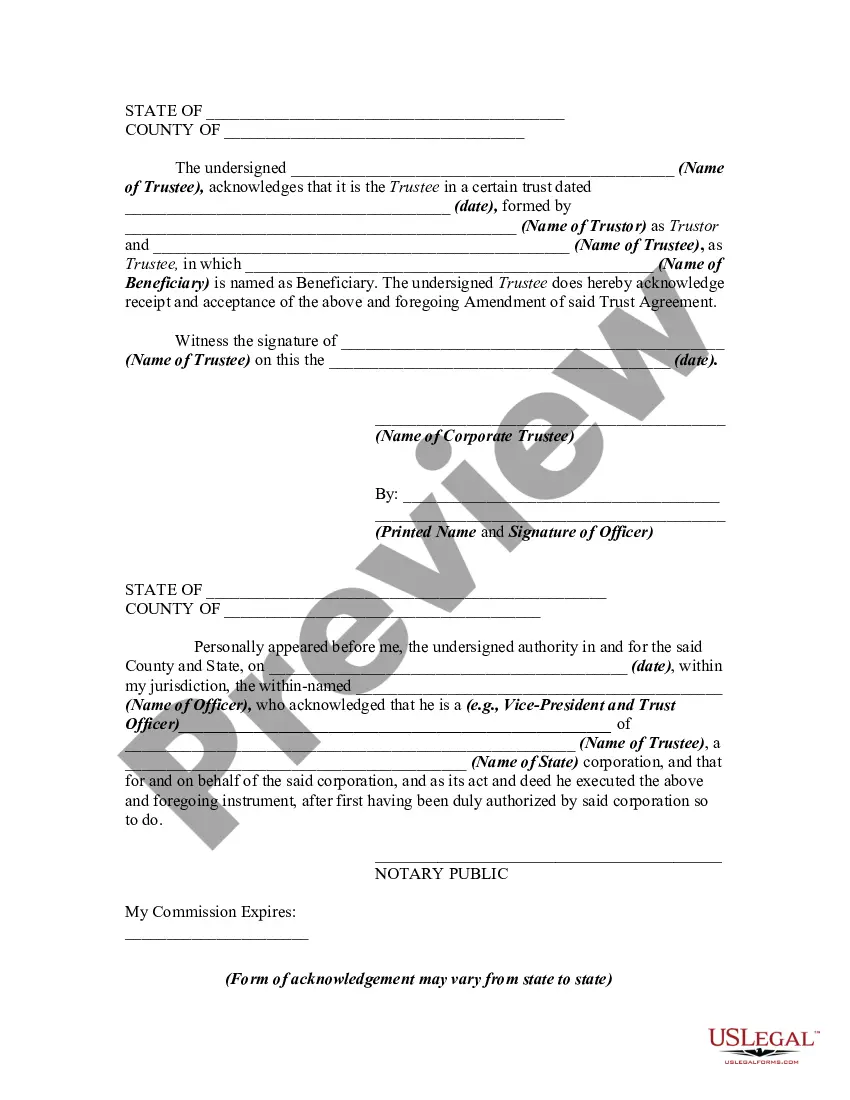


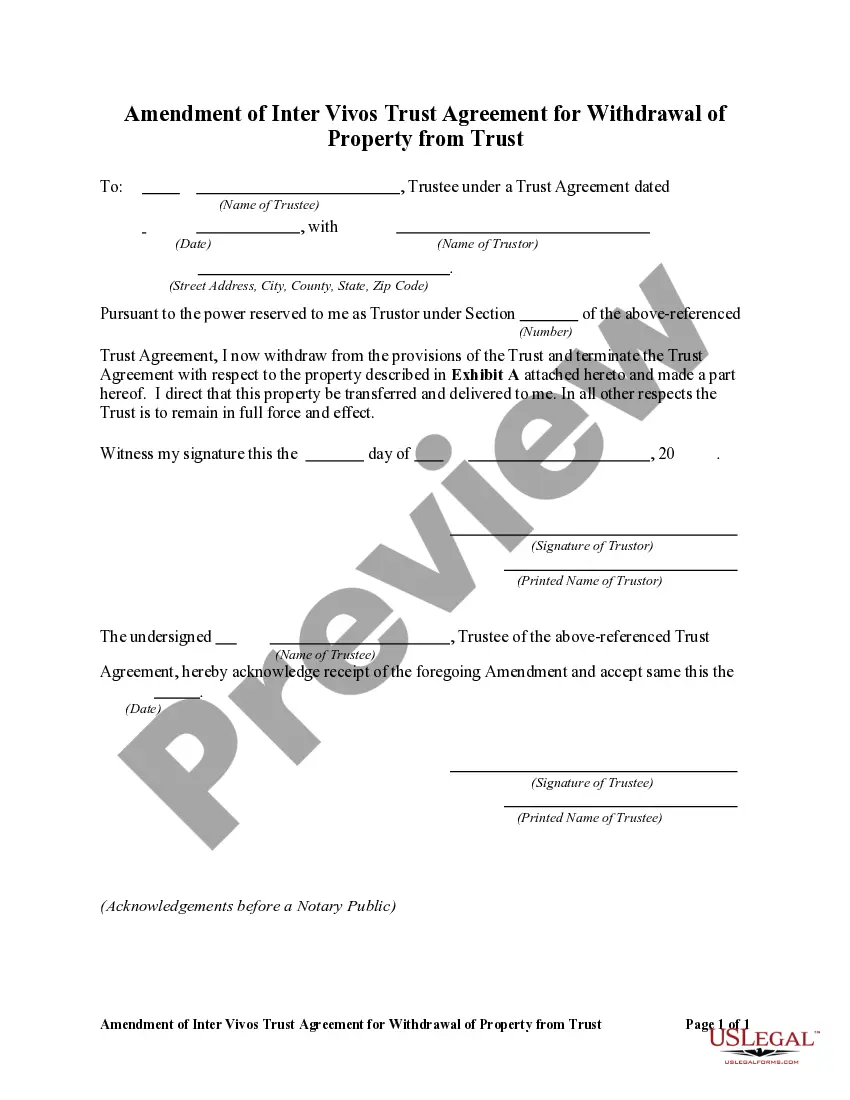
Get your form ready online
Our built-in tools help you complete, sign, share, and store your documents in one place.
Make edits, fill in missing information, and update formatting in US Legal Forms—just like you would in MS Word.
Download a copy, print it, send it by email, or mail it via USPS—whatever works best for your next step.
Sign and collect signatures with our SignNow integration. Send to multiple recipients, set reminders, and more. Go Premium to unlock E-Sign.
If this form requires notarization, complete it online through a secure video call—no need to meet a notary in person or wait for an appointment.
We protect your documents and personal data by following strict security and privacy standards.

Make edits, fill in missing information, and update formatting in US Legal Forms—just like you would in MS Word.

Download a copy, print it, send it by email, or mail it via USPS—whatever works best for your next step.

Sign and collect signatures with our SignNow integration. Send to multiple recipients, set reminders, and more. Go Premium to unlock E-Sign.

If this form requires notarization, complete it online through a secure video call—no need to meet a notary in person or wait for an appointment.

We protect your documents and personal data by following strict security and privacy standards.
Looking for another form?








How to fill out Amendment Of Trust Agreement And Revocation Of Particular Provision?
Dealing with legal documents and processes can be a lengthy addition to your schedule.
Trust Revocation Sample Form California and similar forms typically necessitate that you locate them and comprehend how to fill them out accurately.
For that reason, whether you are managing financial, legal, or personal issues, utilizing a comprehensive and useful online collection of forms readily available will greatly assist.
US Legal Forms is the leading online platform of legal templates, featuring over 85,000 state-specific forms and various tools to help you complete your documents effortlessly.
Is this your first experience with US Legal Forms? Sign up and create a free account in a few minutes, and you will gain access to the form library and Trust Revocation Sample Form California. Then, follow the steps below to complete your form: Ensure you have the correct form using the Review feature and examining the form description. Select Buy Now when ready, and choose the subscription plan that suits you best. Click Download, then fill out, eSign, and print the form. US Legal Forms has 25 years of experience helping customers manage their legal documents. Find the form you need today and streamline any process without breaking a sweat.
- Explore the collection of relevant documents accessible to you with just one click.
- US Legal Forms provides state- and county-specific forms available at any time for download.
- Safeguard your document management processes with high-quality support that enables you to prepare any form in minutes without extra or concealed charges.
- Simply Log In to your account, locate Trust Revocation Sample Form California and download it instantly from the My documents section.
- You can also access previously saved forms.
Form popularity
FAQ
The idea here is that you present a formal document that irrevocably states your wish to dissolve the trust. From there, you should have the document signed by the grantor, notarized, and potentially filed in court.
The two most common ways to terminate and/or modify an irrevocable trust is to 1) argue that there has been a change of circumstances not anticipated by the settlors at the time they created the trust (for example changes in tax law, and 2) argue that all beneficiaries consent to the proposed termination and or ...
The first step to revoking a living trust is to remove the assets from the trust. This involves retitling the assets back into your name. Next, you will need to fill out a formal revocation form stating your desire to terminate the trust. The revocation form will then need to be signed and notarized.
(a) A trust terminates when any of the following occurs: (1) The term of the trust expires. (2) The trust purpose is fulfilled. (3) The trust purpose becomes unlawful. (4) The trust purpose becomes impossible to fulfill.