Amendment To Trust Documents With Valid Certification
Description

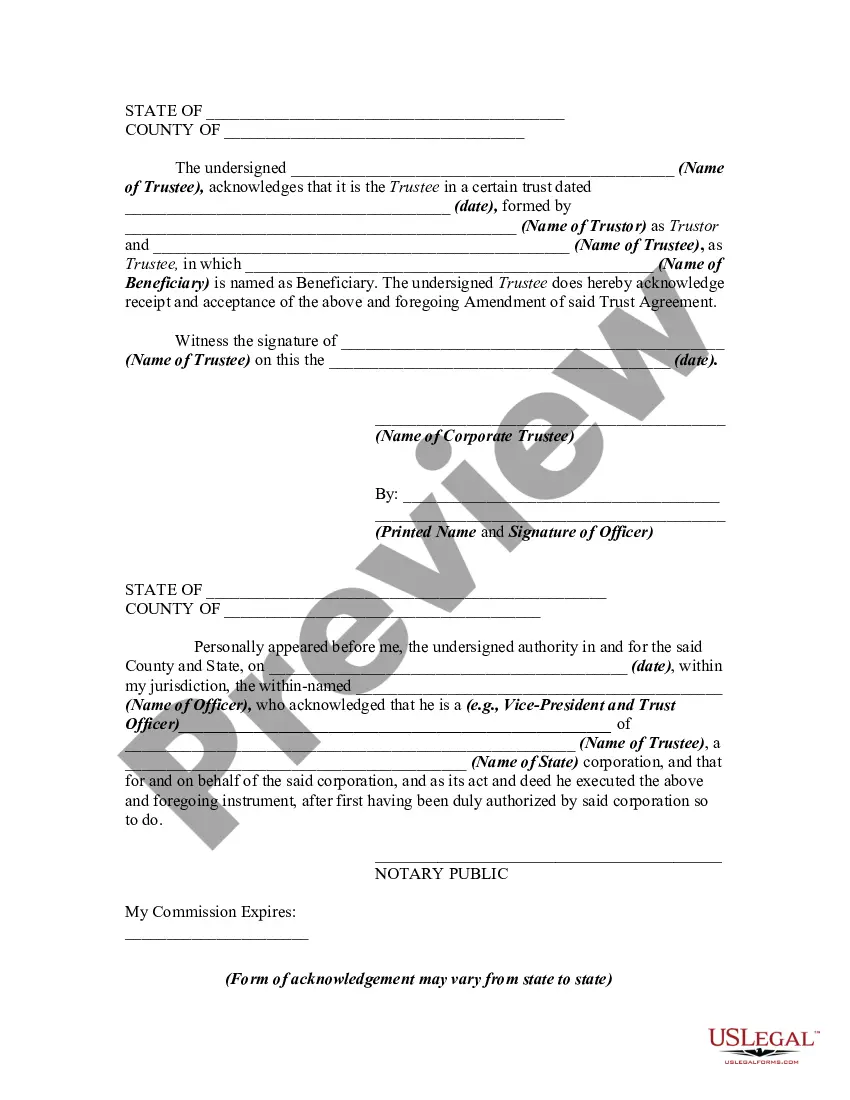


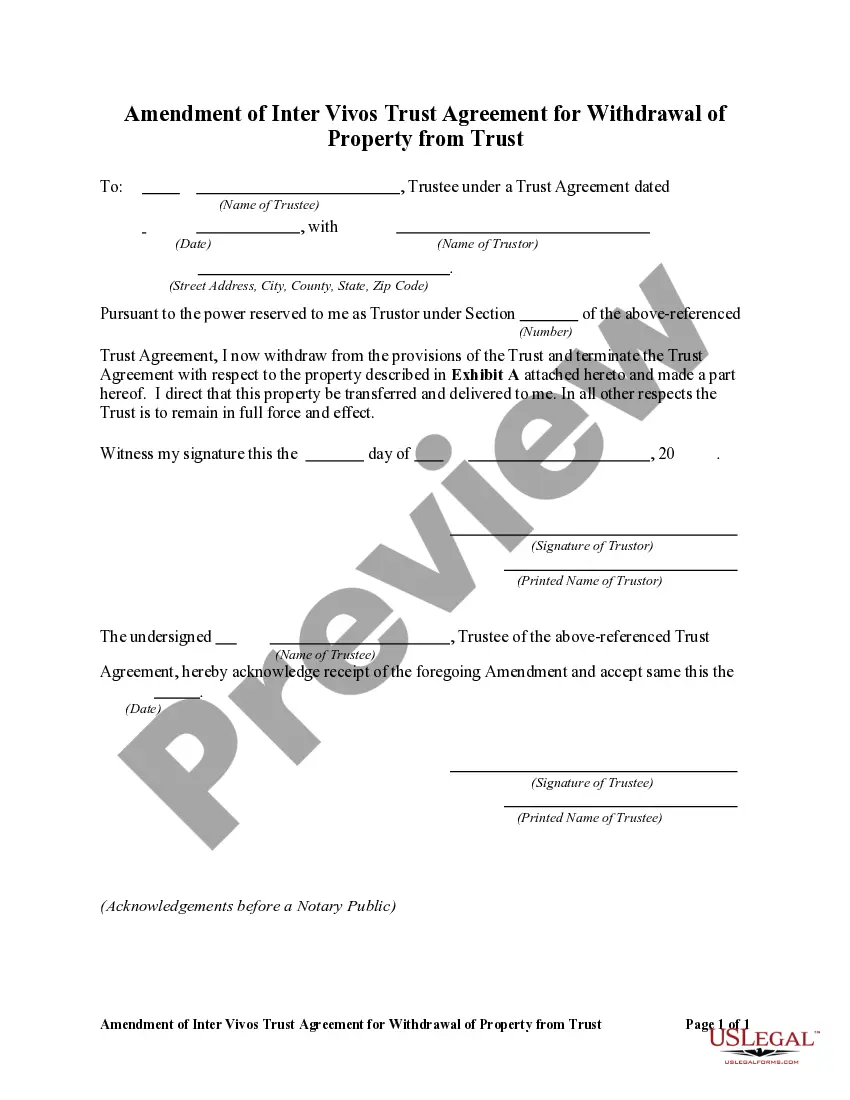
Get your form ready online
Our built-in tools help you complete, sign, share, and store your documents in one place.
Make edits, fill in missing information, and update formatting in US Legal Forms—just like you would in MS Word.
Download a copy, print it, send it by email, or mail it via USPS—whatever works best for your next step.
Sign and collect signatures with our SignNow integration. Send to multiple recipients, set reminders, and more. Go Premium to unlock E-Sign.
If this form requires notarization, complete it online through a secure video call—no need to meet a notary in person or wait for an appointment.
We protect your documents and personal data by following strict security and privacy standards.

Make edits, fill in missing information, and update formatting in US Legal Forms—just like you would in MS Word.

Download a copy, print it, send it by email, or mail it via USPS—whatever works best for your next step.

Sign and collect signatures with our SignNow integration. Send to multiple recipients, set reminders, and more. Go Premium to unlock E-Sign.

If this form requires notarization, complete it online through a secure video call—no need to meet a notary in person or wait for an appointment.

We protect your documents and personal data by following strict security and privacy standards.
Looking for another form?

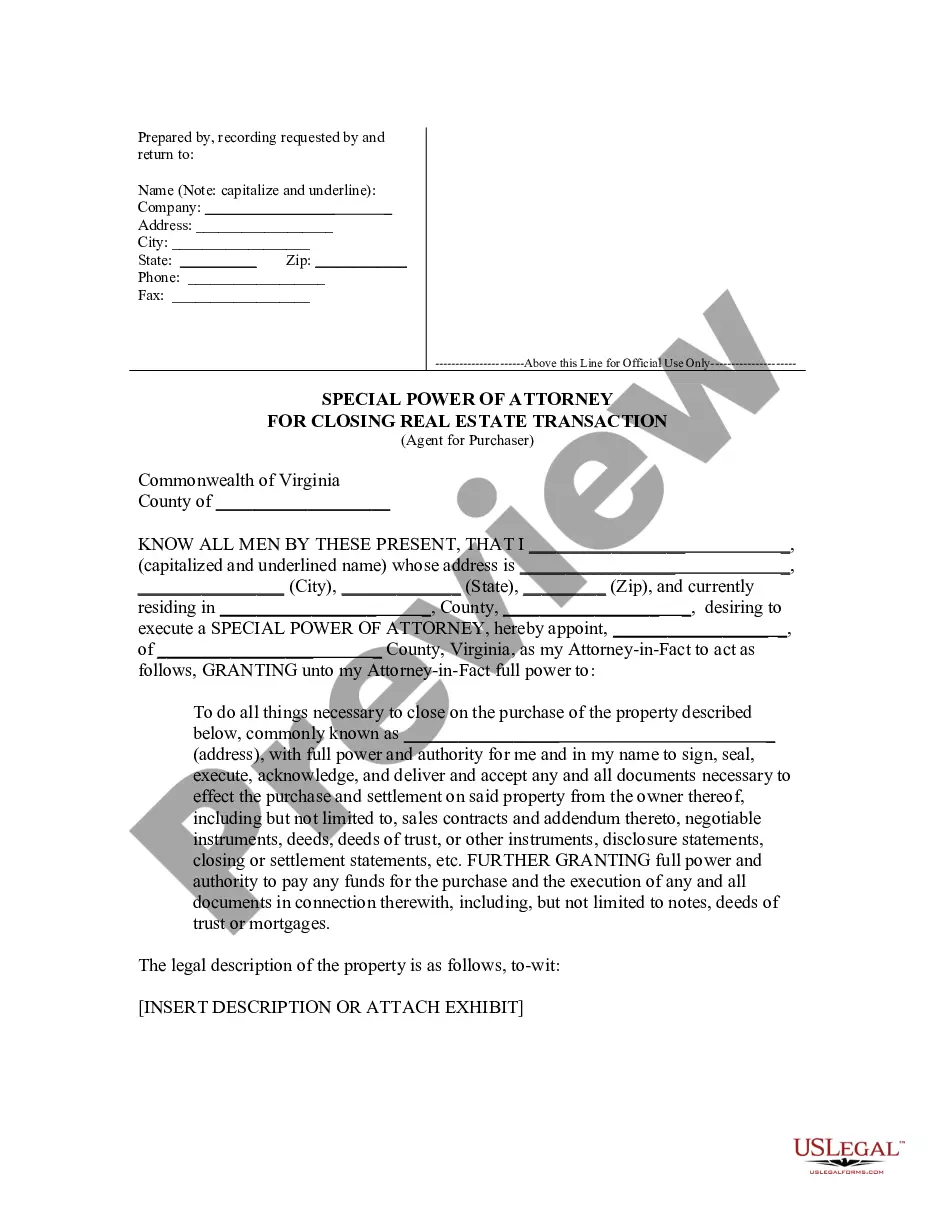






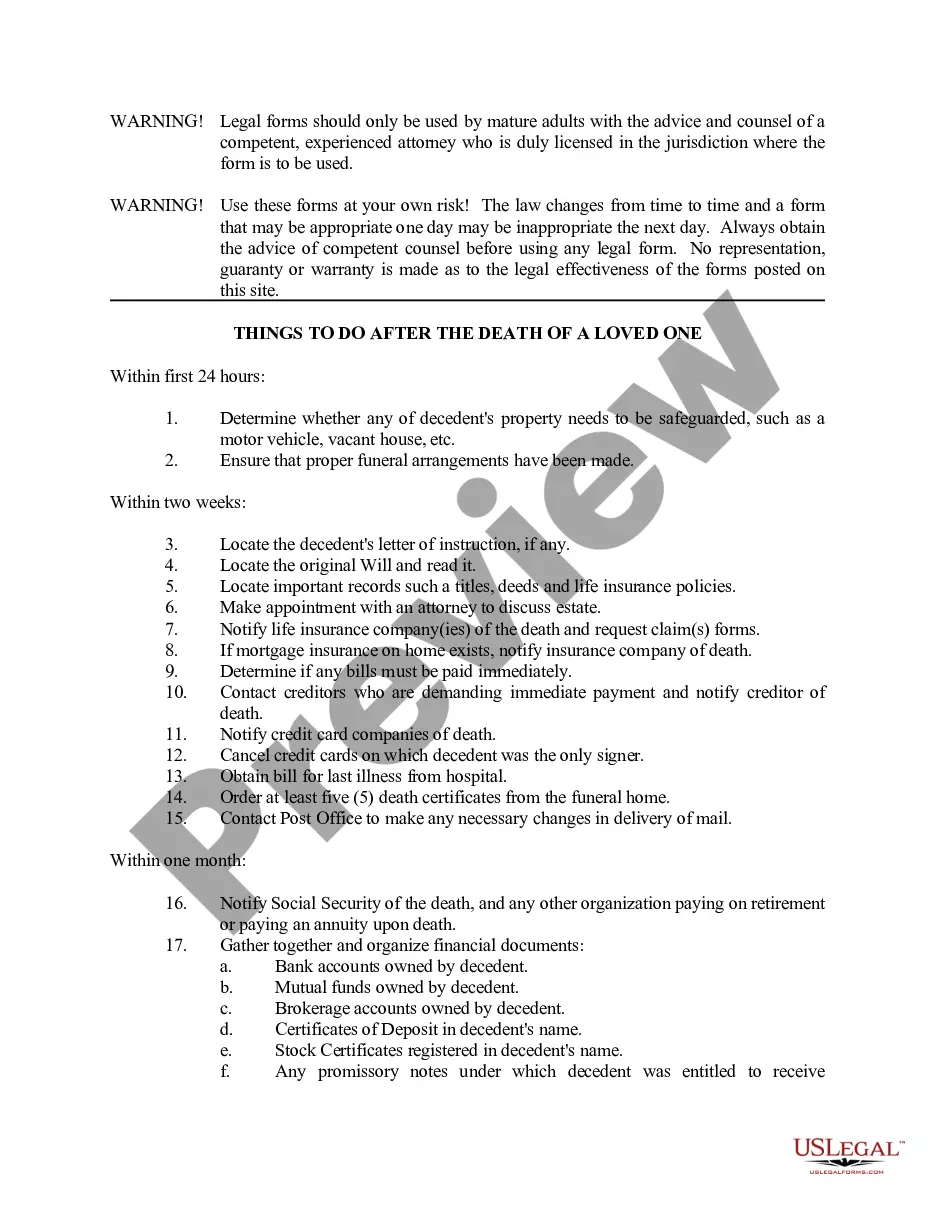

How to fill out Amendment Of Trust Agreement And Revocation Of Particular Provision?
Legal papers managing may be frustrating, even for experienced professionals. When you are looking for a Amendment To Trust Documents With Valid Certification and don’t get the a chance to commit in search of the right and updated version, the operations could be nerve-racking. A strong web form library could be a gamechanger for anyone who wants to take care of these situations successfully. US Legal Forms is a industry leader in online legal forms, with over 85,000 state-specific legal forms accessible to you anytime.
With US Legal Forms, you may:
- Access state- or county-specific legal and business forms. US Legal Forms covers any demands you may have, from personal to organization paperwork, in one location.
- Utilize advanced tools to complete and control your Amendment To Trust Documents With Valid Certification
- Access a resource base of articles, instructions and handbooks and resources highly relevant to your situation and requirements
Save time and effort in search of the paperwork you need, and utilize US Legal Forms’ advanced search and Review feature to locate Amendment To Trust Documents With Valid Certification and acquire it. If you have a monthly subscription, log in for your US Legal Forms profile, look for the form, and acquire it. Take a look at My Forms tab to find out the paperwork you previously downloaded and to control your folders as you can see fit.
If it is the first time with US Legal Forms, create an account and obtain unrestricted use of all advantages of the library. Listed below are the steps to take after accessing the form you want:
- Verify this is the proper form by previewing it and reading its description.
- Be sure that the sample is acknowledged in your state or county.
- Pick Buy Now when you are ready.
- Select a subscription plan.
- Pick the formatting you want, and Download, complete, sign, print and send your papers.
Benefit from the US Legal Forms web library, supported with 25 years of expertise and trustworthiness. Change your day-to-day papers management in a easy and user-friendly process right now.
Form popularity
FAQ
A revocable trust can be modified while the Grantor is alive. Revising the terms of a trust is known as ?amending? the trust. An amendment is generally appropriate when there are only a few minor changes to make, like rewording a certain paragraph, changing the successor trustee, or modifying beneficiaries.
?A Restatement? is also an amendment, but of the whole trust instrument, not just of the handpicked parts of the trust, like in the ?Amendment? described above. So a Restatement would say ?I hereby take my entire trust named TRUST dated DATE and replace it with this whole new trust named TRUST dated TODAY'S DATE.?
A trust instrument is a writing declaration or agreement to allocate a settlor's property to their beneficiaries. It consists of the trust and regulates how the trust is executed. Trust instruments can be amended or revoked by the settlor at any time (but there are some exceptions, like irrevocable trusts).
If you made a trust with your spouse or partner, then while both of you are alive, you both must agree to amend any provision of the trust document -- for example, to change a beneficiary, a successor trustee or the property management set up for a young beneficiary.
It's important to know what you want to change and where in your trust document this information lives (such as the article number you're amending). Fill out the amendment form. Complete the entire form. It's important to be clear and detailed in describing your changes.