Blank No
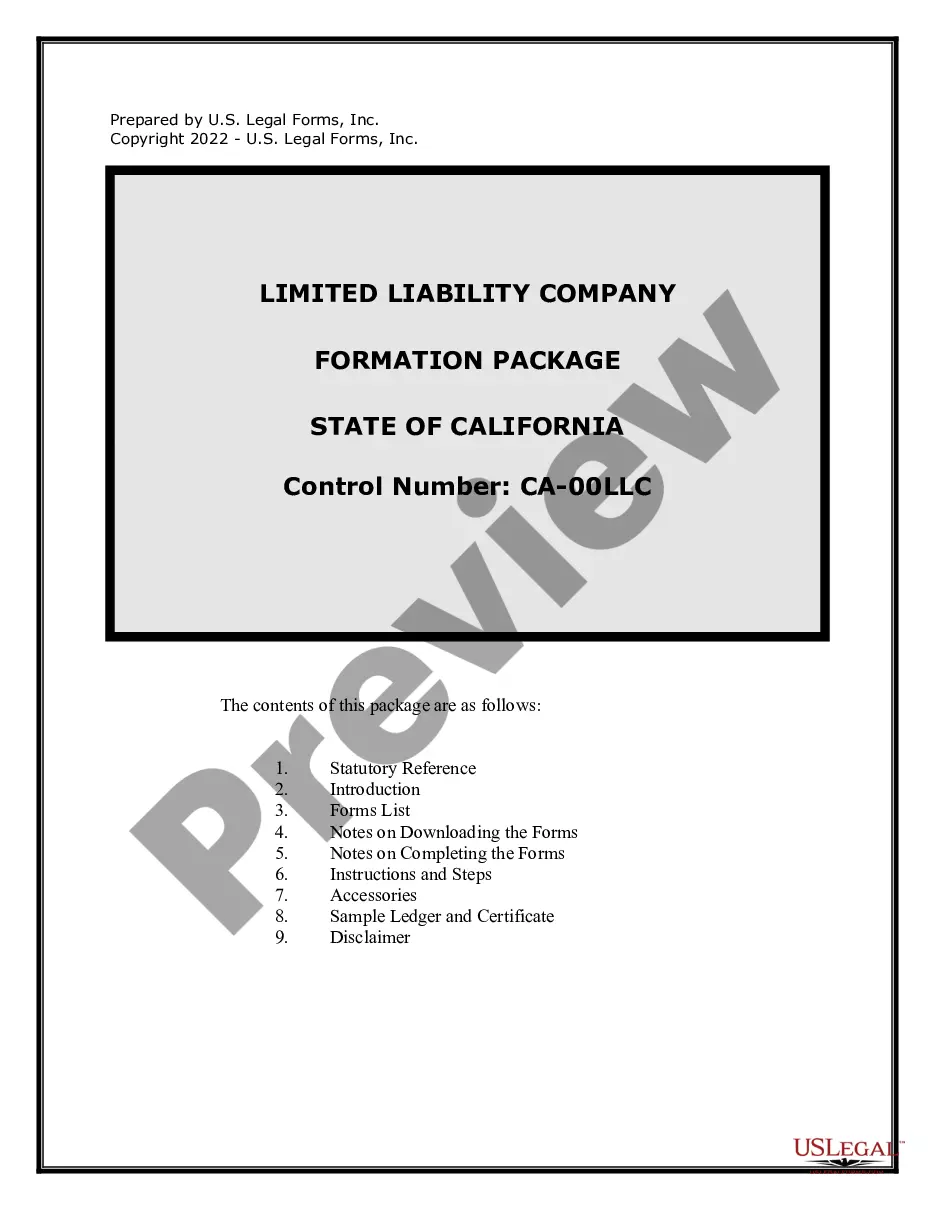
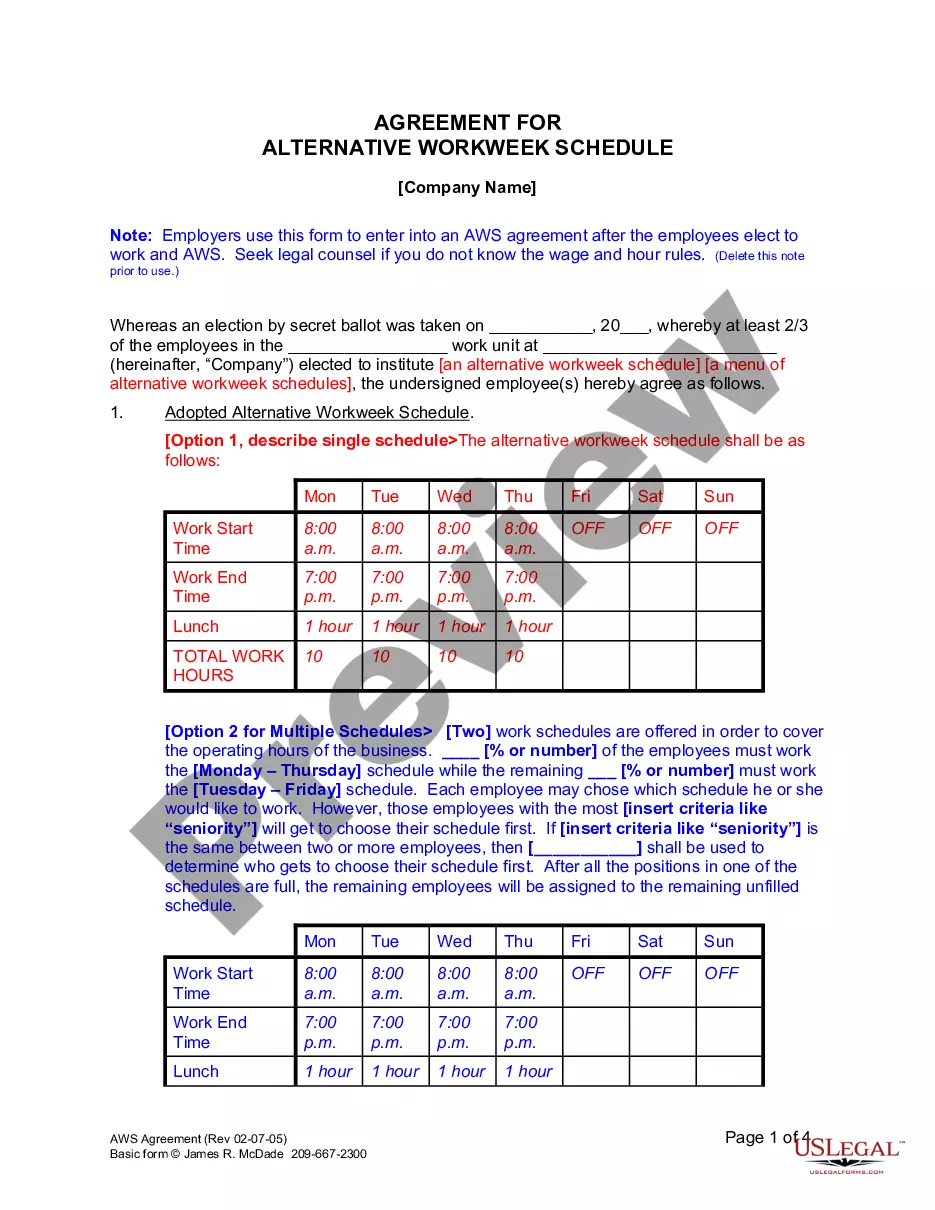
Description
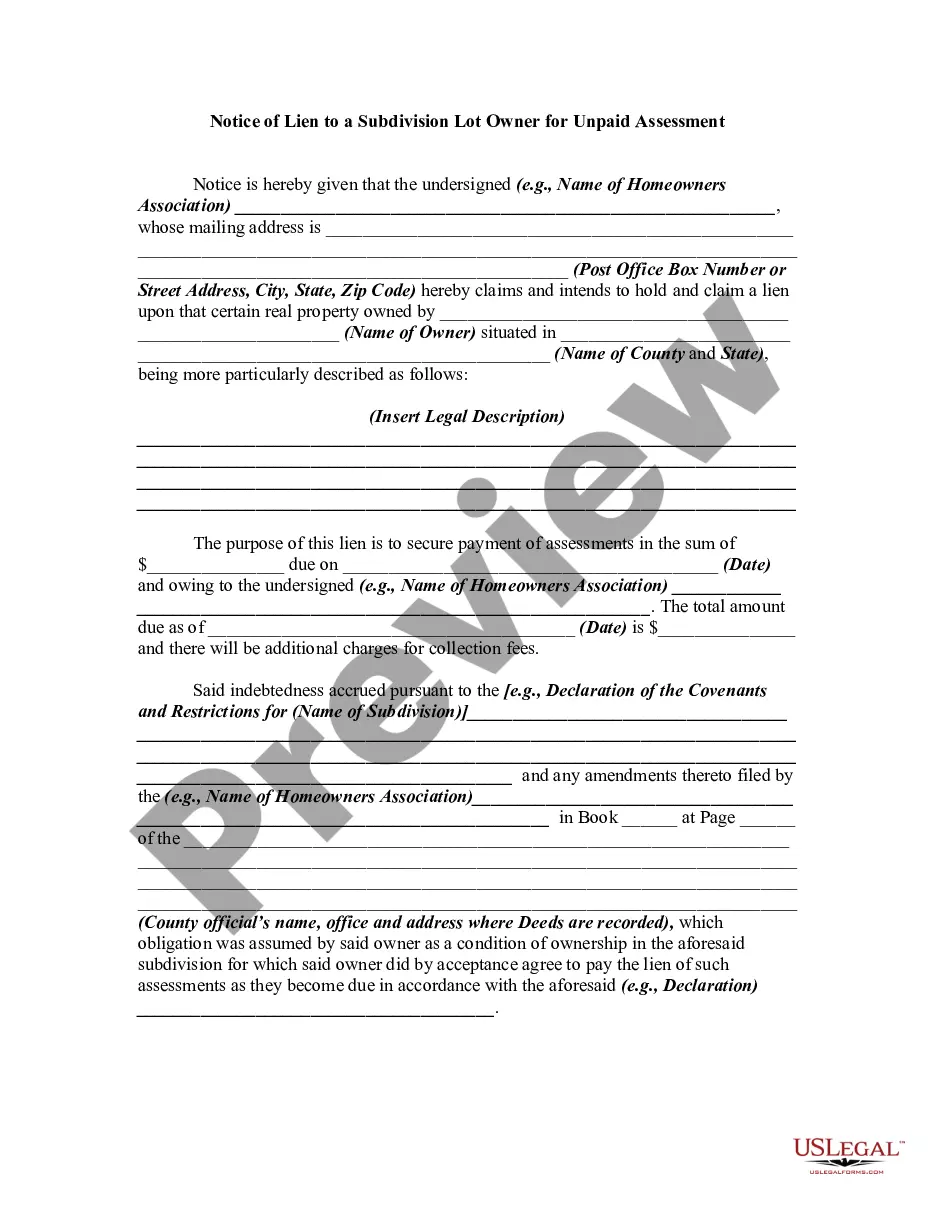
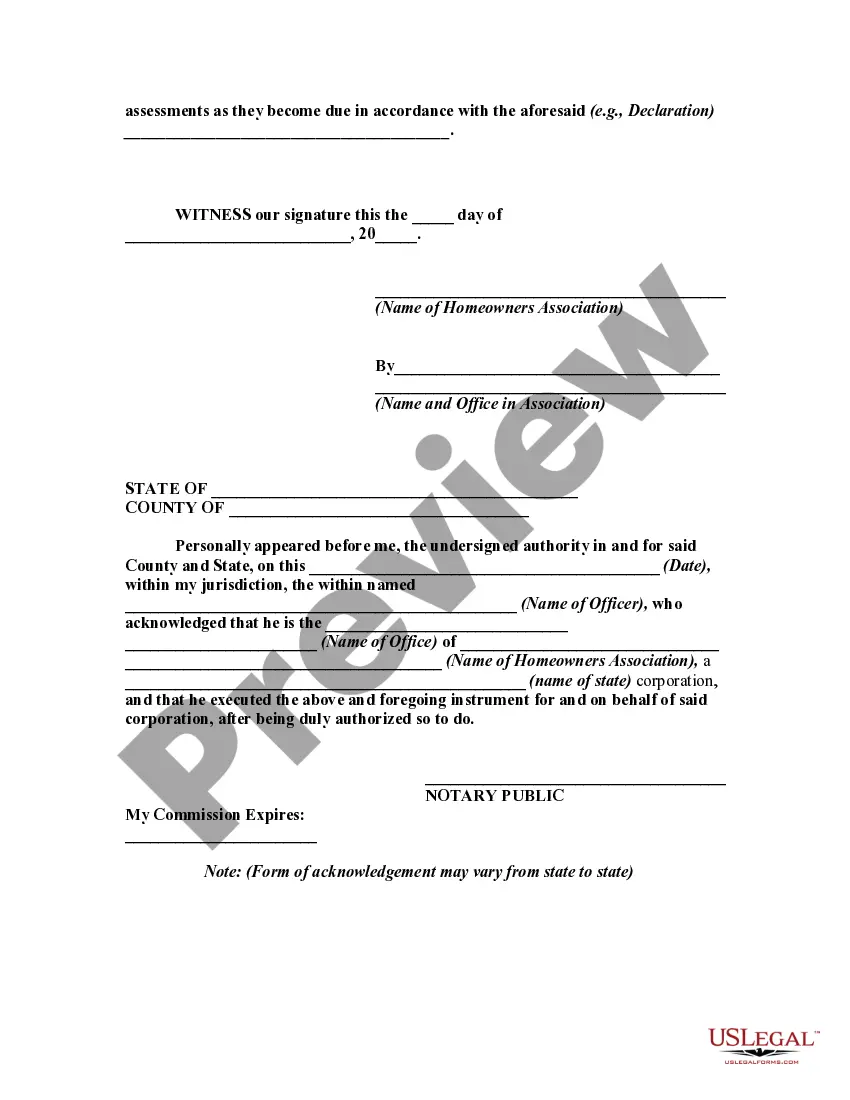
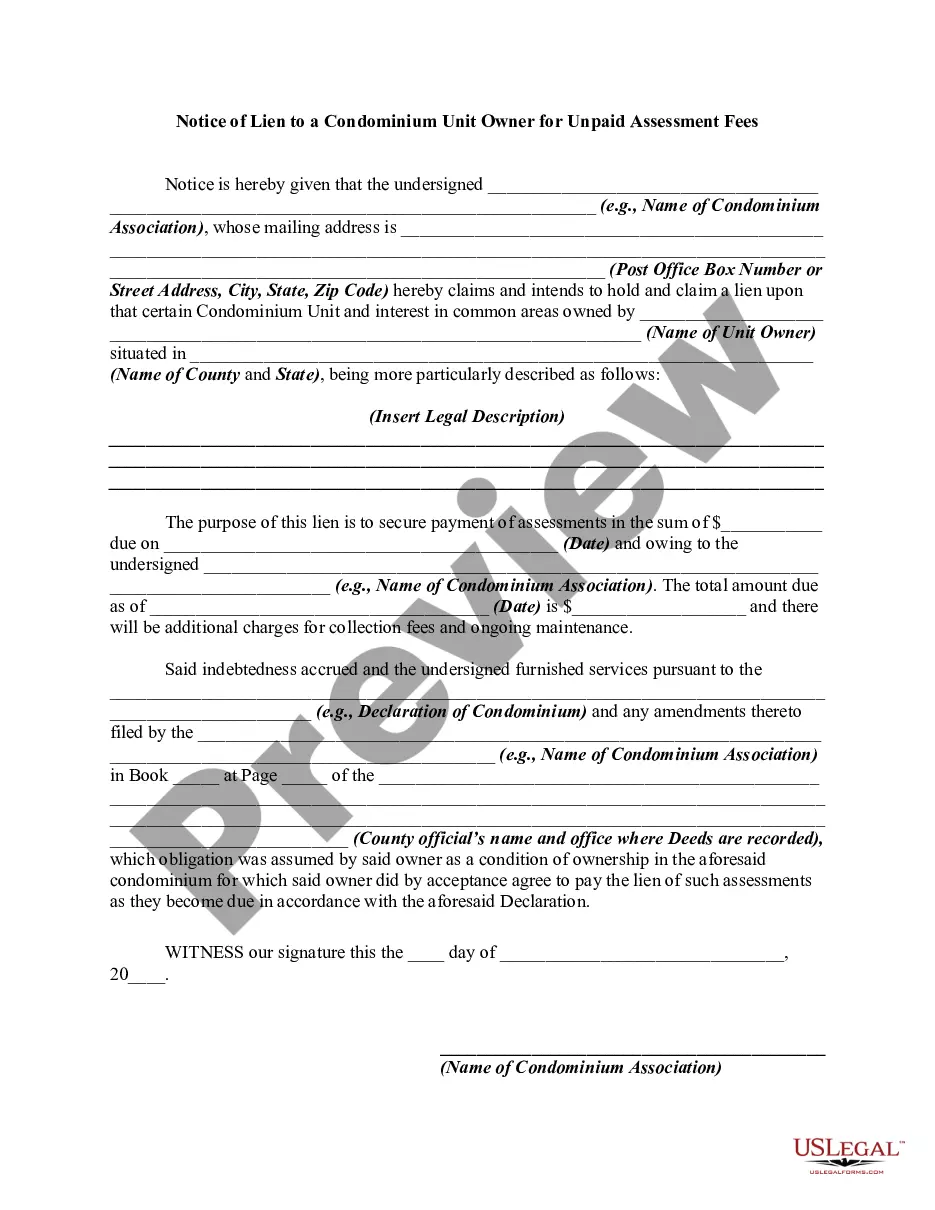
Get your form ready online
Our built-in tools help you complete, sign, share, and store your documents in one place.
Make edits, fill in missing information, and update formatting in US Legal Forms—just like you would in MS Word.
Download a copy, print it, send it by email, or mail it via USPS—whatever works best for your next step.
Sign and collect signatures with our SignNow integration. Send to multiple recipients, set reminders, and more. Go Premium to unlock E-Sign.
If this form requires notarization, complete it online through a secure video call—no need to meet a notary in person or wait for an appointment.
We protect your documents and personal data by following strict security and privacy standards.

Make edits, fill in missing information, and update formatting in US Legal Forms—just like you would in MS Word.

Download a copy, print it, send it by email, or mail it via USPS—whatever works best for your next step.

Sign and collect signatures with our SignNow integration. Send to multiple recipients, set reminders, and more. Go Premium to unlock E-Sign.

If this form requires notarization, complete it online through a secure video call—no need to meet a notary in person or wait for an appointment.

We protect your documents and personal data by following strict security and privacy standards.
Looking for another form?







How to fill out Notice Of Lien To A Subdivision Lot Owner For Unpaid Assessment?
- If you're a returning user, start by logging in to your account. Ensure your subscription is active; if it has expired, take steps to renew it based on your payment plan.
- For first-time users, begin by browsing the available forms. Check the Preview mode and description to find one that fits your legal needs and complies with local regulations.
- If you encounter issues or inconsistencies, utilize the Search tab to find alternative templates that might be more suitable.
- Once you find the right document, click on the Buy Now button and select your preferred subscription plan. Creating an account will give you full access to the library's resources.
- Complete your purchase by entering your payment details using a credit card or PayPal.
- After the transaction, download your selected form directly to your device and access it at any time through the My Forms section of your profile.
By following these straightforward steps, you’ll be equipped to efficiently create and manage your legal documents with confidence.
Don’t let legal paperwork overwhelm you—explore US Legal Forms today and handle your document needs with ease!
Form popularity
FAQ
To display a blank cell when no value exists, you can adjust your software or application settings. Many spreadsheet programs allow you to customize how empty fields are presented, ensuring that blank cells are lettered clearly. By configuring these options, you improve your data’s readability, making it easier for you to spot potential issues.
To make a cell blank in Excel without attaching a value, enter the formula =IF(A1="", "", A1). This formula checks for empty cells and returns a blank when no value is present. This technique is effective for preserving an organized spreadsheet. For tips on organizing data effectively, check out US Legal Forms.
To force a cell to be blank in Excel, use the formula =IF(A1<>"",A1,""). This assures that when the condition is not met, the cell remains blank. This method can improve the appearance and readability of your spreadsheets. If you seek further ways to enhance your Excel usage, visit US Legal Forms.
Creating a blank file is simple; just open your preferred file editor and save it without any content. You may also create a blank no file type by not specifying any extension during the save process. This type of file can be useful for various purposes. For templates and guides on creating legal documents, explore US Legal Forms.
To leave a cell blank when encountering 'na', you can utilize an IF statement in Excel. For instance, use =IF(ISNA(A1), "", A1) to return a blank cell whenever 'na' is present. This helps maintain your data's cleanliness and organization. For advanced data management solutions, consider checking US Legal Forms.
You can make a cell blank if there is no value by using the IF function in Excel. For example, use the formula =IF(A1=0, "", A1). This will display a blank cell when the selected cell has no value. For a comprehensive guide on formulas, explore resources available on US Legal Forms.
In Excel, to leave a cell blank when there's no data, you can use an IF formula. For instance, you can input =IF(A1=
To create a file name that appears blank, try naming the file with a non-visible character, like a space. Most operating systems do not allow completely blank names, but a single space can often suffice for practical purposes. This approach can help when you are organizing files, especially if you prefer a cleaner appearance. For more structured file management, visit US Legal Forms for organizing solutions.
To create a file with no type, simply open your text editor or file creation tool. Save the file without adding any extension or by specifying an explicit type. This method allows you to create a blank no file, which can be useful for various purposes, including hiding the file type from others. If you need further assistance, consider exploring US Legal Forms for relevant templates.
To type 'invisible' in Discord, you need to utilize special characters, such as a zero-width space, to create the illusion of invisibility. Simply inserting this character using the Blank no method will allow you to have a name that appears as blank. This feature can significantly enhance your ability to manage interactions and privacy on the platform. For assistance or detailed instructions, check out US Legal Forms for expert guidance.