New Trustee Appointment Form For California
Description
Get your form ready online
Our built-in tools help you complete, sign, share, and store your documents in one place.
Make edits, fill in missing information, and update formatting in US Legal Forms—just like you would in MS Word.
Download a copy, print it, send it by email, or mail it via USPS—whatever works best for your next step.
Sign and collect signatures with our SignNow integration. Send to multiple recipients, set reminders, and more. Go Premium to unlock E-Sign.
If this form requires notarization, complete it online through a secure video call—no need to meet a notary in person or wait for an appointment.
We protect your documents and personal data by following strict security and privacy standards.

Make edits, fill in missing information, and update formatting in US Legal Forms—just like you would in MS Word.

Download a copy, print it, send it by email, or mail it via USPS—whatever works best for your next step.

Sign and collect signatures with our SignNow integration. Send to multiple recipients, set reminders, and more. Go Premium to unlock E-Sign.

If this form requires notarization, complete it online through a secure video call—no need to meet a notary in person or wait for an appointment.

We protect your documents and personal data by following strict security and privacy standards.
Looking for another form?
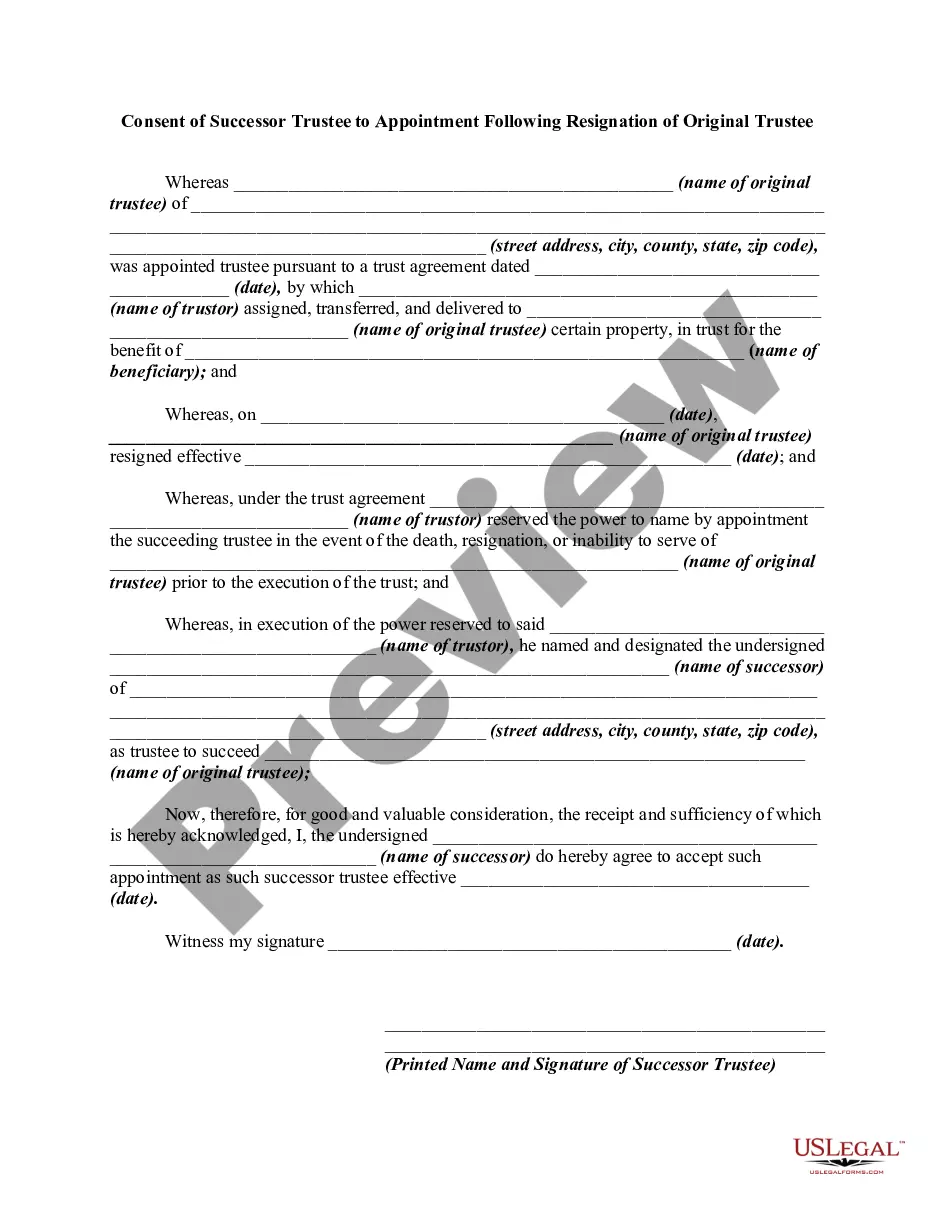
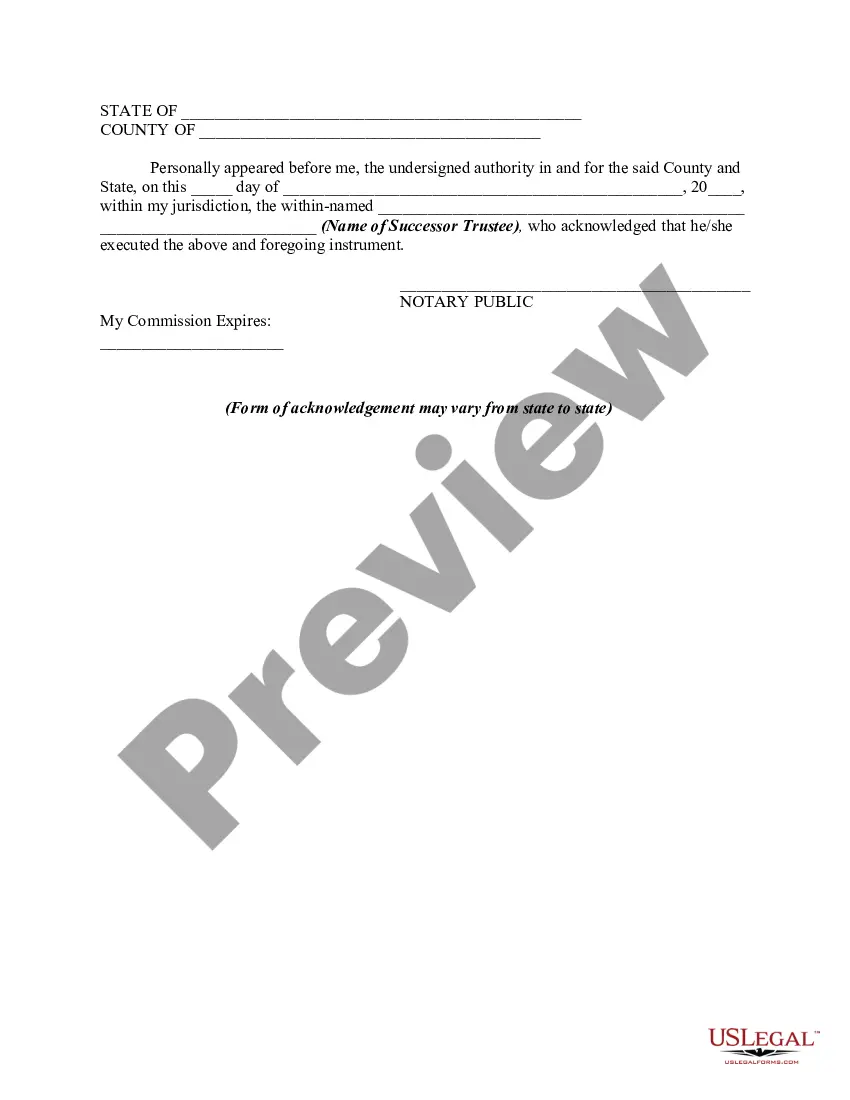
How to fill out Consent Of Successor Trustee To Appointment Following Resignation Of Original Trustee?
Creating legal documents from the ground up can frequently be overwhelming.
Some situations may require extensive research and significant financial investment.
If you’re looking for an easier and more economical method of producing the New Trustee Appointment Form For California or other forms without unnecessary complications, US Legal Forms is always accessible.
Our online library of over 85,000 current legal documents includes nearly every aspect of your financial, legal, and personal affairs.
Review the document preview and descriptions to ensure you have located the form you need. Confirm that the template you select meets the standards of your state and county. Choose the most appropriate subscription plan to acquire the New Trustee Appointment Form For California. Download the form, then fill it out, validate, and print it. US Legal Forms boasts an impeccable reputation and over 25 years in the field. Join us today and make document completion a straightforward and efficient process!
- With just a few clicks, you can swiftly obtain state- and county-specific templates crafted for you by our legal professionals.
- Utilize our platform whenever you require dependable and trustworthy services to quickly locate and download the New Trustee Appointment Form For California.
- If you’re familiar with our site and have previously created an account, simply Log In, choose the form, and download it or retrieve it anytime from the My documents section.
- Don’t possess an account? No worries. Registering takes minimal time, and navigating the catalog is straightforward.
- Before diving directly into downloading the New Trustee Appointment Form For California, consider these suggestions.
Form popularity
FAQ
Just follow the Trust terms. The Trust may require you to send written notice to the Trustee to remove them. Once you follow that directive, the Trustee must step down and a successor Trustee can be appointed. If another person has the right to remove and replace the Trustee, then you would want to talk to that person.
The trust deed itself may contain express powers of appointing, retiring and removing trustees. It is usual for the settlor of the trust to retain this power or for an independent person (called an appointor) to be given the power.
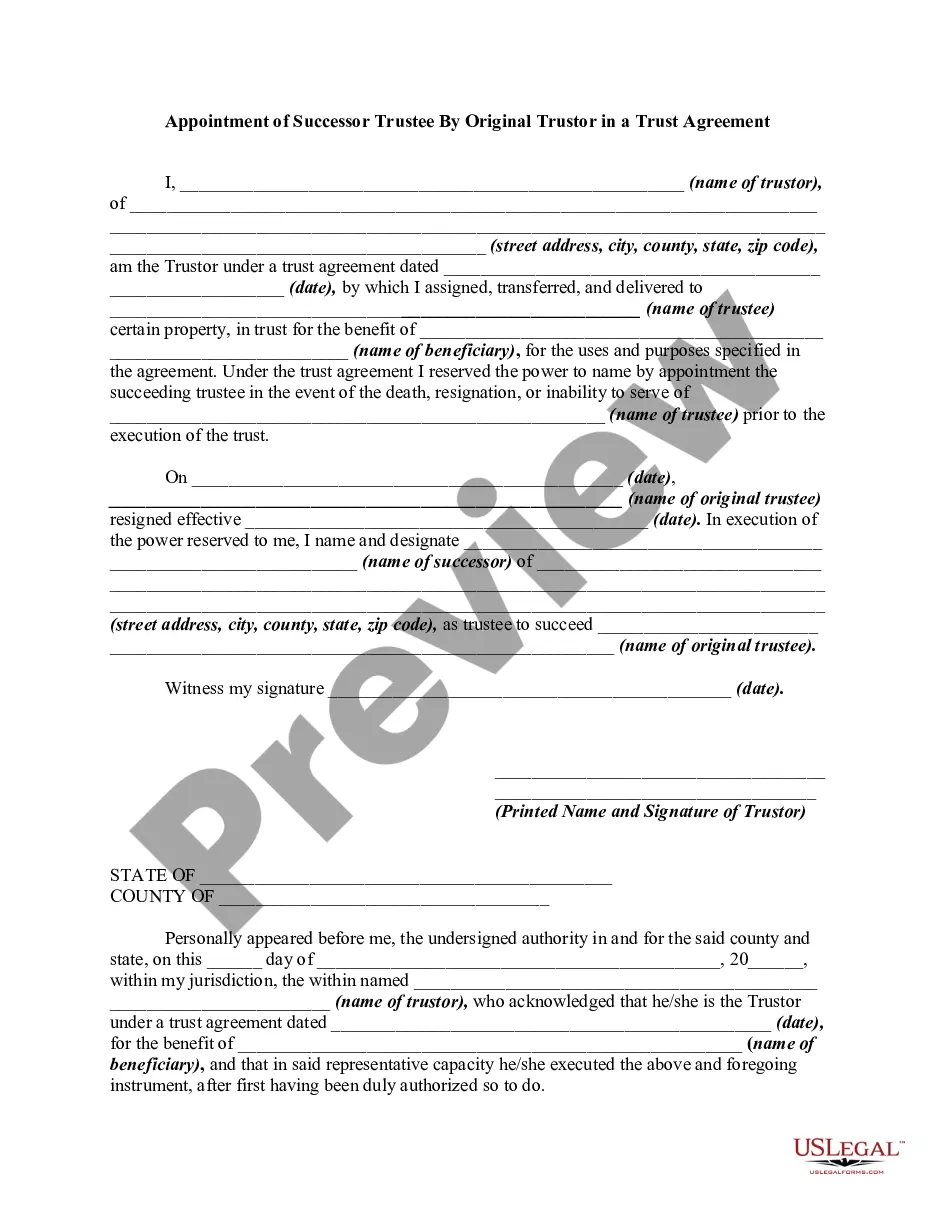
A Petition is filed under PC 17200 to appoint a successor trustee. All trustees and beneficiaries sign a consent. At least one beneficiary or trustee signs a nomination of a new trustee. Always look to the trust to see if a successor is named.
To change the trustee of an irrevocable trust, adhere to the Trust's provisions. Typically, send a written notice for the Trustee's removal. After this step, the Trustee resigns, and a successor is appointed. If someone else holds the right for trustee modifications, coordinate with them for the process.
The trust deed itself may contain express powers of appointing, retiring and removing trustees. It is usual for the settlor of the trust to retain this power or for an independent person (called an appointor) to be given the power.