Living Trust Trustee Resignation Form In California
Description
Get your form ready online
Our built-in tools help you complete, sign, share, and store your documents in one place.
Make edits, fill in missing information, and update formatting in US Legal Forms—just like you would in MS Word.
Download a copy, print it, send it by email, or mail it via USPS—whatever works best for your next step.
Sign and collect signatures with our SignNow integration. Send to multiple recipients, set reminders, and more. Go Premium to unlock E-Sign.
If this form requires notarization, complete it online through a secure video call—no need to meet a notary in person or wait for an appointment.
We protect your documents and personal data by following strict security and privacy standards.

Make edits, fill in missing information, and update formatting in US Legal Forms—just like you would in MS Word.

Download a copy, print it, send it by email, or mail it via USPS—whatever works best for your next step.

Sign and collect signatures with our SignNow integration. Send to multiple recipients, set reminders, and more. Go Premium to unlock E-Sign.

If this form requires notarization, complete it online through a secure video call—no need to meet a notary in person or wait for an appointment.

We protect your documents and personal data by following strict security and privacy standards.
Looking for another form?

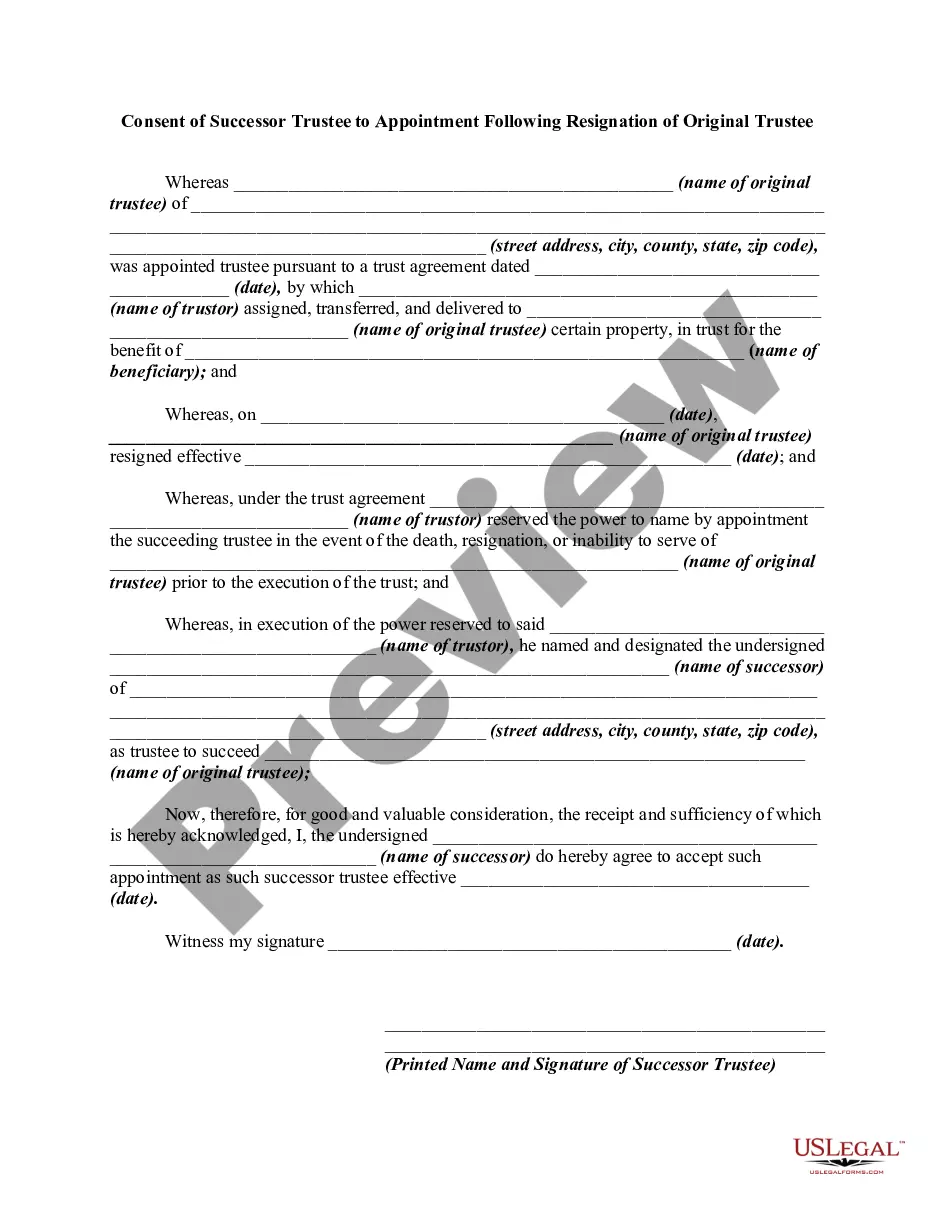
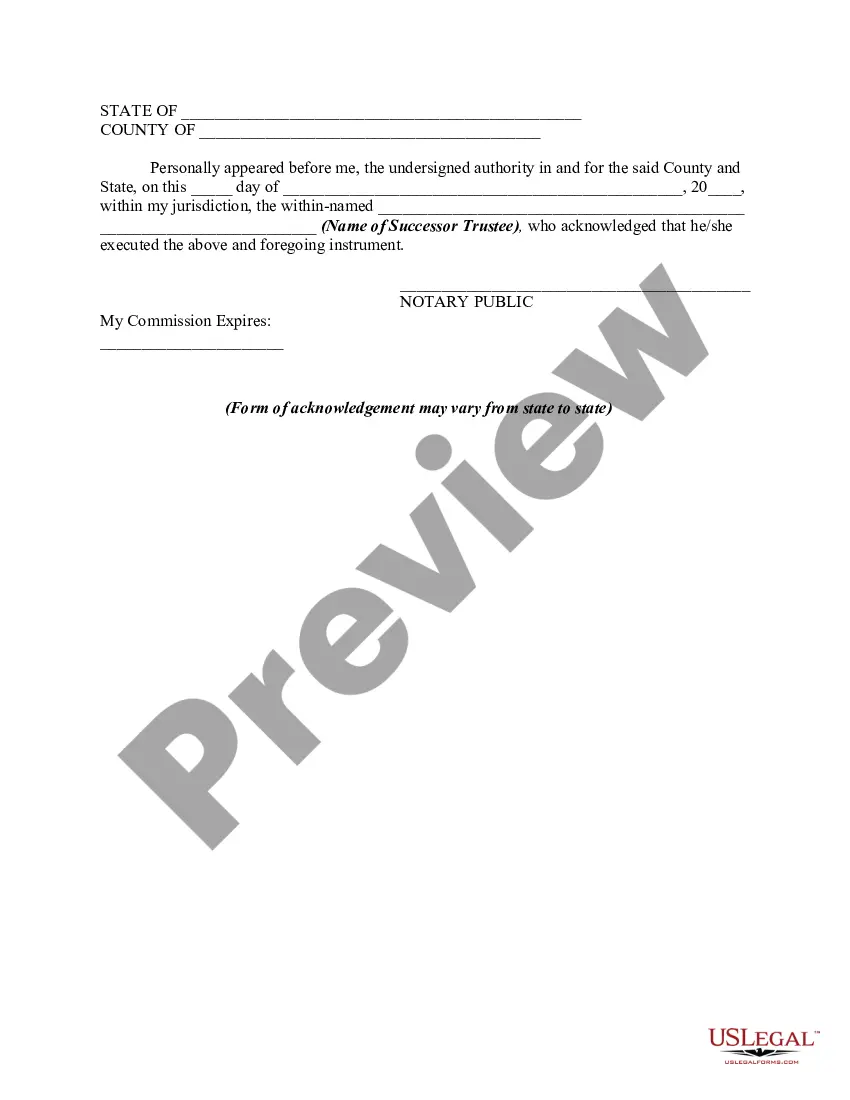
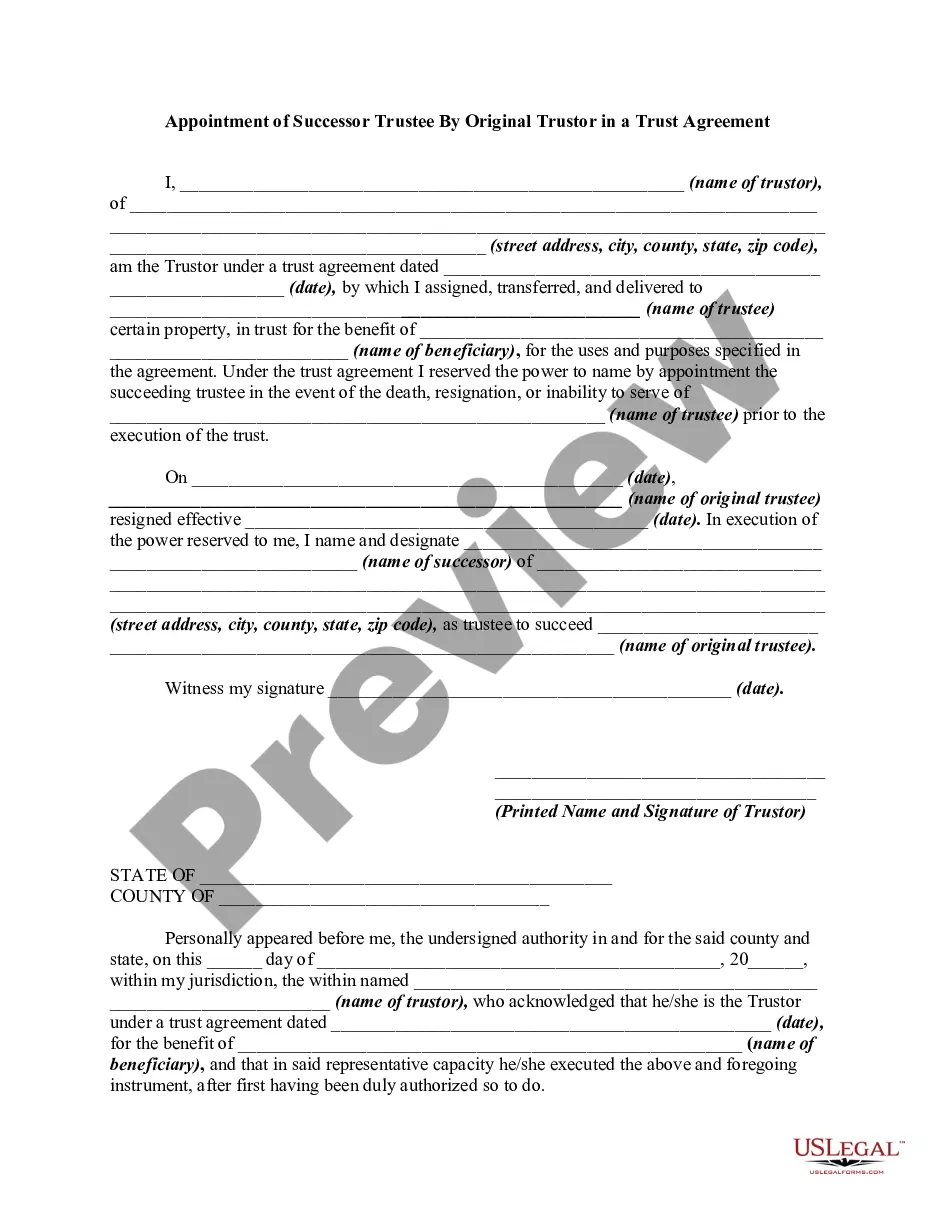
How to fill out Consent Of Successor Trustee To Appointment Following Resignation Of Original Trustee?
Getting a go-to place to access the most recent and relevant legal templates is half the struggle of handling bureaucracy. Choosing the right legal documents needs precision and attention to detail, which is why it is vital to take samples of Living Trust Trustee Resignation Form In California only from reputable sources, like US Legal Forms. A wrong template will waste your time and hold off the situation you are in. With US Legal Forms, you have little to worry about. You may access and check all the information about the document’s use and relevance for the situation and in your state or county.
Take the following steps to complete your Living Trust Trustee Resignation Form In California:
- Make use of the library navigation or search field to locate your template.
- Open the form’s description to see if it matches the requirements of your state and area.
- Open the form preview, if there is one, to make sure the form is definitely the one you are looking for.
- Get back to the search and find the right document if the Living Trust Trustee Resignation Form In California does not match your needs.
- When you are positive regarding the form’s relevance, download it.
- When you are a registered customer, click Log in to authenticate and access your selected templates in My Forms.
- If you do not have an account yet, click Buy now to obtain the template.
- Select the pricing plan that fits your needs.
- Go on to the registration to finalize your purchase.
- Complete your purchase by picking a payment method (credit card or PayPal).
- Select the document format for downloading Living Trust Trustee Resignation Form In California.
- When you have the form on your device, you can change it with the editor or print it and complete it manually.
Remove the inconvenience that comes with your legal documentation. Explore the comprehensive US Legal Forms collection where you can find legal templates, check their relevance to your situation, and download them immediately.
Form popularity
FAQ
In that case, the trustee may resign either by obtaining consent from the appropriate parties or by filing a petition to resign with the probate court. California Probate Code §17200 allows a trustee to petition the court to accept their resignation as trustee.
How do I resign as trustee? ing to California Probate Code §15640, a trustee may only resign by one of the following methods: Any procedure outlined in the trust instrument. Obtaining the consent of the person who can revoke the trust (if the trust is revocable).
The Trustee can file a Petition in Probate Court for resignation. The Court will typically appoint a neutral licensed professional fiduciary. In some instances, a Trustee refuses to resign. Beneficiaries can file a Petition in Probate Court to remove the Trustee.
I, __________________, Trustee of __________________________________ do. hereby resign on _______________ (Date) all of my Trustee responsibilities, rights, title, and any other interest whatsoever I may have or had in this trust or trusts.
A resignation is a formal document that needs to be in writing and signed by the trustee but does not need to be notarized unless the trust language requires it.