Contract With Designer Forward
Description
Get your form ready online
Our built-in tools help you complete, sign, share, and store your documents in one place.
Make edits, fill in missing information, and update formatting in US Legal Forms—just like you would in MS Word.
Download a copy, print it, send it by email, or mail it via USPS—whatever works best for your next step.
Sign and collect signatures with our SignNow integration. Send to multiple recipients, set reminders, and more. Go Premium to unlock E-Sign.
If this form requires notarization, complete it online through a secure video call—no need to meet a notary in person or wait for an appointment.
We protect your documents and personal data by following strict security and privacy standards.

Make edits, fill in missing information, and update formatting in US Legal Forms—just like you would in MS Word.

Download a copy, print it, send it by email, or mail it via USPS—whatever works best for your next step.

Sign and collect signatures with our SignNow integration. Send to multiple recipients, set reminders, and more. Go Premium to unlock E-Sign.

If this form requires notarization, complete it online through a secure video call—no need to meet a notary in person or wait for an appointment.

We protect your documents and personal data by following strict security and privacy standards.
Looking for another form?




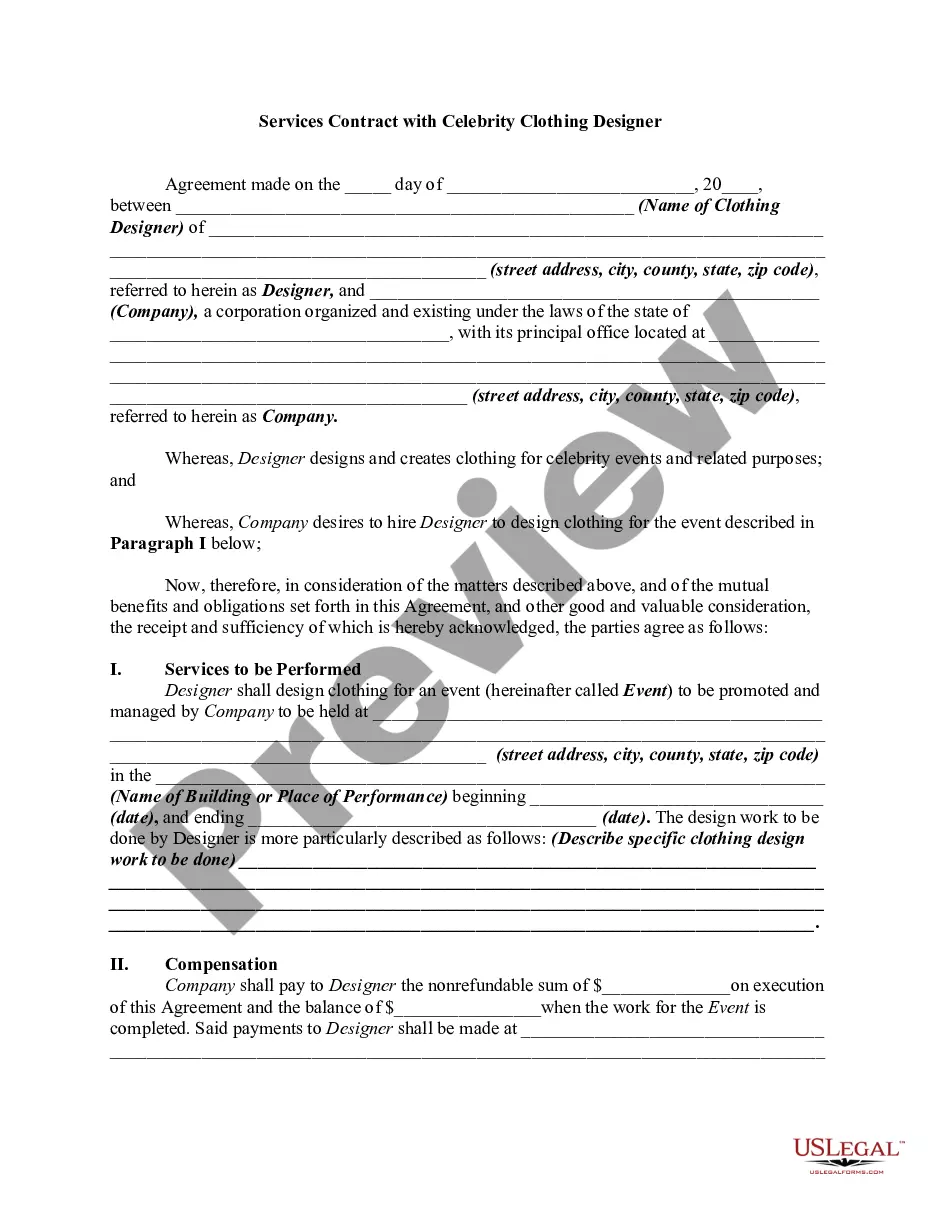
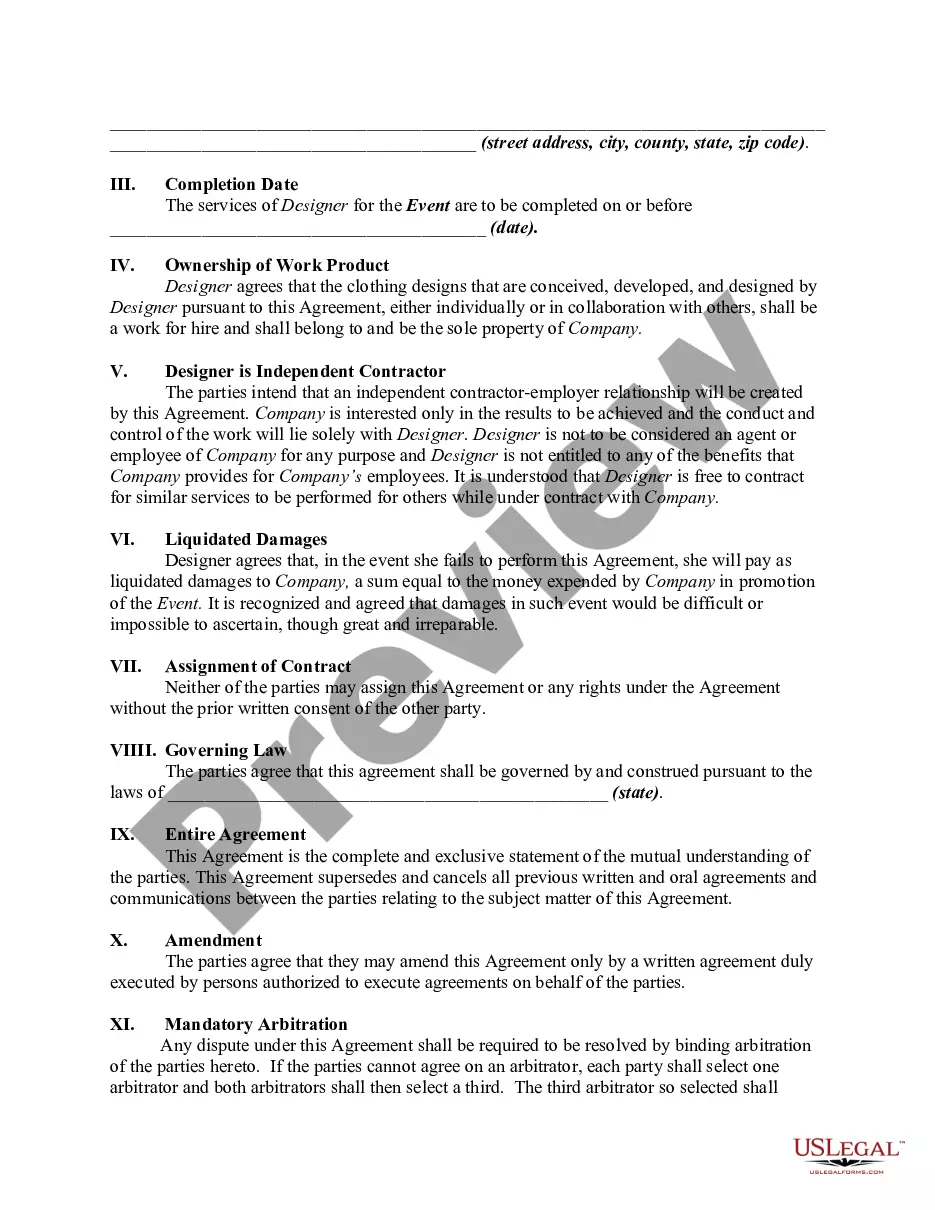
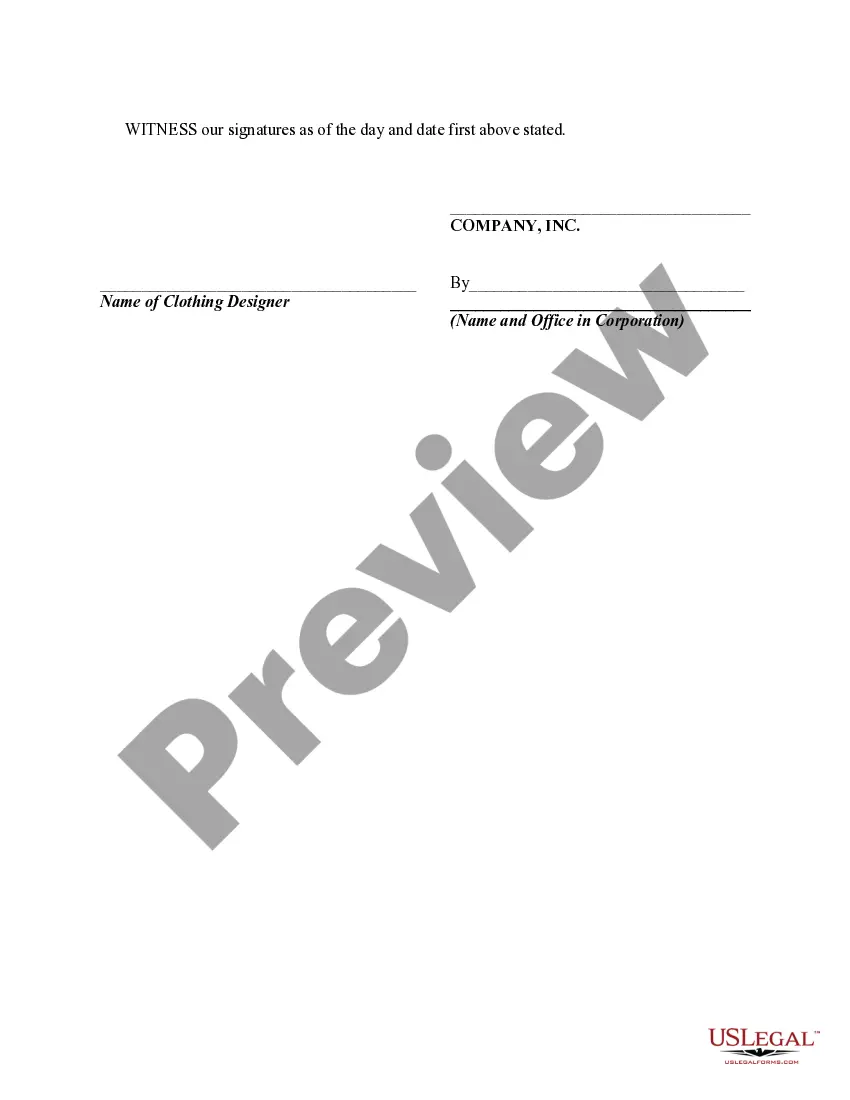
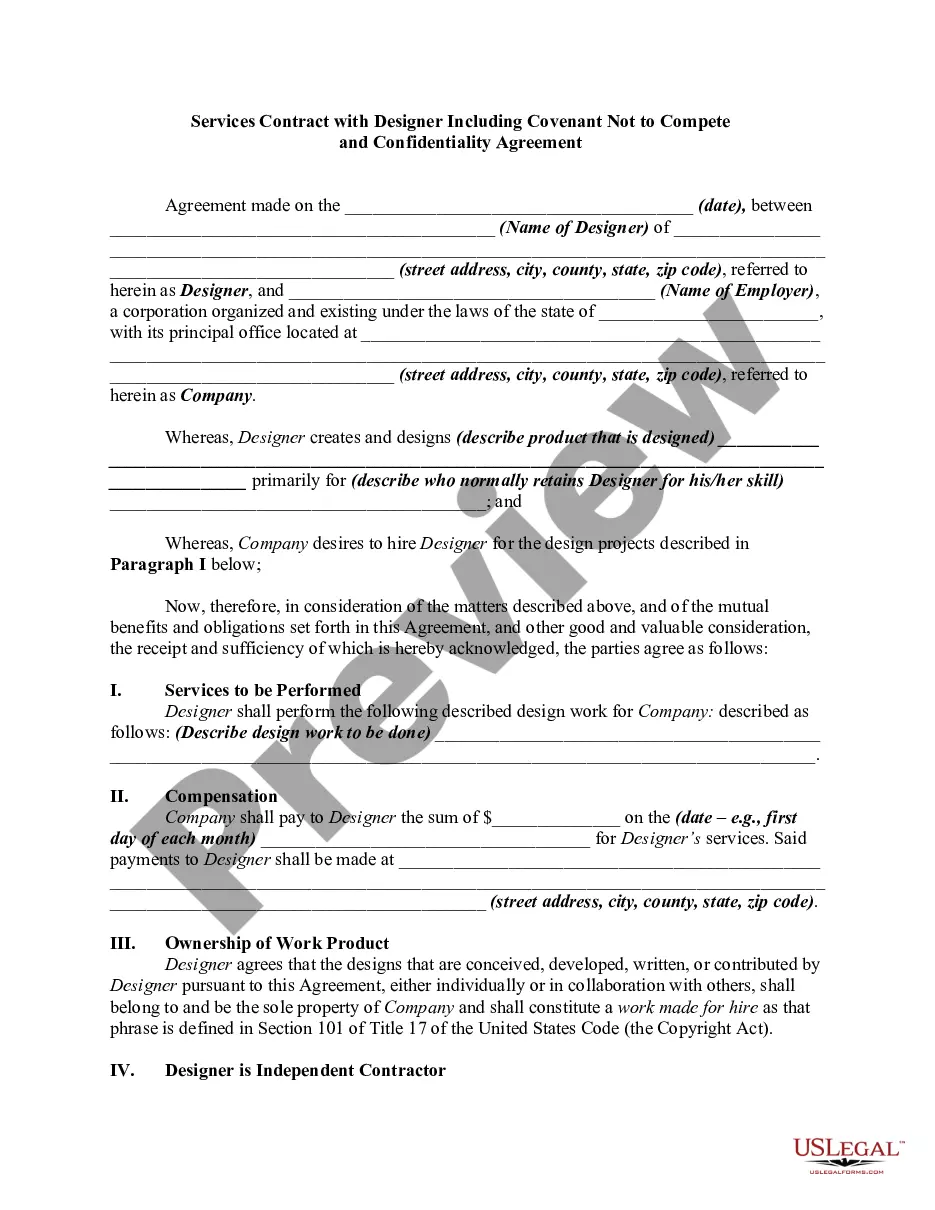
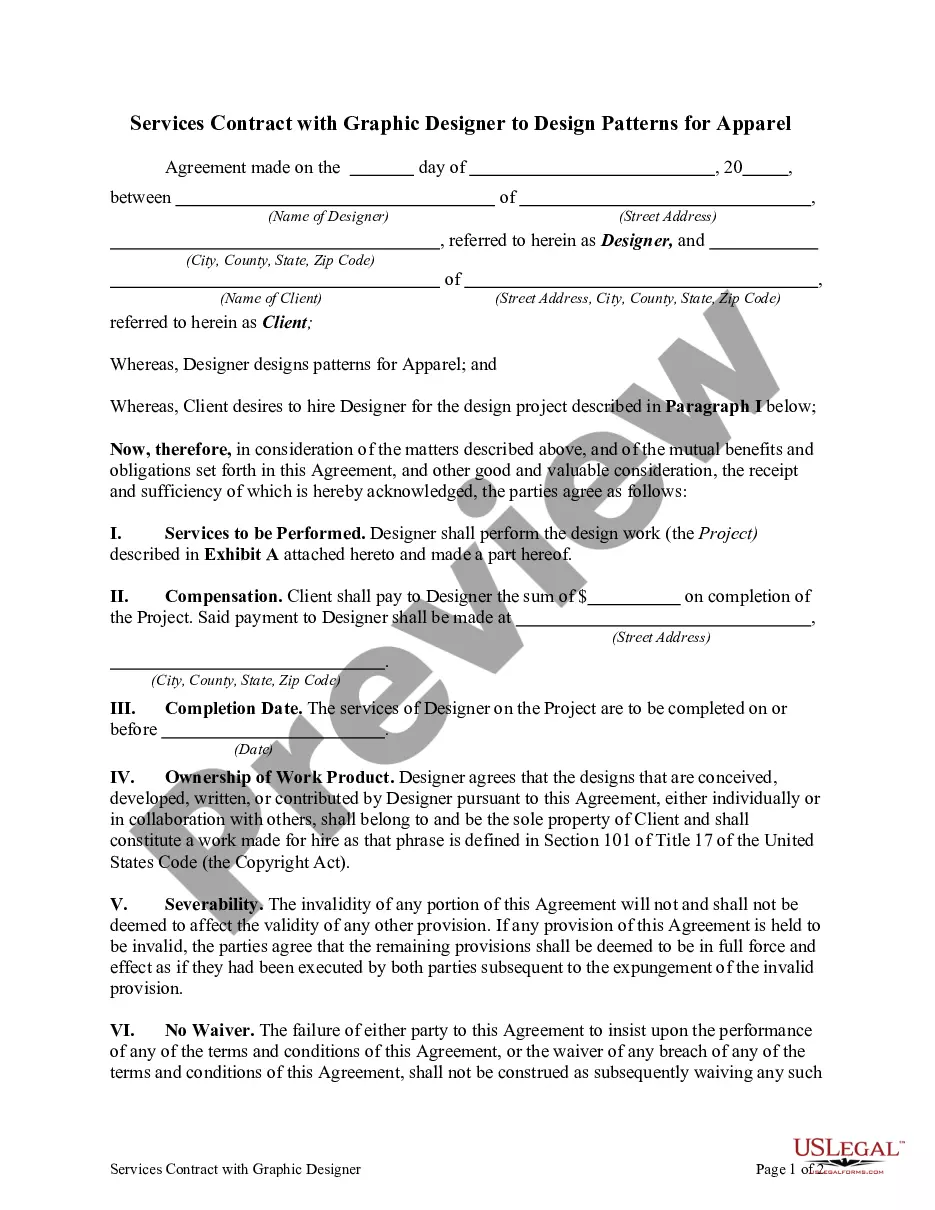
How to fill out Services Contract With Celebrity Clothing Designer?
Precisely crafted official documents are one of the essential assurances for preventing issues and disputes, but obtaining them without the assistance of an attorney may require patience.
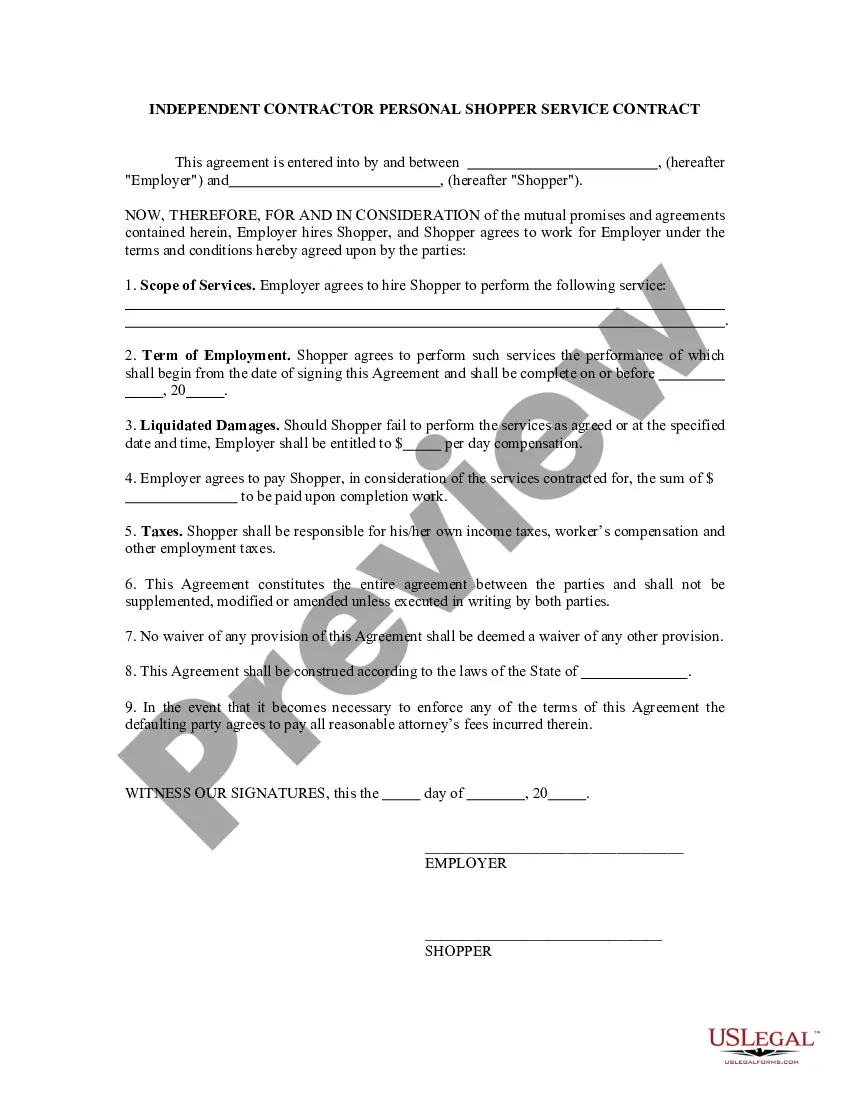
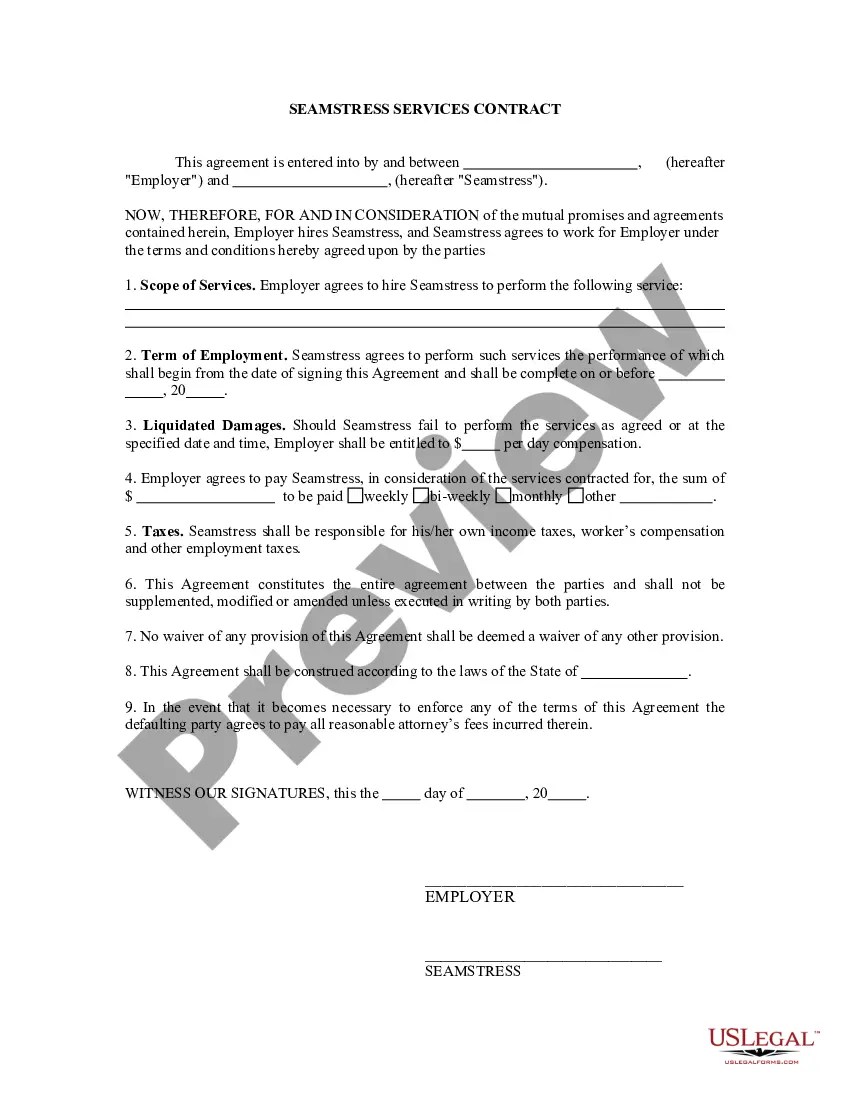
Whether you need to swiftly locate a current Agreement With Designer Forward or any other templates for employment, familial, or commercial scenarios, US Legal Forms is consistently available to assist.
The procedure is even more straightforward for current users of the US Legal Forms library. If your subscription is active, you just need to Log In to your account and click the Download button next to the chosen document. Additionally, you can retrieve the Agreement With Designer Forward at any time since all documents previously acquired on the platform are accessible within the My documents tab of your profile. Save time and money on preparing official documents. Experience US Legal Forms today!
- Ensure that the document is appropriate for your situation and locality by reviewing the description and preview.
- Search for an additional sample (if necessary) using the Search bar in the header of the page.
- Hit Buy Now when you identify the suitable template.
- Choose the pricing package, Log In to your account or create a new one.
- Select your preferred payment method to acquire the subscription plan (through a credit card or PayPal).
- Choose the PDF or DOCX file format for your Agreement With Designer Forward.
- Hit Download, then print the template to complete it or incorporate it into an online editor.
Form popularity
FAQ
Write the contract in six stepsStart with a contract template.Open with the basic information.Describe in detail what you have agreed to.Include a description of how the contract will be ended.Write into the contract which laws apply and how disputes will be resolved.Include space for signatures.
What You Should Include in Your Freelance Design Contract TemplateDetailed descriptions of the work you'll be doing.Timeline for deliverables (including dates to aim for so you can create a work-back schedule)Payment details (overall cost, down payment, method of payment, due dates for payments, including late fees)More items...?
The simple answer is YES. You can write your own contracts. There is no requirement that they must be written by a lawyer. There is no requirement that they have to be a certain form or font.
Steps For A Legal Agreement Between Two PartiesIt should be in writing.Deal with the right person.Parties detail should be mention correctly.Specify each detail in a legal agreement.Payment obligations shall be clear.Termination Clause shall be mentioned.Dispute resolution.Pick a state law to govern the agreement.More items...?
Successfully Negotiating With Web Design ClientsKnow Your Worth.Know Your Market.Know Your Client.Know the Difference Between Value and Price.Learn How to Say No.Always Use a Written Contract.Never Ignore the Upsell.Don't Offer Freebies.More items...