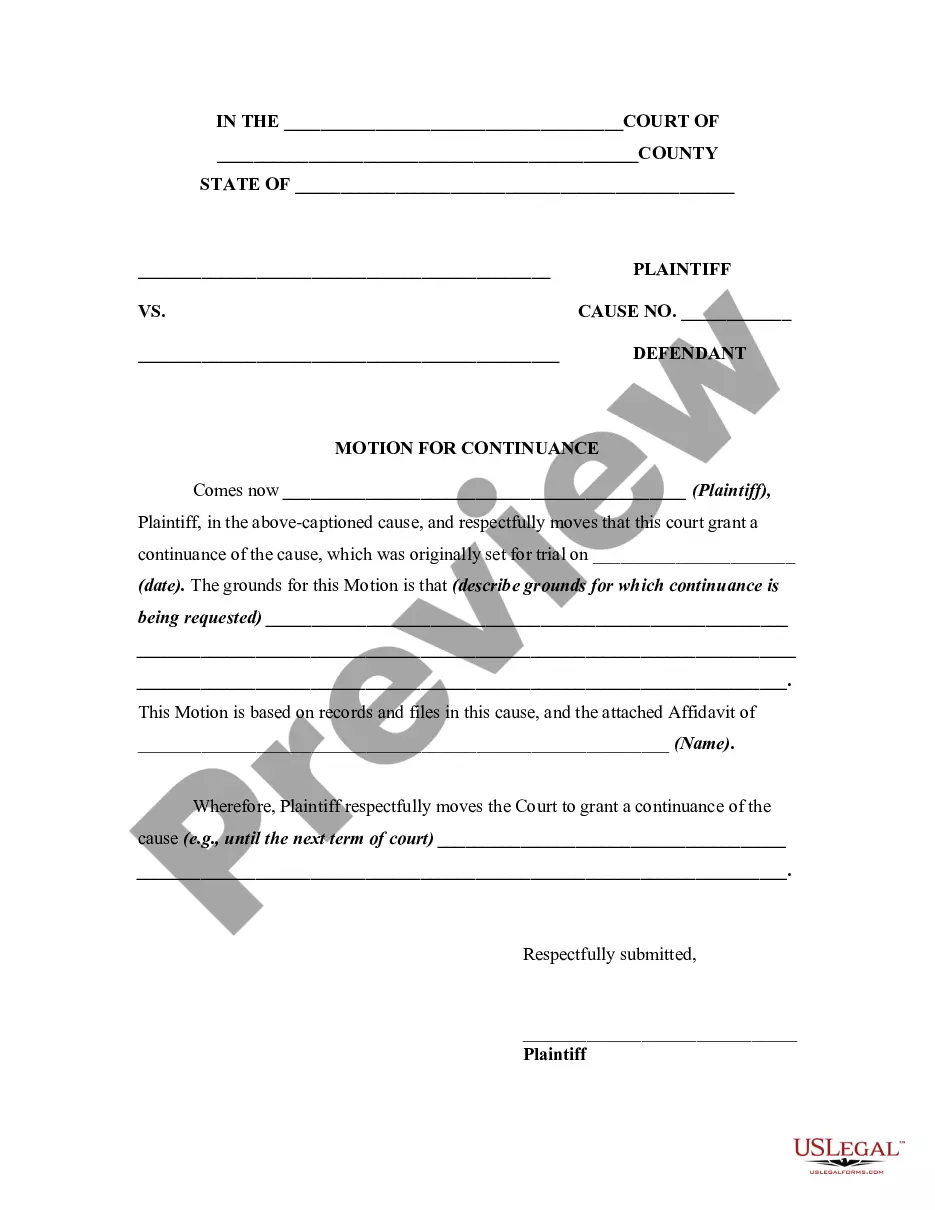
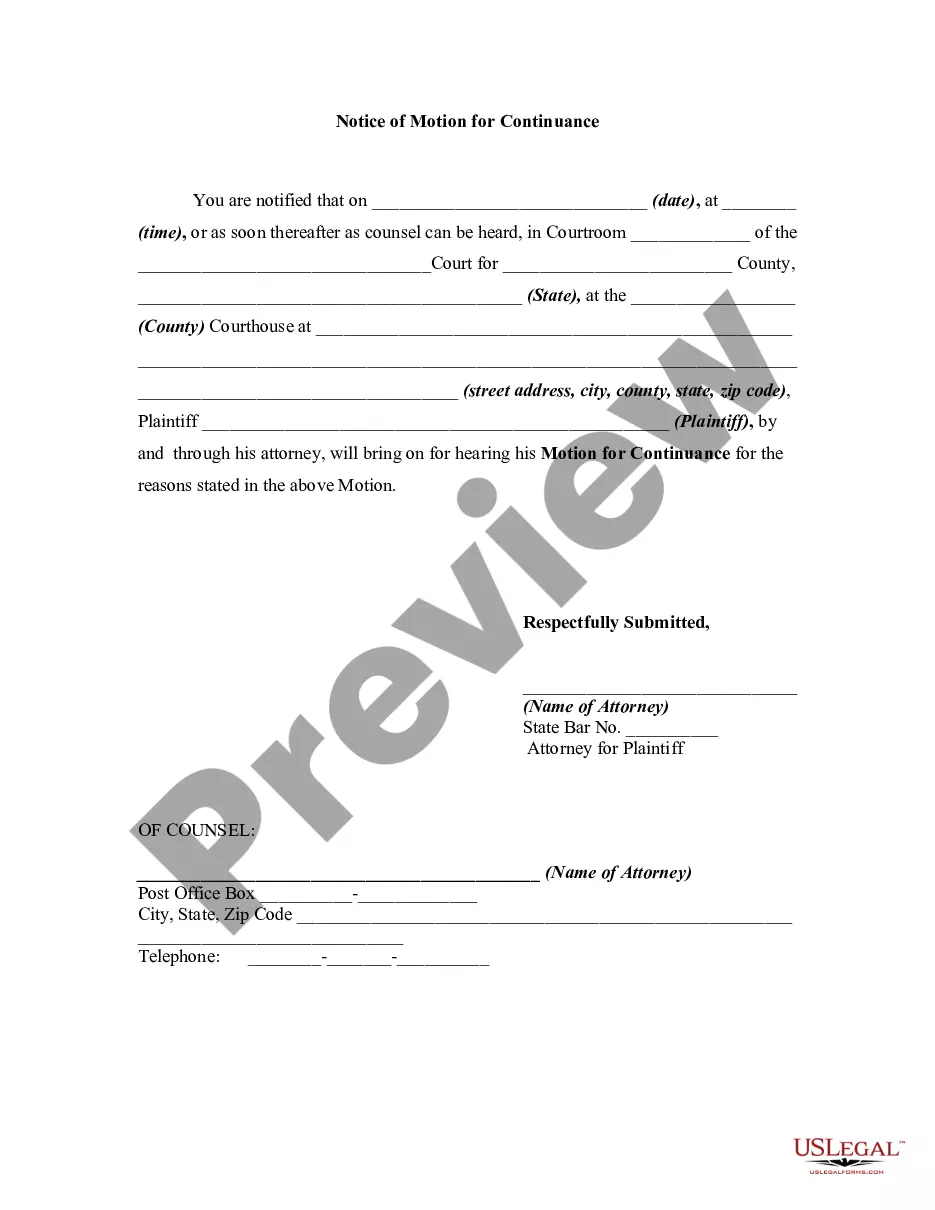
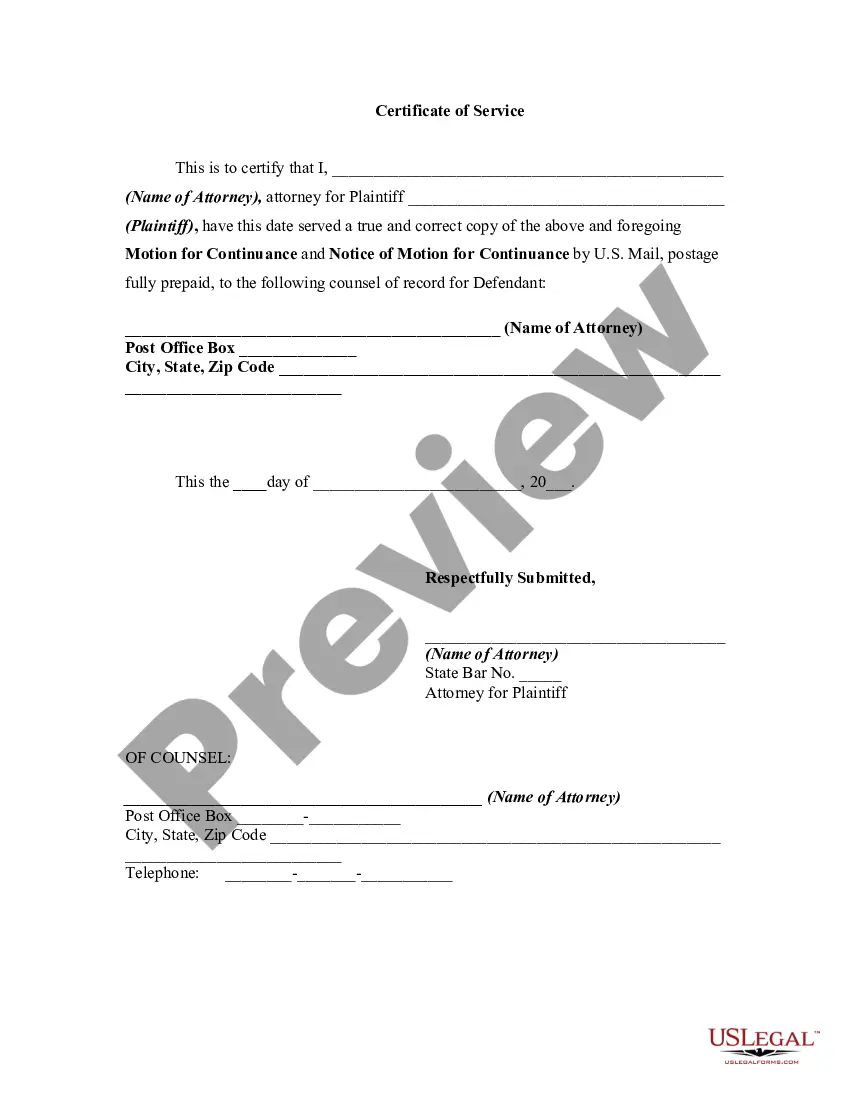
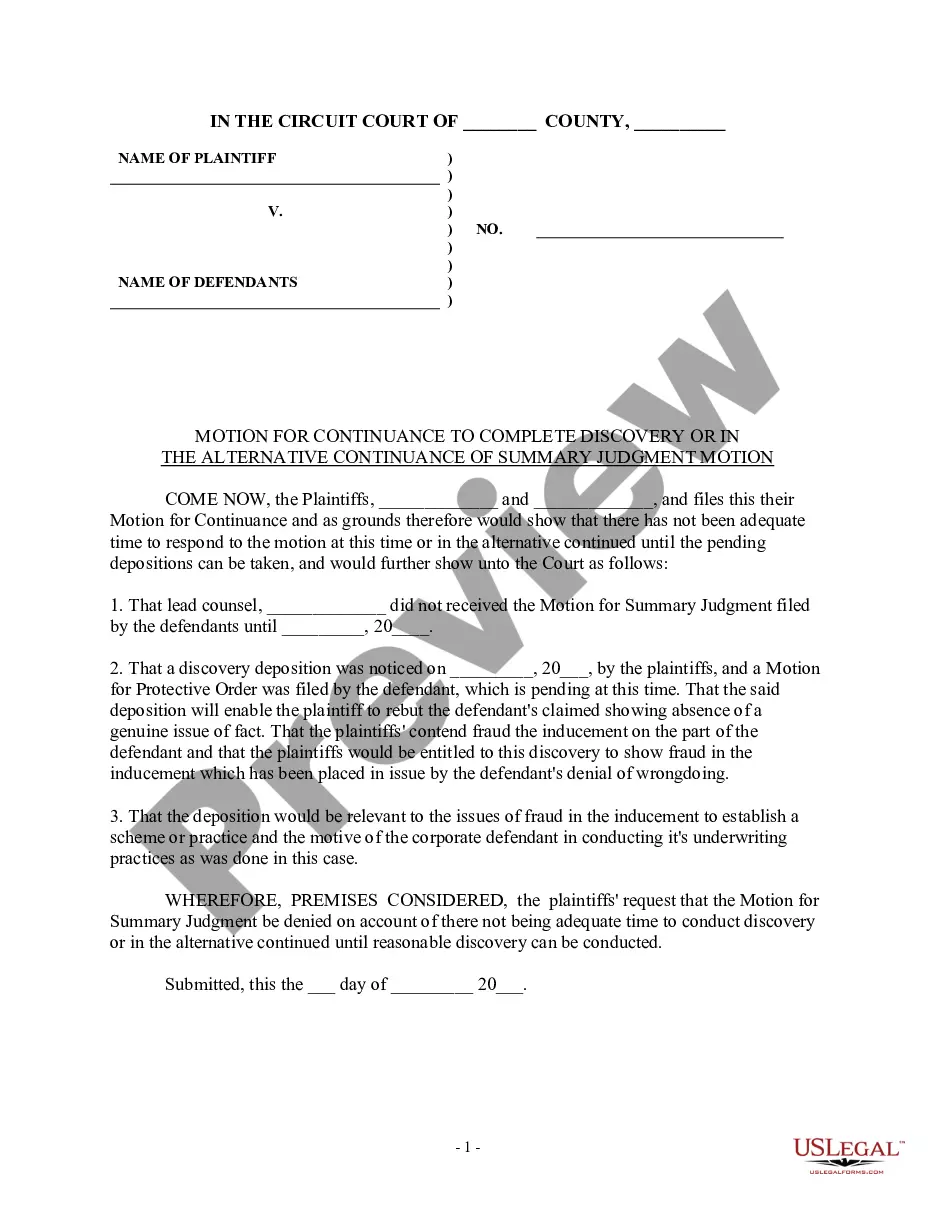
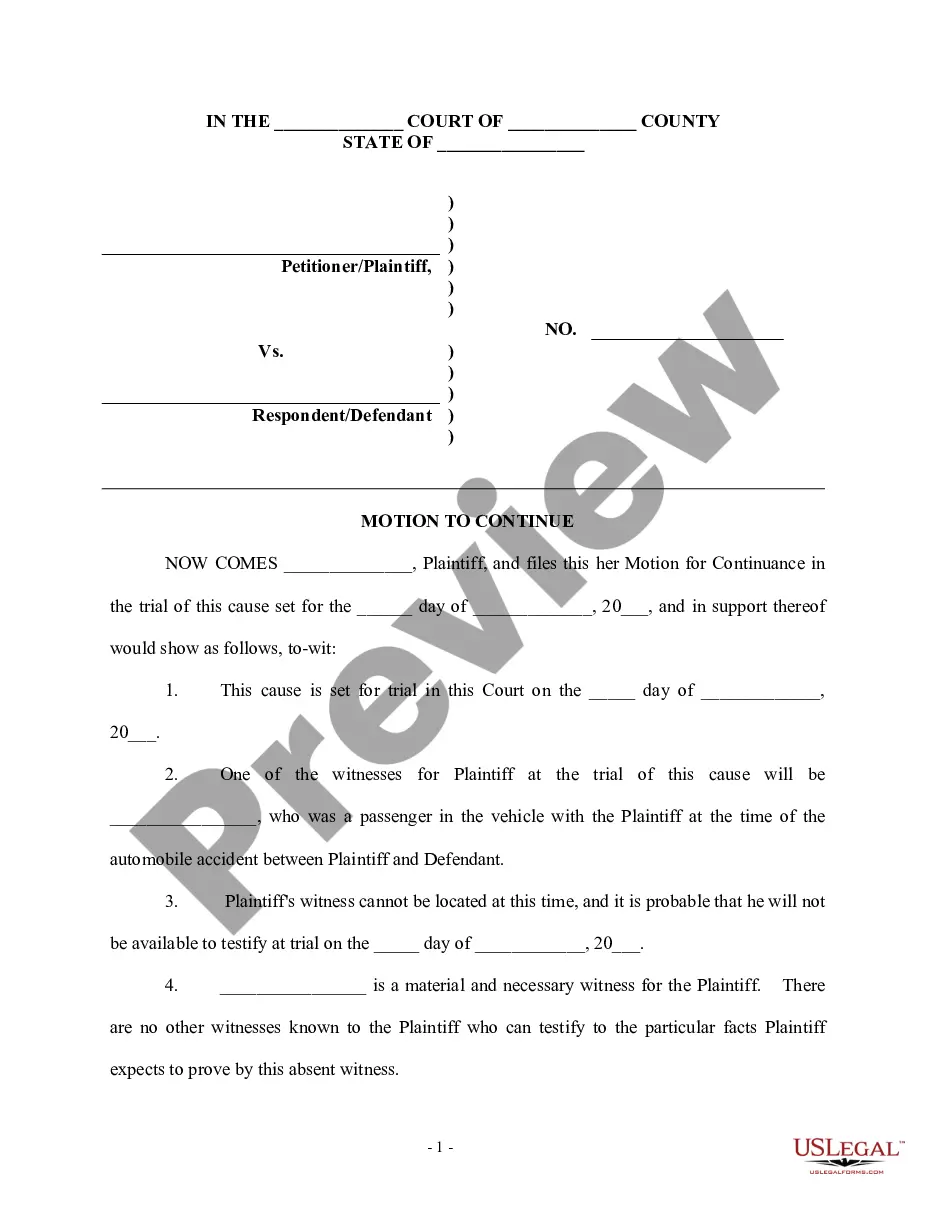
Example Of Motion For Continuance Form New Hampshire

Description
Get your form ready online
Our built-in tools help you complete, sign, share, and store your documents in one place.
Make edits, fill in missing information, and update formatting in US Legal Forms—just like you would in MS Word.
Download a copy, print it, send it by email, or mail it via USPS—whatever works best for your next step.
Sign and collect signatures with our SignNow integration. Send to multiple recipients, set reminders, and more. Go Premium to unlock E-Sign.
If this form requires notarization, complete it online through a secure video call—no need to meet a notary in person or wait for an appointment.
We protect your documents and personal data by following strict security and privacy standards.

Make edits, fill in missing information, and update formatting in US Legal Forms—just like you would in MS Word.

Download a copy, print it, send it by email, or mail it via USPS—whatever works best for your next step.

Sign and collect signatures with our SignNow integration. Send to multiple recipients, set reminders, and more. Go Premium to unlock E-Sign.

If this form requires notarization, complete it online through a secure video call—no need to meet a notary in person or wait for an appointment.

We protect your documents and personal data by following strict security and privacy standards.
Looking for another form?


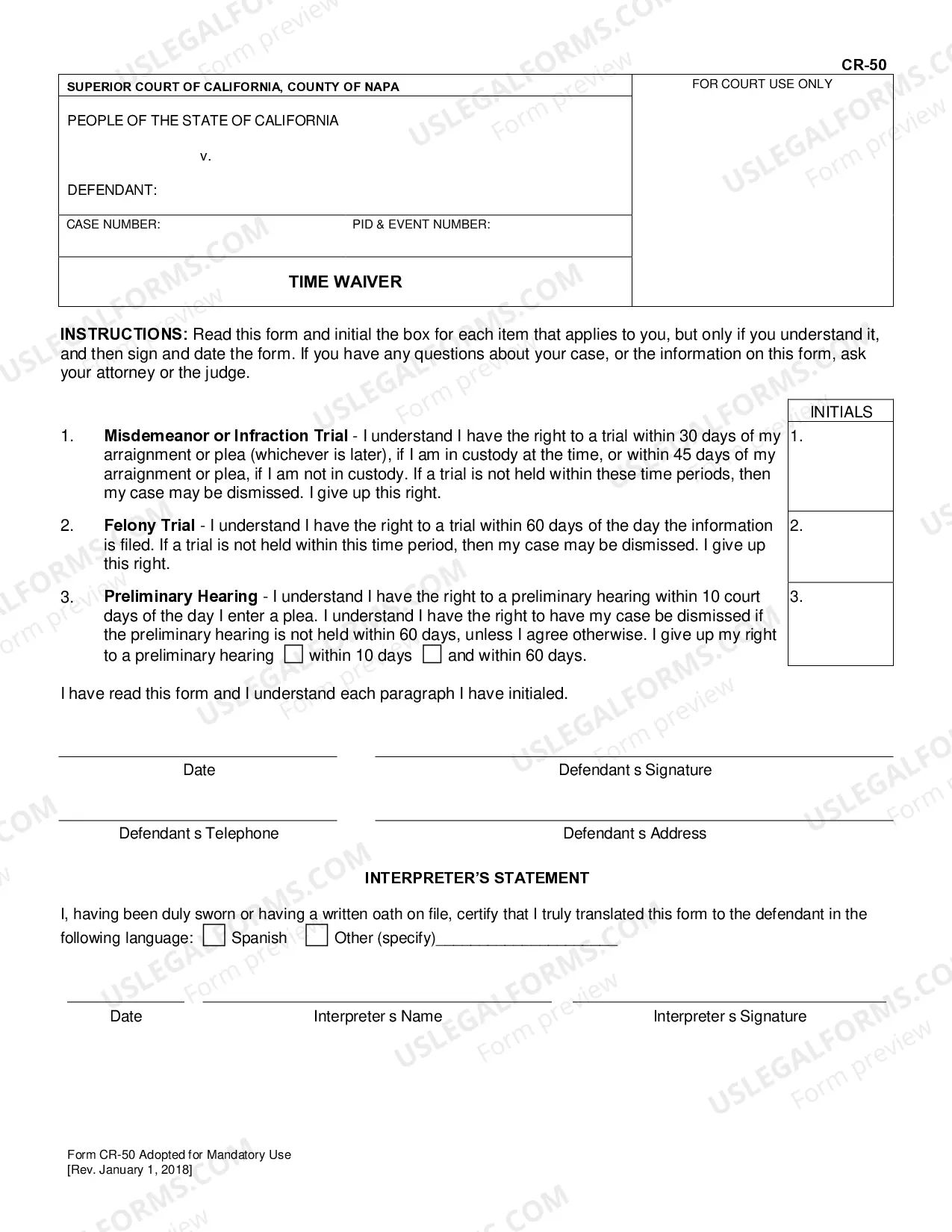



How to fill out Generic Motion For Continuance And Notice Of Motion?
Whether for corporate reasons or for individual matters, everyone must confront legal issues at some point in their lifetime.
Filling out legal documents requires meticulous care, beginning with choosing the correct form example.
With a vast US Legal Forms catalog available, you never need to waste time searching for the correct template online. Utilize the library’s user-friendly navigation to find the proper template for any situation.
- Retrieve the template you require via the search bar or catalog browsing.
- Review the form’s description to confirm it corresponds with your case, state, and locality.
- Click on the form’s preview to examine it.
- If it is the wrong form, return to the search feature to locate the Example Of Motion For Continuance Form New Hampshire sample you need.
- Download the document if it satisfies your requirements.
- If you already possess a US Legal Forms account, click Log in to access previously saved templates in My documents.
- If you haven’t created an account yet, you can obtain the form by clicking Buy now.
- Select the suitable pricing option.
- Complete the profile registration form.
- Choose your payment method: use a credit card or PayPal account.
- Select the document format you prefer and download the Example Of Motion For Continuance Form New Hampshire.
- Once downloaded, you can complete the form using editing software or print it out and finish it by hand.
Form popularity
FAQ
Follow these easy steps to download your report: Log in to myEquifax. Click on the Credit Report link in the left navigation menu. Click on the red PDF Download / PRINT button in the top right of your screen. A PDF of your Equifax Canada credit report will be downloaded and saved in your computer's downloads folder.
From your browser, select File > Print. This should open your printer options and allow you to print or save your credit report. You can also use control + P or command + P to bring up the print window. From your computer's Print screen, you can choose to print or save as a PDF.
You may request your reports: Online by visiting AnnualCreditReport.com. By calling 1-877-322-8228 (TTY: 1-800-821-7232) By filling out the Annual Credit Report request form and mailing it to: Annual Credit Report Request Service. PO Box 105281. Atlanta, GA 30348-5281.
You can request and review your free report through one of the following ways: Online: Visit AnnualCreditReport.com. Phone: Call (877) 322-8228. Mail: Download and complete the Annual Credit Report Request form.
Online: You can ask for your free annual credit report from . Make sure you are on this site before ordering your report. This is the official site, authorized by the Federal government, for you to get your free reports.
Go to annualcreditreport.com. ... Click ?Get Report? Fill out information ? basic form, all you need is social security number, birth date and address. ... Select which of Experian, TransUnion and Equifax you would like reports from (you should probably do all) and click next.
You might see companies and sites offering free credit reports, but there's only one authorized place to get the free annual credit reports you're entitled to by law: AnnualCreditReport.com.
In addition, all consumers are entitled to one free disclosure every 12 months upon request from each nationwide credit bureau and from nationwide specialty consumer reporting agencies. See .consumerfinance.gov/learnmore for additional information.