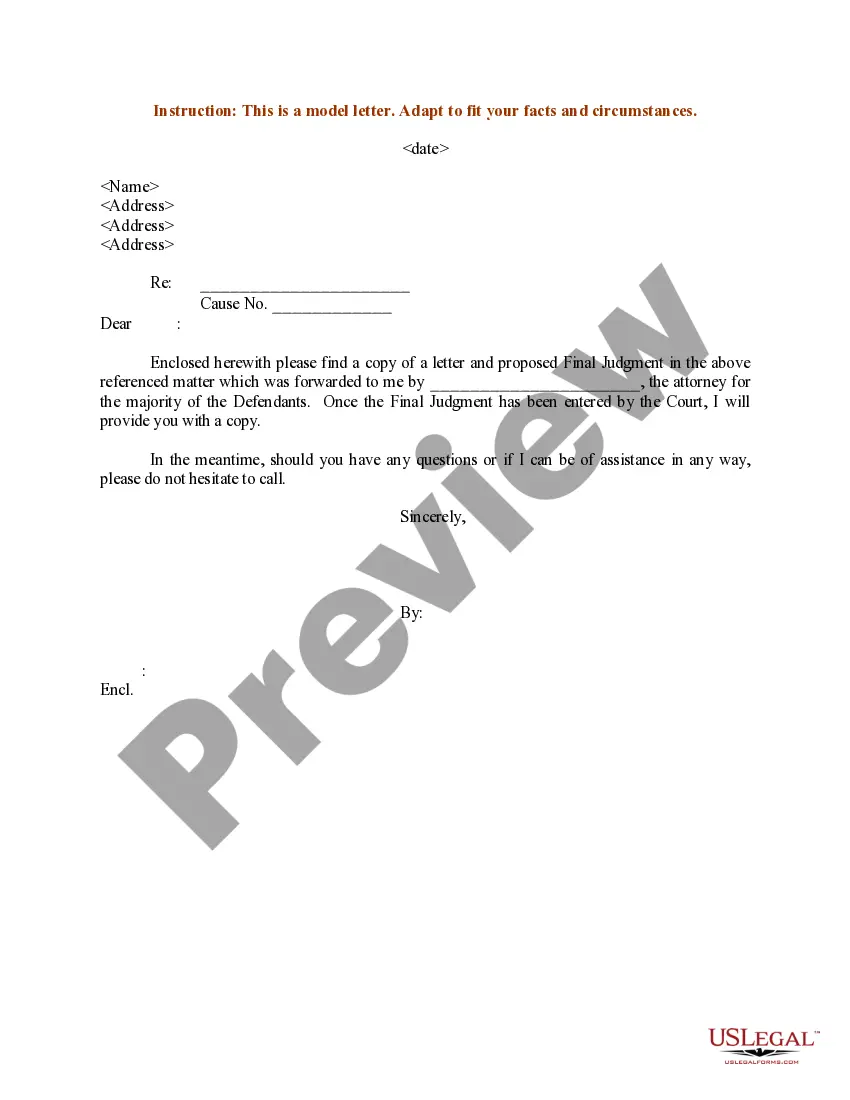
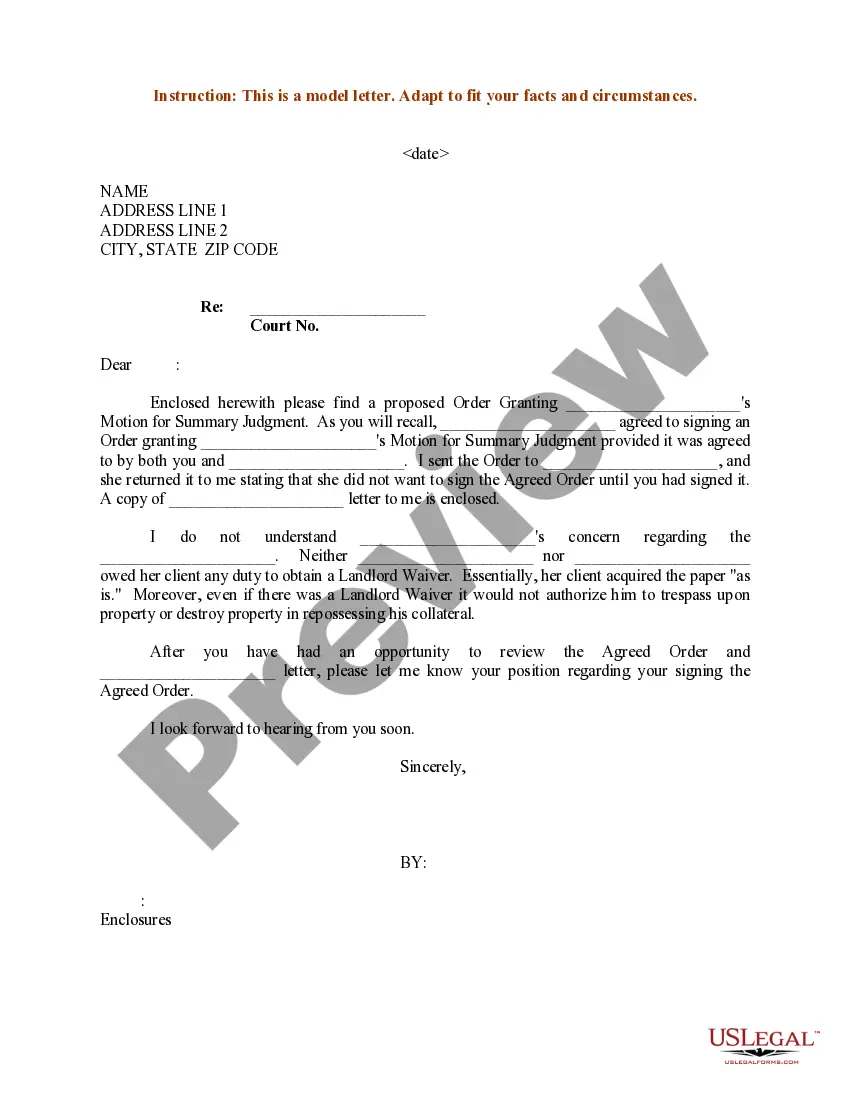
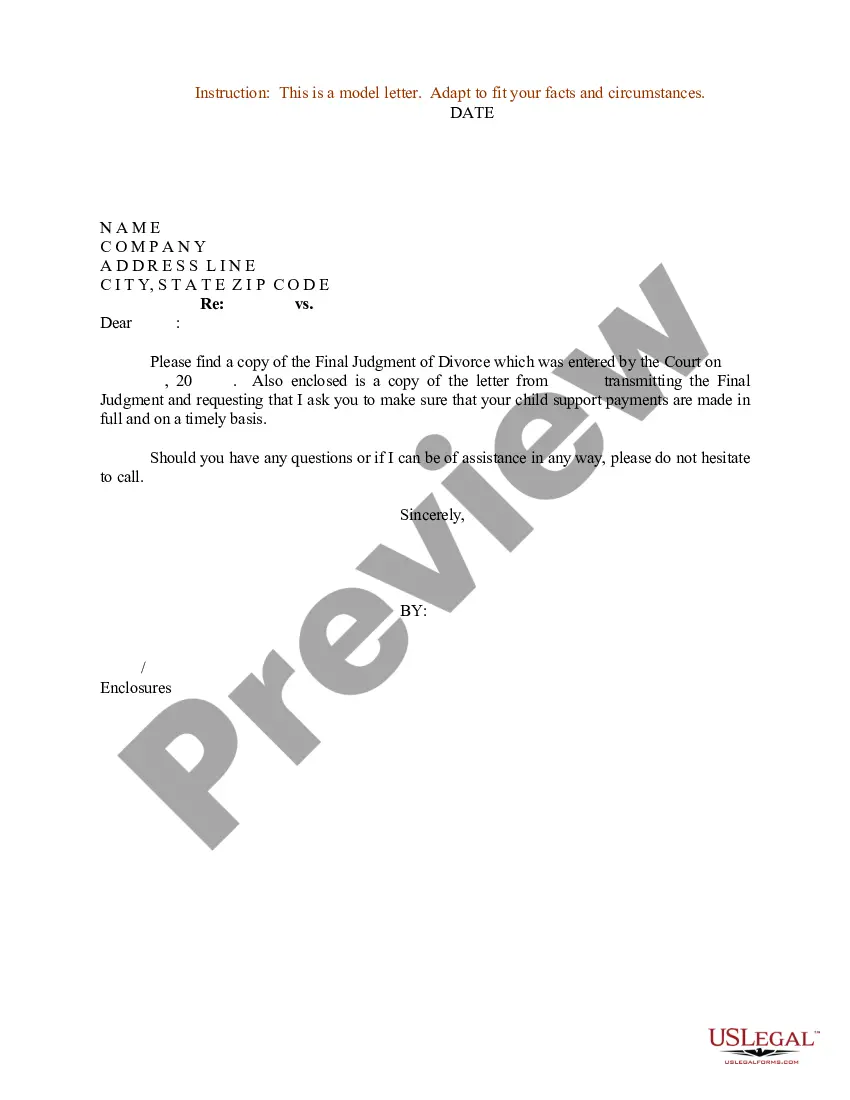
Sample Proposed Order With Notice Of Settlement
Description

Get your form ready online
Our built-in tools help you complete, sign, share, and store your documents in one place.
Make edits, fill in missing information, and update formatting in US Legal Forms—just like you would in MS Word.
Download a copy, print it, send it by email, or mail it via USPS—whatever works best for your next step.
Sign and collect signatures with our SignNow integration. Send to multiple recipients, set reminders, and more. Go Premium to unlock E-Sign.
If this form requires notarization, complete it online through a secure video call—no need to meet a notary in person or wait for an appointment.
We protect your documents and personal data by following strict security and privacy standards.

Make edits, fill in missing information, and update formatting in US Legal Forms—just like you would in MS Word.

Download a copy, print it, send it by email, or mail it via USPS—whatever works best for your next step.

Sign and collect signatures with our SignNow integration. Send to multiple recipients, set reminders, and more. Go Premium to unlock E-Sign.

If this form requires notarization, complete it online through a secure video call—no need to meet a notary in person or wait for an appointment.

We protect your documents and personal data by following strict security and privacy standards.
Looking for another form?
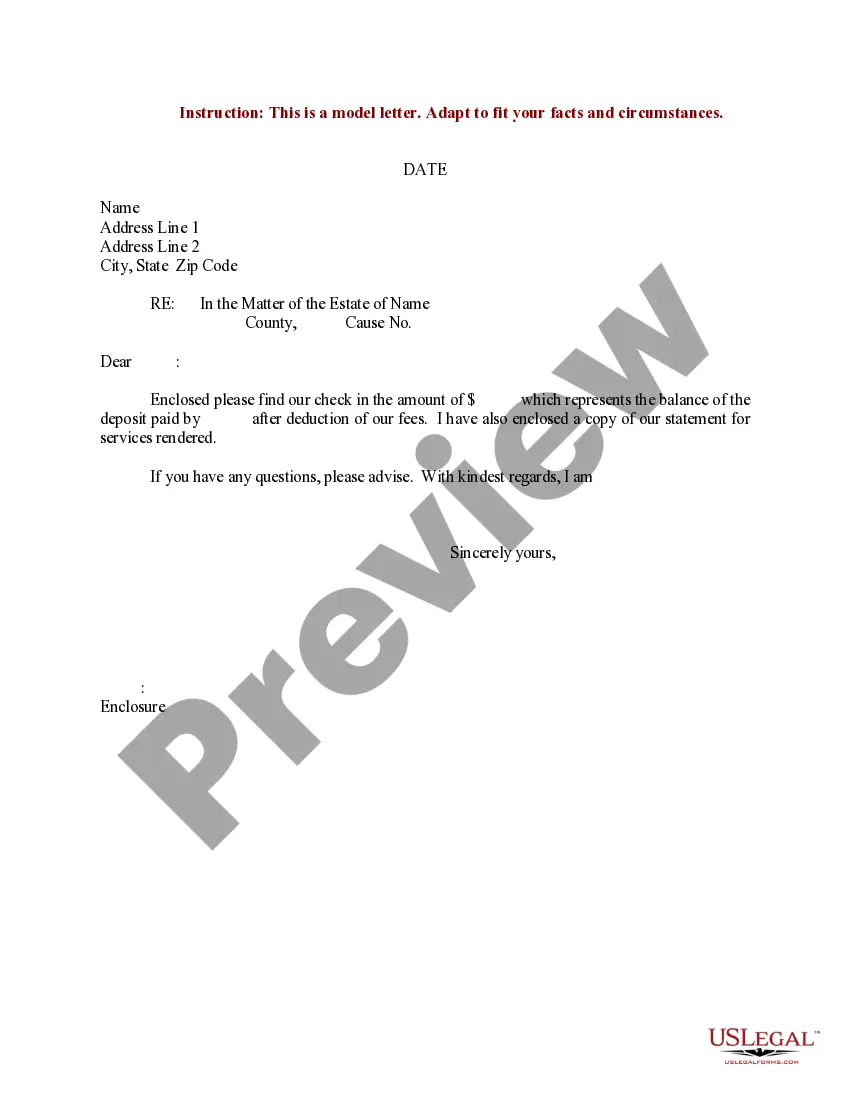




How to fill out Sample Letter For Proposed Final Judgment?
Whether for corporate reasons or personal issues, everyone eventually has to deal with legal matters in their lifetime.
Completing legal documents requires meticulous care, starting with selecting the correct form template.
After downloading it, you can fill out the form using editing software or print it and complete it by hand. With an extensive US Legal Forms catalog available, you won't need to waste time searching for the right template online. Utilize the library’s straightforward navigation to find the suitable form for any circumstance.
- Obtain the template you need by using the search bar or catalog browsing.
- Review the form’s description to confirm it corresponds to your situation, state, and county.
- Click on the form’s preview to examine it.
- If it is the wrong form, return to the search feature to find the Sample Proposed Order With Notice Of Settlement version you require.
- Download the template once it fits your specifications.
- If you already have a US Legal Forms account, just click Log in to access previously saved documents in My documents.
- If you do not possess an account yet, you can acquire the form by clicking Buy now.
- Choose the appropriate pricing option.
- Complete the account registration form.
- Select your payment method: use a credit card or PayPal account.
- Pick the document format you desire and download the Sample Proposed Order With Notice Of Settlement.
Form popularity
FAQ
A judgment can be considered invalid if it was rendered without proper jurisdiction or if it violates due process rights. Other reasons include failure to follow procedural norms or relying on incorrect information presented to the court. To prevent such issues, utilizing a sample proposed order with notice of settlement can help ensure that your case is presented accurately and fairly.
The party prevailing in the case typically files the notice of entry of judgment. This document formally informs the court and parties of the judgment rendered. By utilizing a sample proposed order with notice of settlement, you can ensure that the correct procedures are followed, leading to a successful filing.
The purpose of settling an order is not to re-argue the issue; it is to determine the terms of the order pronounced by the court.
An "Order" is a separate document that a judge signs which sets forth the judge's ruling on a motion. A "Judgment" is a separate document that a judge signs and sets forth the judge's ruling at the end of an adversary proceeding.
'Terms of settlement' is a document that sets out the agreement between the parties to settle the dispute. There is no set form for terms of settlement. Terms of settlement can be handwritten at court after discussions between the parties.
Proposed order means the order prepared by the Hearing Examiner at the conclusion of the hearing which is submitted to the parties for their consideration.
If the justice's decision says ?settle order or submit order on notice,? unless otherwise specifically directed by the court, the winning party must prepare the order, attach the order to a notice of settlement and serve it on the other parties to the lawsuit at least five (5) days before its settlement date [ten (10) ...