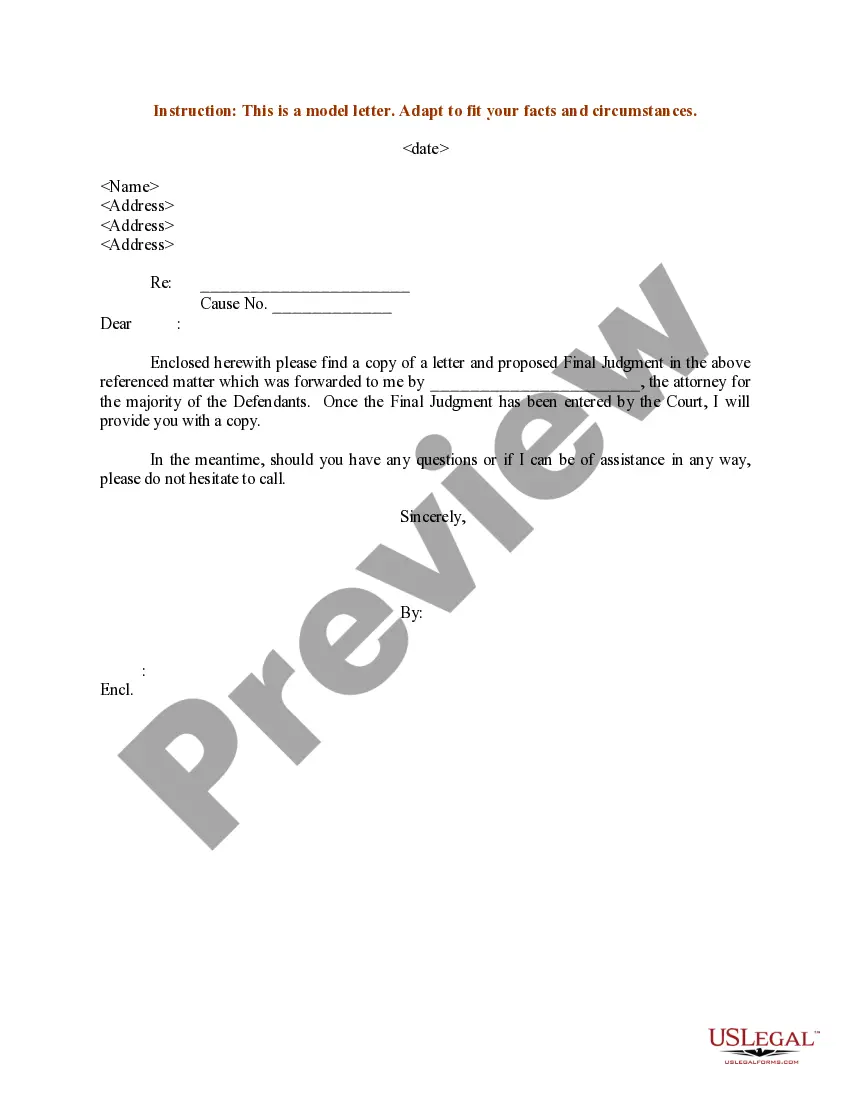
Proposed Judgment Of Divorce
Description
Get your form ready online
Our built-in tools help you complete, sign, share, and store your documents in one place.
Make edits, fill in missing information, and update formatting in US Legal Forms—just like you would in MS Word.
Download a copy, print it, send it by email, or mail it via USPS—whatever works best for your next step.
Sign and collect signatures with our SignNow integration. Send to multiple recipients, set reminders, and more. Go Premium to unlock E-Sign.
If this form requires notarization, complete it online through a secure video call—no need to meet a notary in person or wait for an appointment.
We protect your documents and personal data by following strict security and privacy standards.

Make edits, fill in missing information, and update formatting in US Legal Forms—just like you would in MS Word.

Download a copy, print it, send it by email, or mail it via USPS—whatever works best for your next step.

Sign and collect signatures with our SignNow integration. Send to multiple recipients, set reminders, and more. Go Premium to unlock E-Sign.

If this form requires notarization, complete it online through a secure video call—no need to meet a notary in person or wait for an appointment.

We protect your documents and personal data by following strict security and privacy standards.
Looking for another form?

How to fill out Sample Letter For Proposed Final Judgment?
Navigating legal paperwork can be overwhelming, even for the most seasoned professionals.
If you're looking for a Proposed Judgment Of Divorce and don’t have the time to spend searching for the correct and current version, the process can be quite stressful.
Access a valuable resource database of articles, guides, handbooks, and materials pertinent to your situation and needs.
Save time and energy while searching for the necessary documents, and leverage US Legal Forms’ sophisticated search and Preview feature to locate the Proposed Judgment Of Divorce and acquire it.
Ensure that the template is validated in your state or county.
- If you have a subscription, Log In to your US Legal Forms account, search for the form, and download it.
- Check your My documents section to access previously downloaded documents and manage your folders as needed.
- If this is your first interaction with US Legal Forms, create a free account to gain unlimited access to the platform's benefits.
- Once you've downloaded the required form, follow these steps.
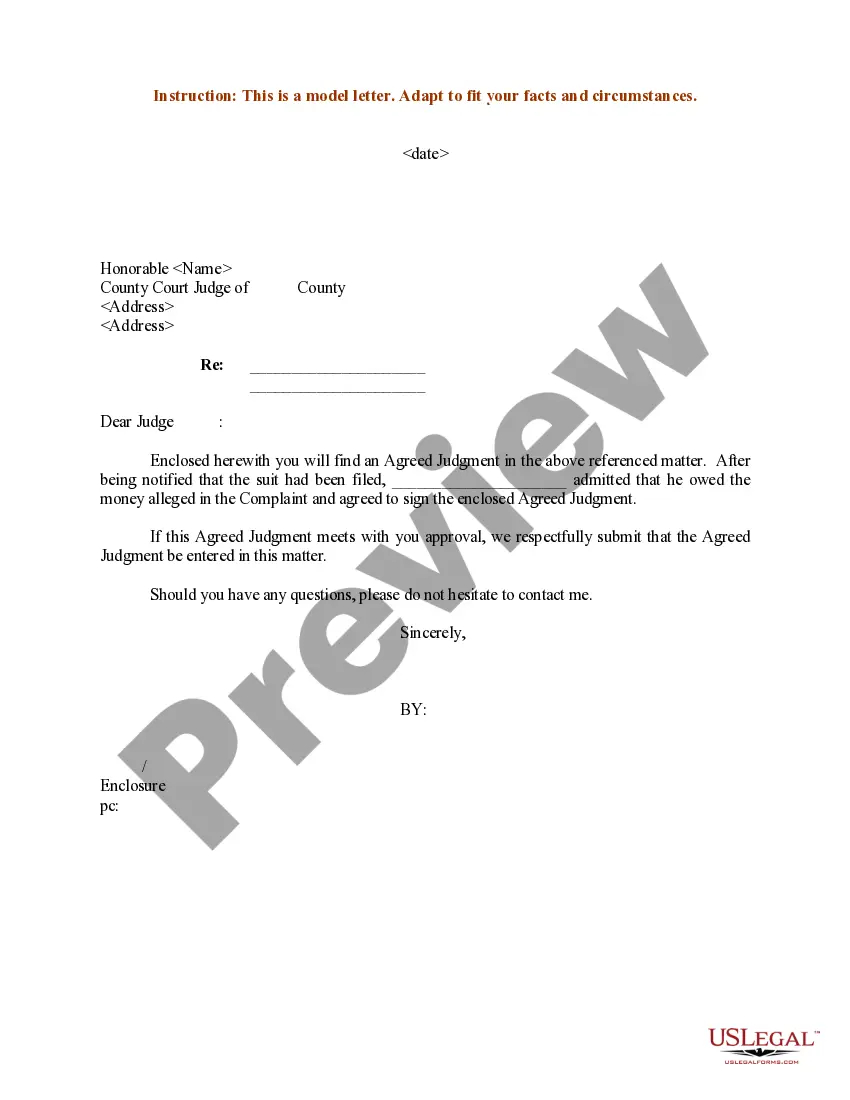
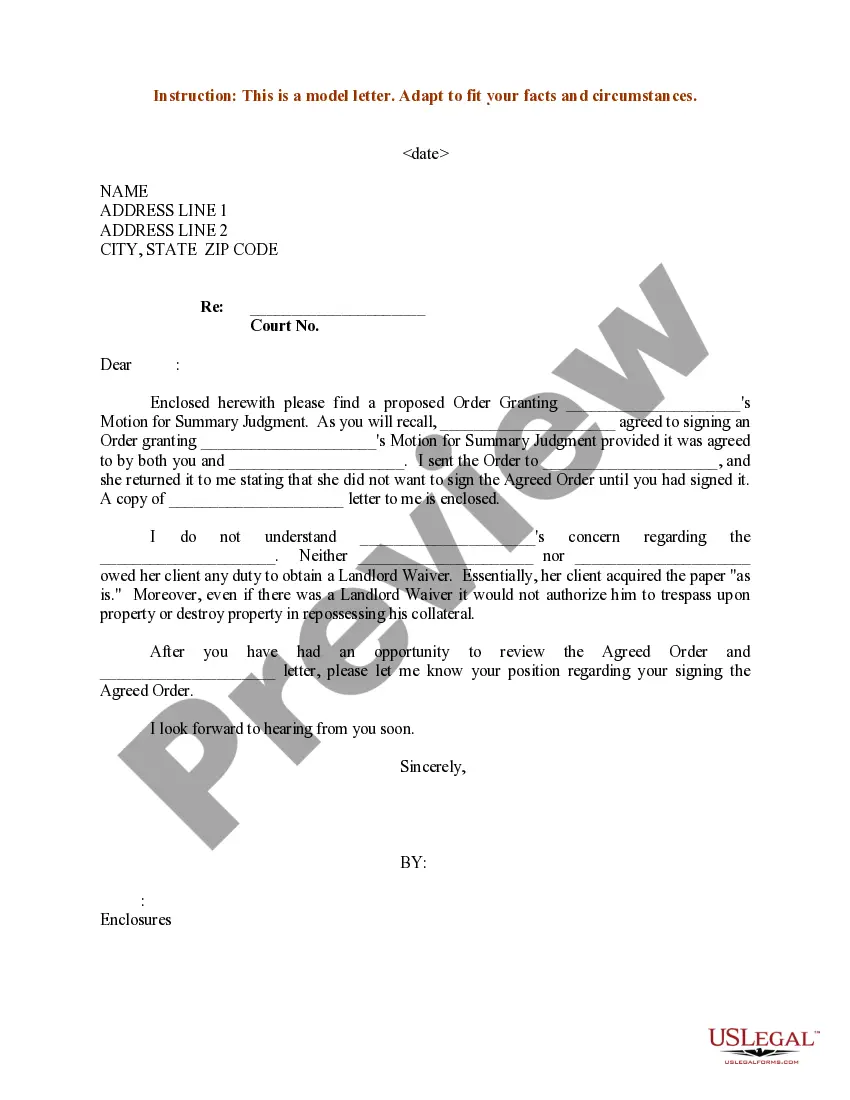
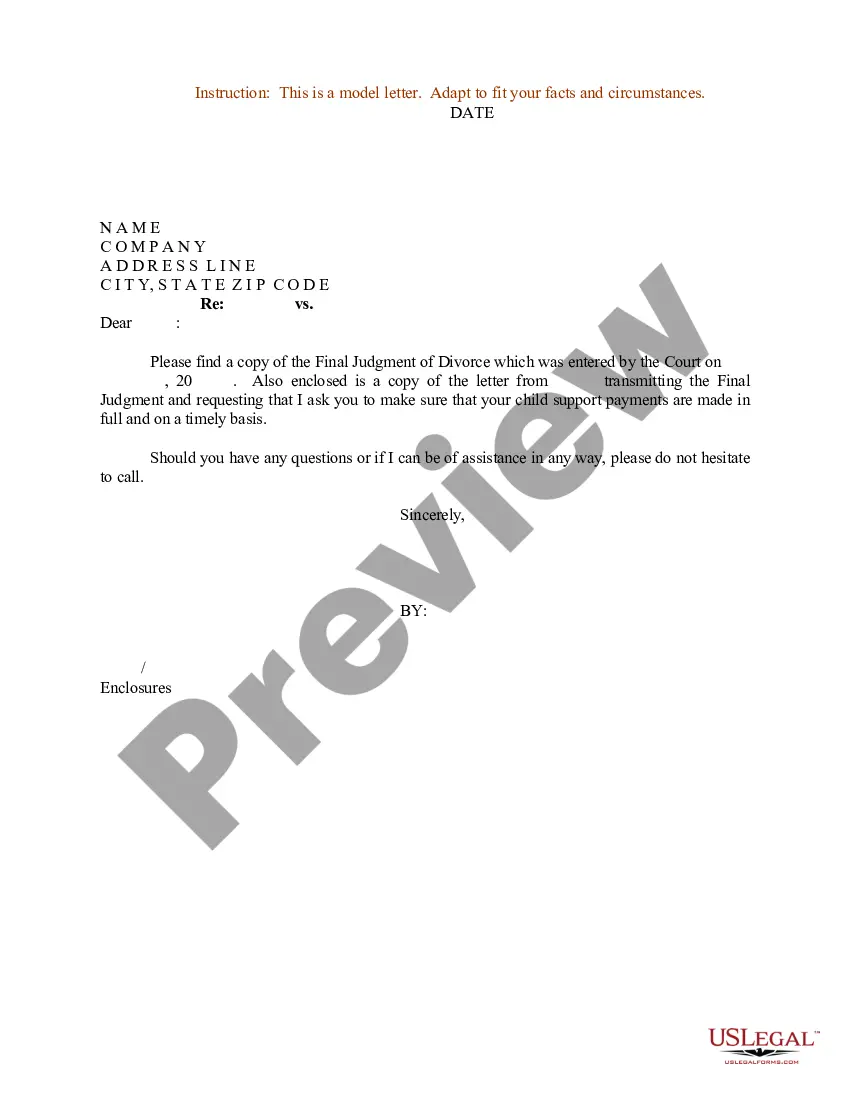
- Verify that this is the correct form by previewing it and reviewing its details.
- Utilize state- or county-specific legal and business forms.
- US Legal Forms addresses any requirements you may have, ranging from personal to business documents, all in one place.
- Employ cutting-edge tools to complete and manage your Proposed Judgment Of Divorce.
Form popularity
FAQ
FL 180 Judgment - YouTube YouTube Start of suggested clip End of suggested clip But it could be the legal separation. Box or less likely the nullity. Box. If you're not doing theMoreBut it could be the legal separation. Box or less likely the nullity. Box. If you're not doing the entire judgment packet you may need to select one of the boxes. Underneath. These options are rare.
A Proposed Judgment is what the child support agency handling the case is asking the judge to order. California law requires courts to comply with statewide uniform guidelines in setting child support orders. These legal documents are served upon the parent being asked to pay child support.
The court will issue a judgment of dissolution of marriage outlining the terms of your divorce. The marital settlement agreement attached to the judgment will detail all the terms of the divorce including the division of assets and debts, child support, child custody, visitation, and spousal support.
After the judge signs an Order or Judgment, it is entered on the court docket and served on required parties. The Order or Judgment begins a timeline for filing appeals or filing motions to change the ruling.