Lawsuit Form Answer With No Response
Description

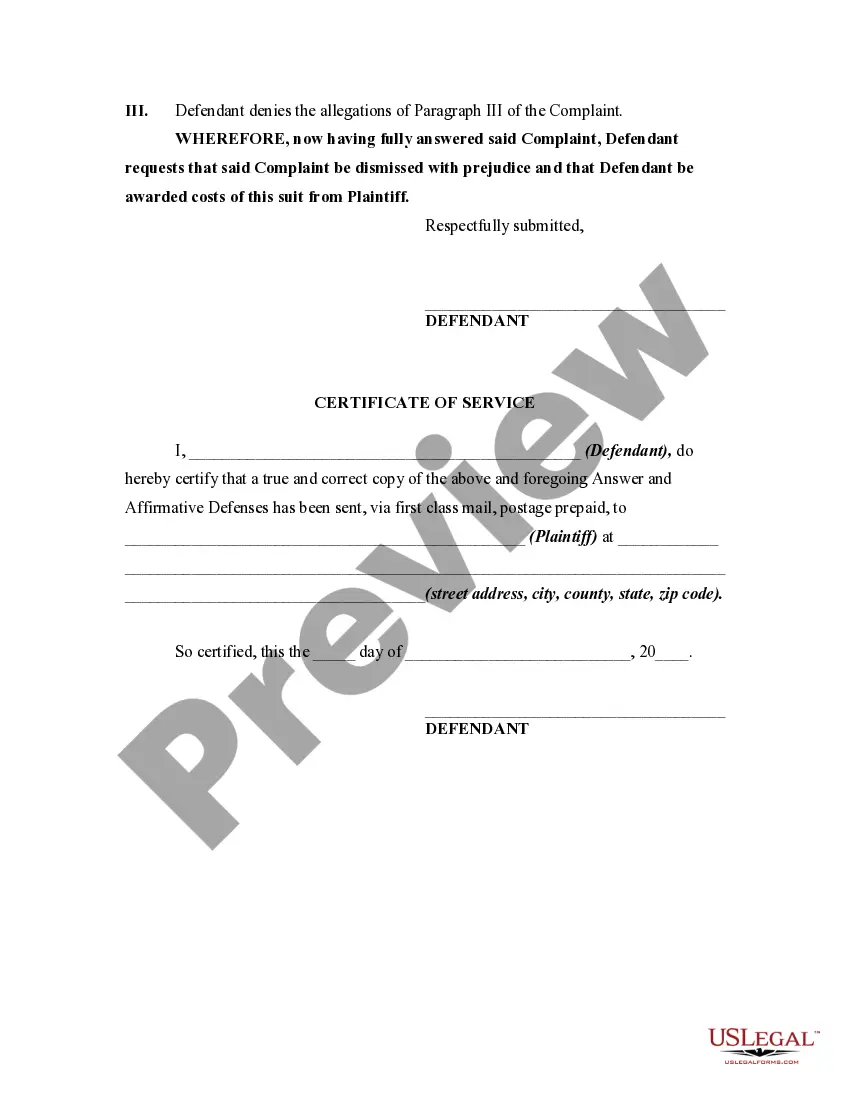
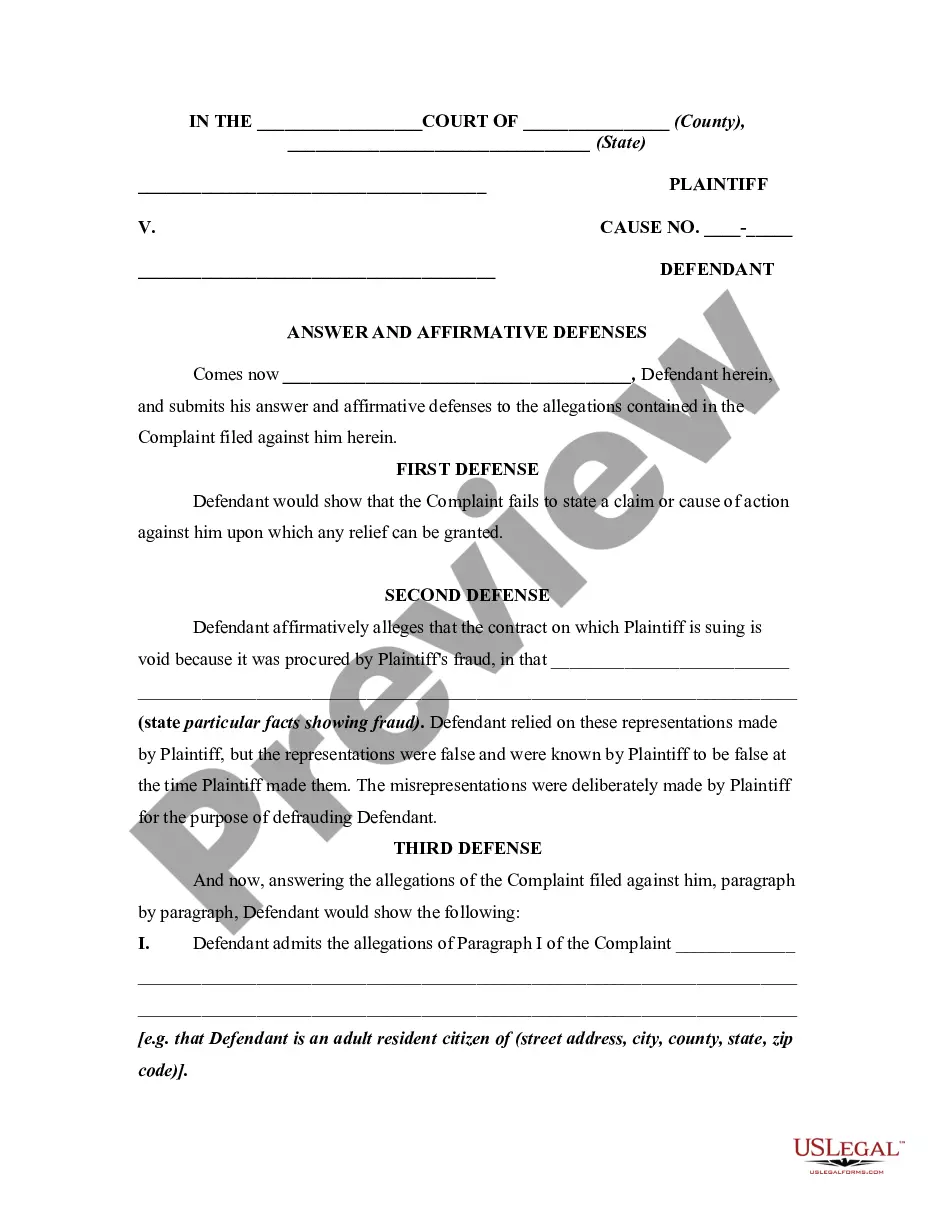
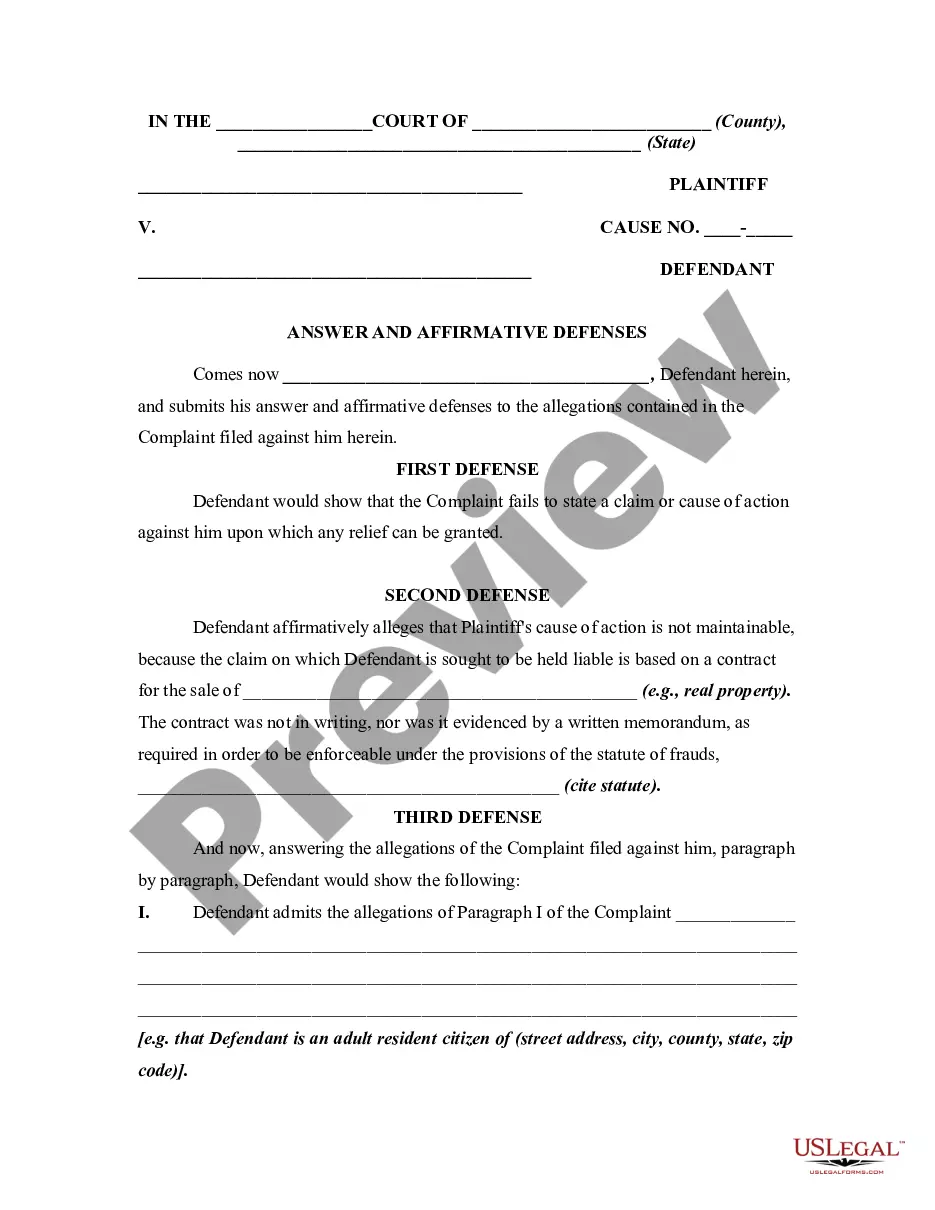
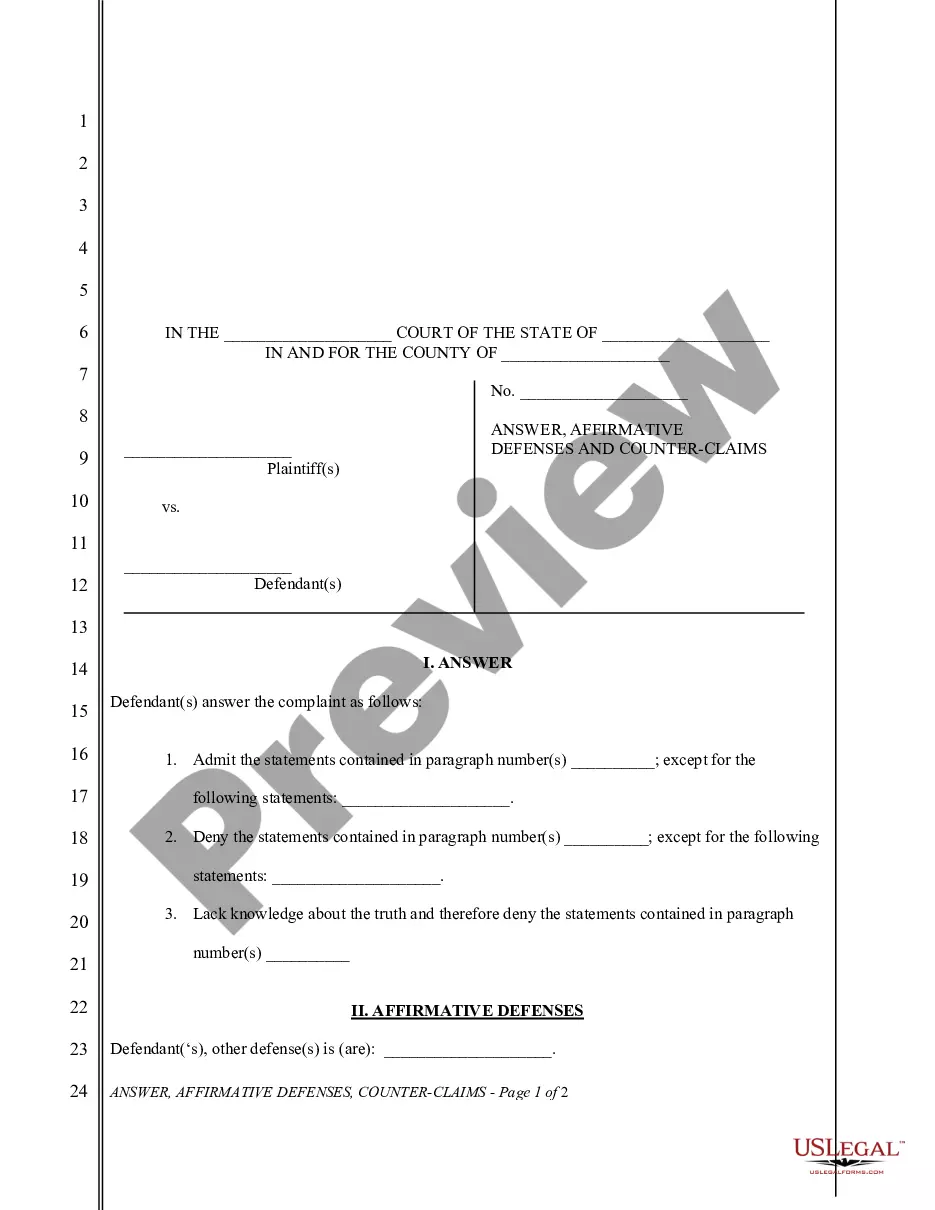
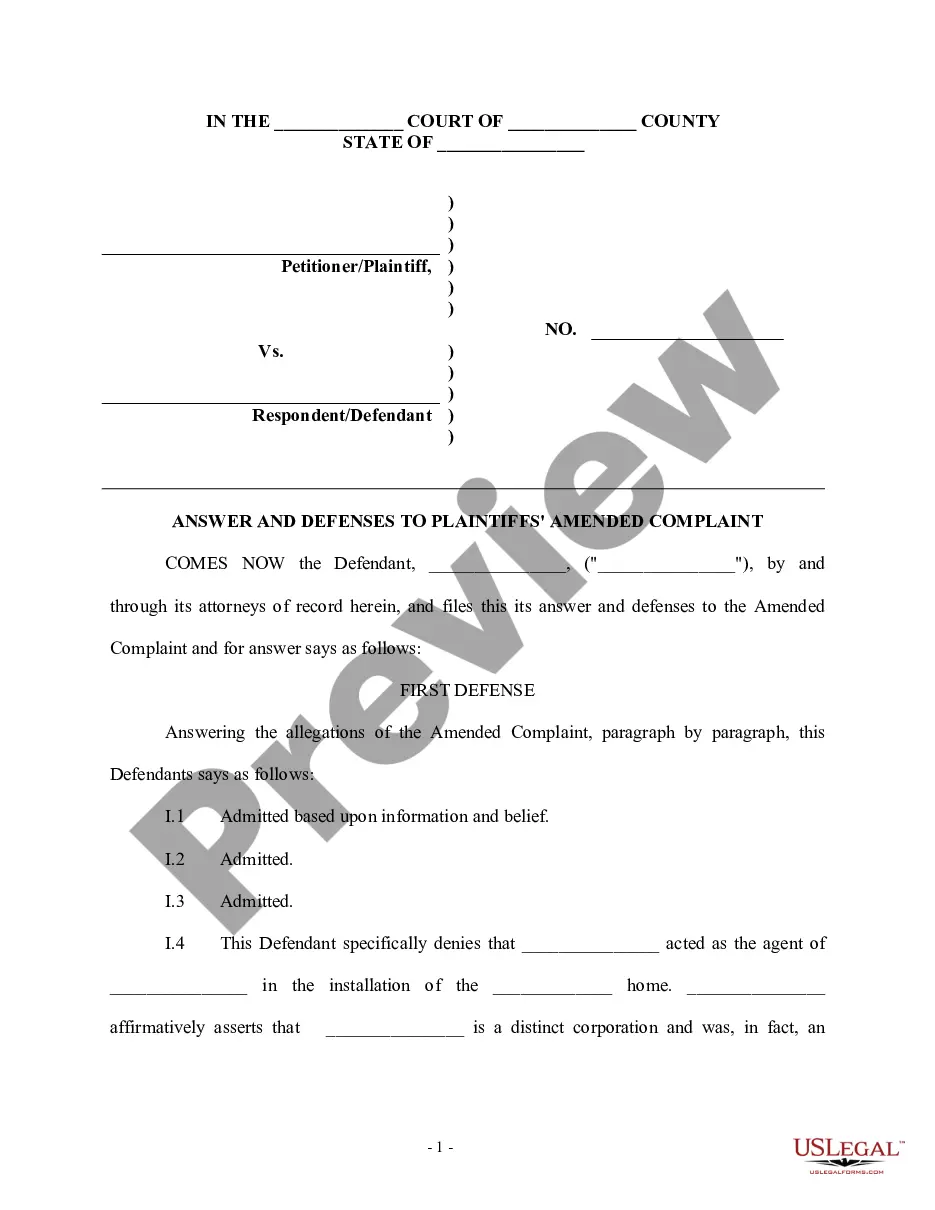
Get your form ready online
Our built-in tools help you complete, sign, share, and store your documents in one place.
Make edits, fill in missing information, and update formatting in US Legal Forms—just like you would in MS Word.
Download a copy, print it, send it by email, or mail it via USPS—whatever works best for your next step.
Sign and collect signatures with our SignNow integration. Send to multiple recipients, set reminders, and more. Go Premium to unlock E-Sign.
If this form requires notarization, complete it online through a secure video call—no need to meet a notary in person or wait for an appointment.
We protect your documents and personal data by following strict security and privacy standards.

Make edits, fill in missing information, and update formatting in US Legal Forms—just like you would in MS Word.

Download a copy, print it, send it by email, or mail it via USPS—whatever works best for your next step.

Sign and collect signatures with our SignNow integration. Send to multiple recipients, set reminders, and more. Go Premium to unlock E-Sign.

If this form requires notarization, complete it online through a secure video call—no need to meet a notary in person or wait for an appointment.

We protect your documents and personal data by following strict security and privacy standards.
Looking for another form?


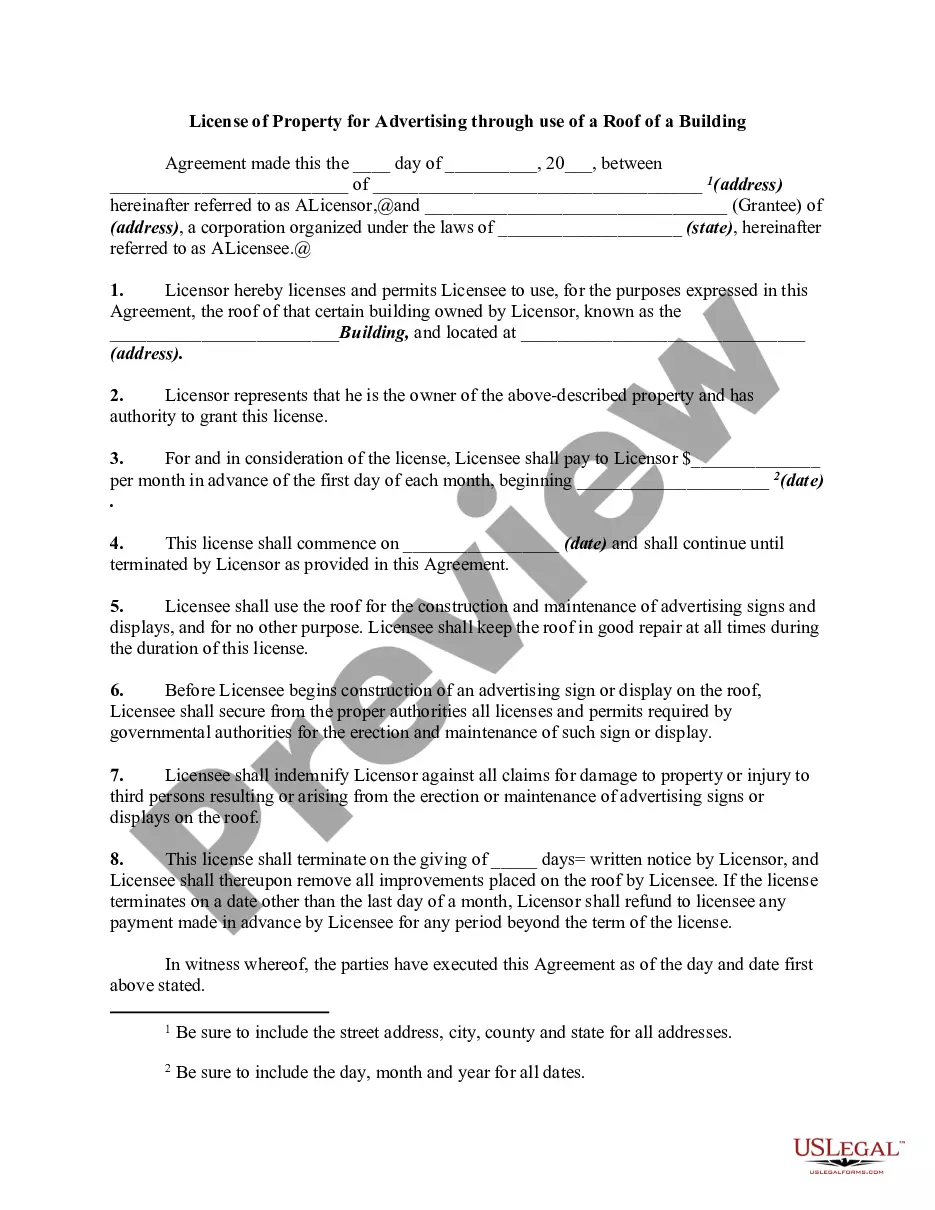







How to fill out General Form Of An Answer By Defendant In A Civil Lawsuit?
Managing legal documents and operations can be a lengthy addition to your entire day.
Lawsuit Form Answer With No Response and similar forms typically necessitate that you search for them and navigate through the process to fill them out correctly.
Thus, if you are dealing with financial, legal, or personal issues, utilizing a complete and user-friendly online directory of forms at your fingertips will greatly assist.
US Legal Forms is the leading online platform for legal templates, featuring over 85,000 state-specific forms and various tools to help you complete your paperwork swiftly.
Is this your first time using US Legal Forms? Sign up and create your account in just a few minutes, and you’ll gain access to the form directory and Lawsuit Form Answer With No Response. Then, follow the steps below to complete your form: Ensure you have located the correct form by utilizing the Preview feature and reviewing the form details. Select Buy Now when ready, and choose the subscription plan that suits your requirements. Click Download, then fill out, eSign, and print the form. US Legal Forms has 25 years of experience aiding clients in managing their legal documents. Find the form you need now and simplify any process effortlessly.
- Browse the directory of pertinent documents available to you with just a single click.
- US Legal Forms offers state- and county-specific forms accessible at any time for download.
- Protect your document management processes with a reliable service that enables you to assemble any form in minutes without extra or concealed charges.
- Simply Log In to your account, locate Lawsuit Form Answer With No Response and obtain it instantly in the My documents tab.
- You can also access previously downloaded forms.
Form popularity
FAQ
To reply to the claim, you will need to complete the forms contained in a response pack sent with the claim form (or with the particulars of the claim if they were sent separately). Make sure you read the guidance notes for defendants carefully before completing any forms.
If the creditor sends you a letter of claim and you do not reply within 30 days of the date at the top of the letter, the creditor can ask the court to increase the debt. They do not have to do this and are unlikely to do so if you agree you owe the money.
The defendant(s) must serve and file a Statement of Defence (form 171 B), following service of the statement of claim, within: 30 days, if the defendant was served in Canada or in the United States; or.
Overview Step 1: Calculate your deadline to respond. Step 2: Evaluate your options. Step 3: Prepare a response. Step 4: File your response with the court. Step 5: Give plaintiff a copy of your response. Step 6: Know what to expect next.
If a judgment is entered against you, and you lack the financial resources to pay, the judgment becomes an additional debt that will need to be repaid. In many instances, the person or company suing you will seek compensation from you in one form or another. This may include: Wage garnishment.