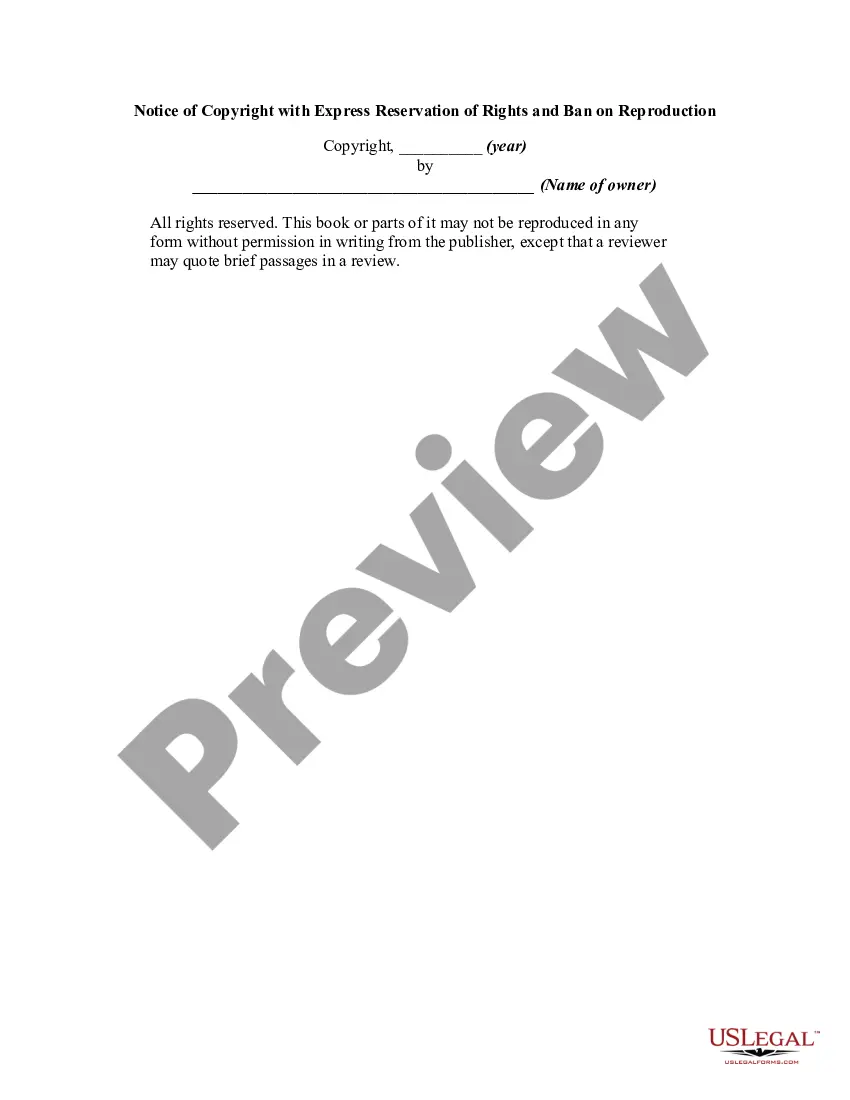
Example Of Copyright Notice
Description

Get your form ready online
Our built-in tools help you complete, sign, share, and store your documents in one place.
Make edits, fill in missing information, and update formatting in US Legal Forms—just like you would in MS Word.
Download a copy, print it, send it by email, or mail it via USPS—whatever works best for your next step.
Sign and collect signatures with our SignNow integration. Send to multiple recipients, set reminders, and more. Go Premium to unlock E-Sign.
If this form requires notarization, complete it online through a secure video call—no need to meet a notary in person or wait for an appointment.
We protect your documents and personal data by following strict security and privacy standards.

Make edits, fill in missing information, and update formatting in US Legal Forms—just like you would in MS Word.

Download a copy, print it, send it by email, or mail it via USPS—whatever works best for your next step.

Sign and collect signatures with our SignNow integration. Send to multiple recipients, set reminders, and more. Go Premium to unlock E-Sign.

If this form requires notarization, complete it online through a secure video call—no need to meet a notary in person or wait for an appointment.

We protect your documents and personal data by following strict security and privacy standards.
Looking for another form?




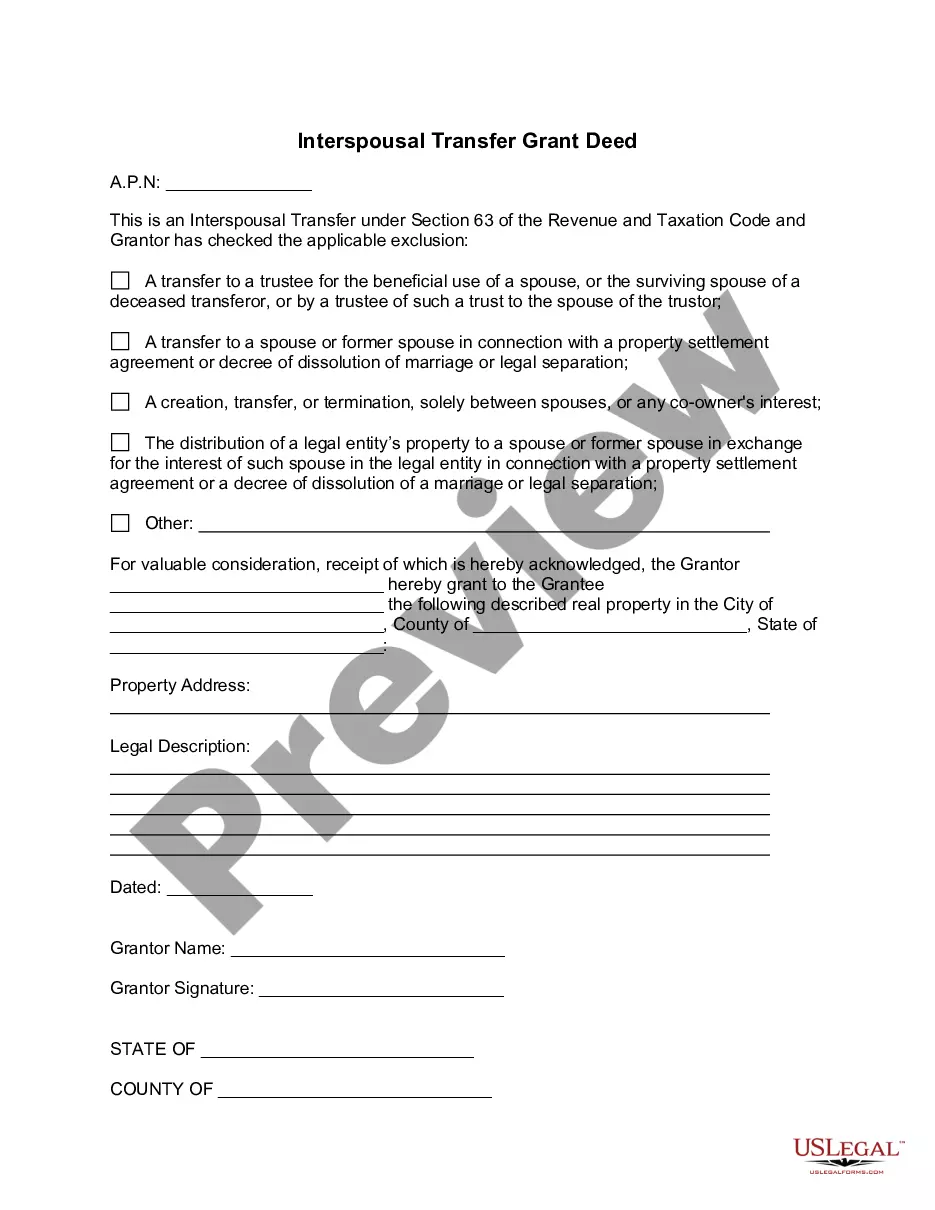

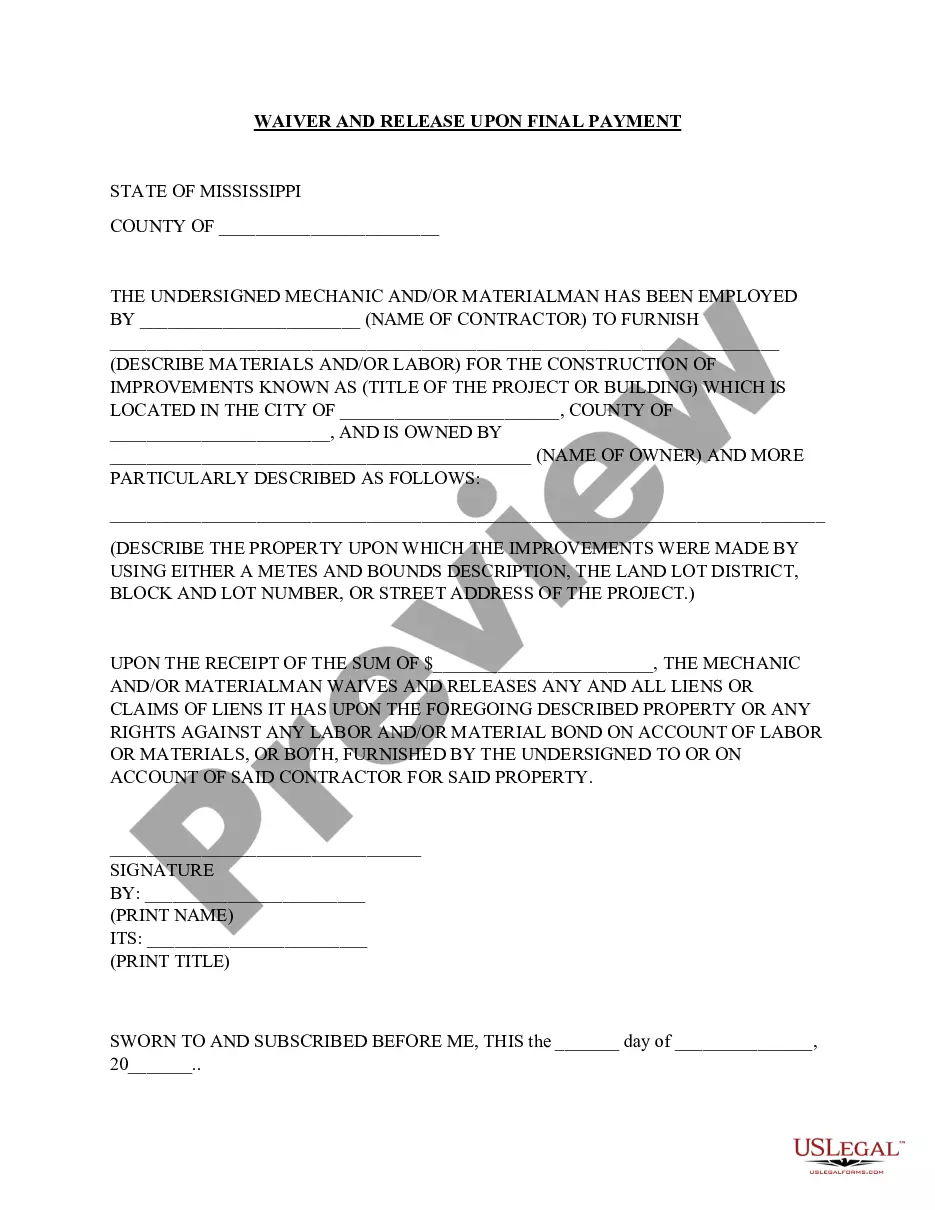
How to fill out Notice Of Copyright With Express Reservation Of Rights And Ban On Reproduction?
It’s clear that you cannot transform into a legal expert instantly, nor can you comprehend how to swiftly compose Example Of Copyright Notice without a particular skill set.
Assembling legal documents is a lengthy process that necessitates specific education and abilities. So why not entrust the creation of the Example Of Copyright Notice to the experts.
With US Legal Forms, one of the most extensive legal document repositories, you can access everything from court documents to templates for internal corporate communications.
You can access your documents again from the My documents section at any time. If you’re a returning client, you can simply Log In, and find and download the template from the same section.
Regardless of the purpose of your documentation—whether financial, legal, or personal—our website has you covered. Give US Legal Forms a try now!
- Find the form you need using the search feature at the top of the page.
- View it (if this option is available) and examine the accompanying description to determine if Example Of Copyright Notice is what you are looking for.
- Start your search again if you require a different template.
- Create a free account and choose a subscription plan to purchase the template.
- Click Buy now. Once the payment is processed, you can acquire the Example Of Copyright Notice, complete it, print it, and send or mail it to the specified recipients or organizations.
Form popularity
FAQ
Here's a standard copyright statement that you can add to your YouTube videos: ?Copyright @ [name & year]. Any illegal reproduction of this content will result in immediate legal action.?
Include the copyright symbol (©), the name of the copyright owner, and the URL for the terms of use, in each downloadable file (if possible, on each page of the downloadable file: once a document has been downloaded, schools may copy parts of it and those parts may not include the copyright notice or terms of use)
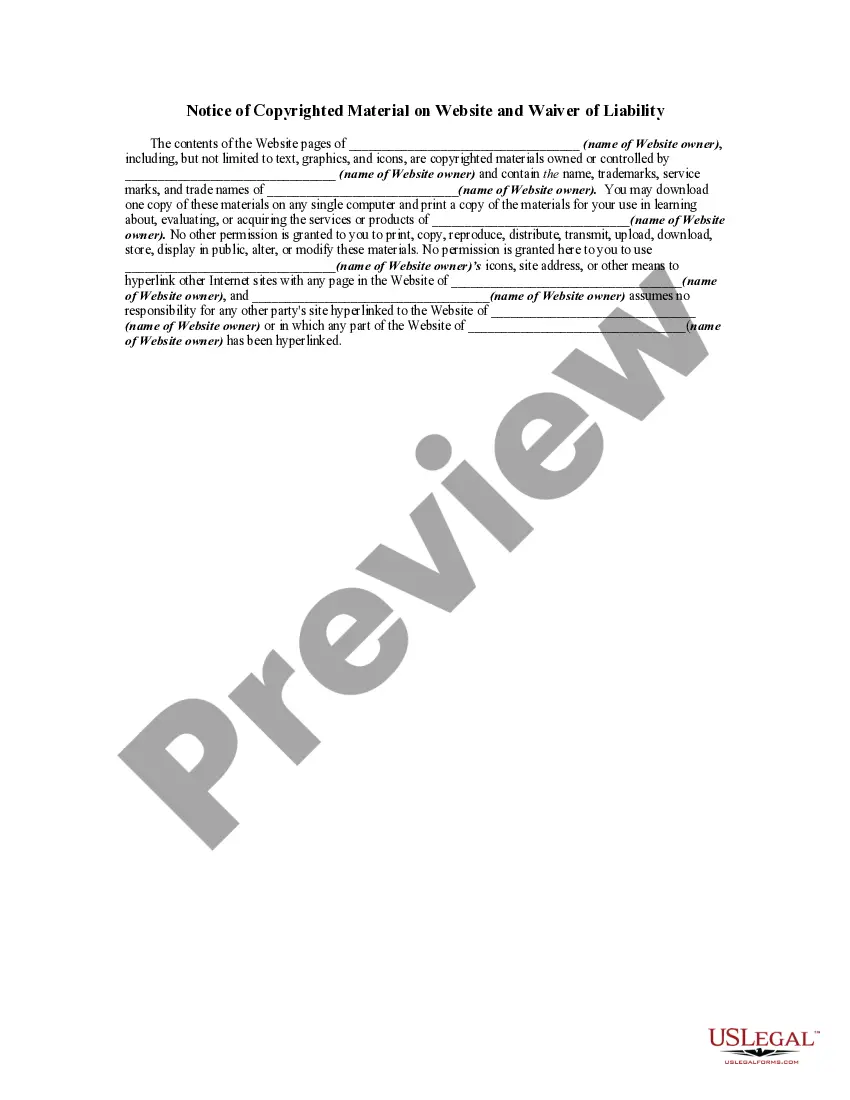
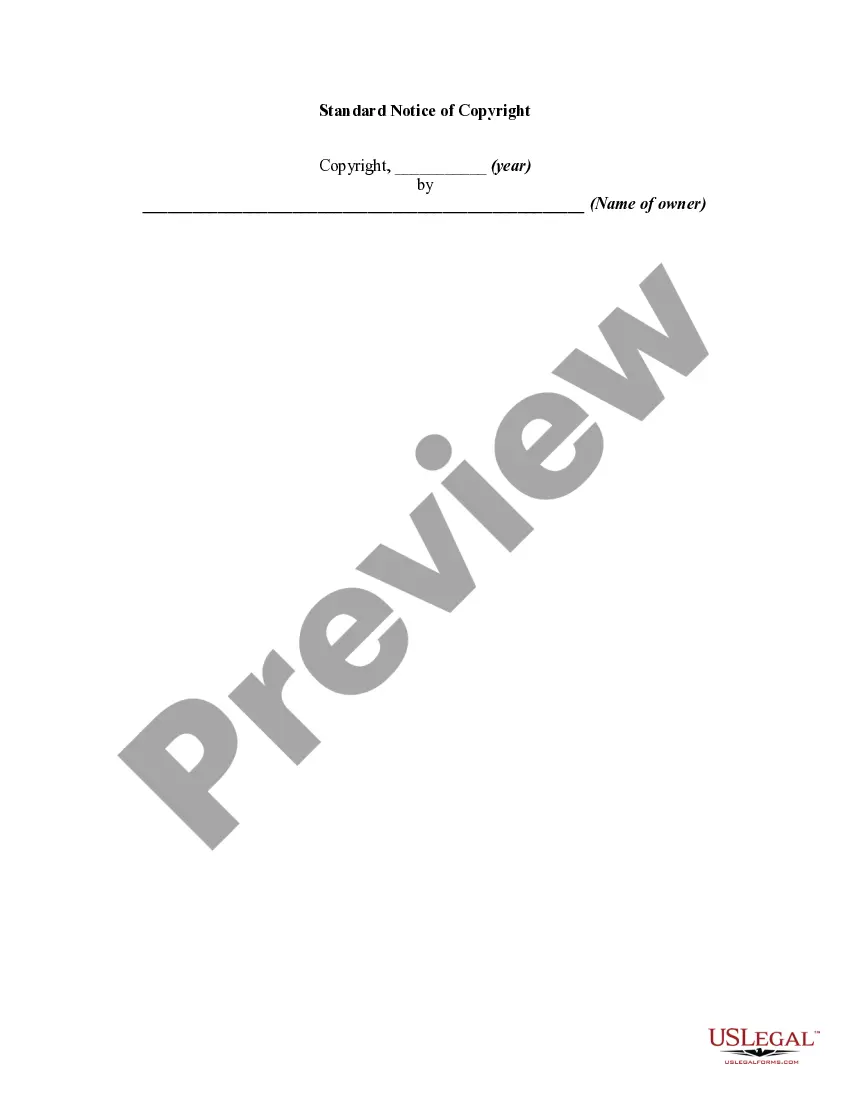
There are only four simple components you need to include: The copyright symbol © or the word ?copyright? The name of the copyright owner or author of the work. The year the content was published, which can be different from the year of creation. Your statement of the rights you're reserving over the materials.
A copyright notice should at least include: your name as author and your website's name. It can also be the name of an organization, a business, or a corporate name; a current year or year range; a statement of ownership (?All Rights Reserved?).
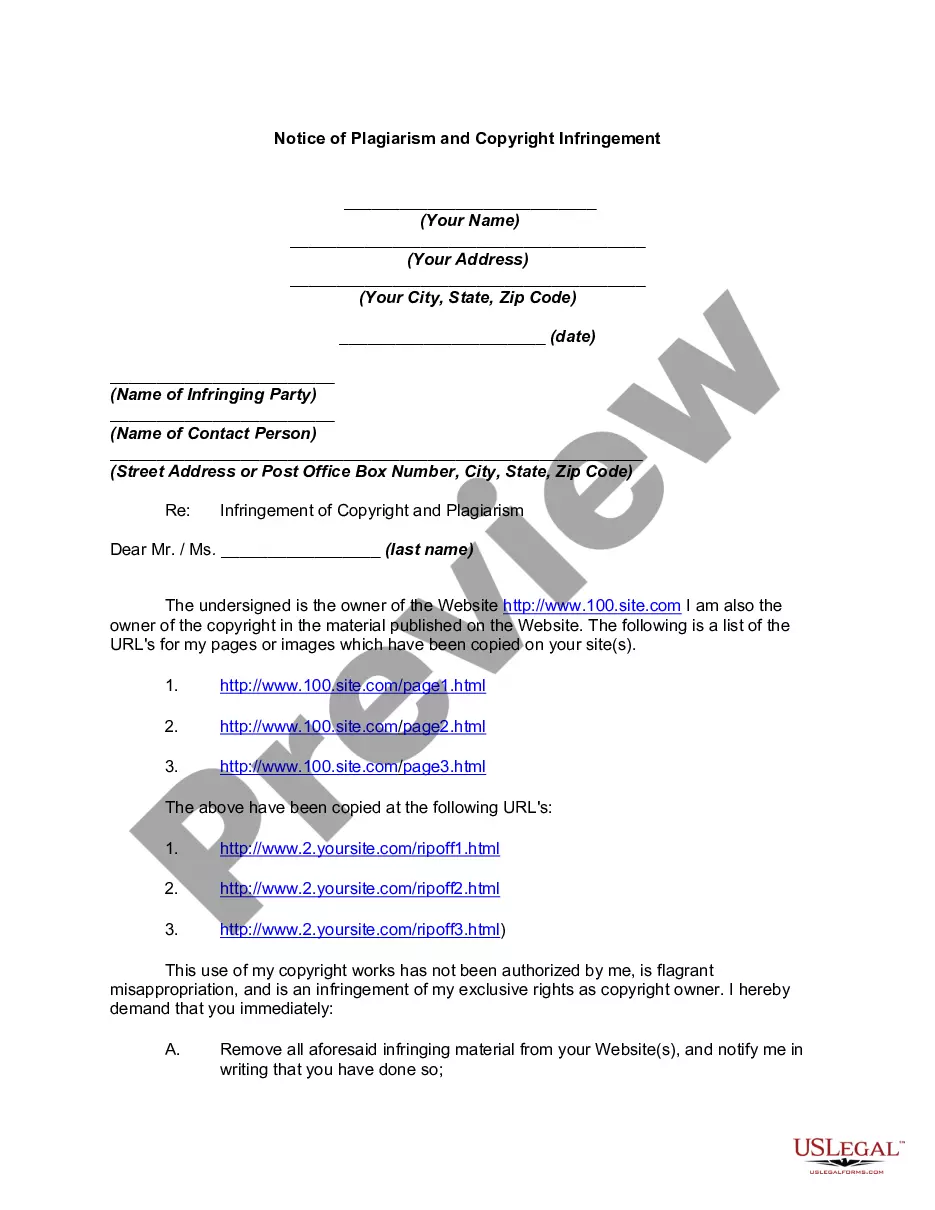
Statutory Copyright Warning Notice The material in this communication may be subject to copyright under the Act. Any further reproduction or communication of this material by you may be the subject of copyright protection under the Act.