State Guardian Litem For Seniors
Description

Get your form ready online
Our built-in tools help you complete, sign, share, and store your documents in one place.
Make edits, fill in missing information, and update formatting in US Legal Forms—just like you would in MS Word.
Download a copy, print it, send it by email, or mail it via USPS—whatever works best for your next step.
Sign and collect signatures with our SignNow integration. Send to multiple recipients, set reminders, and more. Go Premium to unlock E-Sign.
If this form requires notarization, complete it online through a secure video call—no need to meet a notary in person or wait for an appointment.
We protect your documents and personal data by following strict security and privacy standards.

Make edits, fill in missing information, and update formatting in US Legal Forms—just like you would in MS Word.

Download a copy, print it, send it by email, or mail it via USPS—whatever works best for your next step.

Sign and collect signatures with our SignNow integration. Send to multiple recipients, set reminders, and more. Go Premium to unlock E-Sign.

If this form requires notarization, complete it online through a secure video call—no need to meet a notary in person or wait for an appointment.

We protect your documents and personal data by following strict security and privacy standards.
Looking for another form?

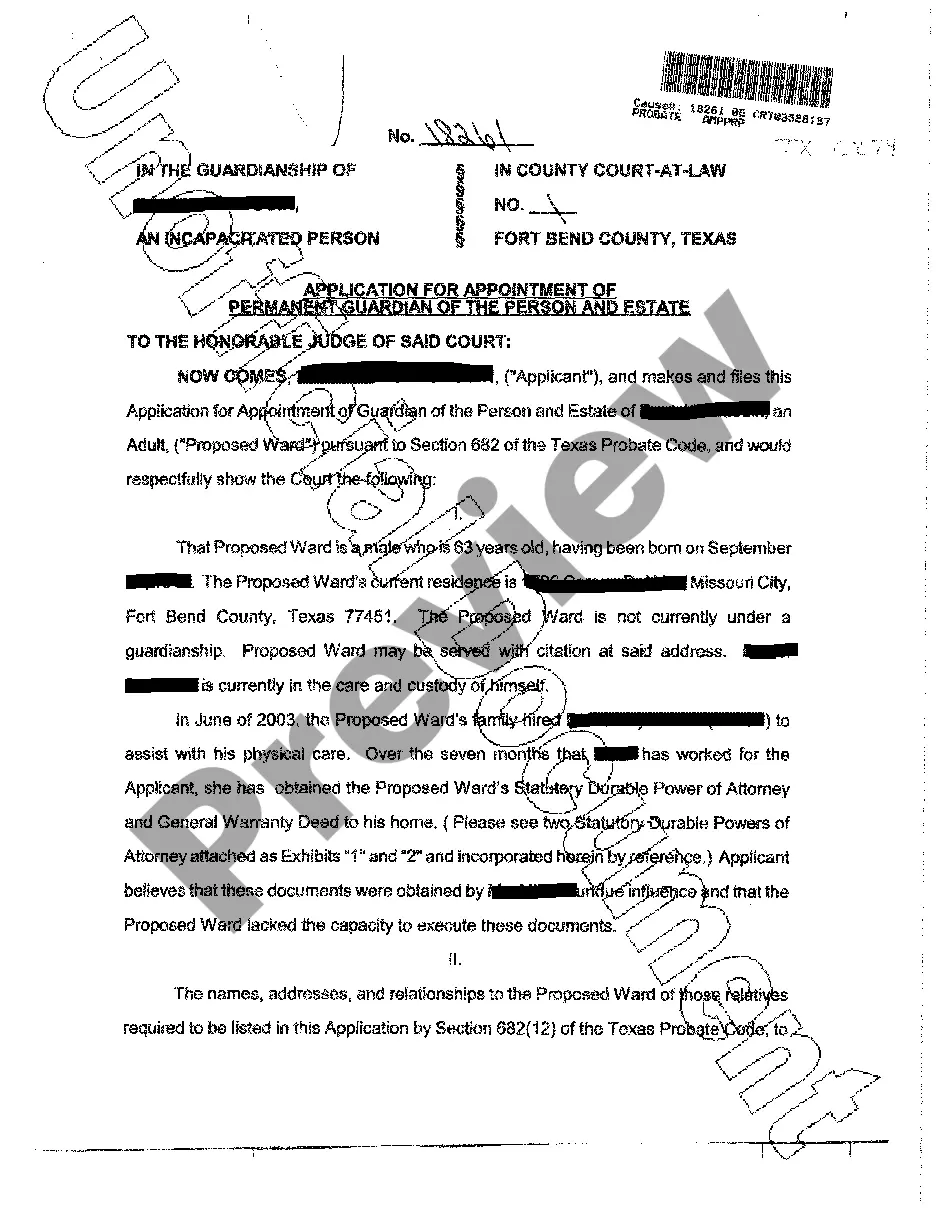







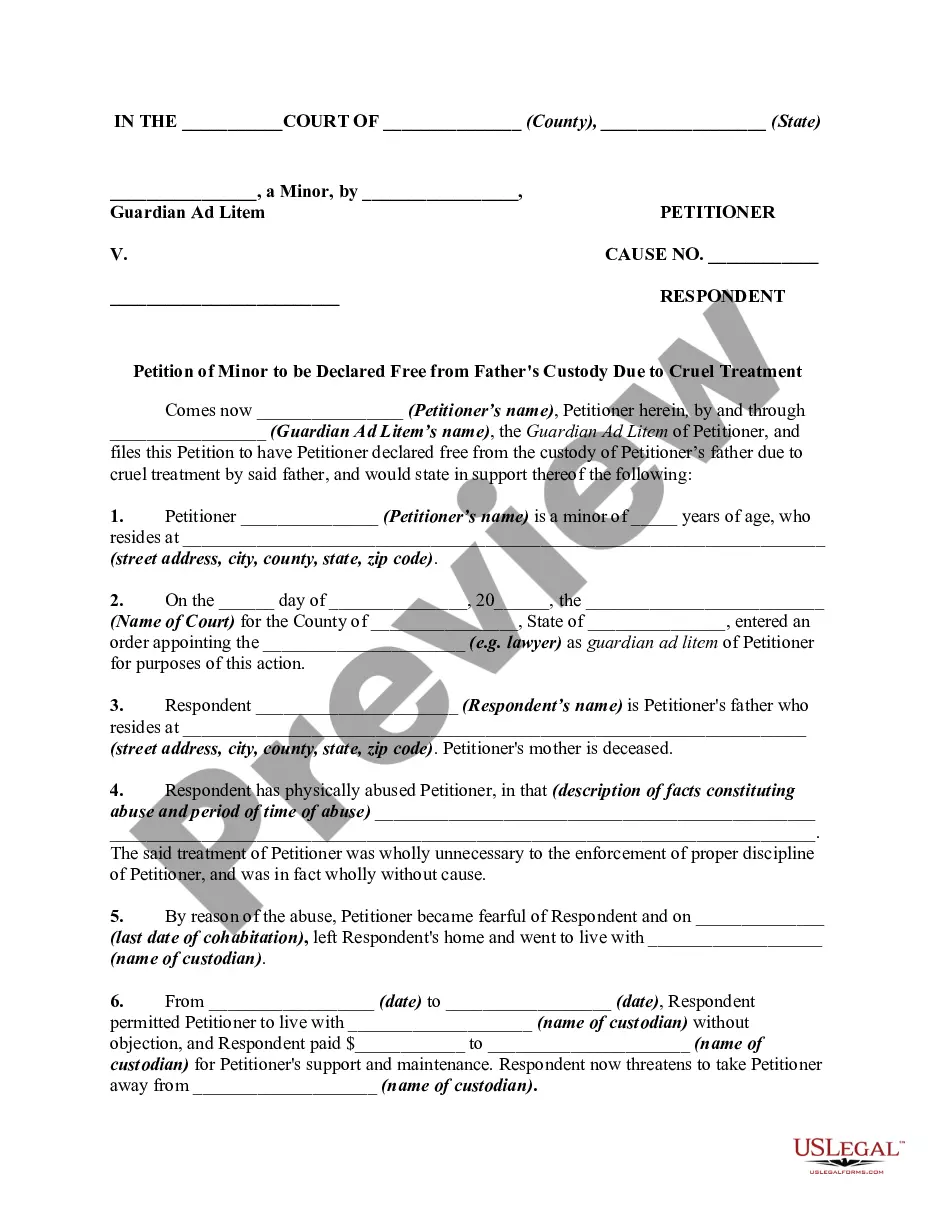
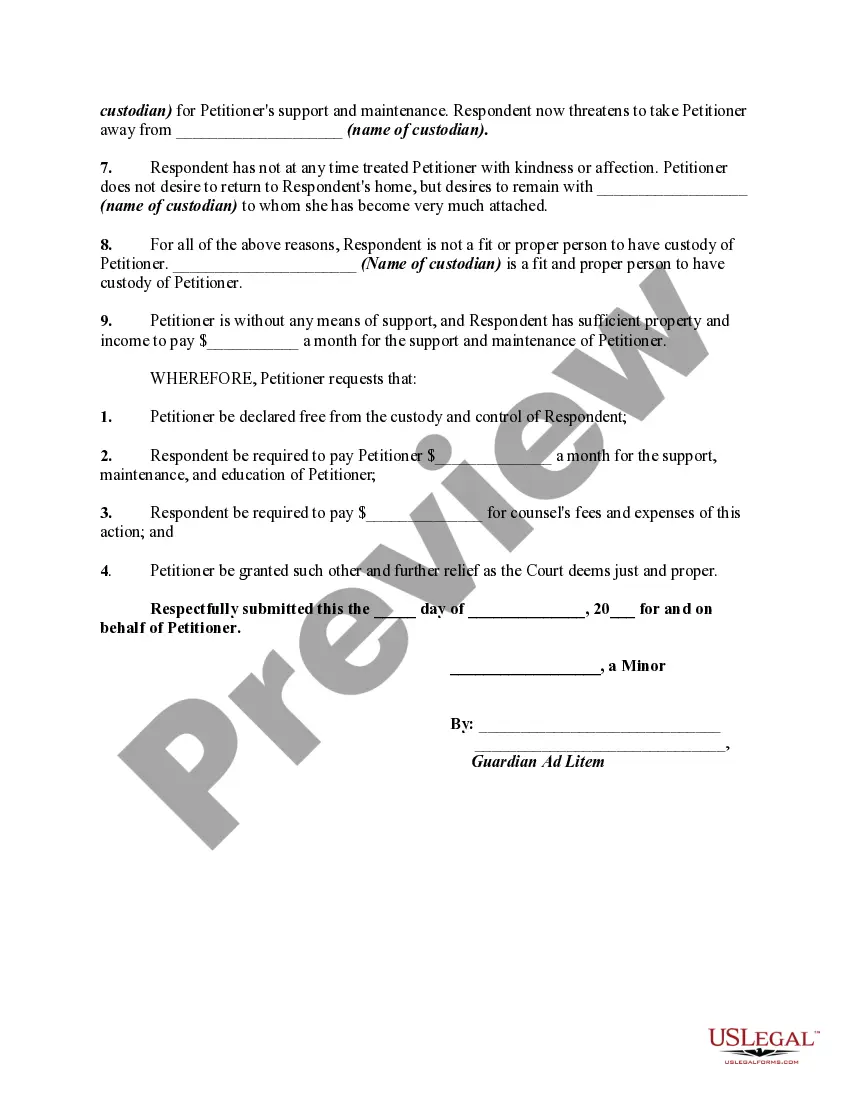
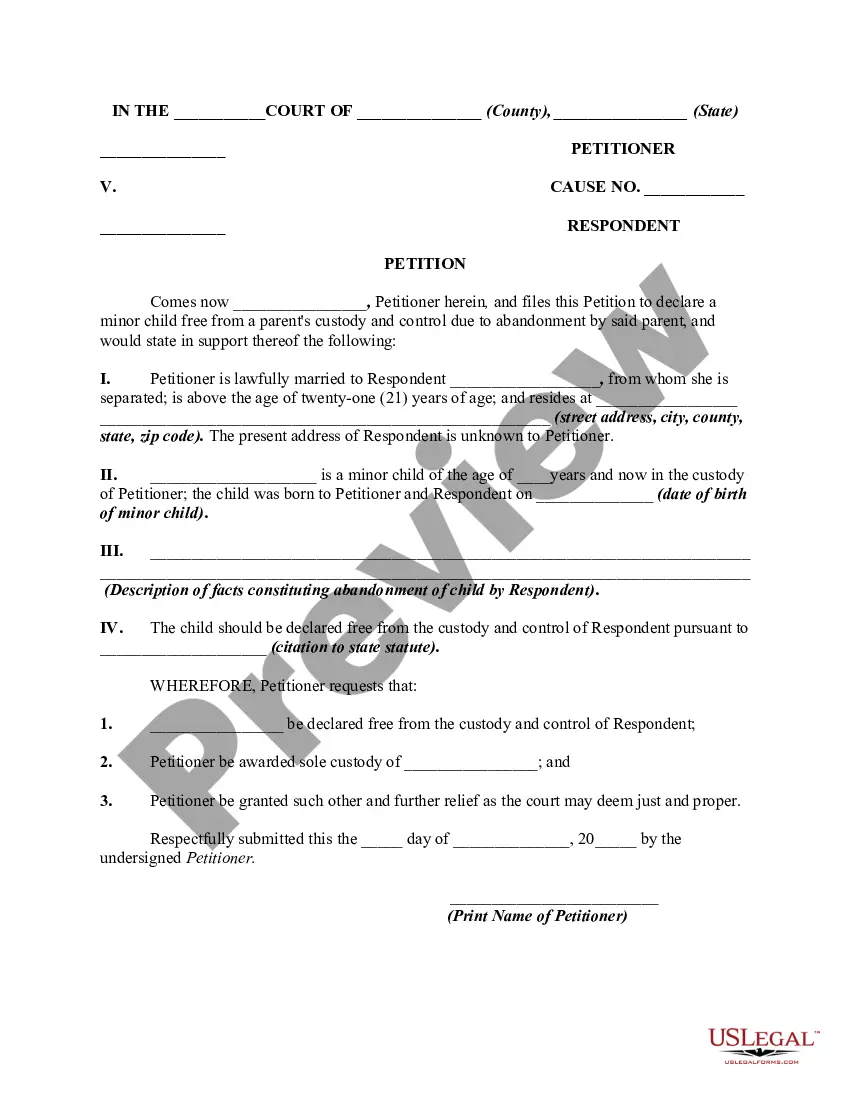
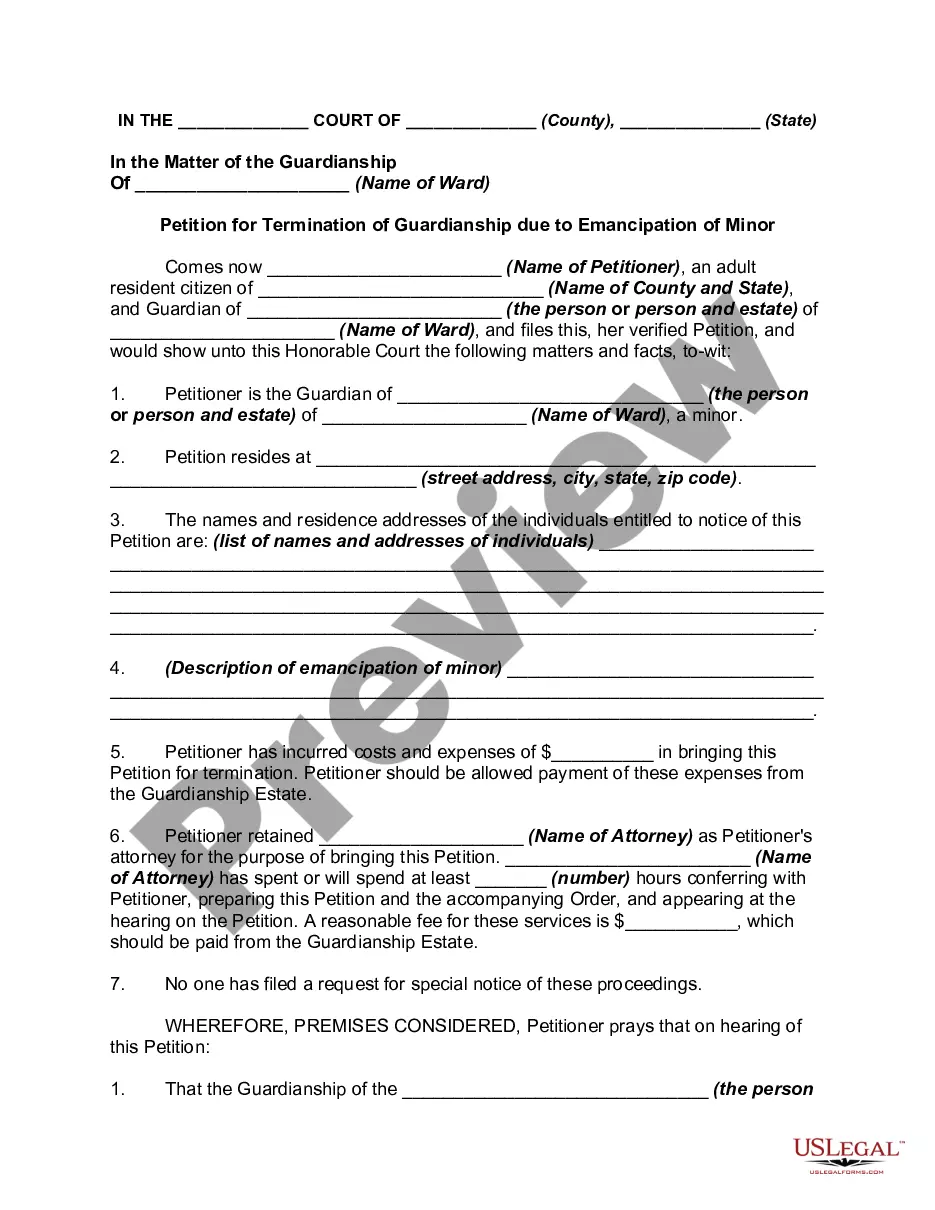
How to fill out Petition Of Minor By Guardian Ad Litem To Be Declared Free From Father's Custody Due To Cruel Treatment - Release Of Parental Rights?
Handling legal paperwork and processes can be a lengthy addition to your schedule.
State Guardian Litem For Seniors and similar documents typically necessitate that you locate them and comprehend how to fill them out properly.
As a result, if you are managing financial, legal, or personal affairs, utilizing a thorough and functional online repository of forms readily available will be extremely beneficial.
US Legal Forms is the leading online resource for legal templates, featuring over 85,000 state-specific forms and various tools to assist you in completing your paperwork efficiently.
Simply Log In to your account, search for State Guardian Litem For Seniors, and download it instantly from the My documents section. You can also access forms you have previously downloaded.
- Browse the library of pertinent documents accessible with a single click.
- US Legal Forms offers you state- and county-specific forms that can be downloaded at any time.
- Preserve your document management processes with a premium service that enables you to create any form in minutes without additional or concealed charges.
Form popularity
FAQ
When working with a guardian ad litem, it's important to avoid making negative comments about the senior or their capabilities. Instead, focus on providing factual information about their situation and needs. Remember, the state guardian litem for seniors is there to evaluate the best interests of the elderly person, so maintaining professionalism is essential.
How a Guardian is Appointed. A guardian is appointed by the probate court at the request of a concerned person (petitioner) and after a hearing is held to consider the request. To make a request to the court, a concerned person must file a request on a legal document called a petition.
Petitioning costs in Cook County are $50.00 for filing for person only guardianship, $70.00 for estates up to $15,000.00 and $105.00 for estates in excess of $15,000.00. Sheriff's fees are $23.00 plus $. 40 per mile for service of the petition and guardianship summons on the respondent.
In South Carolina, a guardianship proceeding is the process in Probate Court ( ) that appoints a guardian to make decisions for an incapacitated person, such as medical decisions, decisions about where to live, and other decisions for the person.
You want the GAL to like you. To that end, you need to cooperate fully and make her job easy. Do not prep the child too much for the visit. Tell the child only that someone is coming who will be helping Mom and Dad and the Judge resolve the issues.
Tips for Working with Guardians ad Litem Pay fees associated with their involvement. Help them with their investigation by giving them references or documentation when tasked for. Be honest and do not lie. The truth will eventually come out. Stay in touch. ... Give them time.