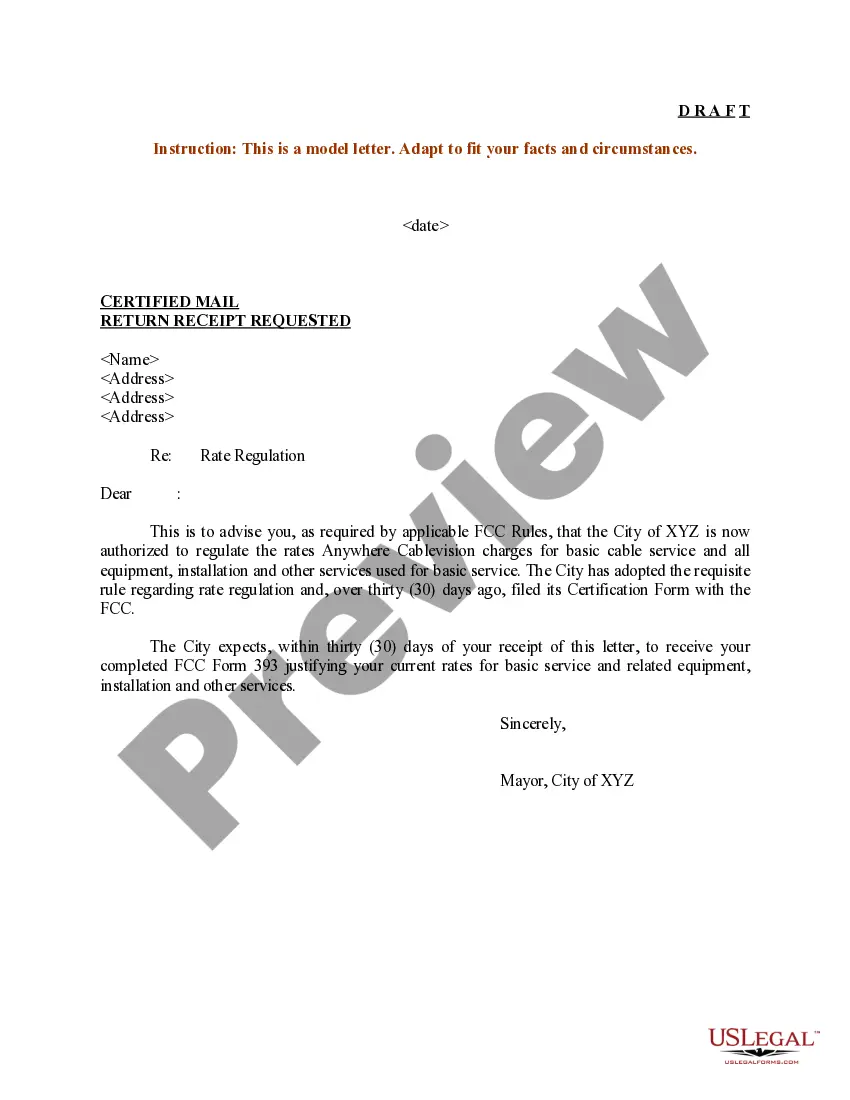
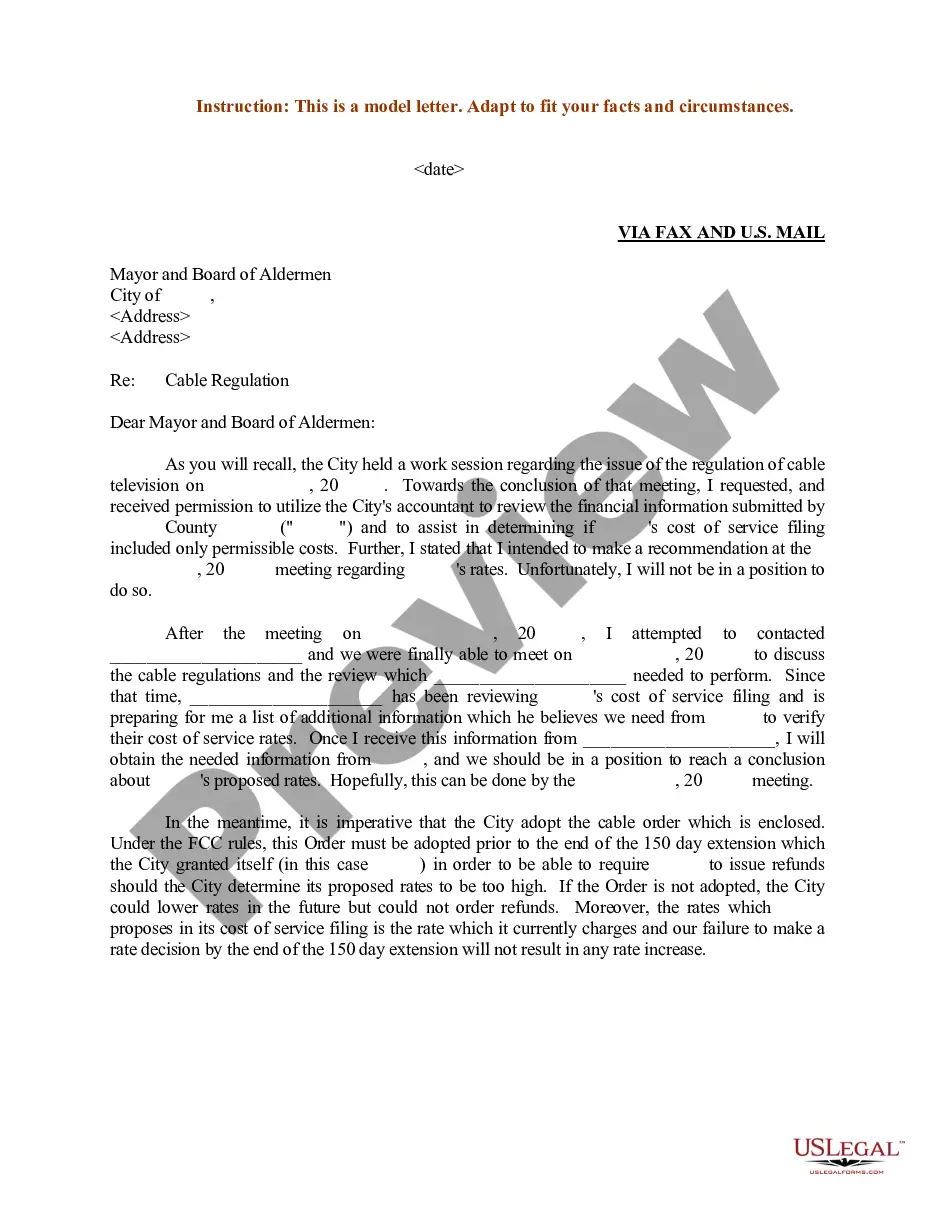
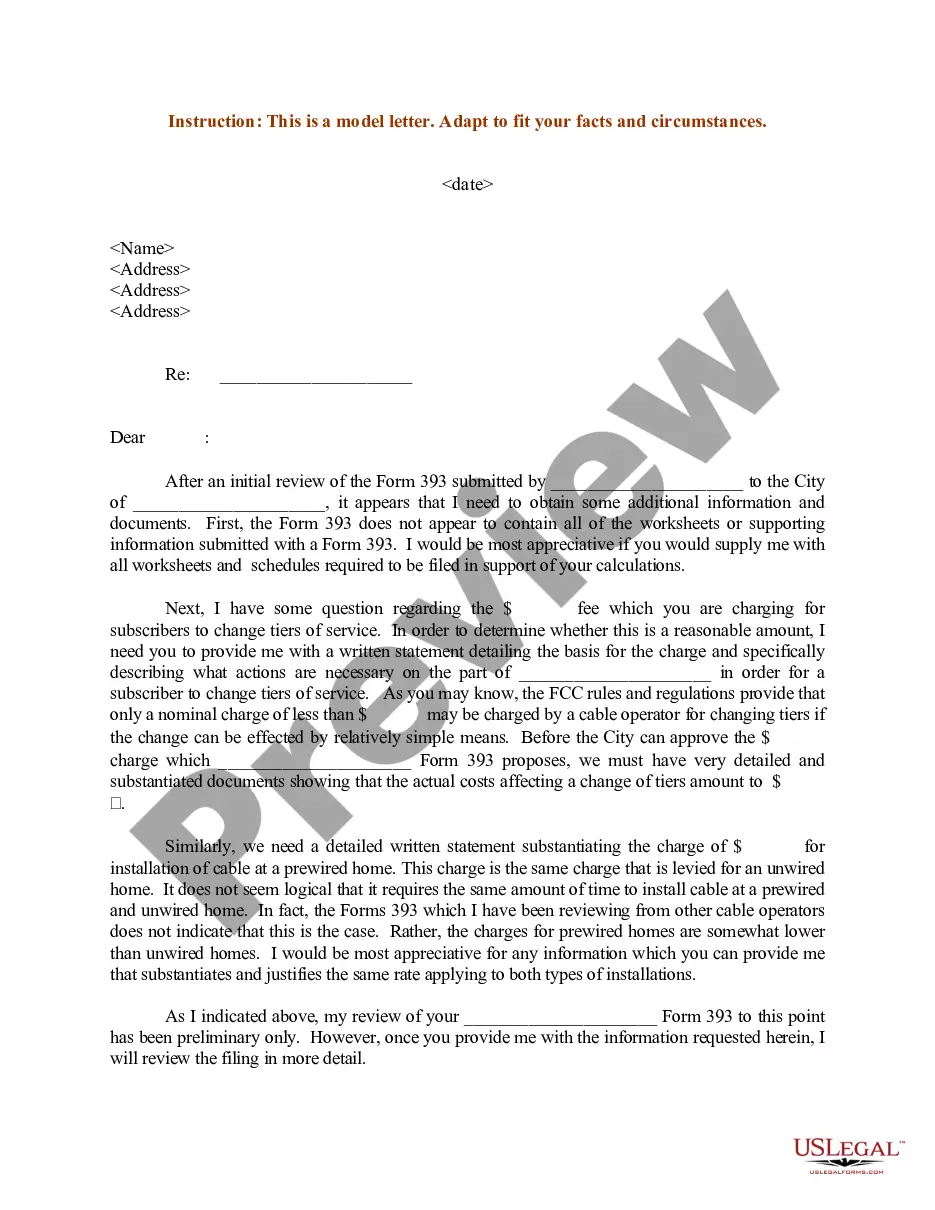
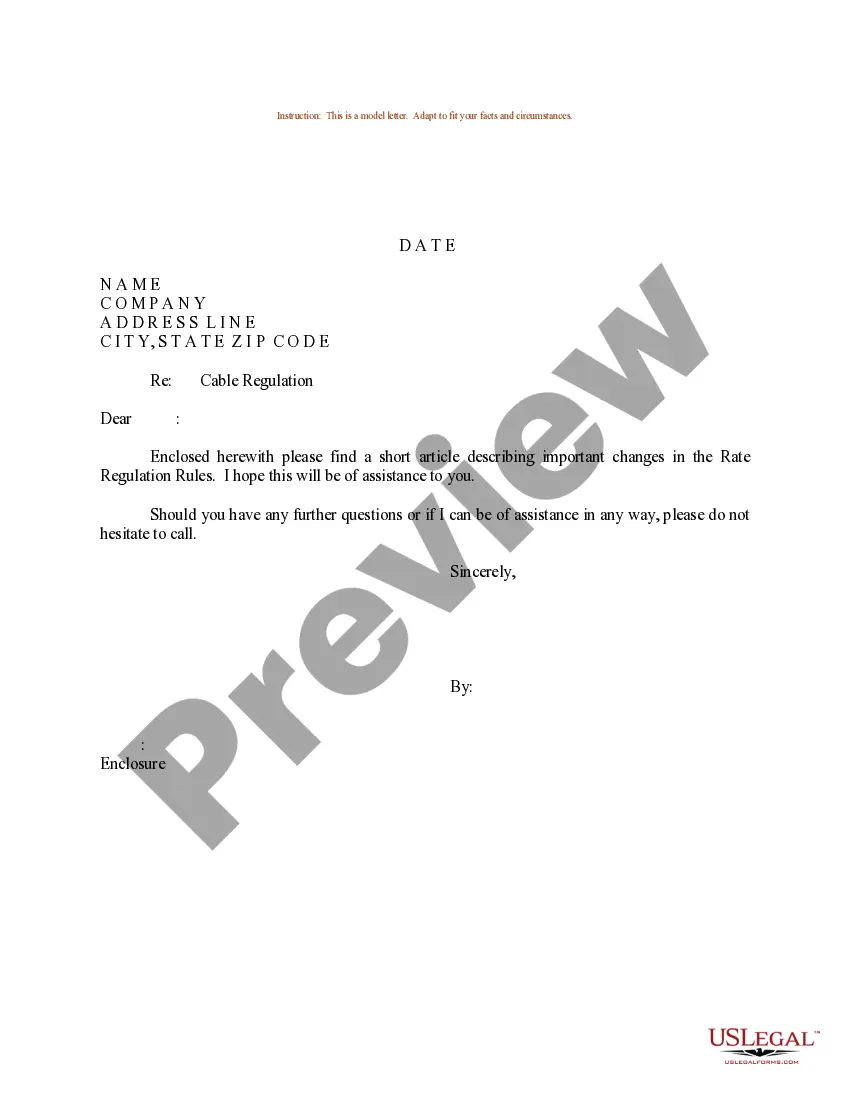
Letter With Cable
Description
Get your form ready online
Our built-in tools help you complete, sign, share, and store your documents in one place.
Make edits, fill in missing information, and update formatting in US Legal Forms—just like you would in MS Word.
Download a copy, print it, send it by email, or mail it via USPS—whatever works best for your next step.
Sign and collect signatures with our SignNow integration. Send to multiple recipients, set reminders, and more. Go Premium to unlock E-Sign.
If this form requires notarization, complete it online through a secure video call—no need to meet a notary in person or wait for an appointment.
We protect your documents and personal data by following strict security and privacy standards.

Make edits, fill in missing information, and update formatting in US Legal Forms—just like you would in MS Word.

Download a copy, print it, send it by email, or mail it via USPS—whatever works best for your next step.

Sign and collect signatures with our SignNow integration. Send to multiple recipients, set reminders, and more. Go Premium to unlock E-Sign.

If this form requires notarization, complete it online through a secure video call—no need to meet a notary in person or wait for an appointment.

We protect your documents and personal data by following strict security and privacy standards.
Looking for another form?



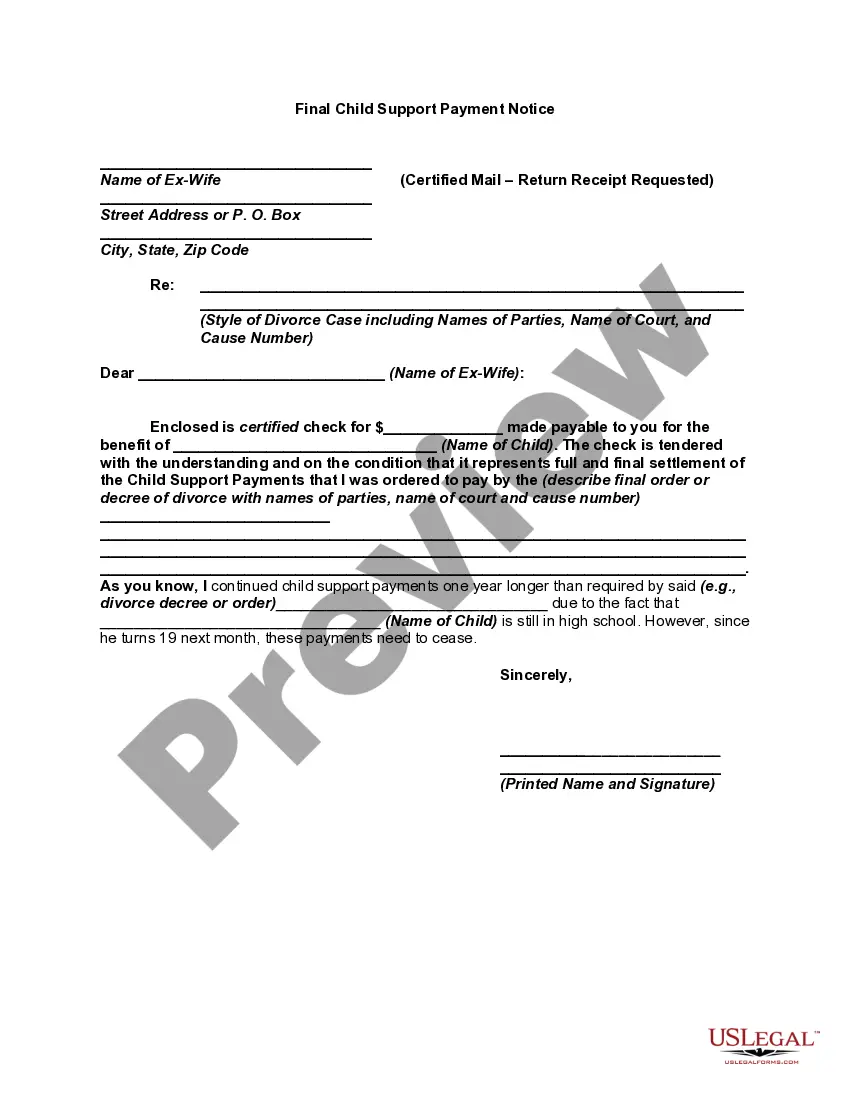





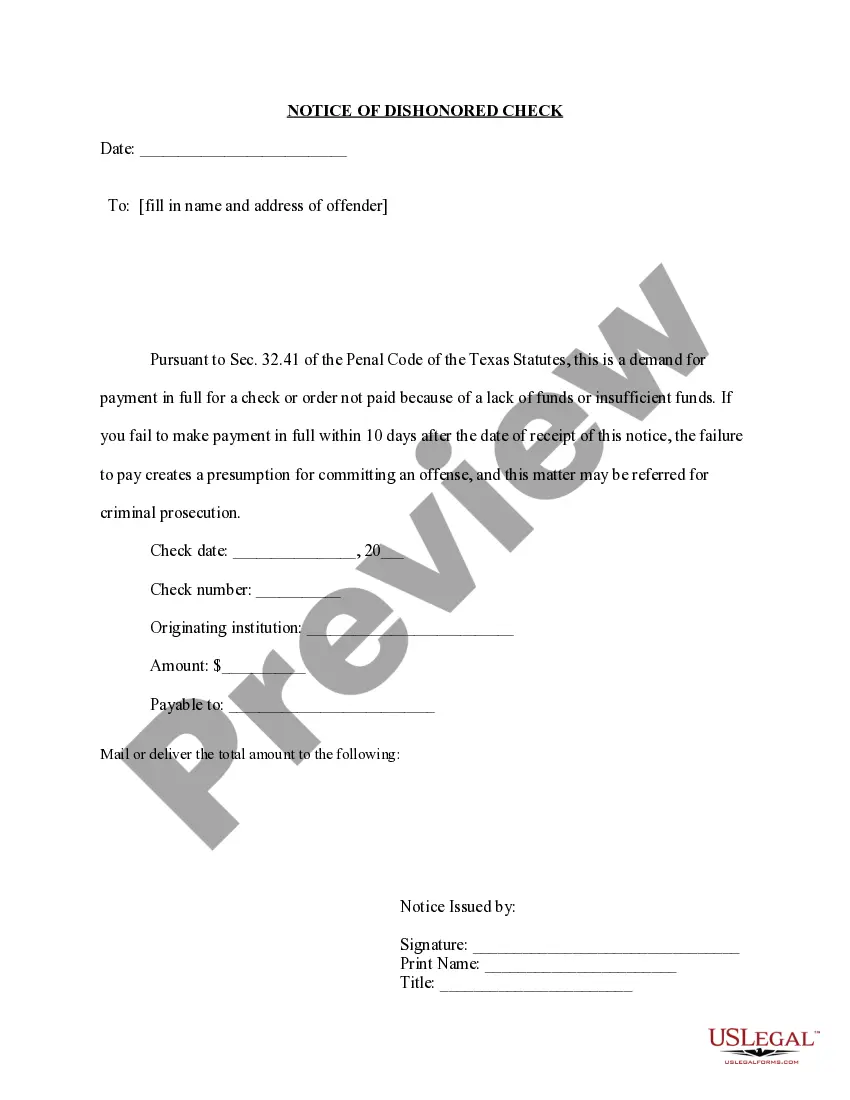
How to fill out Sample Letter For Regulation Of Cable Rates?
Bureaucracy necessitates exactness and correctness.
If you do not manage the completion of paperwork like Letter With Cable daily, it could lead to some confusion.
Selecting the appropriate sample from the outset will ensure that your document submission proceeds smoothly and avert any hassles of resending a document or repeating the entire task from the beginning.
If you are not a subscribed user, finding the needed template will require a few extra steps.
- Discover the accurate sample for your documentation in US Legal Forms.
- US Legal Forms is the largest online repository of forms providing over 85 thousand templates across various subjects.
- You can find the latest and most pertinent version of the Letter With Cable by conducting a simple search on the site.
- Locate, store, and save templates in your account or refer to the description to confirm you have the correct one at your disposal.
- With an account at US Legal Forms, you can conveniently acquire, organize in one location, and browse the templates you save, allowing access with just a few clicks.
- While on the site, click the Log In button to authenticate.
- Then, navigate to the My documents page, where your forms are listed.
- Review the descriptions of the forms and save the ones you need whenever necessary.
Form popularity
FAQ
To set the USB mode to transfer files, connect your device to the computer and look for a notification related to USB options. Tap on this notification and choose the file transfer mode. This step is crucial for seamlessly transferring files, ensuring your letter with cable reaches its destination without complications.
To transfer files using a USB cable, connect your device to a computer with the cable. Once the connection is established, open the device's folder on your computer. You can then copy and paste or drag files directly to or from your device, facilitating the transfer of important documents, including a letter with cable.
To share files to a USB, first plug the USB stick into your computer's USB port. Then, locate the files you wish to transfer and drag them into the USB drive folder. This straightforward process ensures you can easily manage and send documents, such as a letter with cable, to your USB device.
In most cases, you do not need a special USB cable to transfer files. A standard USB cable compatible with your device should work just fine. This flexibility lets you send documents, including a letter with cable, without worrying about specific cable requirements.
Yes, you can use a charging cable to transfer files as long as it supports data transfer. Many charging cables do have this functionality, allowing you to connect your device to a computer. This means you can also send a letter with cable effectively without needing a separate data cable.
To send files through a USB cable, first connect your device to a computer using the cable. Once connected, your device should appear on the computer as a storage option. Simply drag and drop the desired files into the device's folder, making it easy to transfer important documents or a letter with cable.
To send a letter over the Internet, consider using a digital mailing service that can handle your letter with cable. These services let you upload your message, which they then print, package, and send as a physical letter. This option is convenient for those who prefer online communication but still want to send physical letters. You can easily track your correspondence, ensuring it reaches its destination.
Forming letters properly involves understanding both the structure and style that convey your message. Begin with a clear layout, including the sender and recipient addresses, a suitable greeting, and properly structured paragraphs. When integrating a letter with cable, remember to use clear and straightforward language to enhance understanding.
The proper format for a formal letter consists of distinct sections. Begin with your address, followed by the date and the recipient's details. Use a formal greeting, and structure the body into clear paragraphs. When drafting a letter with cable, adhere to this format to maintain professionalism and clarity in your communication.
Filling out a letter to mail involves a few straightforward steps. Start by crafting a clear opening that states the purpose of your letter. Provide necessary details throughout the body, and conclude with a polite closing. If you're sending a letter with cable, ensure that your information is accurate and neatly presented for effective communication.