Motion New Trial Form With Motion To Dismiss
Description
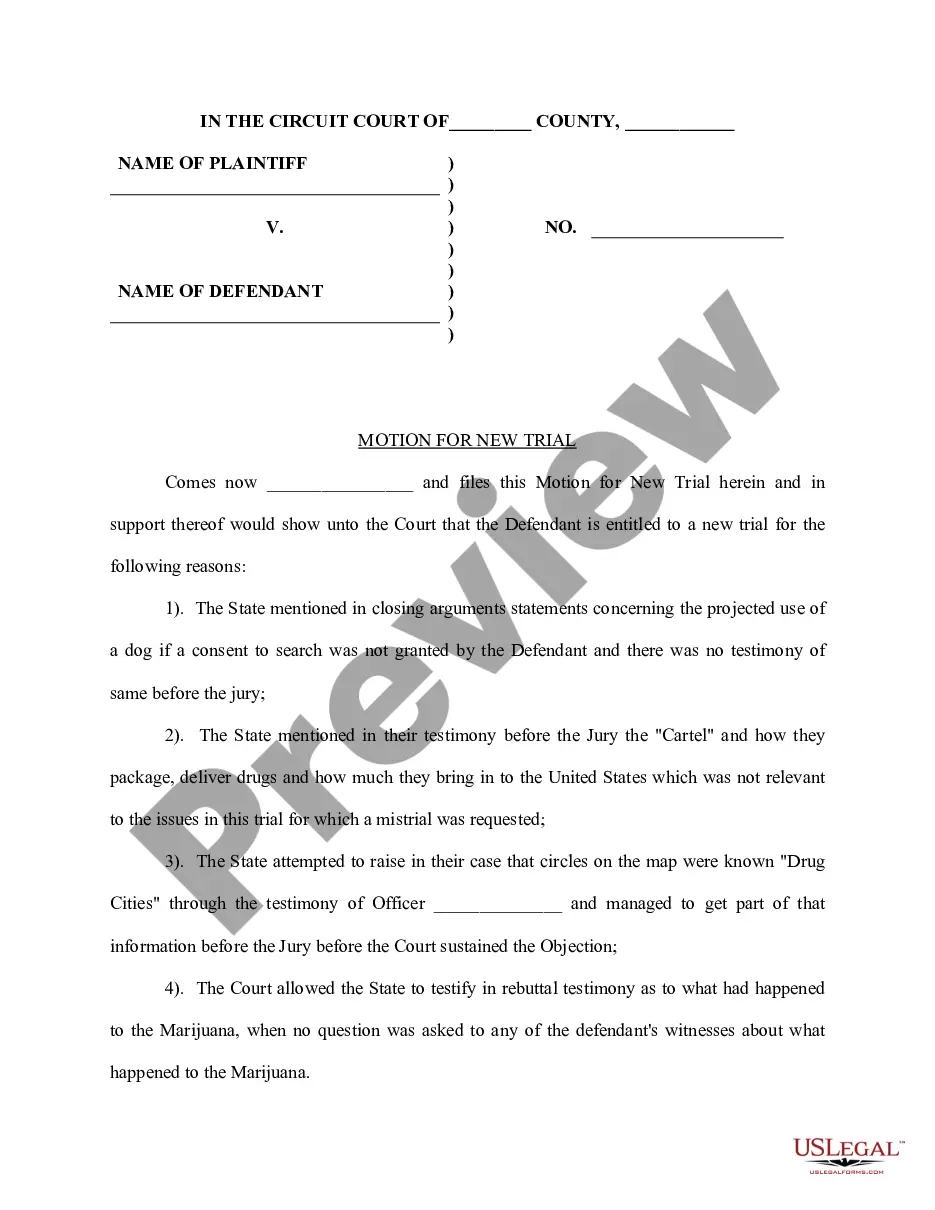
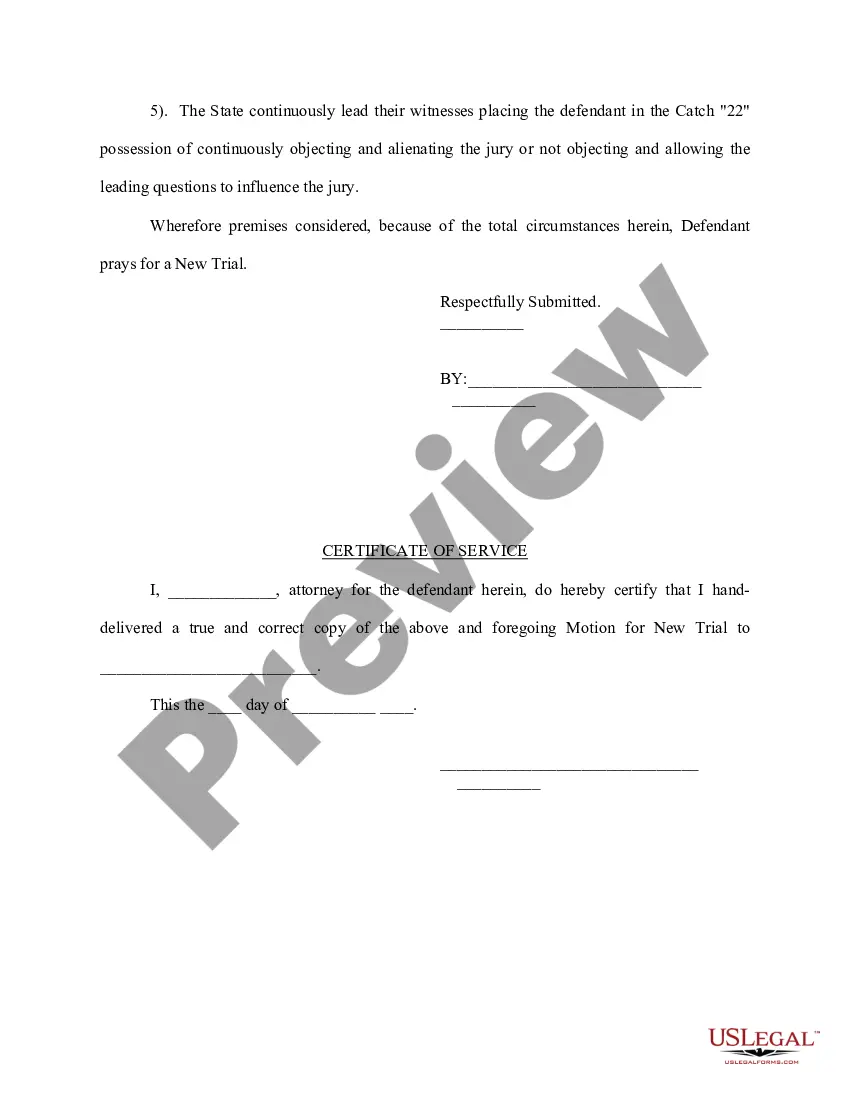
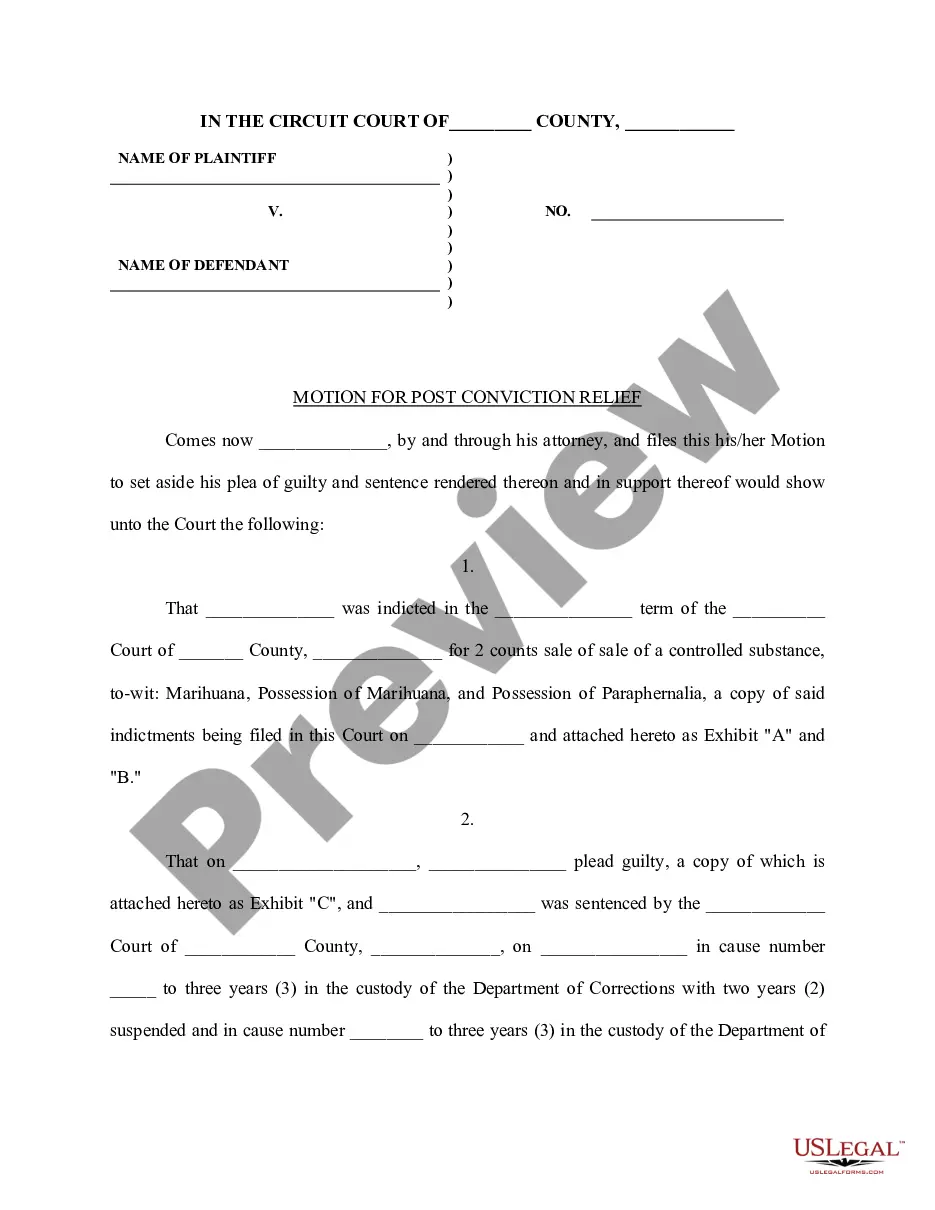
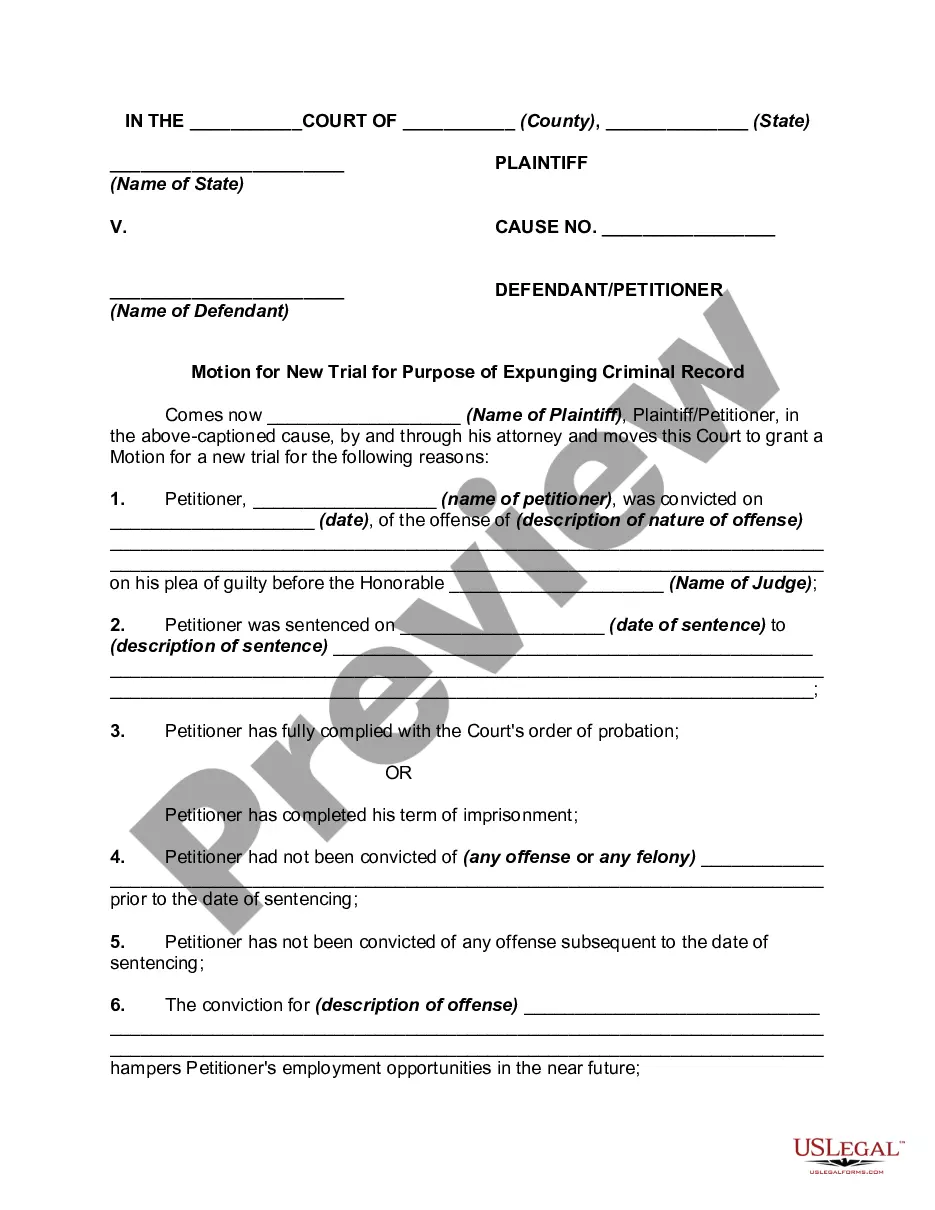
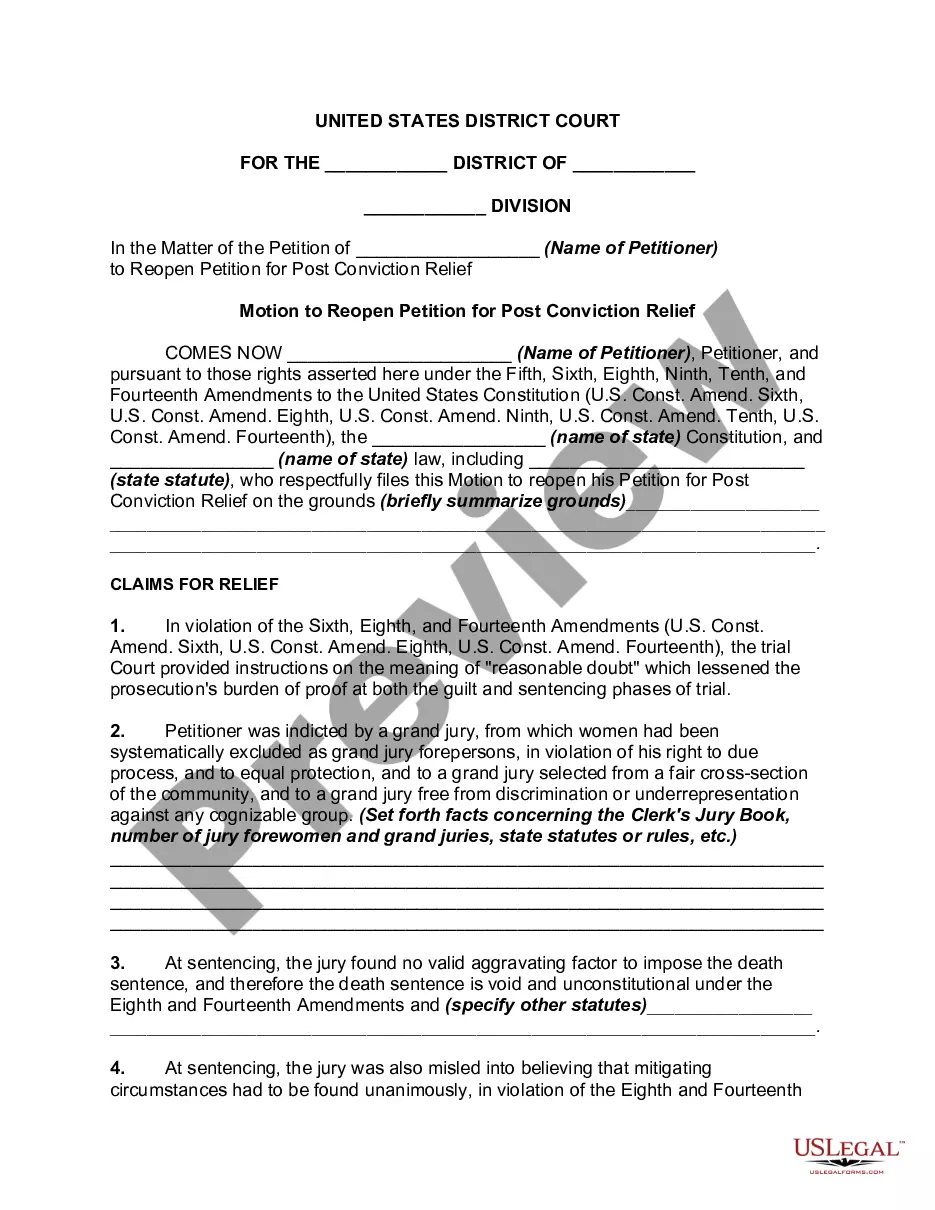
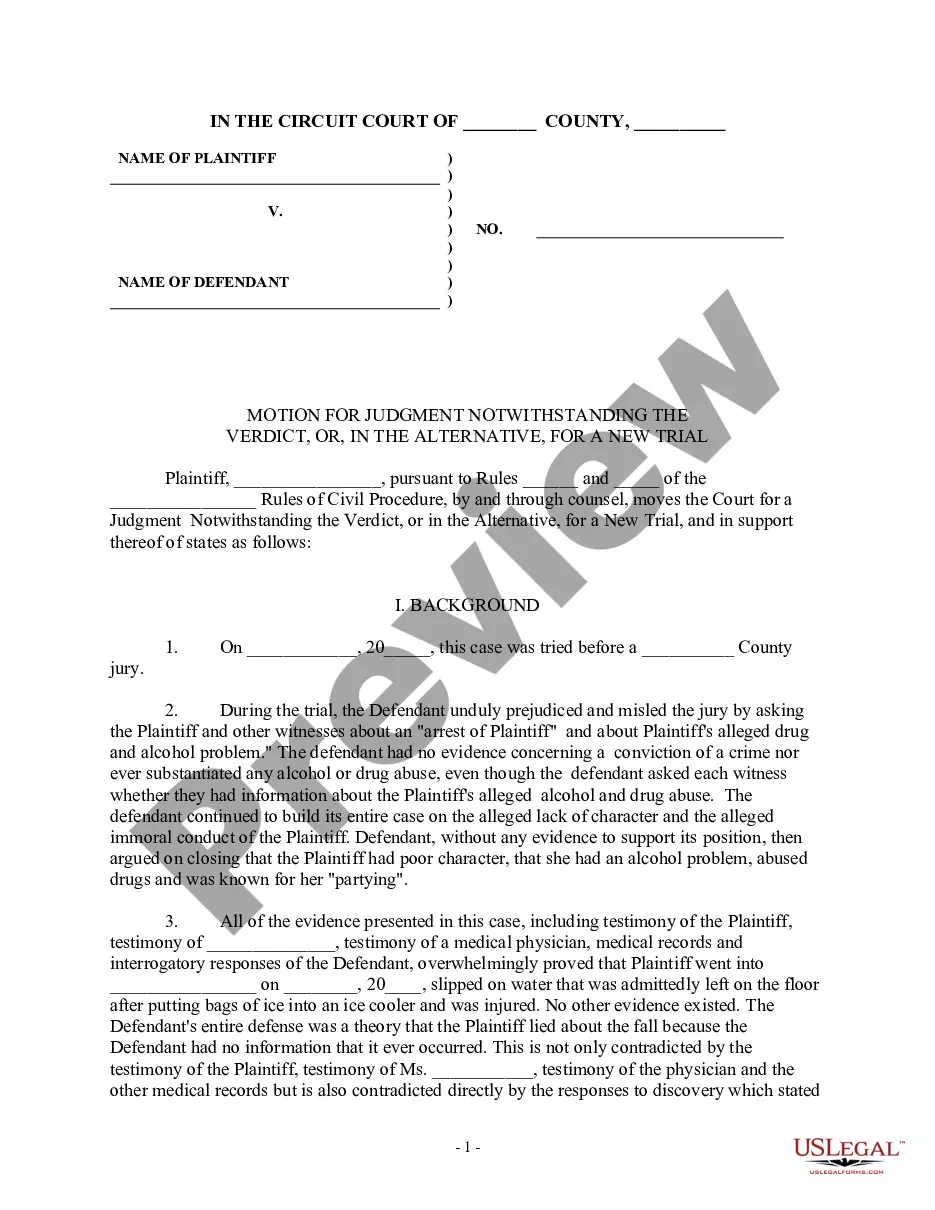

Get your form ready online
Our built-in tools help you complete, sign, share, and store your documents in one place.
Make edits, fill in missing information, and update formatting in US Legal Forms—just like you would in MS Word.
Download a copy, print it, send it by email, or mail it via USPS—whatever works best for your next step.
Sign and collect signatures with our SignNow integration. Send to multiple recipients, set reminders, and more. Go Premium to unlock E-Sign.
If this form requires notarization, complete it online through a secure video call—no need to meet a notary in person or wait for an appointment.
We protect your documents and personal data by following strict security and privacy standards.

Make edits, fill in missing information, and update formatting in US Legal Forms—just like you would in MS Word.

Download a copy, print it, send it by email, or mail it via USPS—whatever works best for your next step.

Sign and collect signatures with our SignNow integration. Send to multiple recipients, set reminders, and more. Go Premium to unlock E-Sign.

If this form requires notarization, complete it online through a secure video call—no need to meet a notary in person or wait for an appointment.

We protect your documents and personal data by following strict security and privacy standards.
Looking for another form?



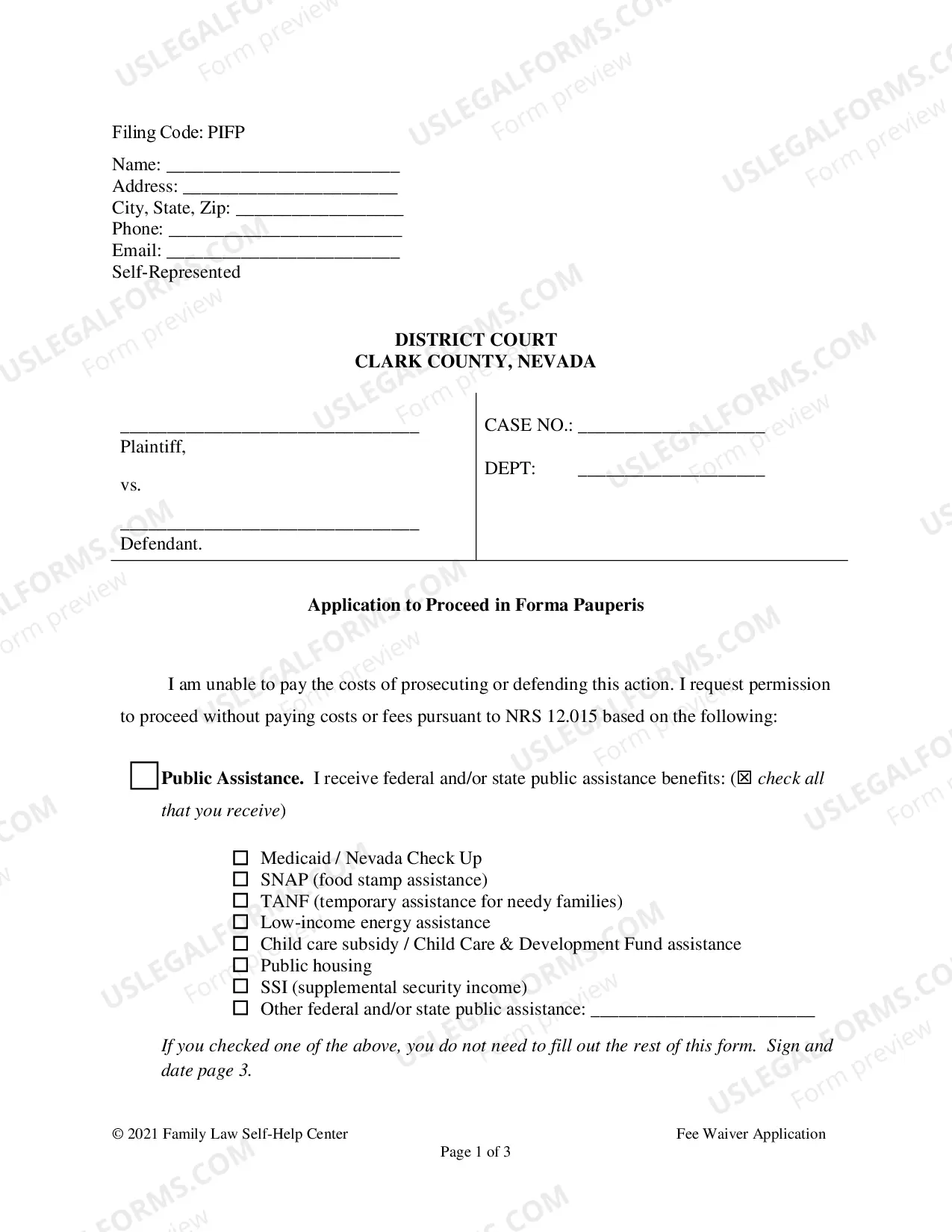
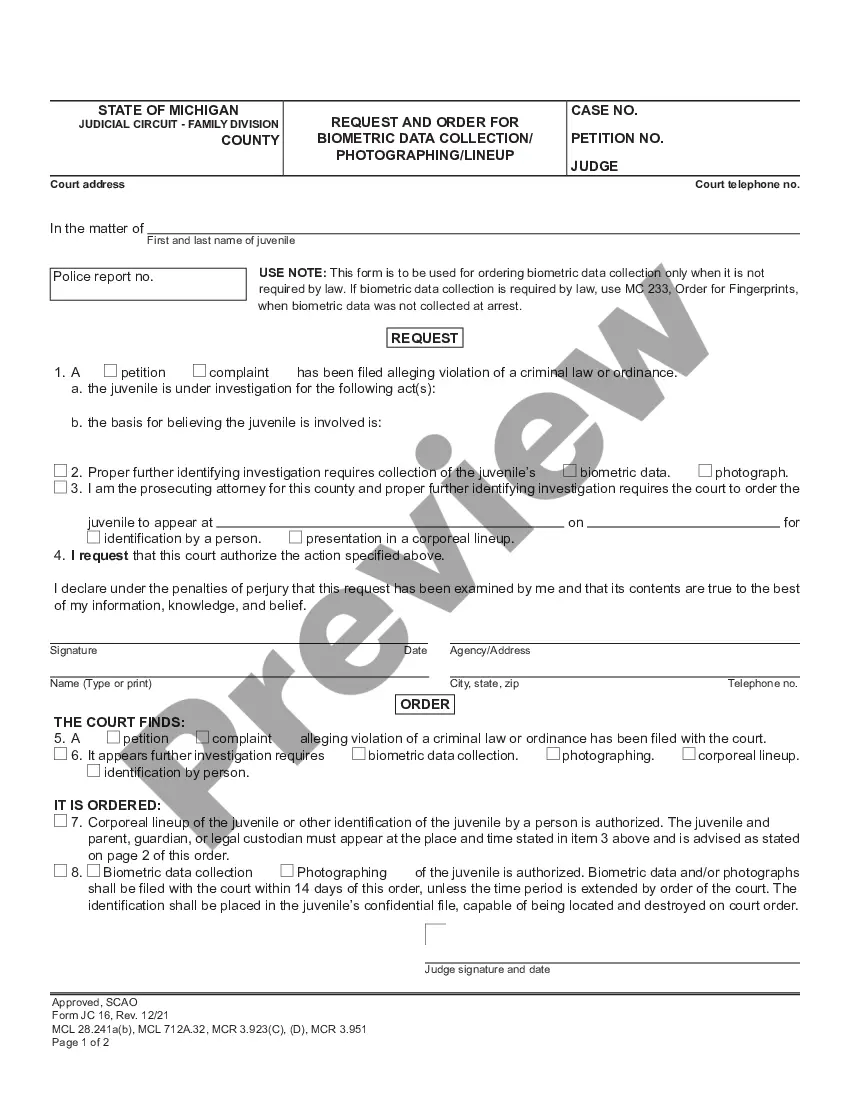




How to fill out Motion For New Trial?
Handling legal documentation and processes can be a lengthy addition to the day.
Motion New Trial Form With Motion To Dismiss and similar documents usually necessitate that you search for them and determine the most efficient way to fill them out properly.
Consequently, if you are managing financial, legal, or personal affairs, utilizing an all-inclusive and convenient online directory of forms readily available will greatly assist.
US Legal Forms is the leading online platform for legal templates, boasting over 85,000 state-specific forms and a variety of resources to aid you in completing your paperwork swiftly.
Is it your first time using US Legal Forms? Sign up and create an account in just a few minutes, and you'll gain entry to the form directory and Motion New Trial Form With Motion To Dismiss. Then, follow the steps outlined below to complete your form: Ensure you have identified the correct form by utilizing the Preview feature and reviewing the form description. Click Buy Now when ready, and choose the subscription plan that suits you best. Click Download, then fill out, eSign, and print the form. US Legal Forms has 25 years of expertise helping users manage their legal documentation. Locate the form you need today and streamline any process effortlessly.
- Explore the collection of pertinent documents available to you with just a single click.
- US Legal Forms offers you state- and county-specific forms available for download at any time.
- Protect your document management processes with a premium service that enables you to create any form within minutes without any extra or concealed charges.
- Simply Log In to your account, locate Motion New Trial Form With Motion To Dismiss, and download it instantly from the My documents section.
- You can also access previously downloaded forms.
Form popularity
FAQ
37.09 (1) A party who makes a motion may abandon it by delivering a notice of abandonment. ... (2) A party who serves a notice of motion and does not file it or appear at the hearing shall be deemed to have abandoned the motion unless the court orders otherwise.
To bring a motion, you need to: ask the court for a motion date. identify and fill out your motion forms. serve and file your motion forms. confirm that you will attend the motion. go to your motion hearing. receive the judge's decision.
The purpose of allowing a defendant to seek the dismissal of an action after lengthy inaction by the plaintiff is to prevent lawsuits from being used to keep the threat of liability hanging over the defendant over an inordinate period.
To successfully defeat the motion to dismiss, a pro se litigant must address the following potential responses. The plaintiff's allegations don't fit the facts of the case. There is a missing element of the claim. There are no factual allegations in the complaint, only conclusions.
For motions on notice, you must serve your documents on the other party. To do this, you must follow Rule 14(11) of the Family Law Rules. The moving party must serve Form 14 and Form 14A on all the other parties not later than six (6) days before the motion.