Defendant Court Motion Within
Description
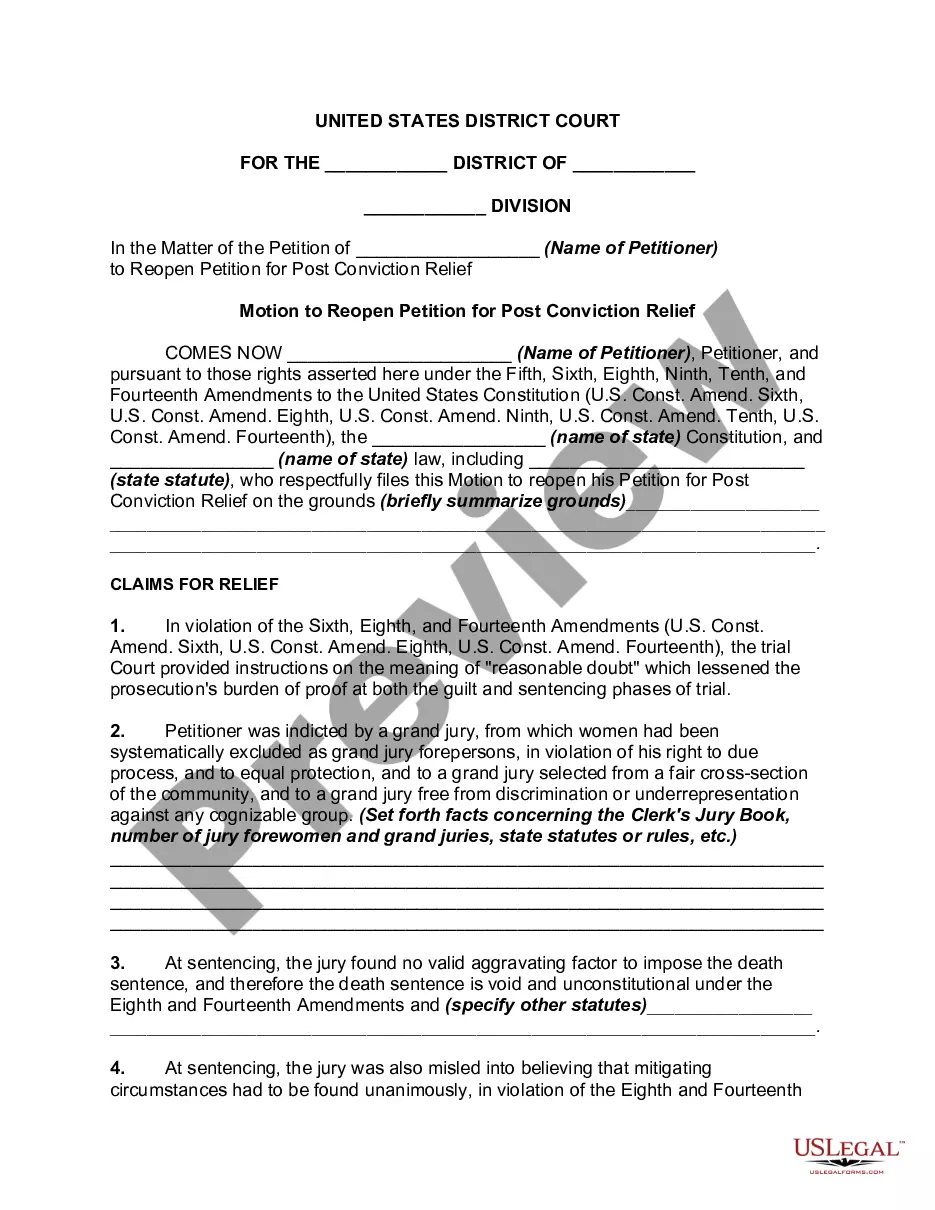
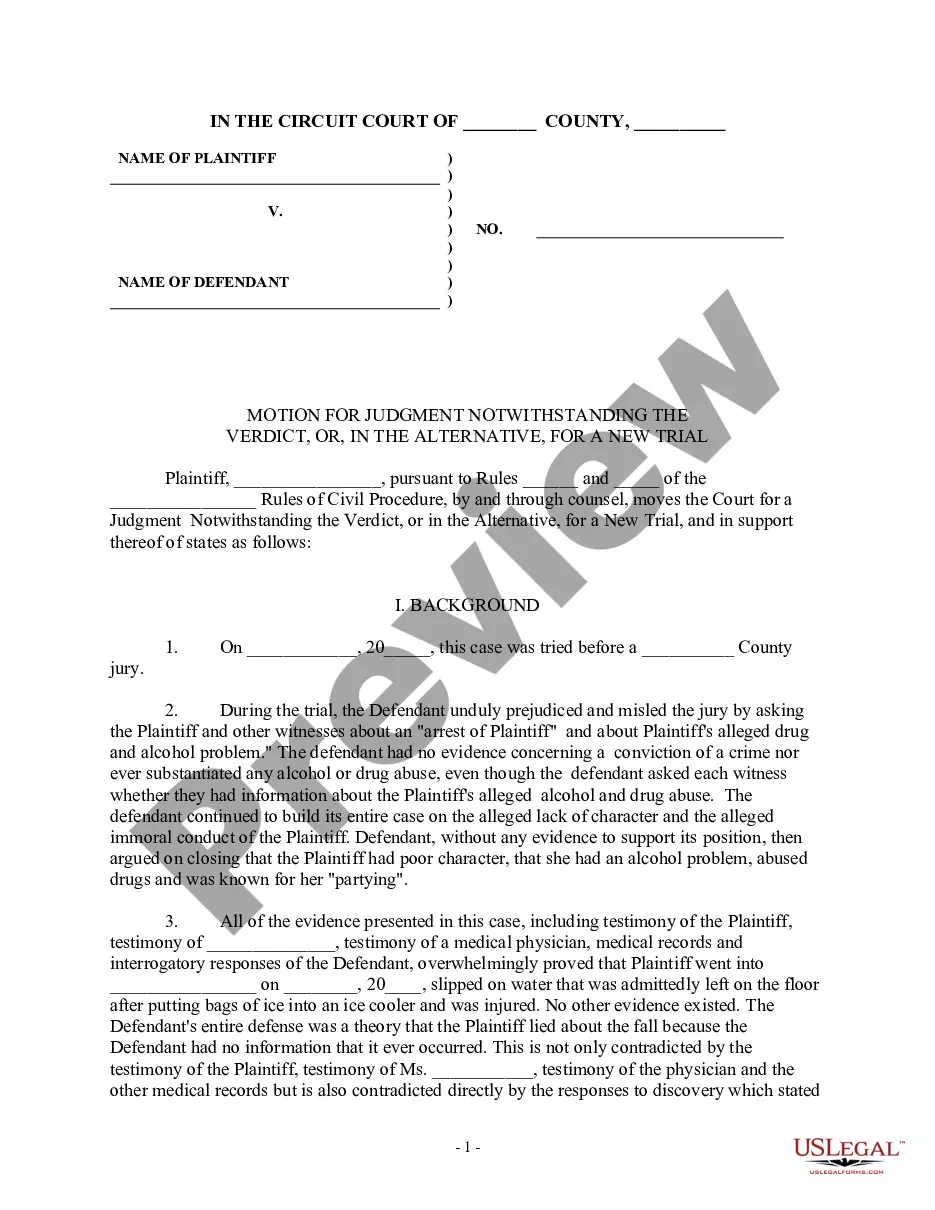

Get your form ready online
Our built-in tools help you complete, sign, share, and store your documents in one place.
Make edits, fill in missing information, and update formatting in US Legal Forms—just like you would in MS Word.
Download a copy, print it, send it by email, or mail it via USPS—whatever works best for your next step.
Sign and collect signatures with our SignNow integration. Send to multiple recipients, set reminders, and more. Go Premium to unlock E-Sign.
If this form requires notarization, complete it online through a secure video call—no need to meet a notary in person or wait for an appointment.
We protect your documents and personal data by following strict security and privacy standards.

Make edits, fill in missing information, and update formatting in US Legal Forms—just like you would in MS Word.

Download a copy, print it, send it by email, or mail it via USPS—whatever works best for your next step.

Sign and collect signatures with our SignNow integration. Send to multiple recipients, set reminders, and more. Go Premium to unlock E-Sign.

If this form requires notarization, complete it online through a secure video call—no need to meet a notary in person or wait for an appointment.

We protect your documents and personal data by following strict security and privacy standards.
Looking for another form?
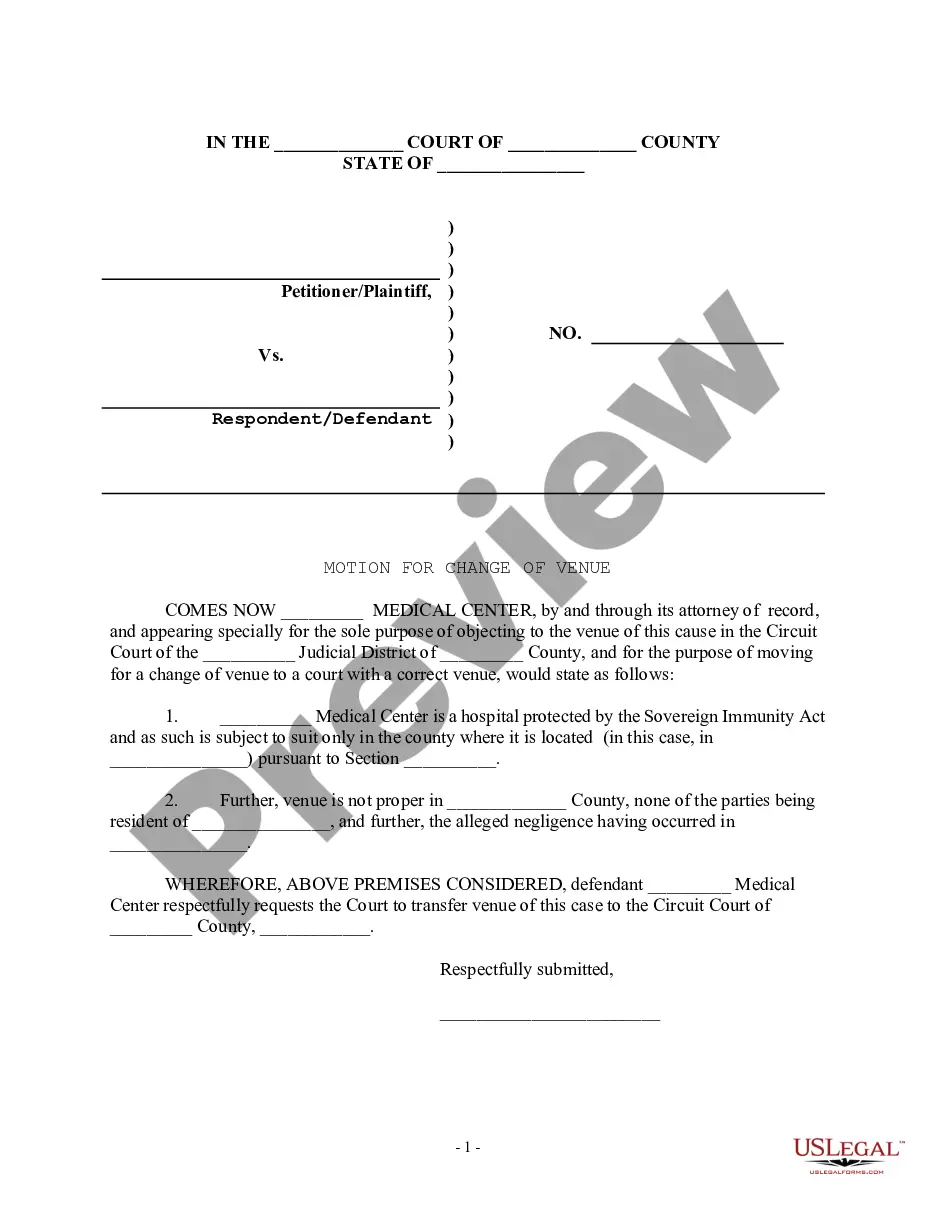



How to fill out Motion For New Trial?
Legal paperwork organization can be daunting, even for the most seasoned professionals.
When seeking a Defendant Court Motion Within and undersized on time to find the right and current version, the processes can be taxing.
Access a resource library of articles, guides, and materials relevant to your situation and requirements.
Save time and effort in locating the documents you require, and use US Legal Forms’ sophisticated search and Review tool to uncover Defendant Court Motion Within and secure it.
Confirm that the specimen is recognized in your state or county, select Buy Now when you are prepared, choose a subscription plan, find the formatting you require, and Download, fill out, eSign, print, and send your document. Benefit from the US Legal Forms online directory, supported by 25 years of knowledge and reliability. Simplify your daily document administration in a straightforward and user-friendly manner today.
- If you have a membership, Log In to your US Legal Forms account, look for the form, and obtain it.
- Check your My documents tab to see the documents you have previously downloaded and to organize your folders as necessary.
- If you are new to US Legal Forms, set up a free account for unlimited access to all the platform's advantages.
- Follow these steps after securing the form you need.
- Verify this is the correct form by previewing it and reading its details.
- Access state- or county-specific legal and organizational documents.
- US Legal Forms accommodates any demands you may have, ranging from personal to business papers, all in one location.
- Leverage advanced tools to complete and manage your Defendant Court Motion Within.
Form popularity
FAQ
Be as persuasive as possible as you write your motion in a sequential, logical format. Express your ideas clearly, and make sure you outline what steps are necessary and how they will help your case. Use facts of the case whenever you can to avoid baseless emotional appeals.
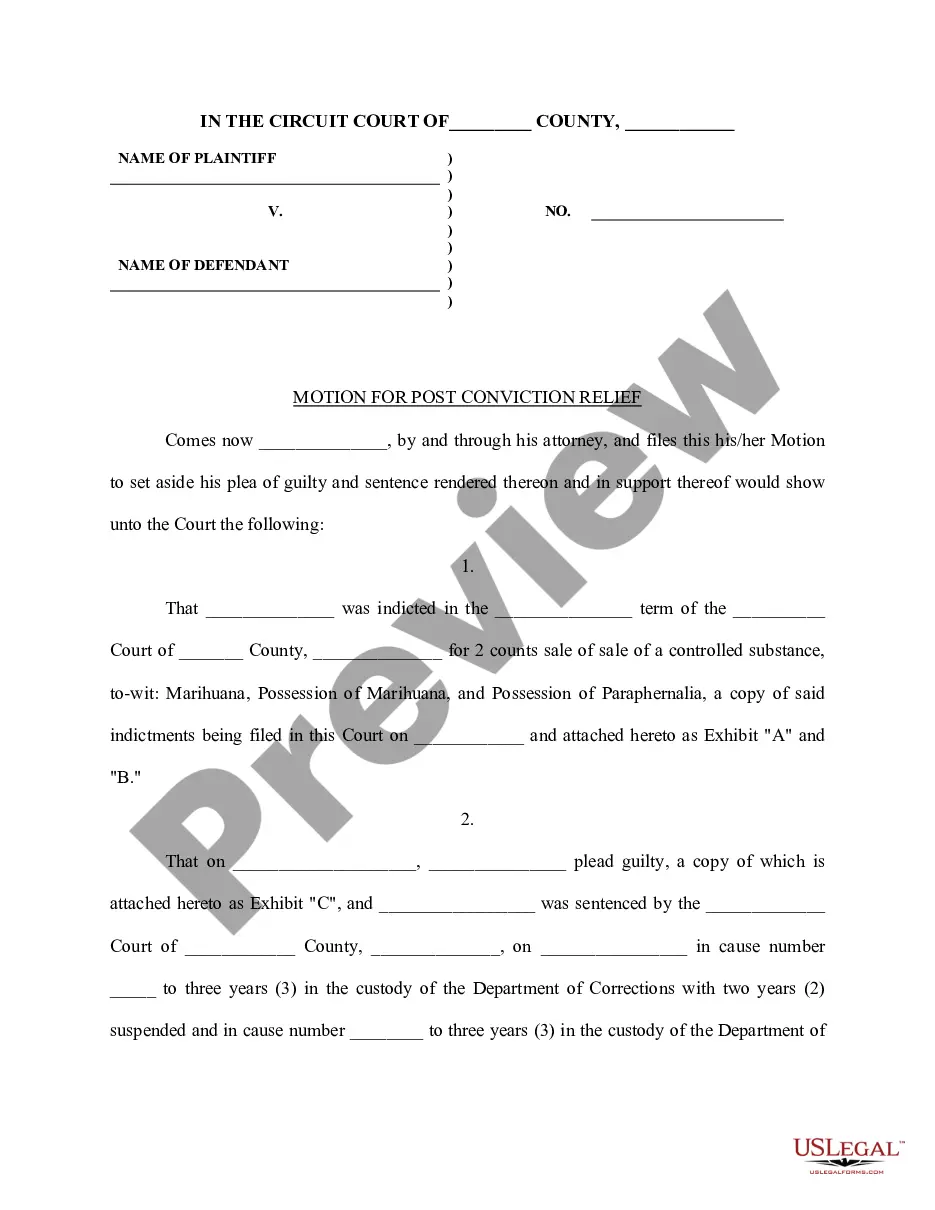
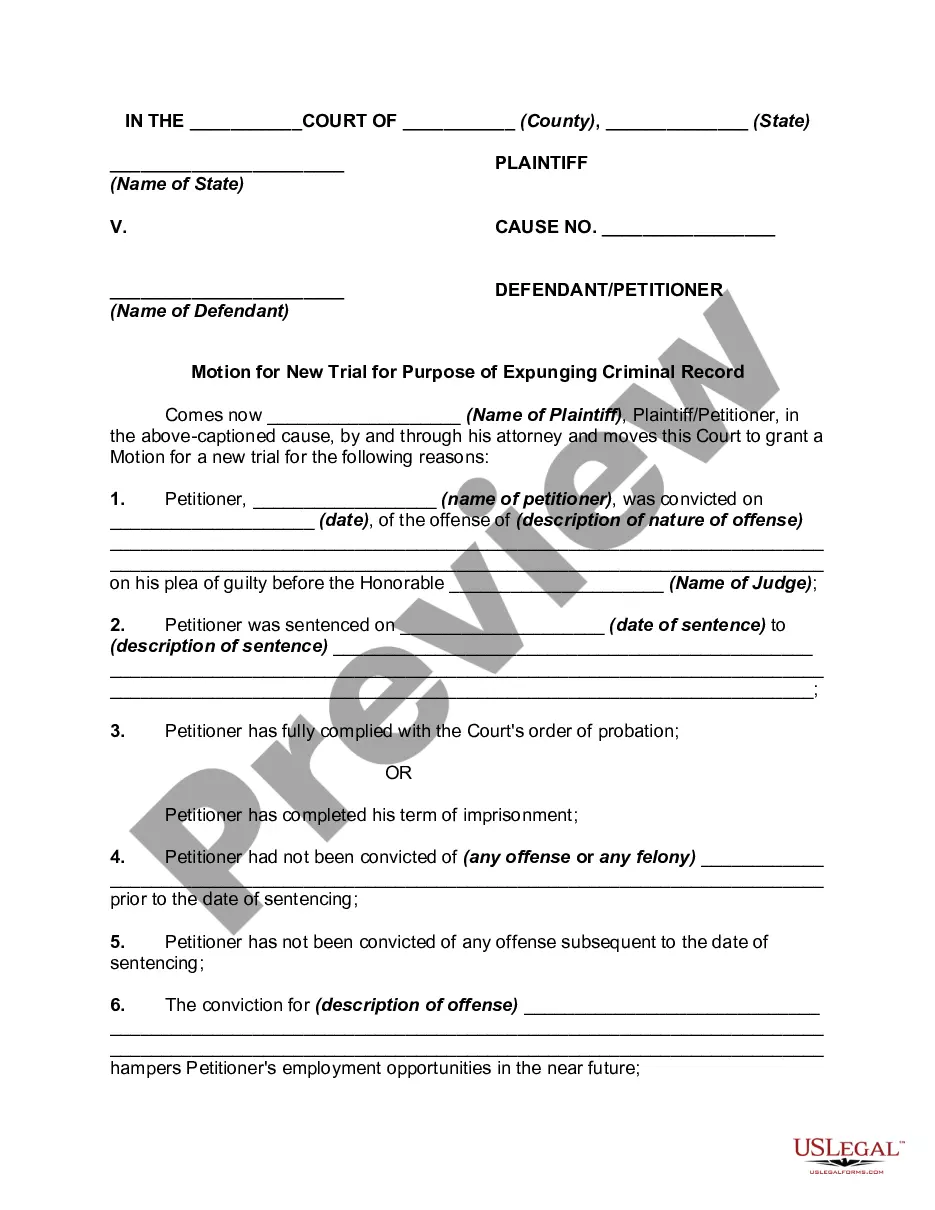
There are several different types of post-judgment motions, but the most common are motions for new trial, motions to vacate, and motions to set-aside. Motions for new trial, motions to vacate, and motions to set-aside are the three most common post-judgment motions.
We don't like Motions to Compel. Judges don't like them, and neither do the opposing parties we bring them against. But they are, sometimes, required to be brought in cases where you need information to make sure you know what facts, witnesses and documents are in a case prior to going to going to trial.
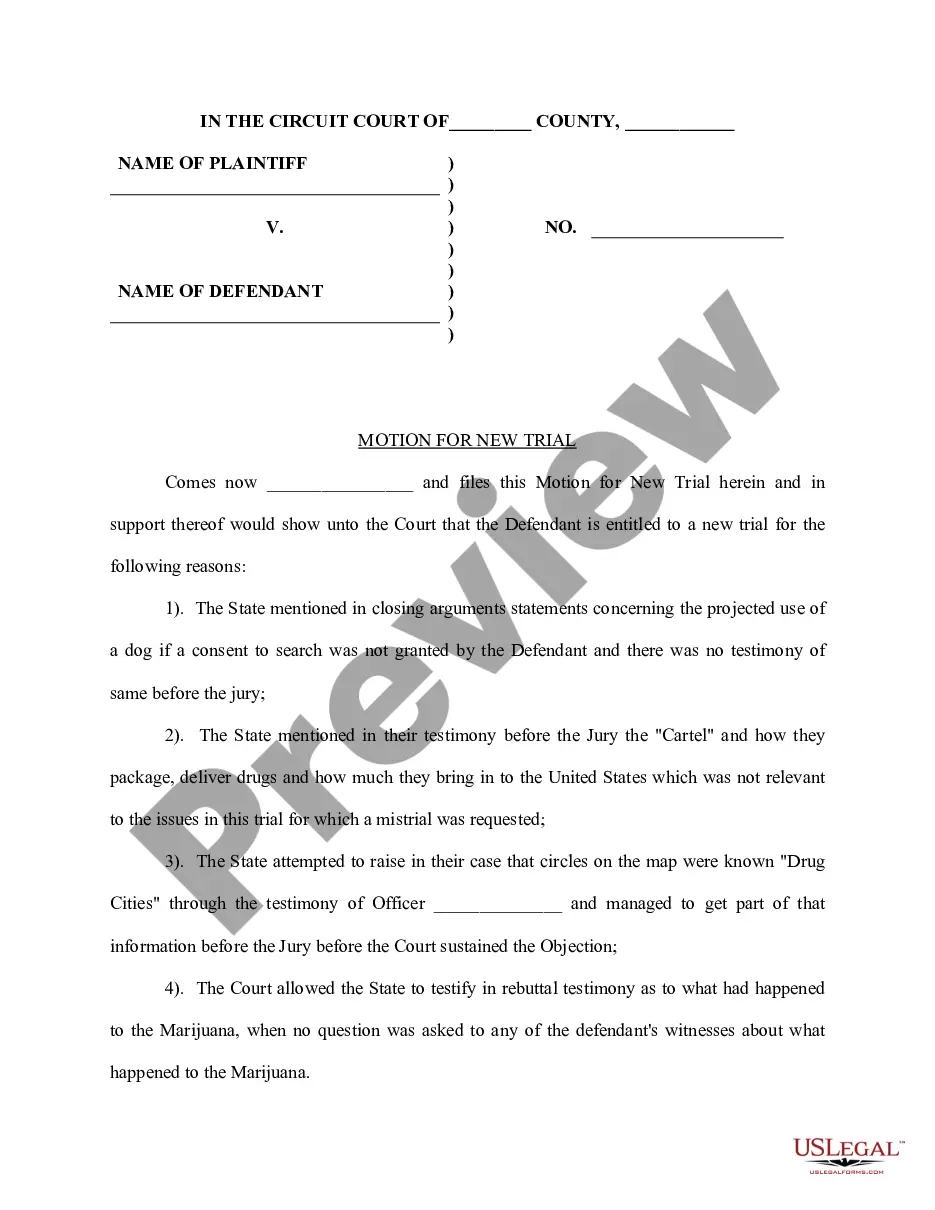
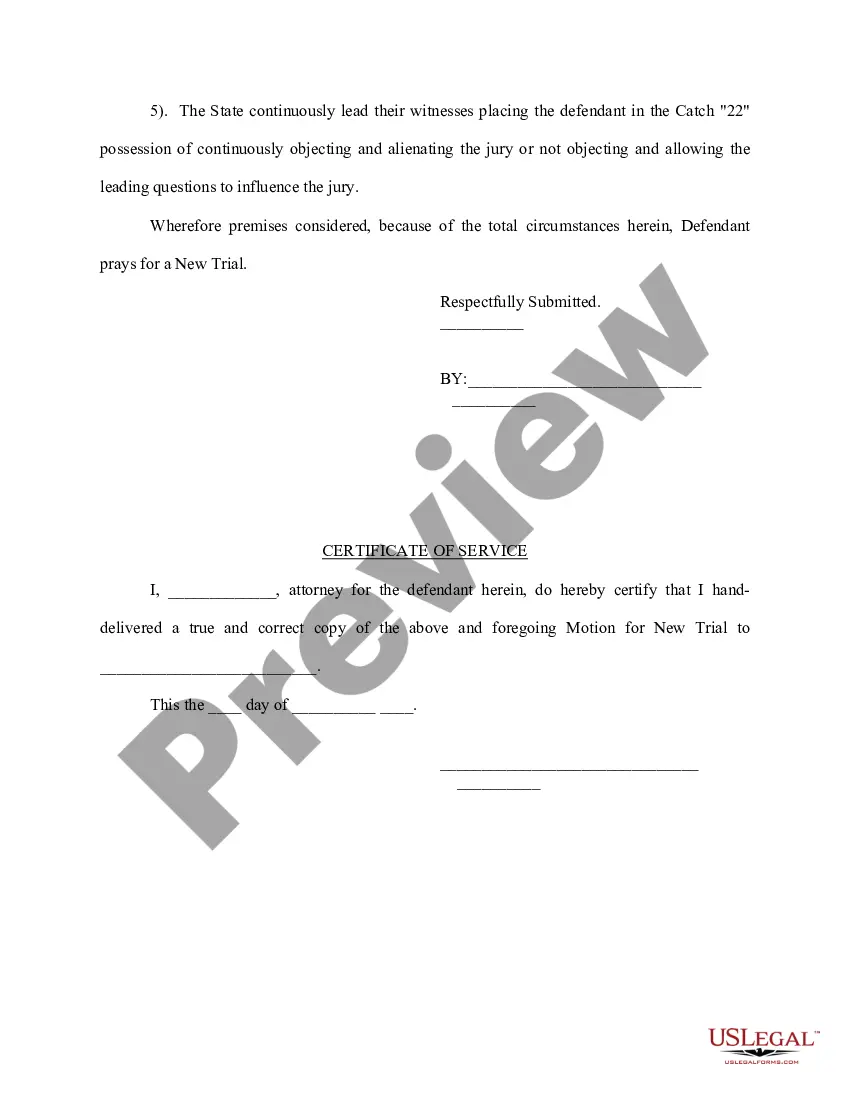
General format - each motion generally consists of a case caption, a title that briefly identifies the relief sought, a series of numbered paragraphs that explains -- in a logical way -- why you are entitled to that relief, a prayer for relief, a signature block, a certification that a copy of the motion was sent to ...
A motion is an application to the court made by the prosecutor or defense attorney, requesting that the court make a decision on a certain issue before the trial begins. The motion can affect the trial, courtroom, defendants, evidence, or testimony. Only judges decide the outcome of motions.