Transcript Proceedings With A Court
Description
Get your form ready online
Our built-in tools help you complete, sign, share, and store your documents in one place.
Make edits, fill in missing information, and update formatting in US Legal Forms—just like you would in MS Word.
Download a copy, print it, send it by email, or mail it via USPS—whatever works best for your next step.
Sign and collect signatures with our SignNow integration. Send to multiple recipients, set reminders, and more. Go Premium to unlock E-Sign.
If this form requires notarization, complete it online through a secure video call—no need to meet a notary in person or wait for an appointment.
We protect your documents and personal data by following strict security and privacy standards.

Make edits, fill in missing information, and update formatting in US Legal Forms—just like you would in MS Word.

Download a copy, print it, send it by email, or mail it via USPS—whatever works best for your next step.

Sign and collect signatures with our SignNow integration. Send to multiple recipients, set reminders, and more. Go Premium to unlock E-Sign.

If this form requires notarization, complete it online through a secure video call—no need to meet a notary in person or wait for an appointment.

We protect your documents and personal data by following strict security and privacy standards.
Looking for another form?





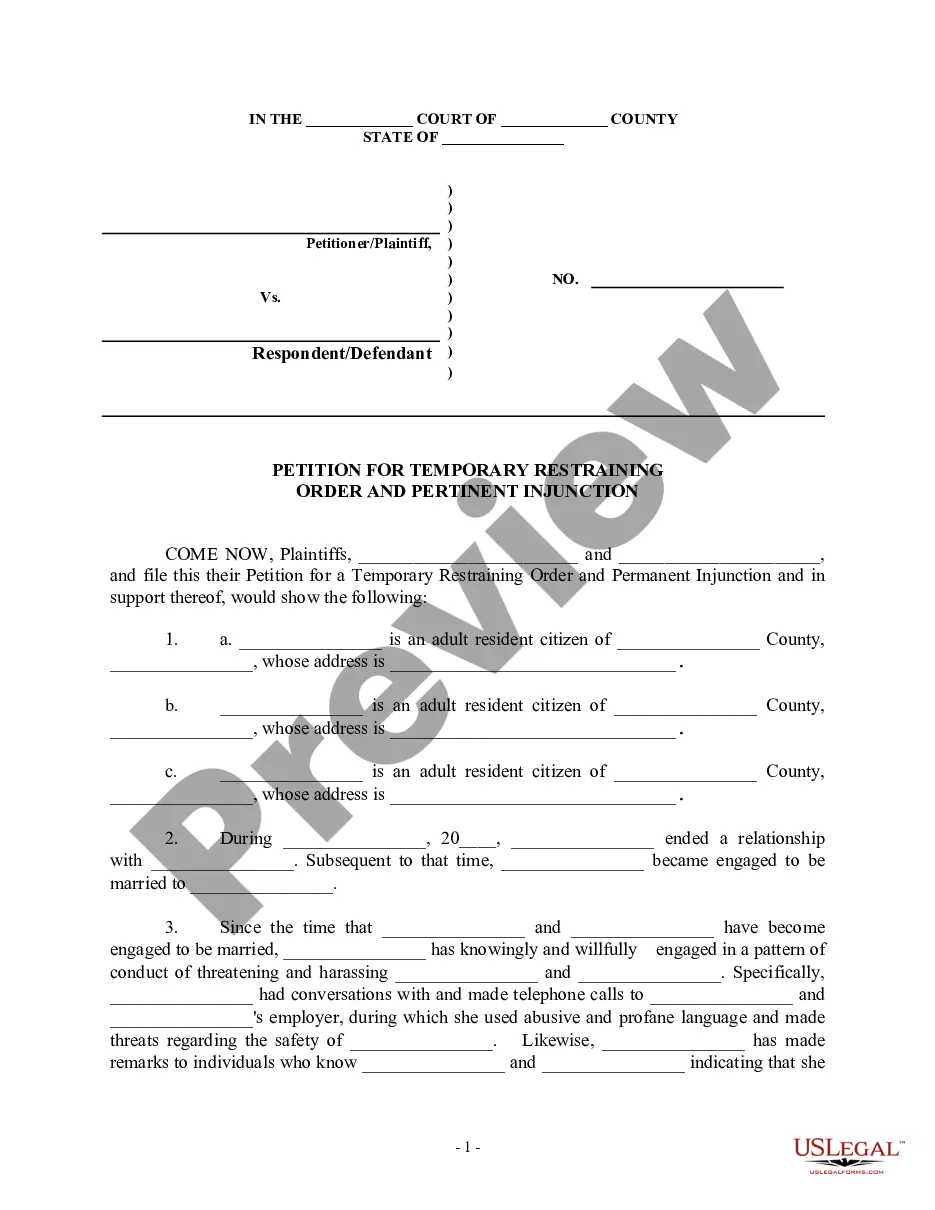
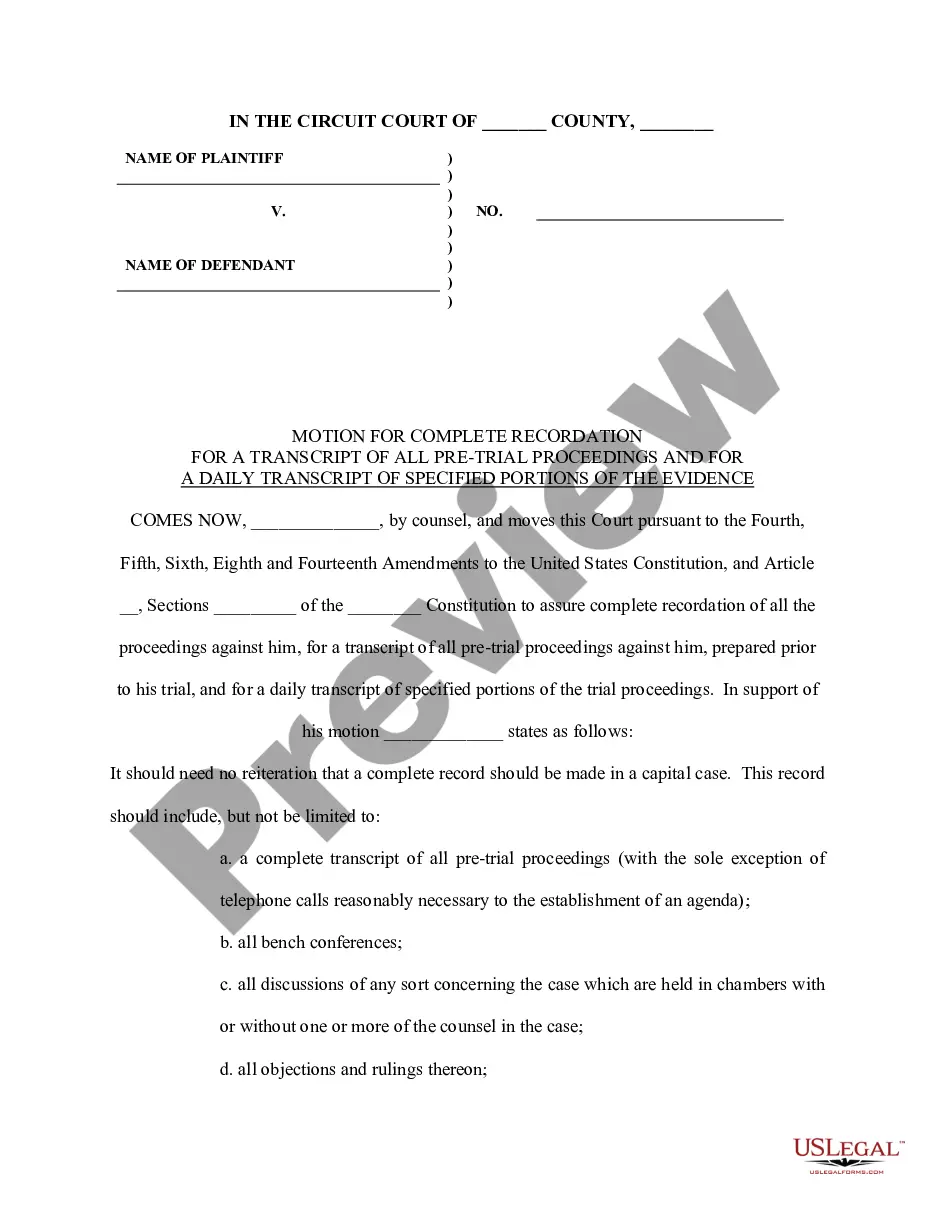
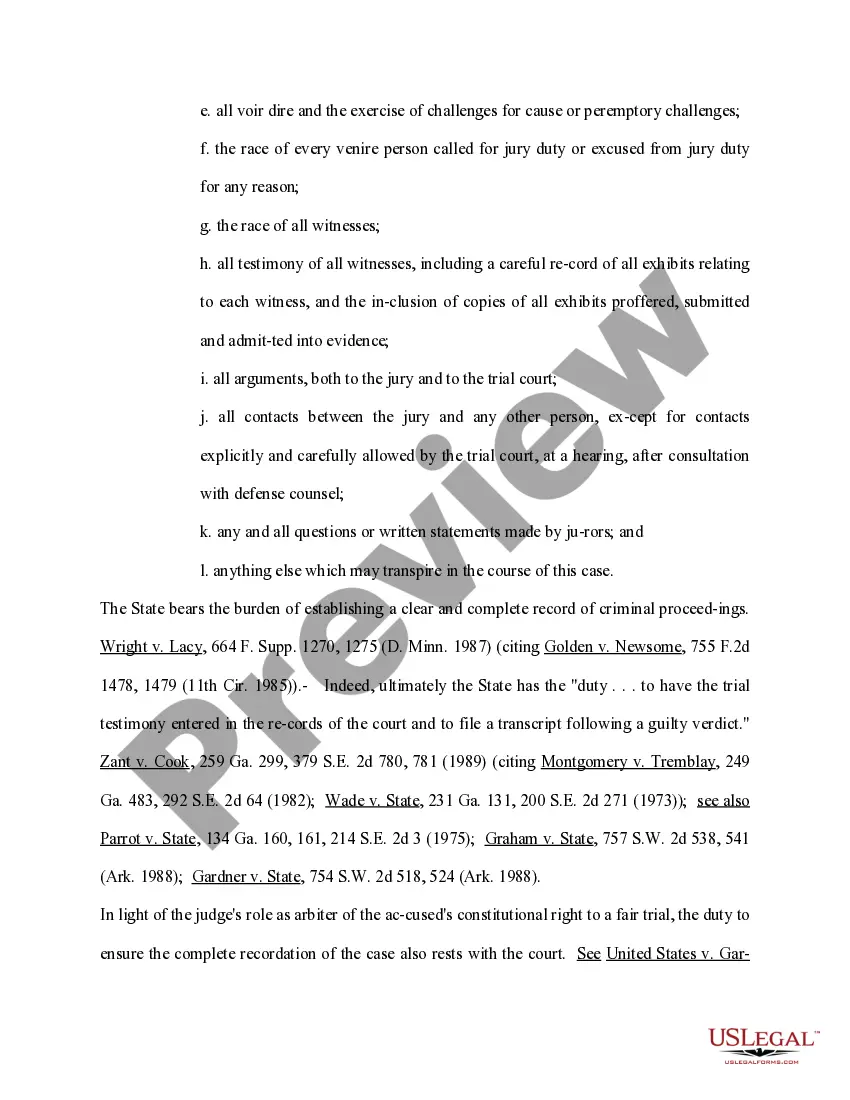
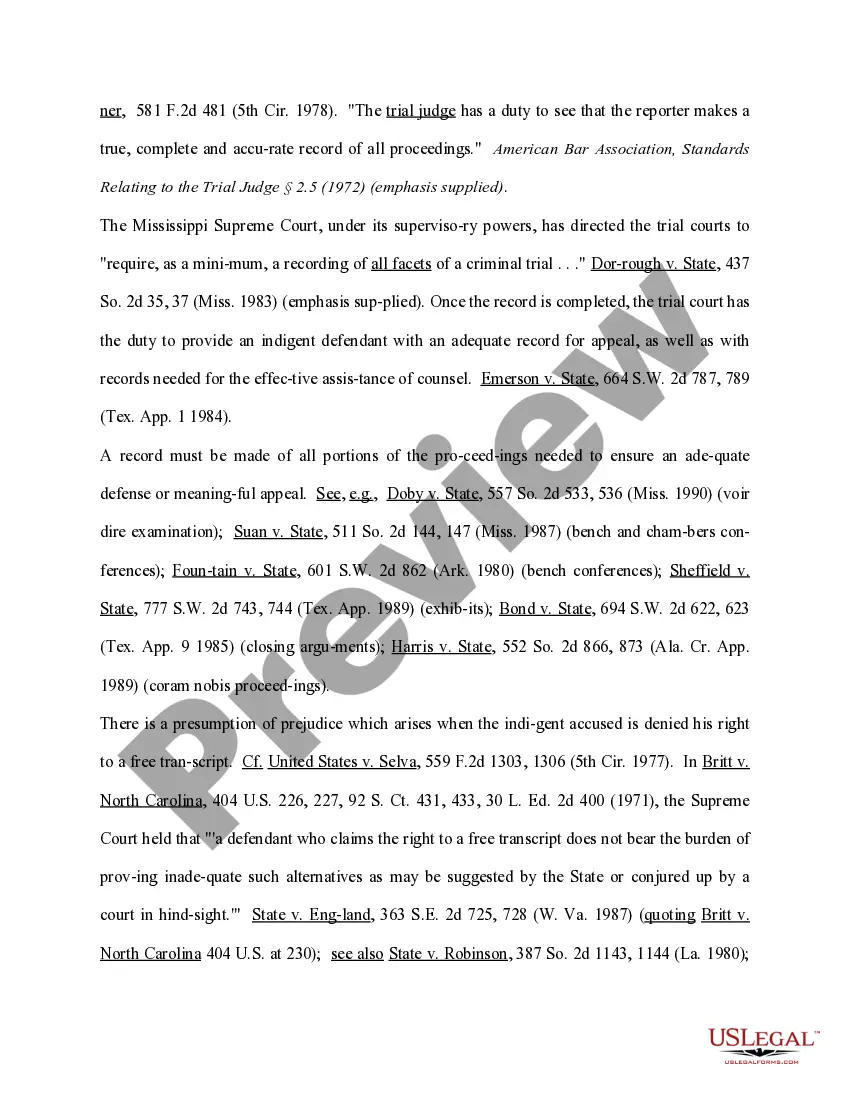
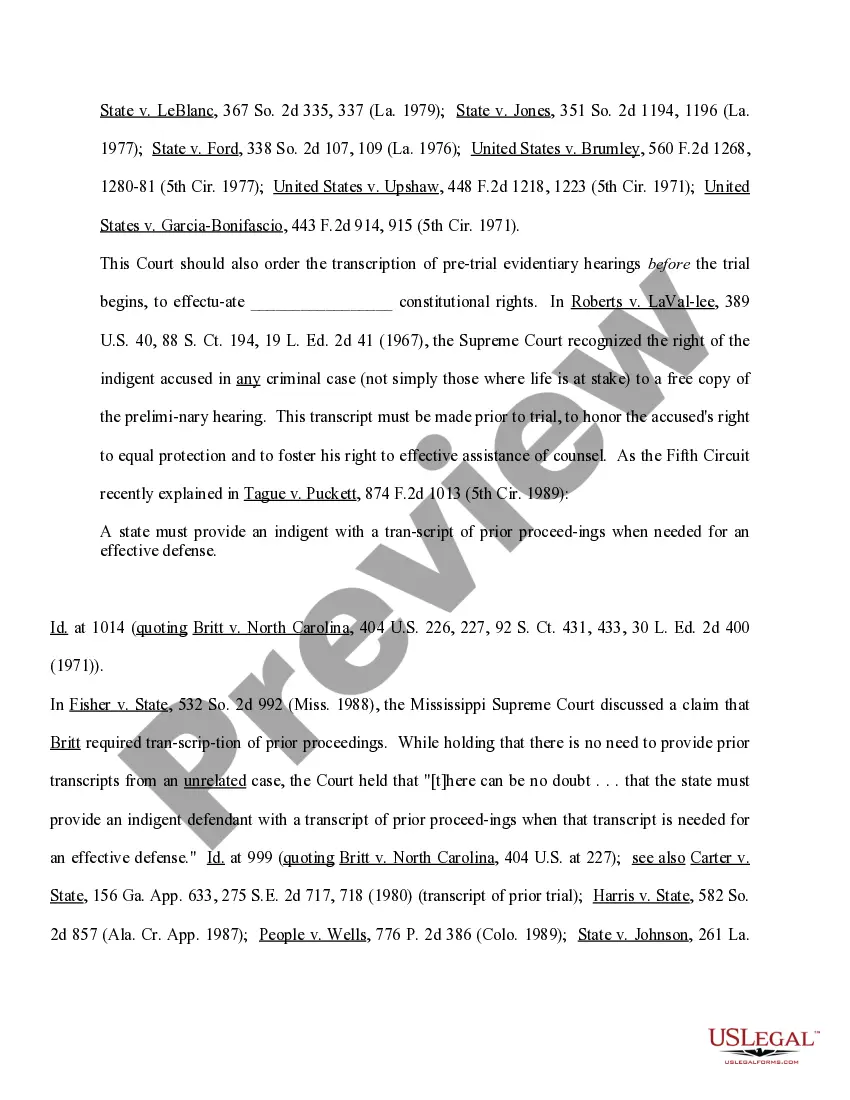
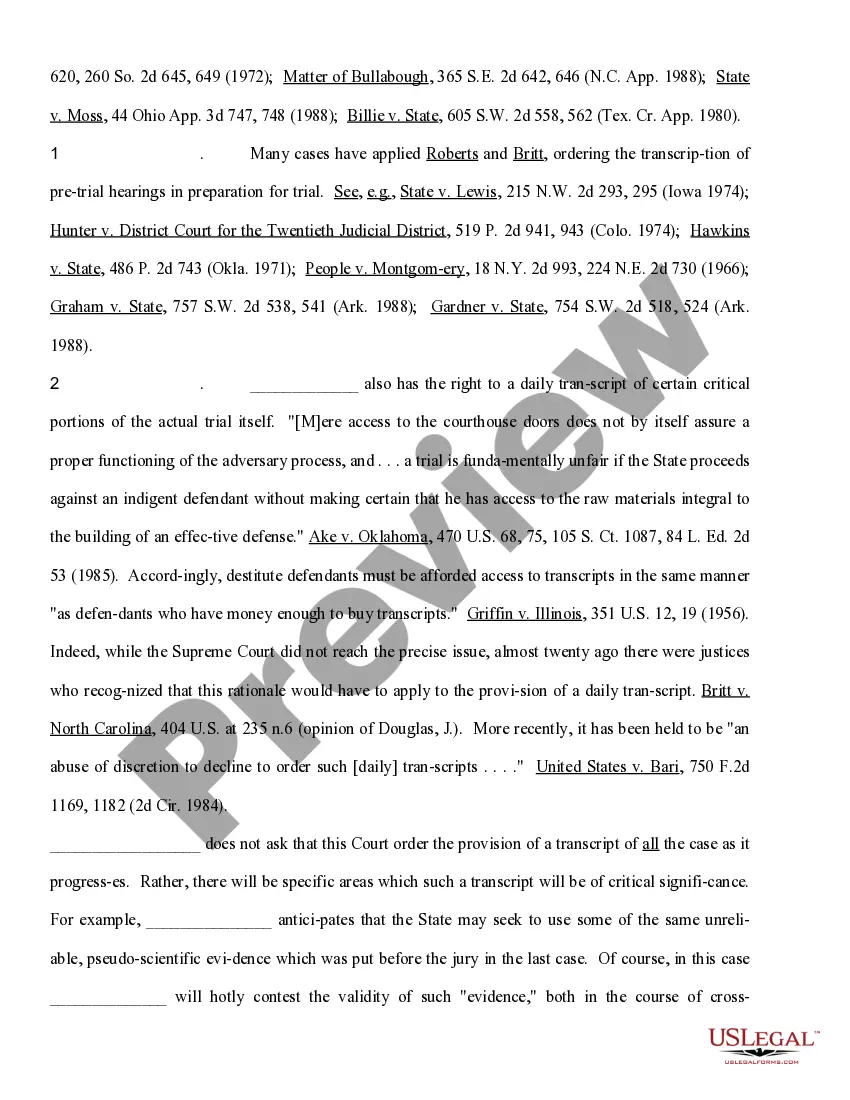
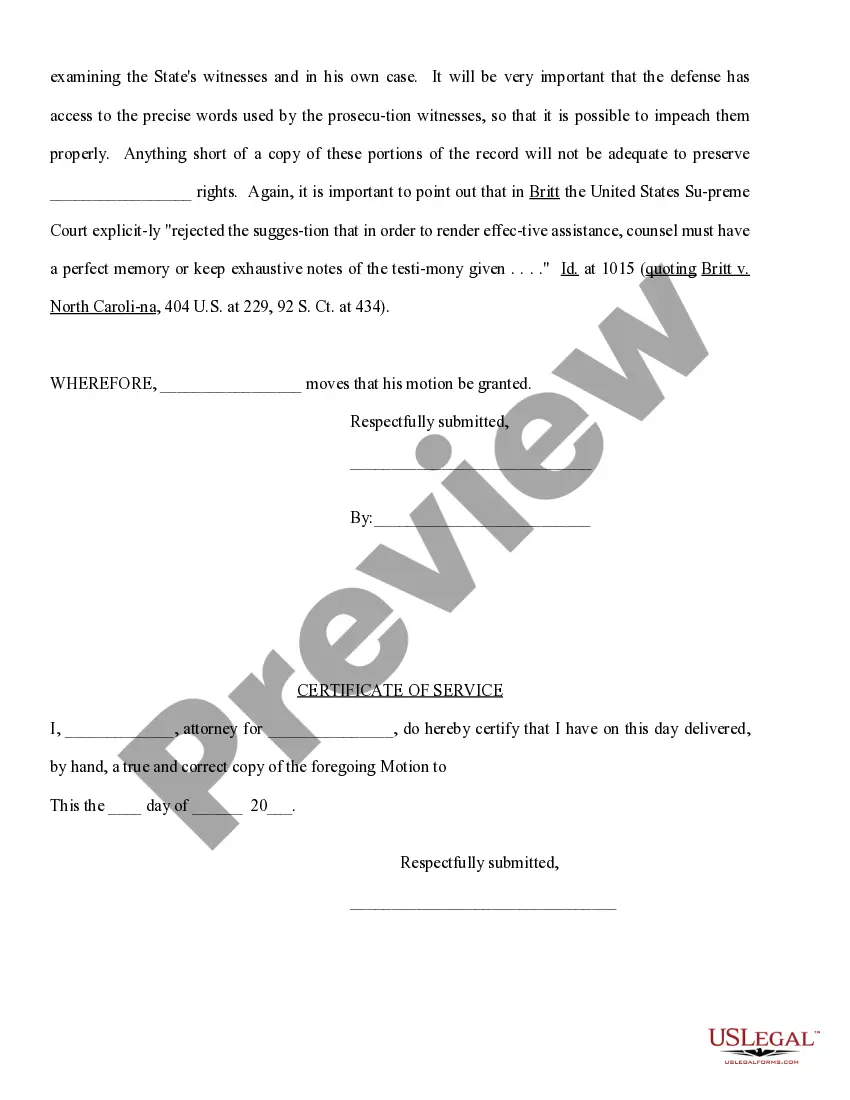
How to fill out Motion For Complete Recordation For A Transcript Of All Pretrial Proceedings And For A Daily Transcript Of Specified Portions Of The Evidence?
Engaging with legal paperwork and processes can be an arduous addition to your daily routine.
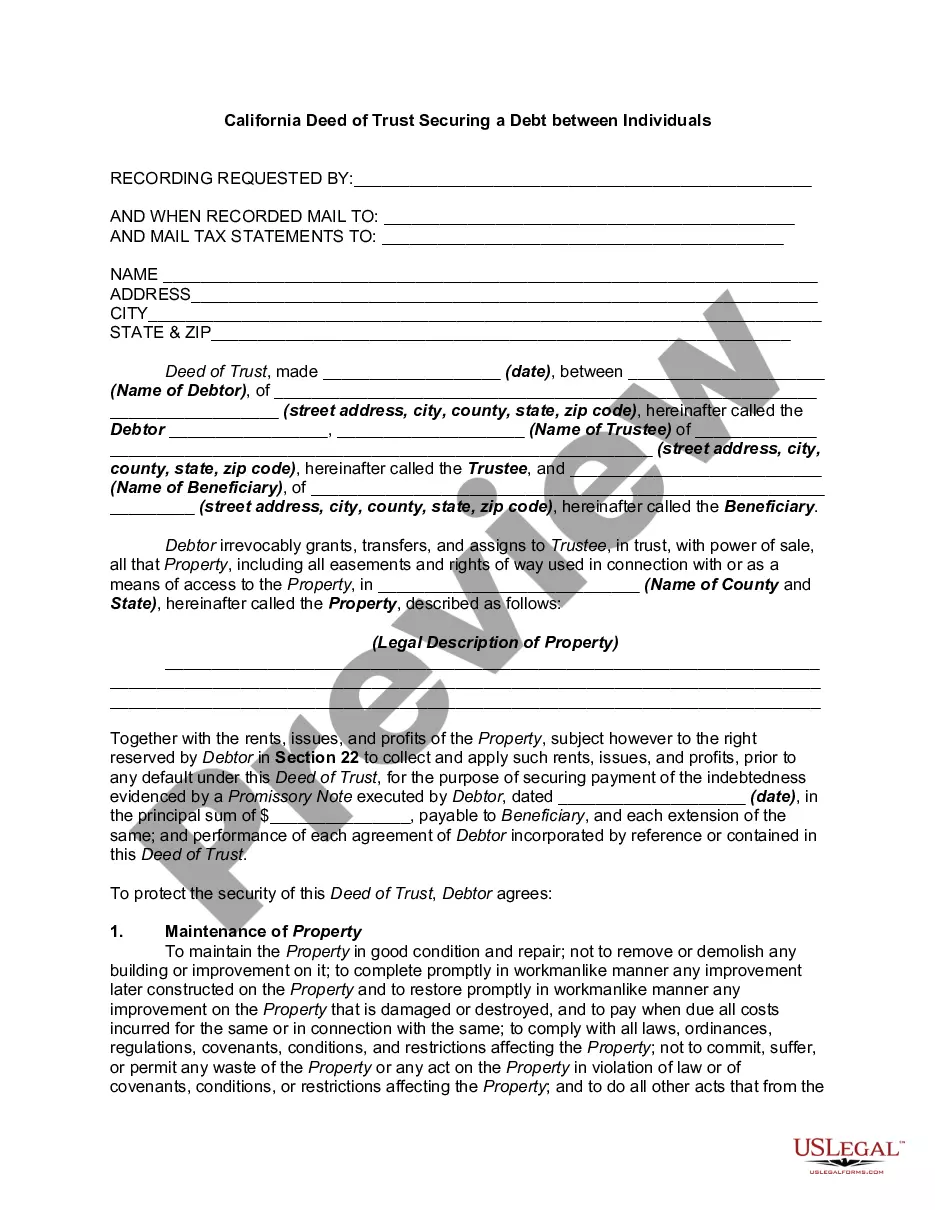
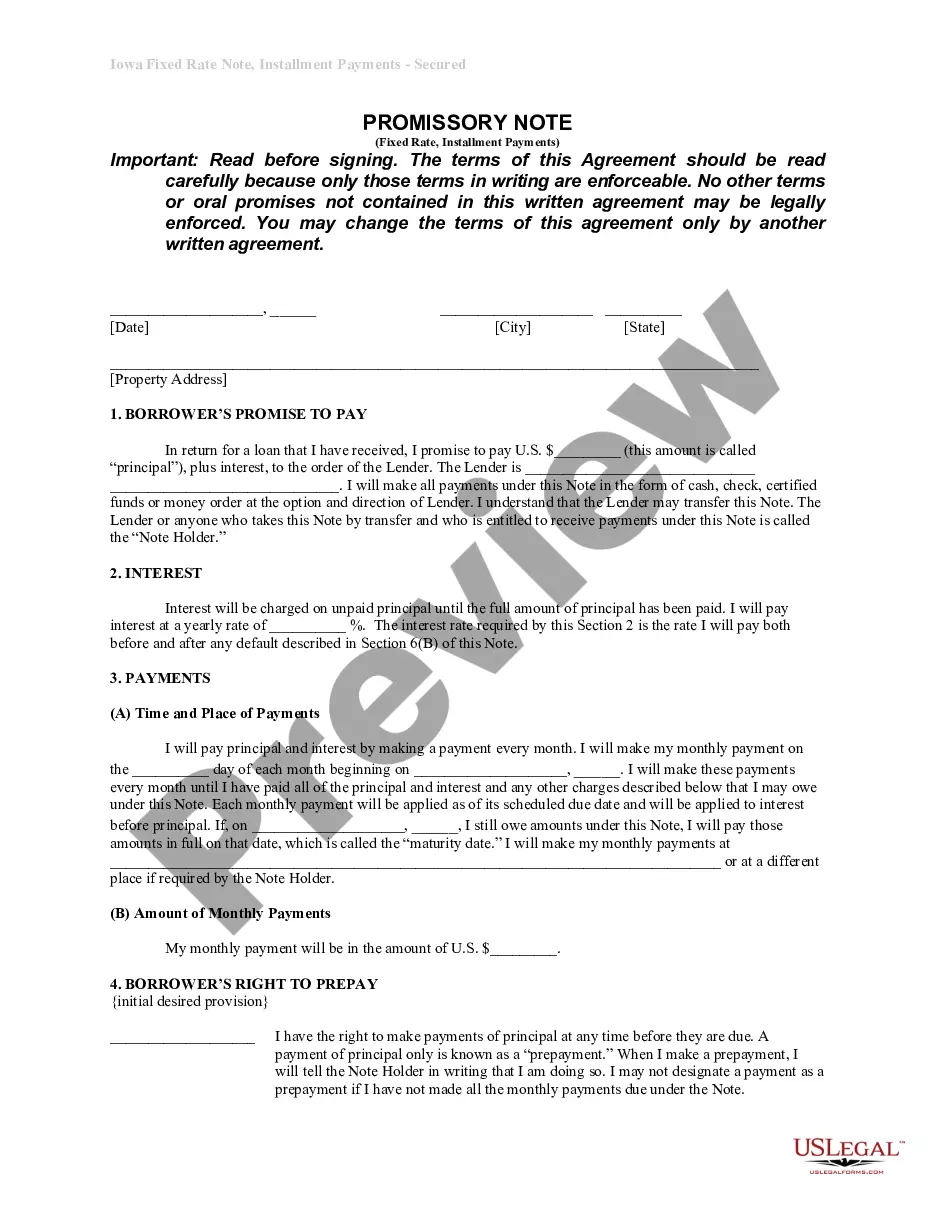
Transcript Proceedings With A Court and similar forms often require you to search for them and comprehend how to fill them out accurately.
Thus, if you are managing financial, legal, or personal issues, having a detailed and accessible online collection of forms readily available will be beneficial.
US Legal Forms is the premier online resource for legal templates, featuring over 85,000 state-specific forms and various tools that will expedite your document preparation.
Is this your initial experience with US Legal Forms? Sign up and create a complimentary account in a few minutes, granting you access to the forms catalog and Transcript Proceedings With A Court. Then, follow the steps below to fill out your document: Ensure you have the appropriate form by utilizing the Review feature and examining the form description. Select Buy Now when ready, and choose the subscription plan that suits your requirements. Click Download, then complete, eSign, and print your document. US Legal Forms has twenty-five years of experience aiding users in managing their legal documents. Obtain the form you require today and enhance any process effortlessly.
- Browse the inventory of relevant documents available with just a click.
- US Legal Forms provides state- and county-specific forms that are accessible for downloading at any time.
- Protect your document management processes with exceptional support that enables you to create any form in minutes without any hidden fees.
- Simply Log In to your account, locate Transcript Proceedings With A Court, and download it right away from the My documents section.
- You can also access forms that you have saved previously.
Form popularity
FAQ
Transcript Format Guidelines No fewer than 25 typed lines on standard 8-1/2 x 11 paper. No fewer than nine or 10 characters to the typed inch. Left-hand margin to be set at no more than 1-3/4 inches. Right-hand margin to be set at no more than 3/8 inch. Each question and answer to begin on a separate line.
A reporter's transcript is a word-for-word typed record of everything that was said in court during the trial or hearing. A reporter's transcript is only available if a court reporter was present during the trial court proceedings and made a record of what was said in those proceedings.
Court transcriptionists use different methods of capturing information, such as voice writing and electronic reporting, but the most well-known method is stenographic. Stenotype machines allow you to press multiple keys that correspond with a series of words or verbal sounds, and these are translated into text.
To transcribe court proceedings, you'll need a copy of the audio/video from the court proceeding and a tool or service to help you with the transcription process. While you could try to transcribe the testimony yourself to save money, you will pay with time if you choose this route.
Audio/Video Transcription This cannot be done by just anyone but instead by an unbiased, uninvolved party. eCourt Reporters can help put you in touch with a qualified reporter who can transcribe audio and video copies as a neutral party and can certify the transcript for an official record.