Agreement Physician Independent With Crossover
Description
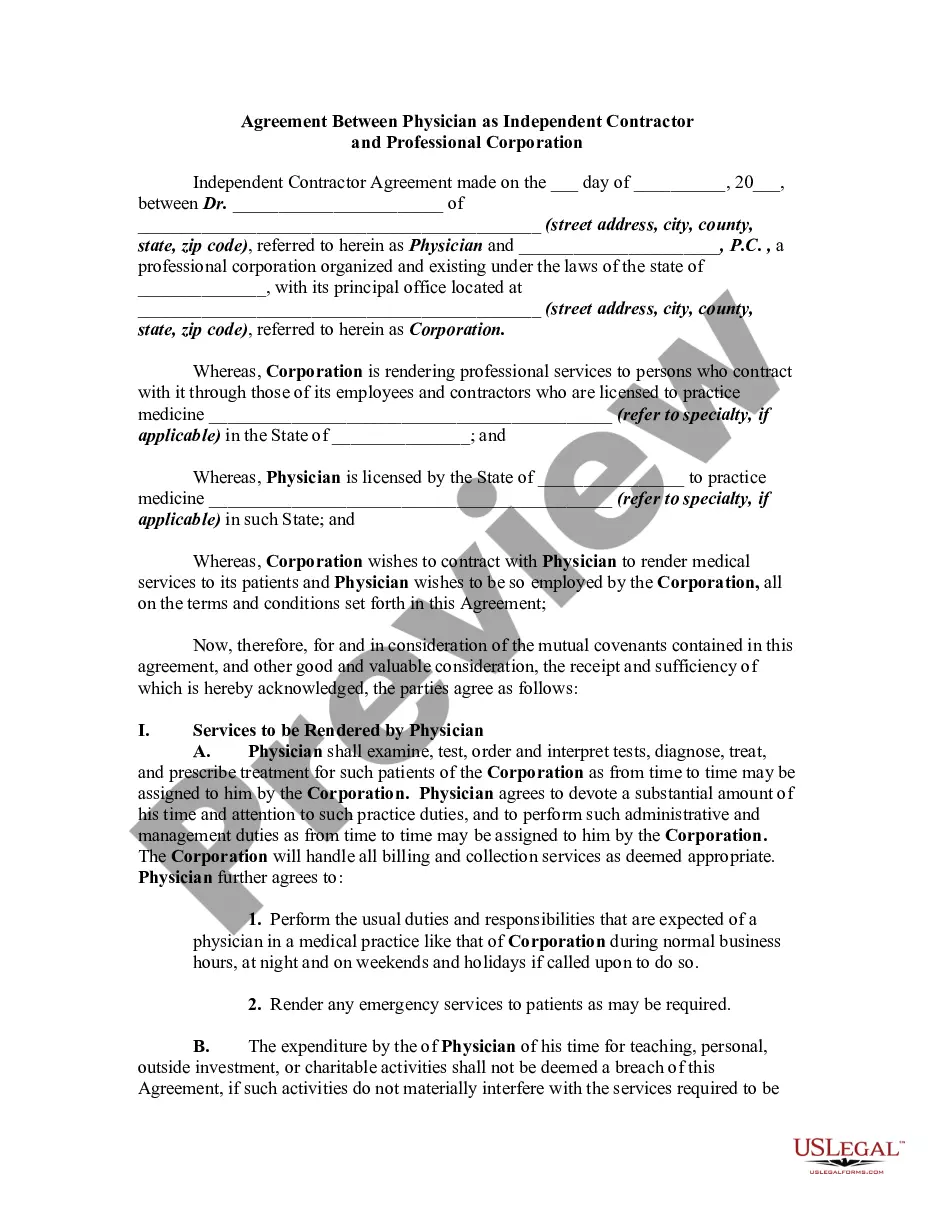
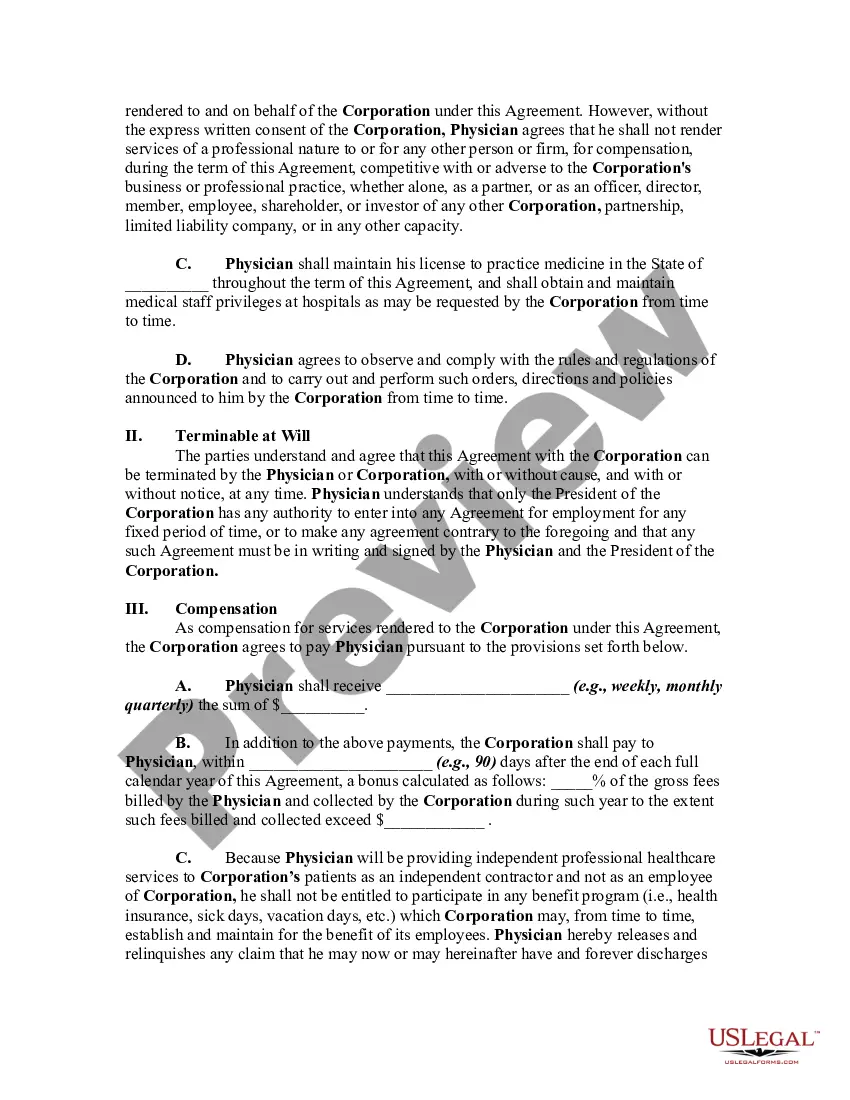
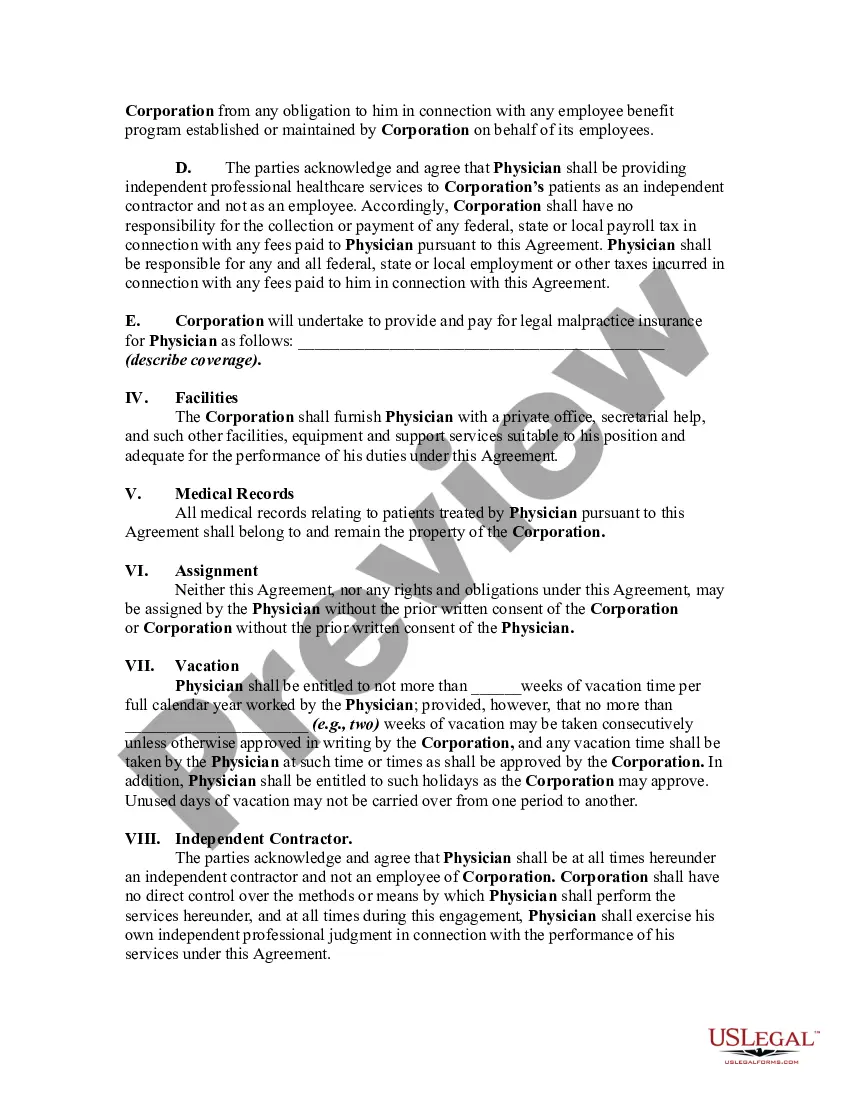
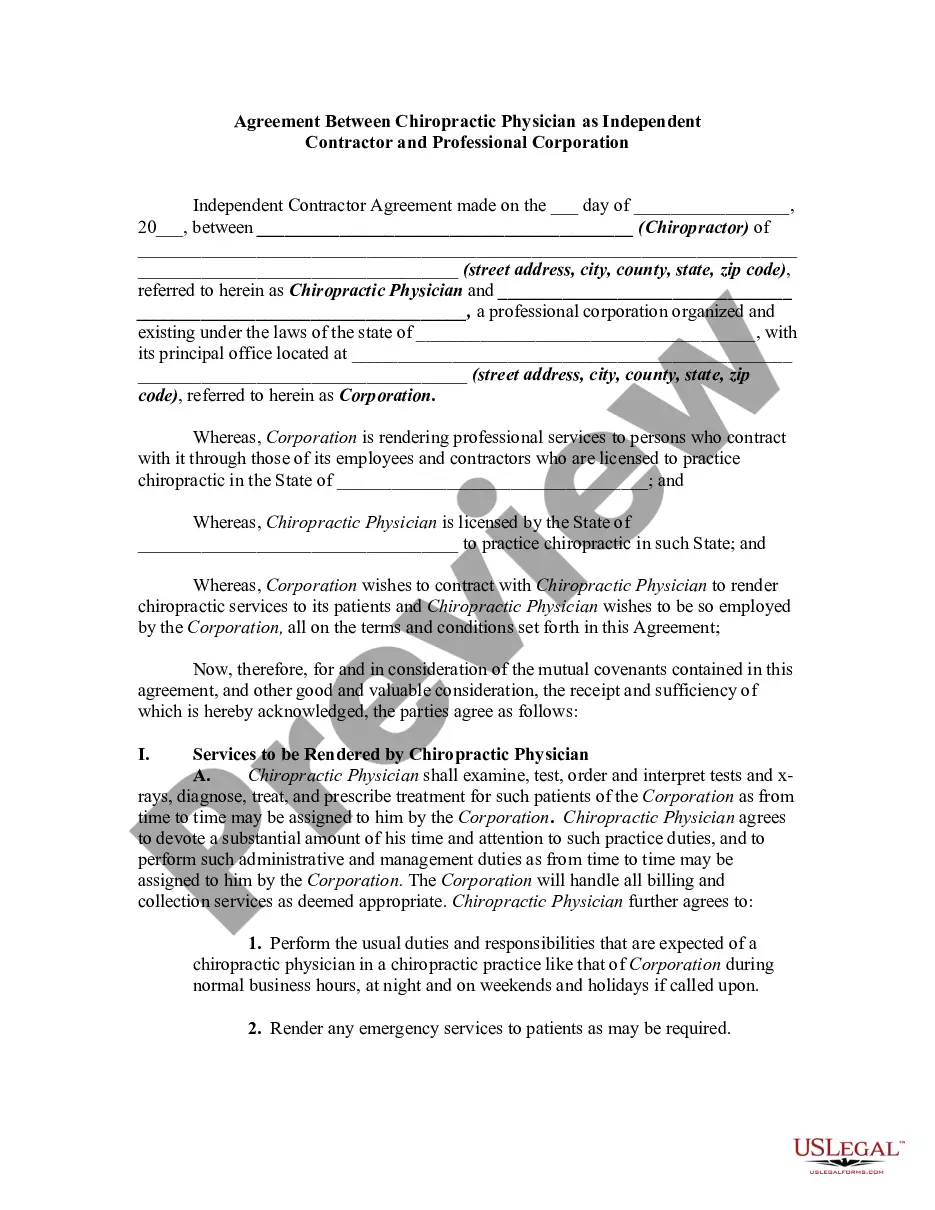
Get your form ready online
Our built-in tools help you complete, sign, share, and store your documents in one place.
Make edits, fill in missing information, and update formatting in US Legal Forms—just like you would in MS Word.
Download a copy, print it, send it by email, or mail it via USPS—whatever works best for your next step.
Sign and collect signatures with our SignNow integration. Send to multiple recipients, set reminders, and more. Go Premium to unlock E-Sign.
If this form requires notarization, complete it online through a secure video call—no need to meet a notary in person or wait for an appointment.
We protect your documents and personal data by following strict security and privacy standards.

Make edits, fill in missing information, and update formatting in US Legal Forms—just like you would in MS Word.

Download a copy, print it, send it by email, or mail it via USPS—whatever works best for your next step.

Sign and collect signatures with our SignNow integration. Send to multiple recipients, set reminders, and more. Go Premium to unlock E-Sign.

If this form requires notarization, complete it online through a secure video call—no need to meet a notary in person or wait for an appointment.

We protect your documents and personal data by following strict security and privacy standards.
Looking for another form?
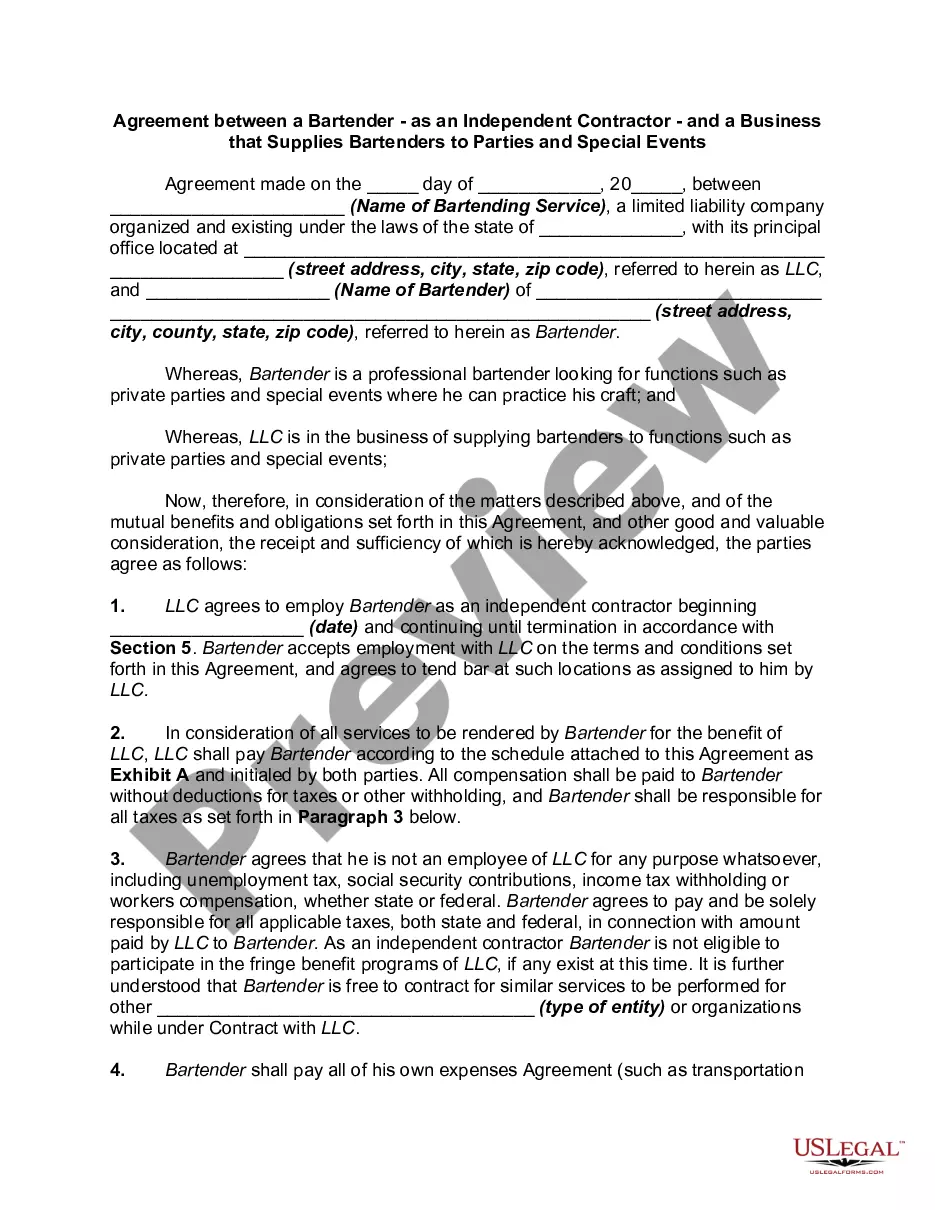
How to fill out Agreement Between Physician As Self-Employed Independent Contractor And Professional Corporation?
Whether for commercial purposes or for personal affairs, everyone must confront legal matters at some stage in their life.
Completing legal documentation requires meticulous attention, starting with selecting the correct form template.
Once it is saved, you can complete the form using editing software or print it and finish it by hand. With an extensive US Legal Forms catalog available, you do not have to waste time searching for the suitable template online. Take advantage of the library’s straightforward navigation to find the appropriate template for any circumstance.
- For instance, if you select an incorrect version of an Agreement Physician Independent With Crossover, it will be denied once you submit it.
- Thus, it is crucial to obtain a reliable source of legal documents like US Legal Forms.
- If you need to acquire a sample Agreement Physician Independent With Crossover, follow these straightforward steps.
- Access the template you require using the search bar or catalog browsing.
- Review the form’s details to confirm it aligns with your case, state, and locale.
- Click on the form’s preview to examine it.
- If it is the wrong document, return to the search tool to locate the Agreement Physician Independent With Crossover sample you need.
- Obtain the file if it satisfies your criteria.
- If you already possess a US Legal Forms account, simply click Log in to access previously saved documents in My documents.
- If you do not have an account yet, you can download the form by clicking Buy now.
- Choose the appropriate pricing option.
- Complete the account registration form.
- Select your payment method: you can utilize a credit card or PayPal account.
- Choose the file format you desire and download the Agreement Physician Independent With Crossover.
Form popularity
FAQ
Box 17a. The Other ID number of the referring, ordering, or supervising provider is reported in 17a in the shaded area. The qualifier indicating what the number represents is reported in the qualifier field to the immediate right of 17a.
Box 33 is used to indicate the name and address of the Billing Provider that is requesting to be paid for the services rendered. Enter the name, address, city, state, and ZIP code. P.O.
A crossover claim is a claim for a recipient who is eligible for both Medicare and Medicaid, where Medicare pays a portion of the claim, and Medicaid is billed for any remaining deductible and/or coinsurance.
Medicare Crossover is the process by which Medicare, as the primary payer, automatically forwards Medicare Part A (hospital) and Part B (medical) including Durable Medical Equipment (DME) claims to a secondary payer for processing.
Box 32b is used to indicate the non-NPI identification number of the service facility as assigned by the payer for the facility. Enter the 2-digit qualifier followed by the ID number. The following qualifiers can be used: 0B - State License Number.